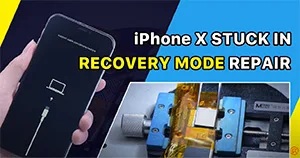
The iPhone X is stuck in recovery mode and won’t turn on. After flashing with 3uTools, an error appears and the flashing gets stuck at 20%. Through NAND replacement and NAND data unlock, the fault has been cleared.
Tag: iphone
-
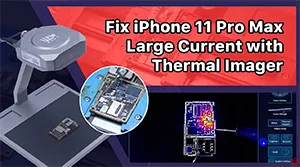
Fix iPhone 11 Pro Max Won’t Turn On with LINCSEEK Infrared Thermal Camera
Not turning on with a large boot current is one of the common problems of phone repair. Since there are lots of related components, the damaged component is hard to detect.
An infrared thermal camera is typically used to detect the faulty part. Today we will repair an iPhone that won’t turn on with the latest LINCSEEK Infrared Thermal Camera.
-
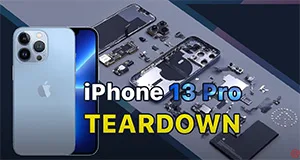
iPhone 13 Pro Teardown – Easier Than iPhone 12 Pro?
Apple’s new iPhone 13 lineup made its debut at the 14th September Apple Event, with four new models shown off. New models with technology upgrade always come with new repair challenges. Today we will disassemble iPhone 13 Pro to see the interior structural changes and how those changes will affect repair.
-
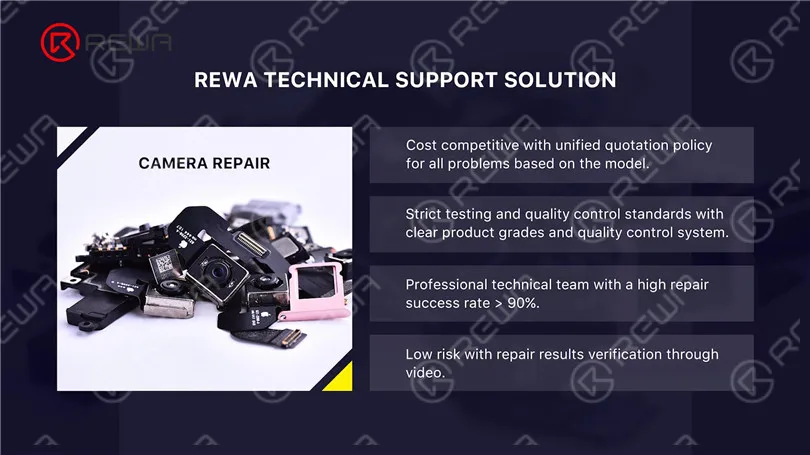
Expert Insights on iPhone Camera Repair
The camera is one of the biggest highlights in smartphones. The R&D of camera and performance improvement are important projects for major phone manufacturers.
Apple’s iPhone is known for its prowess in camera development. iPhone has grown from featuring an original 2-megapixel rear camera to a current 12-megapixel rear triple-camera.
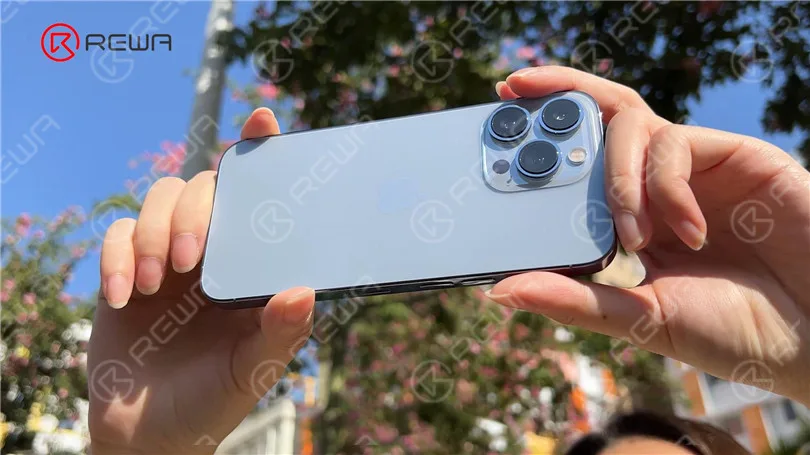
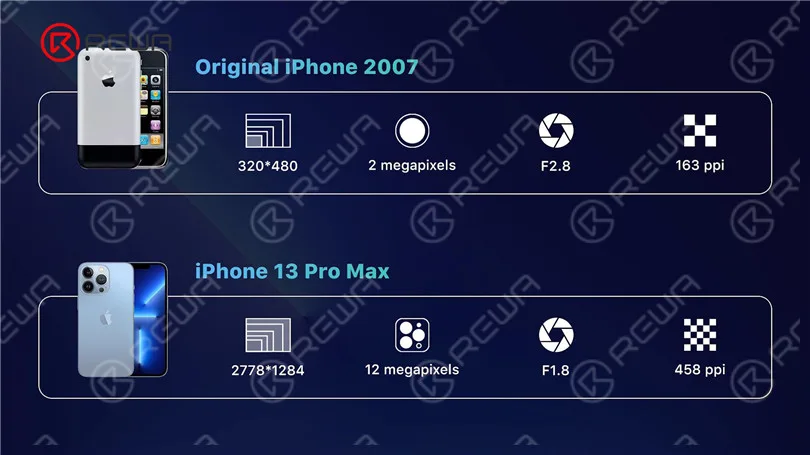
The camera is one of the most sophisticated components inside the iPhone and can be easily damaged if dropped during daily use.
For a damaged camera, the repair solution is generally a replacement. The cost of replacement is high. In addition, Apple has encrypted the camera of the iPhone 12 series and later models.
So if the camera is changed, the “Important Camera Message” will pop up. Therefore, camera replacement will undoubtedly become a trend.
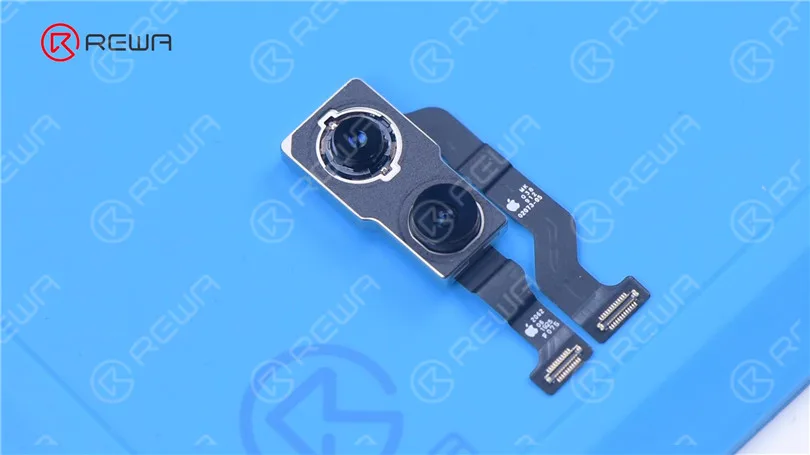
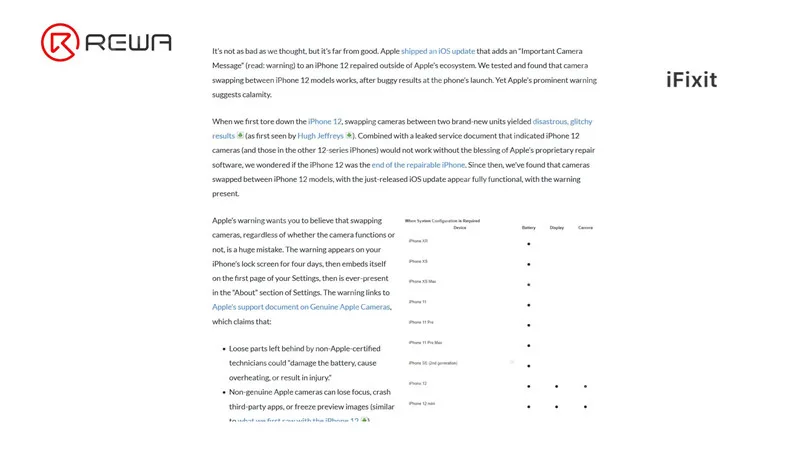
Today, REWA LAB will share with you a repair case of an iPhone camera and walk you through some knowledge of iPhone camera repair.
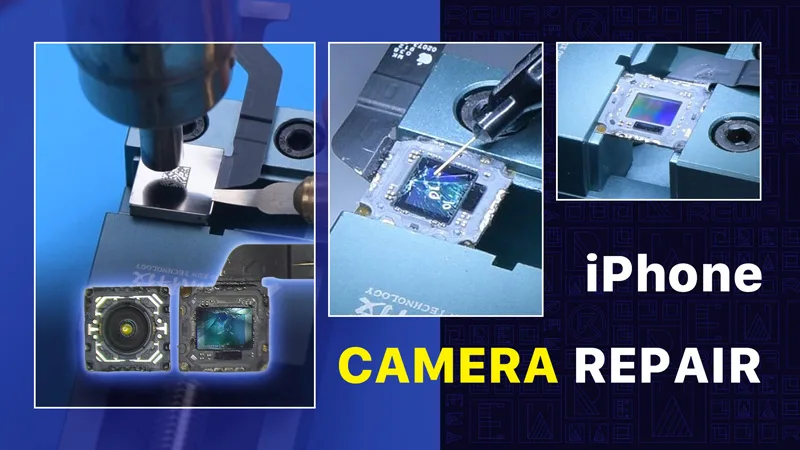
Open the phone camera. When taking photos with the wide-angle camera, cracks appear.
The ultra-wide camera works fine. We can judge that the optical filter of the wide-angle camera is damaged.
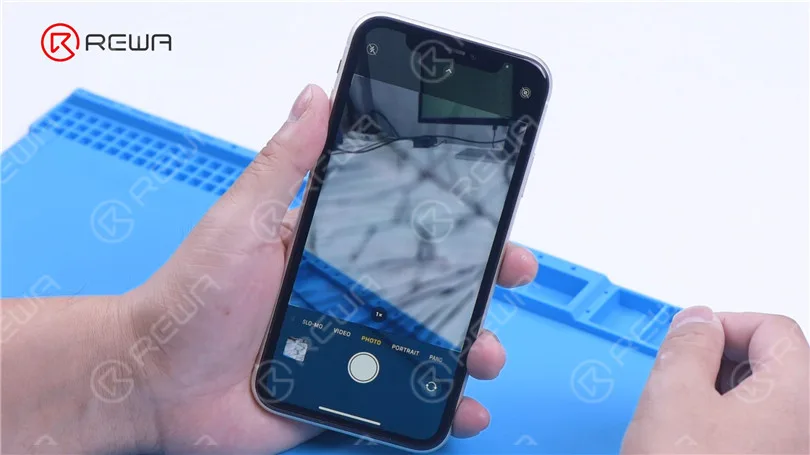
Then we disassemble the phone and try to repair the camera.
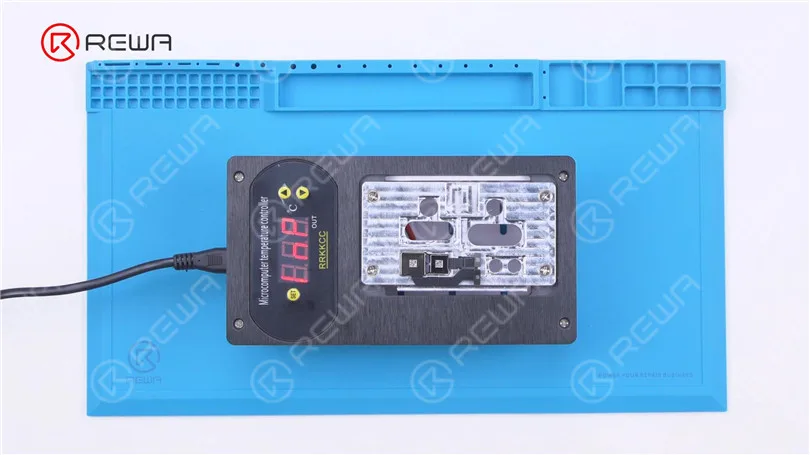
First of all, put the camera on the specialized Heating Platform at 100 °C.
When the temperature reaches 100 °C, remove black adhesive around the camera with a Sculpture Knife. Then pry up the wide-angle camera.
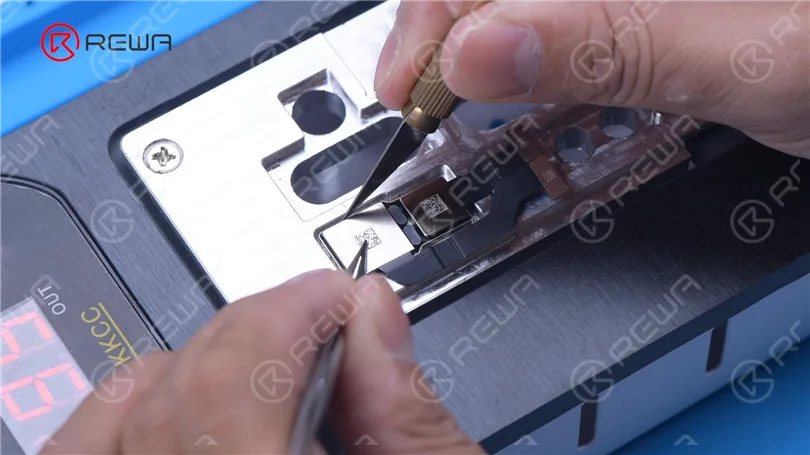
Attach the camera to the specialized holder. Before repair, apply protection tape to the camera. Separate the camera edges with a Sculpture Knife. Next, remove the metal cover with Hot Air Gun at 120 °C.
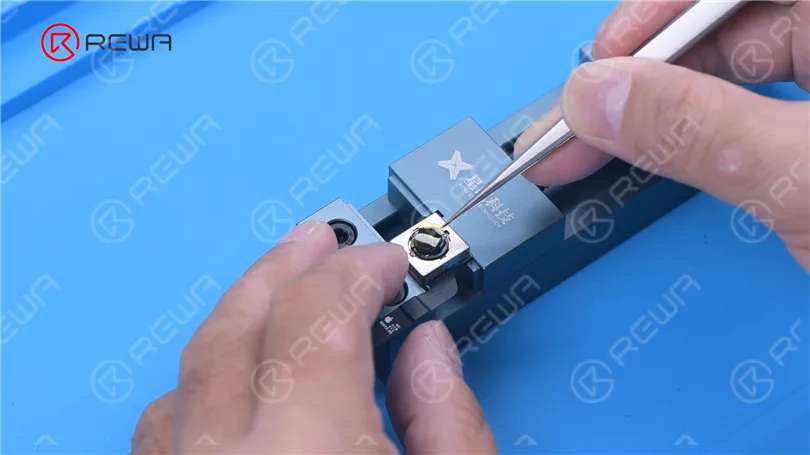
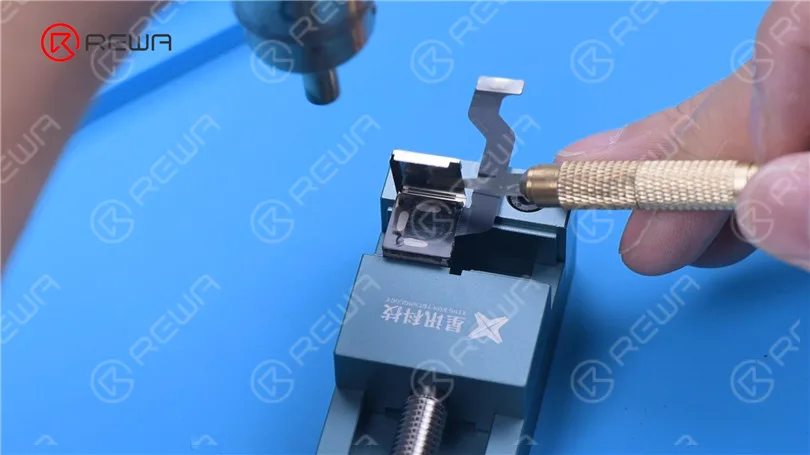
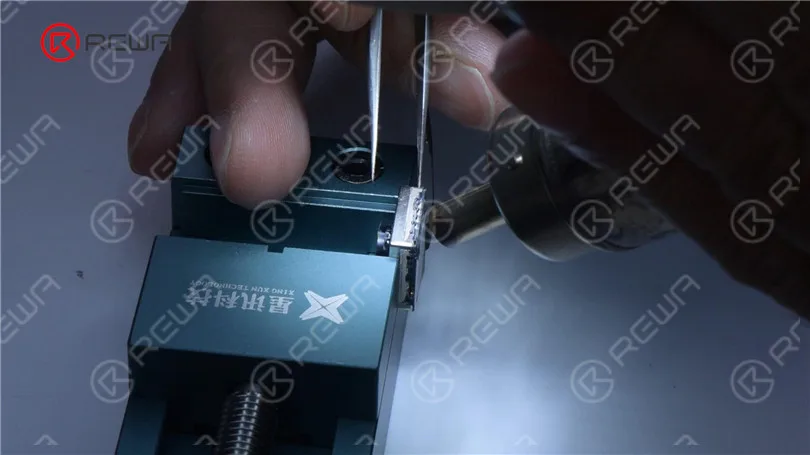
Keep heating with Hot Air Gun at 120 °C. Remove black adhesive with Tweezers. Apply some Paste Flux. Separate the motor from the CMOS with ultrathin Soldering Iron at 380 °C.
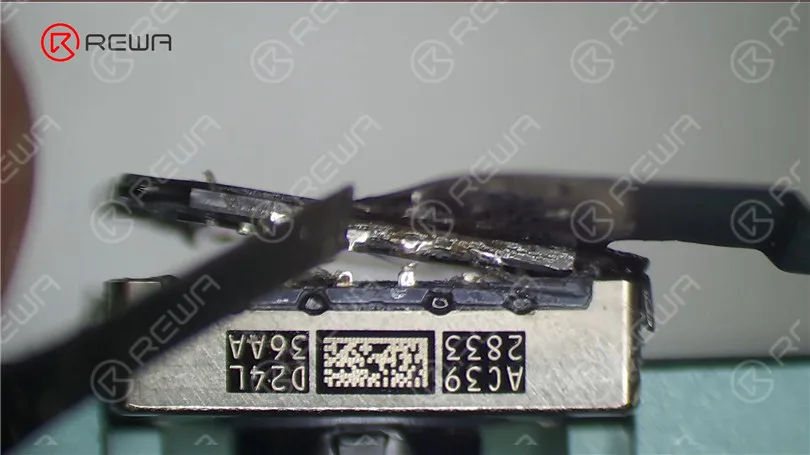
It can be seen that the optical filter is broken while the motor and blue lens are good.
If the motor is damaged, the camera will fail to focus or shake.
A motor replacement can help you solve the problem. The middle part of the motor is the blue lens. If the blue lens is damaged, the camera will become blurry. The solution is to replace the blue lens.
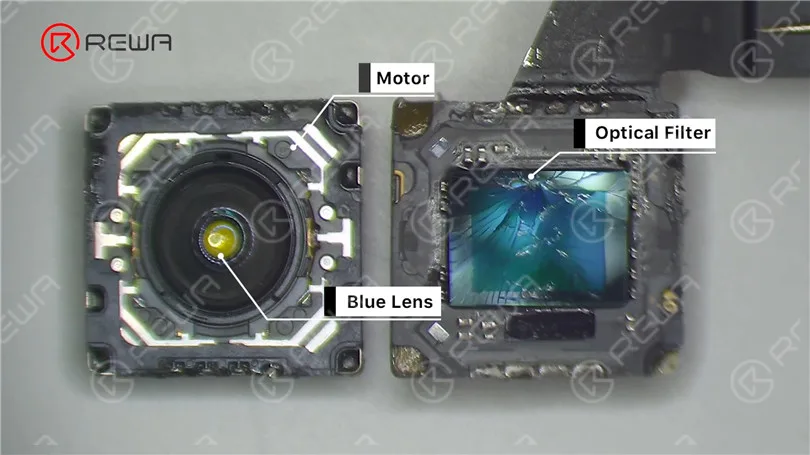
Then we replace the cracked optical filter with a new one. Apply some UV adhesive to the broken optical filter. Put the new optical filter in position. Solidify with a UV Lamp.
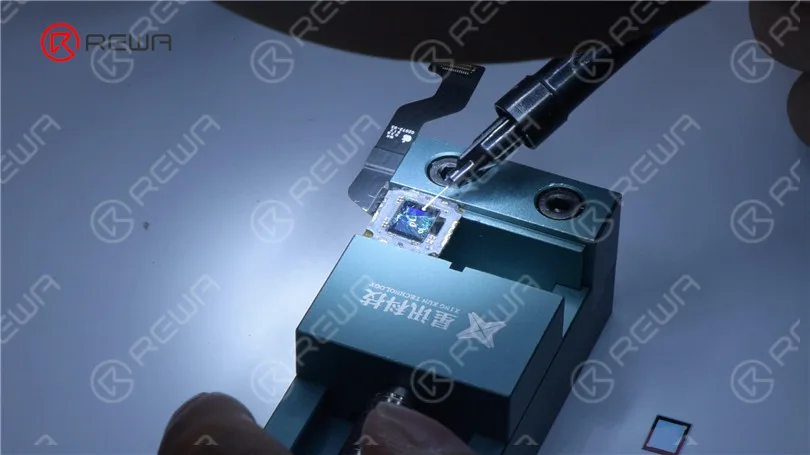
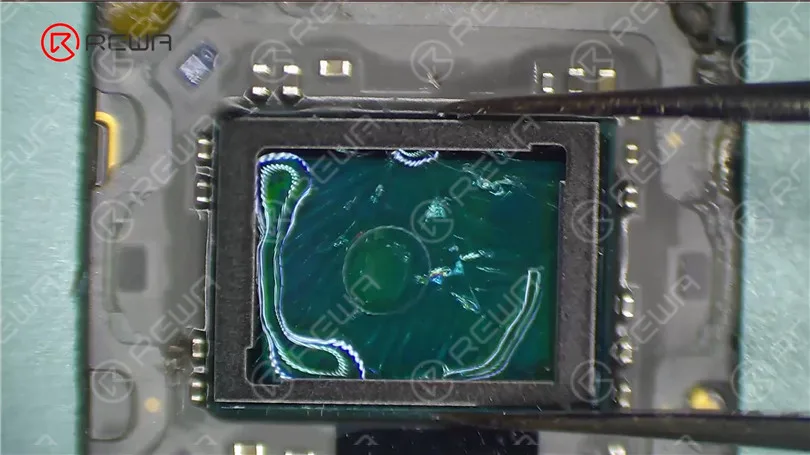
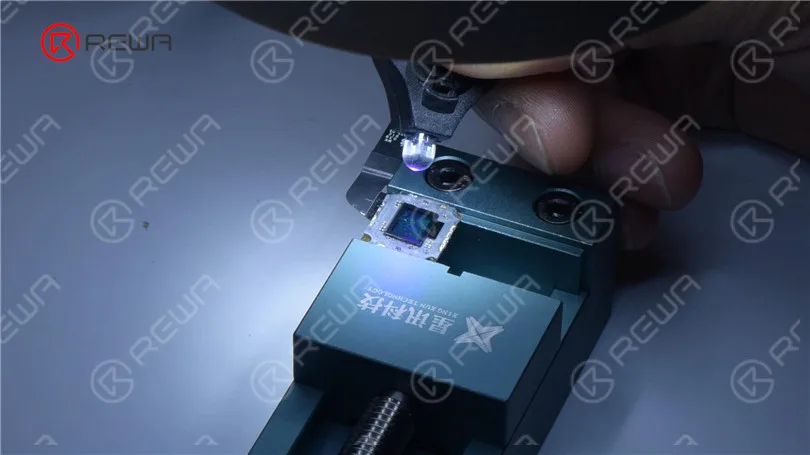
Remove side adhesive with Hot Air Gun. Then push the cracked optical filter out with the specialized holder. Remove residual shards and black adhesive with Hot Air Gun.
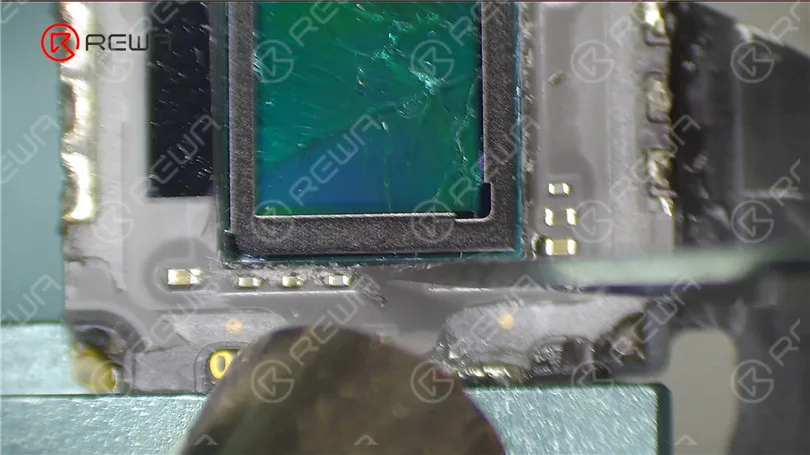
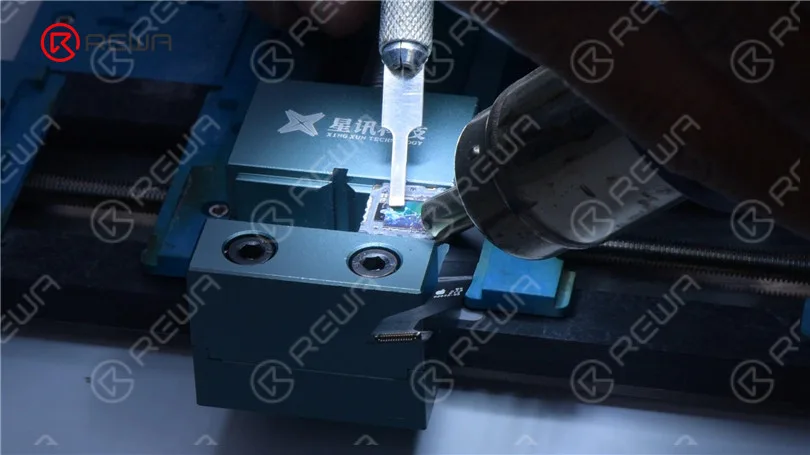
Then remove dust spots with a specialized swab. Please be extremely careful not to damage the CMOS during operation.
If the CMOS is damaged, the camera will be unrepairable. Then apply some UV adhesive and a new optical filter. Solidify with UV Lamp.
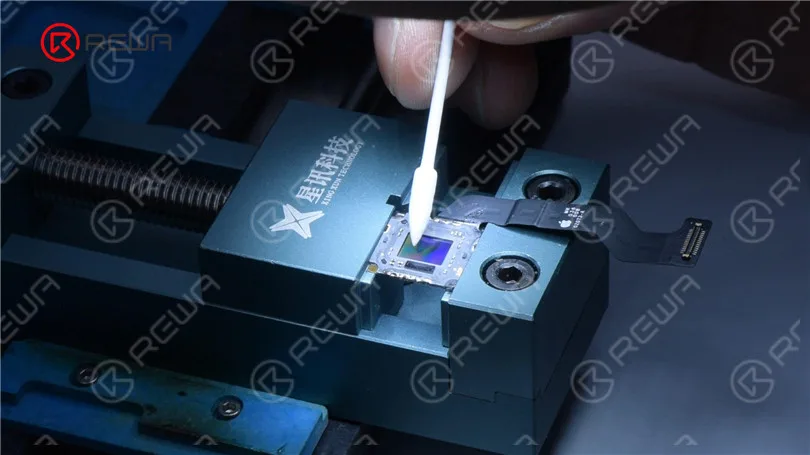
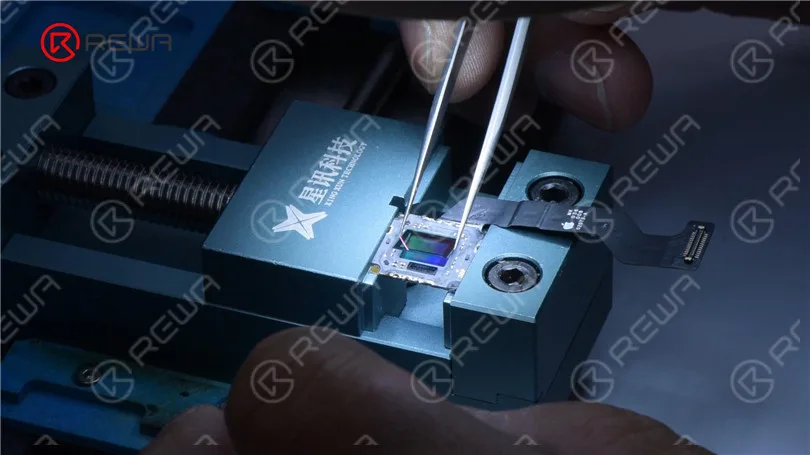
Then we assemble the camera. Apply some Paste Flux around the motor. Solder the motor with the CMOS with Soldering Iron. Clean the camera with alcohol.
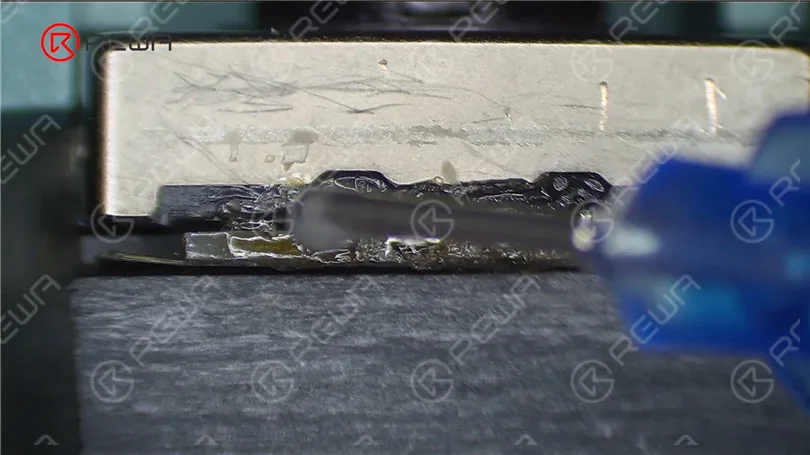
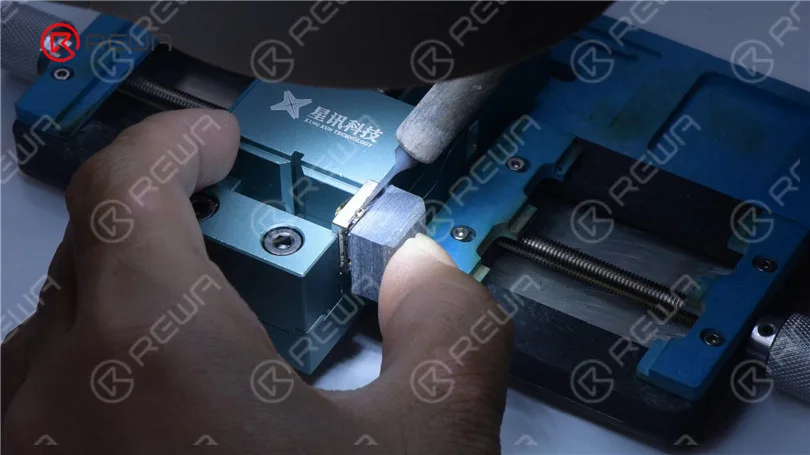
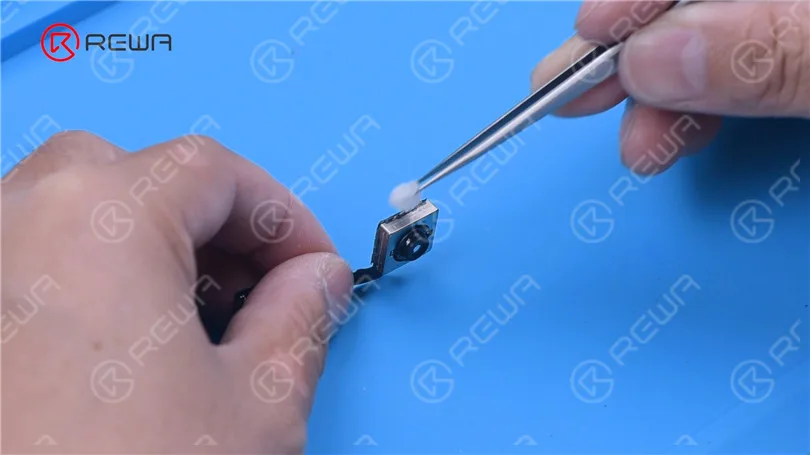
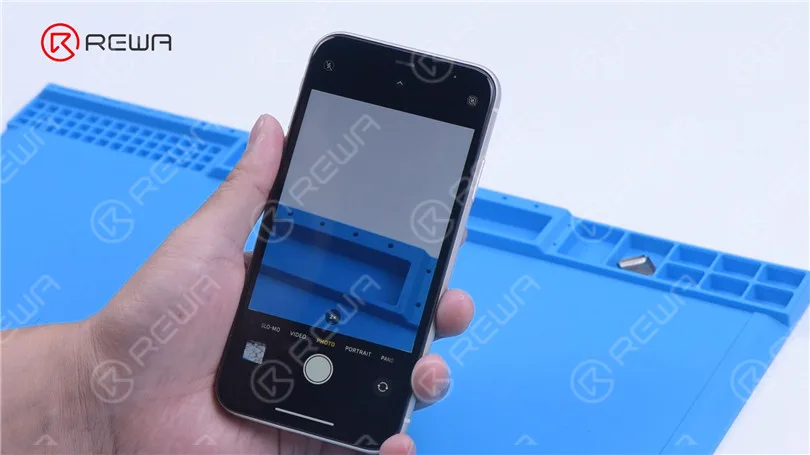
Next, we install the wide-angle camera for testing. The camera works fine.
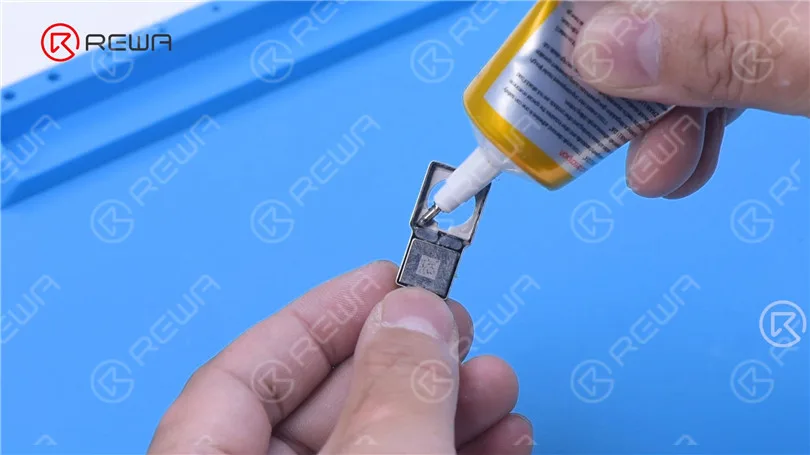
Apply B7000 to fix the wide angle camera.
That’s all for the optical filter replacement of iPhone camera.
iPhone camera repair not only includes optical filter replacement but also blue lens replacement, etc.. Please stay tuned for more iPhone camera repair content.
For camera repair, REWA offers third-party repair service. If you have such repair needs, please don’t hesitate to contact us. You can buy the tools used in this blog from our online shop.
-
Fix iPhone 12 Pro Max Won’t Turn On by Jumper Wires
This iPhone 12 Pro Max cannot boot up because one of the inductors is broken. The problem is successfully fixed by jumping wire.
-
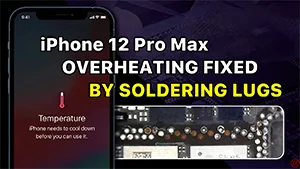
Fix iPhone 12 Pro Max Overheating Issue by Soldering Lugs – Over a Dozen Missing Pads
The iPhone 12 Pro Max was dropped before and now shows a temperature warning. A cosmetic inspection tells us that the motherboard has pseudo-soldering. After separation, the motherboard is found to have over a dozen missing pads. With the help of REFOX soldering lugs, the missing pads are repaired and the overheating issue is fixed.
-
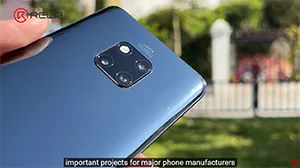
iPhone Camera Repair – The Hardest Thing to Fix on an iPhone?
The camera is one of the most sophisticated components inside the iPhone and can be easily damaged if dropped during daily use. Camera replacement can be expensive. In addition, Apple has encrypted the camera of the iPhone 12 series and later models. So if the camera is changed, the “Important Camera Message” will pop up. Therefore, camera replacement will undoubtedly become a trend. Today, REWA LAB will share with you a repair case of an iPhone camera and walk you through some knowledge of iPhone camera repair.
-
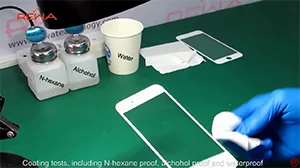
REWA Testing Center – iPhone 6 Glass Lens Testing, What’s A Good Glass Lens Mean ?
This video will guide you to REWA Testing Center, where professional engaged in mobile phone parts testing. This video will tell you the testing course for iphone 6 glass lens
-
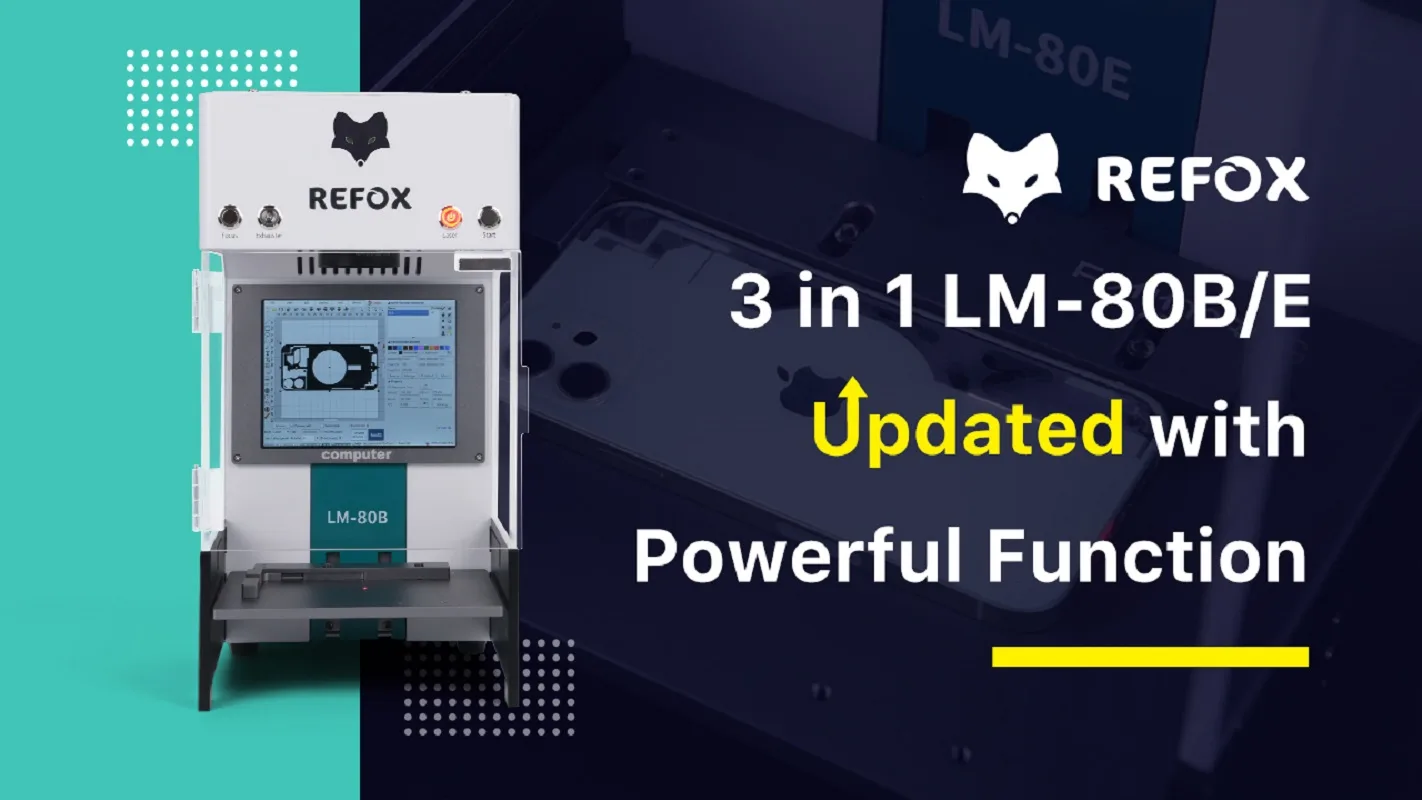
REFOX LM-80B/E Laser Machine for iPhone13 Pro Back Glass Refurbishment
It’s an unfortunate reality that we all dread – a cracked or shattered back glass on our beloved iPhone 13 Pro, a premium electronic device that we cherish. Repairing this high-end gadget can be a costly and technically demanding task.
Fortunately, there’s a solution that promises to make this process easier and more efficient – the REFOX LM-80B/E Laser Machine. In this article, we’ll delve into the upgraded version of this machine and explore its remarkable features. We’ll also provide you with step-by-step instructions on how to use it for repairing the back glass of your iPhone 13 Pro.
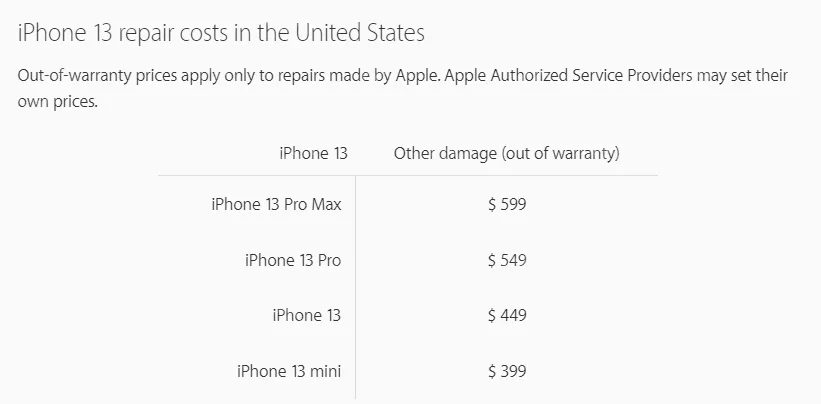
Price of Repair on Apple Website But here we have REFOX LM-80B/E Laser Machine that can help us fix it more easily. This time, it comes back with the updated version which is more functional than the first version. There are some details about the powerful functions introduced as below:
Advantages of the Upgraded Version
3 in 1, higher integration
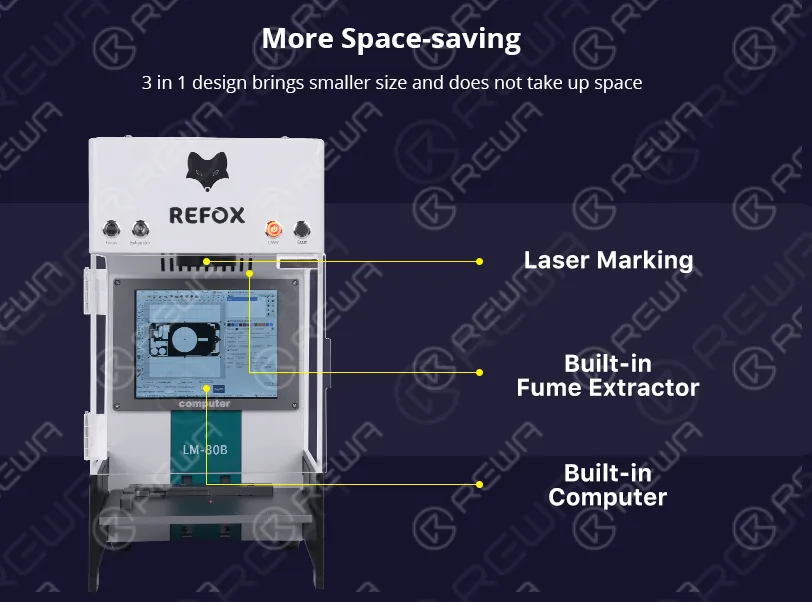
This version of the REFOX LM-80B/E Laser Machine boasts built-in operating system functionality, eliminating the need for an extra computer. This not only saves space but also enhances portability for your work.
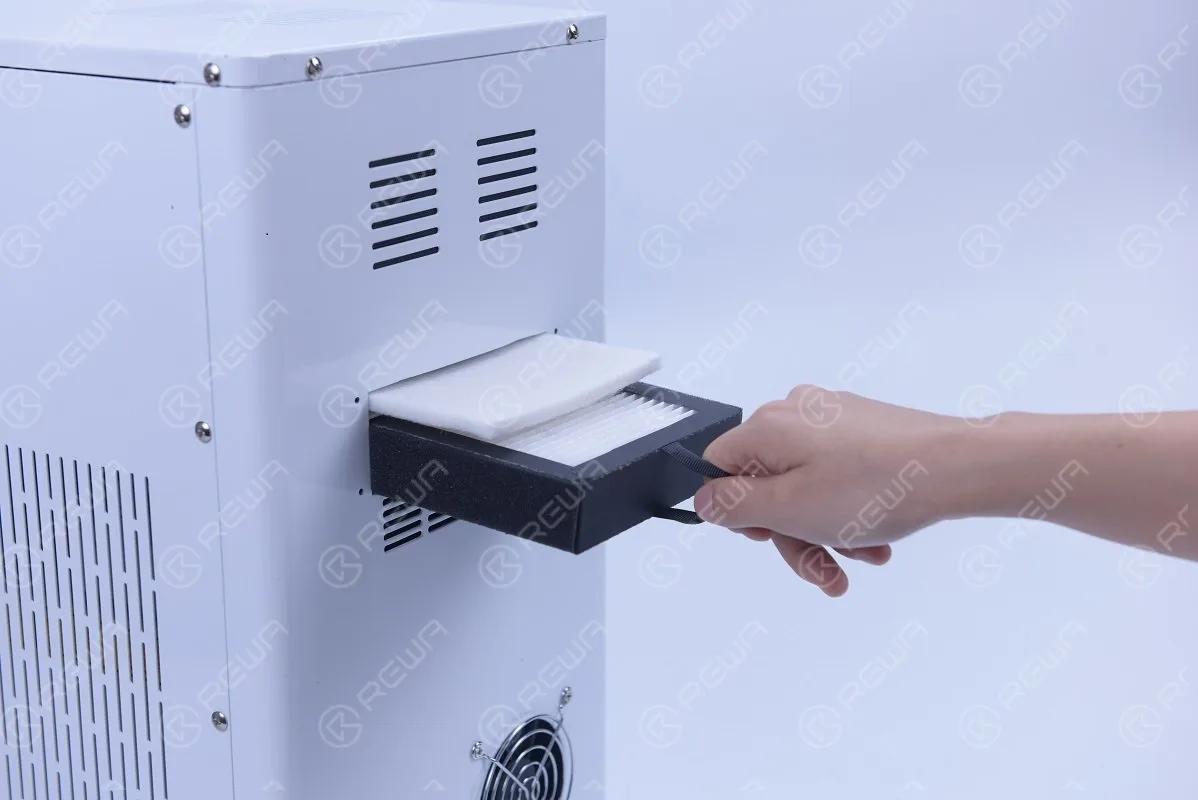
It incorporates a built-in fume extractor to mitigate the spread of harmful smoke generated during the disassembly of the back glass. This safety feature is crucial for both workers and customer satisfaction.
Autofocus Function
The addition of Red Light Auto-focus makes the machine more convenient and accurate. It can automatically detect the precise location of the item without any external intervention, ensuring sensitivity and precision in the repair process.
Smoke Removal Function
The machine is equipped with a thicker filter, which improves the cleanliness of the workspace, particularly essential given the toxicity of the smoke produced during back glass disassembly
Steps to Fix the Damaged Back Glass of iPhone 13 Pro:
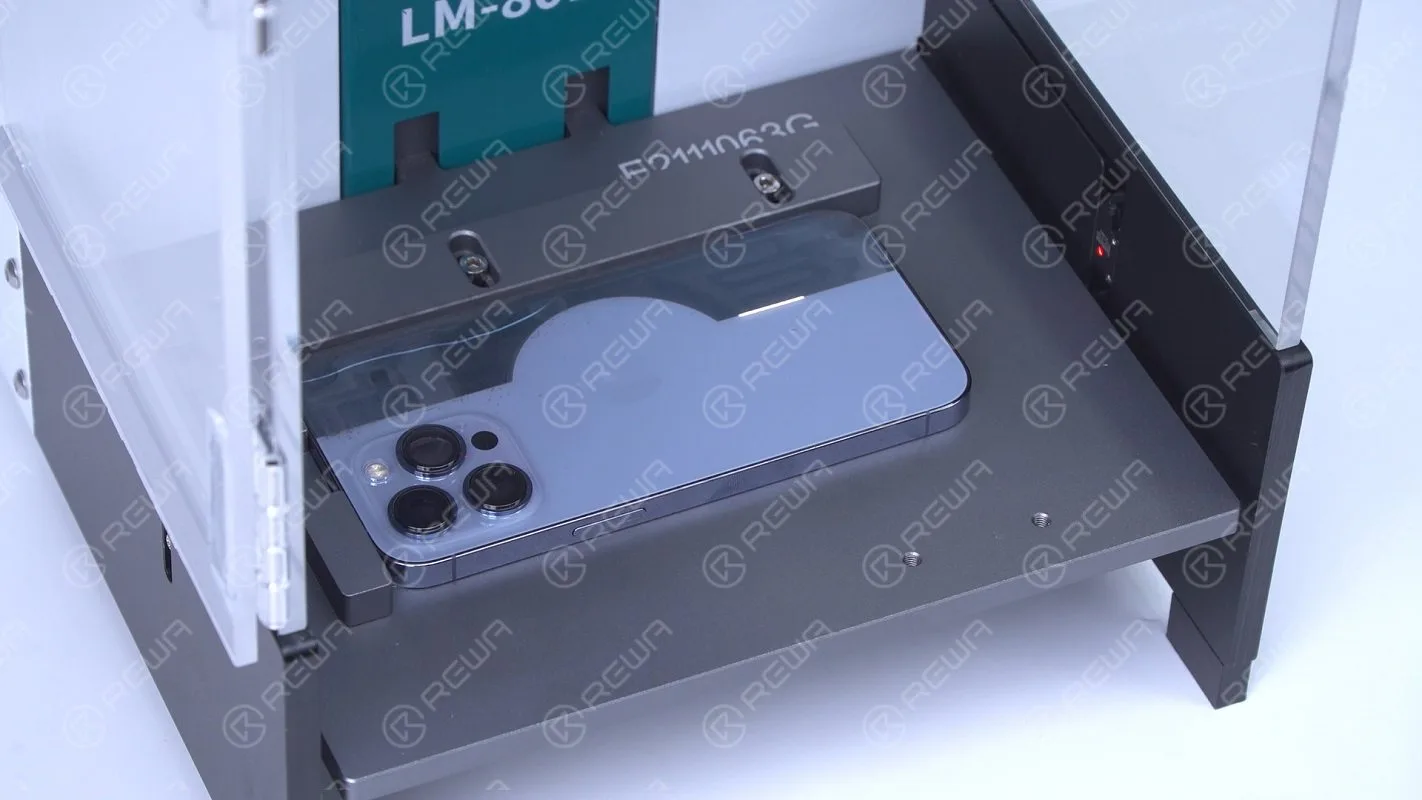
Firstly, we put the iPhone 13 Pro glass back glass under the focus pin, press the auto-focus button. After the indicator is on, we place the iPhone13 Pro on the workbench. Next, we open the drawing (kindly remind that various types of drawings can be found in the system and iPhone13 Pro’s will be updated automatically soon), we prepared our own one already. To make sure of its accuracy, it’s necessary to adjust and relocate the drawing before we start.
Steel Plate Material
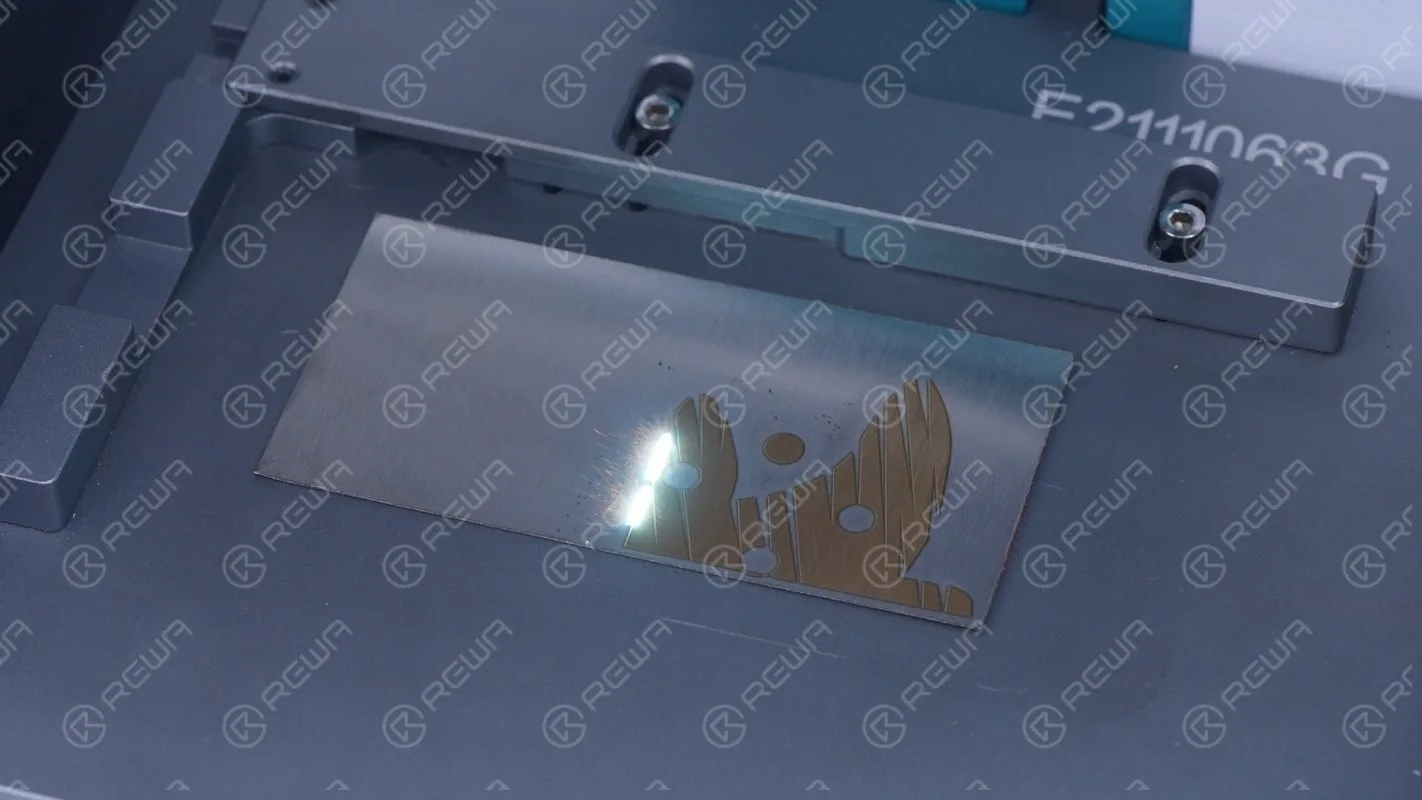
About the polishing process (compared to the 6W laser machine, you can see that the 20w power LM-80B/E only takes one polishing to complete the work, and the refurbishment efficiency has been greatly improved. Please be aware to put on goggles and gloves when disassembling the back glass.
Aluminium Alloy Material
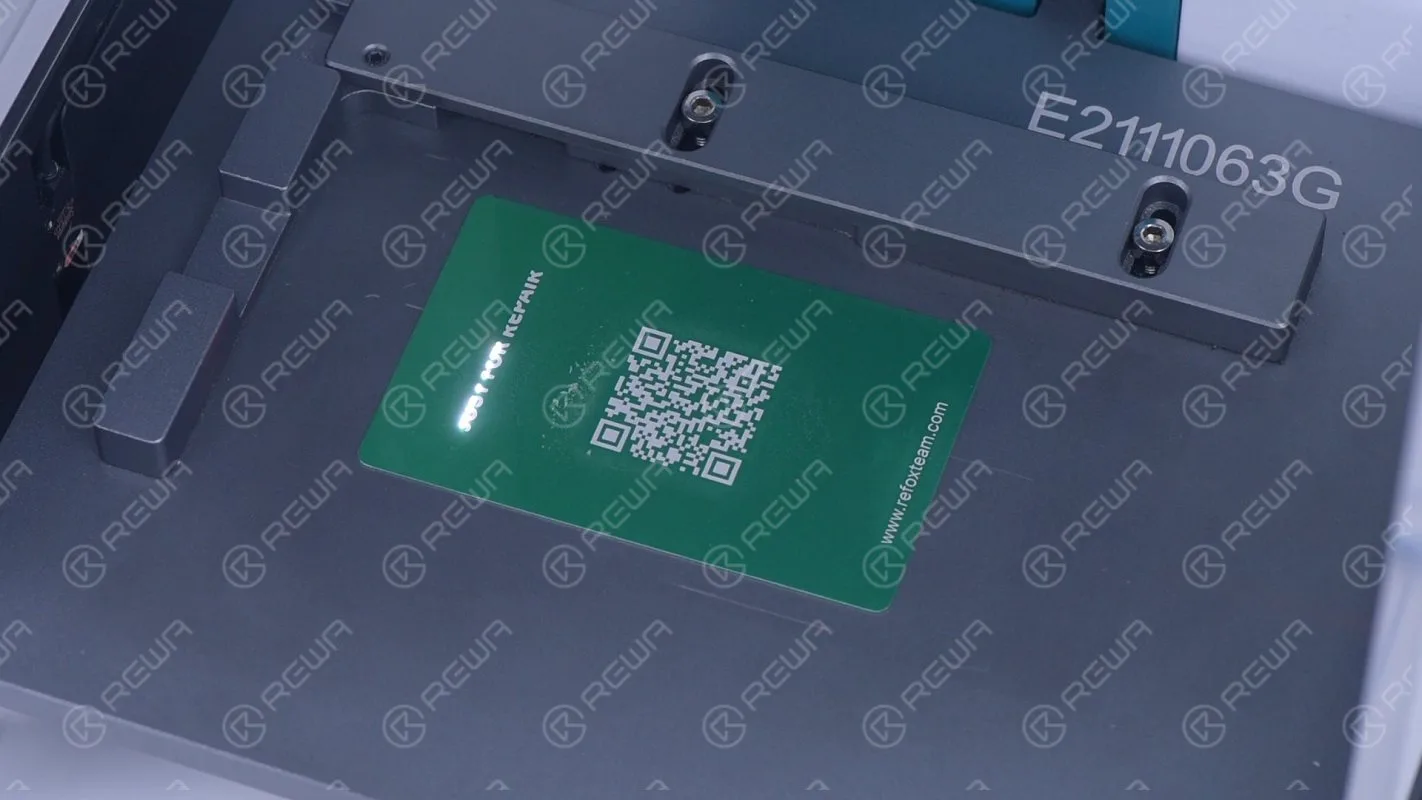
Besides the application to refurbishment, it is also applied to the customized item marking. The LM-80B/E laser machine can mark on different materials, including steel, wood, leather, silicone cushion, and so on. Please adjust the laser power according to the corresponding material so as not to harm the object itself.
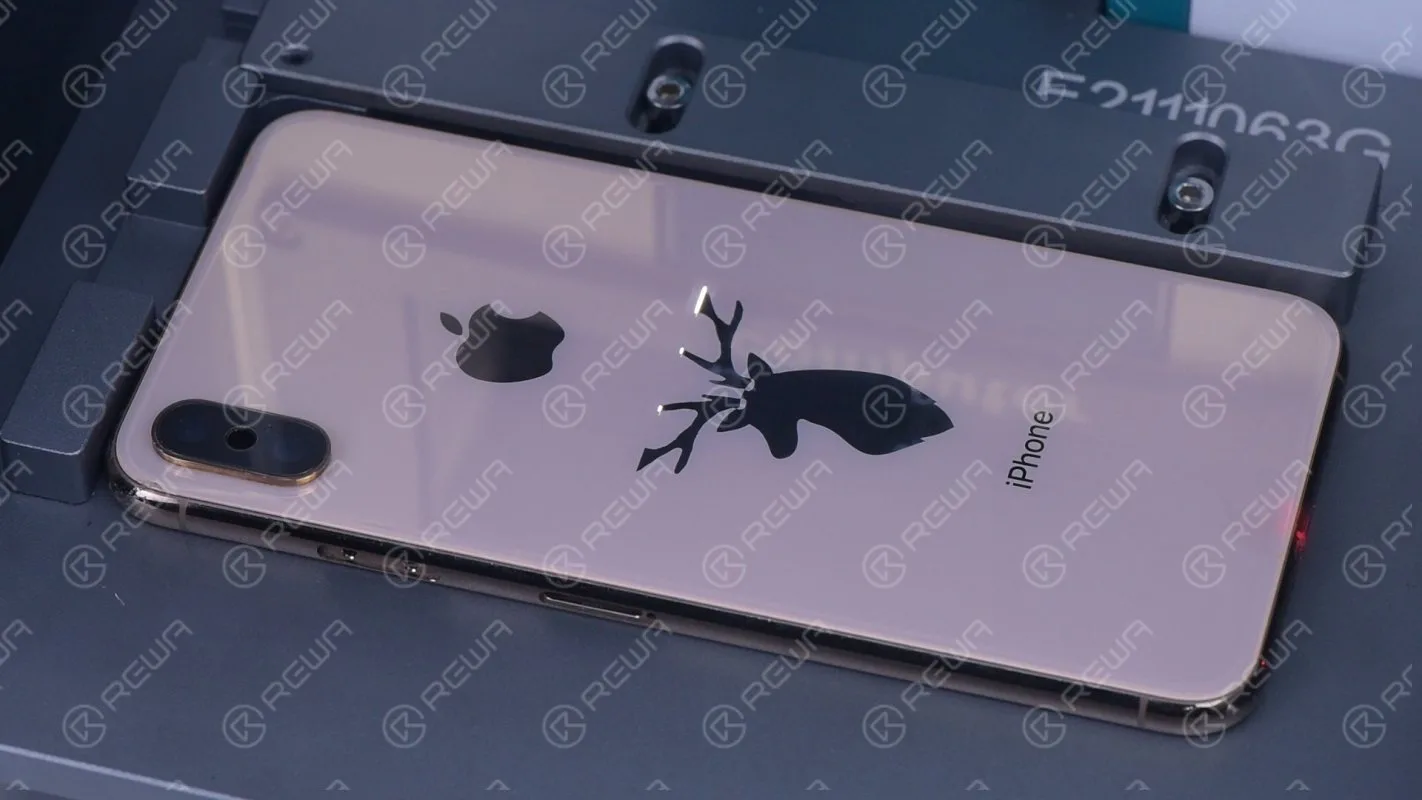
Black Glass
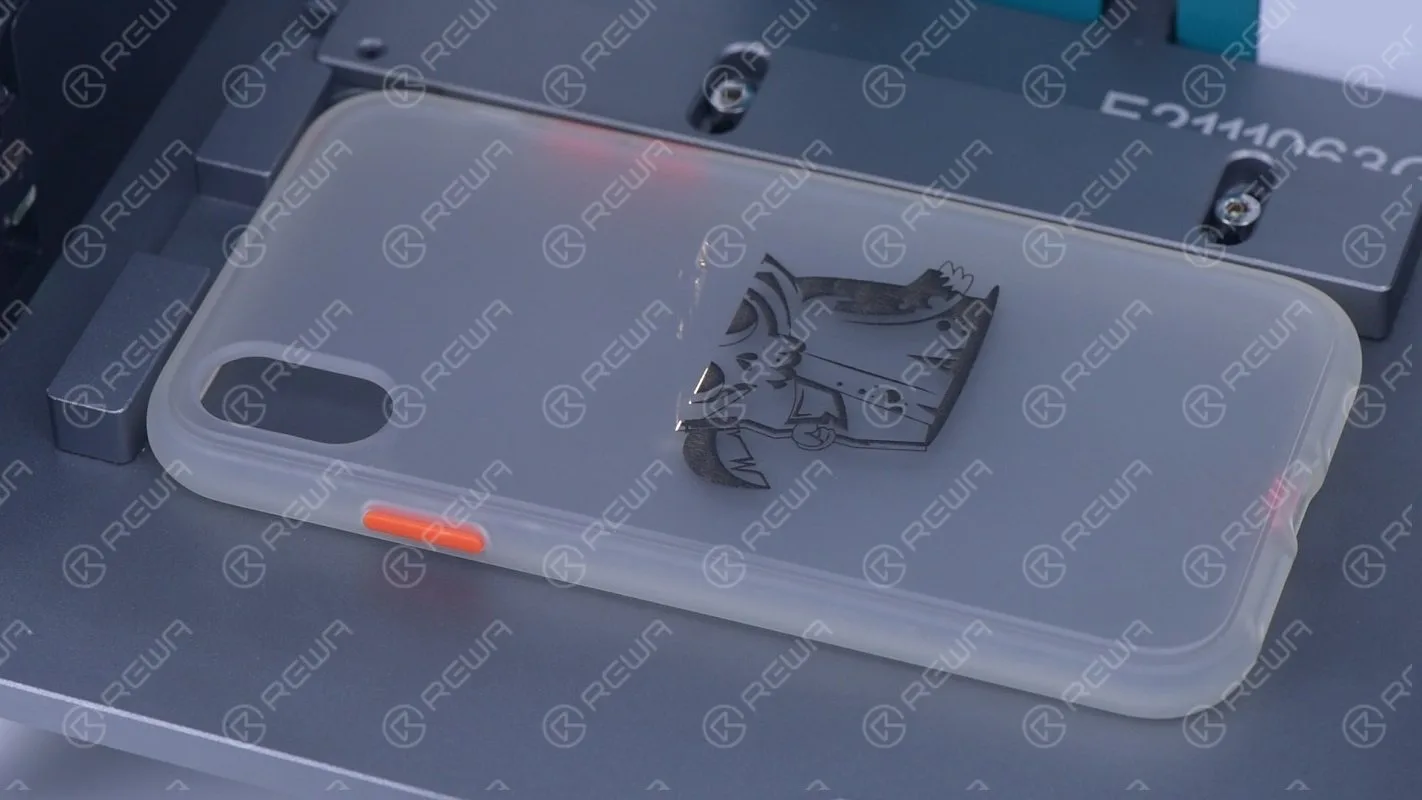
TPU Material
If you are interested in the hot selling product Laser Machine, please go forward to REWA Shop to make your order.
Get ready to power your refurbishing business with the REFOX LM-80B/E Laser Machine!
Feel free to contact our account managers if you need to buy wholesale or have any questions.
-

Bezel Glue Dispensing Machine
Automatic glue dispensing machine for iPhone 4/4s/5/5s/5c/6/6 plus/6s/6s plus bezel frame.
-
Apple iPhone 6S Broken Screen Refurbish Guidance
This video shows you how to refurbish & repair the broken iPhone 6S Screen. Including glass, front bezel, POL film, backlight unit and 3D touch replacing.
-
Hot iPhone 5S Parts Testing Kits-DIY by REWA
During the testing of the Apple iPhone’s small parts, we often encounter some unnecessary difficulties. In this video, REWA demonstrates a practical iPhone 5S testing kit that simplifies the testing of iPhone small parts, which can be used by anyone.
- Tail Plug /Charging Port Flex Cable Testing
- Rear/Rear Facing Camera Testing
- Front /Front Facing Camera Testing
- Audio/Power Switch Volume Flex Cable Testing
 English
 Español
 Français
 Deutsch
 Italiano