Tag: iphone

  • The Assembling Process of REWA Battery

    The Assembling Process of REWA Battery

    All batteries are consumables. According to Apple, the battery would only last 80% of its original capacity after 500 complete cycles. So you might need to replace your battery and enjoy an optimal play-time. 

    Thanks to the advanced assembling process, REWA battery has been enjoyed a low RMA rate all the time. The whole process including:

    • Storage warehouse 
    • Incoming material inspection
    • Automatic assembling
    • Battery cell preparation
    • Laser welding
    • Insulating tape sticking
    • L-shaped Nickle bending
    • Protection board bending
    • Manual FPC shaping
    • Forming tape sticking
    • Function test

    Check our video today for more details. 
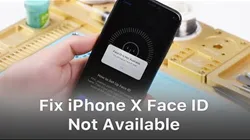
  • Face ID Is Not Available on iPhone X/XS? Here is The Real Fix

    Face ID Is Not Available on iPhone X/XS? Here is The Real Fix

    Face ID lets you securely unlock your iPhone, authenticate purchases and sign in to apps all with just a glance. However, due to the vulnerability of the Face ID parts, it can be easily damaged when iPhone X is dropped or during screen replacement, which will result in Face ID failure. Do not worry. In this video, REWA guides you to fix Face ID Is Not Available step by step.

    Tools Used:

  • Tips For Qualcomm iPhone 7 No Service Troubleshooting

    Tips For Qualcomm iPhone 7 No Service Troubleshooting

    Faced with iPhone 7 No Service Issue, repair technicians will troubleshoot from baseband PMU pseudo soldered to baseband CPU shorted. For pseudo soldering problem, we can fix it by re-soldering the baseband PMU. As for the shorted problem, since the baseband CPU cannot be replaced alone, there is no need to proceed with the repair. Here REWA provides a quick solution. So that you won’t waste your time troubleshooting step by step. And ends up with nonrepairable. Check it out!

    Tools Used:

    • Hot Air Gun Rework Station – 990AD
    • Soldering Iron Rework Station – 969A
    • Integrated Mobile Phone Repair Platform
    • Digital Multimeter
    • Solder Wire
    • Needles BGA Flux Paste RMA
    • Communication Maintenance Power Supply
    • For Apple iPhone 4 – XS Max Power Supply Test Cable
    • Digital Multimeter
    • BGA Reballing Fixture for iPhone X/Xs/Xs Max
    • Electron Microscope – Type 1
    • Solder Wick
    • Stainless Steel BGA Scraper
    • Straight Tweezer
    • Curved Hook Tweezer
    • Screwdriver
    • Anti-static Wrist Strap
    • Heat-resisting Adhesive Tape – 3.5mm
    • Heat-resisting Adhesive Tape – 5.0mm
    • Low-temperature Lead – free Solder Paste
    • Soft Brush
    • IC Chip Removal / Cleaner Blade
    • Anti-static Plastic Pry Bar
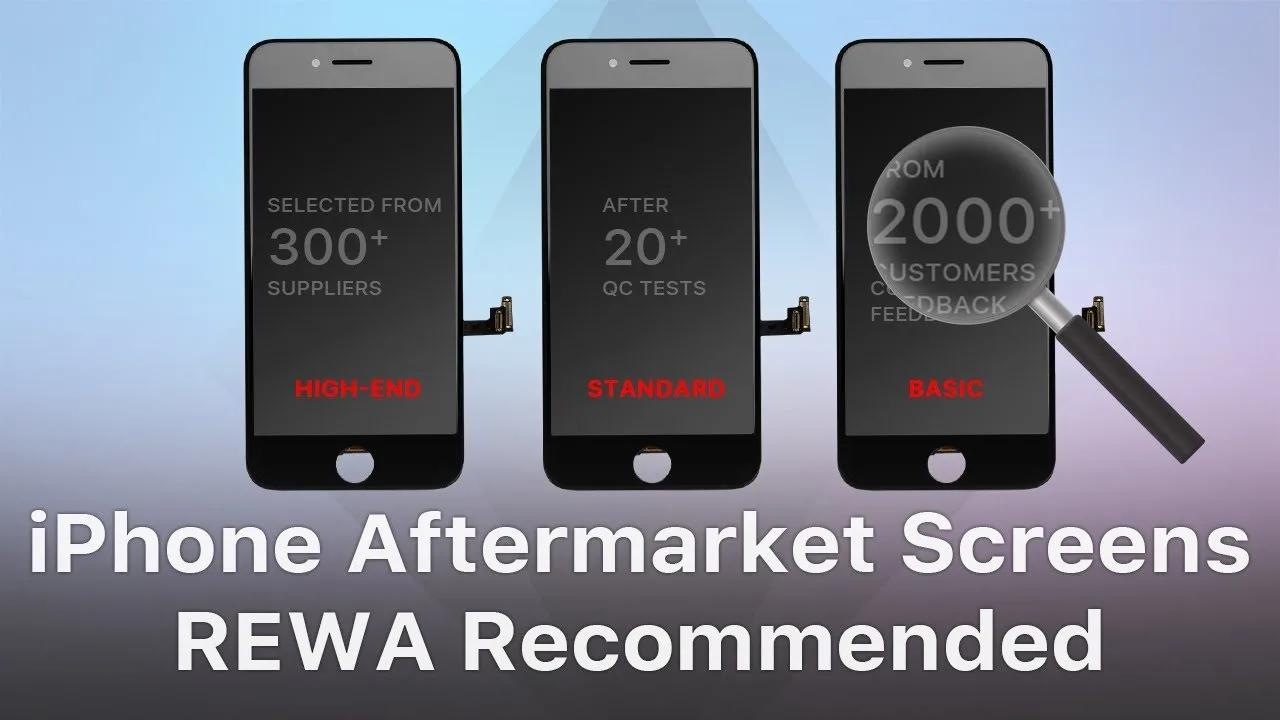
  • Do I have to choose an original iPhone screen?

    Do I have to choose an original iPhone screen?

    There are varies of aftermarket iPhone screens in the market. They are made of different raw materials with different techniques. And also different prices. Some technicians may be confused and even fraud by such a mess quality grades definition. So as to choose the original screen only. But are the original screens really your best choice? Check this video for the answer.


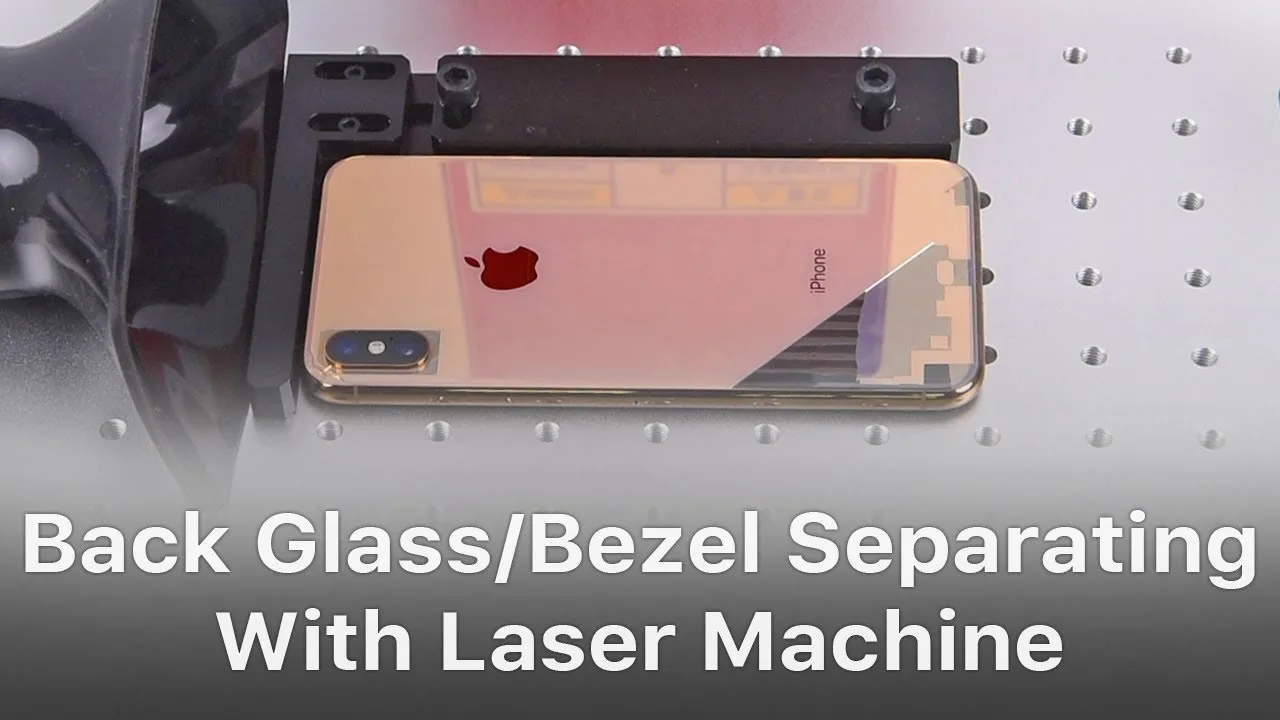
  • iPhone Back Glass/Bezel Separator Laser Machine

    iPhone Back Glass/Bezel Separator Laser Machine

    With the continuous upgrading of the manufacturing technology of glass back, together with the fast growing of 5G networks, the demand for back glass refurbishing is also increasing day by day. Therefore, a convenient and efficient back glass separating machine will definitely be a big boost to your repair business. In our video today, REWA brings you a multifunctional laser machine that can complete back glass refurbishing without disassembling the phone. The laser machine can be widely used in bezel and back glass separating and glass/metal back marking with stable running and long service life. Follow us and take a closer look at it now! 

    Tools Used:

  • iPhone X Keeps Restarting With Vertical Lines Troubleshooting

    iPhone X Keeps Restarting With Vertical Lines Troubleshooting

    iPhone X features vertical lines on the screen and keeps restarting? How to narrow down the fault possibilities by ruling out one by one? How to confirm the fault and fix the problem? Let’s see how REWA engineer deals with it. 

    Tool List:

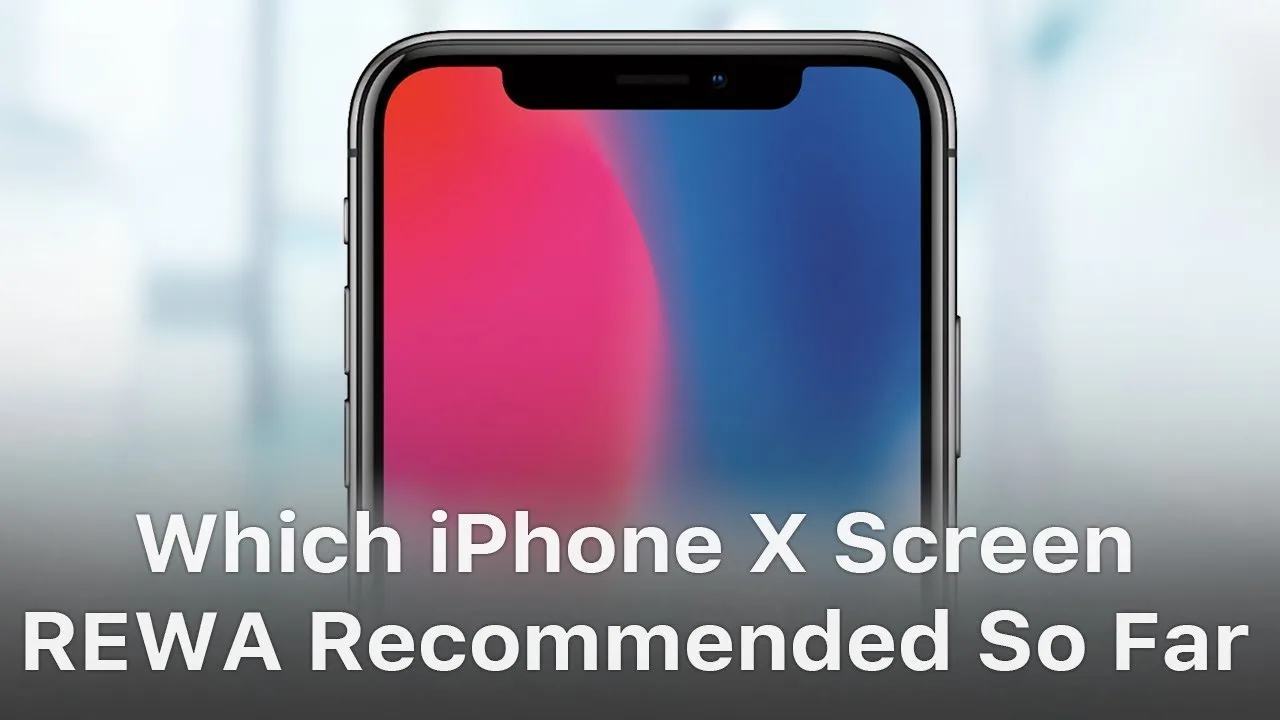
  • Which iPhone X Screen REWA Recommended So Far?

    Which iPhone X Screen REWA Recommended So Far?

    Have you ever been confused by different iPhone X screens in the market? OEM New, AA Grade, Aftermarket Flexible OLED, Aftermarket Rigid OLED, etc. Actually, it is not such a bad thing for customers to have different choices as long as they can distinguish one from another. Well, hope the comprehensive and in-depth comparison test on different iPhone X screens presented by REWA LAB will help you find the right iPhone X screen you need.

  • Hey Siri, Are You OK? Let us Fix Siri

    Hey Siri, Are You OK? Let us Fix Siri

    Because of its unique convenience and security, Hey Siri has been a frequently used function for iPhone users. Without touching the screen, users can free their hands by manipulating Siri to text someone, make phone calls, check routes, etc.. Today, we are sharing with you one Hey Siri unresponsive repair case. Check the video to see how to fix iPhone Hey Siri not working issue.

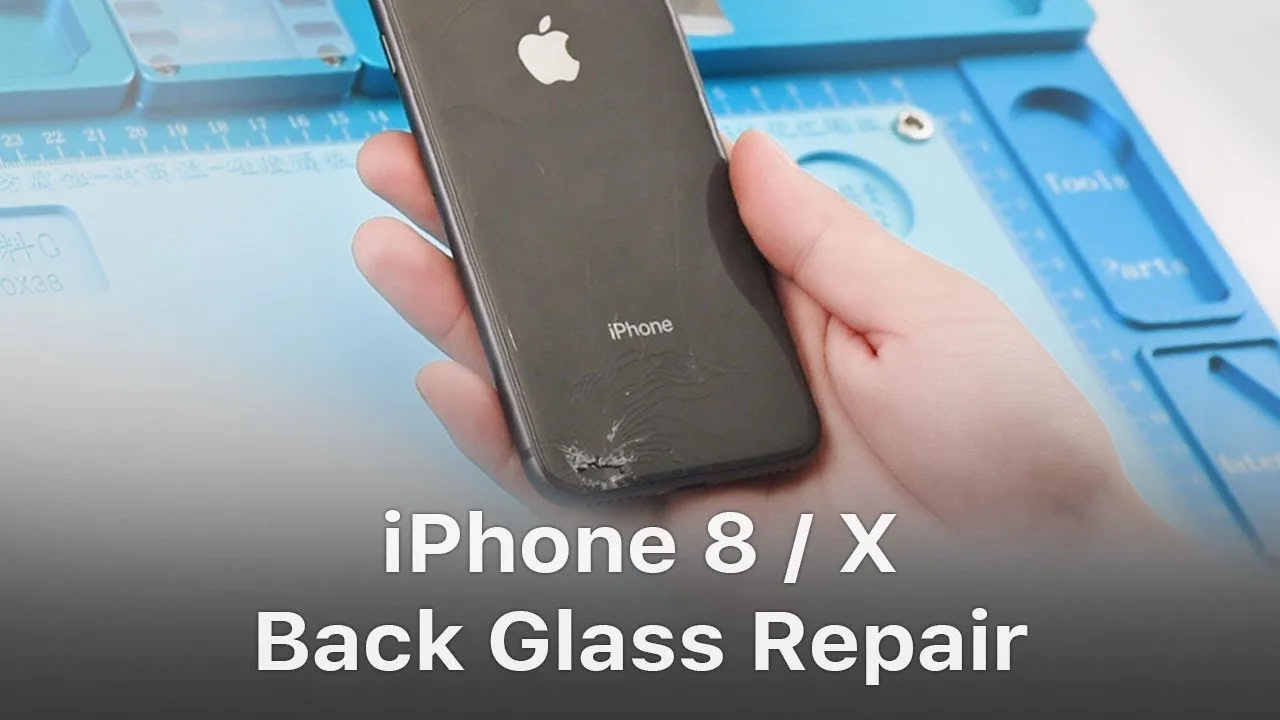
  • Quick Solution – iPhone 8/X Broken Back Glass Repair/Replacement

    Quick Solution – iPhone 8/X Broken Back Glass Repair/Replacement

    It is widely reported that iPhone 8/X glass back is very difficult to repair and costs even more than screen replacement. REWA here released a new and quicker solution to repair the iPhone X/8 broken back glass cheaply and high efficiently with the combination of dispergator and ultrasonic cleaner. Compared with traditional heating solution which takes more than 2 hours to separate the glass, REWA’s new solution for iPhone 8 back glass replacement will cost you only 10 minutes! Let’s check the video for iPhone 8 back glass refurbishing demo.

  • Fix iPhone X Touch Screen Not Working – Touch IC Failure

    Fix iPhone X Touch Screen Not Working – Touch IC Failure

    Generally speaking, there are two different causes for iPhone X touch failure. Malfunction of rails or components on the motherboard. Or touch failure caused by malfunction of the screen, which can be easily fixed by replacing with a new display assembly. Since display assembly replacement can be really expensive, we can turn to a more cost-effective way by running further inspection of the display assembly. And that is what our video is about today. We are teaching you how to rule out and get the problem fixed by starting with simple, then complex.

  • iPhone XS Max Camera No Depth Effect Repair

    iPhone XS Max Camera No Depth Effect Repair

    There are usually two different causes for iPhone camera portrait mode not working. Software problem or hardware problem. For software problems, we can fix it by restarting the phone, upgrading iOS or restoring to factory mode. For hardware problems, check our video today, iPhone XS Max portrait mode not working motherboard repair and you shall get enlightened.

  • Fix iPhone 7 Shaking Rear Camera – Logic Board Repair

    Fix iPhone 7 Shaking Rear Camera – Logic Board Repair

    Do iPhone cameras keep shaking when taking photos? iOS update can’t help at all? Well, check our video today for detailed steps on how to diagnose and fix iPhone 7 rear camera won’t stop shaking problem. Interested in these iPhone repair techniques? Want to learn how to repair iPhone 7 camera won’t focus and keeps shaking problem? Enroll now for REWA Europe training course in March and April.