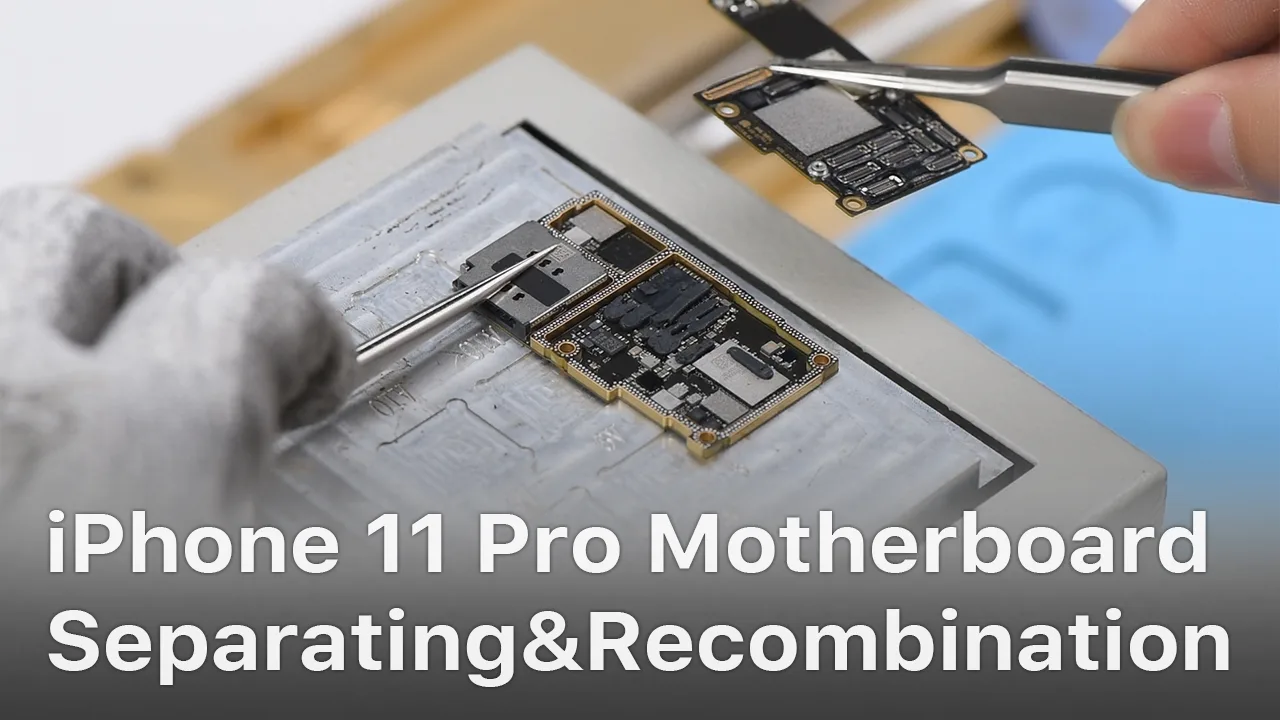
iPhone new series have undergone considerable changes on both inside and outside. Especially on the motherboard. How will these changes affect the repair industry? Will it make third-party repair harder or easier? Follow our iPhone 11 Pro motherboard separation&recombination video today and find the answer by yourself.
No matter you are a repair shop owner or a customer of a mobile phone, there’s more than one reason you might need to replace the iPhone screen or the battery.
Screen/battery replacement is an essential business for repair shops. Professional replacing techniques can not only reduce the failure rate of screen/battery replacement and save time, but also highlight the professional image of the repair shop and gain favorable feedback from customers.
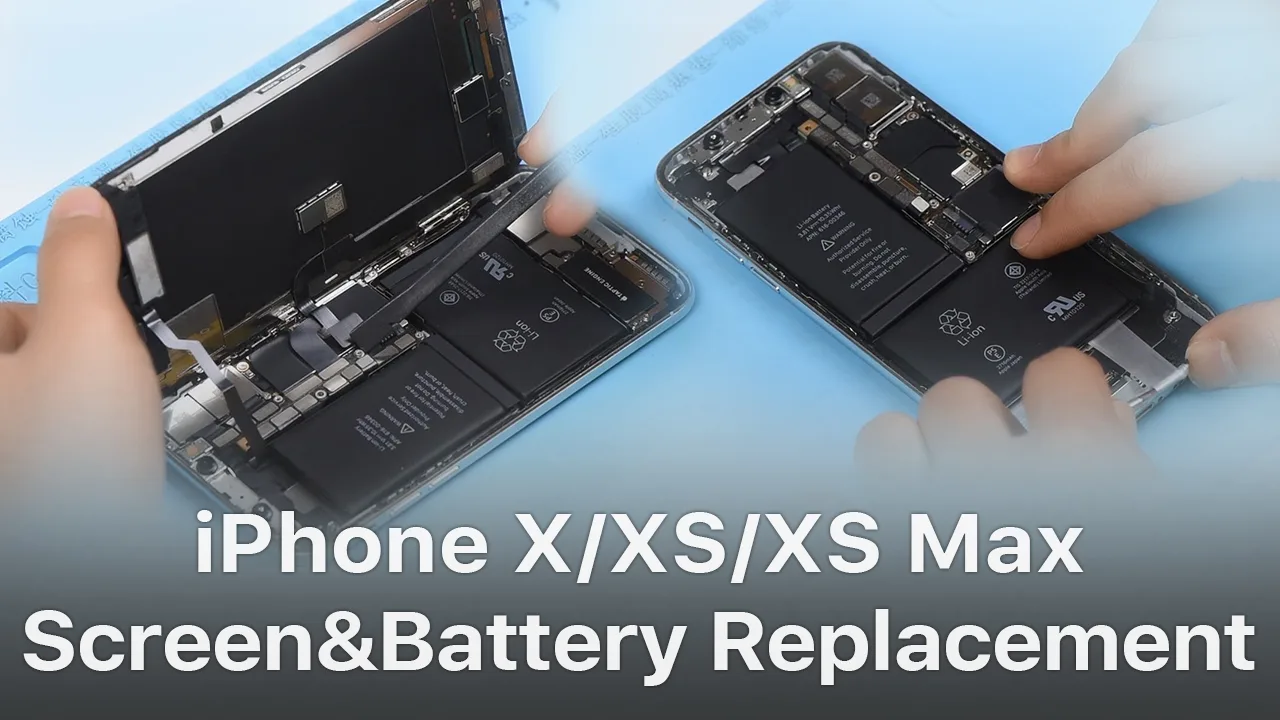
In this article, we take iPhone X as an example to show you tips and tricks for screen/battery replacement of iPhone X/XS/XS Max.
Follow our steps and power your repair shop now.
Finding the Right Tools, Screen, Battery, and Instructions
Once you’re ready to replace the screen or the battery, research the recommended tools and battery options for each phone individually, as they’re all slightly unique.
REWA is dedicated to providing products and services for business clients(repair shops, refurbishing factories, etc.) and data recovery services for individual clients.
As for other repair demands of individual clients, repair shops nearby would be a good choice for you.
What Will You Need to Replace The Screen/Battery of Your iPhone X
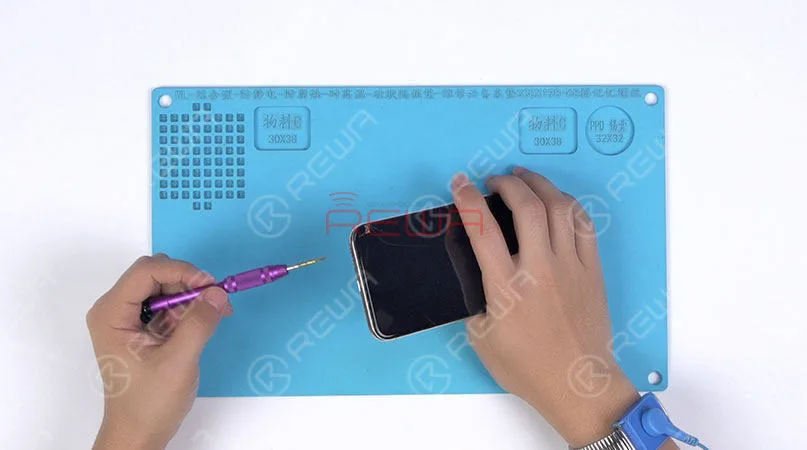
1.Pentalobe Screws Removing and Hot Air Gun Heating
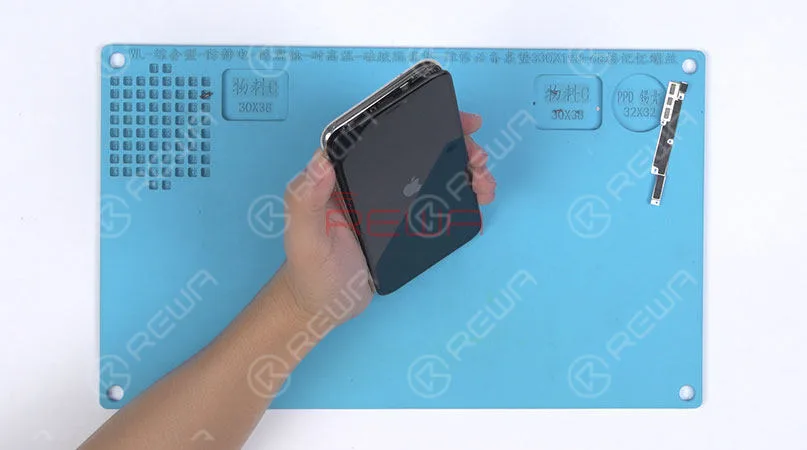
Remove the two pentalobe screws with the pentagon screwdriver at the bottom edge of the phone.
Since there are waterproof seals between the screen and the back glass assembly, you need to heat and soften up the waterproof seals with the hot air gun at 120℃-150℃ for 1 minute.
2. Open The Screen
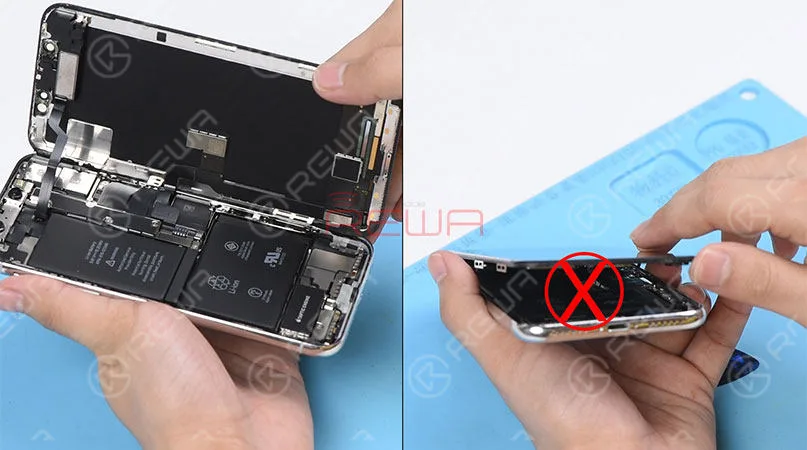
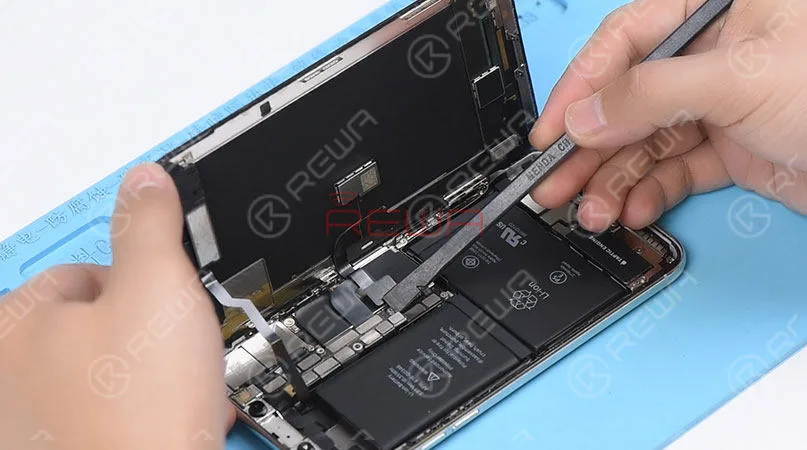
Press the suction cup firmly onto the screen, and insert the pry piece to slice through the adhesive holding the screen.
Note: Do not swing the screen up from the bottom side.
As the flex cables of iPhone x are mainly arranged on the right side, to avoid tearing off these cables, we need to open the phone by swinging the screen up from the left side.
♥Tips: Please be careful with the force applied when replacing the screen.
Otherwise, the phone might be stuck in touch/display issues. Because the bottom area of the screen(with ICs bonded here) and the Face ID area are fragile.
3. Connector Bracket And Screen Removing
(Watch the video to get details – at the ending of the article)
Remove screws securing the connector bracket with the tri-point screwdriver
Pry the battery connector up from its socket
Disconnect the OLED panel cable connector
Pry the digitizer cable connector up from its socket And then disconnect the front panel sensor assembly flex cable
♥Tips: The front panel sensor assembly flex cable is secured by the double-sided tape. Please lift the cable carefully when removing the screen.
4. Earpiece Speaker And Sensor Assembly Removing & Installation
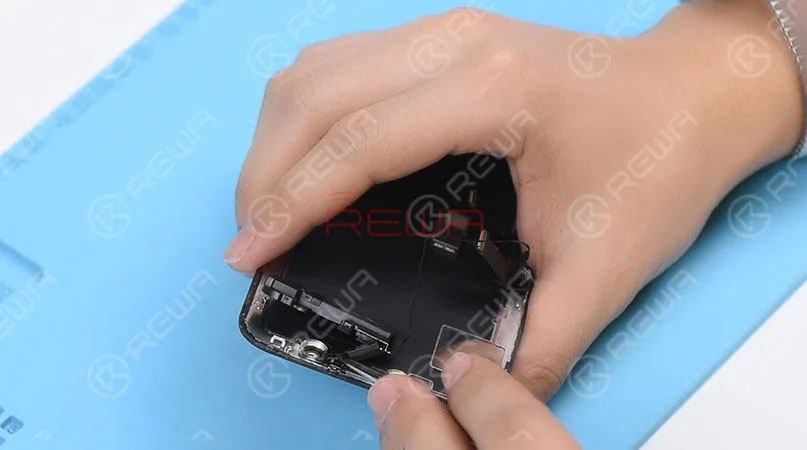
Remove screws securing the front panel sensor assembly flex cable with the tri-point screwdriver. Heat with the Hot Air Gun at 120℃-150℃ first to soften the adhesive, then remove the front panel sensor assembly flex cable with tweezers.
♥Tips: there is double-sided tape securing the Flood Illuminator Module area.
Get the earpiece speaker and sensor assembly installed onto the new screen
Get the front panel sensor assembly flex cable, the digitizer cable connector the OLED panel cable connector and the battery connector connected
5.Phone Assembling
Please test the screen before the reassembly process.
♥Tips: the waterproof seals might get damaged when replacing the screen. If so, clean the residual waterproof seals at first, then stick new waterproof seals.
The true tone-capable display of iPhone 7 – XS Max is missing after screen replacement. So we highly suggest that repair shops restore the true tone with the True Tone Programmer after screen replacement.
iPhone X/XS/XS Max Screen Replacement Tips & Tricks
1. Wear Anti-static Wrist Strap
2. Power off the phone before the disassembly
3. Pre-heat with hot air gun
4. Open the phone by swinging the screen up from the left side
5. Pay attention to the bottom area of the screen (ICs Bonding Area)
6. Pay attention to the top area of the screen(Face ID area)
7. Disconnect the battery flex cable first
8. Pre-heat before removing earpiece speaker and sensor assembly
9. Test the screen before the reassembly process
iPhone Battery Replacement Steps Overview
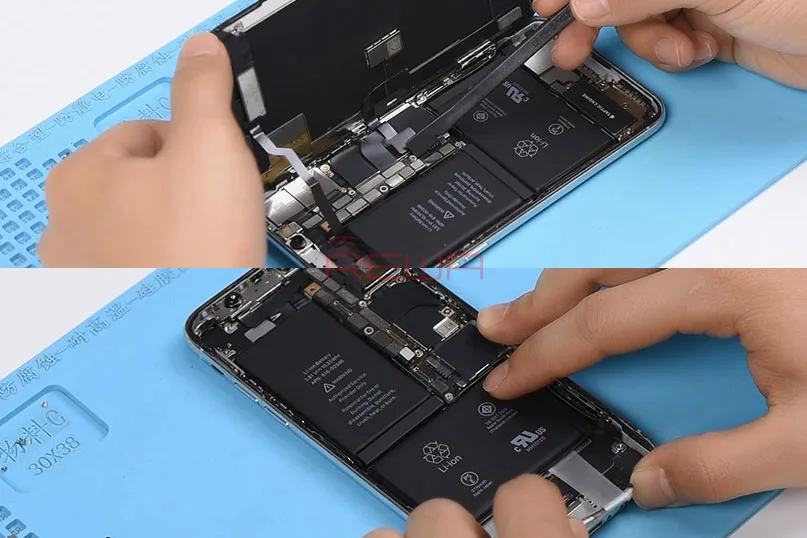
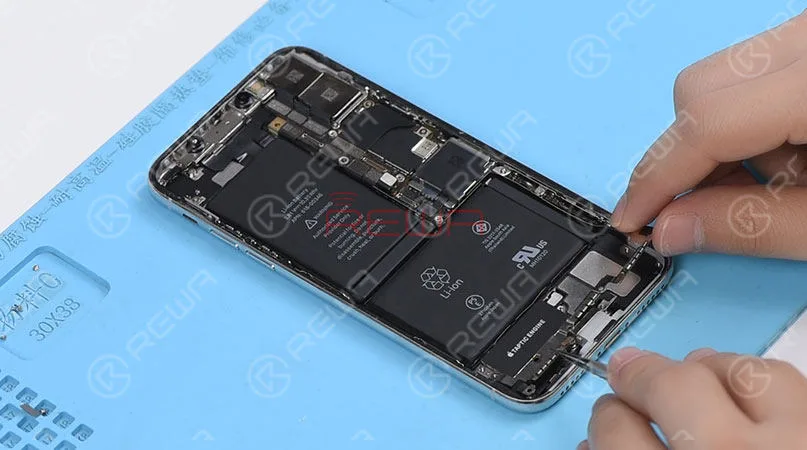
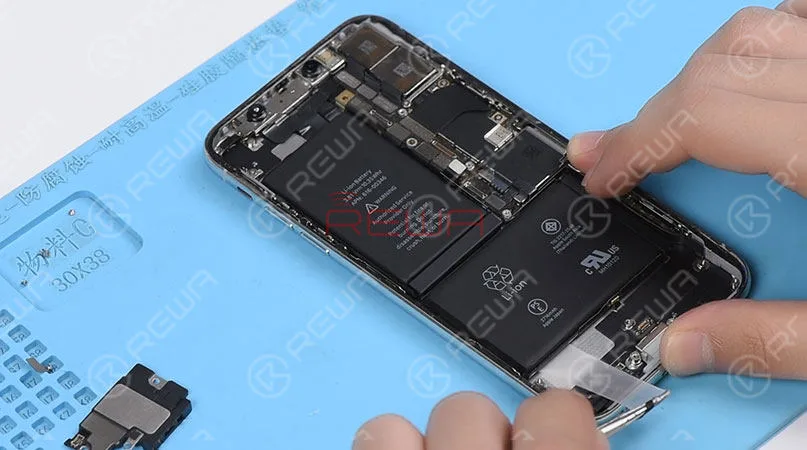
♥Tips: To remove the battery adhesive strips easily, please remove the Taptic Engine and speaker at first.
1.Taptic Engine And Speaker Removing
Please be noted that there are many screws detached in this step, we highly suggest that you place these screws in order.
2.Battery Adhesive Strips Removing
Wrap the battery adhesive strips with tweezers and pull the strips out slowly and parallelly.
3.Battery Adhesive Strips & Battery Adhering
Adhere new battery adhesive strips to the battery.
4.Taptic Engine And Speaker Installation
iPhone X/XS/XS Max Battery Replacement Tips & Tricks
1. Taptic Engine and speaker removing first
2. Place screws in order
3. Pull the strips out slowly and parallelly.
Conclusion
In addition to professional techniques, high-quality and reliable third-party suppliers are also extremely important for repair shops. Choose REWA, choose the quality you want.
For individual clients and repair enthusiasts, REWA online shop with iPhone screens of different quality grade and replacement batteries are here for your choice.
Why hesitating? Place your order now! For certified iPhone Screens, replacement batteries and repair tools, please place an order on REWA ONLINE SHOP.
Screen/battery replacement is an essential business for repair shops. Professional replacing techniques can not only reduce the failure rate of screen/battery replacement and save time, but also highlight the professional image of the repair shop and gain favorable feedback from customers. Today we’re taking iPhone X as an example to show you tips and tricks for screen/battery replacement of iPhone X/XS/XS Max. Follow our steps and power your repair shop now.
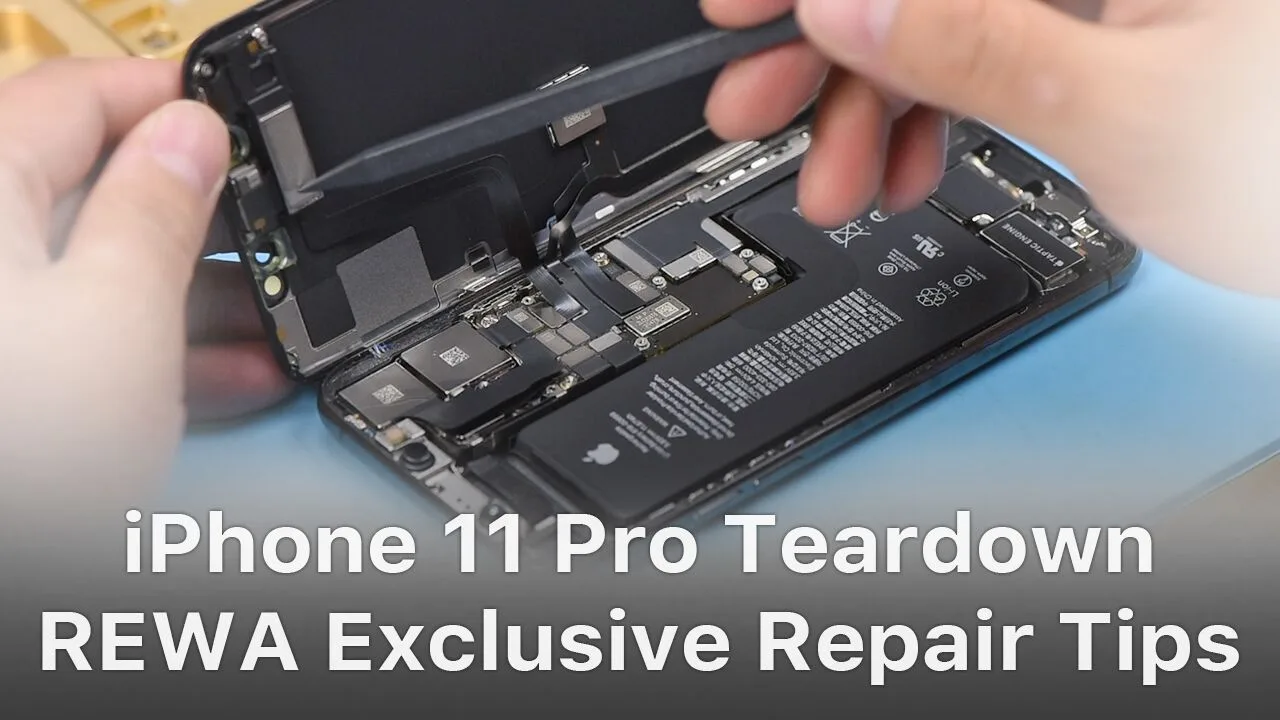
The iPhone 11 series has impressed the repair industry again with its new iPhones. What does the new design mean to our repair work? In our video, we will show you each part inside the iPhone 11 pro and share repair tips from REWA perspective.
Logic board repair relies heavily on accurate schematics and boardview software. For years, paid programs like ZXW and Wuxinji have dominated the repair industry—but not everyone wants to commit to expensive subscription tools, especially new technicians, DIY repairers, and refurbishers managing tight budgets.
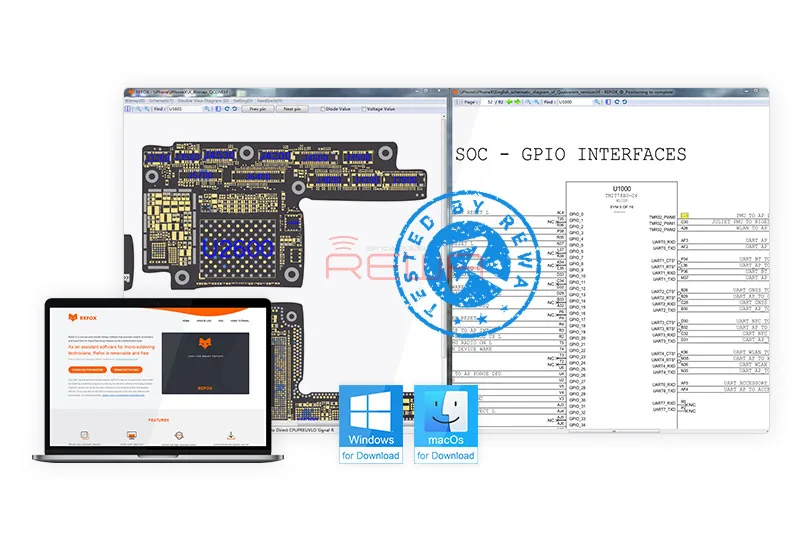
That’s where REFOX, a fully free boardview software, has gained massive attention. Tested extensively by REWA repair masters and widely adopted in the industry, REFOX is becoming a go-to tool for technicians who need fast circuit tracing, powerful diagnostics, and cross-platform support without the cost.
This guide gives you a complete, updated review of REFOX, who it’s for, and why it’s becoming the best free alternative to paid PCB analysis tools.
What Makes REFOX Stand Out?
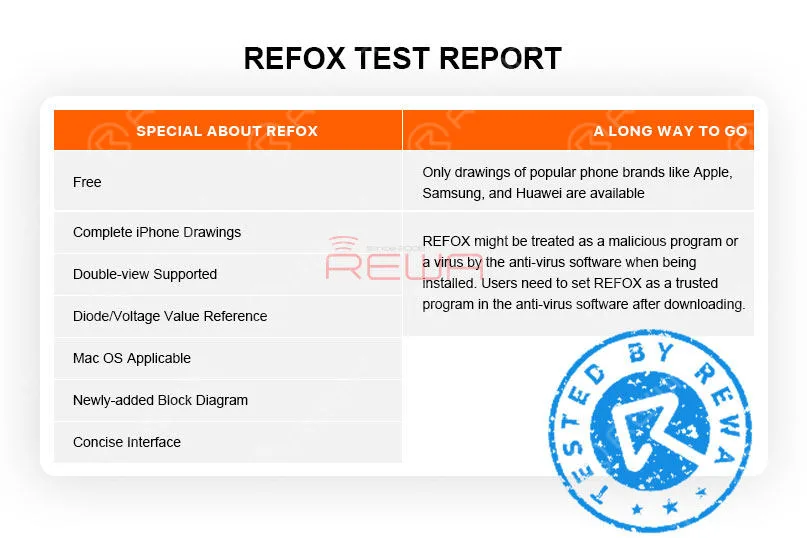
Clean Interface With Full-Featured Functionality
REFOX focuses on practicality—clean layout, intuitive tools, and simple navigation. Even beginners can quickly locate circuits, view nets, check values, and inspect traces with minimal learning time.
Dual View: Boardview + Schematics Together
One of REFOX’s strongest features is its synchronous double-view mode, allowing you to:
Load the schematic and boardview at the same time
Click a component to immediately see its related circuits
Jump between diagrams instantly for faster troubleshooting
This dramatically cuts repair time for short circuits, open lines, and no power issues.
Diode Mode & Voltage Reference Values
REFOX lets you display component pins by:
Pin number
Diode value
Voltage value
This is extremely useful for diagnosing common faults such as no power, dead boot, display failures, and charging issues.
Complete iPhone Board Files
REFOX includes boardview files covering:
iPhone 5 → Latest models (XR, XS, XS Max at the time of the article)
Perfect for shops specializing in Apple repair or refurbishing.
New Workflow Block Diagrams for Training
The newly added block diagrams help beginners:
Understand component interconnections
Identify which areas control power, charging, baseband, touch, etc.
Follow step-by-step repair workflow
These diagrams are also used in REWA’s logic board repair training programs.
Customizable Color Themes
You can adjust the boardview appearance using built-in color templates to suit your workflow—great for reducing eye strain during long repair sessions.
A Long Way To Go
1. Only drawings of popular phone brands like Apple, Samsung, and Huawei are available. There are still more brands for us to explore.
2. According to REFOX, with schematics and board files encrypted, REFOX might be treated as a malicious program by the anti-virus software or the browser when being installed.
Actually, REWA has been using and testing REFOX for several months and has found no internet security risks. Still, we hope that the next version can fix the bug.
Conclusion
REFOX has now been updated to V3.25 and bugs of earlier versions have also been fixed.
Although there is still room for improvement, we are proud to announce that REFOX can fully meet repair needs of repair technicians.
What’s more, it is completely free.
Therefore, we highly recommend this bitmap software to you.
For those in need, please visit www.refoxteam.com to download the software.
There are also some detailed operation videos for your reference on the official website.
You can also visit REWA Youtube Channel to check the detailed description of Refox.
REWA has launched a more far-reaching cooperation program – overseas training courses in 2019. The program is designed to cooperate with global repair enterprises and enthusiasts to carry out repair courses based on local situations and requirements of trainees. So as to help enterprises and individuals to improve their competitiveness.
So far, REWA has conducted seven overseas training sessions in 2019, the last of which will be in October, and we will go to Germany…
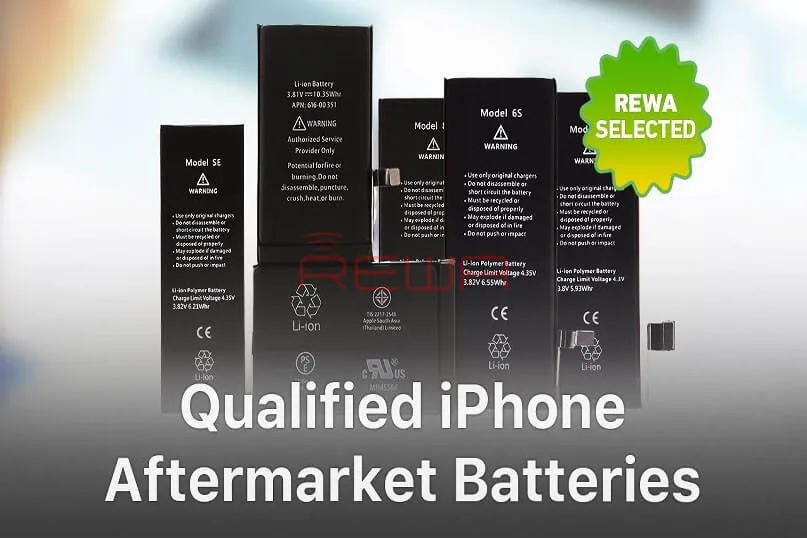
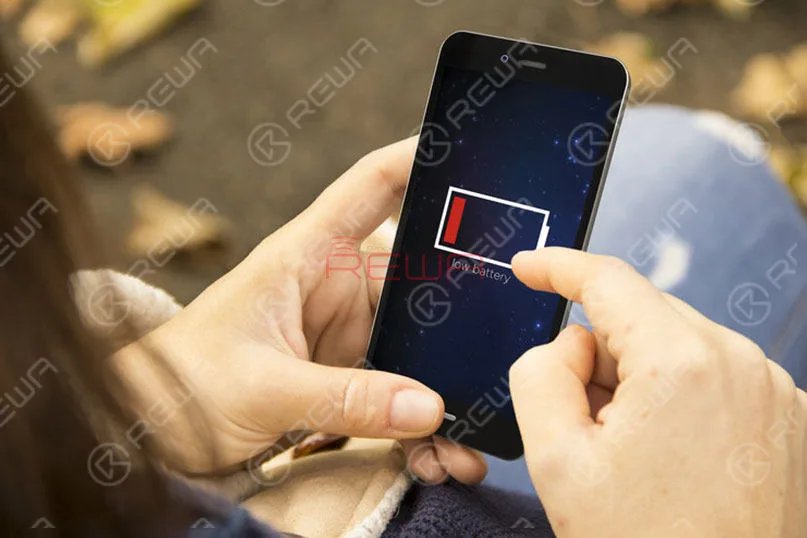
Batteries are consumables of cell phone repair industries.
However, there are few Apple OEM New batteries on the market.
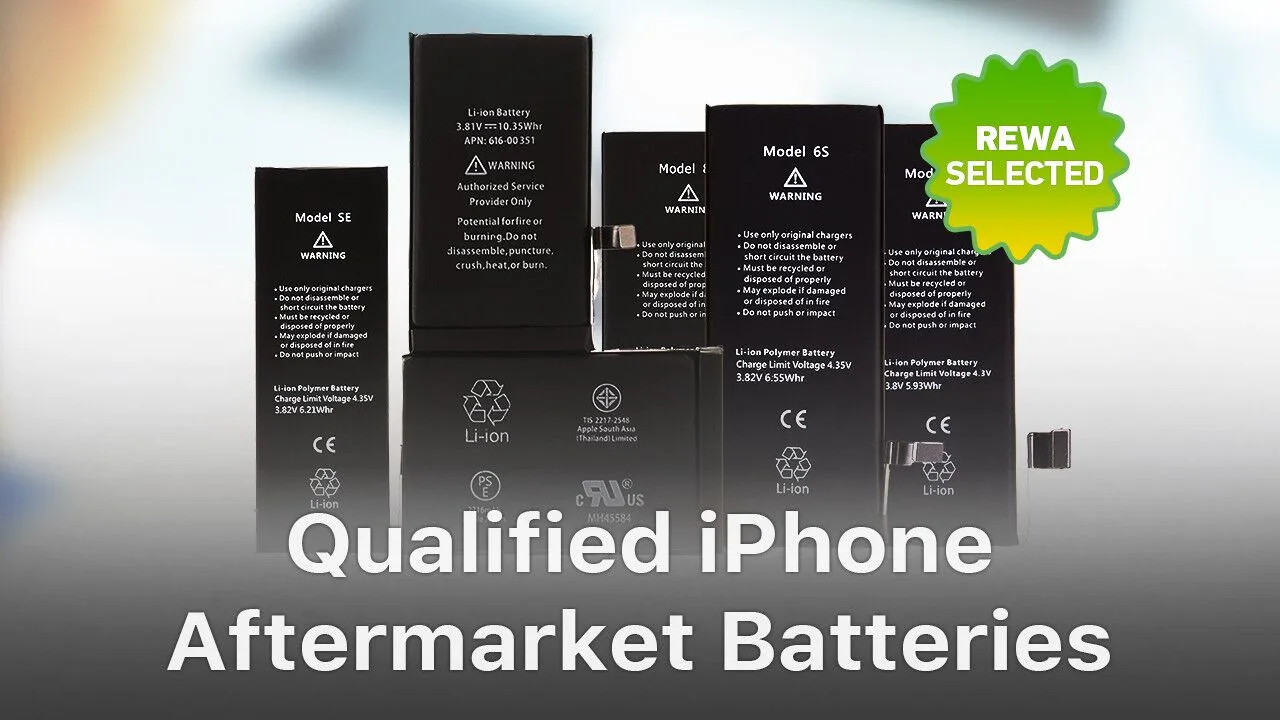
Don’t worry, with aftermarket battery technology becoming mature day by day, aftermarket batteries are made to have almost the same quality as Apple OEM batteries.
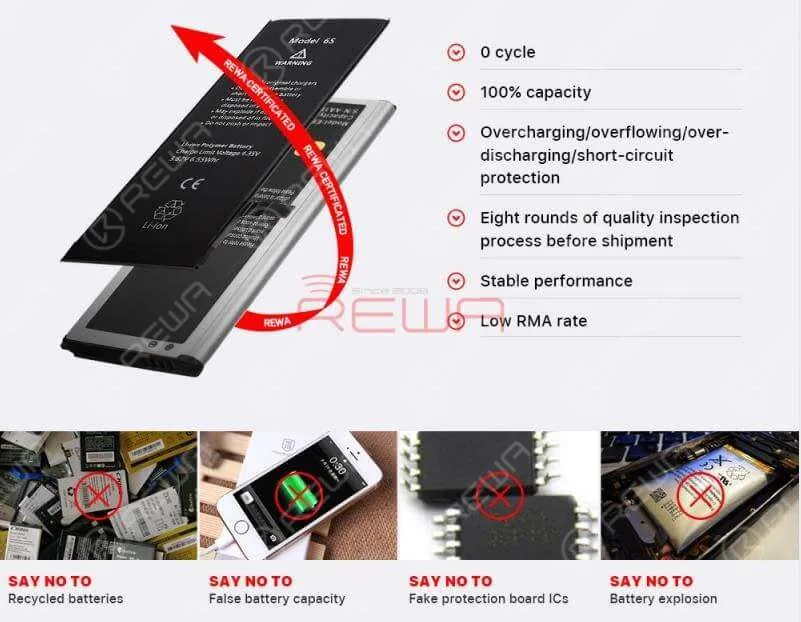
Safety is a principal requirement of a qualified battery.
And this is decided by the battery cell and the protection board.
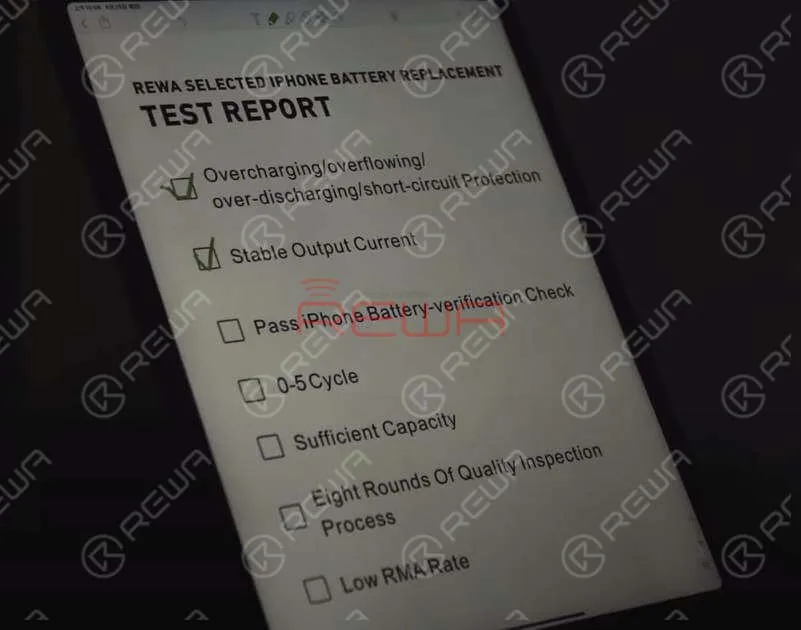
With overcharging/overflowing/over-discharging/short-circuit protection, REWA Selected batteries are safety guaranteed.
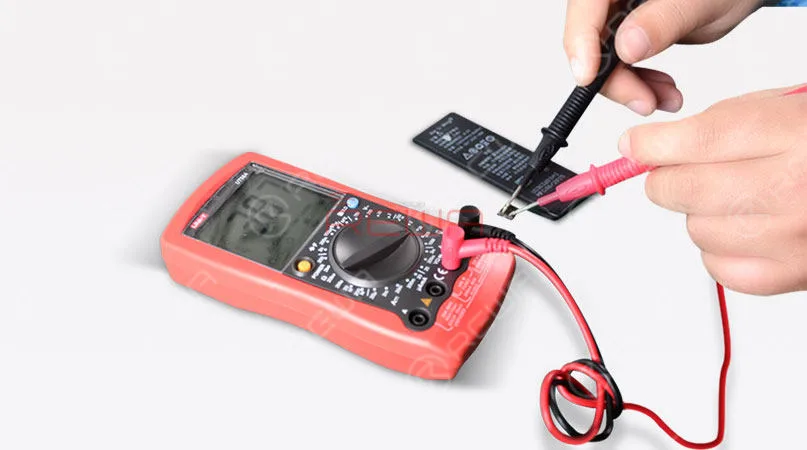
There is also a strict protection board performance test for REWA Selected batteries.
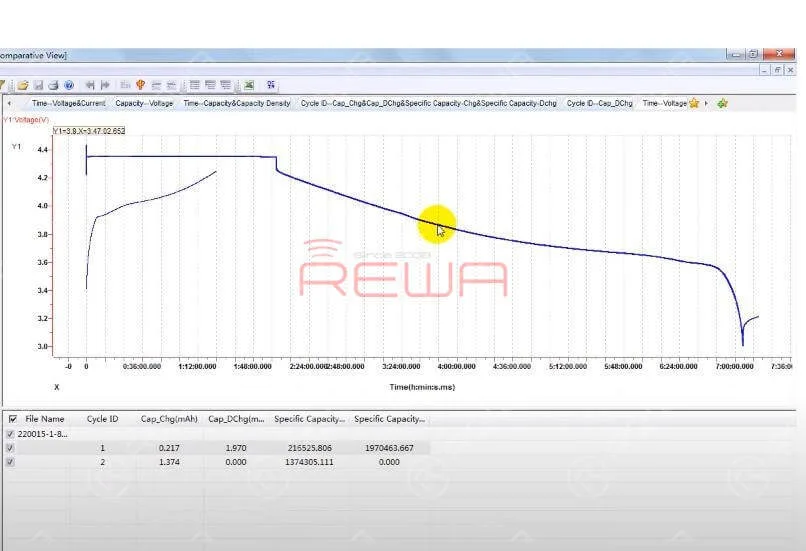
The more gently the battery discharge curve is, the more durable and stable the battery is.
REWA Selected Battery Standard
The battery should retain up to 80% of its original capacity at 400 complete charge cycles.
Pass iPhone Battery-verification Check
REWA Selected batteries can pass iPhone battery-verification check.
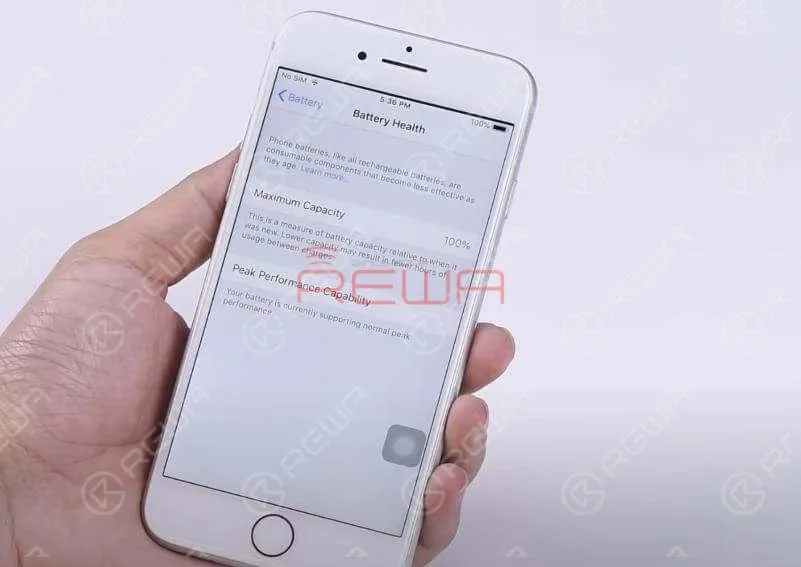
Get the REWA Selected battery installed onto your phone and you will still be able to use your iPhone’s Battery Health report.
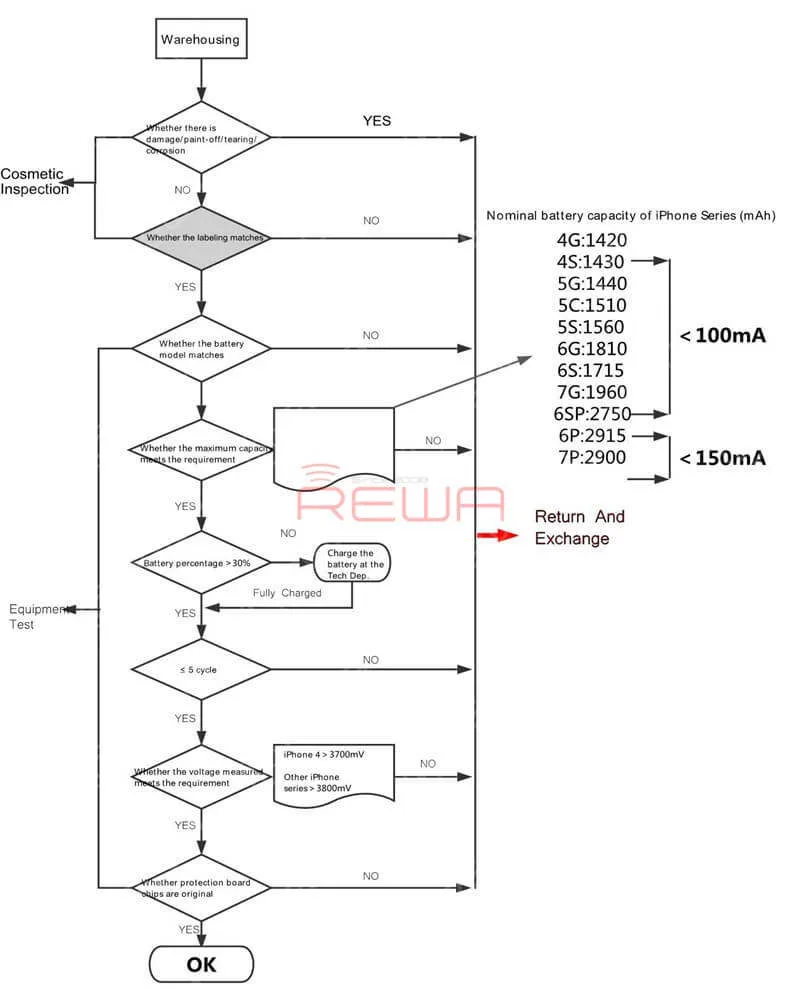
Battery Charge&discharge Cycle Test
Before shipment, REWA LAB will carry out random battery charge&discharge cycle test.
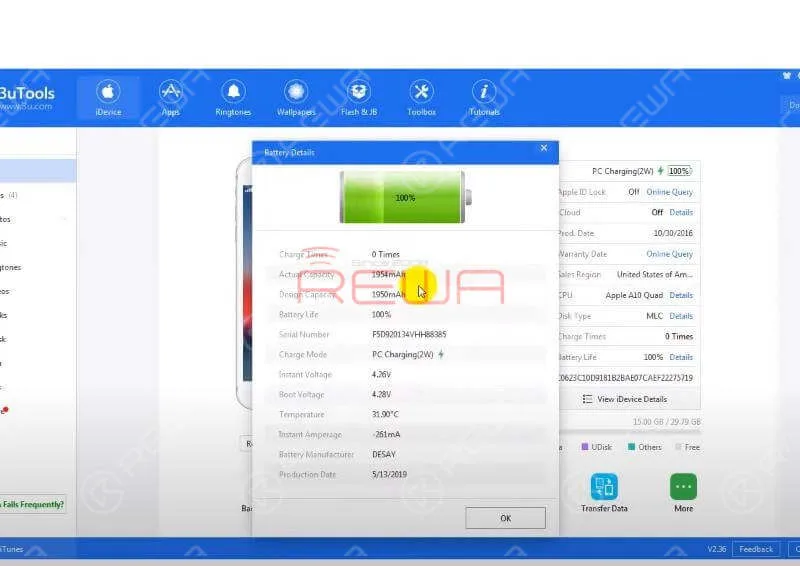
This is to ensure that the battery cycle-index is within a proper range (0-5). Also, the actual battery capacity should be within a proper range.
Eight Rounds Of Quality Inspection Process Ensures Low RMA Rate
The strict quality control process of REWA LAB is the reason why REWA Selected Batteries enjoy a low RMA rate all the time.
Tips:There are a wide variety of Apple batteries with varying quality on the market.
However, the OEM battery cell is only available in Apple-designated factories.
Therefore, the authenticity and quality stability of some aftermarket batteries that claim to have the original battery cell are still to be discussed.
Please think carefully before you place an order.
You can also check out our YouTube channel for more information.
Batteries are consumables of cell phone repair industries. However, there are few Apple OEM New batteries on the market. Don’t worry, with aftermarket battery technology becoming mature day by day, aftermarket batteries are made to have almost the same quality as Apple OEM batteries. Therefore, aftermarket batteries are definitely the best choice for those in need.
All mobile phones depend on a lithium-ion battery to operate.
Batteries are rechargeable and must be plugged in after the drain for phones to operate.
Usually, a lithium-ion battery in use should last between 2 to 3 years.
Nowadays, all mobile phones are using lithium-ion polymer batteries.
A lithium-ion polymer battery is a rechargeable battery of lithium-ion technology using a polymer electrolyte instead of a liquid electrolyte.
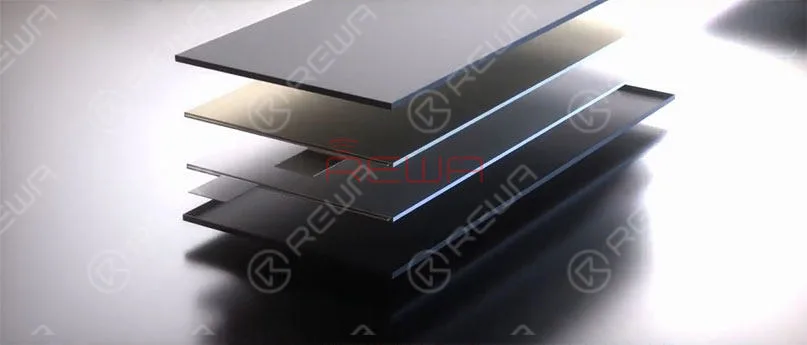
The two important parts of a mobile phone battery are the battery cell and protection board.
Damage of the battery cell or the protection board will result in your mobile phone not charging/turning on.
And the battery capacity will affect the standby time of the mobile phone.
Overcharge, over-discharge, short-circuit, etc. will result in a swollen battery cell.
Protective start-up failure caused by poorly performed protection board may result in battery damage, smoking, fire, explosion, etc..
Notice:
A production-finished battery cell should be protected from short-circuit, high temperature, impact, drop, overcharge, over-discharge, etc..
Users should use chargers from a regular manufacturer to charge the phone (the charging voltage should not exceed 4.2V).
And the operating temperature should not exceed 45℃.
Don’t put the battery together with conductors like keys to avoid external short-circuit.
Protect the battery from collision, external physical damage such as drop and squeeze, impact, overcharge, and over-discharge which are probably to cause explosion.
It’s necessary to choose high-quality batteries.
Low-quality batteries do have bad effects on your phone, even your health.
Treat it carefully when you decide to replace your battery.
Harm Effects of Low-Quality Batteries
Small capacity means short service life.
Short battery cycle life leads to a faster charge decay.
And that’s why the batteries need to be replaced frequently.
Battery volume indication error, insufficient discharge, and cliff-like power drop may lead to auto power-off.
High internal resistance increases the heat and power consumption.
What’s more, the increasing temperature brings potential security risks.
Low-quality protection board may cause identification failure, connection failure and power indicator error.
Protection board temperature measuring error makes the phone unable to have an accurate response to temperature changes, which can also damage the phone.
Why You Should Choose REW Batteries
Thanks to the superior battery cell packaging and protection board trimming of the upstream factory and precise automation equipment support of the battery assembling factory, REWA battery has enjoyed a low RMA rate all the time.
Cooperating with the strict quality control process, REWA battery has been quality&stability guaranteed to bring you worry-free user experience that shall be your best choice!
REWA Battery Assembling Process
Storage warehouse
Incoming material inspection
Automatic assembling
Battery cell preparation
Laser welding
Insulating tape sticking
L-shaped Nickle bending
Protection board bending
Manual FPC shaping
Forming tape sticking
Function test
For detailed information about the assembling process of REWA batteries, please visit our Youtube channel here.
The REWA LAB Battery Inspection Process
Appearance Inspection
Basic Test Physical Performance
Test Low-Pressure High Altitude Simulation
Test Temp. & Humi. Test
Vibration Test
Capacity Test
Impact Test
External Short Circuit Test
Drop Test
Crush Test
Thermal Abuse Test
Burning Test
Warning:
Batteries are classified as hazardous waste.
Please do not discard them or mix them with other trash.
They are suggested to be sent to the appointed reclaim areas.
For quick ordering, please visit our online shop – shop.rewa.tech.
Any questions and suggestions please feel free to contact sales@rewatechnology.com.
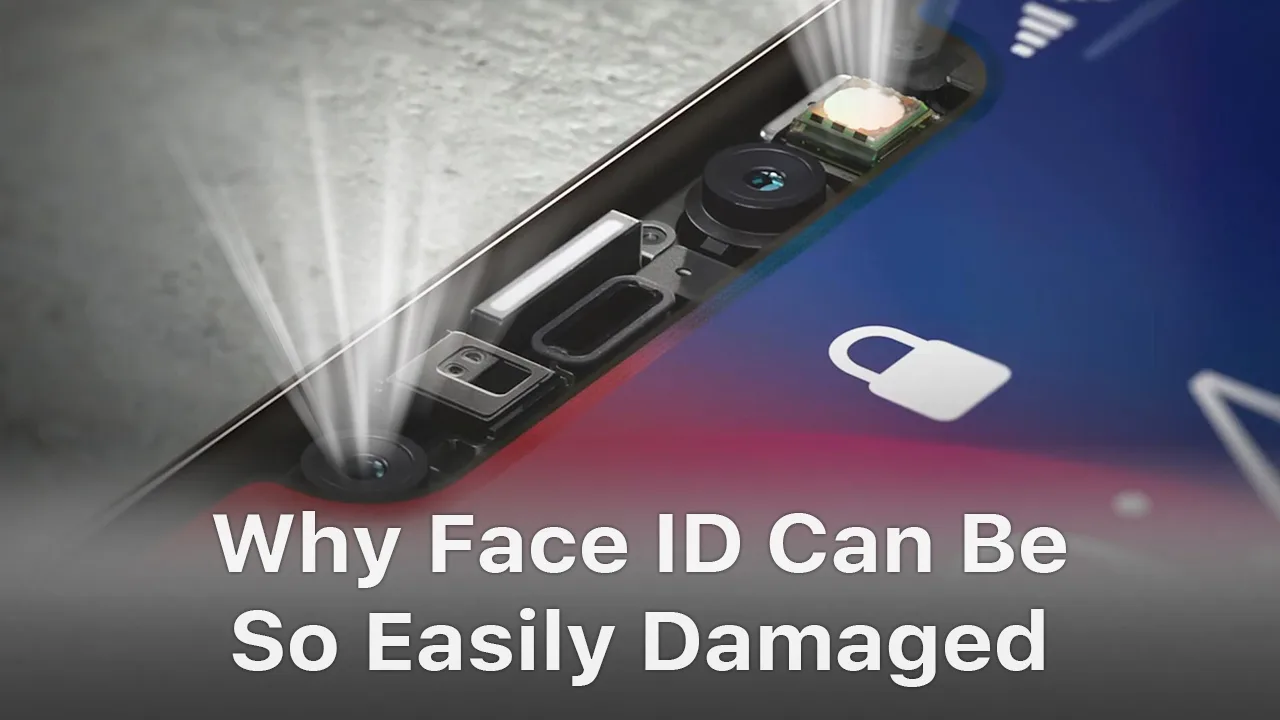
Face ID is a new feature introduced to iPhone X/XS/XR/XS Max. While it is the most powerful component that allows biometric authentication for unlocking a device, there are quite a lot of instances when Face ID will not work. In this video, we fully tore down the Face ID module(dot projector, flood illuminator, an infrared camera), and took a deep analysis of the reasons and solutions of Face ID issues.
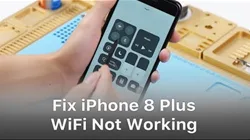
When WiFi is grayed out on an iPhone, it’s most likely due to the damage of WiFi module. Unfortunately, you can’t just swap the WiFi IC. The WIFI address is linked and stored in the NAND chip. So in order to replace the WiFi chip, we must use a PCIE NAND chip programmer to unbind the WiFi address. Follow our video for the detailed steps.


 English
 Español
 Français
 Deutsch
 Italiano