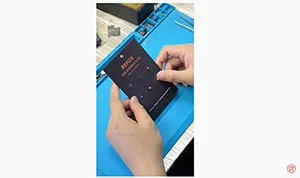
The REFOX Soldering Lug is used to help repair broken solder pads on iPhone. Moreover, the Soldering Lug comes in many different sizes, allowing you to repair any pad size ranging from an iPhone 6 Baseband pad to pads on a NAND. It even has rectangular ones for Wifi IC’s.
Tag: iphone
-

REWA iPhone Logic Board Repair Training Review – 2019 Course Ⅰ
The first REWA Offline iPhone Logic Board Repair Training Course in 2019 has come to an end. This is not the end, but the successful beginning of REWA iPhone Logic Board Repair 2019 Global Training Program. Taking place across China, U.S.A, and Netherlands, this is the course you can take at your own pace and convenience. If you are interested in REWA iPhone logic board repair training but still feel it’s hard to make a decision, check our revealing reviews for the details.
-
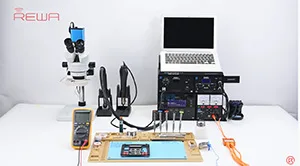
A Magic Tool for iPhone XS Motherboard Repair – Safe and Efficient
When repairing iPhone XS motherboard issues, the double layered motherboard needs to be desoldered&resoldered. The phone might get stuck in won’t turn on issue due to pseudo soldering caused by improper layer alignment or uneven heating during the process. Well, our video today shall enlighten you. iPhone XS won’t turn on repair with the help of an easy operated heating platform that can heat the board safely and evenly. Also, iPhone X/XS/XS Max motherboard soldering and desodering rework stations are available now.
-
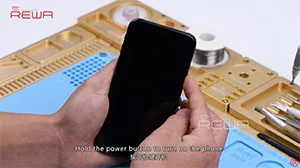
iPhone X Won’t Turn On Repair – Thermal Imager Applied
Rosin and the freeze spray are the two commonly used and low-cost methods for faulty components locating when repairing logic boards. Still, you can use the Thermal Imager instead for more efficient repair work if the two methods become time-consuming. Check our video today and you will be surprised at how the Thermal Imager is used in iPhone X won’t turn on repair.
-
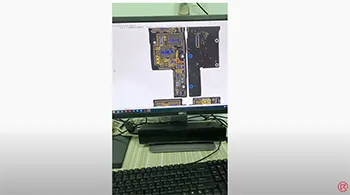
iPhone Motherboard Repair Live Online Course – LIVE NOW
The iPhone Motherboard Repair Live Course is suitable for iPhone motherboard repair beginners. Get enrolled now to get free access to the complete course package.
-
Clean the Bonding Pads of iPhone XS Max
Clean the bonding pads of the iPhone XS Max with soldering iron and solder wick
-

iPhone X Face ID Not Working Fixed By Replacing Earpiece Flex Cable
Face ID will not be available and True Tone will disappear if the earpiece flex cable of models after the iPhone XS is damaged. The problem couldn’t be fixed before. But a new repair tool that can bind the new earpiece flex cable and repair the Face ID has come to the market. Let’s check it out!
-
iPhone 7 Rear Camera Keeps Shaking – Logic Board Repair
iPhone cameras keep shaking when taking photos? iOS update can’t help at all? Well, check our video today for detailed steps on how to diagnose and fix iPhone 7 rear camera won’t stop shaking problem. Interested in these iPhone repair techniques? Want to learn how to repair iPhone 7 camera won’t focus and keeps shaking problem ? Enroll now for REWA Europe training course in March and April.
-
iBridge iPhone PCBA Test Cable – For Easier Motherboard Repair
With parts coupled with the logic board, it is hard for technicians to measure signal and voltage of connectors on the logic board. Which makes fault-finding of the logic board also a difficult task. Well, you need this fascinating product, iBridge PCBA test cable. With reference value marked on the cable that can help you when measuring, you can locate the faulty position efficiently and precisely. Get iBridge PCBA test cable, get twice the result with half the effort. Let’s check the video to see how iBridge iPhone PCBA Extension Test Cable works.
-
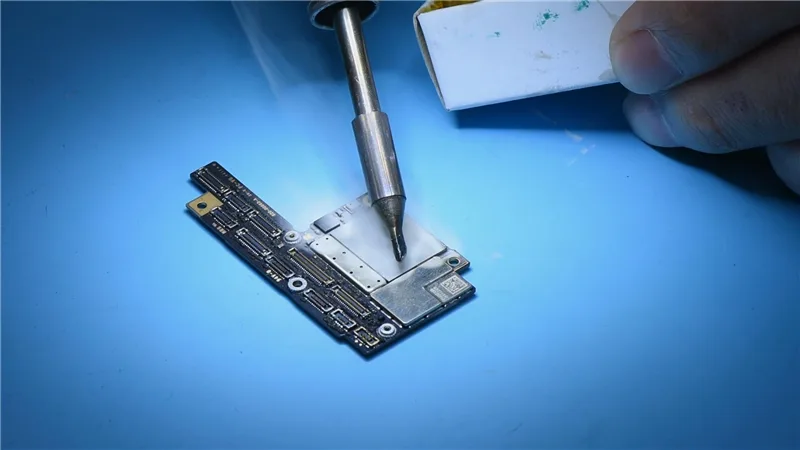
Troubleshooting iPhone X Won’t Turn On due to Large Boot Current
Today’s repair course focuses on troubleshooting an issue where the iPhone X does not turn on despite having a large boot current. To begin, conduct a thorough visual examination of the motherboard to ensure there are no signs of deformation or water damage.
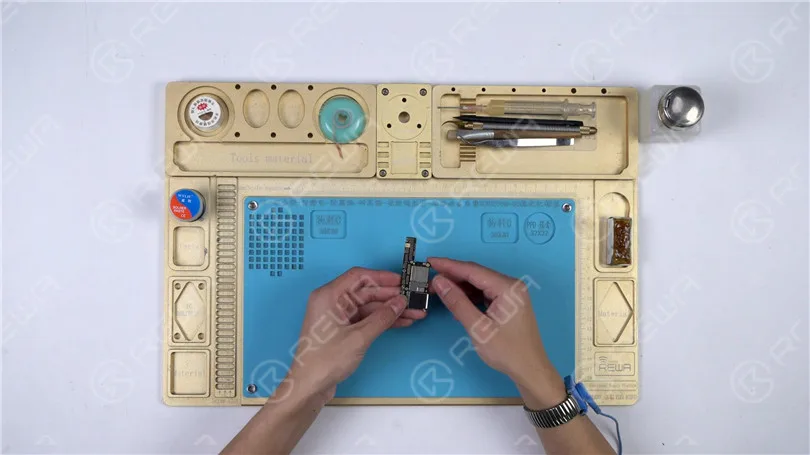
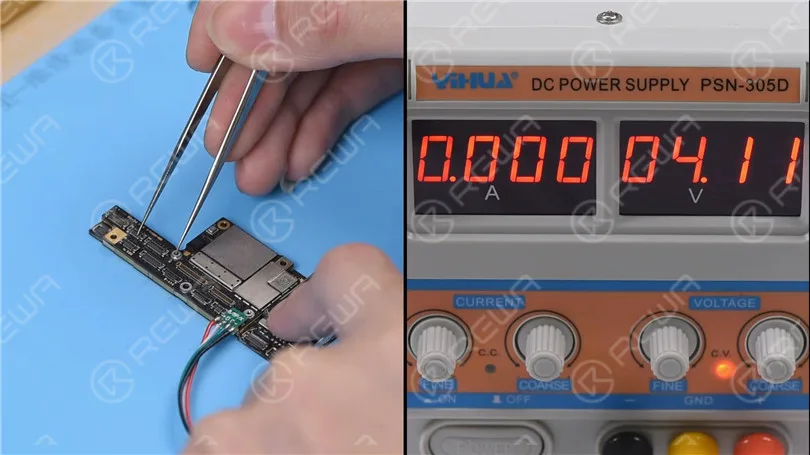
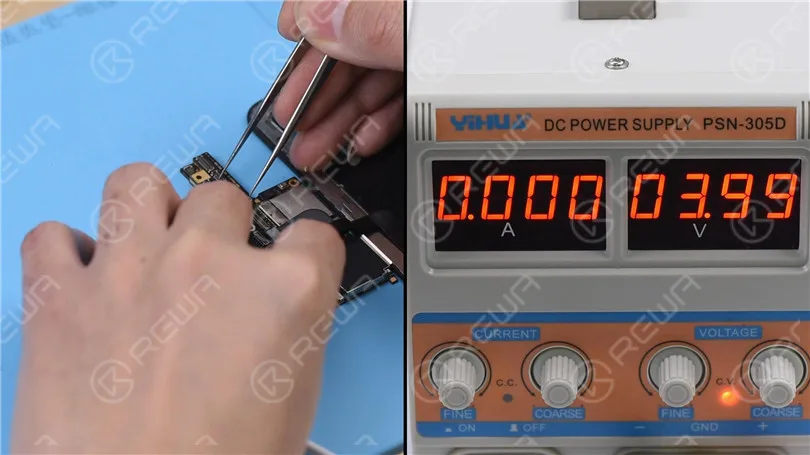
Connect the battery connector with the DC Power Supply. Get the motherboard booted up with tweezers. The boot current is larger than normal value. Judging by this, the three main power supply rails, PP_VDD_MAIN PP_BATT_VCC and PP_VDD_BOOST are in normal condition. The fault is probably related to the 17 power supply rails outputted from PMU.
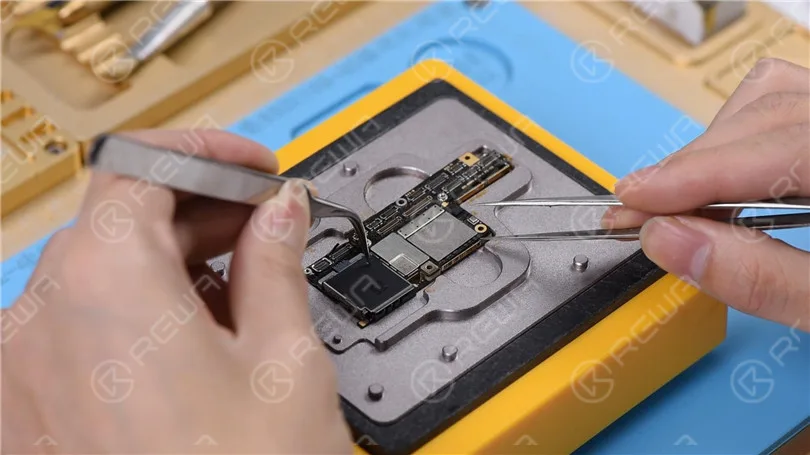
Now we need to separate the motherboard and confirm whether the fault is related to the upper layer or the lower layer. Place the motherboard on the specialized Heating Platform. Power on the heating platform and set the temperature at 160℃. With temperature of the platform reaching 160℃, try to push the upper layer with tweezers. With the upper layer being loose, pick up the upper layer with tweezers carefully. Tips: please be careful when separating the motherboard. With solder balls on the third space PCB remaining the same, we can skip the reballing process when soldering the two layers back together. Continue to take the lower layer off the platform.
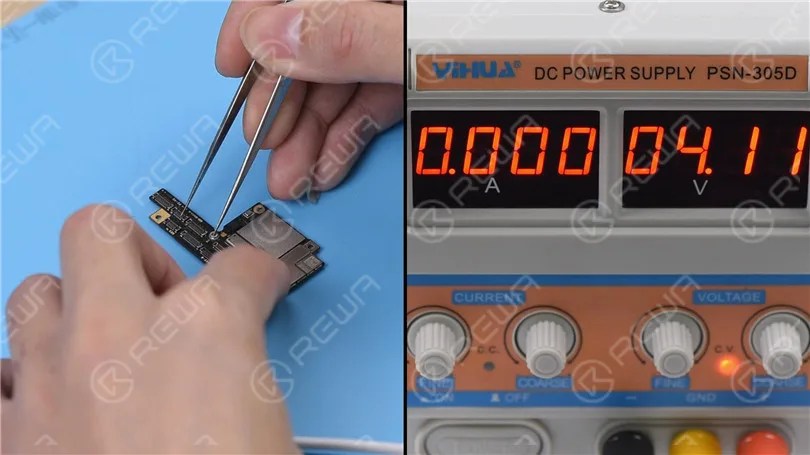
Now we can test the upper layer. Connect the battery connector on the upper layer with the DC Power Supply. Get the upper layer booted up with tweezers. The boot current is still larger than normal value. We can confirm now that the fault is related to the upper layer. Our next step is to check the 17 rails one by one.
Let’s start with PP_CPU_PCORE. Locate C2701, one of the test points of PP_CPU_PCORE on the bitmap. Run diode mode measurement of a capacitor on C2701 relevant circuit. The measured value is normal. Continue measuring test points of the remaining 16 rails. Judging by the measured value, PP3V0_NAND has shorted. Since there are many components on PP3V0_NAND, we can locate the faulty component with rosin detecting.
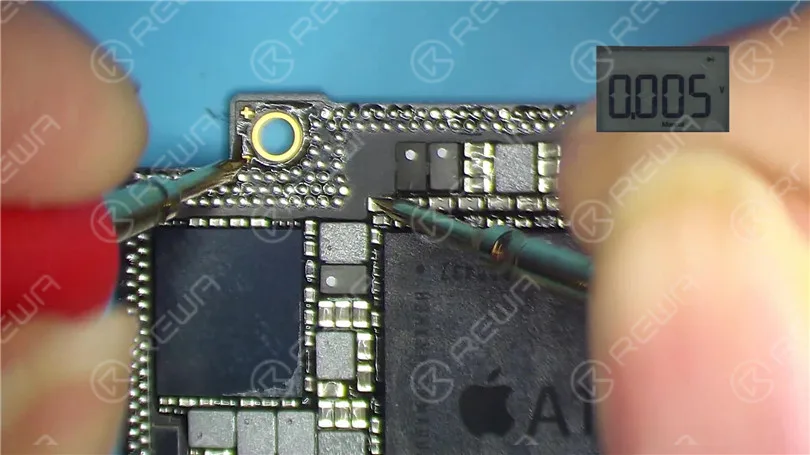
Dip some rosin with the Soldering Iron at 350℃. Then smoke rosin on components on PP3V0_NAND. Set the output voltage of the DC Power Supply at 3V and get the black probe grounded. Meanwhile, get the red probe touched with a capacitor on PP3V0_NAND. Please be noted that the red probe shouldn’t stay too long on the capacitor. We can see that rosin on C2649 melts immediately. Judging by this, C2649 has been damaged. Let’s try to detach C2649 from the board.
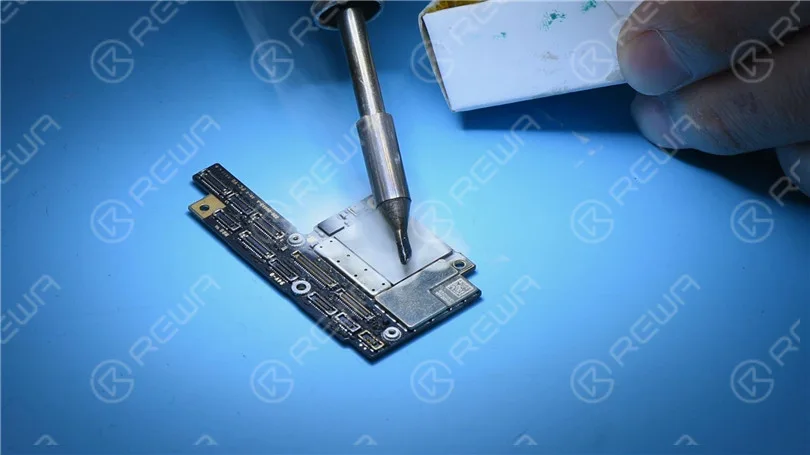
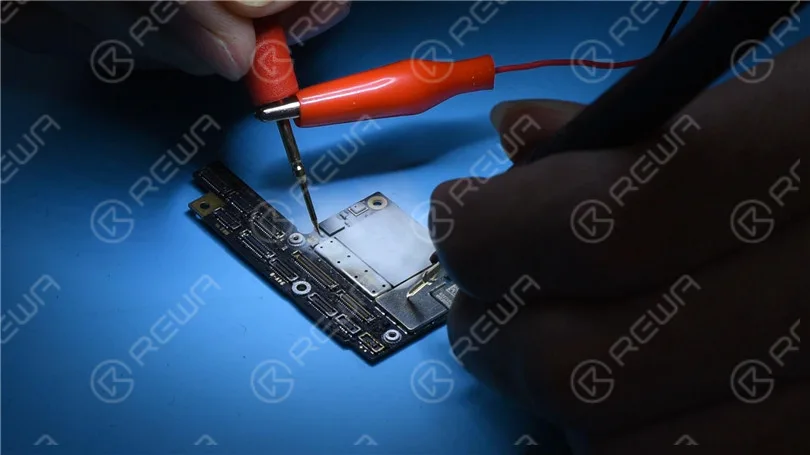
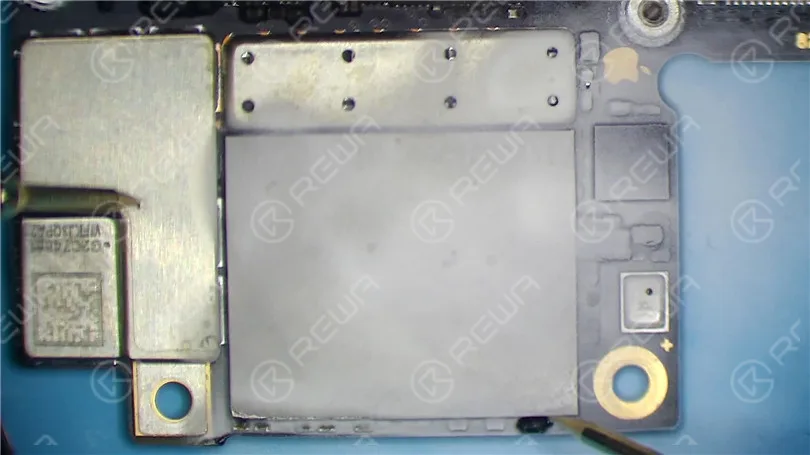
Attach the upper layer to the PCB Holder. Remove black adhesive around C2649 with QUICK Vertical Wind Hot Air Gun at 260℃, air flow 2. Then detach C2649 from the board. Again, get the red probe grounded. Touch the two pins of C2649 with the black probe. The measured value is normal.
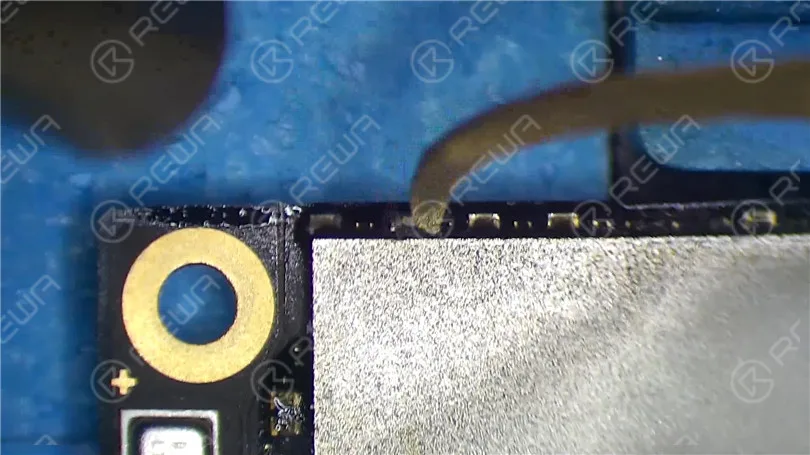
We can confirm now that the shorted condition is caused by damage of C2649. Still, we need to test the upper layer. Remove the upper layer and clean with PCB Cleaner. Connect the battery connector on the upper layer with the DC Power Supply. Get the upper layer booted up with tweezers. The boot current is normal this time. Please be noted that due to differences in board versions and systems, the boot current of some upper layers might be 50mA, which is normal.
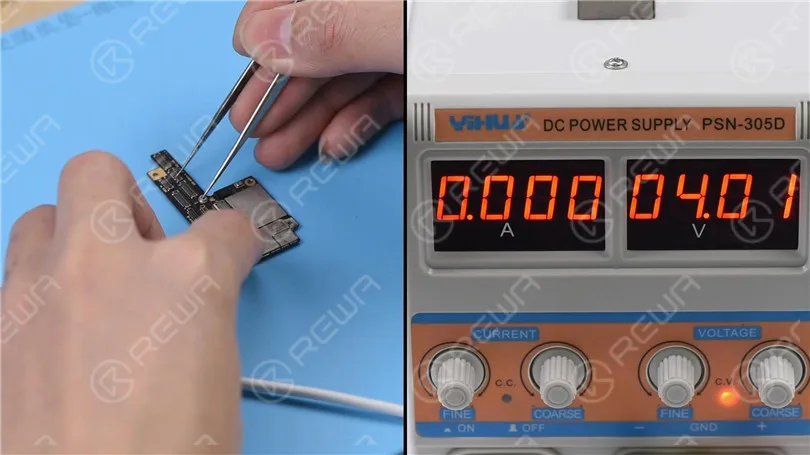
Next thing we need to do is to solder the two layers together. Before soldering, we need to remove heat insulation adhesive on the lower layer. Then clean with PCB Cleaner. Continue to place the lower layer onto the heating platform. Power on the heating platform. With temperature of the platform reaching 60℃, apply some Paste Flux to the third space PCB.
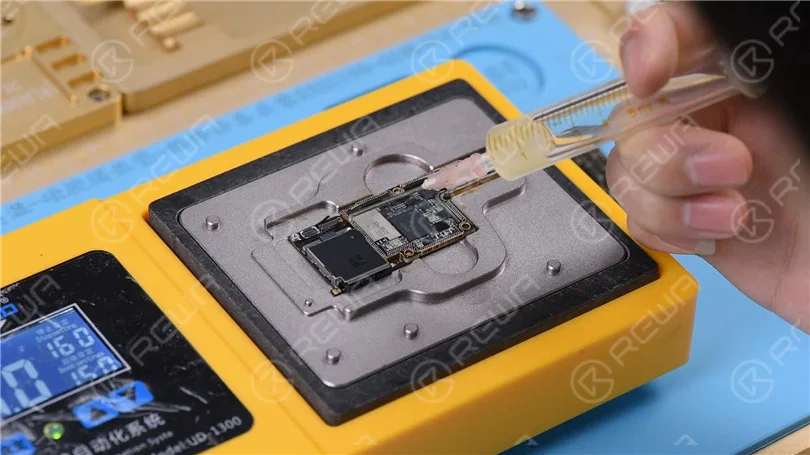
Then get the upper layer in position. With temperature of the platform reaching 150℃, push the upper layer with tweezers slightly. If the upper layer returns to the previous position automatically, then the soldering process is completed.
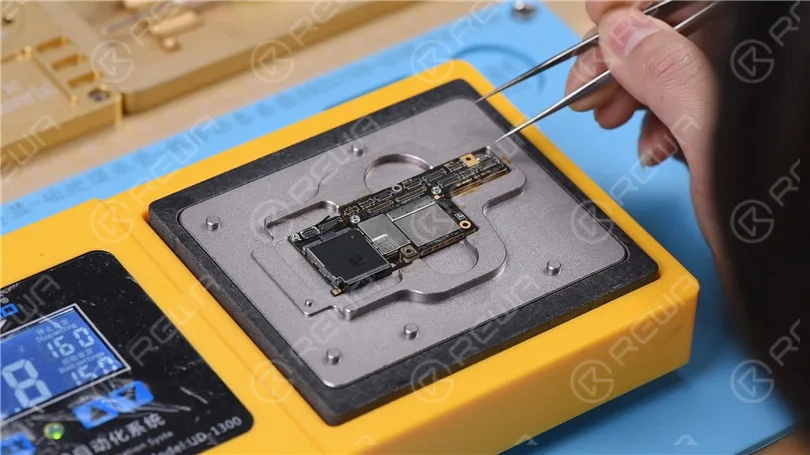
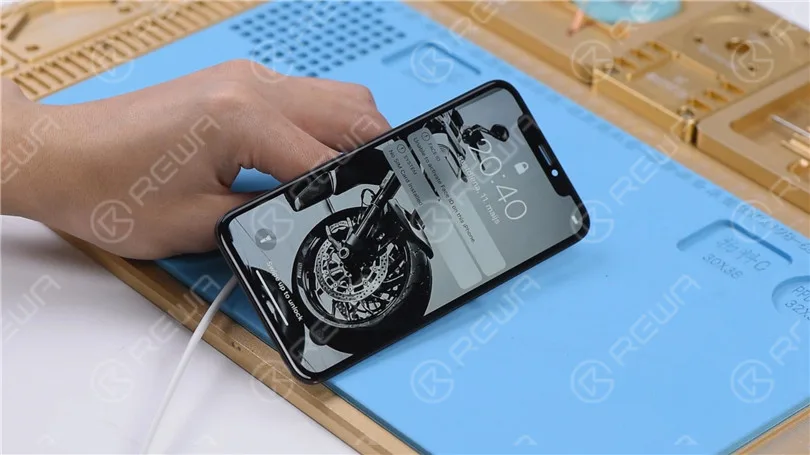
Power off the heating platform. Take the motherboard off the platform. Wait for the motherboard to cool for 2 minutes. Get the display assembly installed. Connect the battery connector with the DC Power Supply. Get the motherboard booted up with tweezers. The boot current is normal. The phone comes with normal display. And can get access to the system. Fault cleared.
If you want to learn more iPhone repair knowledge, please visit REWA Academy.
-
Hey Siri, Are You OK? Let’s Fix Siri
Because of its unique convenience and security, Hey Siri has been a frequently used function for iPhone users. Without touching the screen, users can free their hands by manipulating Siri to text someone, make phone calls, check routes, etc.. Today, we are sharing with you one Hey Siri unresponsive repair case. Check the video to see how to fix iPhone Hey Siri not working issue.
-
Fix iPhone X Touch Screen Not Working – Troubleshooting Tutorial
Generally speaking, there are two different causes for iPhone X touch screen not working. Malfunction of rails or components on the motherboard. Or iPhone X touch problem caused by malfunction of the screen, which can be easily fixed by replacing with a new display assembly. Since display assembly replacement can be really expensive, we can turn to a more cost-effective way by running further inspection of the display assembly. And that’s what our video is about today. We are teaching you how to fix iphone x unresponsive touch screen by starting with simple, then complex.
 English
 Español
 Français
 Deutsch
 Italiano