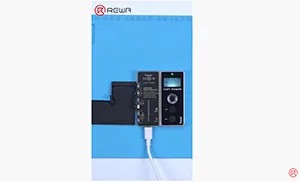
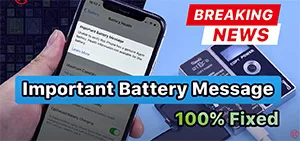
The annoying “Important Battery Message” of iPhone now can be removed in an effective way.
Tag: iphone
-
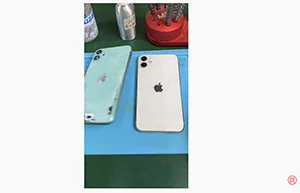
iPhone 11 Back Glass Replacement
The back glass of iPhone can easily get cracked. Back glass replacemnet is one of the most common business for repair shops. Check out this video to see how the iPhone 11 back glass can be replaced.
-
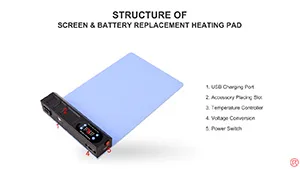
Time Saving Repair Kits – Pre-heating Pad/Mat for iPhone iPad Screen/Battery Replacement
LCD display assembly/battery replacement has always been a hot topic in the repair market. And that’s why we bring you this Screen&Battery Replacement Heating Pad Repair Kits. Instead of traditional Hot Air Gun, the Repair Kits can improve the speed of screen separating/battery removing. What’s more, the Repair Kits can be widely-used for phone/iPad screen separating, phone/iPad battery removing, bezel/back case separating, etc.. With this Repair Kits, the efficiency of repair shops can be improved and business expanded.
-
iPhone 6-8 Plus Aftermarket Screens-REWA Recommended
There are varies of aftermarket iPhone screens in the market. They are made of different raw materials with different techniques. And also different prices. Some technicians may be confused and even fraud by such a mess quality grades definition. So as to choose the original screen only. But are the original screens really your best choice? Check this video for the answer.
-
Troubleshooting iPhone XR Signal Issues Due to Motherboard Electricity Leakage
In this article, we will address with the iPhone XR signal issues or “Searching for Signal” problem. We will explore how motherboard electricity leakage can cause this issue and provide a step-by-step guide on how to diagnose and fix it.
Preliminary Inspection
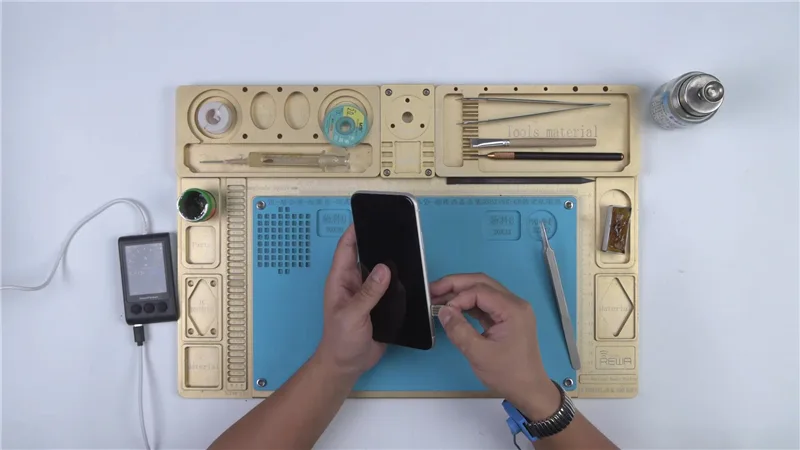
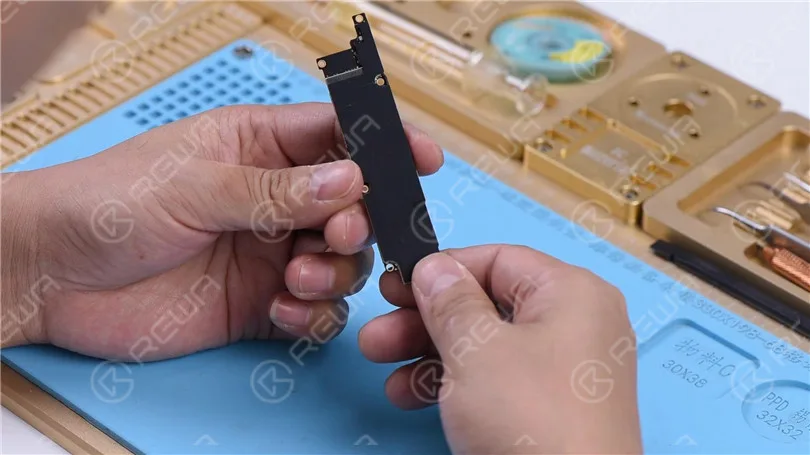
Before diving into the troubleshooting process, conduct a cosmetic inspection of the motherboard. Ensure it is not deformed or water damaged.
Assembling and Testing
Assemble the Phone: Begin by installing the motherboard and connecting the display assembly. Connect the battery connector with the DC Power Supply.
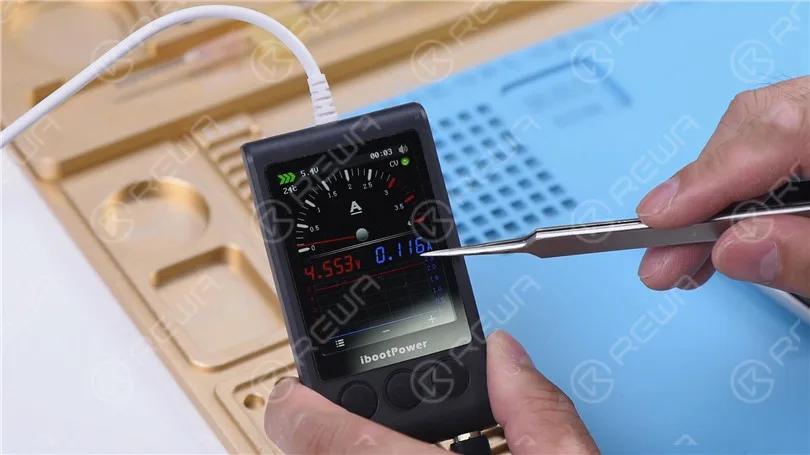
Current Reading: Check the current reading on the ammeter. If it’s abnormally high, it may indicate motherboard electricity leakage.
Diagnosing the Issue
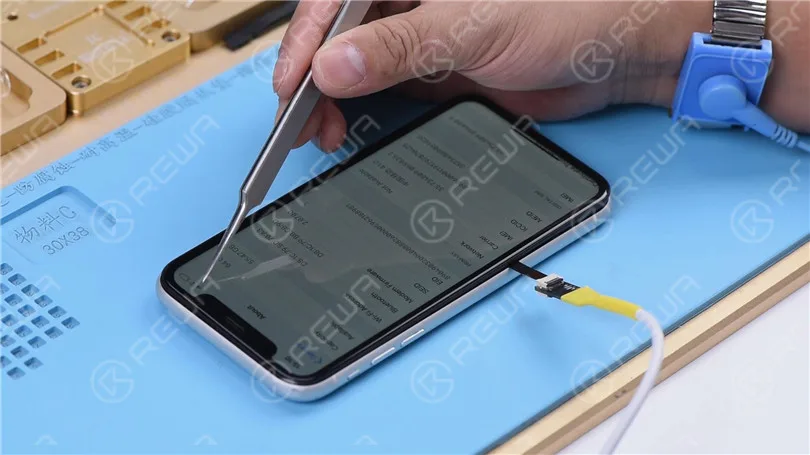
Insert the SIM Card: After confirming the motherboard’s physical condition, insert the SIM card.
Power On: Press the power button to turn on the phone. Check for normal functionality. Verify ICCID and IMEI numbers in Settings > General > About.
Signal Search: The phone’s continuous signal searching indicates that the baseband circuit is functioning properly. It is likely that the issue lies with the signal power amplifier circuit.
Deeper Inspection
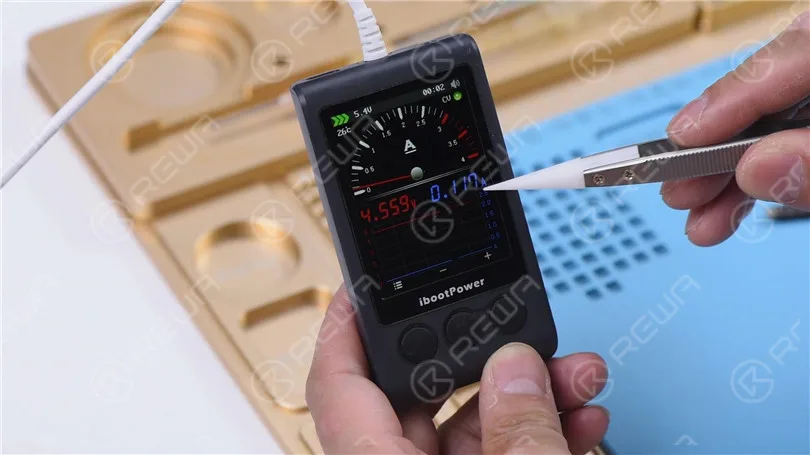
Disconnect the Power Supply: Turn off the power supply, remove the motherboard, and reconnect the battery connector to the DC Power Supply. Ammeter shows a current reading of 116mA. If the current reading remains high, it indicates motherboard electricity leakage.
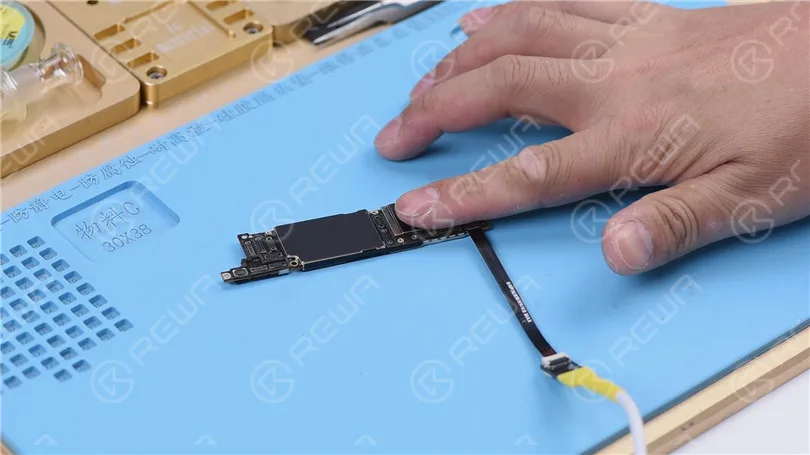
Locate the Hot Spot: Touch the motherboard, and you may find that the signal power amplifier area is hot.
Removing Shielding Cover: Remove the shielding cover to facilitate closer examination of the area. Remove the dust-proof sponge from the board. Securely fasten the motherboard to the PCB Holder. It is important to consider applying low-temp solder paste along the side of the motherboard to decrease the melting point in this location.
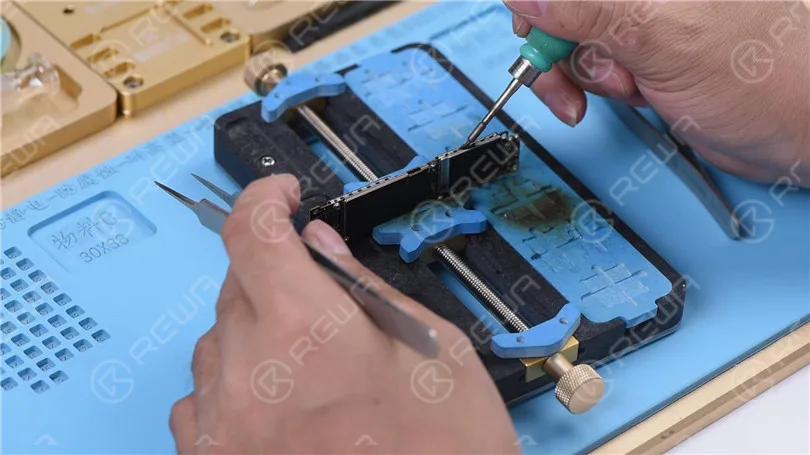
Replacing Faulty Component
Apply high-temperature tape on connectors surrounding. Heat the four edges of the shielding cover using a Hot Air Gun set at 400℃ with an air flow of 3. Proceed to lift the shielding cover using tweezers. The burnt-out power amplifier IC U_QET_E will be visible. Utilize PCB Cleaner to clean U_QET_E.
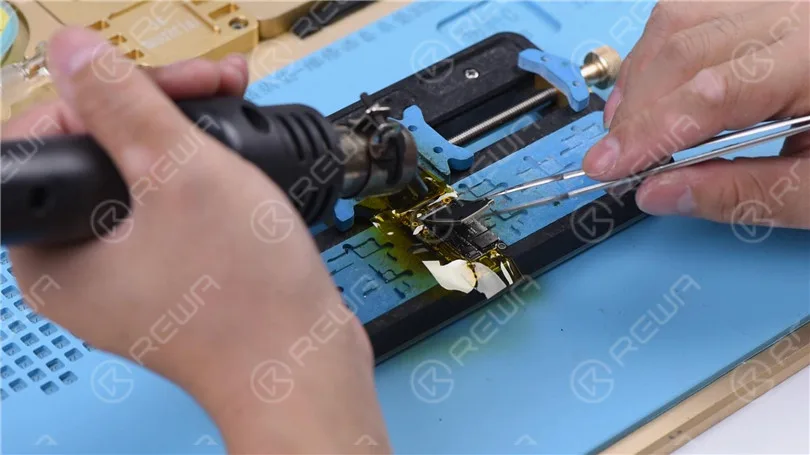
Remove the IC: Heat with a Hot Air Gun at 360℃, air flow 3. Take down U_QET_E from the board carefully. We can see that U_QET_E and its bonding pad have been burnt. Apply some medium-temp solder paste to the bonding pad. Clean the bonding pad with Soldering Iron at 365℃.
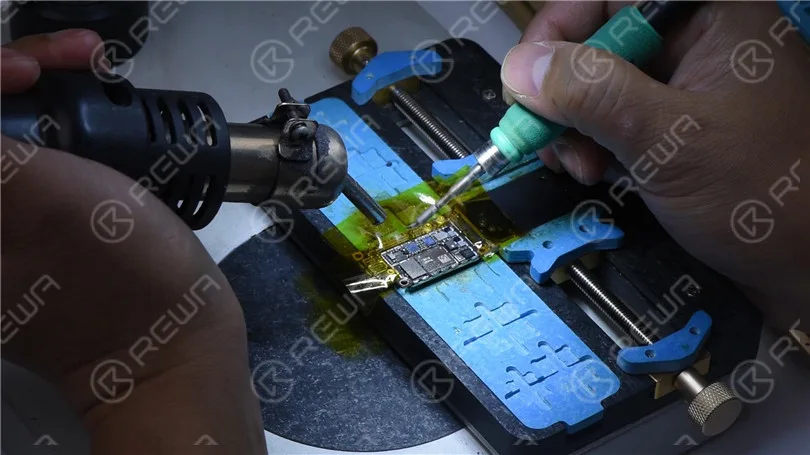
Repairing Bonding Pads: Apply medium-temp solder paste to the bonding pad, clean it thoroughly with a rosin-soaked solder wick, and apply a UV-curable solder mask.
Jumping Wires: Clean the burnt Pin C2 and Pin D2 on the bonding pad. The relevant circuits of these two pins have also suffered damage. Pin C2 and Pin D2 serve as power supply pins for PP_VDD_MAIN. Since the circuits connected to these pins are burnt, it is necessary to establish a connection between them using C1208 and jumping wires. Apply UV curable solder mask to Pin C2 and Pin D2. Use a UV lamp to solidify it for 2 minutes. Then flatten the surface using a sculpture knife. Apply paste flux to C1208. Use 0.02mm Enameled Copper Wire to solder one end to C1208 at 365℃ using a Soldering Iron. Loop the other end of the wire around Pin C2 and Pin D2. Finally, apply UV curable solder mask to the soldered wire and solidify it under the UV lamp.
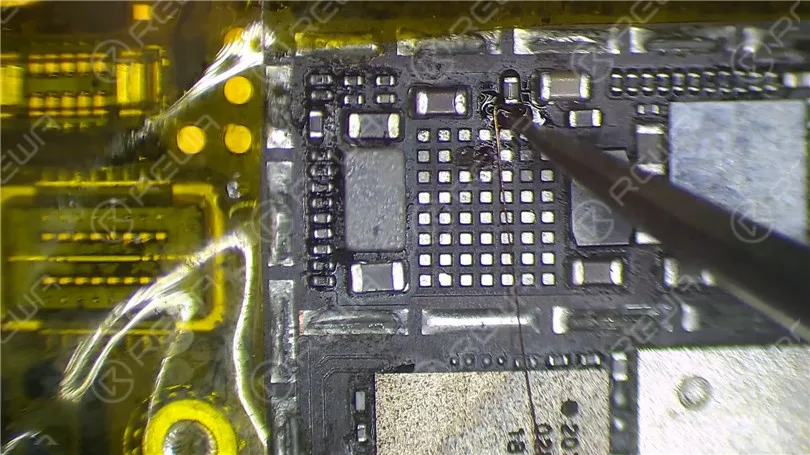
Soldering a New IC: Solder a new power amplifier IC in place. Ensure it’s positioned correctly and solder it with a hot air gun at 360℃ and airflow of 3.
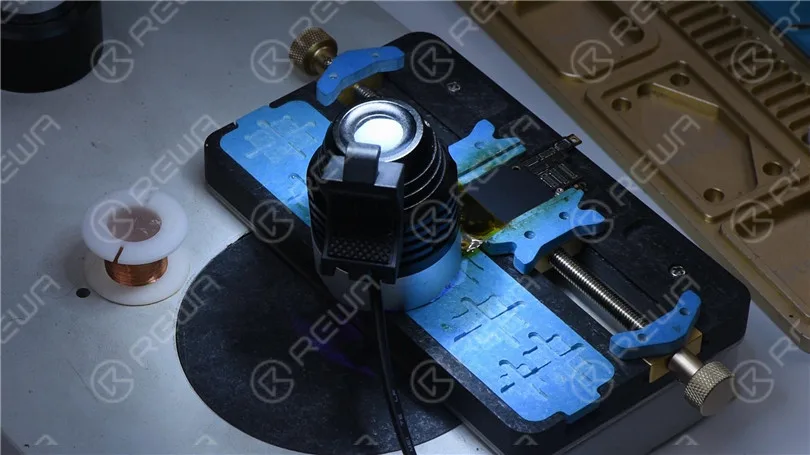
Final Testing
1. Cool Down: Use the a Hot Air Gun to solder at 360℃ with an air flow of 3. Allow the motherboard to cool for 5 minutes before cleaning it with PCB Cleaner. Next, reconnect the battery connector to the DC Power Supply. The current reading on the ammeter should now be normal.
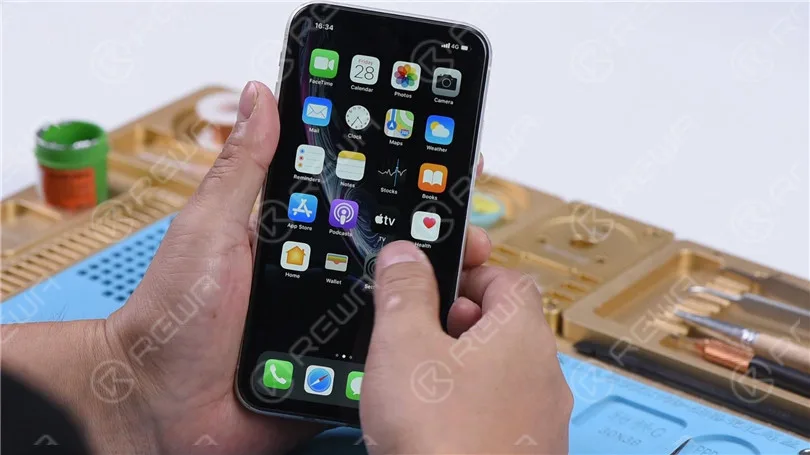
2. Assemble and Test: Reassemble the phone, insert the SIM card, and power it on. The phone powers on without any issues. If the signal bars are back to normal, the fault has been cleared.
Conclusion
This article addressed the “iPhone XR Keeps Searching For Signal” issue caused by motherboard electricity leakage. By diagnosing, identifying, and repairing the faulty component, we successfully resolved the problem. If you encounter this issue, follow the steps outlined in this guide for an effective solution.
-
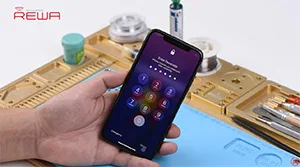
Fix iPhone X Face ID Not Available
Face ID lets you securely unlock your iPhone, authenticate purchases and sign in to apps all with just a glance. However, due to the vulnerability of the Face ID parts, it can be easily damaged when iPhone X is dropped or during screen replacement, which will result in Face ID failure. Don’t worry. In this video, REWA guides you to fix “Face ID Is Not Available” step by step. Let’s check.
This is also a reminder. Please be careful in your daily use of the phone!
-
2019 August/September REWA Motherboard Repairing and Micro soldering Training Course
REWA iPhone logic board repair training program has scheduled training course in Shenzhen, Czech Republic and France so far, and will further offer courses around the world. In August and September, REWA will offer iPhone motherboard repairing and micro soldering training course in Shenzhen again. This video would help those who still get concerns about attending courses in Shenzhen.
-
Tips For iPhone 7 Qualcomm No Service Common Issue Troubleshooting
Faced with iPhone 7 No Service Issue, repair technicians will troubleshoot from baseband PMU pseudo soldered to baseband CPU shorted. For pseudo soldering problem, we can fix it by re-soldering the baseband PMU. As for the shorted problem, since the baseband CPU cannot be replaced alone, there is no need to proceed with the repair. Here REWA provides a quick solution. So that you won’t waste your time troubleshooting step by step. And ends up with nonrepairable.
-
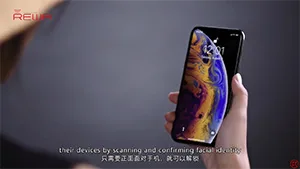
Why Face ID Can Be So Easily Damaged And Hardly Repaired?
Face ID is a new feature introduced to iPhone X/XS/XR/XS Max. While it is a most powerful component allow biometric authentication for unlocking a device, there are quite a lot of instances when Face ID will not work.
-
Three Steps To Fix iPhone 8 Plus WiFi Not Working /Won’t Turn On Problem
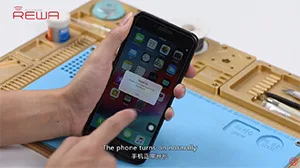
When WiFi is grayed out on an iPhone, it’s most likely due to the damage of WiFi module. Unfortunately, you can’t just swap the WiFi IC. The WIFI address is linked and stored in the NAND chip. So in order to replace the WiFi chip, we must use a PCIE NAND chip programmer to unbind the WiFi address. Follow our video for the detailed steps.
-

iPhone Logic Board Repair Training In October 2019 – Munich Germany
REWA has launched a more far-reaching cooperation program – overseas training courses in 2019. The program is designed to cooperate with global repair enterprises and enthusiasts to carry out iPhone repair courses based on local situation and requirements of trainees.
So far, REWA training has conducted seven overseas training sessions in 2019, the last of which will be in October, and we will go to Germany…
 English
 Español
 Français
 Deutsch
 Italiano