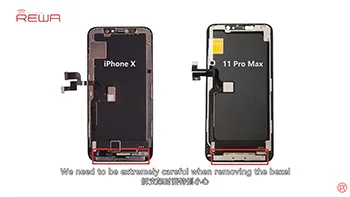
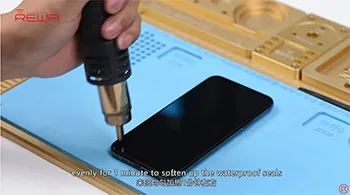
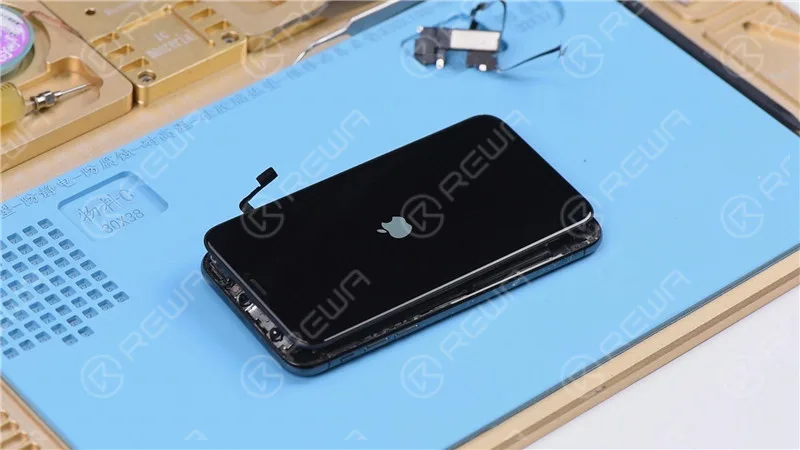
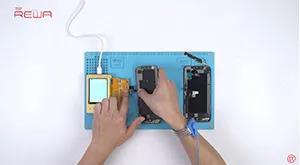
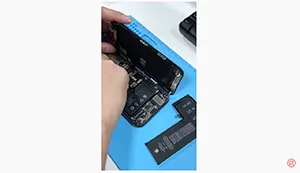
For iPhone X and later iPhone models, the bracket covering the bottom flex cable bonding area is adhered by cold adhesive. The traditional method with heating assistance when removing bezel might damage the screen. After several attempts, REWA LAB found that the new method with cold assistance can improve the success rate and efficiency of screen refurbishing. For details, please check our video today – iPhone 11 Pro Max screen refurbishing.
Tools & Parts used to refurbish iPhone 11 Pro Max
All refurbish machine please visit
Estación de retrabajo con pistola de aire caliente
Pinzas rectas
Destornillador Phillips
Destornillador Pentalobe
Destornillador Tri-wing
Plataforma integrada de reparación de teléfonos móviles
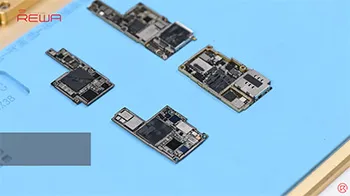
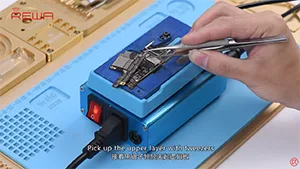
iPhone new series have undergone considerable changes on both inside and outside. Especially on the motherboard. How will these changes affect the repair industry? Will it make third-party repair harder or easier? Follow our iPhone 11 Pro motherboard separation&recombination video today and find the answer by yourself.
Tools & Parts used to separate iPhone 11 Pro
Estación de retrabajo con pistola de aire caliente
Pinzas rectas
Destornillador Phillips
Destornillador Pentalobe
Destornillador Tri-wing
Plataforma integrada de reparación de teléfonos móviles
The iPhone 11 series has impressed the repair industry again with its new iPhones. What does the new design mean to our repair work? In our video, we will show you each part inside the iPhone 11 pro and share repair tips from REWA perspective.
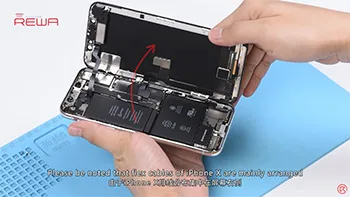
Screen/battery replacement is an essential business for repair shops. Professional replacing techniques can not only reduce the failure rate of screen/battery replacement and save time, but also highlight the professional image of the repair shop and gain favorable feedback from customers. Today we’re taking iPhone X as an example to show you tips and tricks for screen/battery replacement of iPhone X/XS/XS Max. Follow our steps and power your repair shop now.
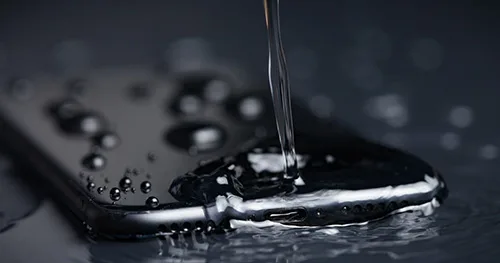
La serie iPhone 12 tiene cuatro modelos y cuenta con una clasificación de resistencia al agua de nivel IP68 según la norma IEC 60529 (hasta 6 metros de profundidad durante un máximo de 30 minutos).
Sin embargo, cabe señalar que la resistencia a las salpicaduras, al agua y al polvo no es permanente.
El rendimiento protector puede disminuir debido al desgaste normal, y los daños causados por la inmersión no están cubiertos por la garantía.
Si el iPhone cae accidentalmente al agua:
Limpia el iPhone con un paño suave. Para secar el iPhone, orienta el puerto de carga hacia abajo y dale unos golpecitos suaves con la mano para eliminar el exceso de líquido.
O coloque el iPhone en un lugar seco y ventilado.
También puedes poner el iPhone frente al ventilador, dejando que el aire frío sople directamente hacia el puerto de carga, lo que puede acelerar el proceso de secado.
Ten cuidado de no utilizar una fuente de calor externa para secar el iPhone ni introduzcas objetos extraños en el puerto de carga, como un bastoncillo de algodón o un pañuelo de papel.
Esperando a que el iPhone se seque por completo después de abrir la bandeja de la tarjeta SIM.
Si necesita cargar el iPhone, espere al menos 5 horas para asegurarse de que el iPhone esté seco y luego podrá cargarlo.
Si el sonido del altavoz está distorsionado después de caer al agua
Comprueba si hay agua en el micrófono o el altavoz.
Coloca el altavoz boca abajo, pon el iPhone sobre un paño elevado y comprueba si no hay ninguna gota de agua. El agua en el puerto puede reducir el rendimiento del altavoz o del micrófono.
La función no volverá a la normalidad hasta que la humedad se haya evaporado por completo.
Qué se debe tener en cuenta en el uso diario
No te lleves el iPhone cuando te bañes o vayas a nadar.
Por ejemplo, no uses el iPhone en la sauna;
No sumerjas deliberadamente tu iPhone en el agua;
No coloque su iPhone en agua a alta presión o de alto caudal, como en la ducha, practicando esquí, surf, etc.
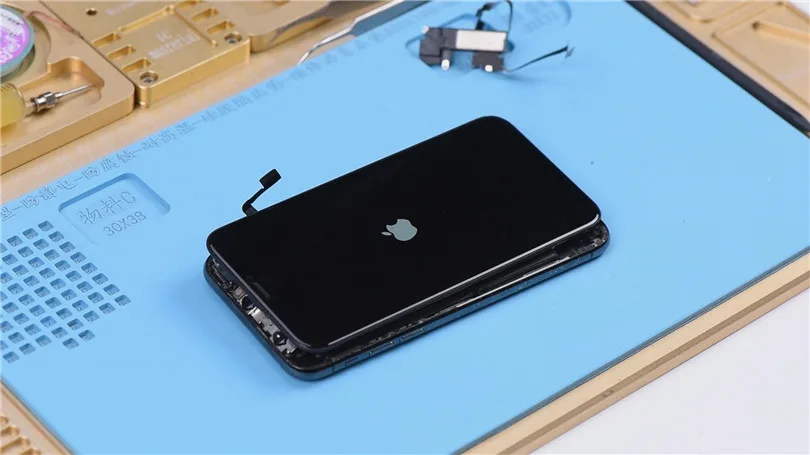
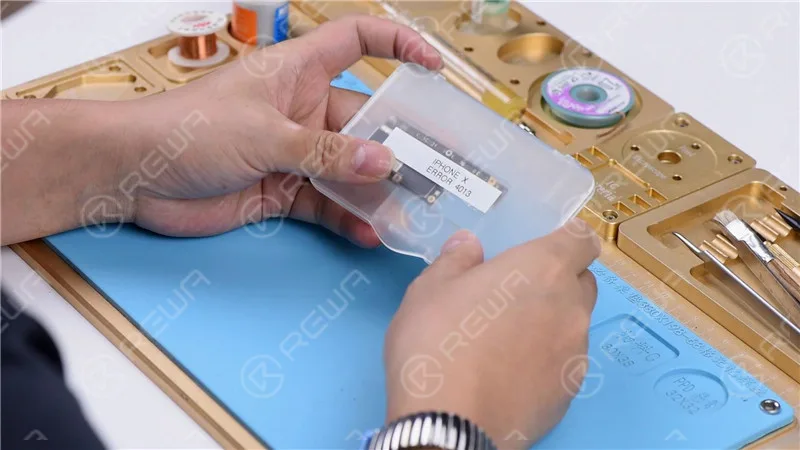
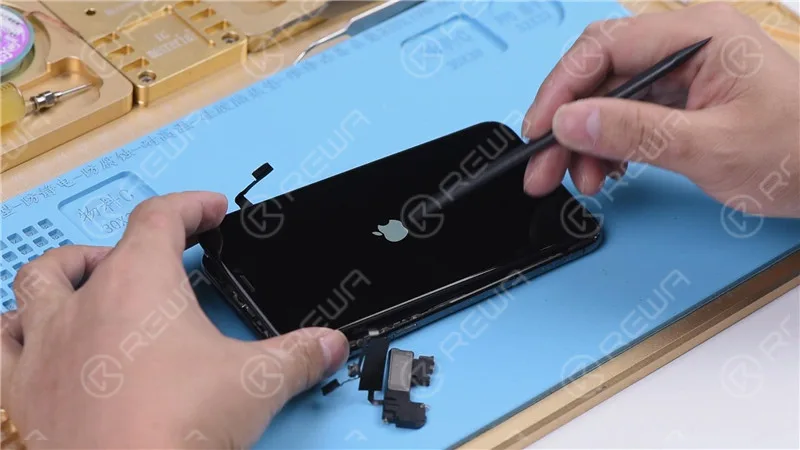
Puede ser extremadamente frustrante encontrar su iPhone atascado en el logotipo de Apple o iTunes Error 4013. En la mayoría de los casos, esto no es un problema grave y una actualización de software puede resolver el problema. Sin embargo, si la actualización de software no resuelve el problema, puede ser un problema de hardware que requiere un diagnóstico más profundo y la reparación.
Error 4013 del iPhone: Posibles causas
El Error 4013 del iPhone puede producirse debido a varios factores, que abarcan tanto componentes de software como de hardware, que contribuyen a la aparición de este desconcertante error.
Versión obsoleta de iTunes
Una de las principales causas del error 4013 del iPhone es una versión obsoleta de iTunes. Dado que iTunes es crucial tanto para restaurar como para actualizar el dispositivo, es imprescindible mantenerlo al día. Una actualización de software sencilla y gratuita puede resolver a menudo este problema, garantizando una comunicación fluida entre el iPhone y el ordenador.
Fallos de software
Los fallos aleatorios del firmware a veces pueden provocar el Error 4013 del iPhone. Realizar un reinicio forzado o hard reset puede ayudar a superar estos fallos de software. Manteniendo pulsados los botones apropiados, puedes iniciar un reinicio que puede rectificar el error y restaurar la funcionalidad normal.
Complicaciones de hardware
Aunque los problemas de software son culpables comunes, los problemas de hardware también pueden desencadenar el Error 4013 del iPhone. En algunos casos, el sudor u otras formas de líquido que entran en el auricular pueden causar un bucle de arranque y provocar este error. Además, los cables USB defectuosos, los puertos USB dañados o el software de seguridad de terceros pueden contribuir a este frustrante problema.
Esta entrada del blog abordará exclusivamente los problemas de hardware que pueden provocar este problema.
Nota: Tenga en cuenta que este tutorial utiliza un iPhone X para fines de demostración, aunque el método se puede aplicar a la mayoría de los modelos de iPhone.
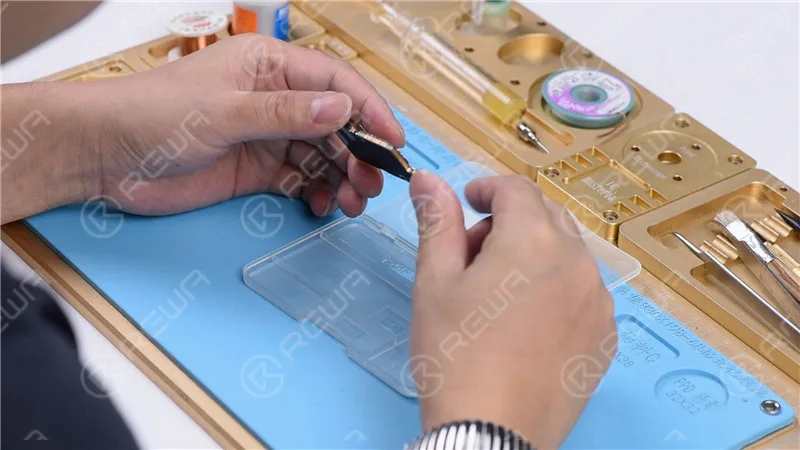
Inspección cosmética de la placa base
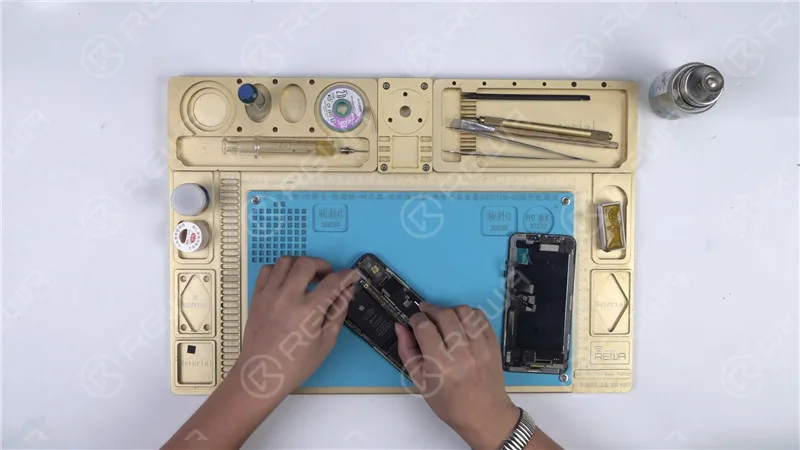
Antes de lanzarse a la resolución de problemas, es esencial asegurarse de que la placa base está en condiciones óptimas. Comprueba si hay deformaciones o daños por agua que puedan dificultar el proceso de reparación.
Identificar el problema
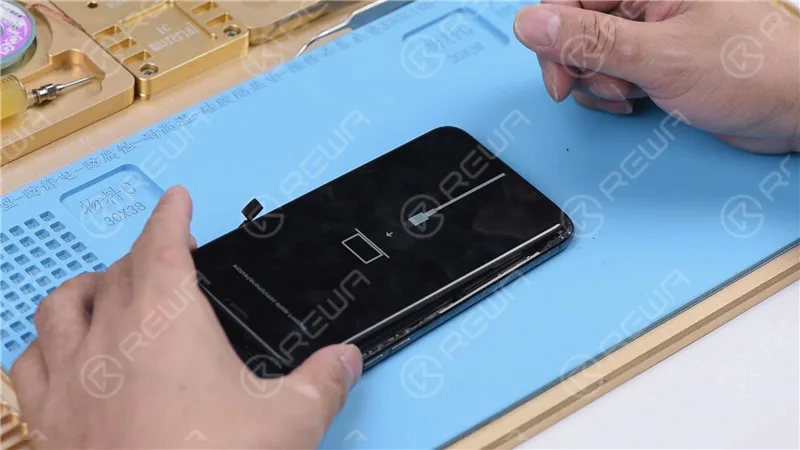
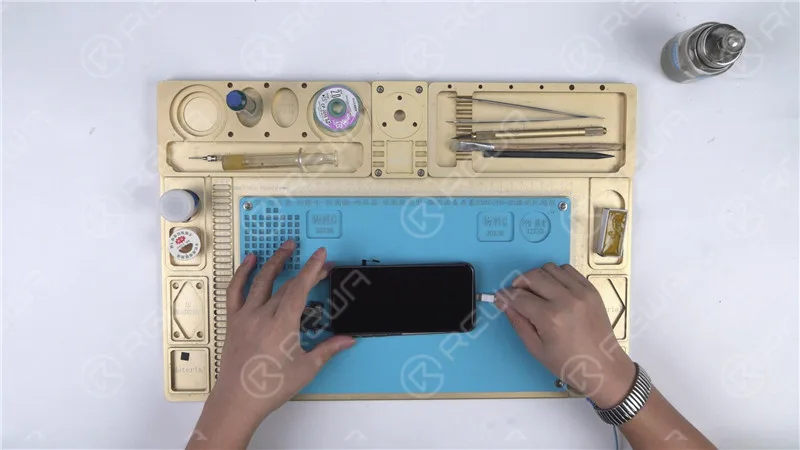
Vamos a proceder con la instalación de la placa base y probarlo pulsando el botón de encendido. Sin embargo, el teléfono entra automáticamente en modo de recuperación, lo que indica un posible fallo de restauración con la placa base. Como resultado, el teléfono es incapaz de arrancar en el sistema normalmente.
Restaurar el teléfono
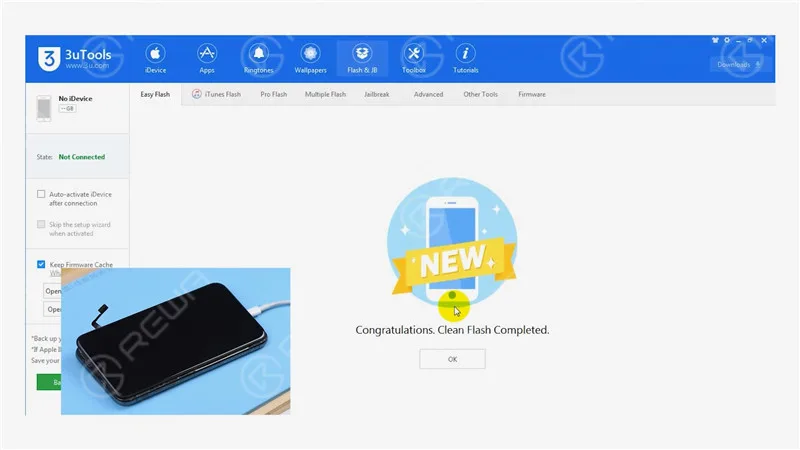
Para empezar, conecta tu iPhone X a un ordenador e inicia el proceso de restauración con 3U Tools. Una restauración satisfactoria indica que la placa base funciona correctamente y que tu teléfono puede activarse con normalidad.
Diagnóstico de otros problemas
Restauración con éxito
Si el teléfono puede restaurarse con éxito y activarse, es un indicio de que la placa base funciona correctamente. Es probable que el problema se encuentre en otra parte.
Comprobación de la información de banda base
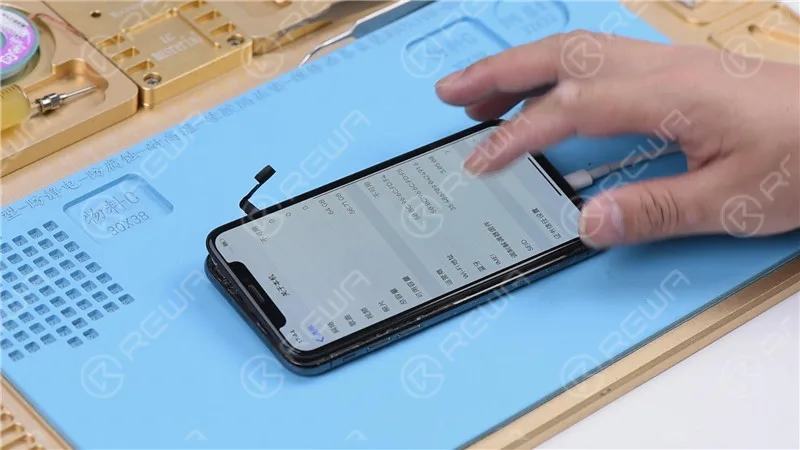
Vaya a Configuración>General>Acerca de para verificar la información de banda base, reforzando la salud de la placa base.
Localizar el problema
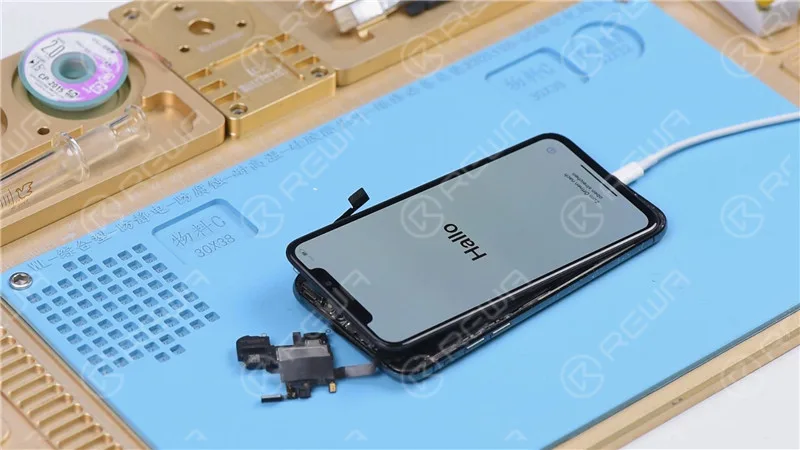
Añadir cables flexibles: Para reducir el problema, vuelve a conectar el altavoz del auricular y el cable flexible del sensor junto con el cable flexible de la cámara frontal, e intenta encender el teléfono.
Atascado en el logotipo de Apple: Si el teléfono se queda atascado en el logotipo de Apple y se reinicia, sugiere un problema con el altavoz del auricular y el cable flexible del sensor o el cable flexible de la cámara frontal.
Aislar el problema
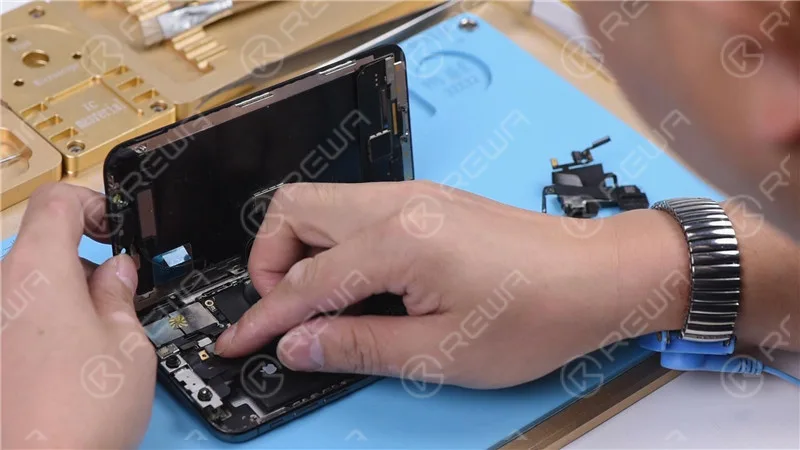
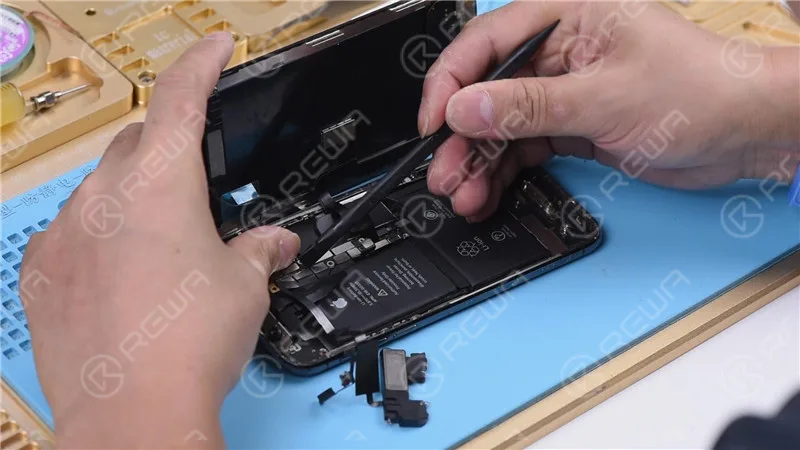
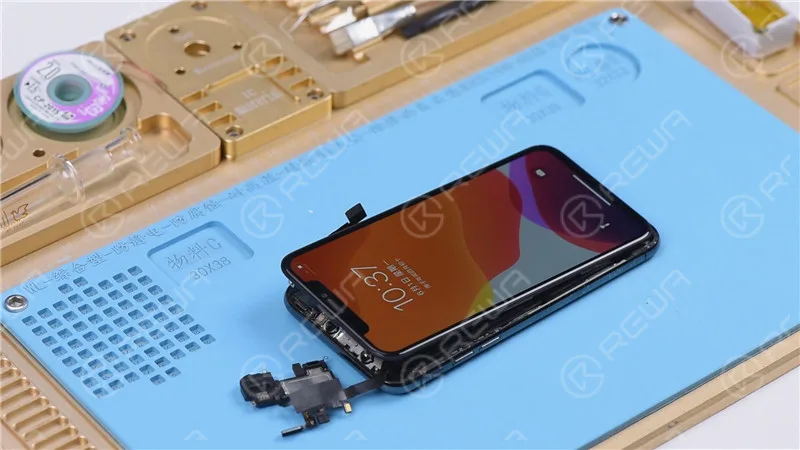
Desconexión del altavoz del auricular y del cable flexible del sensor: Retire el altavoz del auricular y el cable flexible del sensor y, a continuación, intente encender el teléfono. Si se enciende normalmente, el problema está relacionado con estos componentes.
Fijación del módulo iluminador de inundación
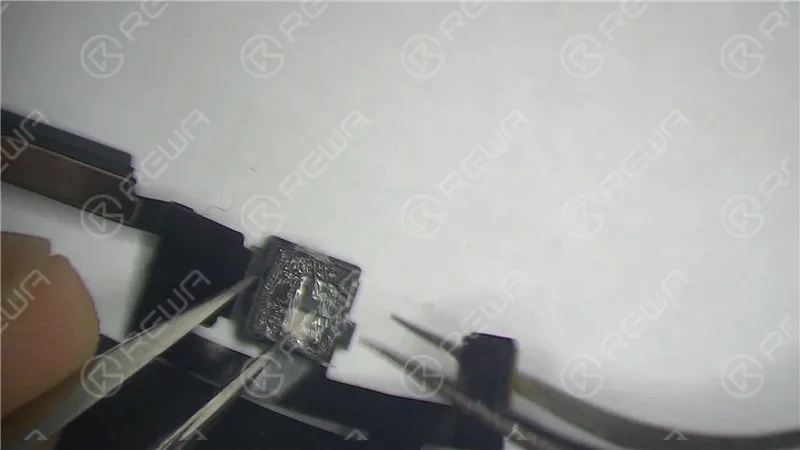
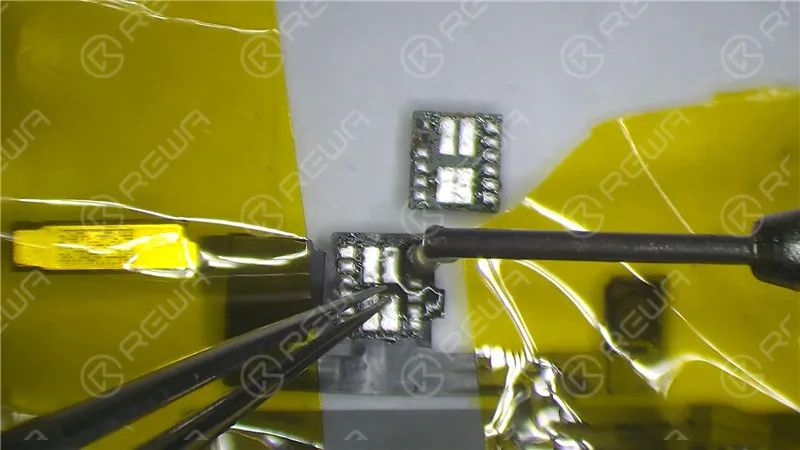
Examen microscópico: Inspeccione el módulo del iluminador de inundación e identifique cualquier moho o corrosión.
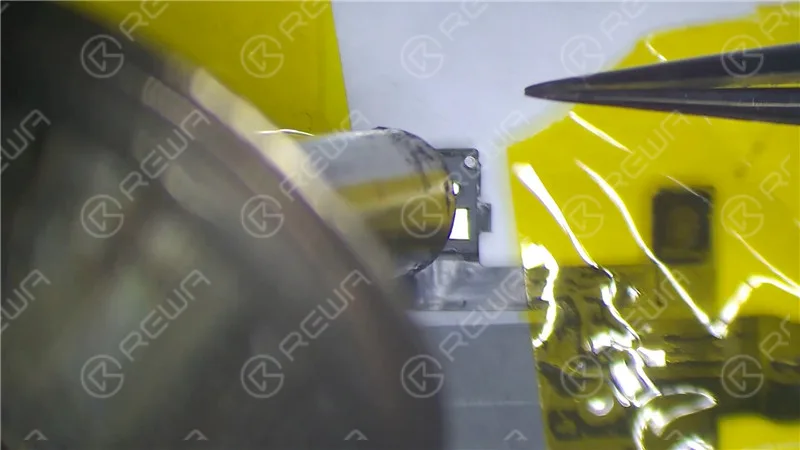
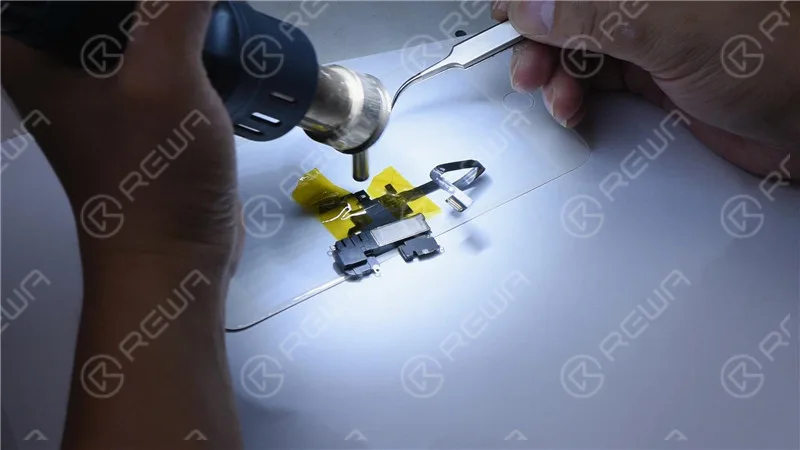
Reparación con cinta de alta temperatura: Fije el altavoz del auricular y el cable flexible del sensor con cinta adhesiva de alta temperatura. Caliente la zona afectada con una pistola de aire caliente a 320℃ con un caudal de aire de 35. Retire el módulo iluminador Flood dañado.
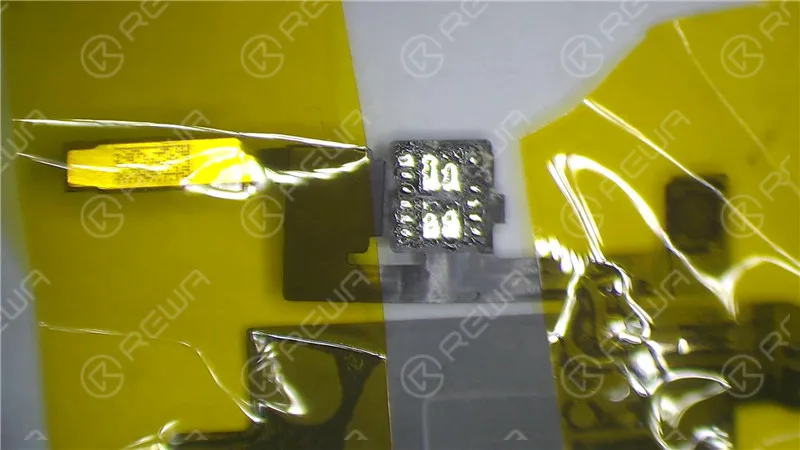
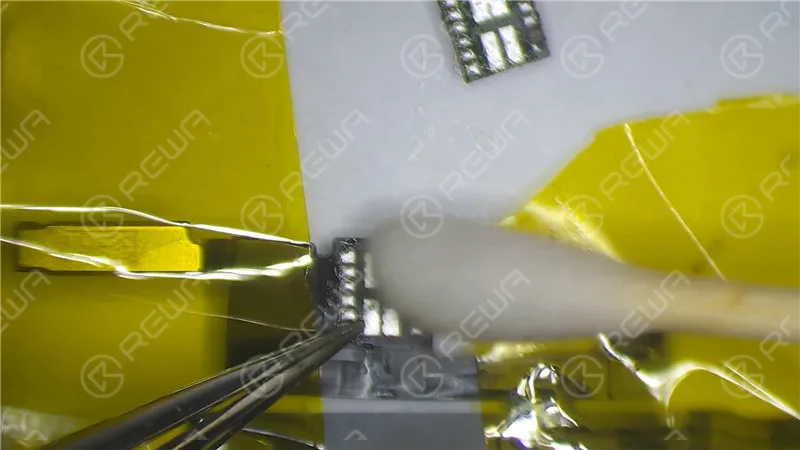
Almohadilla de unión corroída: Si la almohadilla de unión del módulo iluminador de inundación está muy corroída, aplique fundente en pasta, limpie con un soldador a 360℃ y vuelva a aplicar pasta de soldar a temperatura media. A continuación, limpie con PCB Cleaner.
Montaje: Vuelva a montar el módulo iluminador Flood, aplicando fundente en pasta y soldándolo en su lugar con una pistola de aire caliente a 320℃.
Espere 2 minutos: Deje que los componentes reparados se asienten durante dos minutos.
Pruebas y restauración
Reconexión: Vuelva a instalar el altavoz del auricular y el cable flexible del sensor, conecte la batería y encienda el teléfono.
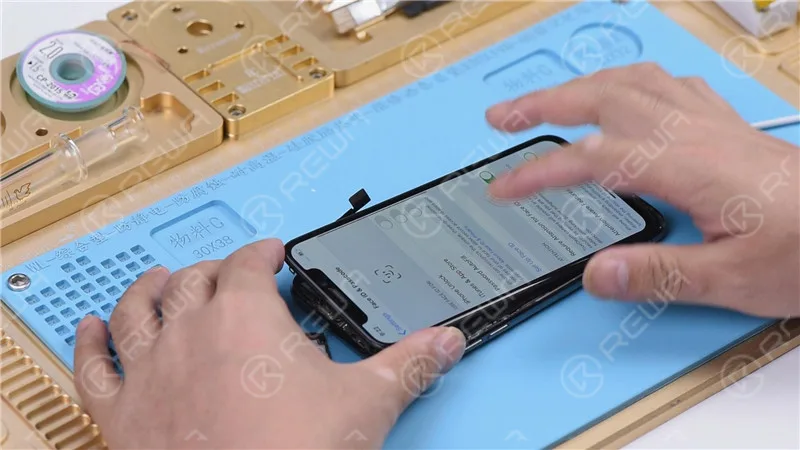
Restauración con componentes conectados: Dado que los cables flexibles no estaban conectados durante la restauración anterior, restaura el iPhone X con ambos cables conectados para garantizar la funcionalidad de Face ID.
Verificación final
Entrando en modo DFU: Coloca el teléfono en modo DFU y conéctalo al ordenador.
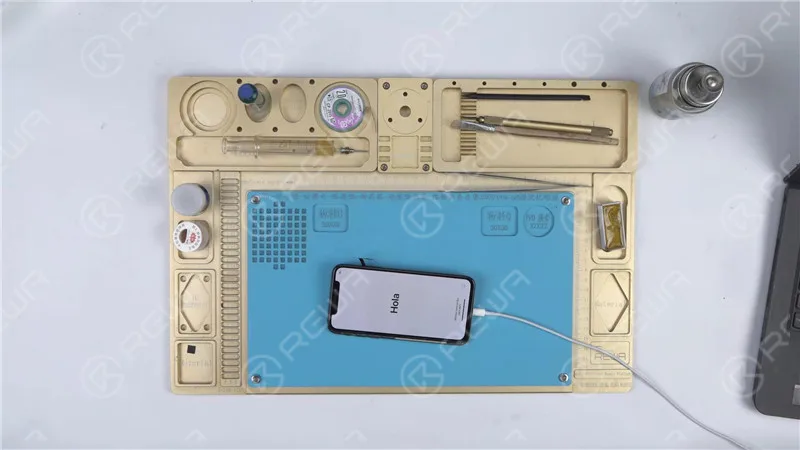
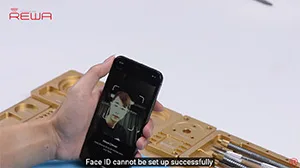
Restauración: Utilice 3U Tools o un software similar para restaurar el teléfono. Si se completa con éxito, y el teléfono se inicia en el sistema y permite la configuración de Face ID, el problema se ha resuelto.
Video Guia para Arreglar iphone atascado en el logo de apple
Conclusión:
En esta guía completa, hemos recorrido el proceso de solución de problemas y reparación de un iPhone X atascado en el logotipo de Apple con iTunes Error 4013. Al evaluar metódicamente cada componente, desde la placa base hasta el altavoz del auricular y el cable flexible del sensor, hemos identificado y solucionado con éxito el problema, permitiendo que el teléfono funcione normalmente una vez más. Para un conocimiento más profundo de la reparación, considere visitar Academia REWA.
What will you do when meeting Face ID issues on iPhone X/XS/XS Max or even on iPhone 11 series? As we know some Face ID issues can be repaired but some cannot. Is there any easier way to find out before we repair? Yes, there is. REWA repair tricks on Face ID troubleshooting-Face ID fault-finding in 3 minutes. Check out our ‘move iPhone a little lower/higher when setting up Face ID’ video and you will learn a lot.
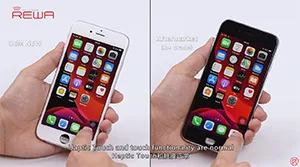
iOS 13 update has again brought the True Tone missing problem to some iPhone users. Well,
REWA LAB has worked out a new solution to fix the problem. We will take iPhone XS as an example and show you how to restore True Tone of aftermarket screens step by step.
Tips: True Tone supports iPhone devices from iPhone 8 to later models.
Presentamos el kit de 3 herramientas imprescindibles para la reparación de placas base apiladas dobles de iPhone. Además, hay una Recomendación de Novedad: Plataforma de Calentamiento REWA Selected 3 en 1 para iPhone X/XS/XS Max en lugar de la que utilizamos en el vídeo. Con la ayuda de estas herramientas, no solo podrá mejorar la eficiencia y la tasa de éxito de las reparaciones, sino también potenciar su negocio de reparación.
iOS 13 has been officially released for a month. In order to provide our clients with featuring stable quality, REWA LAB has conducted a series of compatibility tests for iPhone series from iPhone 6s to iPhone X with OEM NEW, A+Grade Aftermarket Screens and Aftermarket Batteries respectively. Now, Let’s take iPhone 6s, iPhone 8P, and iPhone X as examples and show you how the test goes.
Consejos: iOS 13 sólo es compatible con el iPhone 6s y modelos posteriores.
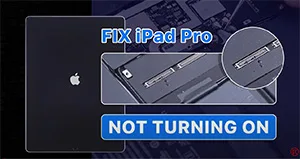
We have received an iPad Pro from our fan. The original fault of the iPad Pro was the top left corner speaker with noise. After speaker replacement, the connectors of the motherboard and display are burnt out while connecting the display. Now the iPad Pro won’t turn on. So the fan mailed the iPad Pro to REWA for repair. Let’s check out how we fix the iPad Pro.
 English
 Español
 Français
 Deutsch
 Italiano