La riduzione della capacità della batteria dell'iPhone 12 influisce direttamente sull'autonomia del telefono, motivo per cui la capacità della batteria è una delle principali preoccupazioni nell'uso quotidiano, desiderando sapere quanta carica è attualmente rimasta. Per impostazione predefinita, l'iPhone mostra la carica in modo grafico. Quindi, come mostrare la percentuale della batteria su iPhone 12? REWA vi mostrerà come fare.
Imposta la percentuale della batteria
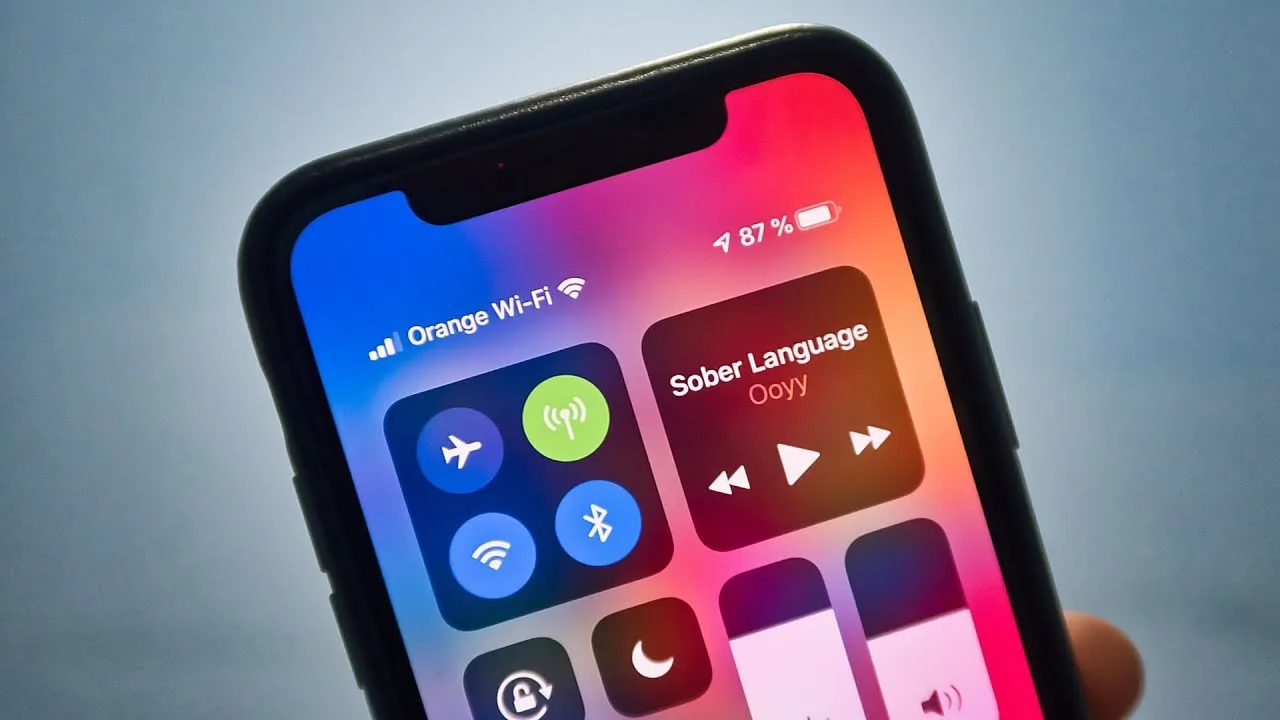
Innanzitutto, accendi il telefono. Vai su Impostazioni > Batteria, e puoi vedere l'interruttore del pulsante della percentuale della batteria in basso nelle impostazioni. La funzione è disattivata per impostazione predefinita. Tocca il pulsante e la funzione è attiva. Puoi vedere la percentuale della batteria attivando l'interruttore, il che è molto semplice.
2. Visualizzare la percentuale della batteria in modo rapido
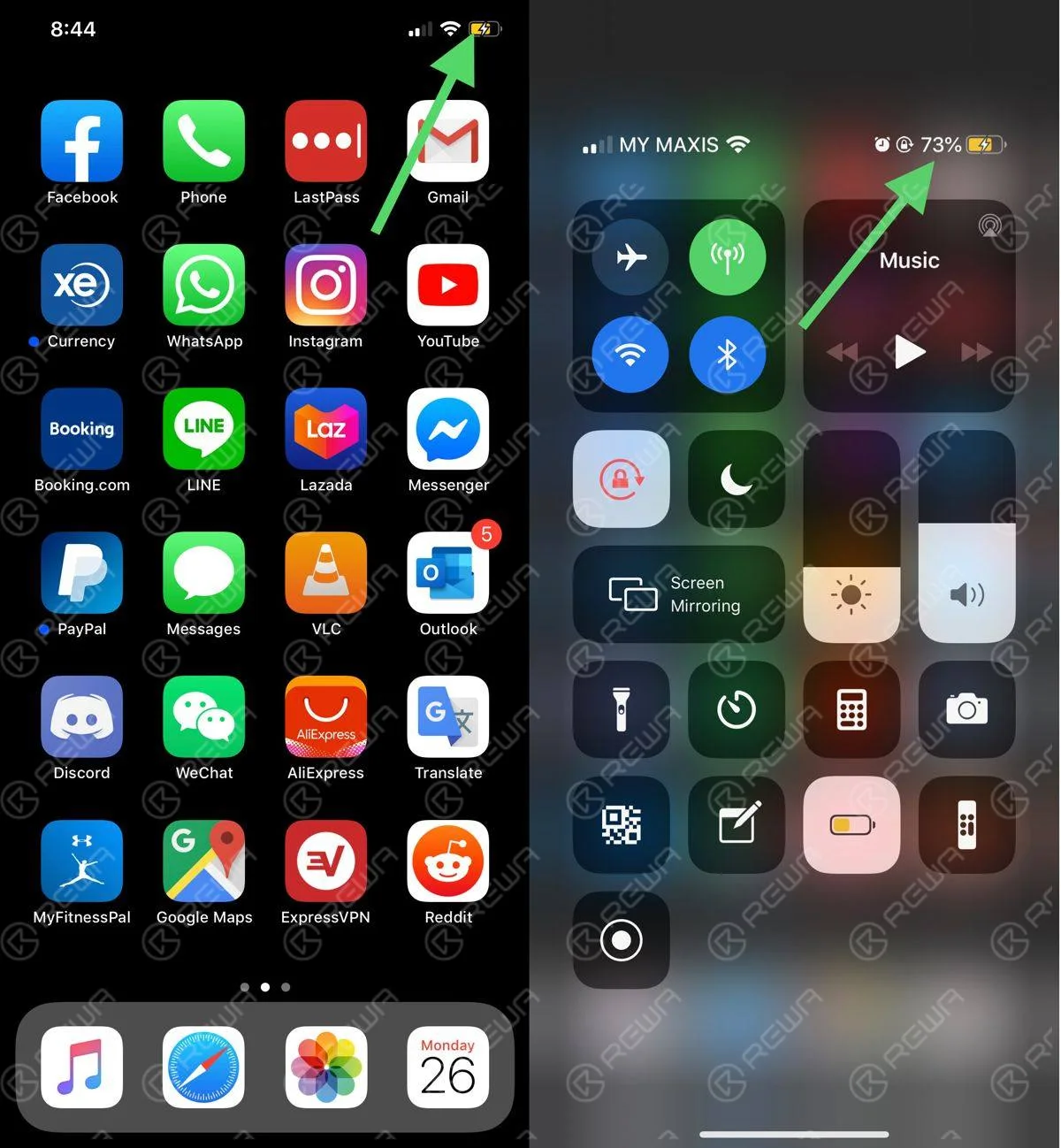
Accendi iPhone 12. La batteria non viene visualizzata nell'angolo in alto a destra. Dobbiamo scorrere lo schermo verso il basso. Scorri verso il basso e vedrai la percentuale della batteria nell'angolo in basso a destra, il che non richiede le impostazioni.
3. Collegare al caricabatterie per visualizzare la percentuale della batteria
Quando il telefono è collegato al caricabatterie, è anche possibile vedere la percentuale della batteria. Naturalmente, è necessario scorrere lo schermo verso il basso. Il metodo è semplice e comodo come il secondo. Il simbolo della ricarica diventerà verde durante la ricarica.
Questo è tutto su come mostrare la percentuale della batteria su iPhone 12. Spero che il contenuto di cui sopra sia utile.
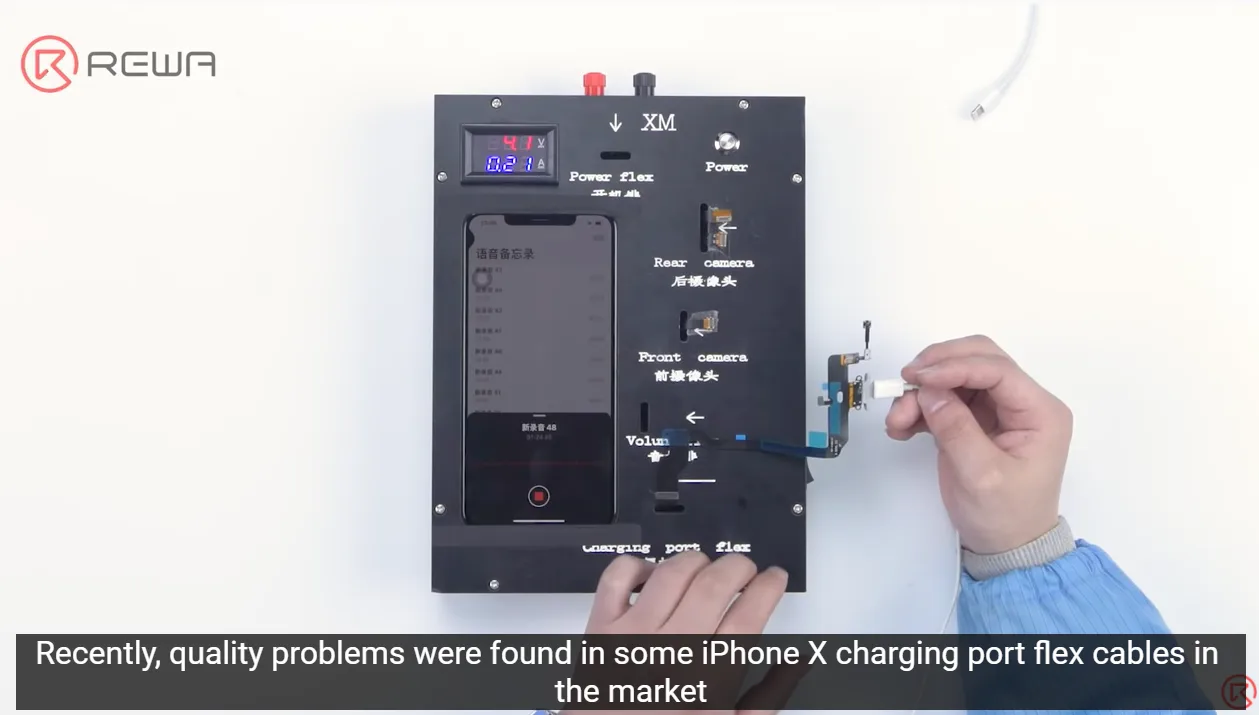
Customers are concerned about the quality of parts as always since the quality of parts on the market is mixed all the time. Recently, quality problems were found in some iPhone X charging port flex cables on the market. The phones that installed the flex cables kept restarting or turning off while recording. To ensure the quality of parts received by customers, REWA spares no effort to strictly carry out a complete quality control inspection system. Let’s take a look!
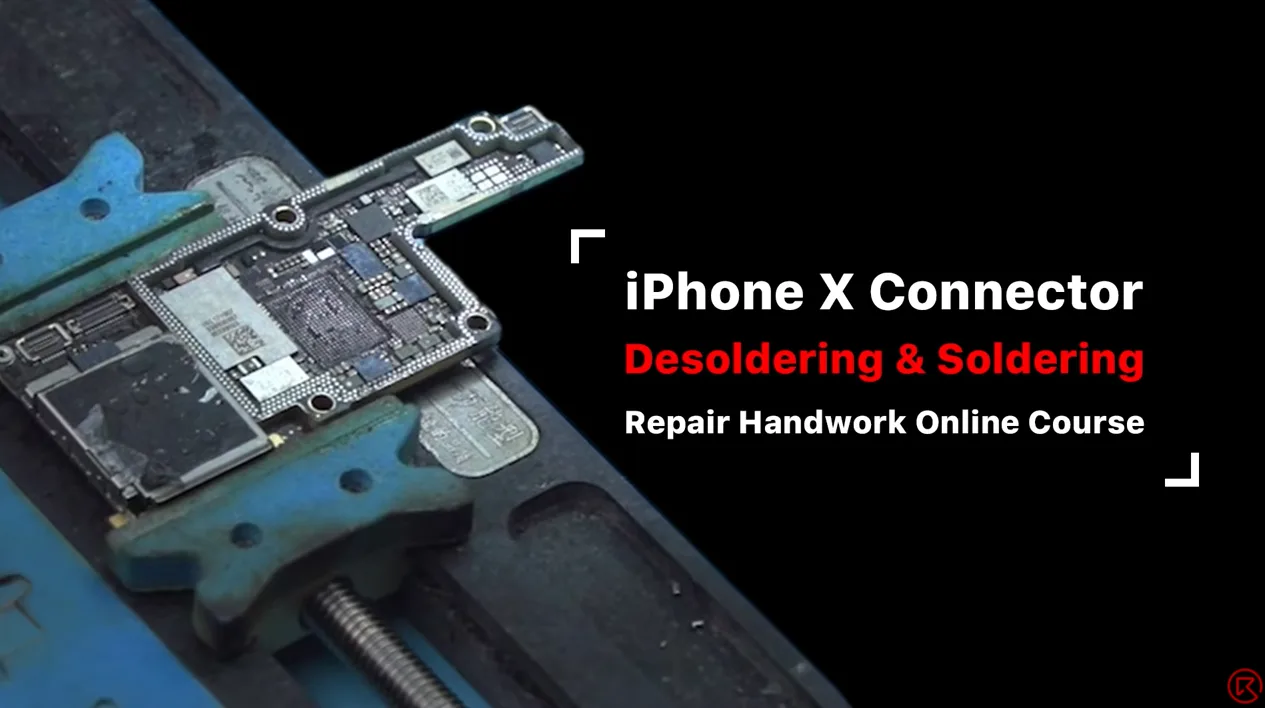
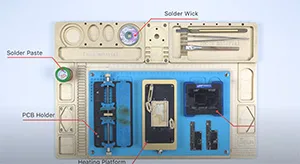
Oggi, il corso aperto di REWA Academy condividerà alcune tecniche manuali sulla riparazione della scheda madre dell'iPhone. Prendendo come esempio la dissaldatura e la saldatura del connettore FPC Wi-Fi e del connettore del touch della serie iPhone X e combinandole con alcuni errori che i tecnici di riparazione alle prime armi potrebbero commettere, condivideremo anche suggerimenti più diretti ed efficienti.
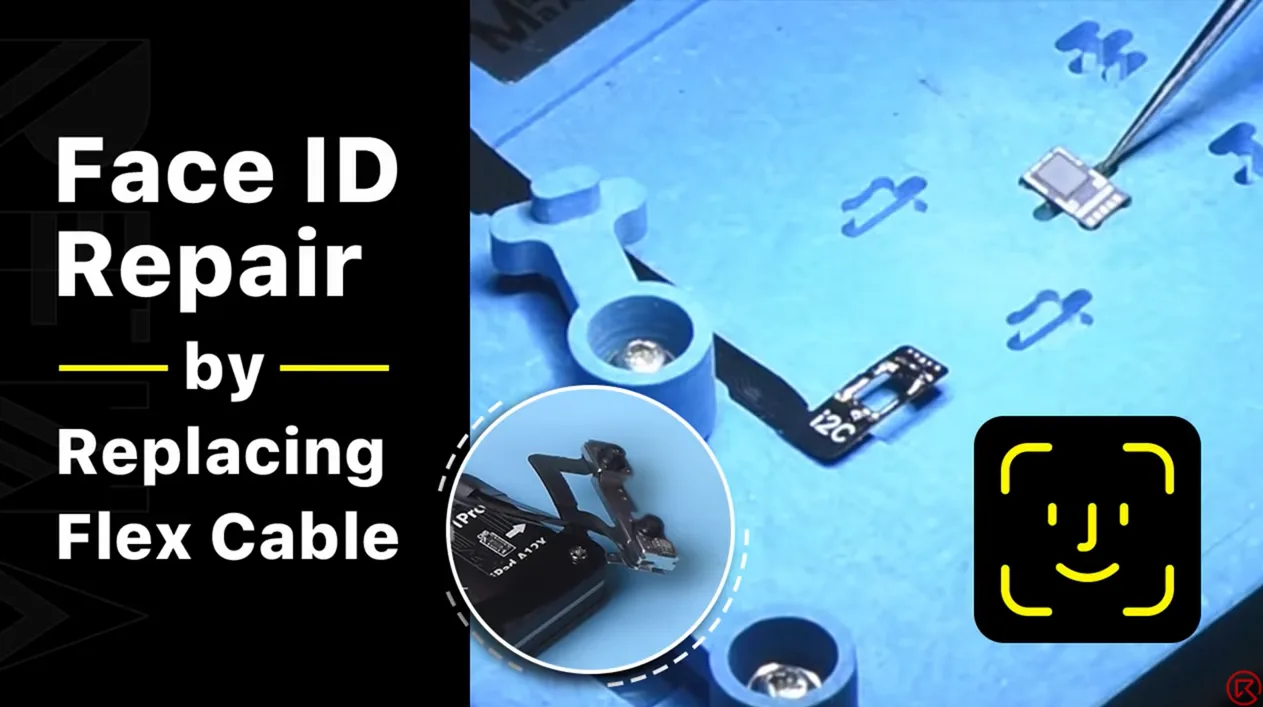
Dot projector parts are extremely fragile. A fall or water damage may harm dot projector parts, inducing Face ID malfunction. Since the dot projector IC is encrypted and replacement requires data encryption bonding for the new IC, repair technicians find it a challenge to repair the Face ID. The good news is that REWA LAB has developed a simple and efficient method to repair the Face ID. Let’s check it out!
Today, our case is about fixing an iPhone XR that has no signal and motherboard electricity leakage. When we inserted the SIM card and tested, the ICCID and IMEI number could be checked. Our initial judgment was that the problem was probably related to the signal power amplifier circuit. We continued to check the circuit and we found that the power amplifier IC had burnt out. Next, we connected the burnt bonding pads by jumping wires and replaced with a new power amplifier IC.
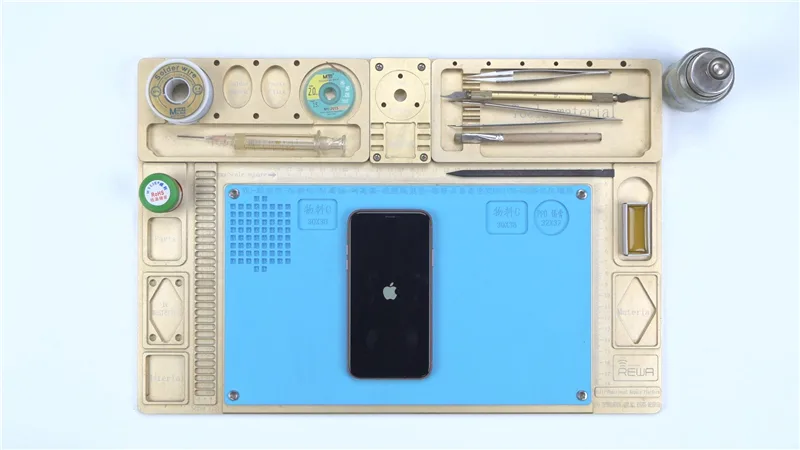
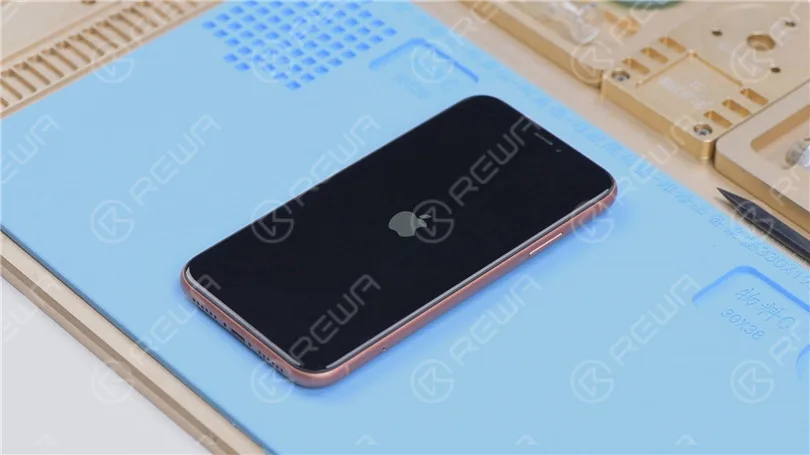
In questa guida, ti mostreremo come riparare un iPhone XR bloccato sul logo Apple e in un ciclo di riavvio continuo, un problema comune che si verifica dopo che il telefono è caduto o è stato messo in carica. Se il flashing del telefono non ha funzionato e continua a riavviarsi, il problema probabilmente risiede nella scheda madre o nel chip USB IC. Segui queste istruzioni dettagliate per risolvere il problema e fare in modo che il telefono funzioni di nuovo.
Come riparare un iPhone XR bloccato sul logo Apple e in fase di riavvio continuo
Se il tuo iPhone XR rimane bloccato sul logo Apple e continua a riavviarsi dopo essere caduto o essere stato messo in carica, è probabile che ci sia un problema con la scheda madre del telefono. Ecco come risolverlo e ripararlo:
Fase 1: Diagnosi iniziale
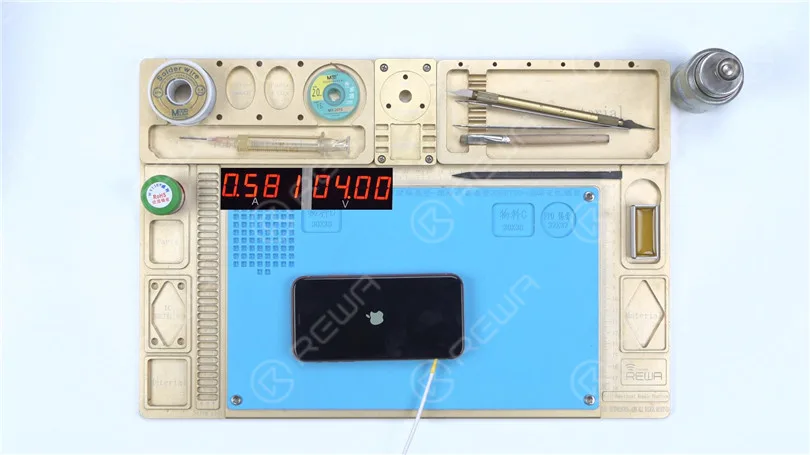
Collega il cavo di alimentazioneInnanzitutto, collega il cavo di alimentazione alla scheda madre. Verifica la presenza di eventuali segni di dispersione di corrente o di corrente elevata. In questo caso, tutto sembra normale.
Aggiorna il telefonoCollega l'iPhone XR a un computer e prova a ripristinare il dispositivo per vedere se ci sono danni al sistema. Usa un Restore-Easy Cable per accedere alla modalità di recupero e iniziare il processo di flashing.
Il telefono può essere flashato con successo, ma continua a non accendersi e a riavviarsi. Ciò indica che il problema è legato all'hardware, nello specifico alla scheda madre.
Fase 2: Ispezione della scheda madre
Rimuovere la scheda madreScollega il cavo flex, rimuovi la gommapiuma e la gomma e fissa la scheda madre a un supporto.
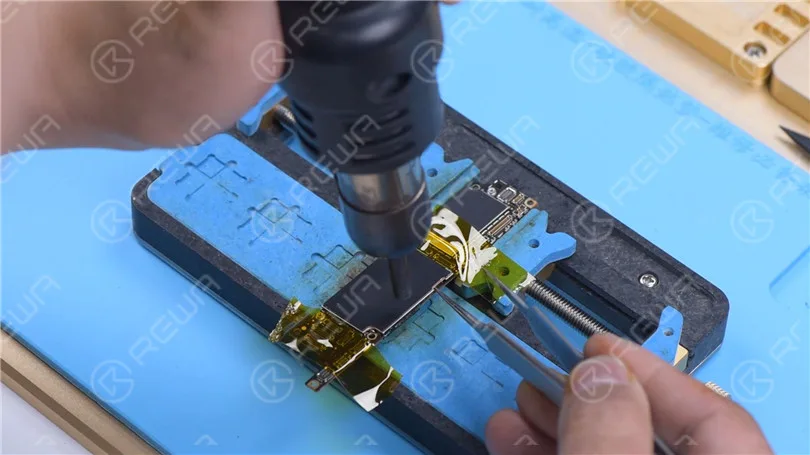
Proteggi i connettoriUtilizzare del nastro ad alta temperatura per proteggere il connettore prima di continuare.
Rimuovere il coperchio di protezione Rimuovere la schermatura con pistola ad aria calda verticale a 380℃.
Controllare le induttanze intorno al CI di alimentazione: Usa un Pistola ad aria calda a 280°C per ispezionare le induttanze intorno al CI di alimentazione per verificare la presenza di collegamenti allentati. Se le induttanze sono allentate, indica una falsa saldatura. Tuttavia, in questo caso, le induttanze sono salde.
Passo 3: Sostituzione del chip USB
Poiché il telefono si riavvia dopo la ricarica, l'integrale USB (che fa parte del circuito di carica) è il responsabile più probabile. Ecco come sostituirlo:
Rimuovi la pasta termica: Usa un coltello da scultura per rimuovere con cura la pasta termica.
Preparare l'area del circuito integrato USBProteggere la CPU con un coperchio di schermatura e fissarla con nastro ad alta temperatura. Scaldare l'adesivo nero attorno all'integrato USB utilizzando una pistola ad aria calda a 280°C.
Rimuovi il circuito integrato USB:
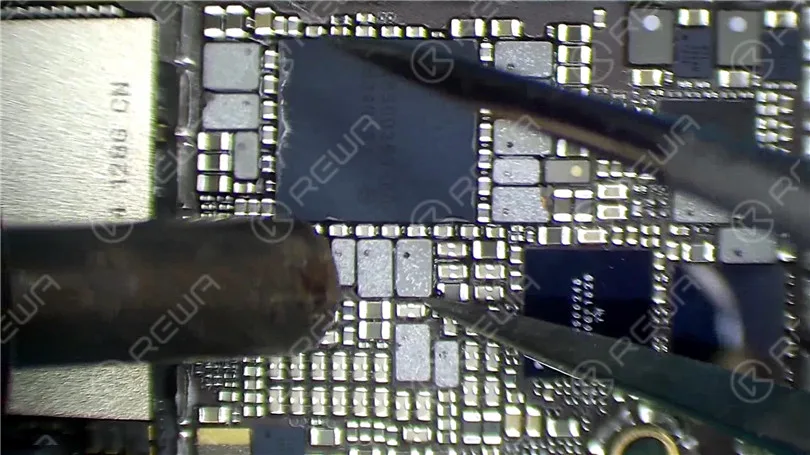
Solleva il chip USB IC usando una pistola termica a 380°C.
Applica il flusso in pasta, quindi rimuovi lo stagno sul pad di collegamento con un saldatore imposta a 365 °C.
Pulisci l'areaUsa della treccia dissaldante imbevuta di colofonia e riscaldala con la pistola ad aria calda a 380°C per rimuovere lo stagno in eccesso. Pulisci l'area con un detergente per PCB una volta raffreddata.
Installare il nuovo circuito integrato USB:
Applica il flusso di saldatura in pasta e posiziona il nuovo IC USB.
Saldalo in posizione usando la pistola termica a 380°C.
Pulire la zona con il detergente per PCB una volta che la scheda madre si è raffreddata.
Passaggio 4: Test e Rimontaggio
Testa la scheda madreRicollegare la scheda madre al cavo di alimentazione e cortocircuitare la massa del pin 10 su J4300 per avviare il boot. Verificare la normale corrente di avvio.
Rimonta il telefonoReinstallare la scheda madre, collegare il display e la batteria, e accendere il telefono. Se tutto funziona come previsto, il telefono dovrebbe accendersi normalmente.
Conclusione:
Il problema di questo iPhone XR è stato ricondotto a un circuito integrato USB difettoso, che rappresenta un punto di guasto comune dopo che il telefono è caduto o è stato messo in carica. Sebbene fosse possibile effettuare il flash del telefono, questo continuava a riavviarsi a causa di un guasto hardware. La sostituzione del circuito integrato USB ha risolto il problema, consentendo al telefono di accendersi normalmente e di funzionare come previsto. Questa guida evidenzia l'importanza di diagnosticare i problemi hardware nei casi in cui il flashing del sistema non risolva il problema.
Separare e ricombinare la scheda madre a doppio strato è un passaggio molto importante per la riparazione della scheda madre dell'iPhone X e dei modelli precedenti. Piccoli errori possono causare pseudo-saldature o altri problemi. Pertanto, questo video vi aiuterà a padroneggiare i suggerimenti per la riparazione della scheda madre e a migliorare la riparabilità, condividendo metodi e note dettagliate sulla separazione e la ricombinazione. I suggerimenti di questo video si applicano all'iPhone X e ai modelli precedenti.
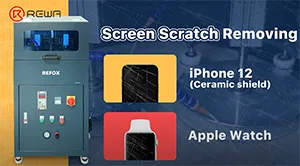
REFOX grinding and polishing machine, a new product selected by REWA, has recently gained attention from numerous customers and been sought after by clients of refurbishment, recycle, and repair all over the world because of its outstanding grinding effect and excellent work efficiency. Apple has covered its new iPhone 12 with a ceramic shield screen, which it says is the toughest glass ever on a smartphone. Today we’re going to show you how the machine refurbishes iPhone 12 and Apple Watch.
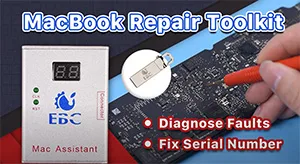
In daily MacBook repair, motherboard component failure is the most common problem. For repair technicians, the most complicated process is not repairing, but finding the fault. In response to this situation, we introduce a MacBook repair assistant EBC-820 that can help repair technicians pinpoint the fault before repair. Check out this video and see how EBC-820 works!
From first iPhone to iPhone 11, Apple has stored serial number, WiFi address, and Bluetooth address on NAND. However, REWA technicians recently discovered that the NAND on iPhone 12 does not store serial number, WiFi address, and Bluetooth address, which means that the NAND of iPhone 12 can directly be replaced by an iPhone 12 NAND and activated. Therefore, REWA technicians speculate that the storage upgrade of the iPhone 12 will be easier than previous models. Check out this video to verify our speculation!
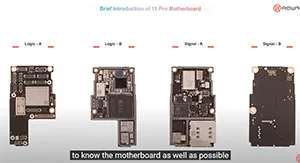
Some repair technicians repair motherboards according to experience and thus the repair result cannot be guaranteed. Only when you comprehend the phone working principles can the motherboard problems be fully resolved. REWA Academy is about to launch the iPhone 11 Pro motherboard repair online course, providing technicians with systematic motherboard repair knowledge.
We've detected you might be speaking a different language. Do you want to change to:


 English
 Español
 Français
 Deutsch
 Italiano