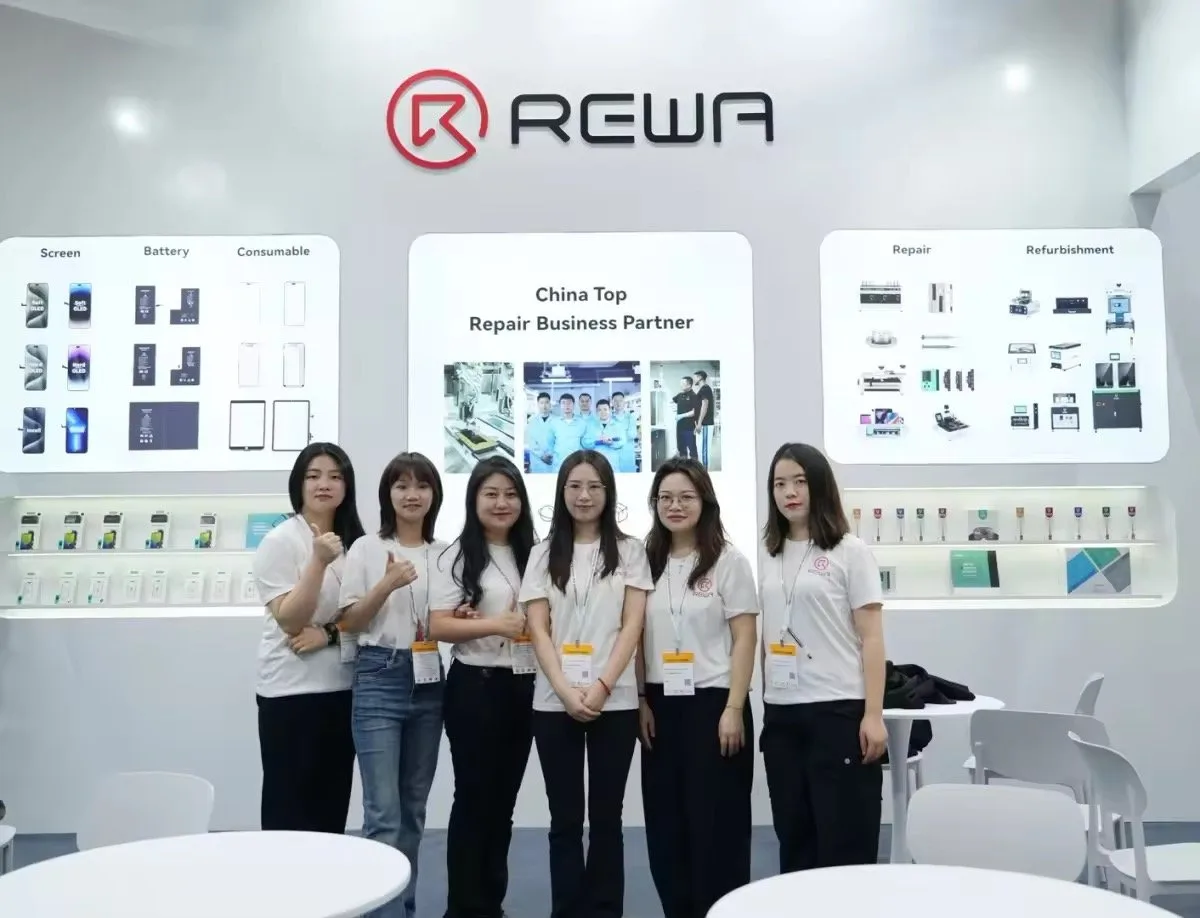
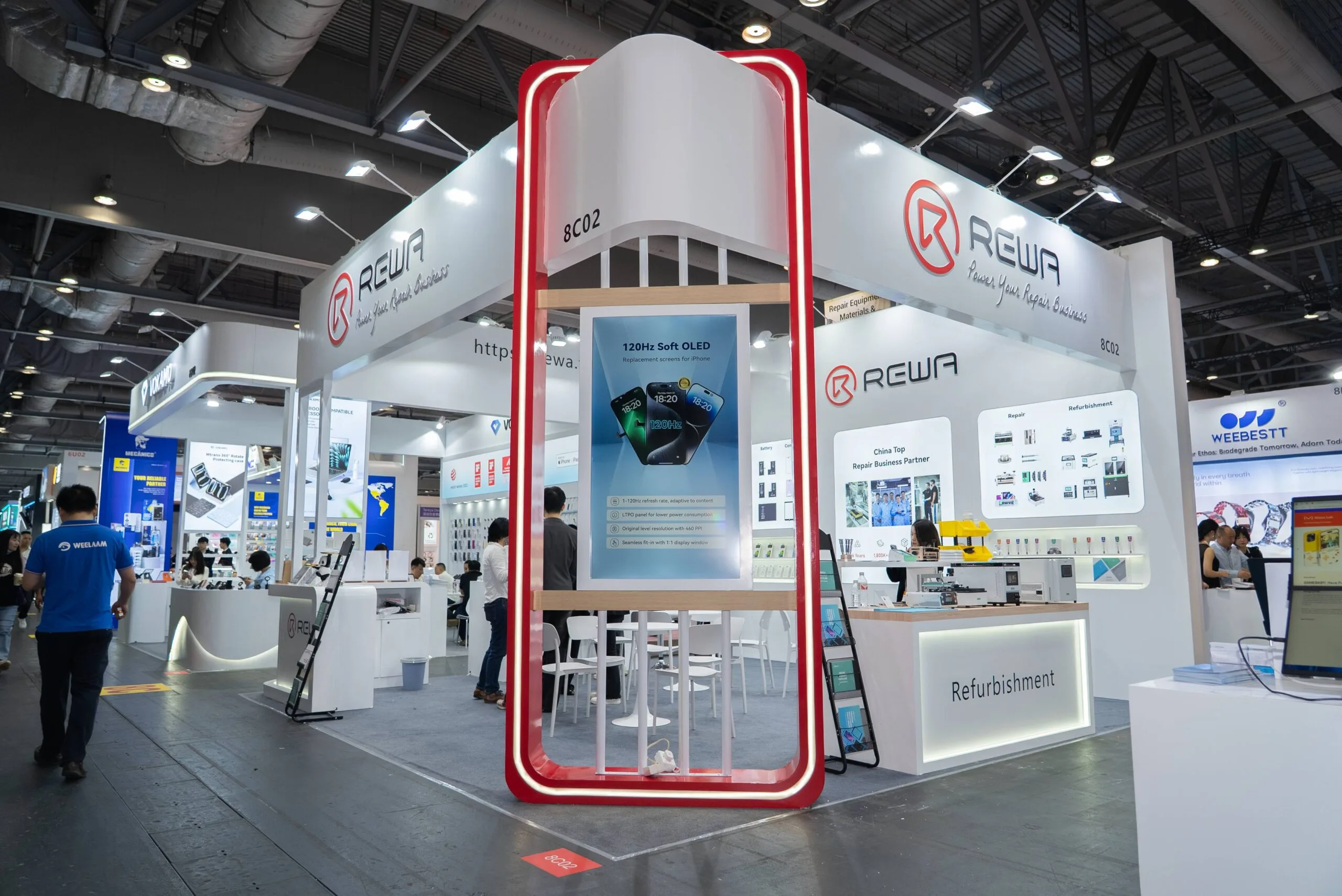
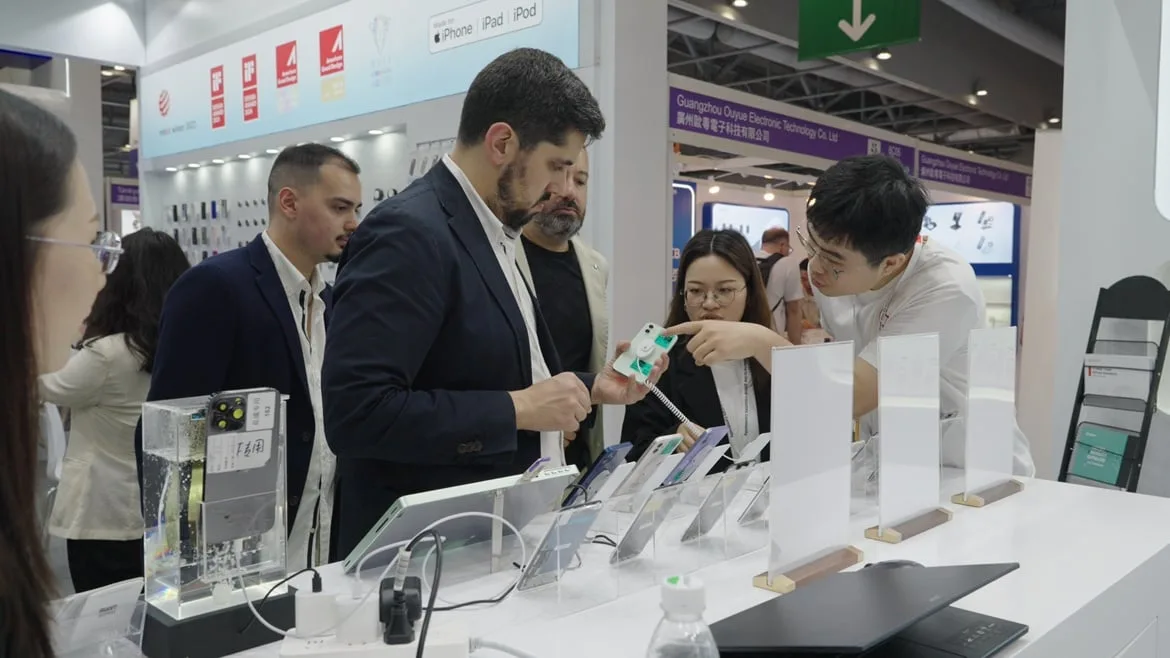
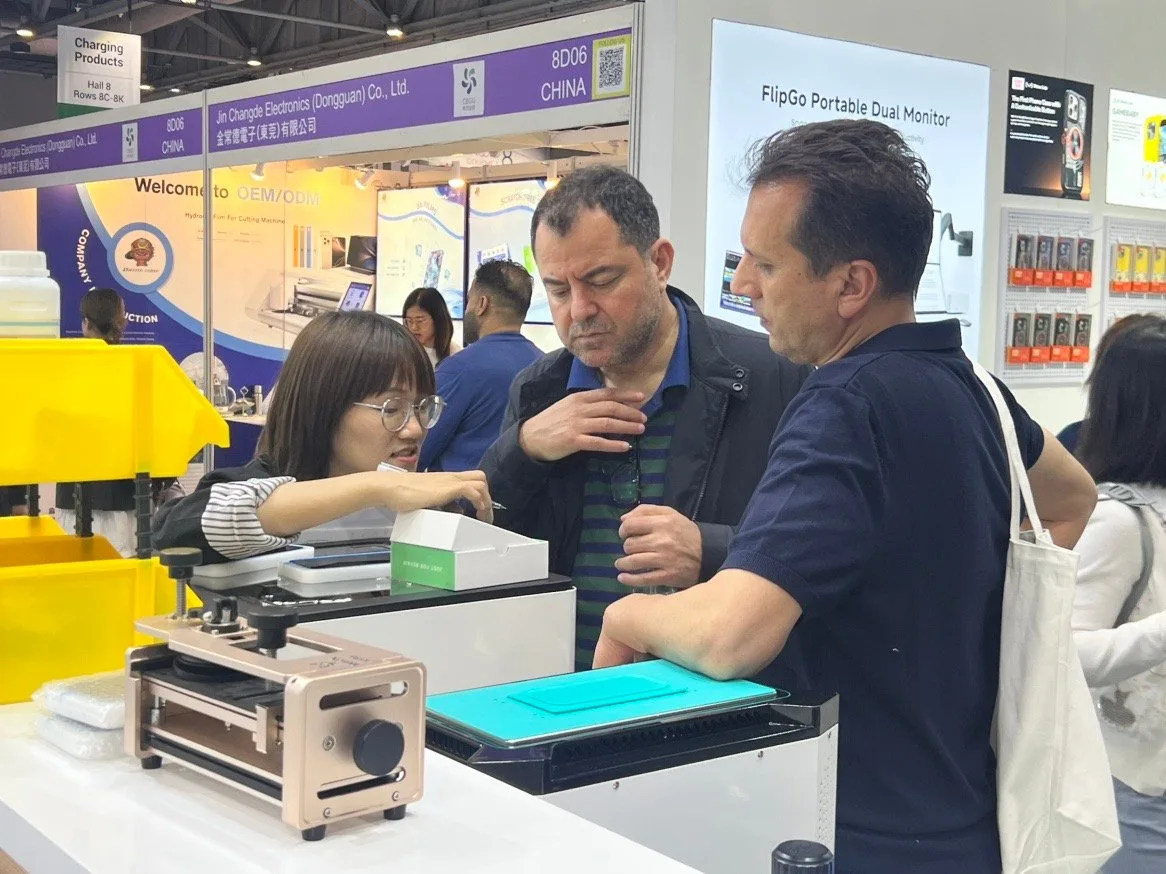
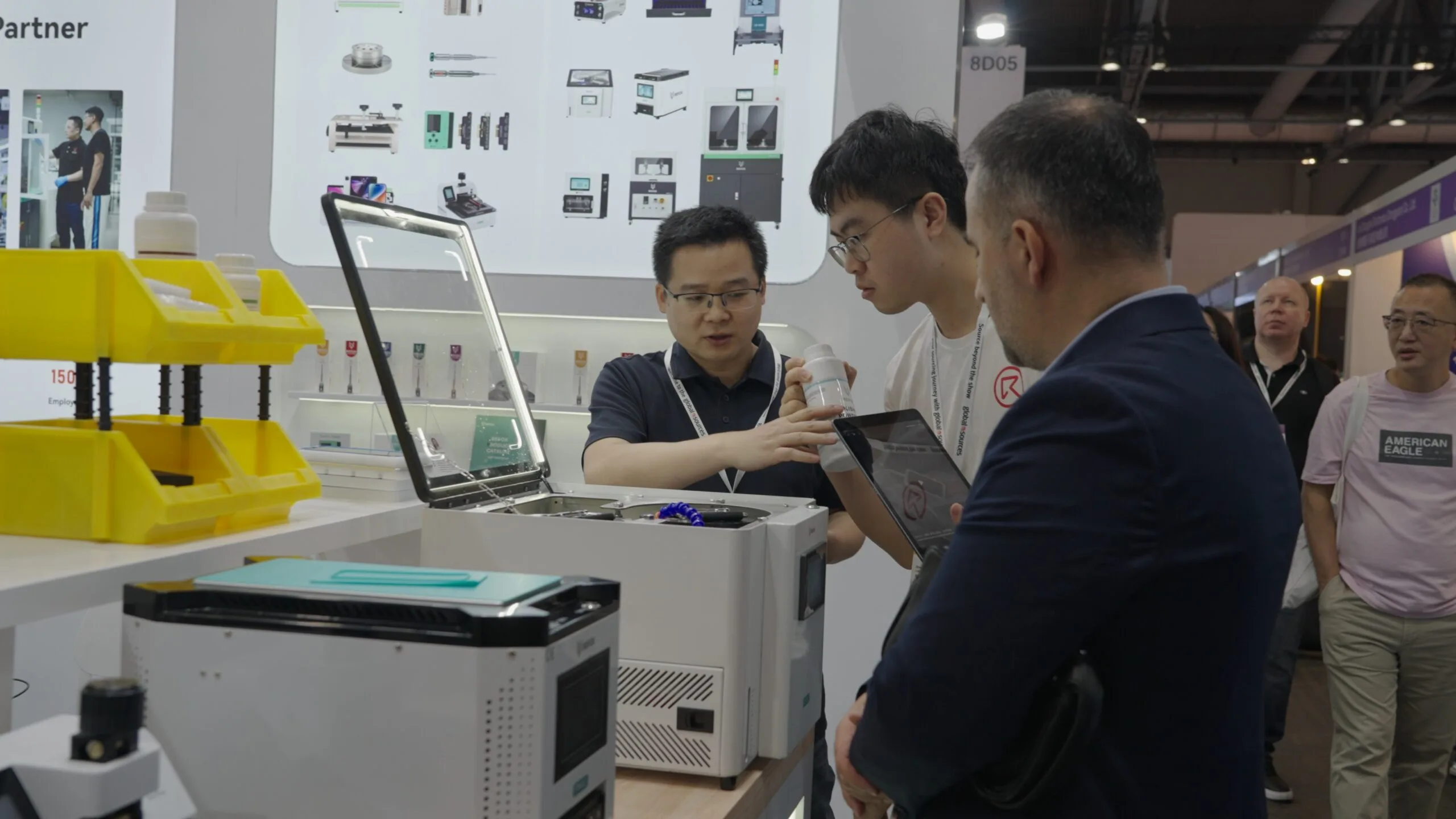
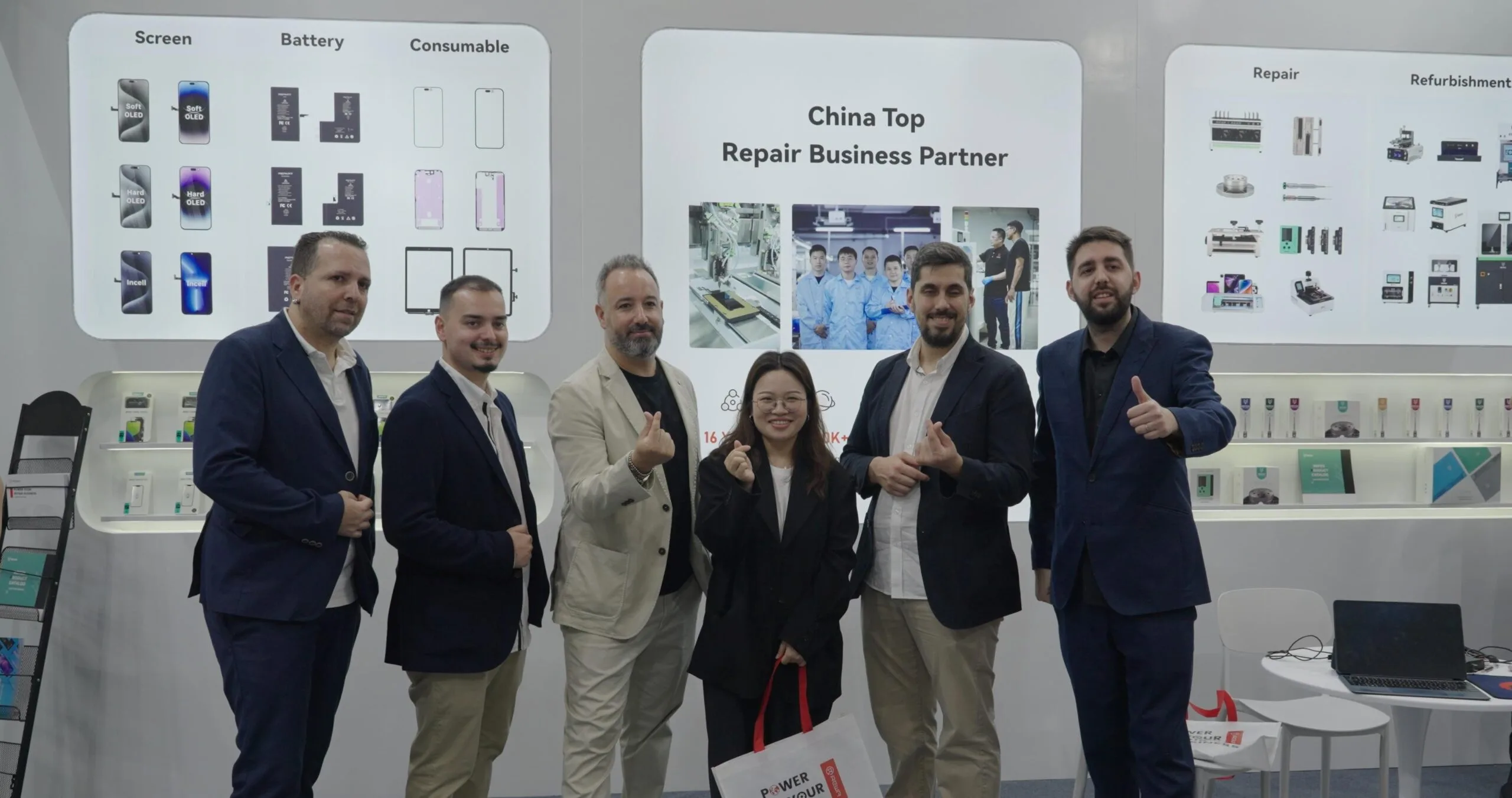
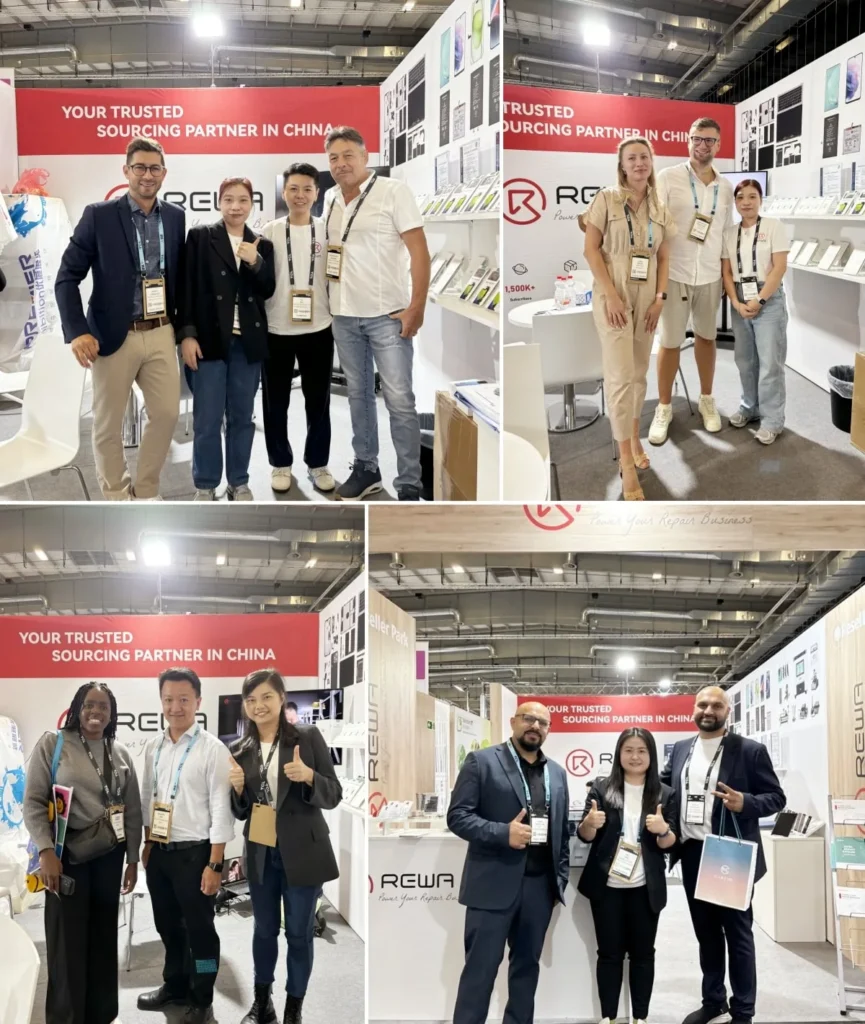
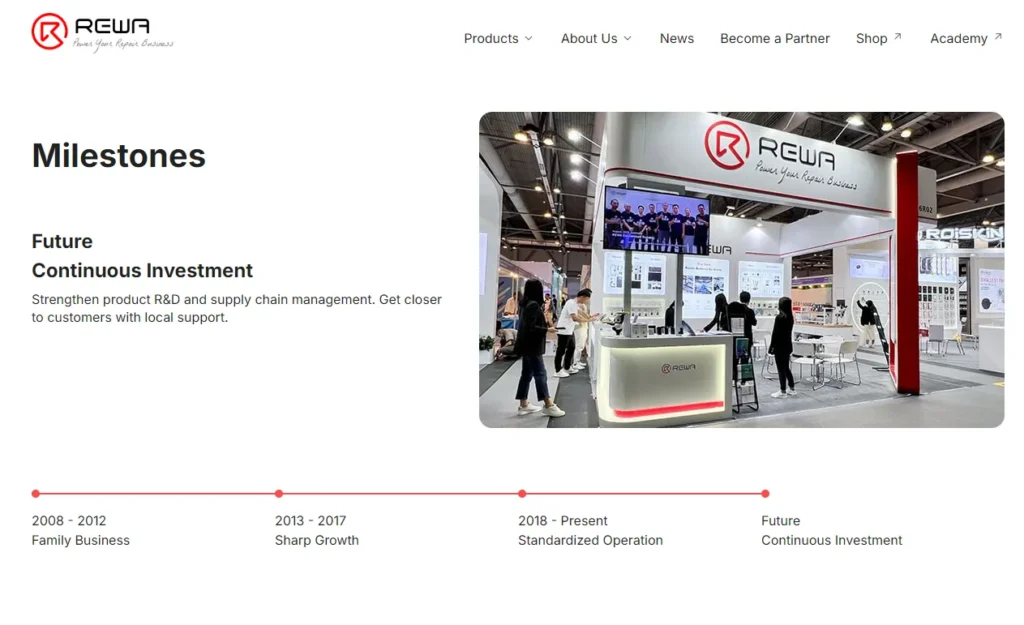
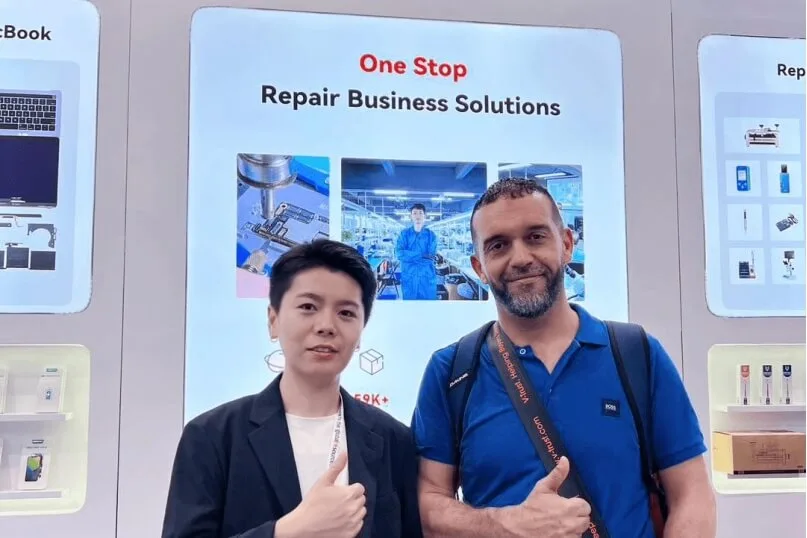
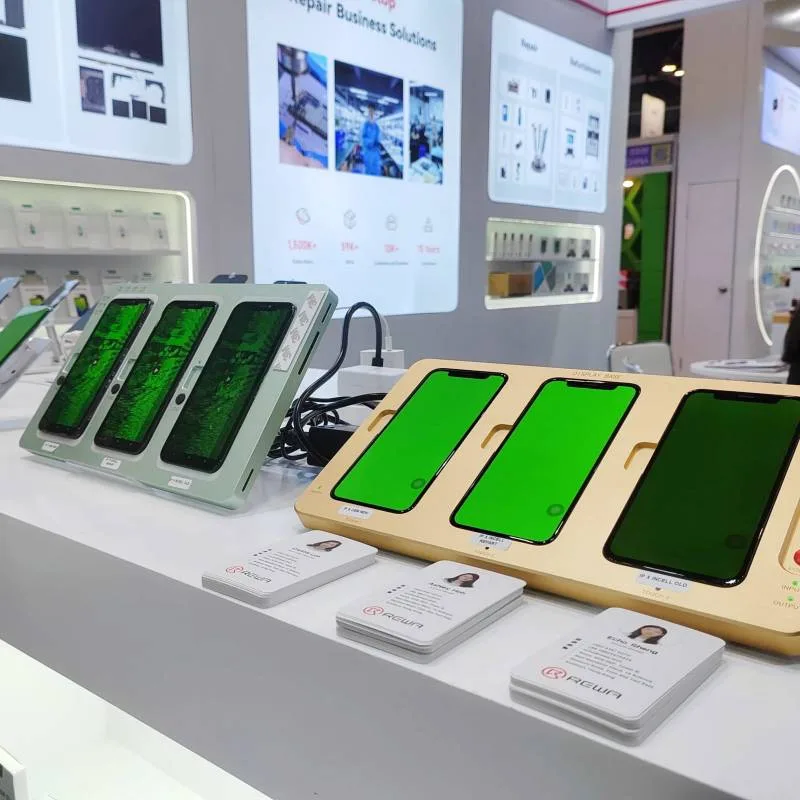
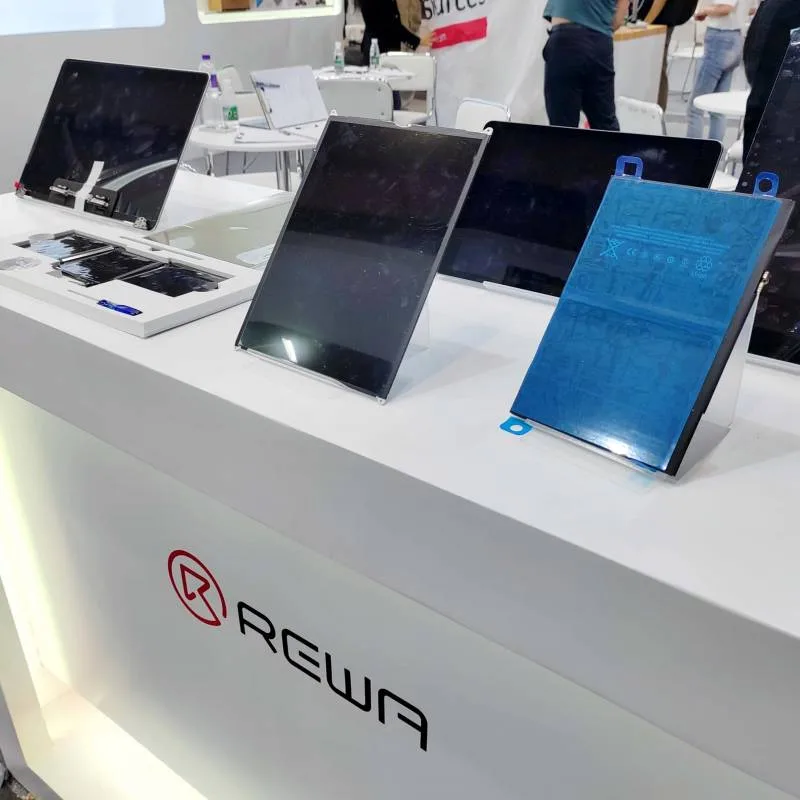
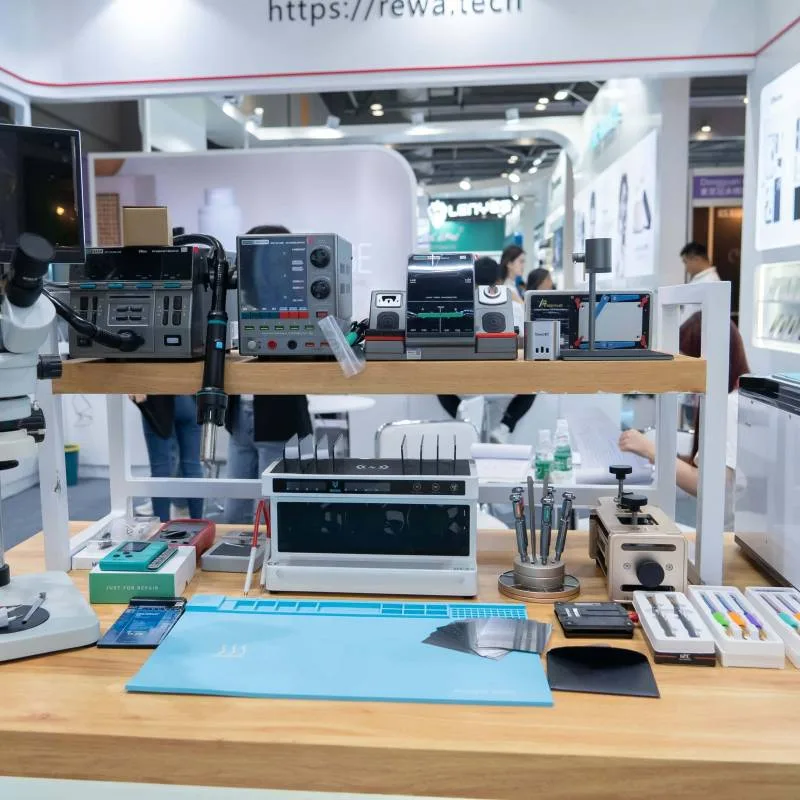
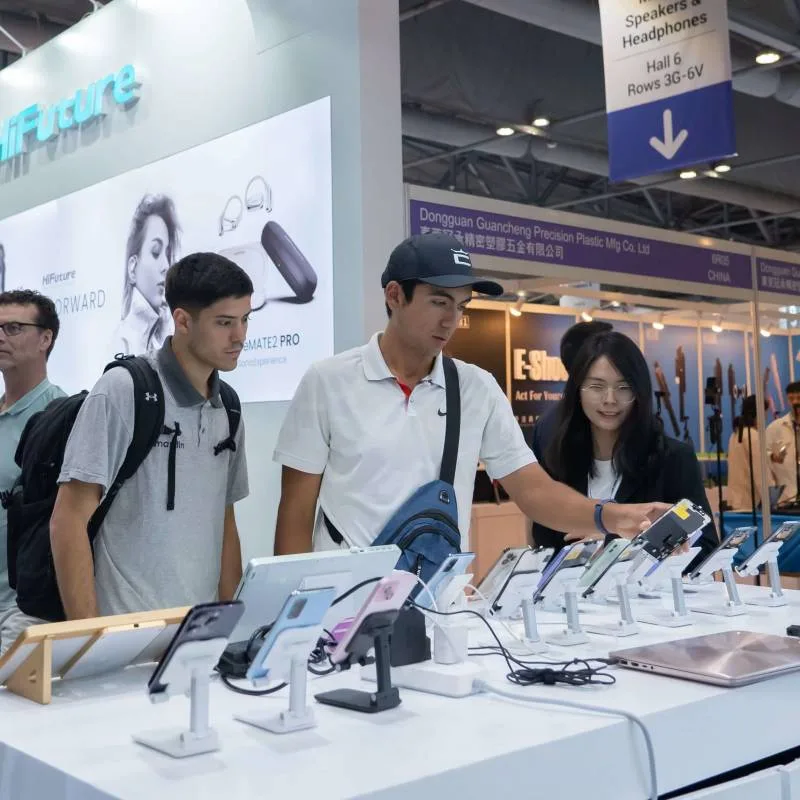
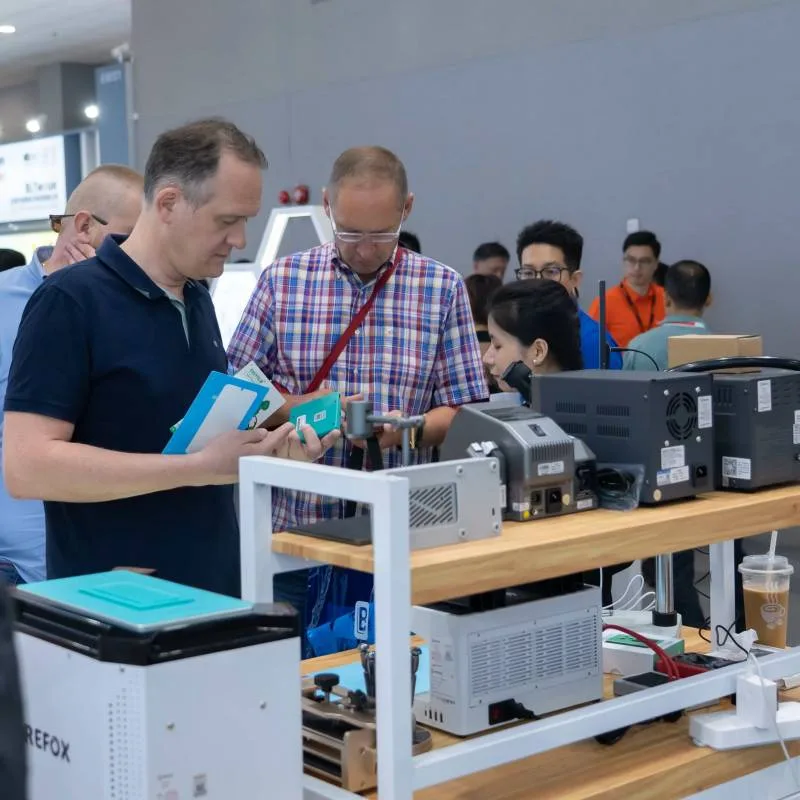
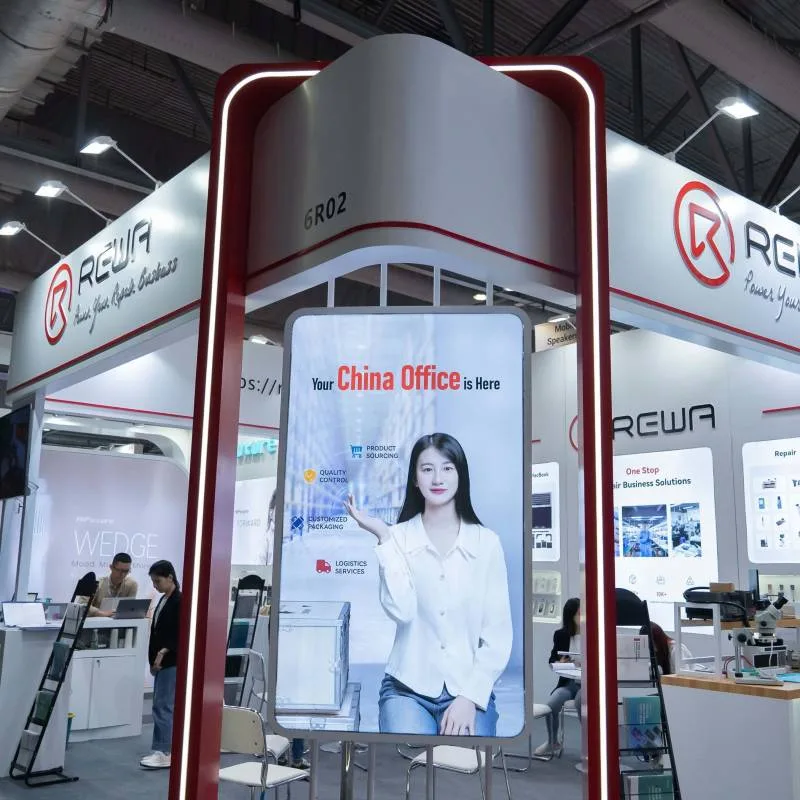
REWA participated in the Global Sources Mobile Electronics Show in Hong Kong from April 18 to 21. This exhibition is a major event in the mobile electronics industry, bringing together over 3,900 exhibitors and more than 101,000 popular products. It attracted industry buyers eager to explore business growth opportunities in 2025!
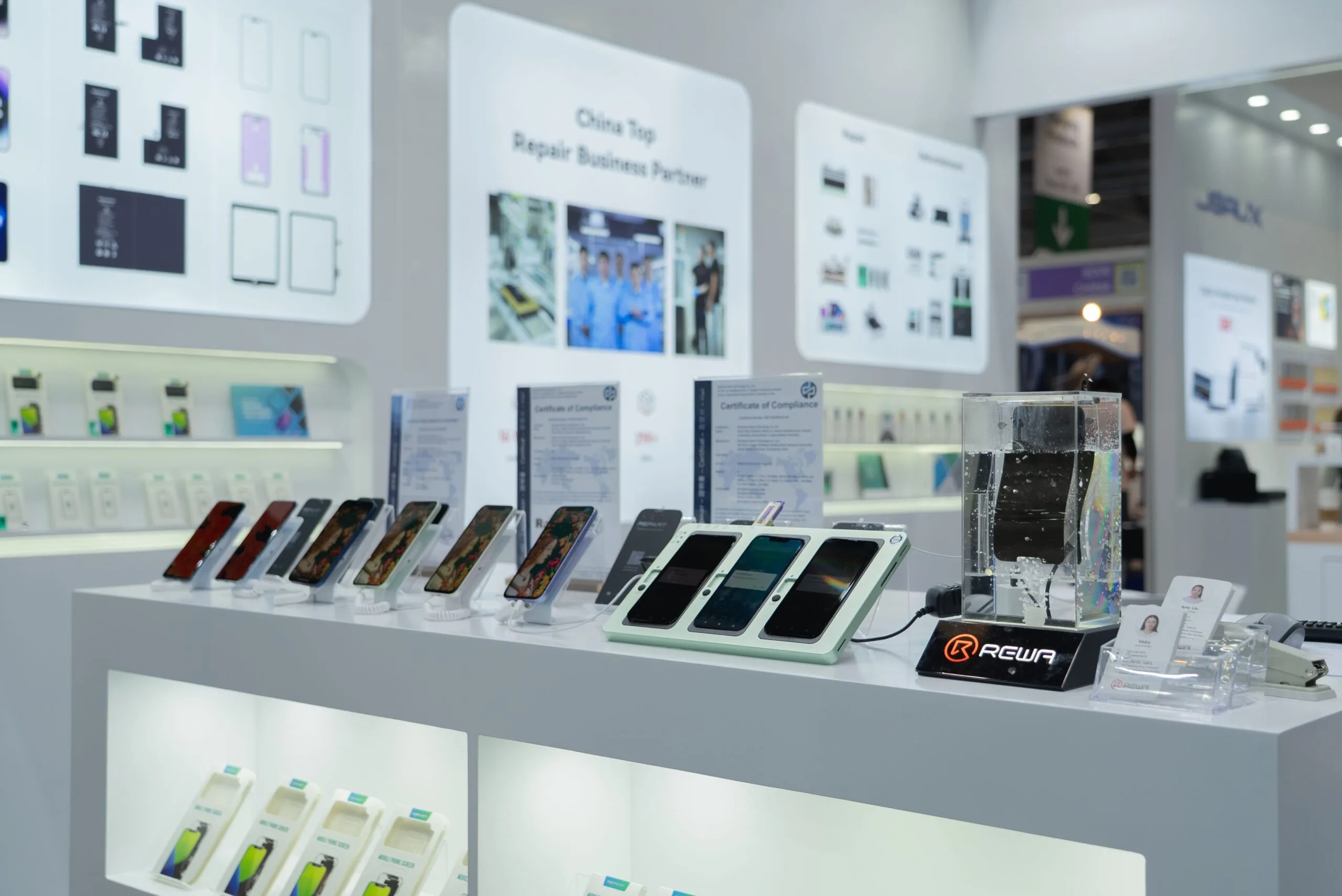
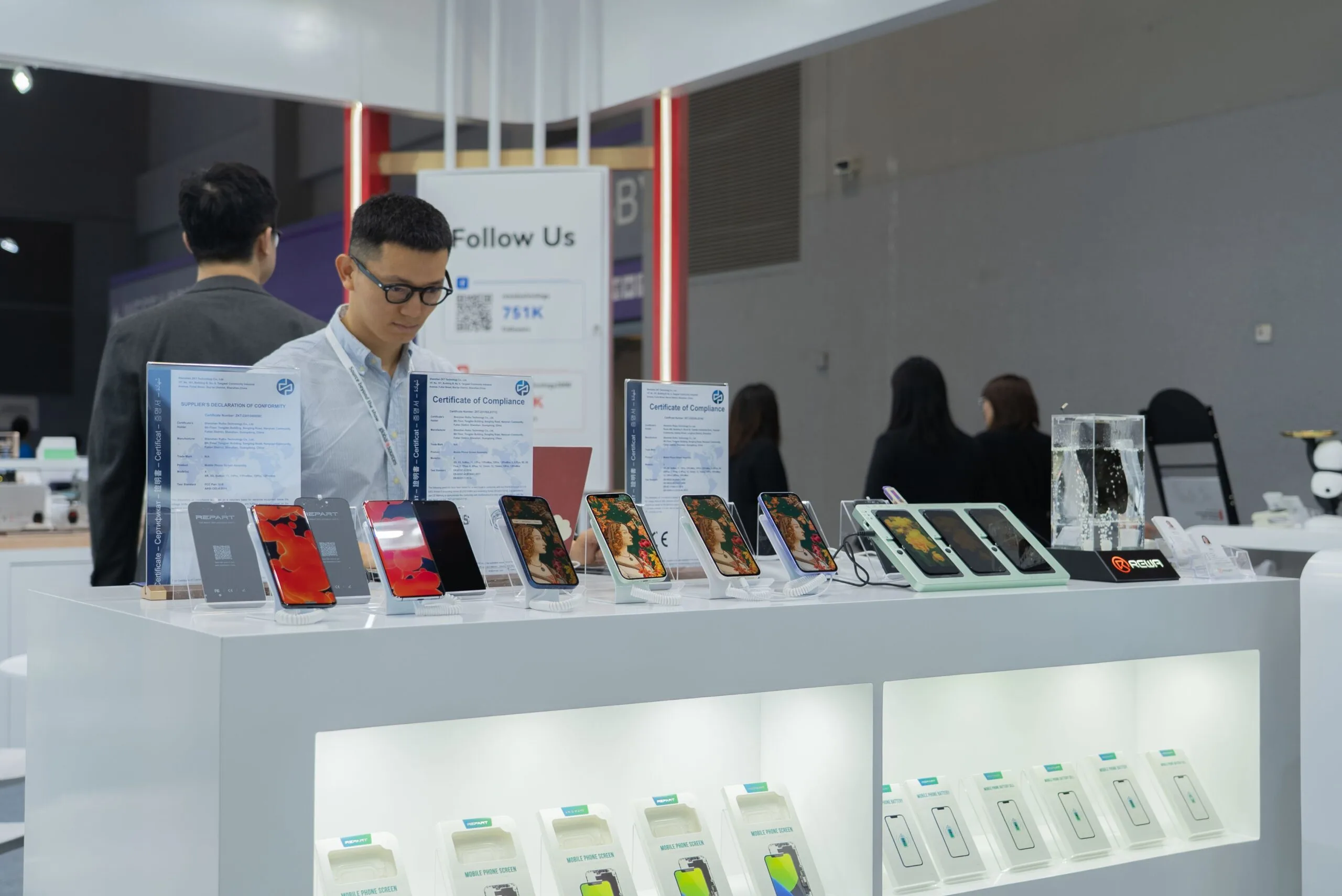
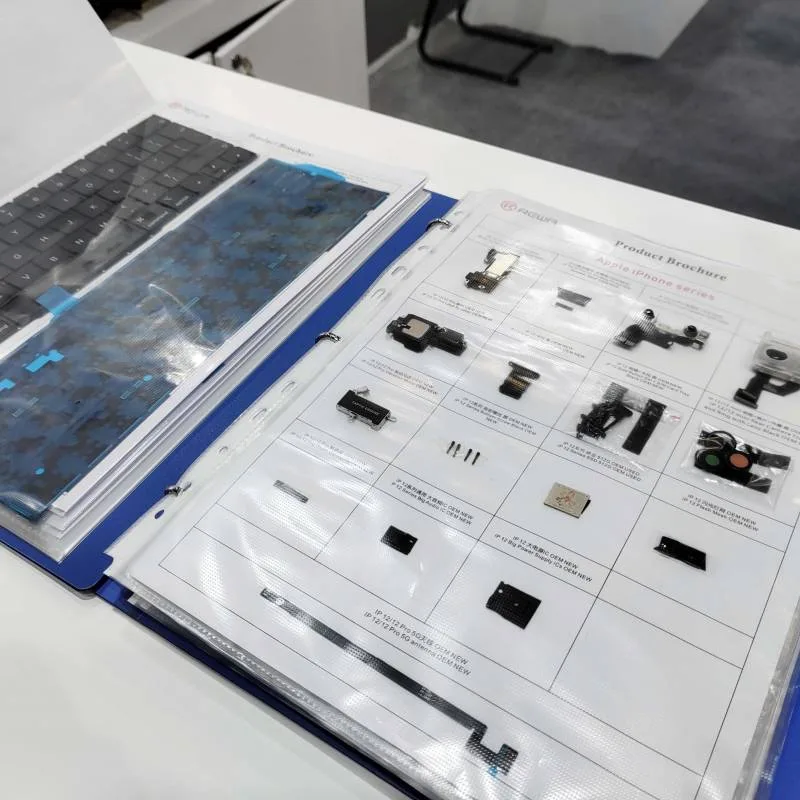
As always, REWA showcased its latest products, technologies, and solutions, including screen assemblies, batteries, components, refurbished machines, and repair tools. Notably, screens and batteries compatible with testing through Apple’s latest iOS 18 Repair Diagnostic Assistant became focal points for industry exchange and collaboration, attracting numerous buyers and potential clients.
During the four-day exhibition, REWA not only discussed current cooperation challenges with existing clients but also received feedback from many potential customers.
Sales Director Crystal Luo stated: “This is the third year that the REWA brand has participated in the Global Sources Mobile Electronics Show. Overall, the exhibition provided a platform for us and global buyers to exchange the latest industry information and customer needs, deepening our understanding of the challenges faced by industry professionals.”
REWA will continue to empower the repair industry both upstream and downstream with advancements in repair technology, products, and services. Stay tuned to our website and social media platforms for more updates and events.
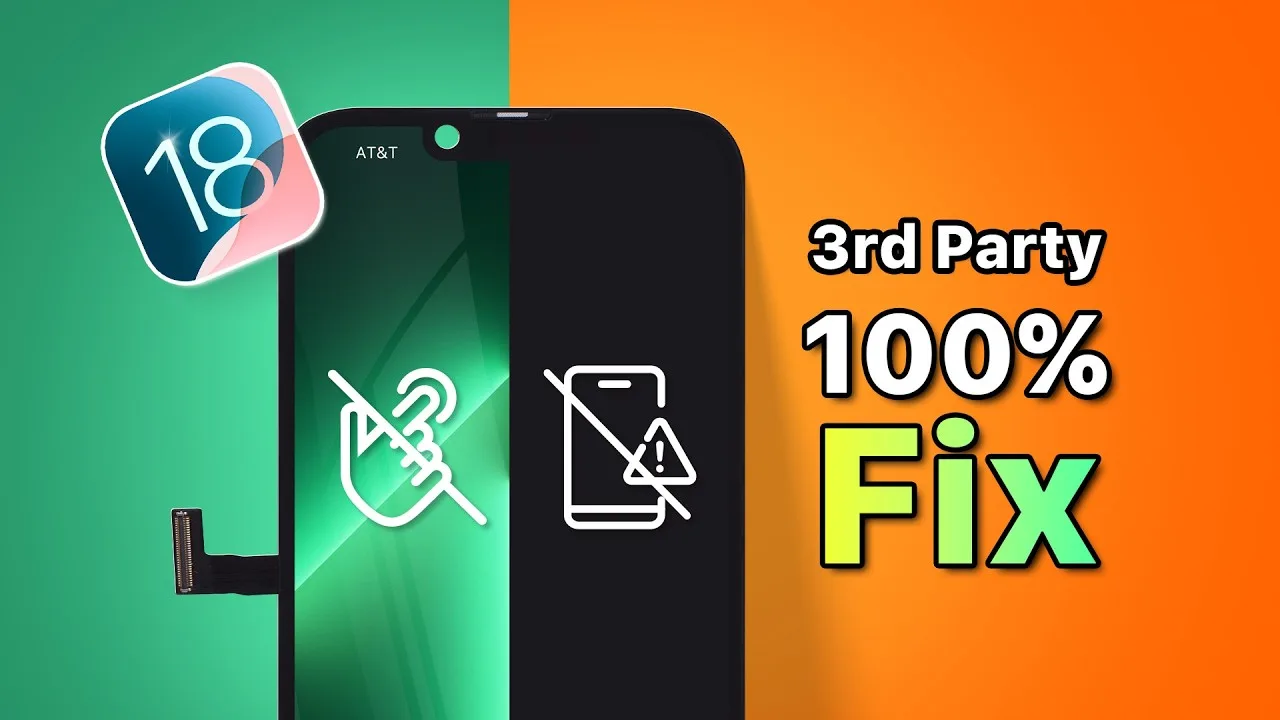
Are you facing issues with your aftermarket iPhone screen after updating to iOS 18? You’re not alone if you’ve noticed problems like iphone black screens, unresponsive touch, or glitches. This blog post will walk you through the reasons behind these compatibility issues and provide a step-by-step guide on resolving them, ensuring your 3rd-party screen works seamlessly with your device again.
Understanding the Compatibility Issues
The recent release of iOS 18 has introduced changes that can lead to compatibility issues with certain aftermarket screens. These issues primarily arise from the IC (integrated circuit) data on these screens becoming incompatible with the new protocols implemented in iOS 18.
Some common symptoms include:
Black screens
No touch response
Glitching or flickering display
These problems have only been observed on specific models, particularly the iPhone 13 Pro. If you are experiencing any of these issues, don’t worry. There is a solution!
Essential Tools You’ll Need 🛠️
To fix your 3rd-party screen, you’ll need a few specific tools:
A programming tool
Adapter board/clamp probe (specific to your model)
This guide will demonstrate the programming process using the iPhone 13 Pro. If you need a detailed operation guide, feel free to contact our sales representatives.
Step-by-Step Programming Process
Follow these steps to update the IC data and restore compatibility:
1. Prepare Your Programming Tool
Start by extracting the zip file or inserting the USB drive that contains the necessary files.
2. Connect the Programming Tool to Your Computer
Connect the programming tool to your computer. Then:
Right-click on “This PC” and select “Manage.”
Go to “System Tools” > “Device Manager.”
Locate “Other devices” > “Unknown device” and select “Update driver.”
Choose “Browse my computer for drivers.”
Locate the driver file directory and wait for the installation to complete.
3. Connect the Clamp Probe
Next, connect the clamp probe to the programming tool and clamp it onto the screen to establish a secure connection.
4. Deactivate Any Antivirus Software
Before proceeding, deactivate any antivirus software that may interfere with the programming process.
5. Run the Programming File
Locate the decompressed folder and run the “programmer.bat” file. Follow these steps:
Select “Open an existing programmer project” and click “Browse.”
Choose the correct folder for the iPhone 13 Pro.
Select the appropriate version of the file.
Choose the “.xcf” file and click “OK.”
Click the “Start” button to begin programming.
6. Complete the Programming Process ✅
Wait for the programming to complete. Once done, carefully remove the screen and test it on your phone.
If the issue persists, consider trying other file versions to see if they resolve the problem.
Conclusion 🎉
Updating the IC data using the programming tool can effectively restore compatibility for your 3rd-party screen with iOS 18. If you encounter any issues during the process or need further assistance, don’t hesitate to contact our sales team for support.
For more electronic solutions and to join our REWA Wholesale Program, reach out to us for special discounts and free quotes. We are here to help you with all your electronic repair needs!
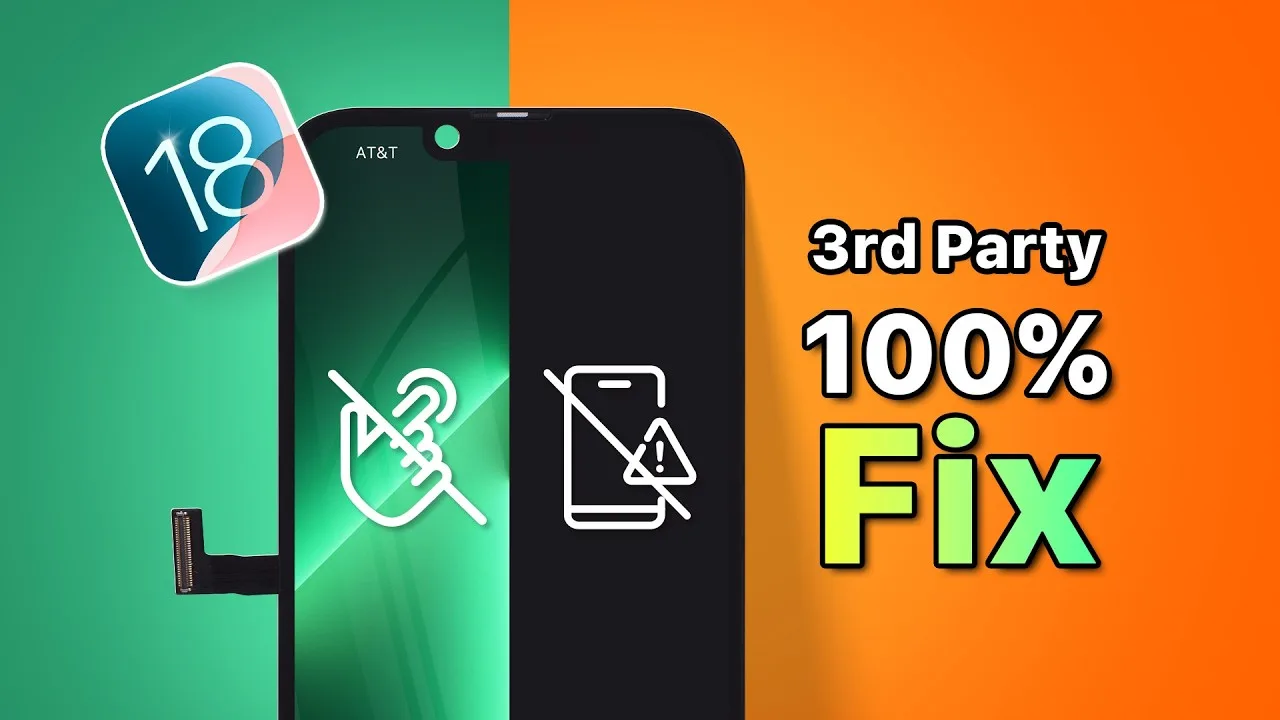
Are you facing issues with your aftermarket iPhone screen after updating to iOS 18? You’re not alone if you’ve noticed problems like iPhone black screens, unresponsive touch, or glitches. This blog post will walk you through the reasons behind these compatibility issues and provide a step-by-step guide on resolving them, ensuring your 3rd-party screen works seamlessly with your device again.
Understanding the Compatibility Issues
The recent release of iOS 18 has introduced changes that can lead to compatibility issues with certain aftermarket screens. These issues primarily arise from the IC (integrated circuit) data on these screens becoming incompatible with the new protocols implemented in iOS 18.
Some common symptoms include:
Black screens
No touch response
Glitching or flickering display
These problems have only been observed on specific models, particularly the iPhone 13 Pro. If you are experiencing any of these issues, don’t worry. There is a solution!
Essential Tools You’ll Need 🛠️
To fix your 3rd-party screen, you’ll need a few specific tools:
A programming tool
Adapter board/clamp probe (specific to your model)
This guide will demonstrate the programming process using the iPhone 13 Pro. If you need a detailed operation guide, feel free to contact our sales representatives.
Step-by-Step Programming Process
Follow these steps to update the IC data and restore compatibility:
1. Prepare Your Programming Tool
Start by extracting the zip file or inserting the USB drive that contains the necessary files.
2. Connect the Programming Tool to Your Computer
Connect the programming tool to your computer. Then:
Right-click on “This PC” and select “Manage.”
Go to “System Tools” > “Device Manager.”
Locate “Other devices” > “Unknown device” and select “Update driver.”
Choose “Browse my computer for drivers.”
Locate the driver file directory and wait for the installation to complete.
3. Connect the Clamp Probe
Next, connect the clamp probe to the programming tool and clamp it onto the screen to establish a secure connection.
4. Deactivate Any Antivirus Software
Before proceeding, deactivate any antivirus software that may interfere with the programming process.
5. Run the Programming File
Locate the decompressed folder and run the “programmer.bat” file. Follow these steps:
Select “Open an existing programmer project” and click “Browse.”
Choose the correct folder for the iPhone 13 Pro.
Select the appropriate version of the file.
Choose the “.xcf” file and click “OK.”
Click the “Start” button to begin programming.
6. Complete the Programming Process ✅
Wait for the programming to complete. Once done, carefully remove the screen and test it on your phone.
If the issue persists, consider trying other file versions to see if they resolve the problem.
Conclusion 🎉
Updating the IC data using the programming tool can effectively restore compatibility for your 3rd-party screen with iOS 18. If you encounter any issues during the process or need further assistance, don’t hesitate to contact our sales team for support.
For more electronic solutions and to join our REWA Wholesale Program, reach out to us for special discounts and free quotes. We are here to help you with all your electronic repair needs!
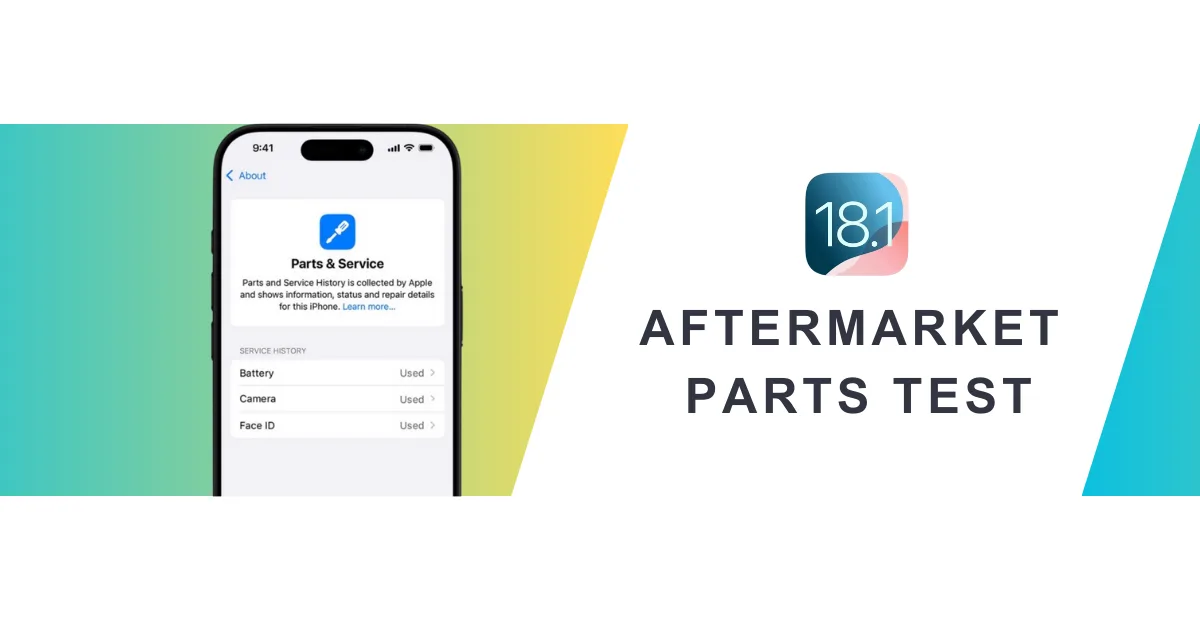
Since Apple introduced Parts Pairing, third-party technicians have worked around these limitations with various solutions. Now, with the release of iOS 18.1, changes in repair history tracking aim to improve repair possibility. But what impact does this have on third-party iPhone repairs?
A wide range of aftermarket parts, including iPhone screens, batteries, cameras, and face ID assemblies, were tested by REWA Tech lab to determine the real-world impact of iOs 18.1 on aftermarket parts.
Replace Screen Replacement
Before iOS 18
Replacing iPhone screen will appear “Unknown Part” message and True Tone will disappear; issues resolved using IC transfer and repair programmers.
Example: 100% Fix "Unknown Part" Message for iPhone 15 Pro After Screen Replacement
After iOS 18.1
No.
Screen Type
Transfer Original IC
Transfer Original Front Sensor
Pass Repair Assistant
Parts & Service History
True Tone
1
OEM
No
Yes
No
Unable to Configure
Yes
2
OEM
Yes
Yes
/
No
Yes
3
Aftermarket
No
Yes
No
Unable to Configure
Yes
4
Aftermarket
Yes
Yes
/
No
Yes
5
OEM + Paired Front Sensor
No
No
Yes
Used
Yes
6
Service Pack + Paired Front Sensor
No
No
Yes
Genuine
Yes
Key findings
As long as the screen has a matching IC and sensor, there will be no repair history and no need for a repair assistant diagnosis.
All third-party screens support True Tone.
Replace Battery Replacement
Before iOS 18
“Unknown Part” message, battery health not displayed; resolved by solutions like no welding battery, battery cell + tag-on flex, battery cell + repair board.
Example: Aftermarket Solutions to Calibrate iPhone Battery Health on iOS 17.4
After iOS 18.1
No.
Battery Type
Pass Repair Assistant
Parts & Service History
Health Data
1
OEM New
Yes
Genuine
100%
2
OEM Used
Yes
Used
OEM Used battery’s data
3
Aftermarket(TI ZY HF Solutions)
No
Unverified
100%
4
Battery Cell + Native BMS Board
/
/
Native battery’s data
Key findings
Third-party batteries still fail to pass Repair Assistant, and the parts history is recorded as unverified.
New third-party batteries replaced in iPhones all can show health data.
We also tested third party batteries on iOS 18.0.
Watch the video:
Replace Rear Camera Replacement
Before iOS 18
Replacing a lens alone will display an unknown part message. A repair programmer and repair flex cables are required.
Example: How to Remove Rear Camera "Unknown Part" Message for iPhone 15 PM
After iOS 18.1
No.
Camera Model
Pass Repair Assistant
Camera Calibration
1
iPhone 12
Yes
No
2
iPhone 13
Yes
No
3
iPhone 14
Yes
No
4
iPhone 15
Yes
Yes
5
iPhone 16
Yes
Yes
Key findings
The rear cameras of iPhone 12-16 can be diagnosed by the repair assistant, but the iPhone 15 and 16 series require camera calibration.
Replace Front Camera + Face ID Assembly
Before iOS 18
Replacing this assembly will make Face ID function fail. A repair programmer and repair flex cables are required.
Example: Fix Face ID (WITHOUT SOLDERING) Not Working with REFOX RP30
After iOS 18.1
No.
Assembly Model
Pass Repair Assistant
Face ID
1
iPhone 12
No
No
2
iPhone 13
No
No
3
iPhone 14
No
No
4
iPhone 15
No
No
5
iPhone 16
Yes
Yes
Key findings
iPhone 12-15 front camera + Face ID assembly cannot be diagnosed by the repair assistant, only iPhone 16 can.
Summary
From iOS 18.0 to 18.1, iPhone repairs have gradually become relatively easy, but there are still some problems that need to be verified. Pay attention to the REWA channel to get more new technologies and information.
Additionally, REWA provides a variety of repair tools and phone parts, welcome to consult or visit our online shop!
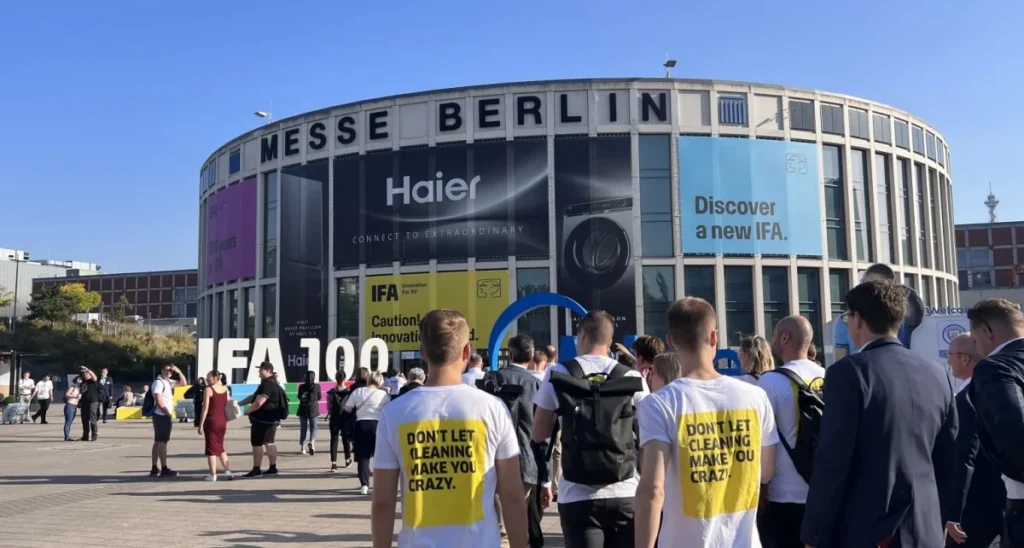
From September 6 to 10, REWA Tech is thrilled to announce its participation in IFA Berlin 2024. This year marks the 100th anniversary of the IFA exhibition. It not only highlights the latest advancements and trends in the industry but also provides a valuable opportunity for face-to-face interactions with customers around the globe.
Figure 1. IFA 100th Anniversary Spectacular
Stay On Top of The Latest Technologies
In recent years, technology innovations have grown at a rapid pace. Chinese manufacturers are committed to being at the forefront of consumer tech developments.
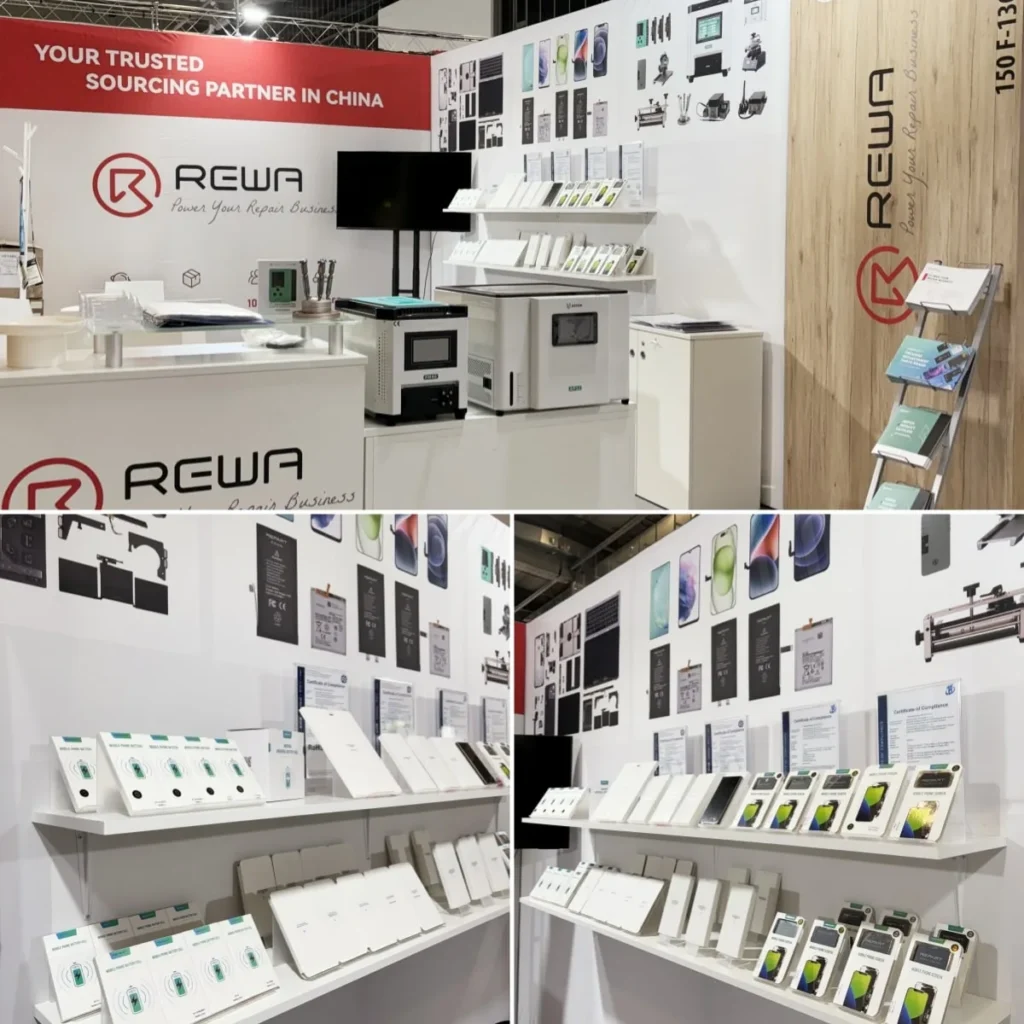
REWA Tech was found in 2008, who is committed to becoming the industry’s leading brand in empowering repair businesses. REWA Selected products range includes screens assemblies, batteries, small parts, refurbishing machines, and repair tools, all designed to drive innovation and development in the repair business.
By participating in IFA Berlin 2024, REWA Tech aims to showcase its core strengths and foster deep collaborations with global partners and customers.
Figure 2. REWA Tech Booth
Actual Products Prove Strength
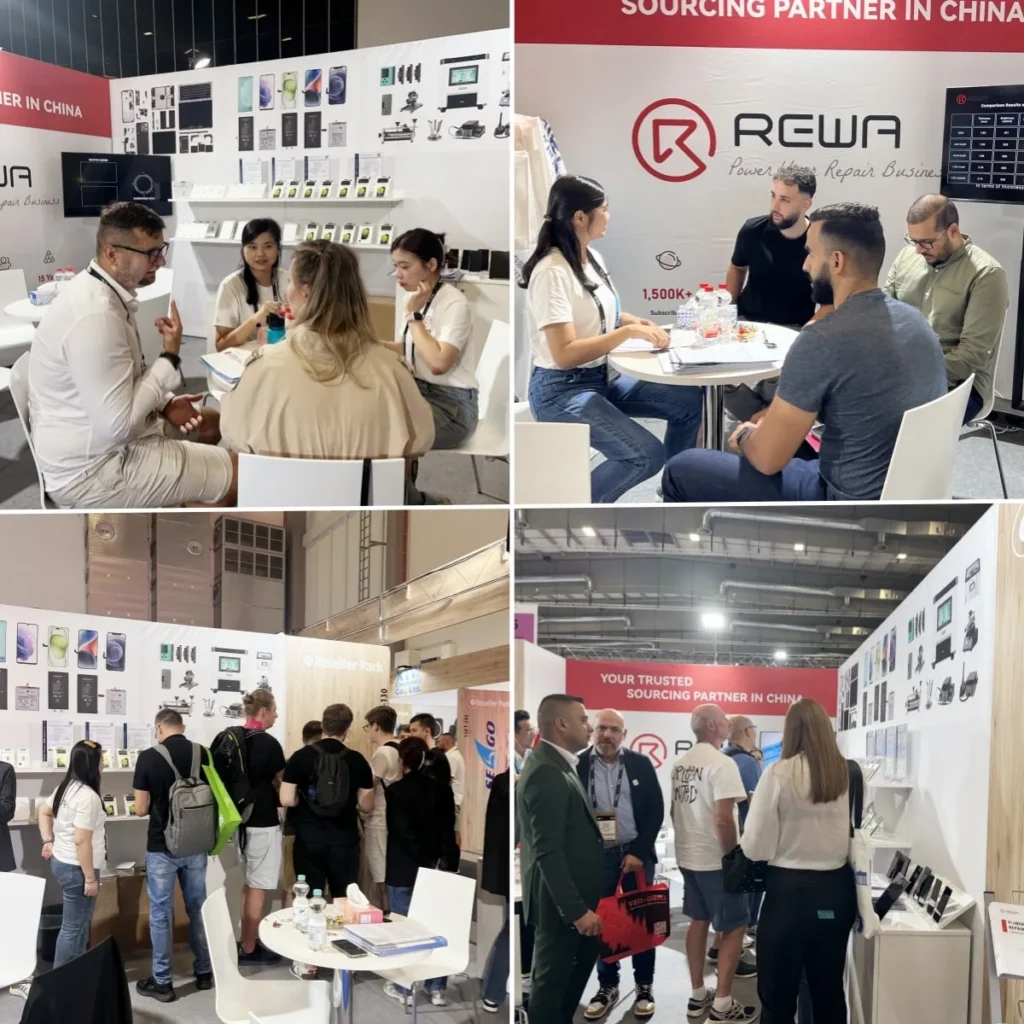
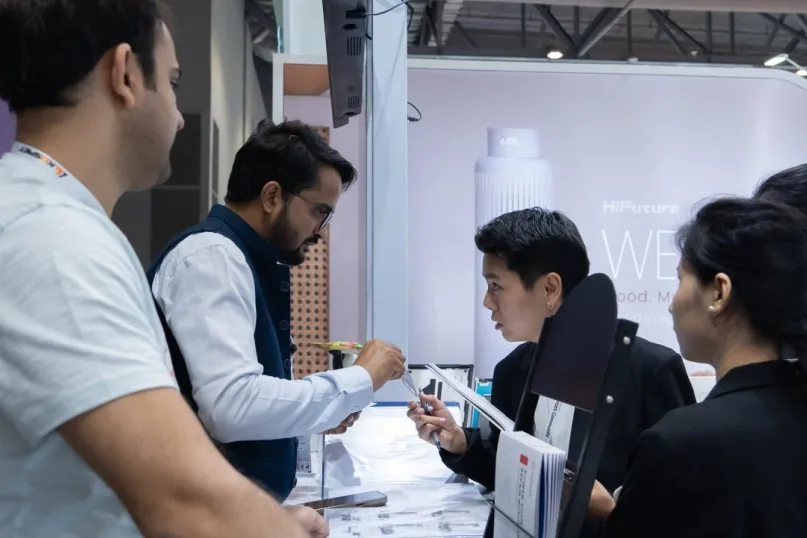
At the exhibition, REWA Tech presented its latest product lines and technological solutions, including main phone parts, screen refurbishing machines, and efficient repair tools. Our technical experts and business representatives engaged warmly with attendees, discussing the latest developments and challenges in phone repair. Many exhibitors showed great interest in REWA Selected products, and some potential customers had in-depth exchanges with REWA representatives.
Figure 3. Communicate with Exhibitors
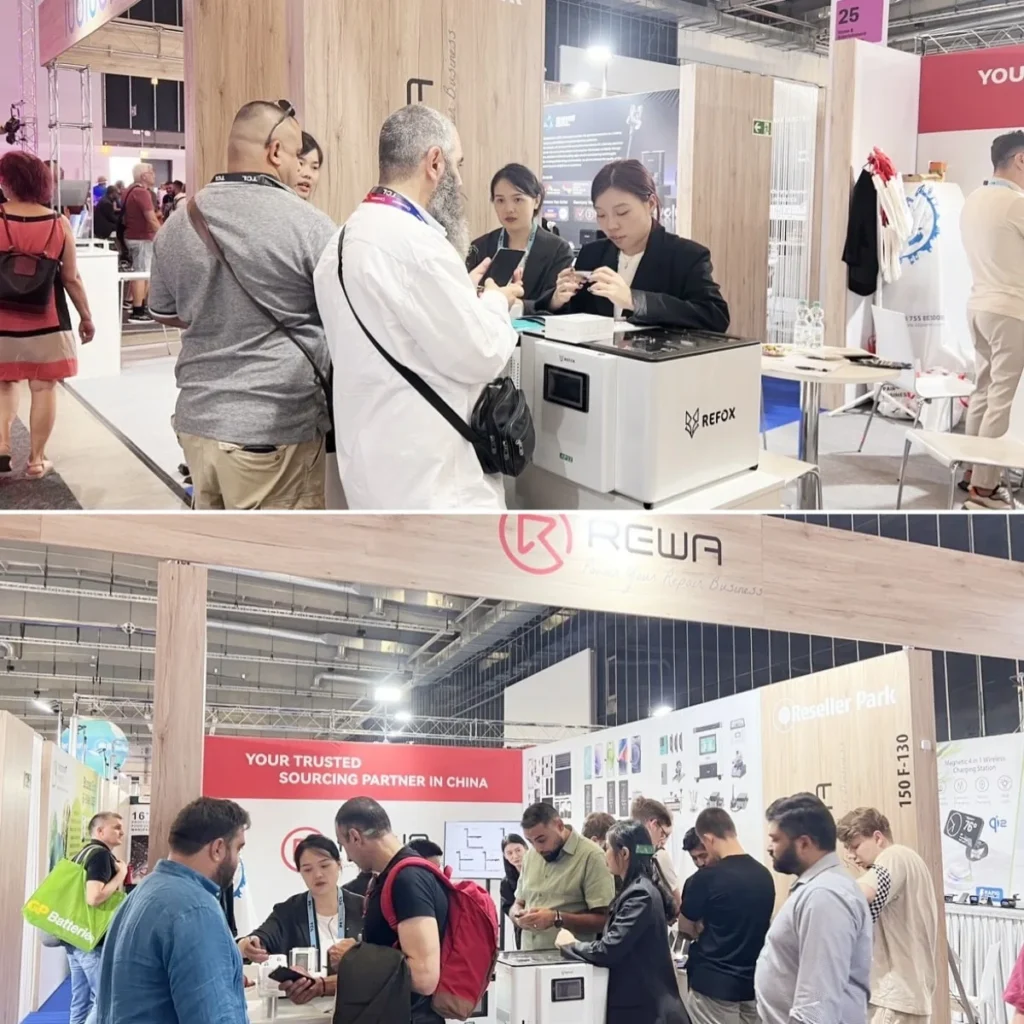
For example, the REFOX AP32, a desktop screen polishing machine with two slots. It’s designed to remove scratches effectively while being easy to use. As opposed to many larger models, the AP32 takes up little space in repair stores. The machine has generated considerable interest, with many customers asking for details and pricing. Several customers have ordered this tool right away to integrate it into their businesses.
Figure 4. Customers Asking for Details and Pricing of AP32
Establish Relationships with Global Customers
REWA Tech was able to relate closely to its customers as well as strengthen partnerships with industry exhibitors at this event. They look forward to continuing to deliver high-quality services and support to the global repair community, driving progress and growth in the industry.
Figure 5. Cooperation and Friendship
Upcoming Events
Furthermore, REWA Tech will participate in MWC 2024 in Las Vegas and GITEX 2024 in Dubai. See you then! For more information, please contact us: https://rewawp.iamtareq.com/wholesale/
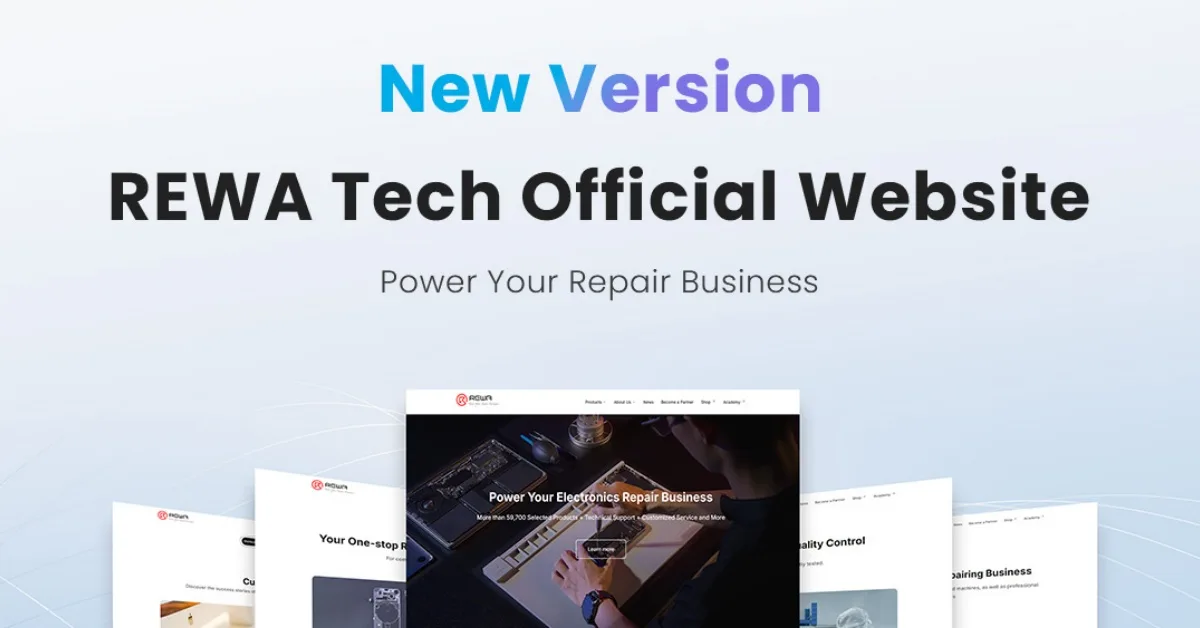
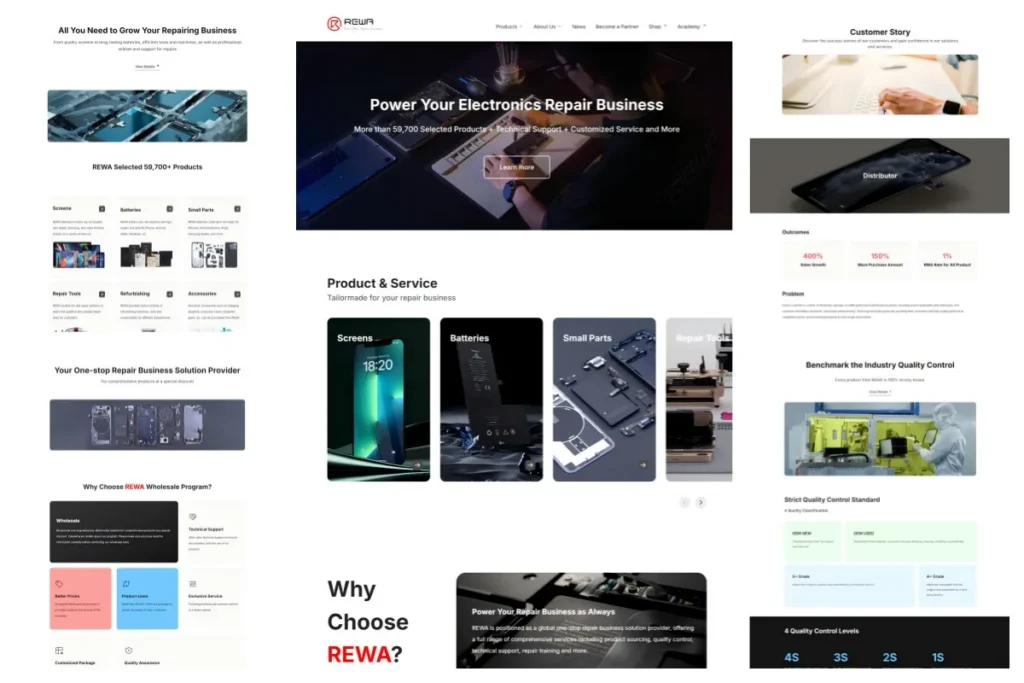
We are pleased to announce that REWA Tech official website has been upgraded! This update is tailored for B2B phone repair enterprise users. Not only has it been upgraded in visual design, but it also offers more product and service information. This will help you stand out from the repair industry competition.
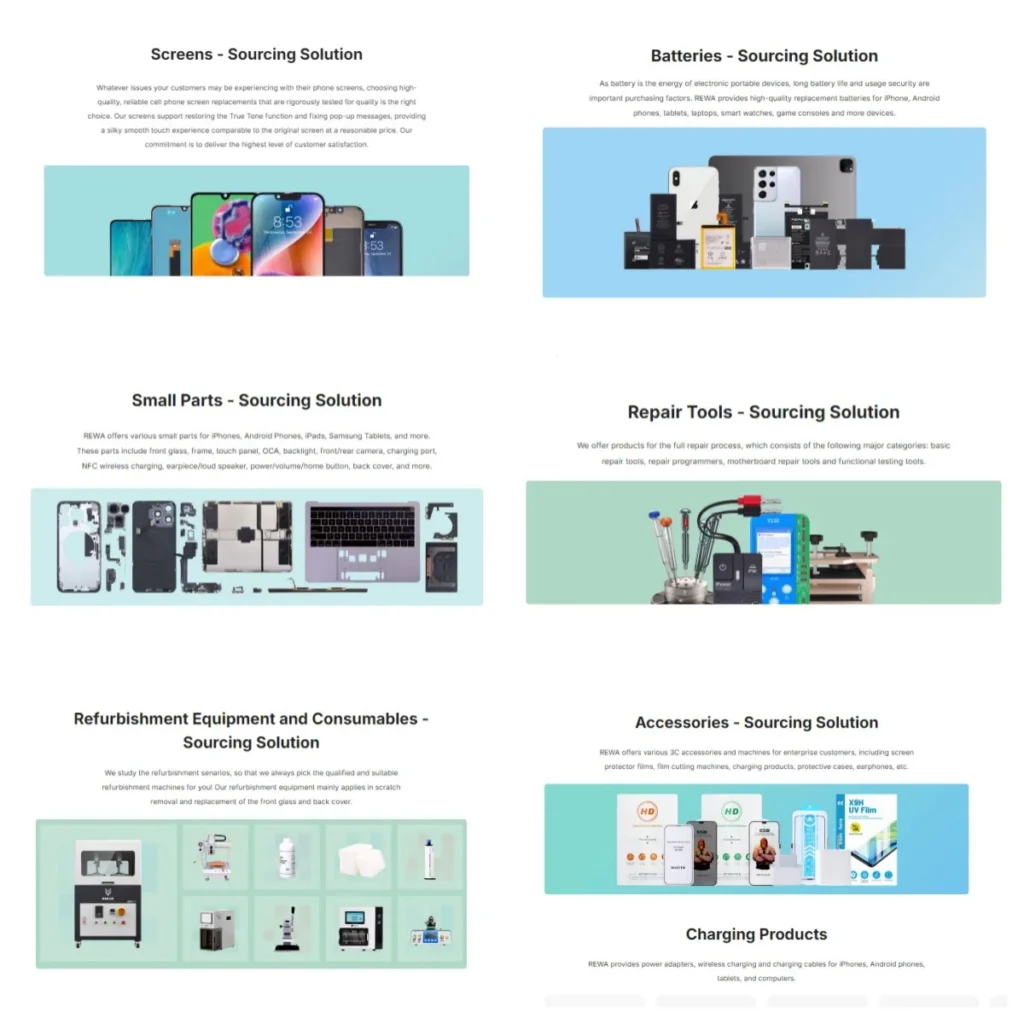
Rich product and service information
As a phone parts wholesale supplier, we have updated the display page of products and services to provide a more detailed overview of solutions, allowing you to find the solution that best meets your business needs. Check details: https://rewawp.iamtareq.com/product/
New UI design
By adopting a modern design style, it offers a more professional and concise browsing experience. Enjoy smooth navigation and visual enjoyment whether you are searching for information or exploring solutions.
Improve user experience
By optimizing the content layout and website architecture, the browsing experience on mobile devices is also greatly enhanced. This helps you access the website more efficiently anytime, anywhere and make business decisions.
Why choose REWA?
As a leader in one-stop repair business solutions, REWA Tech has always been committed to providing customers with the most complete solutions through screen assemblies, batteries, small parts, repair and refurbishment products and technical support. This includes training services, pre-sales and after-sales services. Additionally, we have updated our website to reflect our brand upgrade and our latest understanding of customer needs.
Explore Now
Visit REWA Tech Official Website now to explore new repair business solutions! We sincerely invite you to visit the new official website to experience the new design and functions. If you have questions or feedback, please feel free to contact us. We look forward to working with you to jointly drive your business to success.
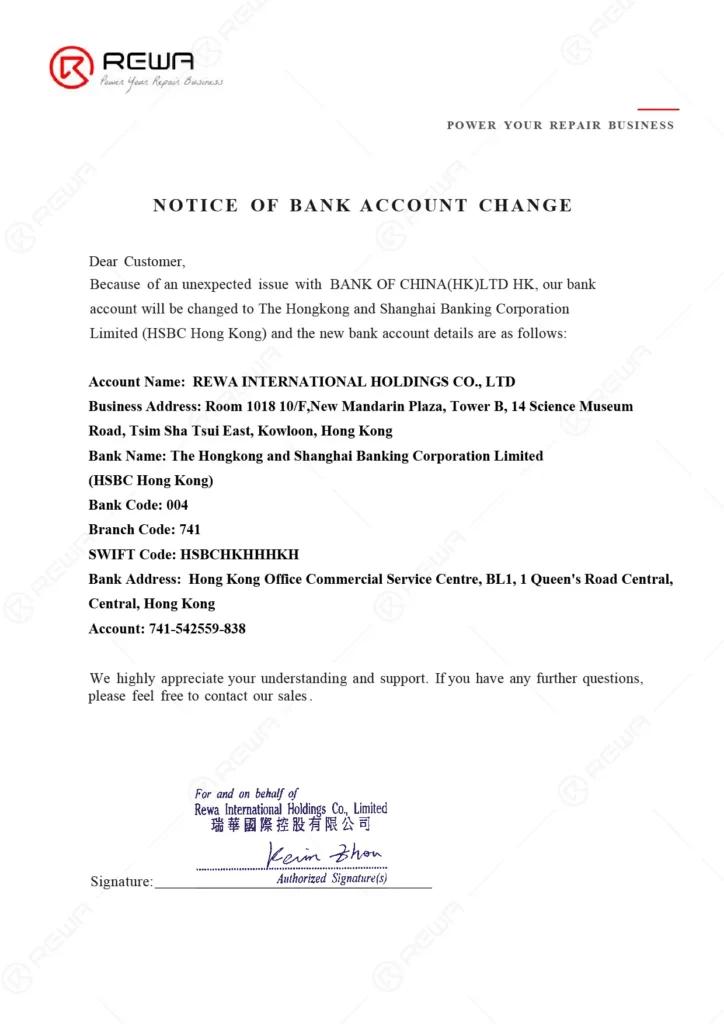
Dear Customer, Because of an unexpected issue with BANK OF CHINA(HK)LTD HK, our bank account will be changed to The Hongkong and Shanghai Banking Corporation Limited (HSBC Hong Kong) and the new bank account details are as follows:
Account Name: REWA INTERNATIONAL HOLDINGS CO., LTD Business Address: Room 1018 10/F, New Mandarin Plaza, Tower B, 14 Science Museum Road, Tsim Sha Tsui East, Kowloon, Hong Kong Bank Name: The Hongkong and Shanghai Banking Corporation Limited (HSBC Hong Kong) Bank Code: 004 Branch Code: 741 SWIFT Code: HSBCHKHHHKH Bank Address: Hong Kong Office Commercial Service Centre, BL1, 1 Queen’s Road Central, Central, Hong Kong Account: 741-542559-838
We highly appreciate your understanding and support. If you have any further questions, please feel free to contact our sales.
From April 18th to 21st, REWA attended the Hong Kong Global Sources Mobile Electronics Show. This exhibition is a grand event for the mobile electronics industry, bringing together more than 2,800 exhibitors and more than 100,000 popular products. It attracts industry buyers to jointly explore business growth opportunities in 2024!
During the exhibition, REWA showcased the latest products, technologies and solutions, including screen assemblies, batteries, phone parts, refurbishment machines, repair tools, etc. REWA became one of the most popular booths to communicate and collaborate within and outside the industry, and attracted many buyers and potential business partners.
During the four-day exhibition, REWA won the trust of many potential customers and achieved remarkable results.
Sales Director Crystal Luo said, “As a representative of REWA, we are very honored to participate in the Global Sources Mobile Electronics Exhibition. This exhibition provides us with a platform to showcase our latest products and technologies. It also allows us to establish deeper relationships with our customers.”
REWA will continue to be committed to providing customers with one-stop repair business solutions and becoming a trusted Chinese purchasing office for customers. Stay tuned to our website and social media platforms for the latest news and events.
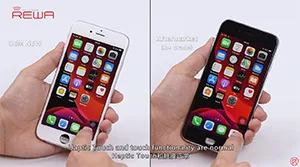
Since iOS 12 has been released recently, REWA LAB has conducted a series of compatibility tests for iPhone series from iPhone 6s to iPhone X with OEM NEW, OEM REFURB and aftermarket screens respectively. According to the test results, common functionality like touch functionality, 3D Touch, proximity sensor functionality and light sensor functionality function normally on iOS 12. Now, let’s take iPhone 8 and iPhone X as examples and show you how the test goes.
iOS 13 has been officially released for a month. In order to provide our clients with featuring stable quality, REWA LAB has conducted a series of compatibility tests for iPhone series from iPhone 6s to iPhone X with OEM NEW, A+Grade Aftermarket Screens and Aftermarket Batteries respectively. Now, Let’s take iPhone 6s, iPhone 8P, and iPhone X as examples and show you how the test goes.
Tips: iOS 13 only supports the iPhone 6s and later models.
There are various kinds of screen assembly products with uneven quality, which makes many customers confused when placing orders. Therefore, REWA has set a stringent standard for selecting products to ensure customers’ shopping experience, aiming to select the best quality screen assembly product with the highest cost performance on the market. REWA hopes to make customers shop without worries and rest assured to use assembly products selected by REWA.
When using iPhone, users may come across screen-related issues. Below are some common problems that can be fixed manually:
The display suddenly becomes dark.
There are two reasons why the display becomes dark:
First, the Auto-Brightness function is turned on, and the screen will become dimmer or brighter because of the environment. You can manage this feature in iPhone Settings – Accessibility – Display and Text Size.
Second, due to the high temperature, the screen may also become dim or even turns black when the device is overheating. When the screen suddenly becomes dim, it is necessary to pay attention to whether the device is too hot. At this time, you should stop using the device and put it away. After it has cooled down, you can use the device.
The iphone screen looks yellow
When the “True Tone” function is turned on, the screen will automatically adapt to the ambient light, allowing the image to display more nature. The screen may therefore look warmer. If you find that the iPhone display hue is getting warmer or more yellow color, the Dark Mode may be turned on. The Dark Mode adjusts the display color to a warmer tone, thereby reducing the excitement of the display on the eyes. It is suitable for use in a dark or darker environment. You can go to the iPhone Settings – Display and Brightness to close it.
Display screen or icon is too big
If the icon or picture on the display is too large, it is generally caused by the accidental opening of the “Zoom” function. Please reduce using three fingers to tap the screen.
To turn off the zoom function, go to Settings – Accessibility – Zoom. Then tap to close “Zoom”.
Display color distortion
If the color distortion on the iPhone display, you may need to adjust the color filter:
Please go to Settings – Accessibility – Display & Text Size and turn off Classic Invert or Smart Invert Inverse. Or turn on Color Filters to adjust.
In addition, if the iPhone screen shows leakage, abnormal spot, bright vertical strips, dim or gray spots, the screen itself is damaged and it needs to be sent for repair.
We've detected you might be speaking a different language. Do you want to change to:





 English
 Español
 Français
 Deutsch
 Italiano