


Xiaomi 10 non riesce ad avviarsi dopo la sostituzione dello schermo
Modello: Xiaomi Mi10
Annunciato: 2020, 13 febbraio

Fenomeno dei difetti
First, it was only the screen cracked, and the client tried to replace a new screen by himself, but during the replacement, damaged a flex cable. Bought a new flex cable and replace it, then find the phone cannot be booted.
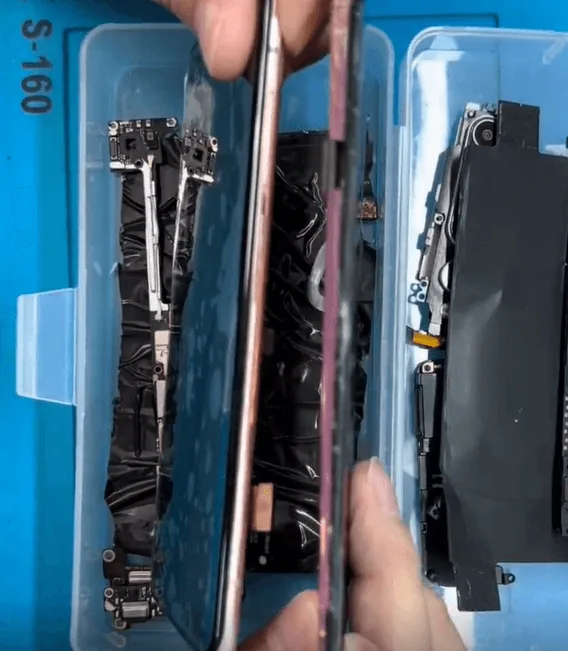
Send the phone to a repair shop, and the repair technician judge it’s the CPU with a problem. After resoldering the CPU, assembling the phone, and testing, the issue still remains the same.
Risoluzione dei problemi
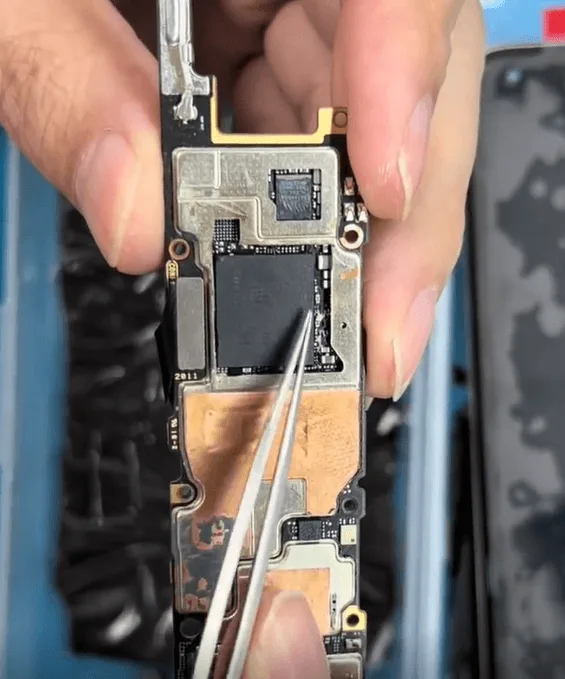
Check the motherboard, it’s obvious that the CPU has been resoldered before.
Normally, the repair technician will not take the second repair cellphone or board. As we don’t know which part and how it was repaired before, the repair difficulty level is very high! However, there are very important data inside, and the client begs us to repair it for him. So finally, we decide to have a try.
The client damaged flex cable is the connection cable between the display little board and the motherboard.
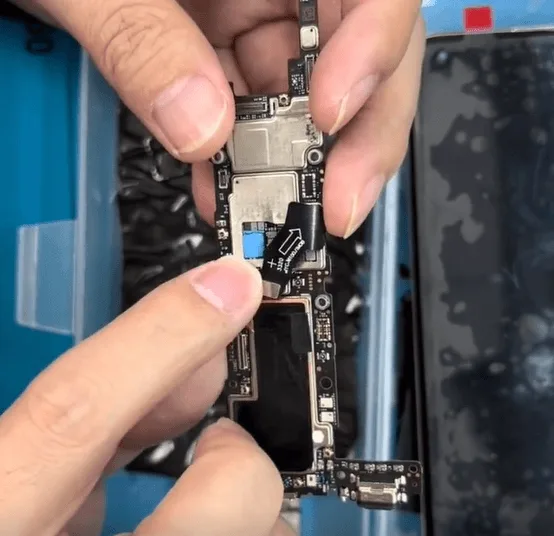
The display chip is independently integrated into this little board
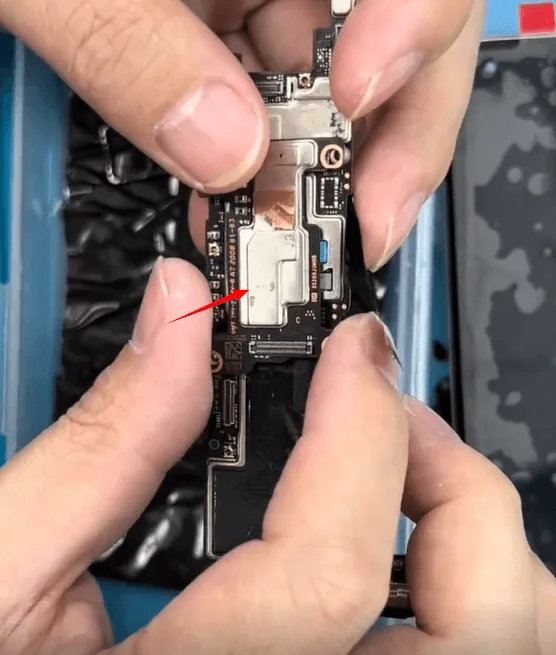
Get the flex cable and the boards connected, then power with the DC power supply machine to have a test
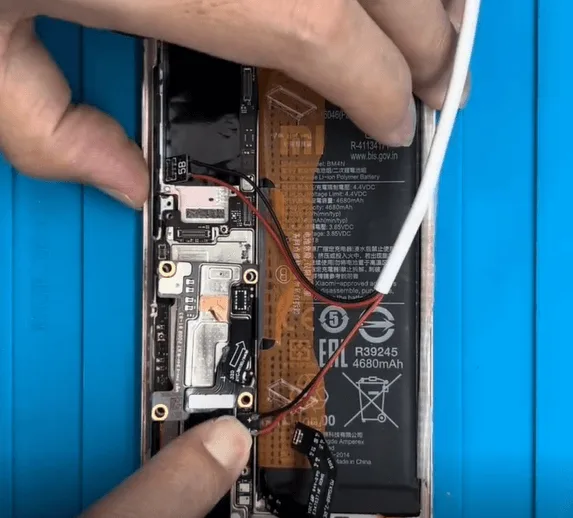
The boot current jumps to around 260mA then drops down
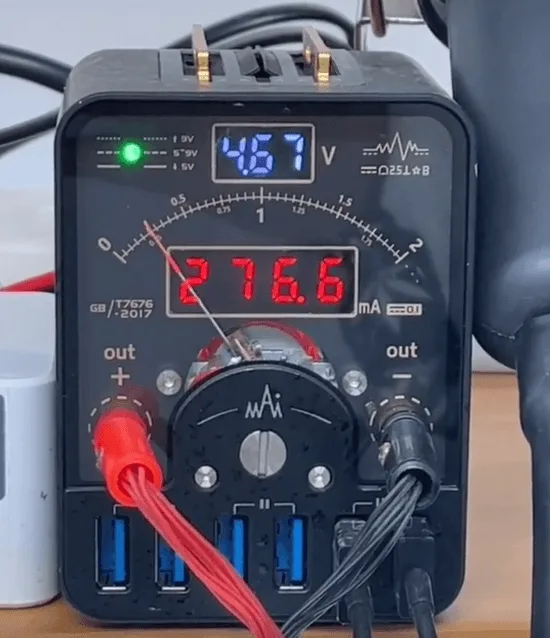
Based on the repair experience, this kind of abnormal current is caused by the CPU or the UFS. Besides, the Xiaomi 10 is equipped with Snapdragon 865, which is very easy to hot to cause the CPU poor soldering. So the previous repair technician’s repair logic (resolder the CPU) is OK.
Xiaomi 10 should get the battery connected first, then the phone can boot normally. So let’s connect the motherboard with the battery and connect the charging cable to boot. As we can see, there’s no charging current at all.
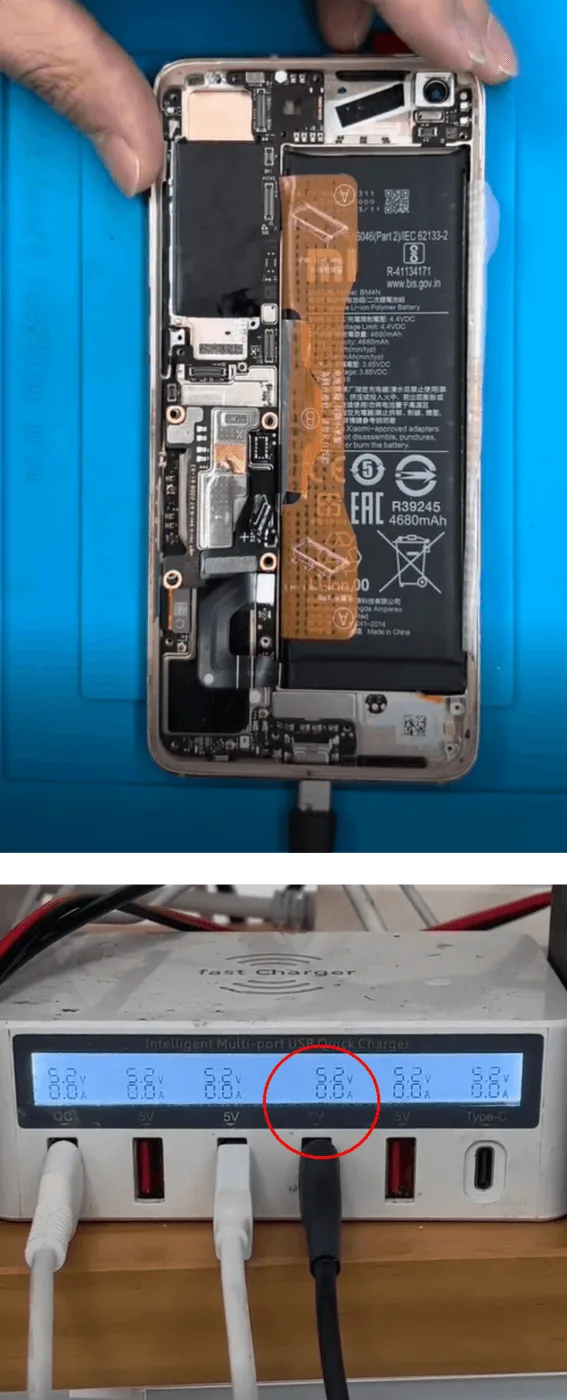
Let’s try to boot again with the charging cable connected but the battery connector detached.
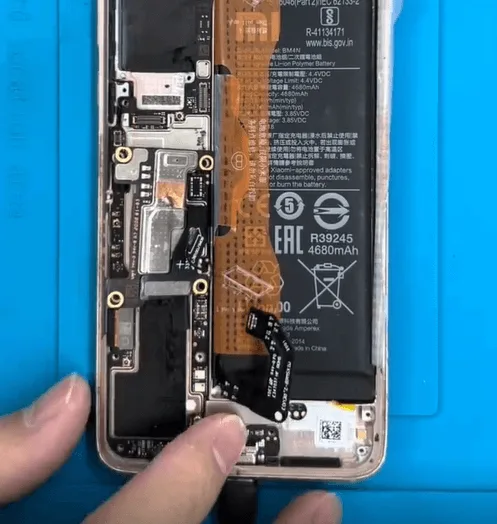
There is a 0.2A charging current
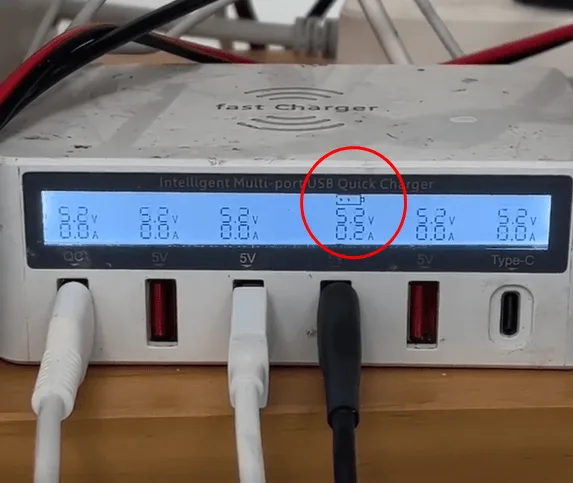
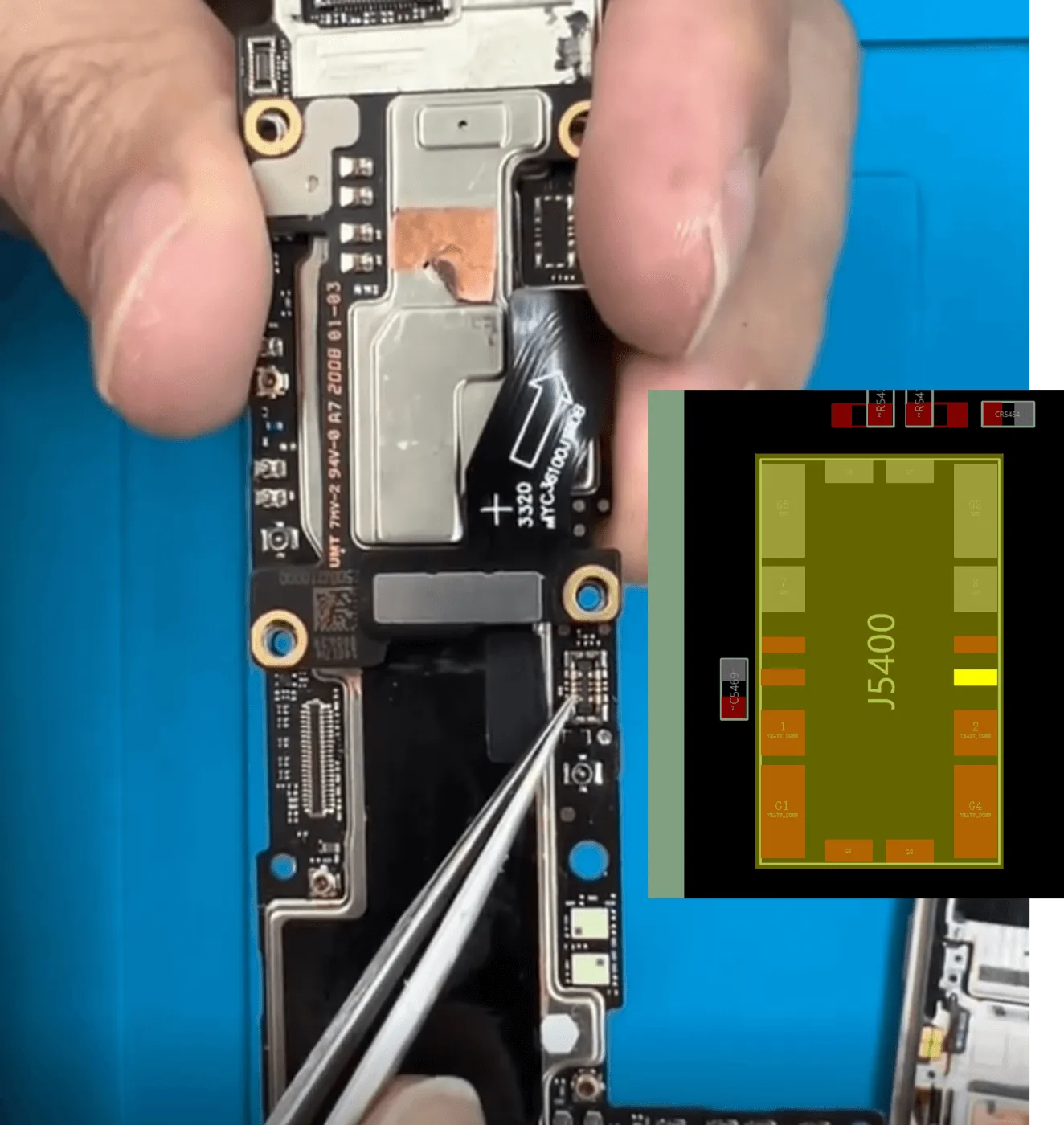
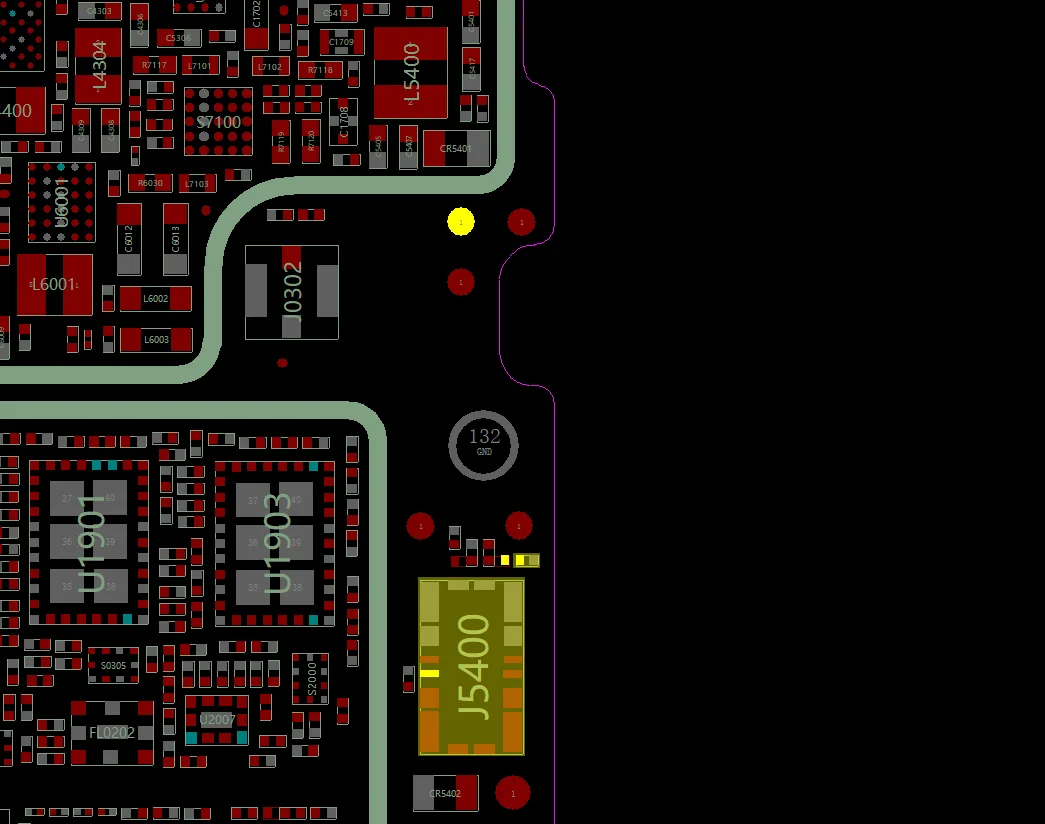
By the above phenomenon, we can make a preliminary judgment, it’s the battery current detecting pins with a problem. Let’s take out the motherboard and measure the diode values on the battery connector J5400
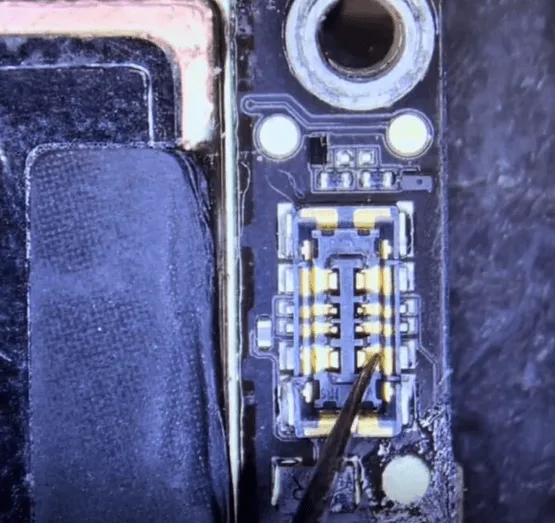
Refer to the bitmap (or you can measure the diode value on a good motherboard for reference ) to measure the battery data pins
The pin 3 (BATT_B+_J2) diode value should be around 589, but the measured result is OL. There must be something wrong with this rail, might be an inside rail broken.
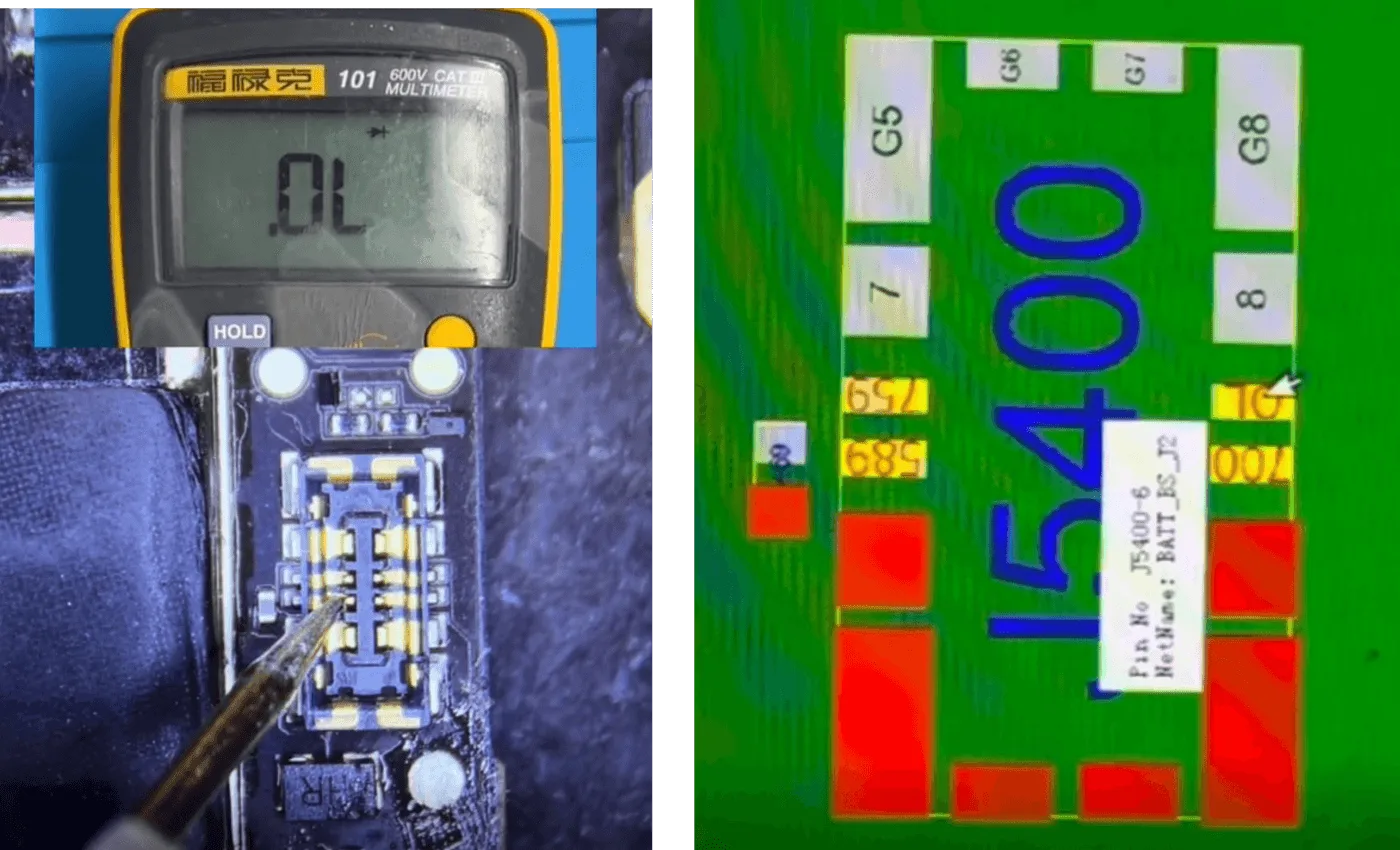
On the bitmap, we can see that battery pin 3 is connected with the test point
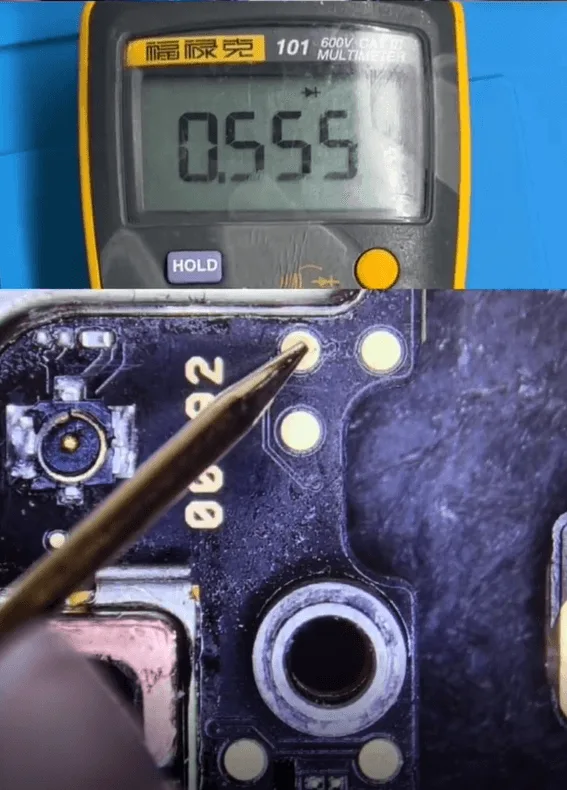
And the measured diode value on the test point is 555, which is normal.
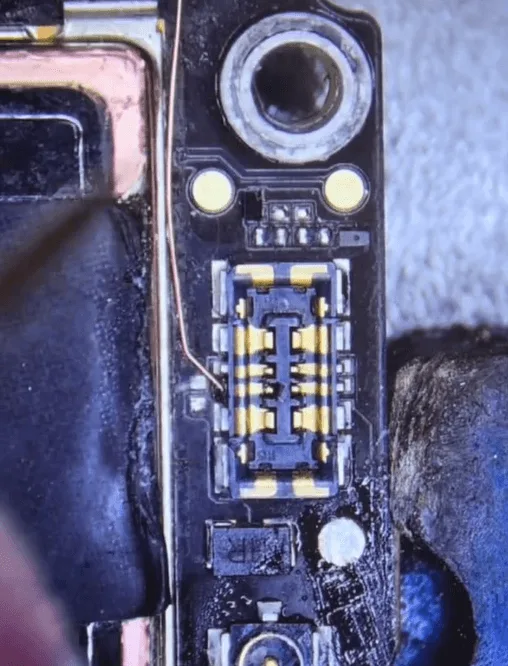
Jump a wire from Pin 3 of the battery connector to the test point
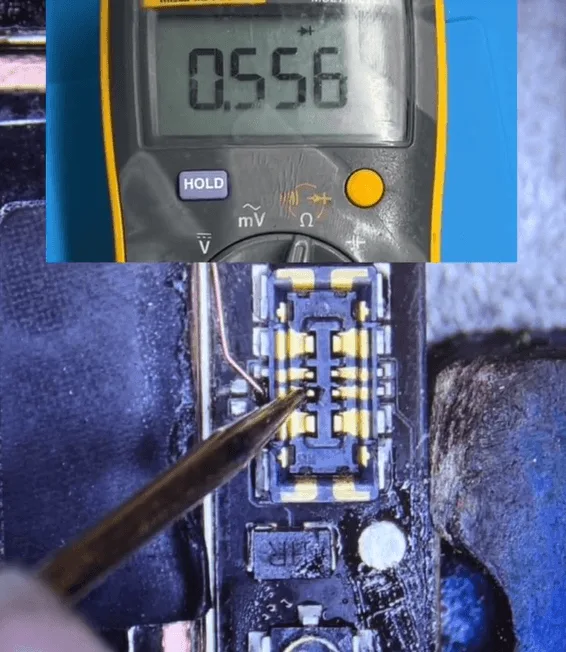
Then measure the diode value on pin 3 of J5400 again, and the diode value back to normal.
Then let’s put the motherboard into the phone cover to have a test
- Get the battery connected
- Plug in the charging cable
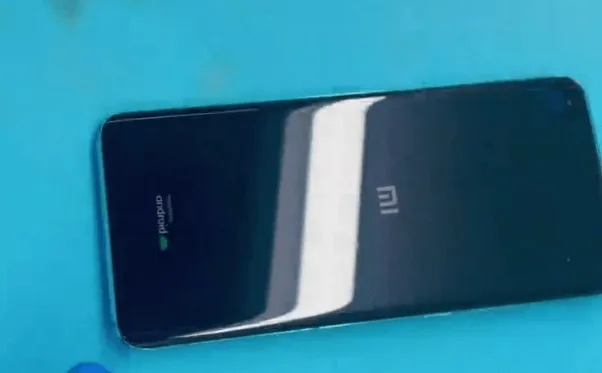
The phone can be booted normally, enter the PIN code to enter into the system and test the functions, all are OK.
Apply the UV mask on the jump wire, then cure with a UV lamp to fix and isolate.
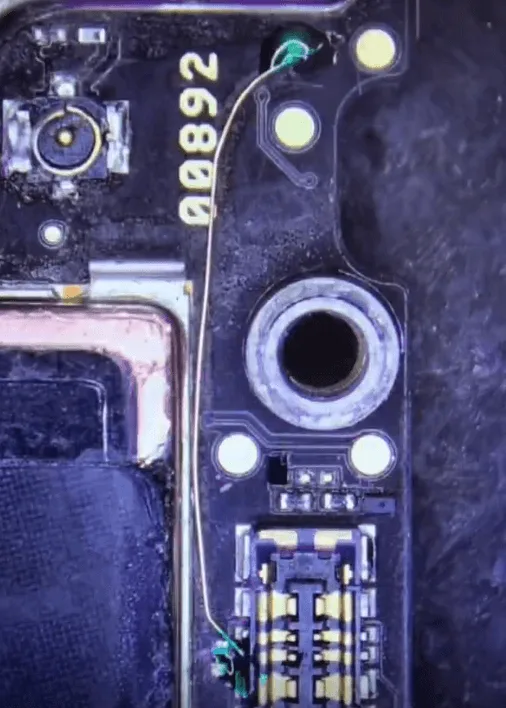
In the last step, let’s assemble the phone and apply more thermal grease on the CPU, and test again. Everything works fine, the issue gets perfectly resolved by jumping the wire on the battery data pin.
>>> Visita Accademia REWA per illuminare le vostre abilità di riparazione




 English
  Español
  Français
  Deutsch
  Italiano