The battery capacity reduction of iPhone 12 directly affects the battery life of the phone, so the battery capacity is a primary concern in our daily use, wanting to know how much the current power is left. By default, iPhone will display power in a graphical way. So how to show battery percentage on iPhone 12? REWA will show you how to do it.
1.Set the percentage of battery
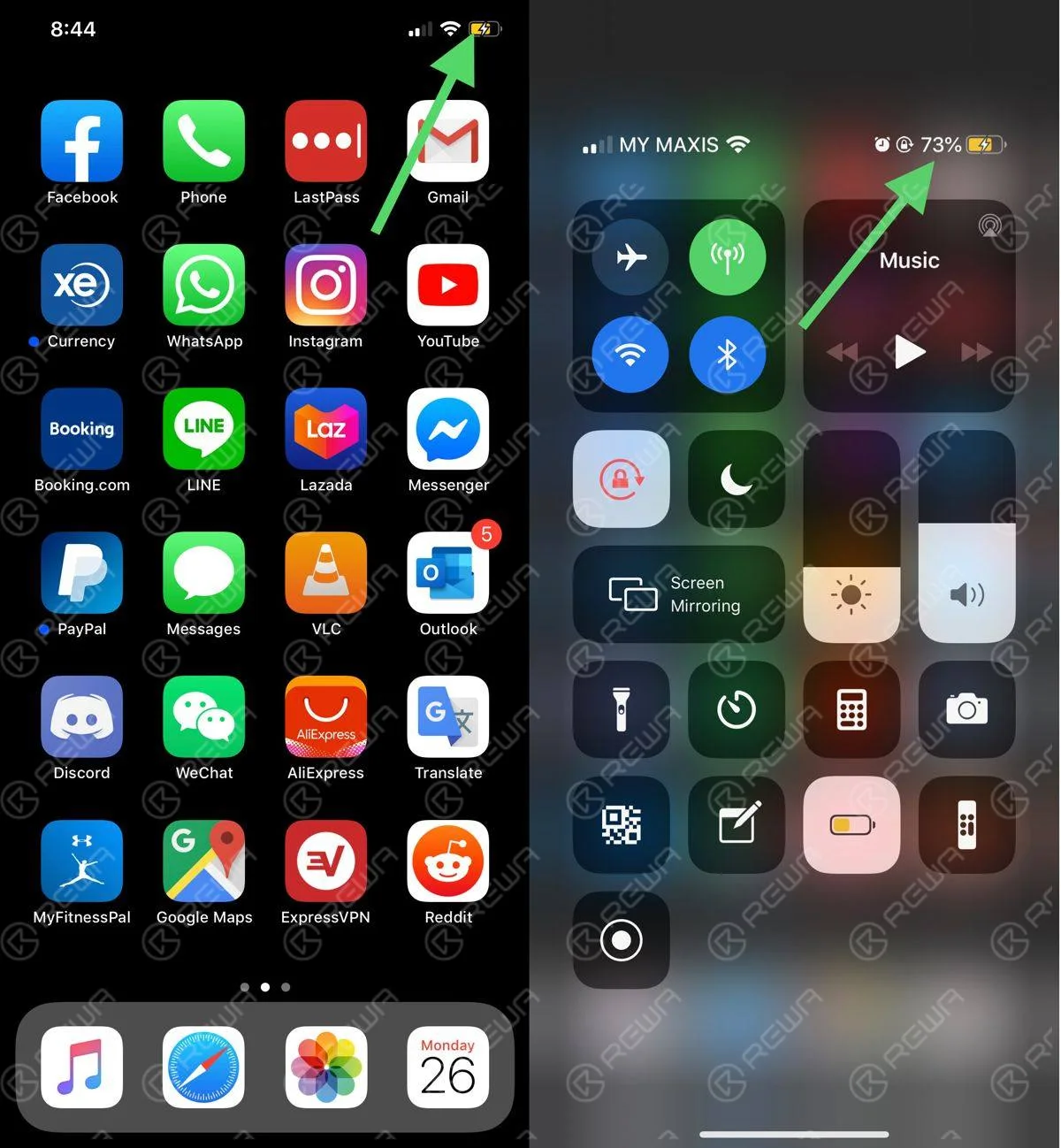
In the first place, turn on the phone. Go to Settings > Battery, and you can see the battery percentage button switch down in the settings. The function is turned off by default. Tap the button and the function is on. You can see the battery percentage by turning on the switch, which is very easy.
2.View battery percentage in a quick way
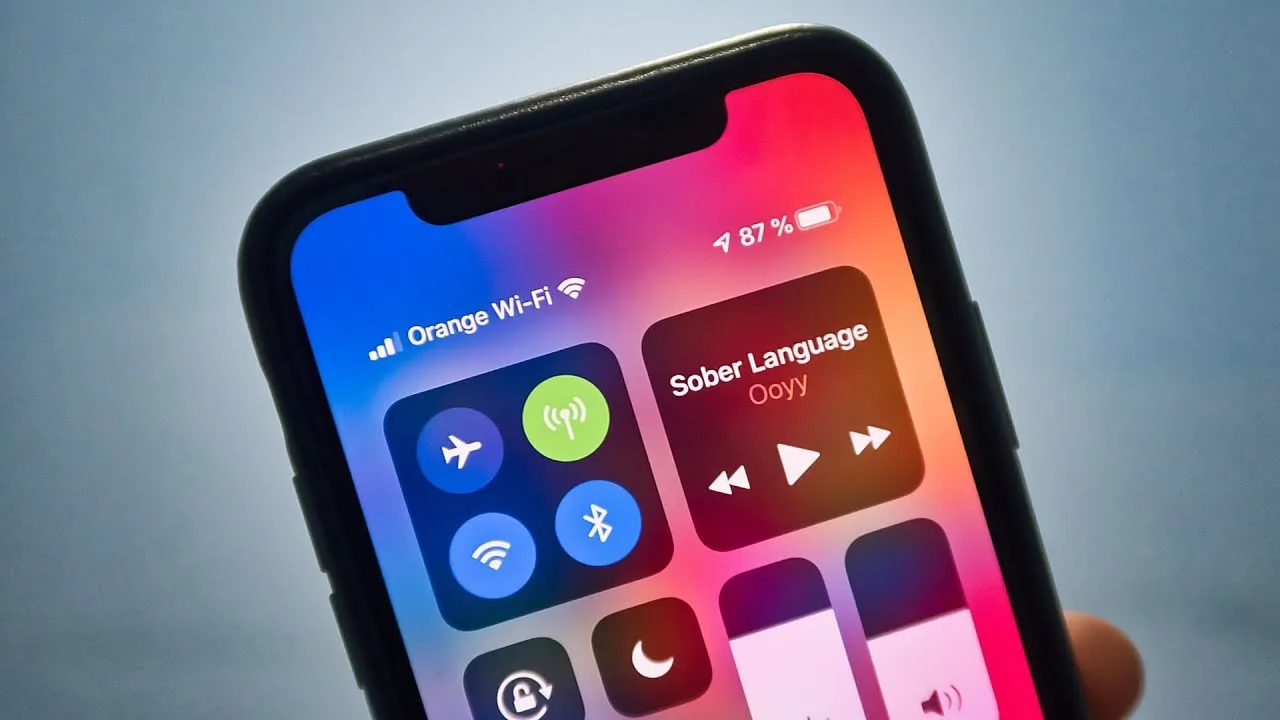
Turn on iPhone 12. The battery is not displayed in the upper right corner. We need to scroll down the screen. Scroll down and you will see the battery percentage in the lower right corner, which doesn’t require the settings.
3.Connect to the charger to view the battery percentage
When the phone is connected to the charger, it is also possible to see the percentage of the battery. Of course, you need to scroll down the screen. The method is easy and convenient as the second one. The charging sign will turn green during charging.
That’s all for how to show the battery percentage on iPhone 12. Hope the above content is helpful.
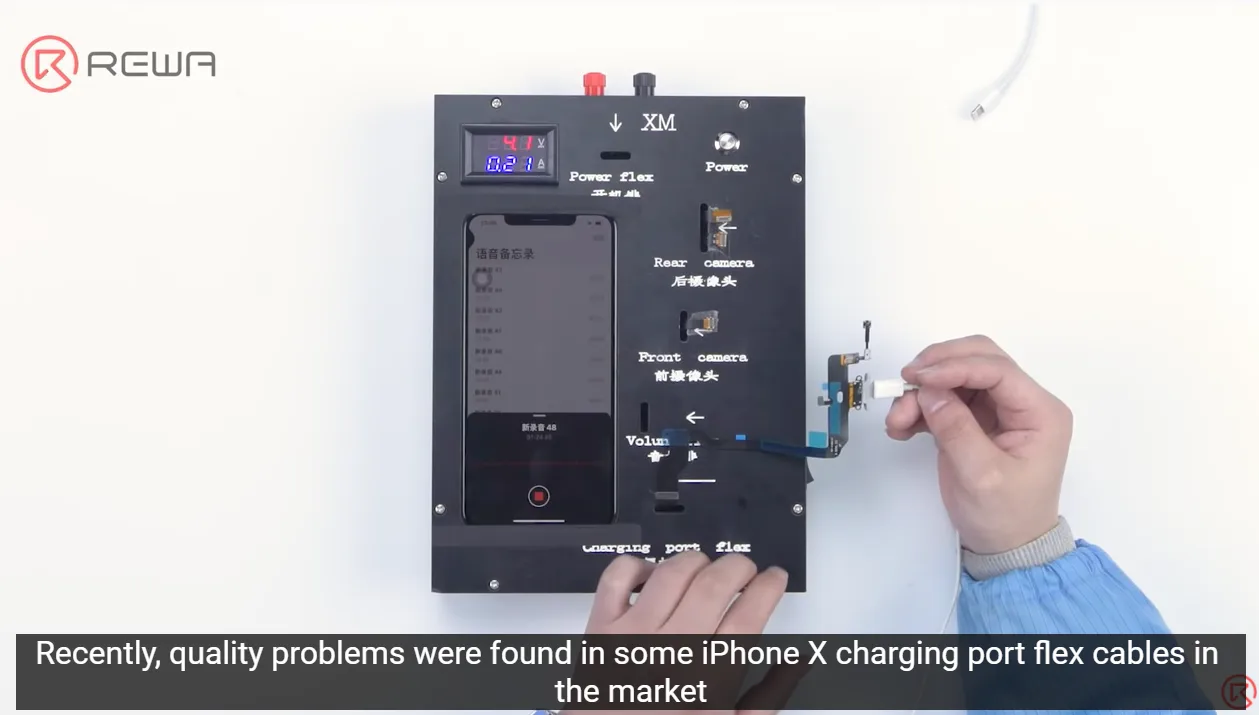
Customers are concerned about the quality of parts as always since the quality of parts on the market is mixed all the time. Recently, quality problems were found in some iPhone X charging port flex cables on the market. The phones that installed the flex cables kept restarting or turning off while recording. To ensure the quality of parts received by customers, REWA spares no effort to strictly carry out a complete quality control inspection system. Let’s take a look!
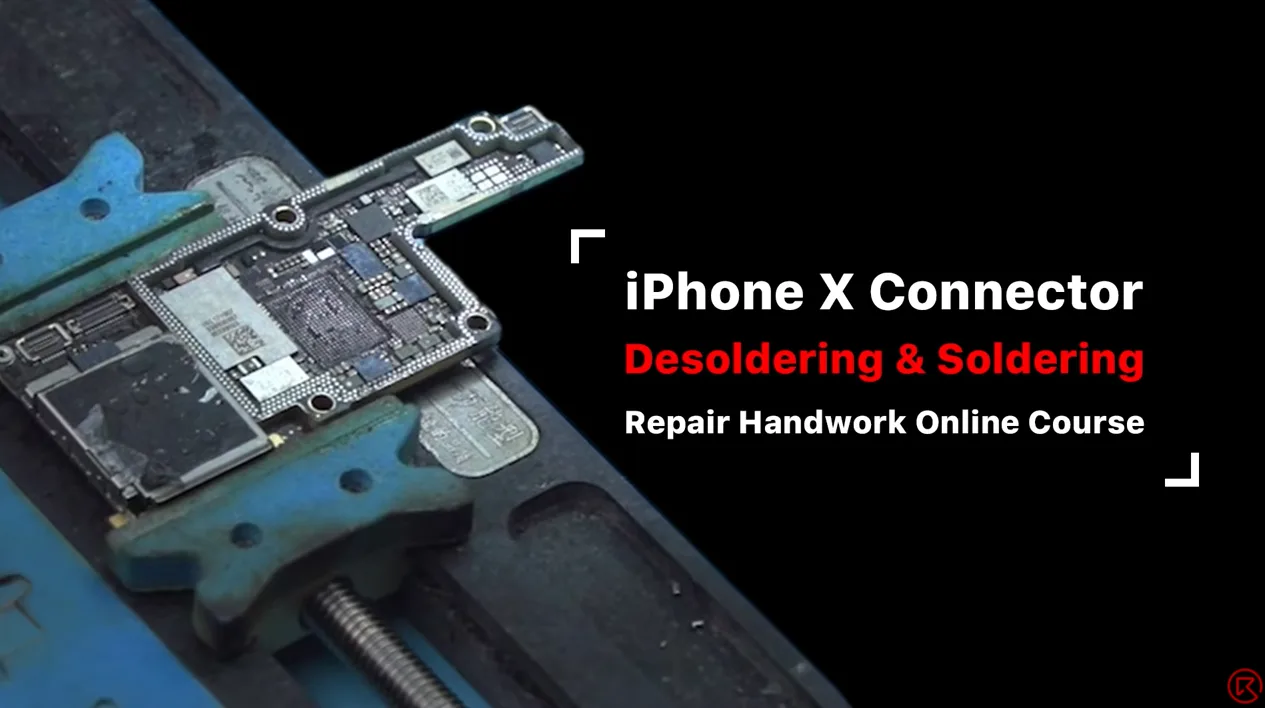
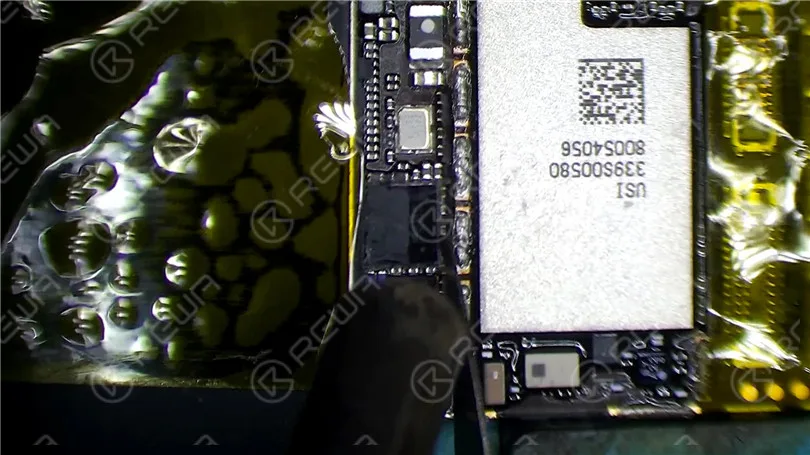
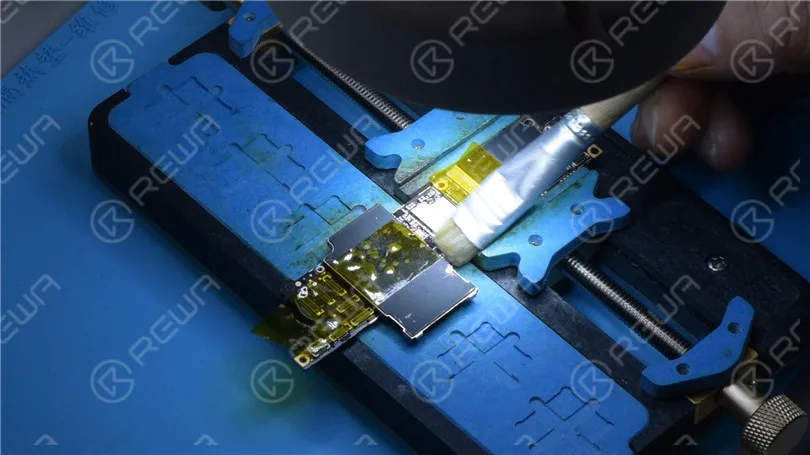
Today, REWA Academy open course will share some handwork techniques about iPhone motherboard repair. By taking the desoldering and soldering of iPhone X series Wi-Fi FPC connector and touch connector for example and combining some mistakes that junior repair technicians may make, we will also share some more direct and efficient tips.
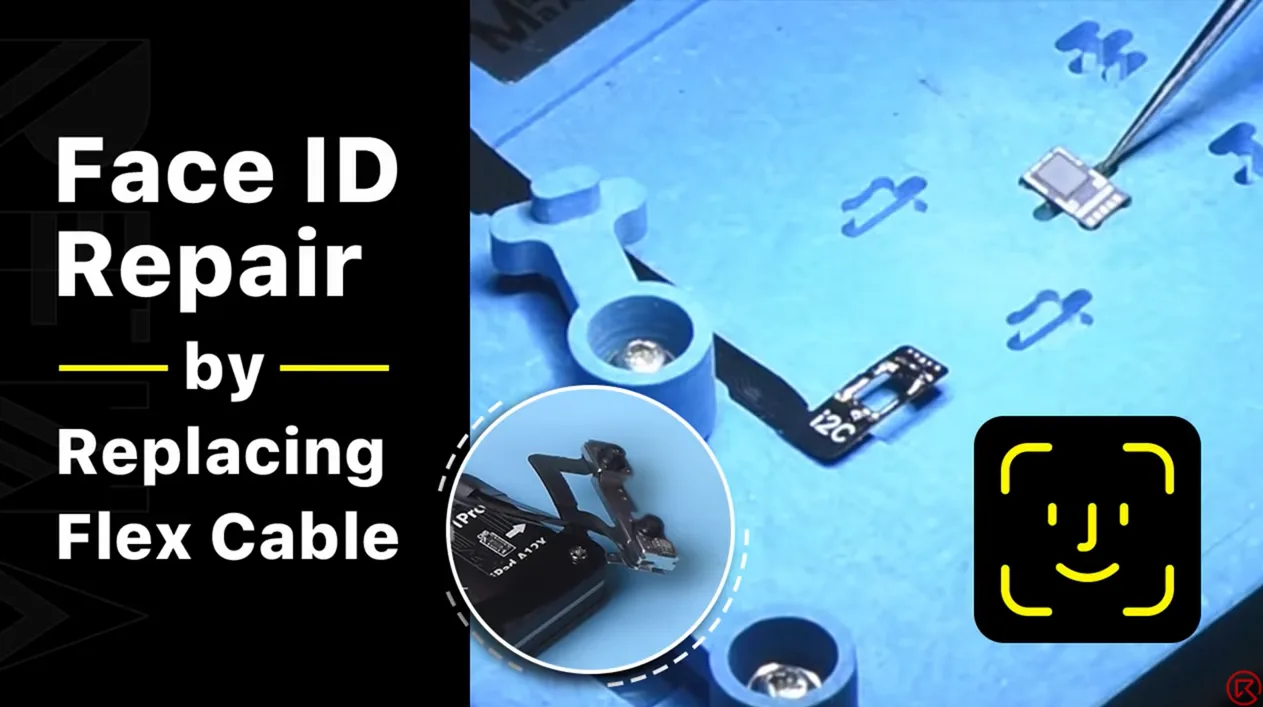
Las piezas del proyector de puntos son sumamente frágiles. Una caída o daño por agua pueden afectar las piezas del proyector de puntos, provocando un mal funcionamiento de Face ID. Dado que el circuito integrado del proyector de puntos está encriptado y su reemplazo requiere un enlace de encriptación de datos para el nuevo circuito integrado, a los técnicos de reparación les resulta un desafío reparar Face ID. La buena noticia es que REWA LAB ha desarrollado un método simple y eficiente para reparar Face ID. ¡Vamos a verlo!
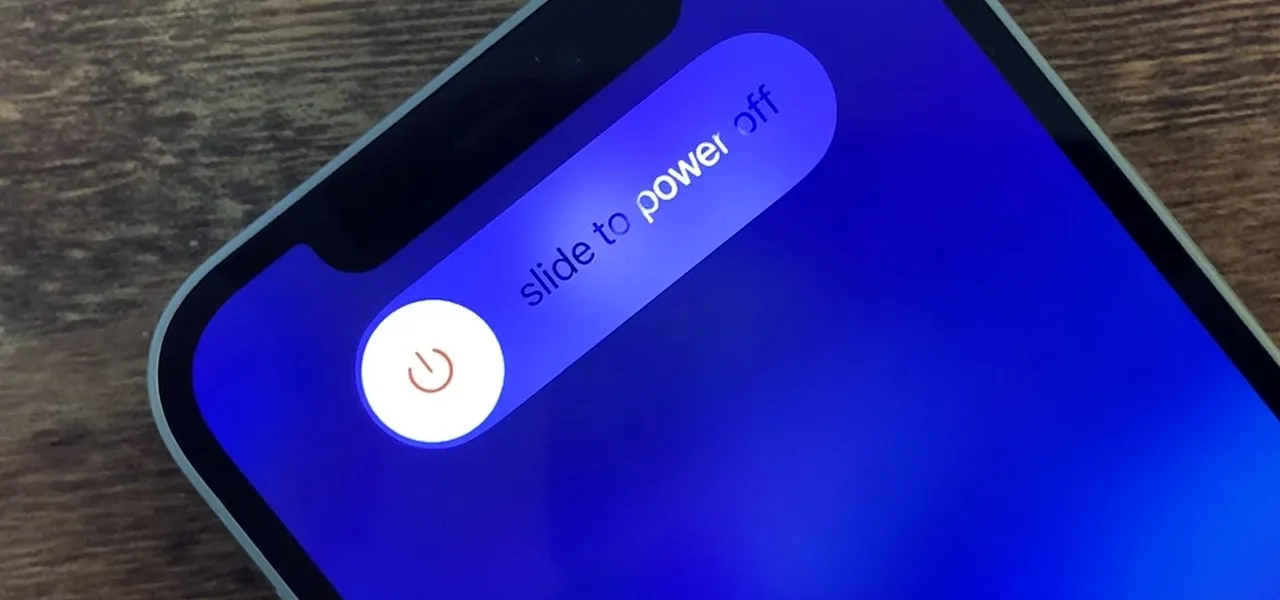
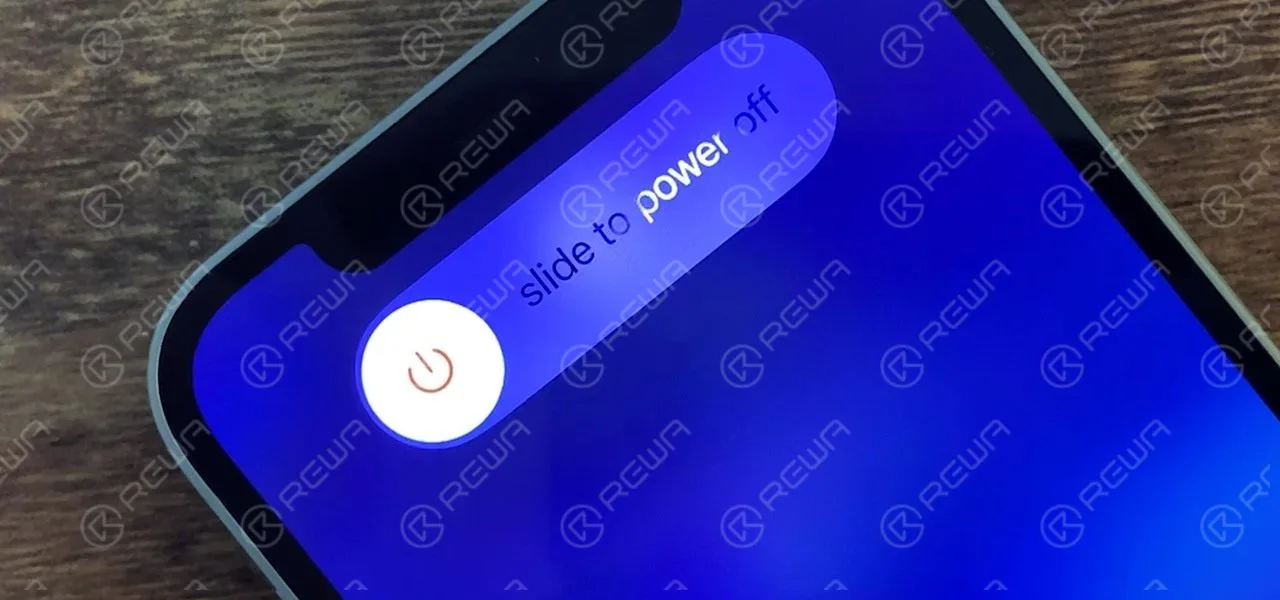
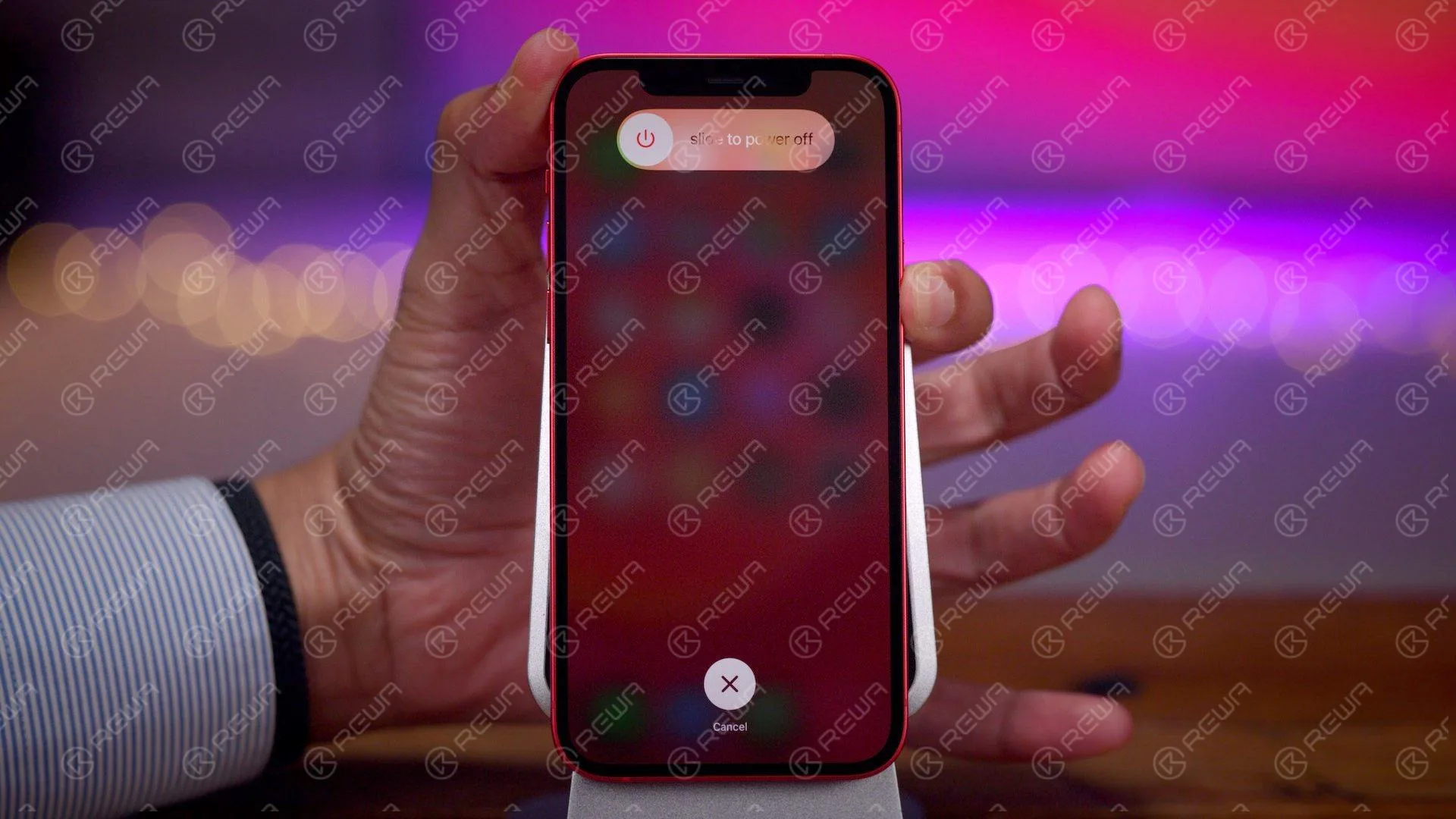
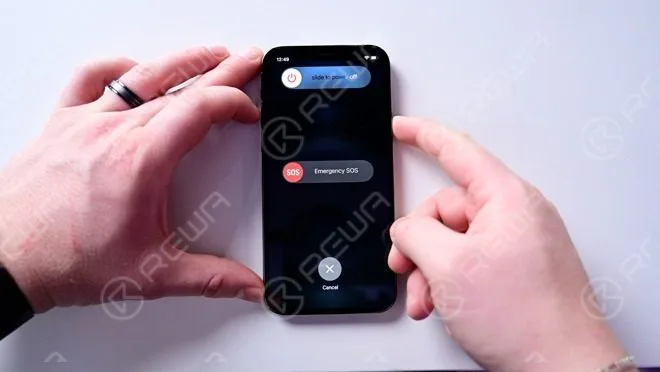
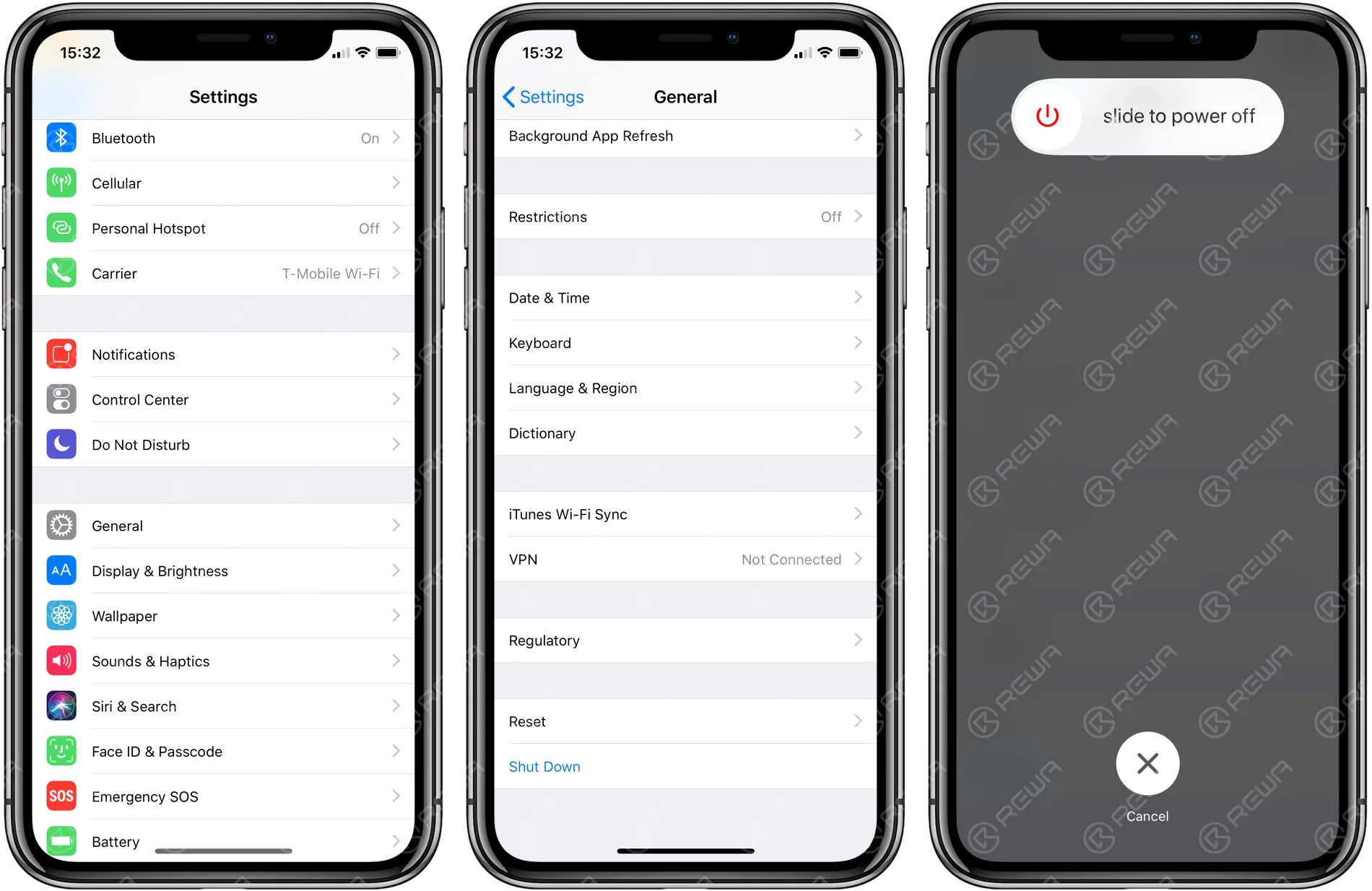
¿Cómo apagar el iPhone 12? Este artículo presenta principalmente las cinco formas de apagar/forzar el apagado del iPhone 12. Compruébelo usted mismo para sus propias necesidades.
1. Usa Siri para apagar.
Abre Siri y di "Apagar". Verá los pasos de cómo apagar. Siga los pasos para apagar el teléfono.
2. Botón de encendido + botón de subir volumen
Mantén pulsados el botón de reposo/activación y el botón de subir volumen. Pulsa deslizar para apagar.
3. Botón de encendido + botón para bajar el volumen
Mantén pulsados el botón de reposo/activación y el botón de bajar volumen. Pulsa deslizar para apagar.
4. Apagar el iPhone en ajustes
Ve a Ajustes > General > Apagar.
5. Forzar reinicio
En primer lugar, mantén pulsado el botón de subir volumen y, a continuación, pulsa rápidamente el botón de bajar volumen y, por último, mantén pulsado el botón de encendido.
Eso es todo para las cinco formas de cómo apagar/forzar el apagado del iPhone 12.
Today, our case is about fixing an iPhone XR that has no signal and motherboard electricity leakage. When we inserted the SIM card and tested, the ICCID and IMEI number could be checked. Our initial judgment was that the problem was probably related to the signal power amplifier circuit. We continued to check the circuit and we found that the power amplifier IC had burnt out. Next, we connected the burnt bonding pads by jumping wires and replaced with a new power amplifier IC.
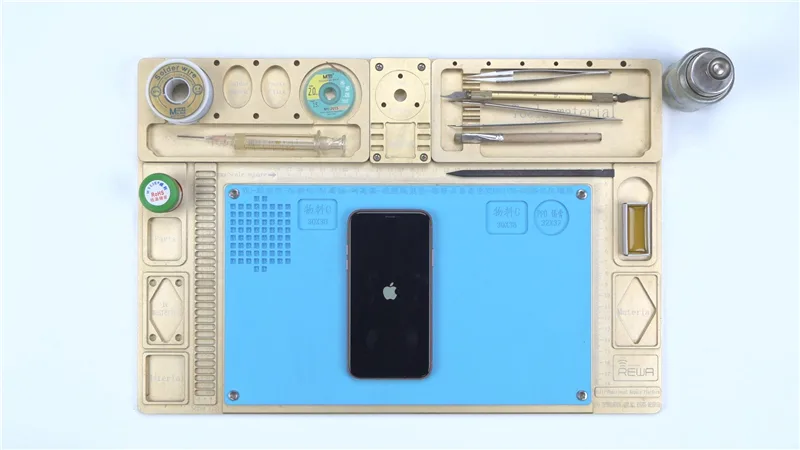
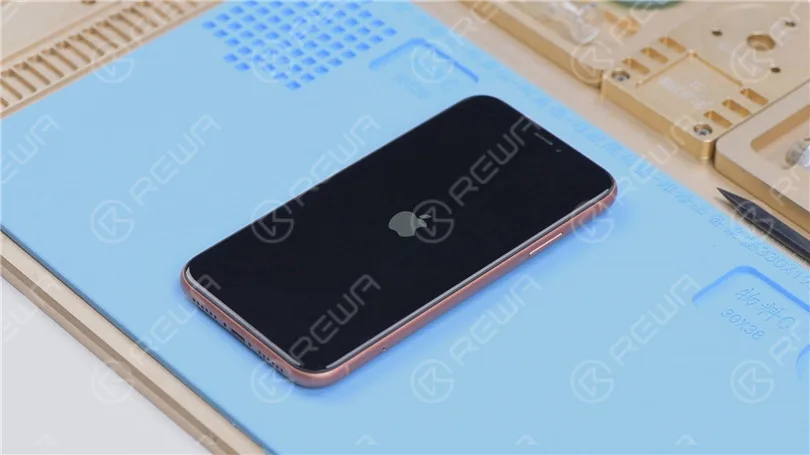
En esta guía, le mostraremos cómo reparar un iPhone XR bloqueado en el logotipo de Apple y que se reinicia constantemente, un problema común que ocurre después de que el teléfono se ha caído o se ha puesto a cargar. Si flashear el teléfono no ha funcionado y sigue reiniciándose, es probable que el problema esté en la placa base o en el circuito integrado USB. Siga estas instrucciones paso a paso para resolver el problema y hacer que el teléfono vuelva a funcionar.
Cómo reparar un iPhone XR bloqueado en el logotipo de Apple y reiniciándose
Si tu iPhone XR se queda bloqueado en el logotipo de Apple y se reinicia constantemente después de haber sufrido una caída o de haberlo cargado, es probable que haya un problema con la placa base del teléfono. A continuación, te indicamos cómo solucionar el problema y repararlo:
Paso 1: Diagnóstico inicial
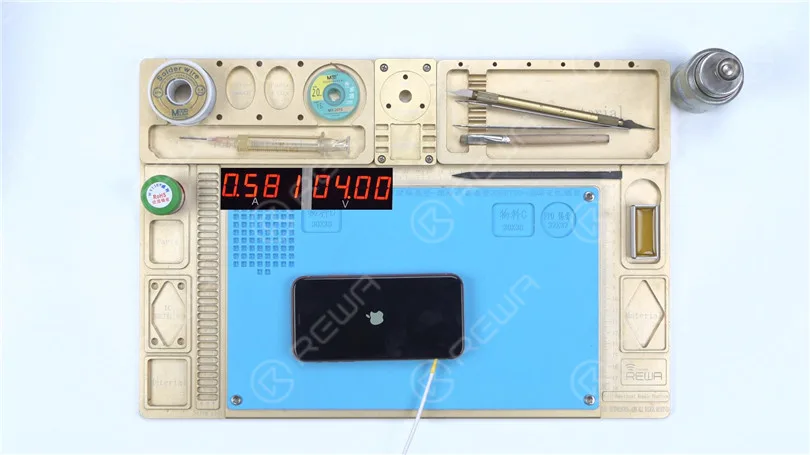
Conecte el cable de alimentaciónPrimero, conecta el cable de alimentación a la placa base. Comprueba si hay signos de fugas de electricidad o corriente grande. En este caso, todo parece normal.
Flashear el teléfonoConecta el iPhone XR a una computadora y prueba a flasquear el dispositivo para ver si hay daños en el sistema. Usa un Restore-Easy Cable para entrar en el modo de recuperación y comenzar el proceso de flasheo.
El teléfono se puede flasear con éxito, pero aún así no enciende y continúa reiniciándose. Esto indica que el problema está relacionado con el hardware, específicamente con la placa base.
Paso 2: Inspección de la placa base
Retire la placa baseDesconecte el cable flexible, retire la espuma y la goma, y fije la placa base a un soporte.
Protege los conectoresUtiliza cinta de alta temperatura para proteger el conector antes de continuar.
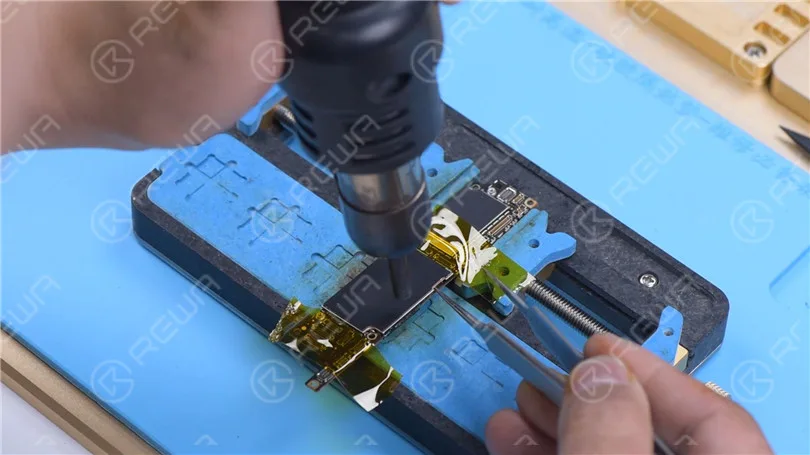
Retirar cubierta protectora Retire la cubierta de protección con una pistola de aire caliente vertical a 380 °C.
Revisar inductancias alrededor del circuito integrado de energíaUsa un Pistola de aire caliente a 280 °C para inspeccionar las inductancias alrededor del circuito integrado de alimentación en busca de conexiones flojas. Si las inductancias están flojas, indica soldadura falsa. Sin embargo, en este caso, las inductancias están firmes.
Paso 3: Reemplazo del circuito integrado USB
Dado que el teléfono se reinicia después de cargarse, el circuito integrado USB (que forma parte del circuito de carga) es el culpable más probable. Así es como se reemplaza:
Retirar la pasta térmicaUtilice un cuchillo para escultura para retirar con cuidado cualquier grasa térmica.
Preparar el área del CI USBProtege la CPU con una cubierta de protección y asegúrala con cinta resistente a altas temperaturas. Calienta el adhesivo negro alrededor del circuito integrado (IC) USB usando una pistola de aire caliente a 280 °C.
Retira el circuito integrado USB:
Haz palanca para levantar el circuito integrado (IC) USB usando una pistola de aire caliente a 380 °C.
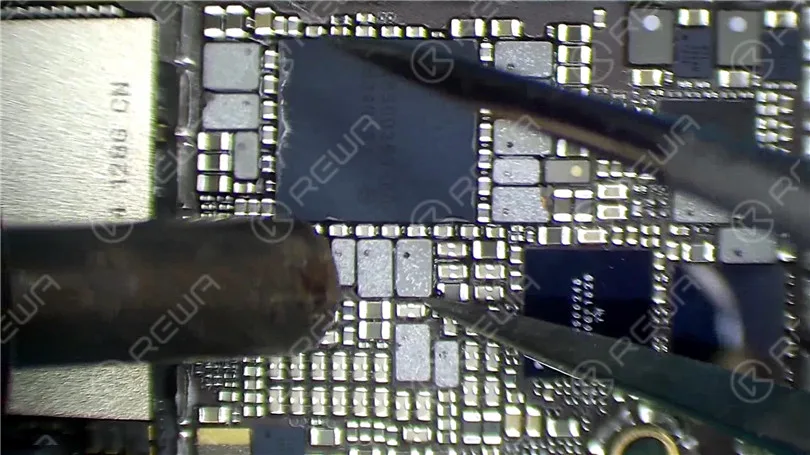
Aplique fundente en pasta, luego retire el estaño de la almohadilla de unión con un soldador ajustar a 365 °C.
Limpie el áreaUtilice malla de desoldar impregnada en colofonia y aplique calor con la pistola de aire caliente a 380 °C para eliminar el exceso de estaño. Limpie la zona con limpiador de PCB una vez que se haya enfriado.
Instalar el nuevo IC USB:
Aplica fundente en pasta y coloca el nuevo CI USB en su posición.
Suelda la pieza en su lugar usando la pistola de aire caliente a 380 °C.
Limpie el área con limpiador de PCB una vez que la placa base se enfríe.
Paso 4: Pruebas y reensamblaje
Probar la placa baseVuelva a conectar la placa base al cable de alimentación y haga un puente en la tierra del pin 10 en J4300 para activar el inicio. Compruebe si la corriente de arranque es normal.
Vuelve a montar el teléfonoVuelva a instalar la placa base, conecte la pantalla y la batería, y encienda el teléfono. Si todo funciona como se espera, el teléfono debería encenderse normalmente.
Conclusión:
El problema con este iPhone XR se debió a un circuito integrado (IC) USB defectuoso, que es un punto común de fallo después de que el teléfono se ha caído o cargado. Aunque el teléfono se podía flashear, seguía reiniciándose debido a un fallo de hardware. La sustitución del IC USB resolvió el problema, permitiendo que el teléfono se encienda normalmente y funcione como se esperaba. Esta guía destaca la importancia de diagnosticar los problemas de hardware en los casos en que el flasheo del sistema no soluciona el problema.
Separar y recombinar la placa base de doble apilado es un paso muy importante para la reparación de placa base de iPhone X y modelos superiores. Ligeros errores pueden resultar en pseudo soldadura u otros problemas. Por lo tanto, este video lo ayudará a dominar los consejos de reparación de la placa base y mejorar la reparabilidad al compartir métodos y notas detallados de separación y recombinación. Los consejos de este vídeo se aplican al iPhone X y modelos superiores.
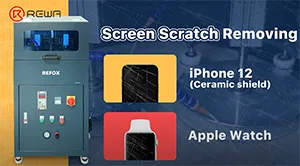
REFOX grinding and polishing machine, a new product selected by REWA, has recently gained attention from numerous customers and been sought after by clients of refurbishment, recycle, and repair all over the world because of its outstanding grinding effect and excellent work efficiency. Apple has covered its new iPhone 12 with a ceramic shield screen, which it says is the toughest glass ever on a smartphone. Today we’re going to show you how the machine refurbishes iPhone 12 and Apple Watch.
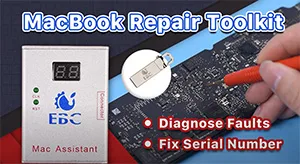
In daily MacBook repair, motherboard component failure is the most common problem. For repair technicians, the most complicated process is not repairing, but finding the fault. In response to this situation, we introduce a MacBook repair assistant EBC-820 that can help repair technicians pinpoint the fault before repair. Check out this video and see how EBC-820 works!
Desde el primer iPhone hasta el iPhone 11, Apple ha almacenado el número de serie, la dirección WiFi y la dirección Bluetooth en la memoria NAND. Sin embargo, los técnicos de REWA descubrieron recientemente que la NAND del iPhone 12 no almacena el número de serie, la dirección WiFi y la dirección Bluetooth, lo que significa que la NAND del iPhone 12 se puede reemplazar directamente por otra NAND de iPhone 12 y activarse. Por lo tanto, los técnicos de REWA especulan que la ampliación de almacenamiento del iPhone 12 será más fácil que en los modelos anteriores. ¡Mira este video para verificar nuestra especulación!
Productos recomendados en este vídeo:
Estación de trabajo de pistola de aire calienterápido 861dw
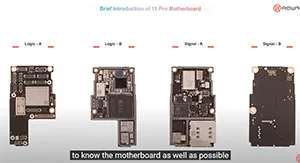
Some repair technicians repair motherboards according to experience and thus the repair result cannot be guaranteed. Only when you comprehend the phone working principles can the motherboard problems be fully resolved. REWA Academy is about to launch the iPhone 11 Pro motherboard repair online course, providing technicians with systematic motherboard repair knowledge.
We've detected you might be speaking a different language. Do you want to change to:


 English
 Español
 Français
 Deutsch
 Italiano