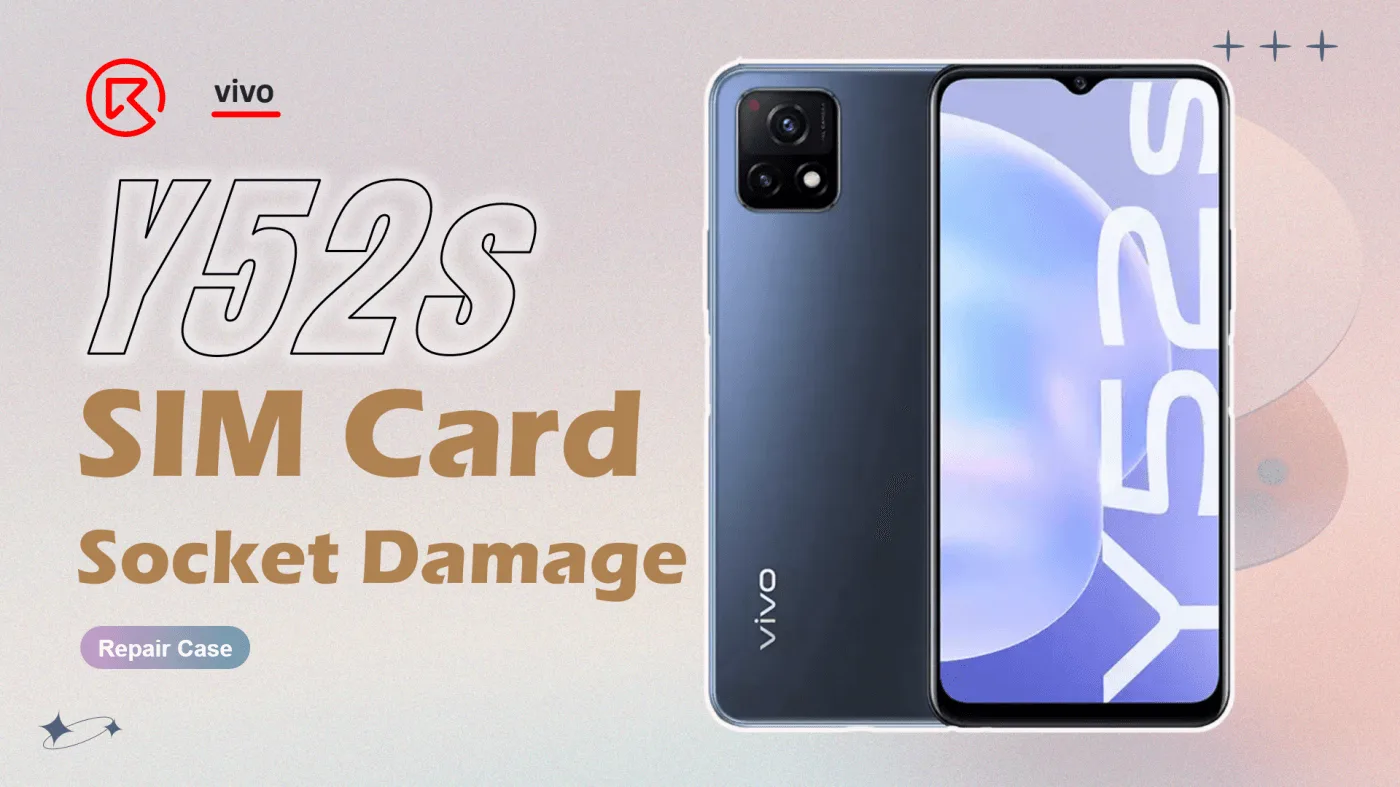
The Vivo Y52s, announced on December 7, 2020, has garnered attention for its impressive features, but like any device, it is not without its challenges. One common issue users face is damage to the SIM card socket, which can occur when a SIM card becomes stuck in the slot. This frustration often leads to mishandling, resulting in a broken tray and a deformed slot. In this blog post, we will explore the repair process for the Vivo Y52s SIM card socket damage, providing insights into effective solutions and preventative measures to keep your smartphone in optimal condition.

Phone Details
Model: Vivo Y52s
Announced: 2020, December 07
Defect Phenomenon
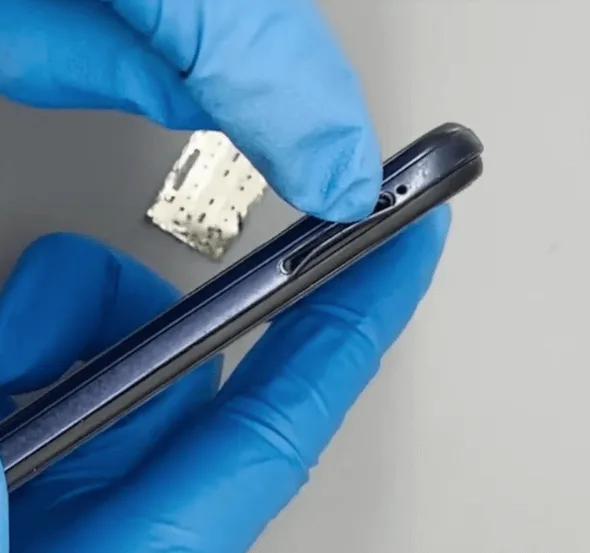
A customer attempted to replace the SIM card, but it got stuck in the slot. When they tried to forcibly remove the SIM card tray, it broke, and the SIM slot became deformed.
Troubleshooting
1: Initial Function Testing
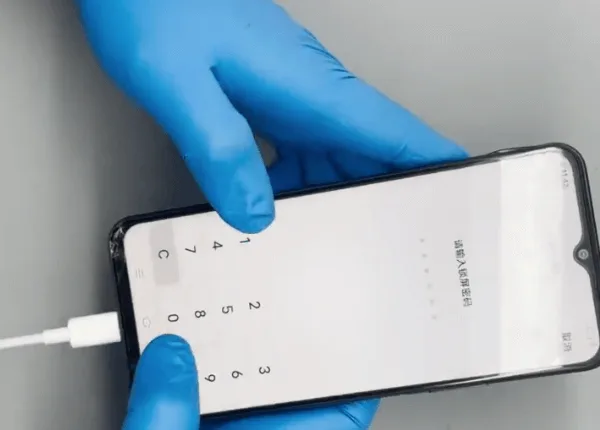
Test the phone’s functions. Besides the damaged SIM card functionality, all other functions are working correctly.
2: Disassembly
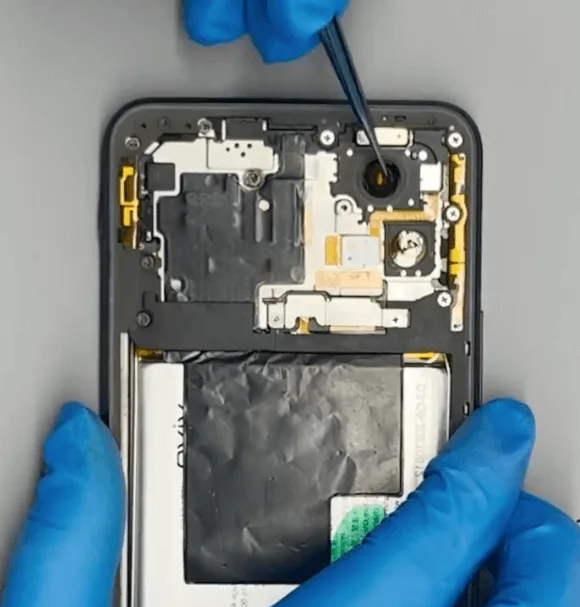
Disassemble the phone, taking care to protect the cameras with stickers to prevent damage during the repair process.
3: Assessing the Damage
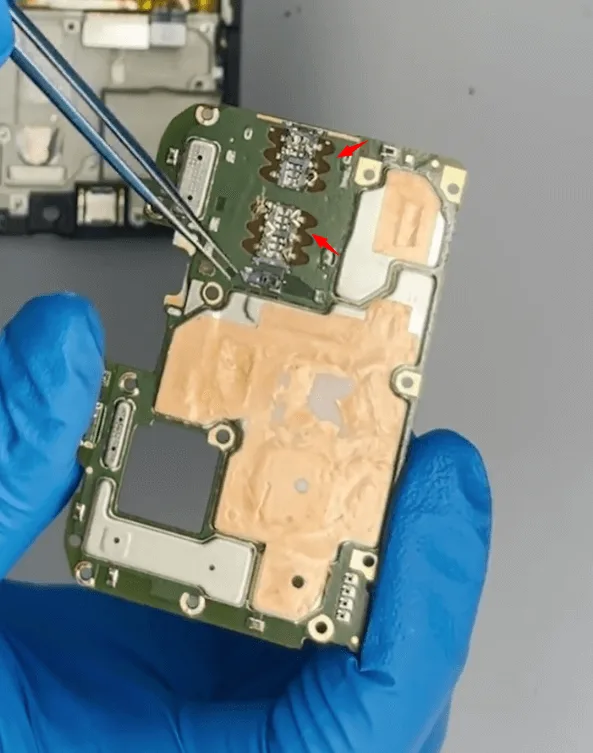
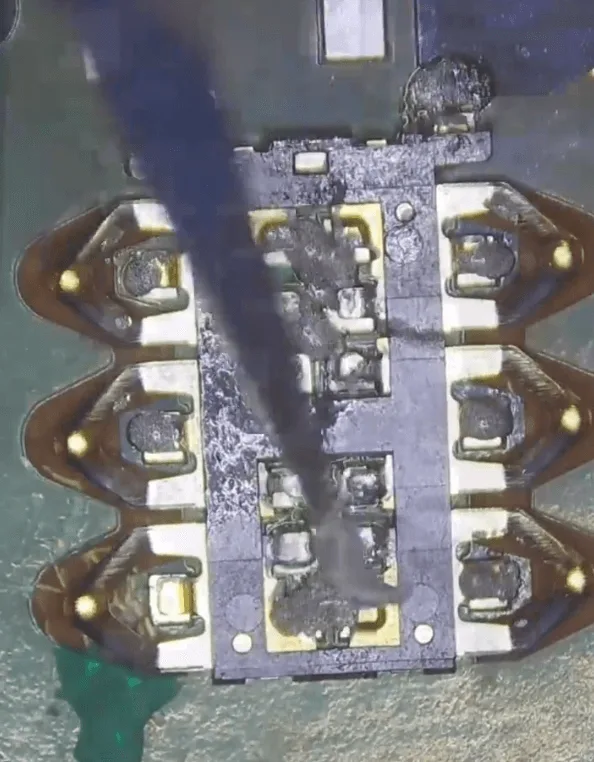
The SIM slot has been forcibly removed from the motherboard, leaving some residual parts on the PCB.
Examine the area under a microscope to identify any remaining components or damage.
Repair Process
1: Remove Residual SIM Slot
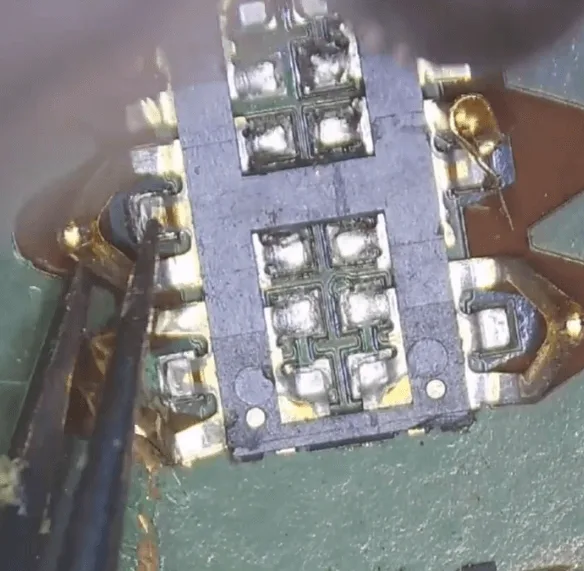
Use a hot air gun to gently heat and remove the remaining pieces of the SIM card slot from the PCB.
2: Clean the PCB
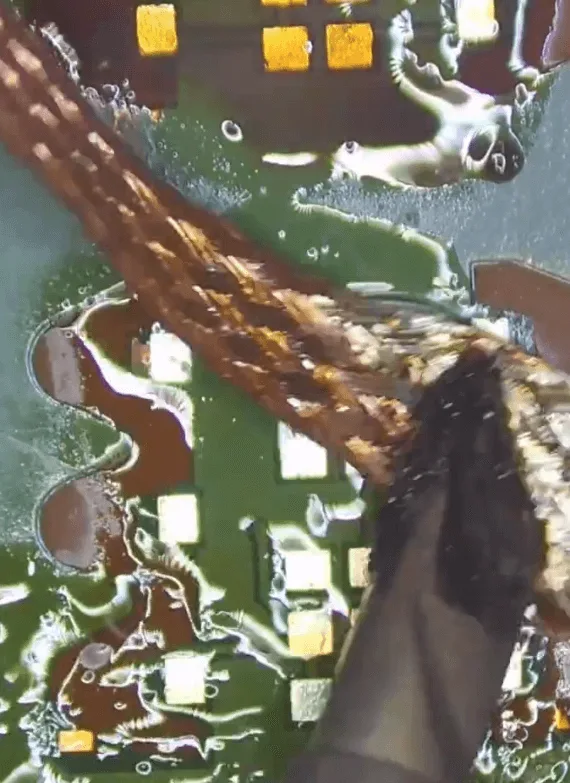
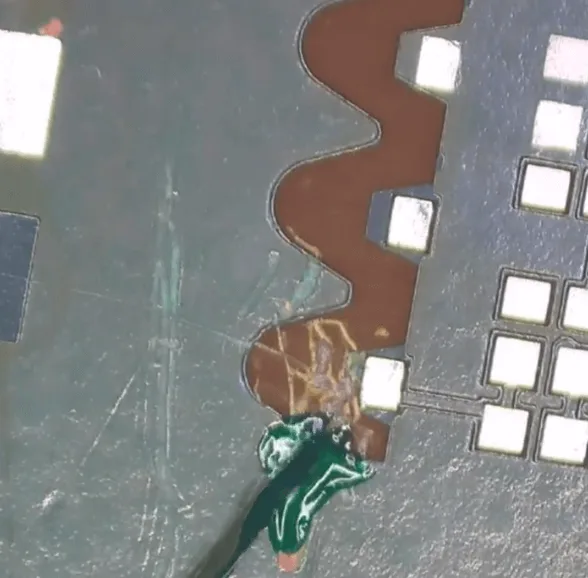
- Apply solder paste flux to the area, then use solder wick to clean the tin pads on the PCB.
- Inspect the PCB for areas where the protective paint has been removed.
- Apply a UV mask to these areas and cure it with a UV lamp to ensure proper isolation.
3: Install the New SIM Card Socket
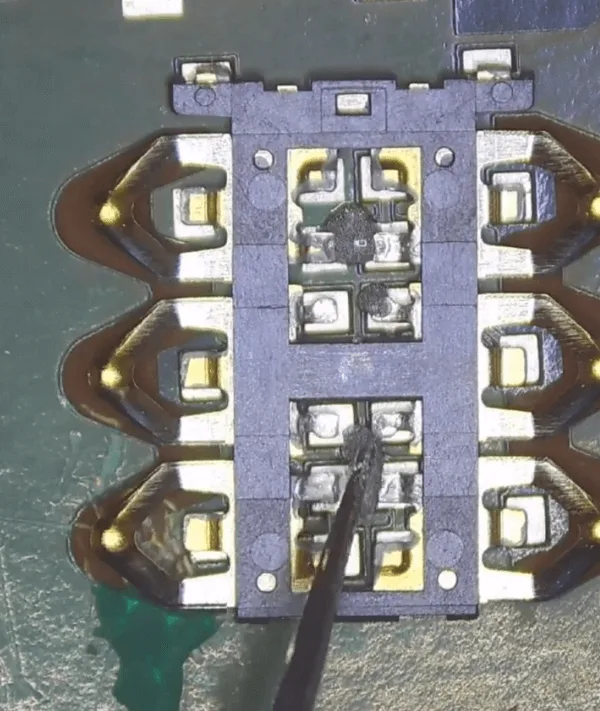
- Align the new SIM card socket to the correct position on the PCB.
- Apply a small amount of solder paste flux around the area.
- Heat the area evenly with a hot air gun until the solder paste melts, securing the SIM socket to the PCB.
- For any pins that lack sufficient solder, apply more solder paste and reheat to ensure the SIM socket is securely soldered.
Tip: Be cautious during heating to avoid melting the plastic parts of the SIM socket.
4: Solder the Remaining SIM Socket
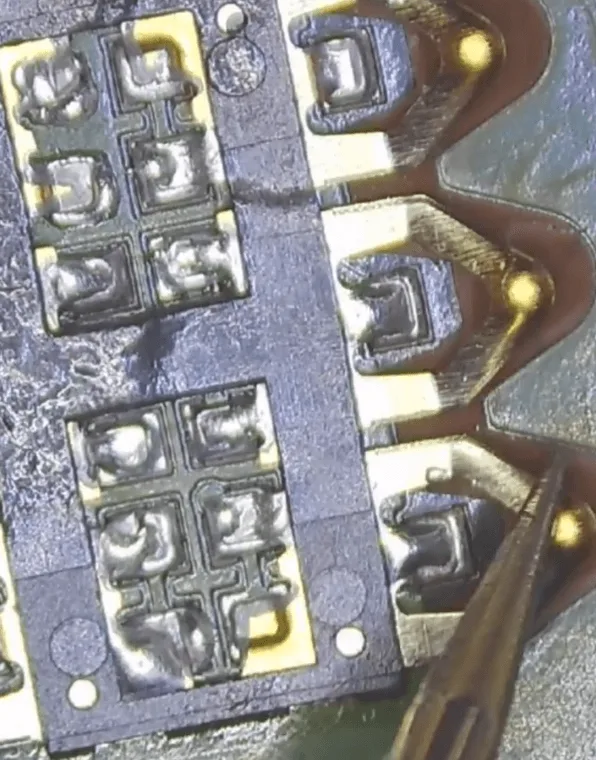
- Repeat the process for the second SIM socket if the device has dual SIM slots.
- Measure the diode values of each pad to ensure they are within normal ranges.
5: Solder the SIM Card Shielding
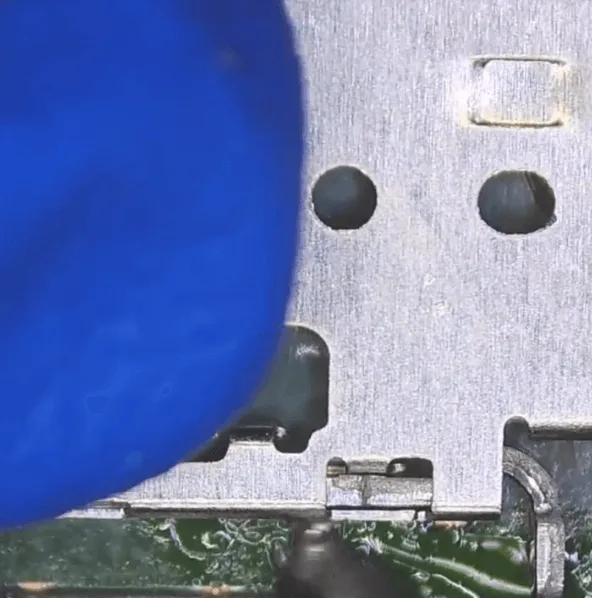
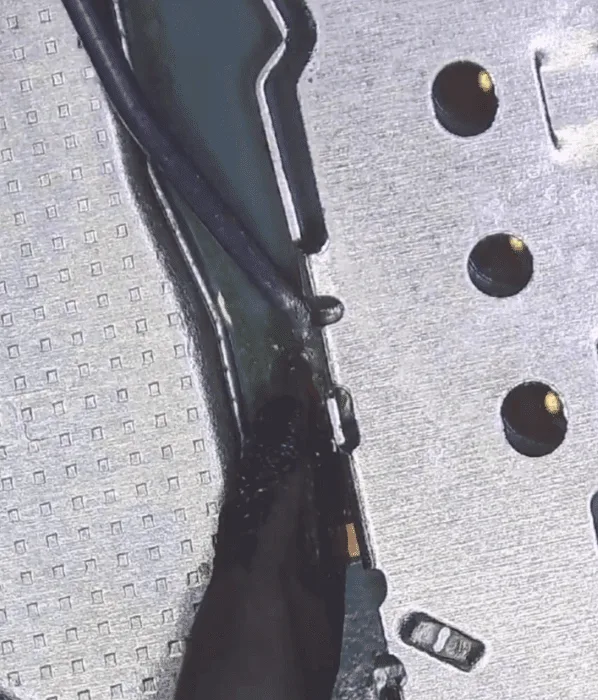
- Apply solder paste and align the SIM card shielding, then solder it to the motherboard using a soldering iron.
- For larger soldering joint pads, use additional soldering wire to reinforce the connection.
6: Check the Hot Plug Joint Pad
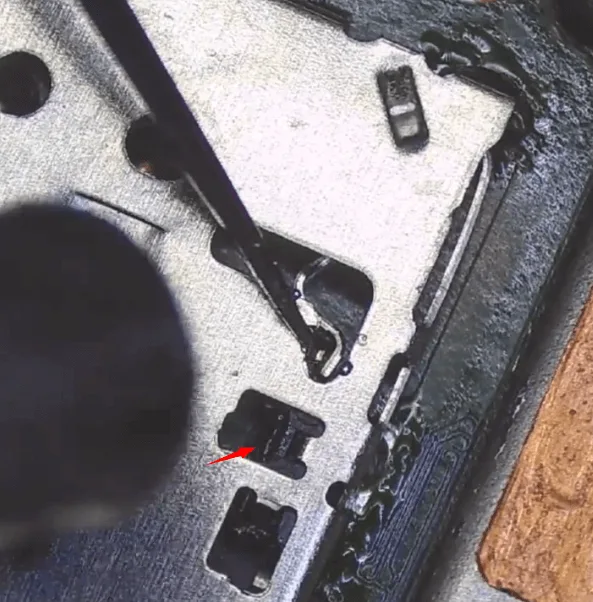
Double-check the hot plug joint pad to ensure it’s properly soldered. If not securely soldered, the phone might require a restart every time the SIM card is replaced to activate it.
7: Final Checks
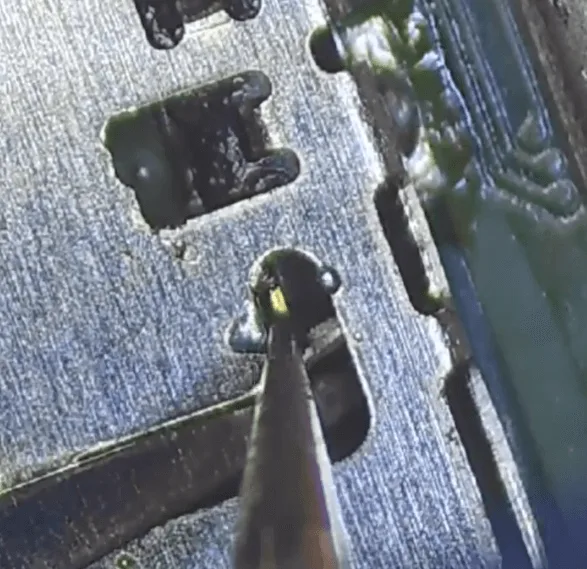
- Reset the shrapnel and measure the diode value on the pin to confirm proper soldering.
- Once the SIM socket is securely soldered to the PCB, clean the motherboard with PCB cleaner.
8: Reassemble and Test
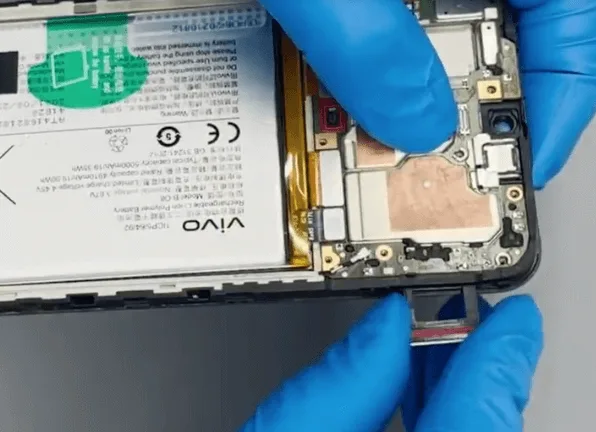
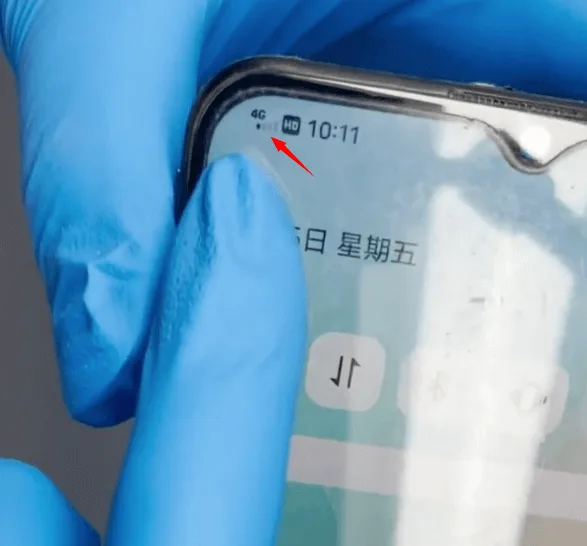
Reassemble the phone and test the SIM card functionality. The SIM card should now be recognized, resolving the issue.
Conclusion
By following these steps, the SIM card socket on the Vivo Y52s was successfully repaired, restoring full functionality to the device without the need for additional replacement parts. This repair process demonstrates the importance of precision and attention to detail in mobile phone repairs.
 English
 Español
 Français
 Deutsch
 Italiano