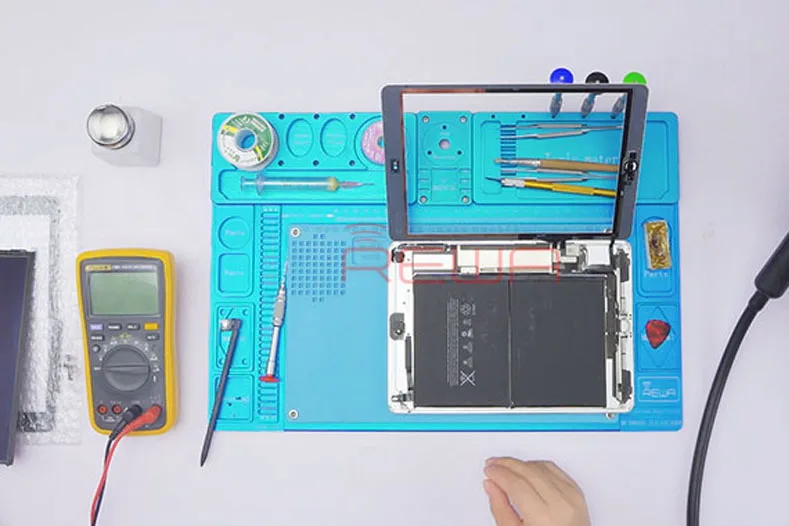
iPad Air touch screen partially unresponsive? Replace with a new touch screen and the problem remains unsolved? It’s time for you to check our repair guide and get refreshed with a totally new logic board solution regarding the unresponsive touch issue. We have rich experience in screen replacement, such as our screen repair guide:
The iPad turns on normally. Run touch function test – touch failure appears.
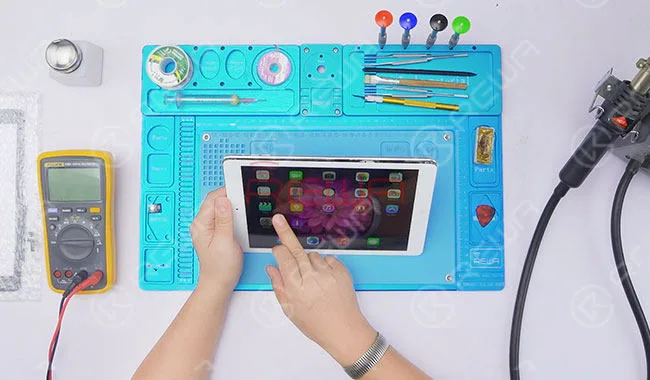
Disassemble the iPad and remove LCD and Touch Screen Digitizer. Replace with a new Touch Screen Digitizer.
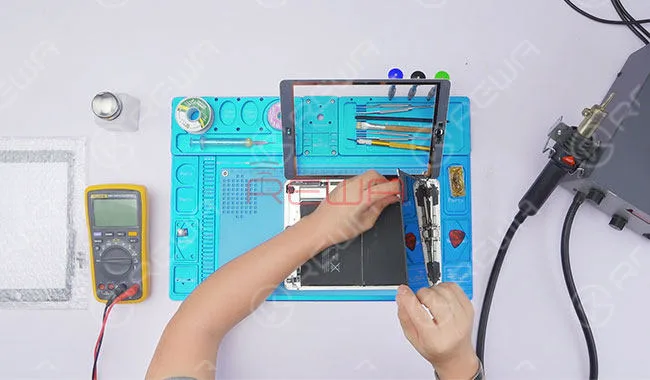
Then power on and test. Touch failure still exists. We can see that touch failure appears mainly in one specific area.
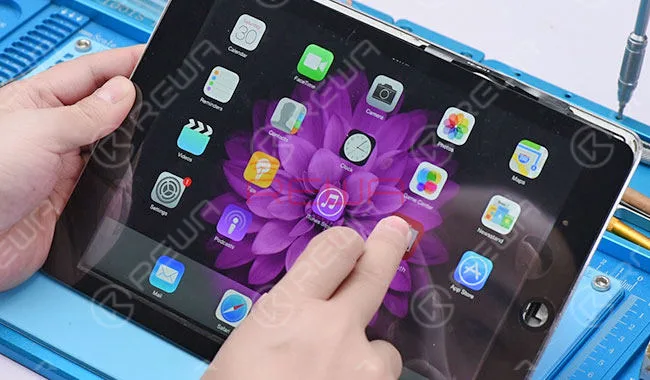
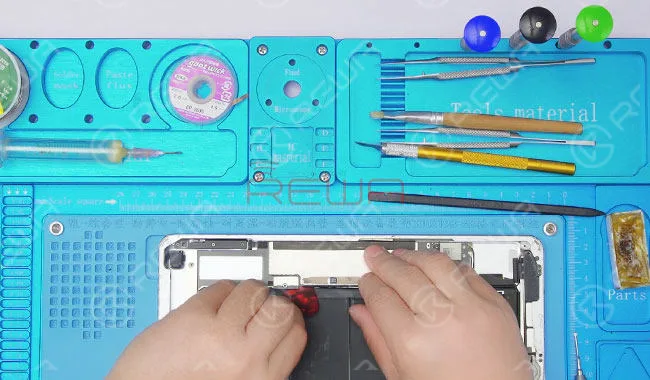
Take down LCD and Touch Screen Digitizer. Remove screws and detach battery.
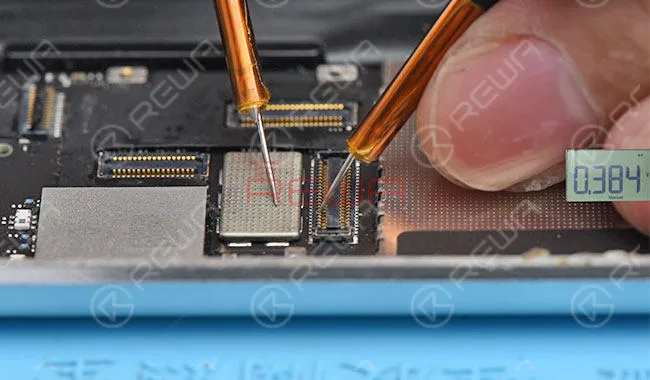
Switch to diode mode and measure the resistance between J6640 and grounding, J6620 and grounding. The resistance value between J6640 and grounding is normal. The measured resistance value between 35# of J6620 and grounding is 293. The measured resistance value between 33# of J6620 and grounding is 384. Abnormal value for the two Pins. The normal value should be 690. Since 33# and 35# of J6620 connect with U6650 directly, we can conclude that U6650 broke down.
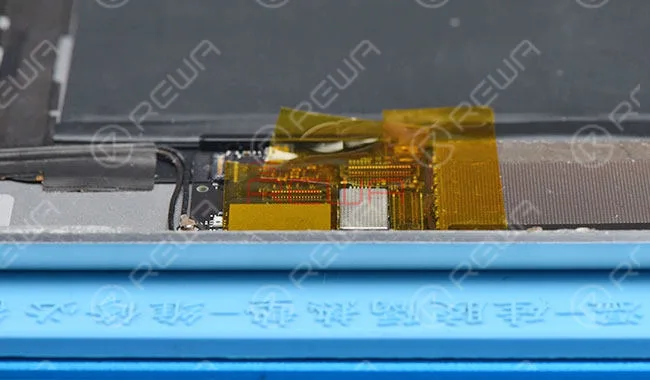
Stick connectors next to U6650 with high-temperature adhesive tape to protect them from high-temperature damage.
Take down the shield plate with Hot Air Gun at 340℃. Apply some BGA paste flux around U6650 and take down U6650 with Hot Air Gun at 340℃.
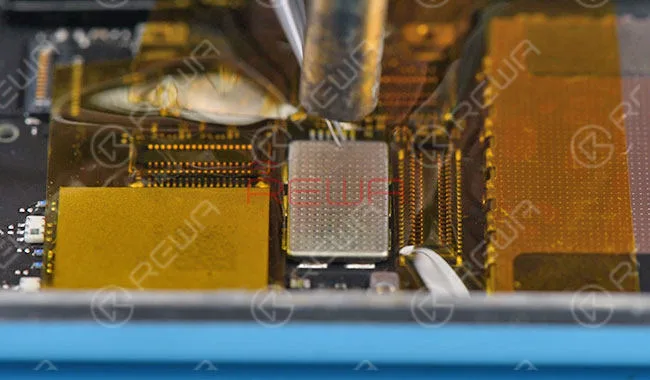
Clean tins on the bonding pad with Soldering Iron and then clean the bonding pad with PCB Cleaner.
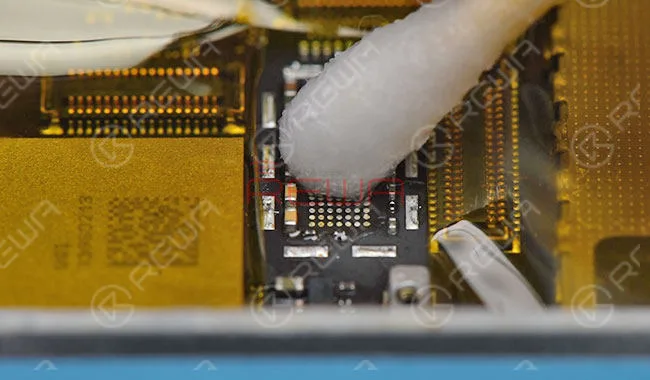
Apply some BGA paste flux to the bonding pad. Align the new U6650 to the right place and solder with Hot Air Gun at 340℃.
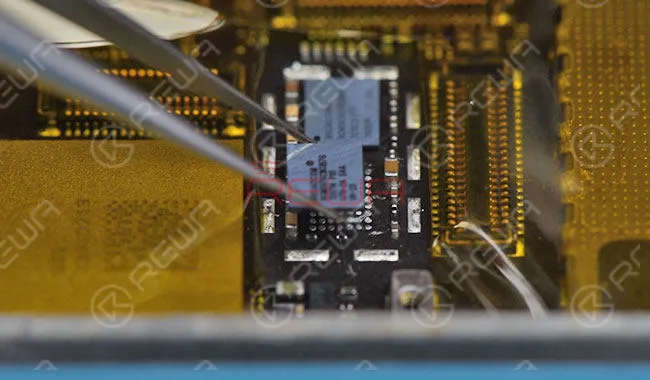
Wait for the logic board to cool for 5 minutes. Then clean with PCB Cleaner. Measure the resistance between 33# and grounding, 35# and grounding. Normal resistance value this time.
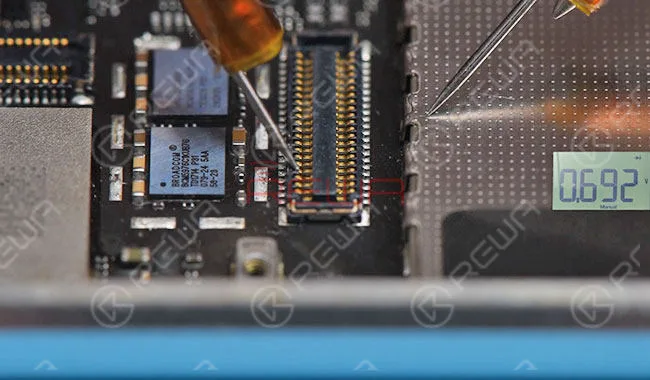
Assemble the iPad and test. Touch function back to normal. Fault cleared.
For more details on iPad Air Touch Screen Partially Unresponsive Repair, please go to REWA YouTube channel.
 English
 Español
 Français
 Deutsch
 Italiano