Tag: touch screen repair

  • iPhone X Unresponsive Touch Screen Repair

    iPhone X Unresponsive Touch Screen Repair

    Our course today is about iPhone X touchscreen unresponsive repair.

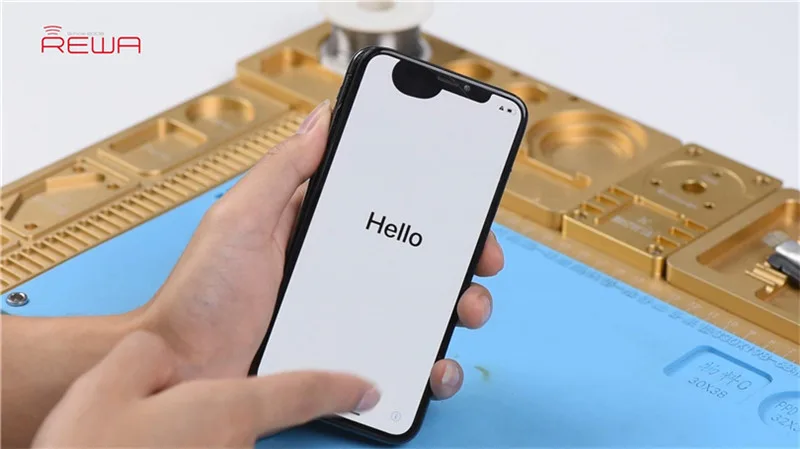
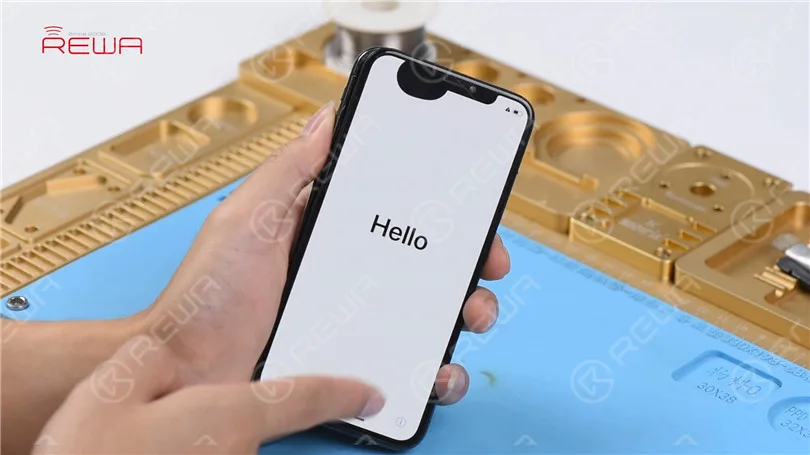
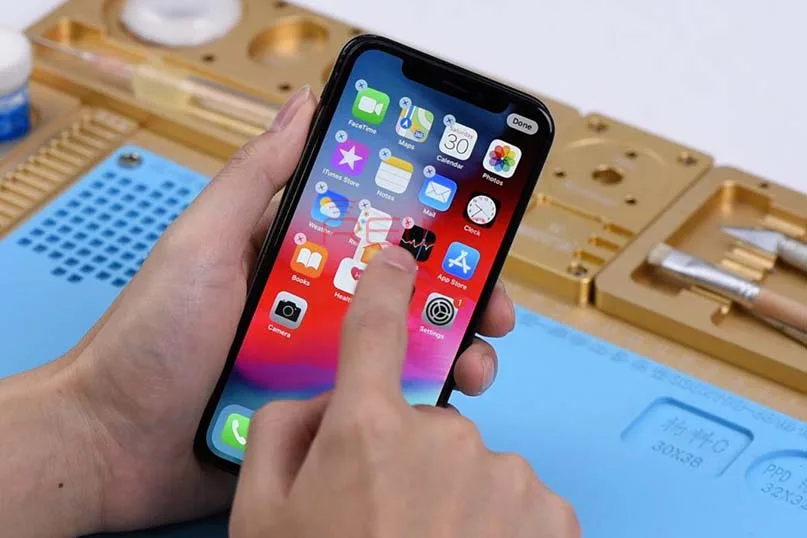
    Press the power button to turn on the phone. The phone turns on normally. Touch screen of the phone is unresponsive.
    iPhone X Unresponsive Touchscreen Repair

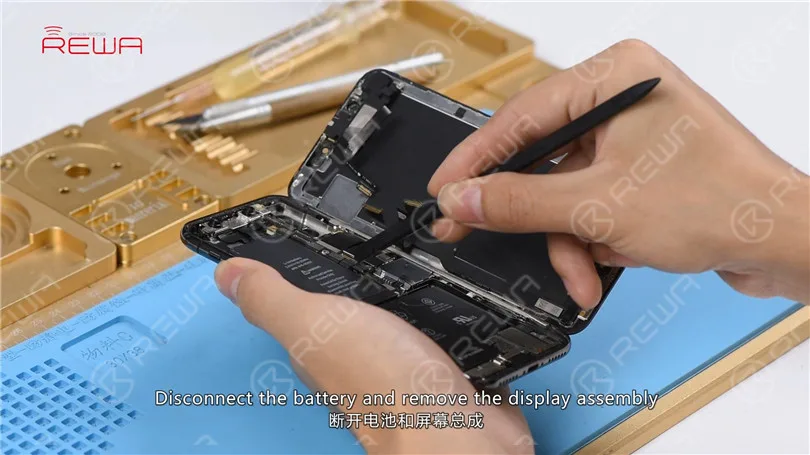
    Turn off the phone and take apart it. Disconnect the battery and remove the display assembly.
    iPhone X Unresponsive Touchscreen Repair

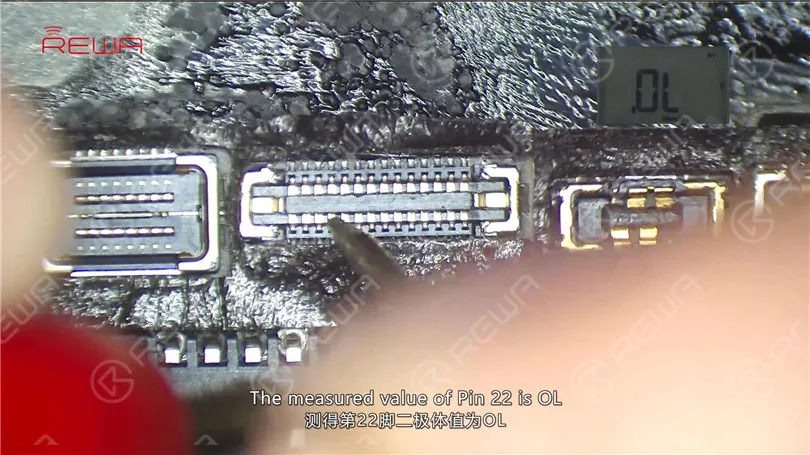
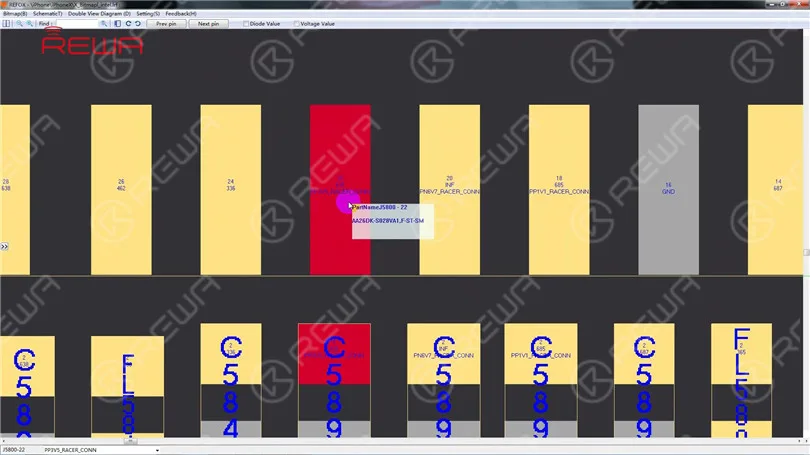
    Take out the motherboard. The first thing we do is to check the Touch ID FPC connector J5800. Run diode mode measurement of J5800. The measured value of Pin 22 is OL which indicates that Pin 22 relevant circuit has open-circuited.
    iPhone X Unresponsive Touchscreen Repair

    We can see that there is an inductor FL5893 on the circuit. Let’s start with FL5893.
    iPhone X Unresponsive Touchscreen Repair

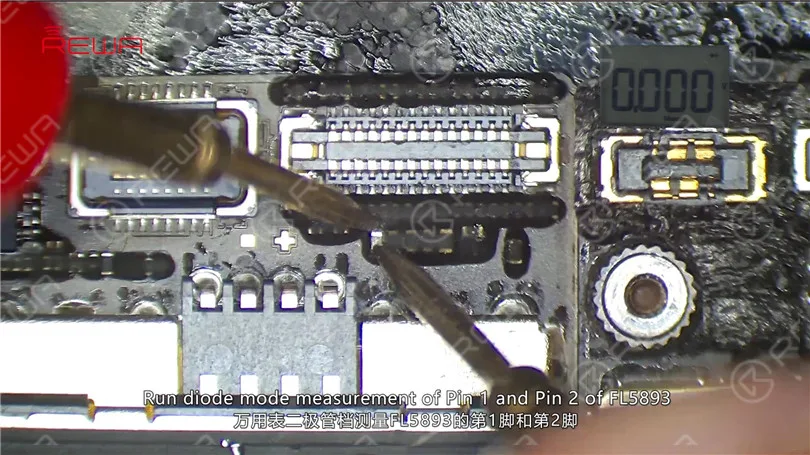
    First, remove sponge around J5800 with tweezers. Run diode mode measurement of Pin 1 and Pin 2 of FL5893. The measured value of the two pins is 0. Judging by the measured value, FL5893 is in normal status.
    iPhone X Unresponsive Touchscreen Repair

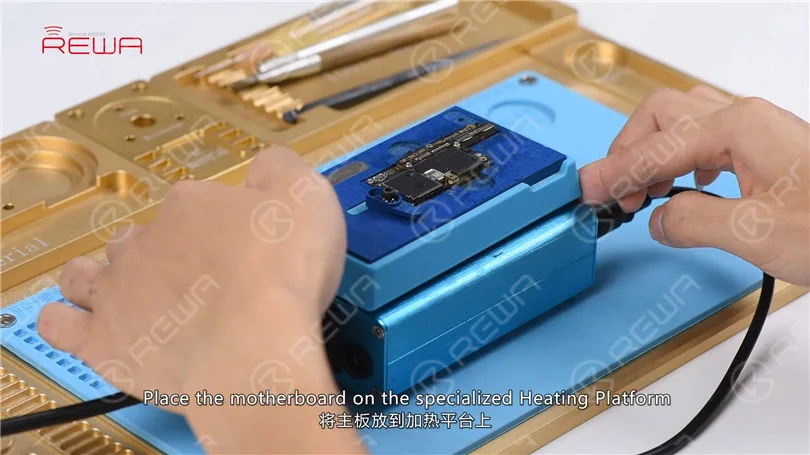
    We can see that the circuit makes its way to the third space PCB. So we need to separate the motherboard to check the third space PCB. Place the motherboard on the specialized Heating Platform. With temperature of the platform reaching 160℃, pick up the upper layer with tweezers.
    iPhone X Unresponsive Touchscreen Repair

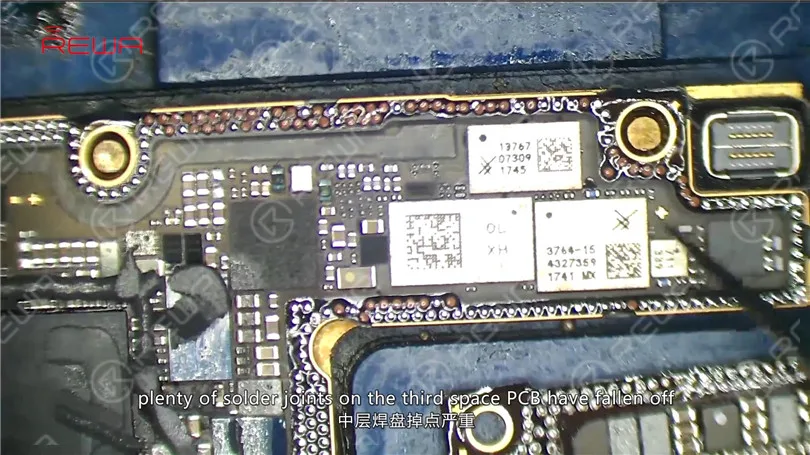
    As you can see, plenty of solder joints on the third space PCB have fallen off. And the motherboard is severely deformed. Judging by this, the motherboard is unrepairable.
    iPhone X Unresponsive Touchscreen Repair

    Conclusion

    iPhone X touchscreen is unresponsive. The first thing we do is to check the Touch ID FPC connector J5800. Run diode mode measurement of J5800. Judging by the measured value, Pin 22 relevant circuit has open-circuited. We can see on the bitmap that the circuit makes its way to the third space PCB. Separate the motherboard and we find that plenty of solder joints on the third space PCB have fallen off. The motherboard is also severely deformed. Judging by this, the motherboard is unrepairable.

  • iPhone X Touch Screen Not Working Quick Fix

    iPhone X Touch Screen Not Working Quick Fix

    Frozen or Touchscreen unresponsive  is one of the most commonly seen cases in iPhone repair. Generally speaking, there are two different causes for iPhone x touch screen unresponsive. Malfunction of rails or components on the motherboard. Or touch failure caused by malfunction of the screen, which can be easily fixed by replacing with a new display assembly.

    Today, we are teaching you how to rule out and get the problem fixed by starting with simple, then complex.

    We don’t know where the problem lies. On screen? Or on the motherboard? So here we use a simple way to make a preliminary judgment first. Replace with a new undamaged screen! If it works fine on this phone board, we can confirm that the problem is related to the screen. As  iPhone X screen digitizer assembly is expensive, it’s not that cost-effective for customers to change a new one. So let’s try to fix it.  Cosmetic inspection goes first!

    We can see that the touch flex cable is not fractured, and the touch connector also looks fine. There is nothing unusual on the bonding area between the touch flex cable and the display flex cable. Judging by this, the fault is probably caused by the touch IC or the screen itself. So let’s start with the touch IC.

    Stick High-temperature Tape around the touch IC. Then place a thermal insulation gasket under the touch IC. Heat with the Hot Air Gun to remove black adhesive around the touch IC.

    Once done, pry up the touch IC. And then clean the bonding pad. Once finished, apply some Paste Flux to the bonding pad. Get a new touch IC in position and solder with Hot Air Gun. Clean with PCB Cleaner after soldering.

    Now we can assemble the phone and test if the touch screen of the phone is back to normal. Here is the detailed video for your reference. PLUS:  with our unique teaching system, REWA offline training course can help technicians improve their repair skills by mastering repair thoughts and repair techniques. Our training course for April is in full swing at Czech right now. No more hesitating.  Enroll now !

    We’re listening.

    Have something to say about this article? Share it with us on ASK Forum , FaceBook , LinkedIn or our FaceBook group .

    Tools Used:(More about the iPhone parts and cell phone repair tools please check shop.rewa.tech )

    Hot Air Gun Rework Station – 990AD

    Soldering Iron Rework Station – 969A

    Digital Multimeter

    BGA Paste Flux – 223A – Type 1

    Communication Maintenance Power Supply

    Electron Microscope – Type 1

    Rosin Soldering Flux

    Heat-resisting Adhesive Tape – 3.5mm

    Anti-static Plastic Pry Bar

    Stainless Steel BGA Scraper



