Tag: phone repair tools

  • All the Necessary Tools to Repair an iPhone

    All the Necessary Tools to Repair an iPhone

    iPhone repair is an important part of keeping your device running smoothly for longer period. But it can be a daunting task to try and fix an iPhone when it has broken or damaged. However, if you have the proper tools and knowledge, you can complete this task flawlessly.

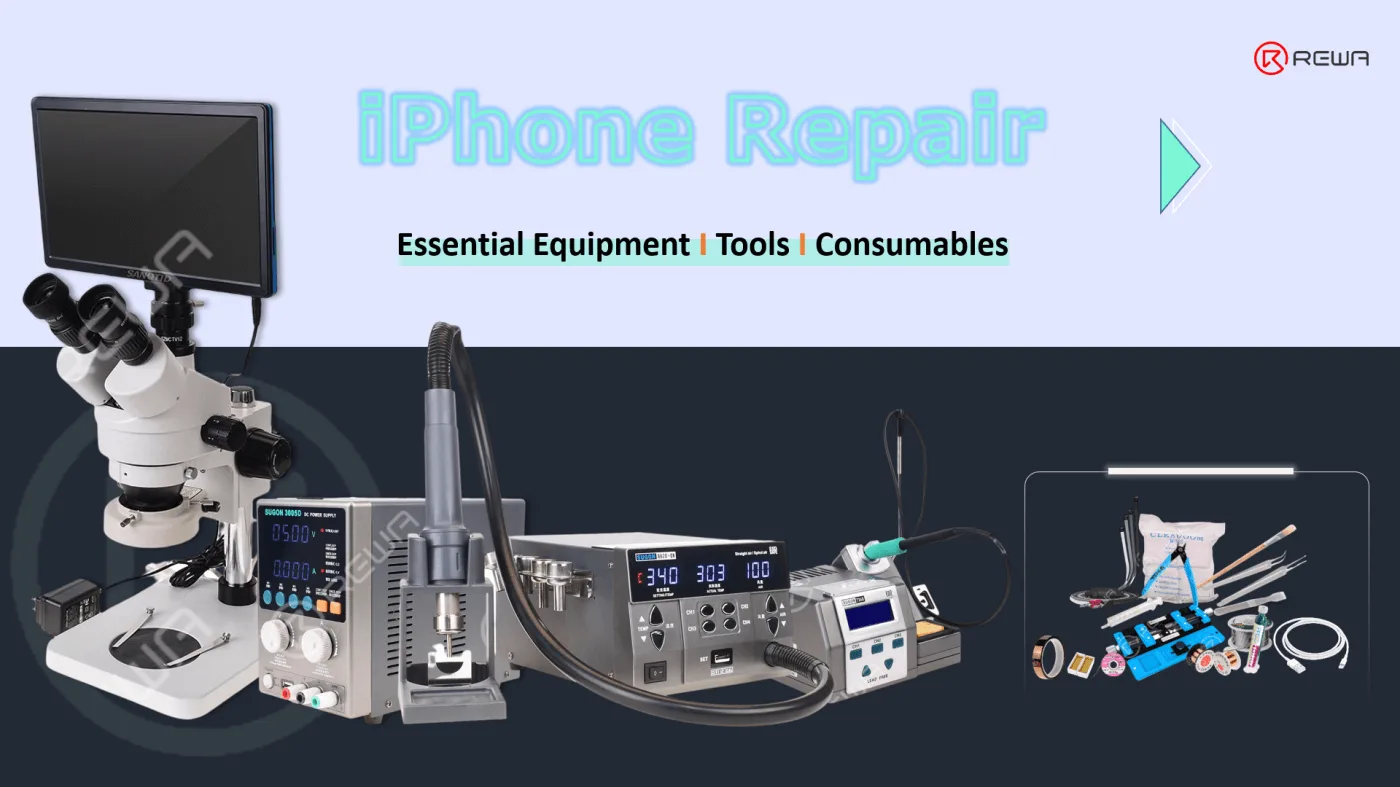
    In this article, we will discuss what types of necessary tools and supplies are necessary for a successful iPhone repair based on our many years of experience. We will also discuss how to select the right equipment for your needs.

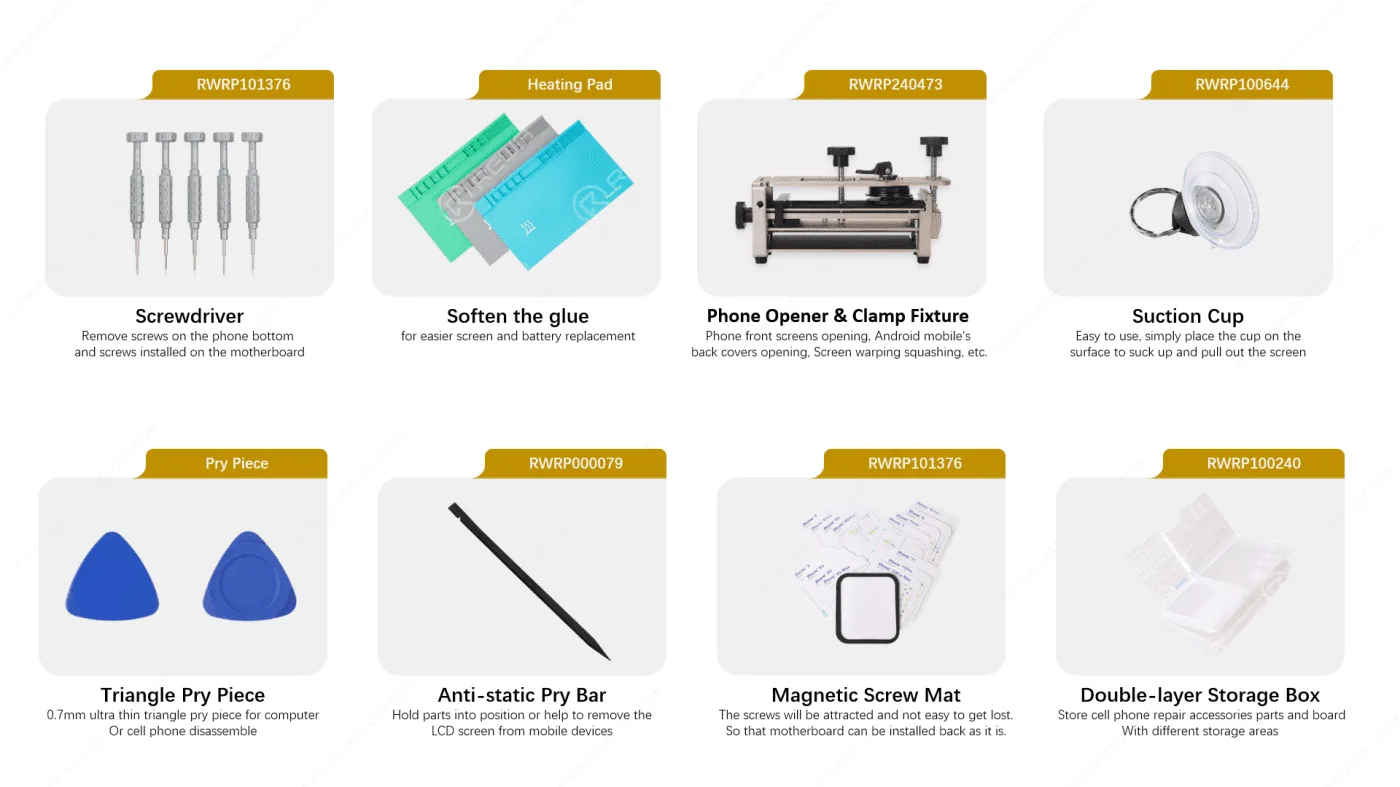
    Phone Parts Replacement or Changing

    At least 50% of the phone repair requirments are screen / battery / charging port/ speaker replacement.

    So the very basic skill that you need to handle is disassmble the phone without cause extra damage, then get the damaged part replaced with a new one.

    Tools Required

    iphone repair tool lists

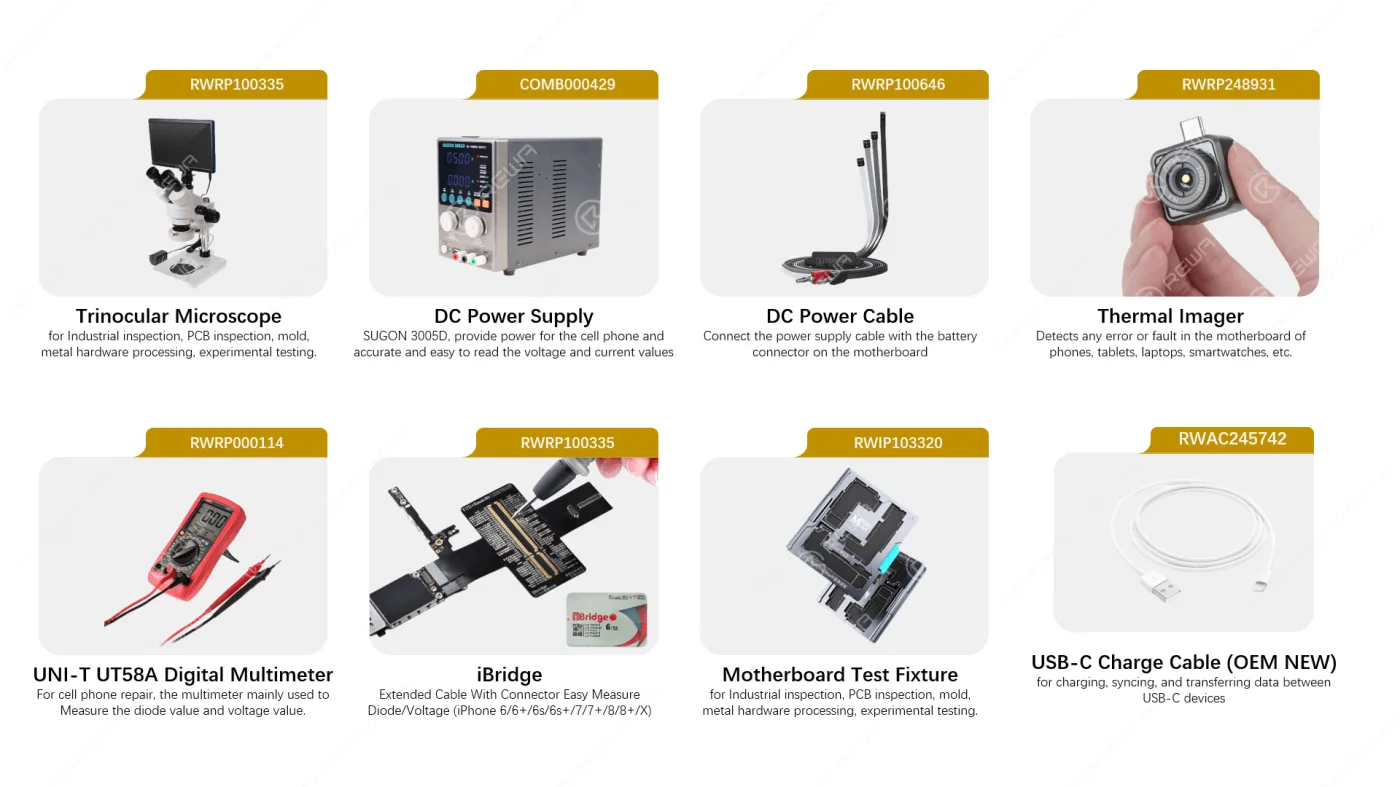
    Inspection and Measurement

    Some issues are caused by the motherboard, then we should take out the motherboard and do some inspection and measurement. Below are the tools you may need

    iphone repair inspection and measurement tools

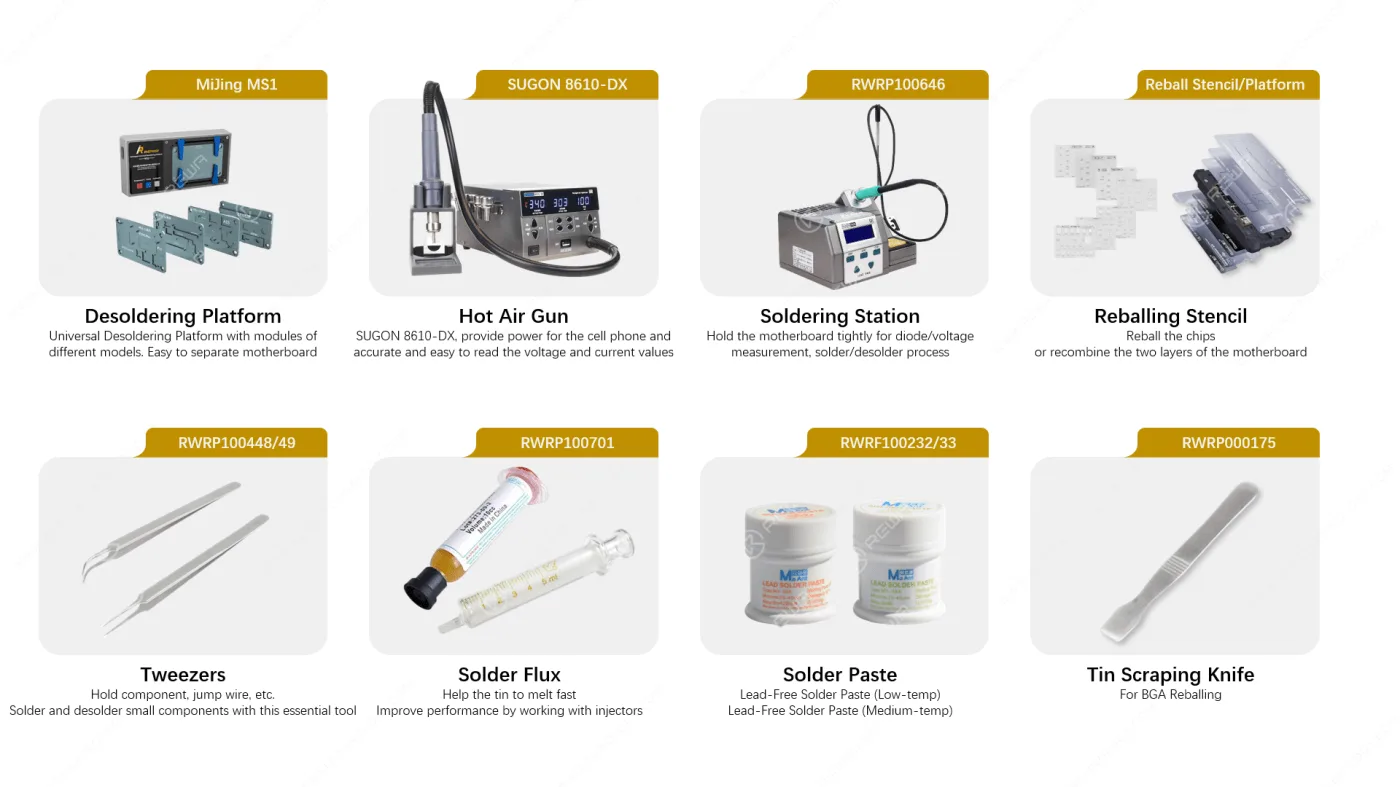
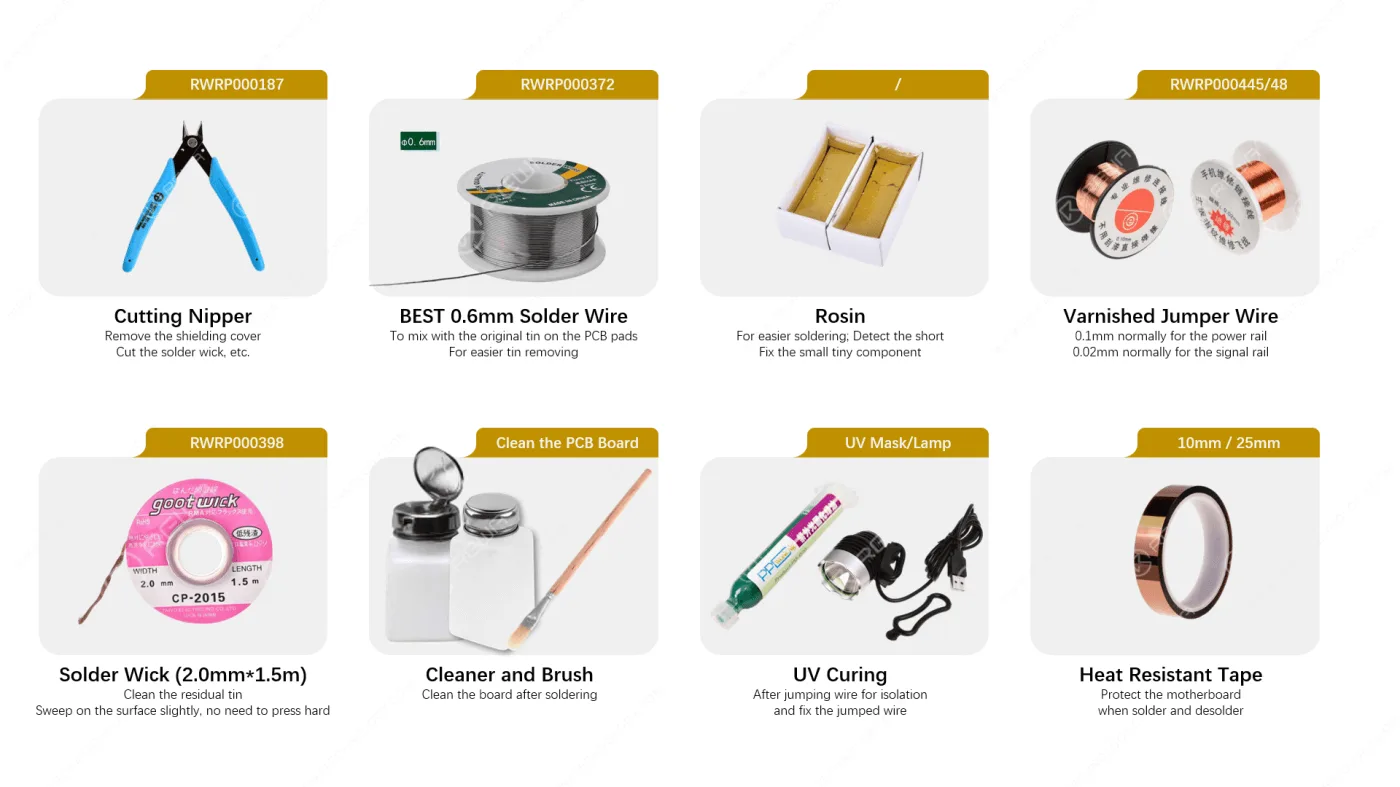
    Equipment and Tools for Soldering

    After the careful inspection by microscope, DC power supply machine, thermal camera, multimeter etc., when we find the problem, we’ll need replace the defective components or chips. Below are the tools and consumbles that required for the desolder and solder process.

    soldering tools
    soldering tools

    Programmers

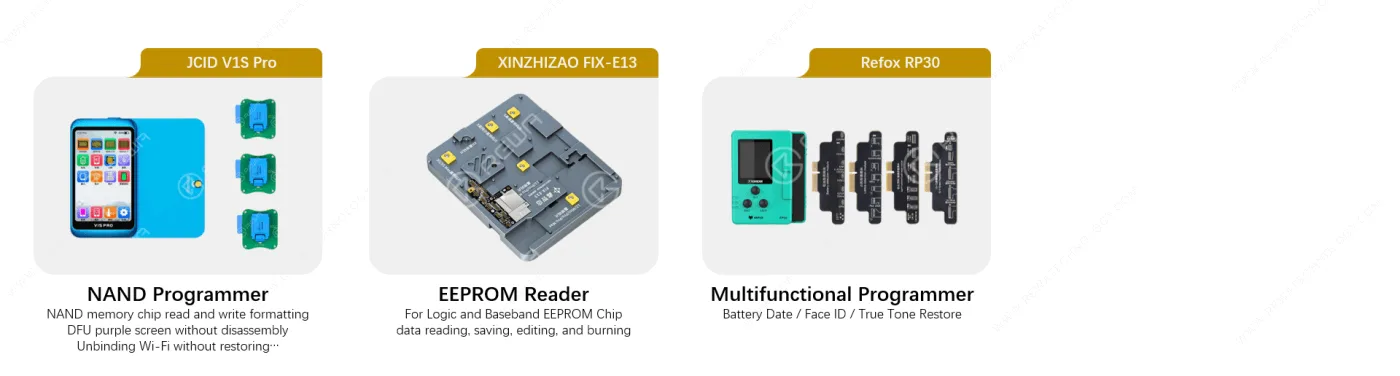
    Programmers are also important for some repair application scenarios, like upgrade the NAND, EEPROM Reader, Face ID repair, True Tone recovery, battery info. modification, etc. Below are some most common used programmers for your reference.

    iphone repair programmers

    With the above recommended equipment, tools and consumables you can fix both the parts replacement and motherboard chip level issues.

    And if you not only need the hardware, but also need some training to improve your troubleshooting logic, you can join REWA Academy to learn the details.

    FAQ

    What tools do I need to repair an iPhone?

    The article mentioned tools and consumables are tested and seleced by REWA repair technician, you can purchase directly from us or source from the internet. If you need a list, also feel free to contact us, we’ll send to you via email.

    Is that difficult to learn how to repair iPhone? And how about Android Phone, iPad, MacBook Repair?

    There’s nothing difficult for one who set his mind to it!

    What tools do I need to repair an iPhone?

    There’s nothing difficult for one who set his mind to it!

    Should I purchase the same tools as you recommended?

    The tools are only recommended for your reference. It is absolutely possible to purchase different tools based on your preferences and requests. Additionally, some tools may need to be upgraded in the future in order to accommodate new repair requests. 

    REWA provide both online and on-site training. Based on your requirement, you can learn the theory from REWA Academy first, and if you are interested to learn from us face to face, feel free to contact us via Email academy@rewa.tech to know more about on-site training.

  • REFOX Automatic Desktop Laser Machine Set – What’s New & What Changed?

    REFOX Automatic Desktop Laser Machine Set – What’s New & What Changed?

    It has been more than 2 years since REFOX launched its bitmap software. Like you guys, REWA LAB is also a big fan of REFOX. Recently, REFOX has also launched an automatic desktop laser machine set for repair shops. What’s so new about this new product? Check out our video today and we will show you!

  • REWA SELECTED Laser Machine

    REWA SELECTED Laser Machine

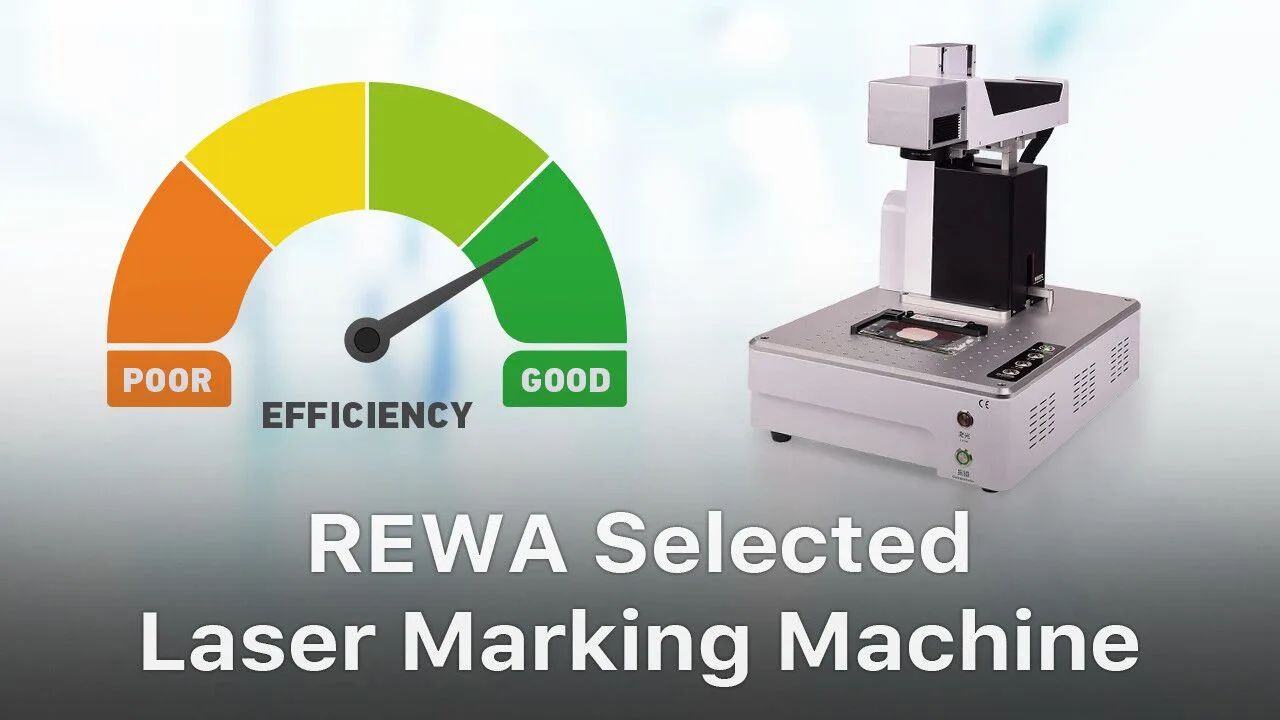
    Since the beginning of 2018, REWA has launched three back glass refurbishing solutions, including the application of our hot-selling Laser Machine. Actually, we have been frequently consulted these days by clients. “What’s the difference between the three solutions?” Well, check our video today and you will find the answer!

  • Time Saving Repair Kit – Pre heating Pad for Screen/Battery Replacement

    Time Saving Repair Kit – Pre heating Pad for Screen/Battery Replacement

    LCD display assembly/battery replacement has always been a hot topic in the repair market. And that’s why we bring you this Screen & Battery Replacement Heating Pad Repair Kits. Instead of traditional Hot Air Gun, the Repair Kits can improve the speed of screen separating/battery removing. What’s more, the Repair Kits can be widely-used for phone/iPad screen separating, phone/iPad battery removing, bezel/back case separating, etc.. With this Repair Kits, the efficiency of repair shops can be improved and business expanded.

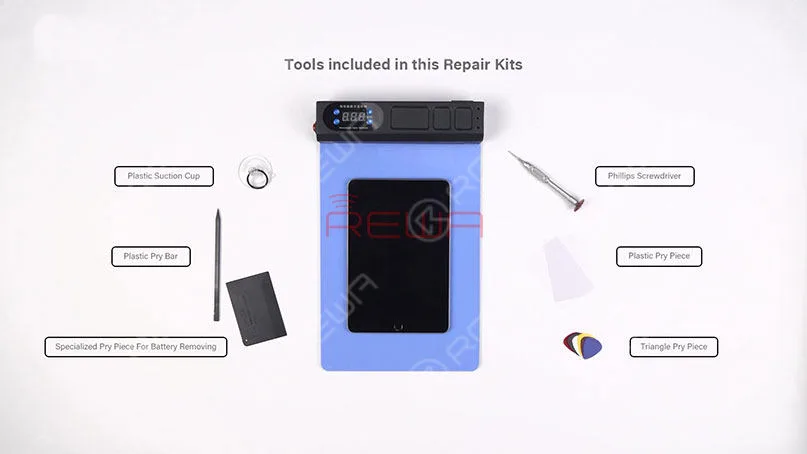
    Firstly, let’s have a look at tools included in this Screen&Battery Replacement Heating Pad Repair Kits.. Screen&Battery Replacement Heating Pad – a pre-heating mat that can make your Screen&Battery Replacement work proceed more smoothly.

    We can see that all tools included in this repair kit are cheap, useful and necessary. With the help of this Repair Kits, repair shops can complete Screen&Battery Replacement in a more efficient and easy way.

    Time Saving Repair Kit - Pre-heating Pad for Screen/Battery Replacement

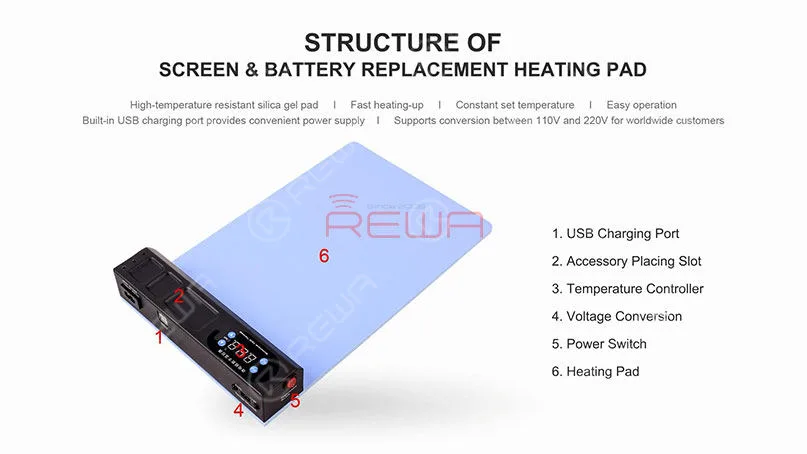
    Secondly, let’s learn the structure of this Screen&Battery Replacement Heating Pad.

    Then its features.

    Time Saving Repair Kit - Pre-heating Pad for Screen/Battery Replacement

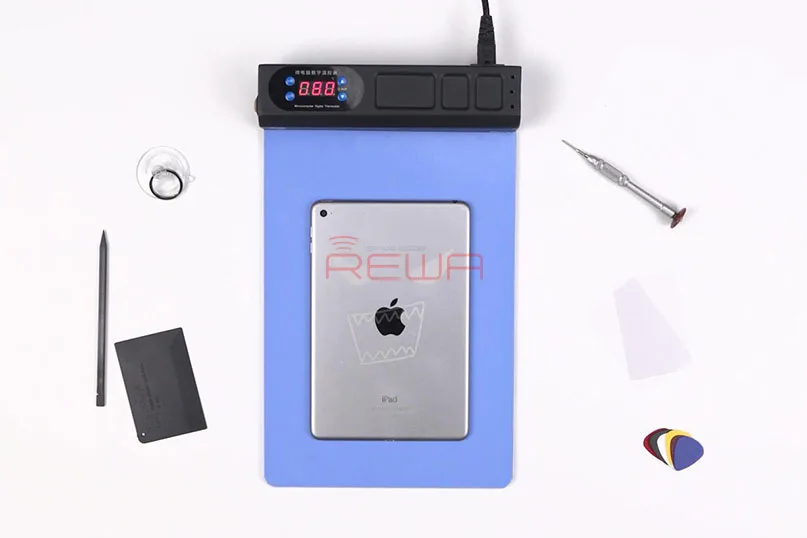
    Let’s take iPad mini 4 as an example to show you how the repair kits work. I am sure you will understand how this repair kits can help you improve efficiency and expand business.

    STEP 01: Screen Replacement

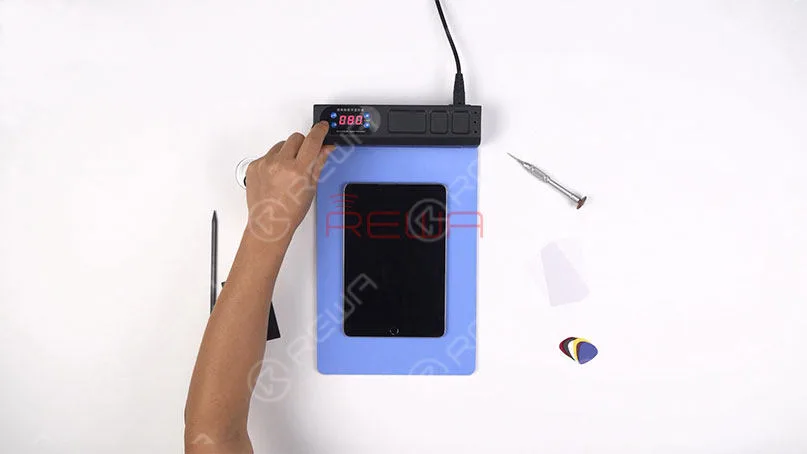
    Run function test on the iPad mini 4 before screen separating. Press the power button to turn off the iPad. Meanwhile, turn on the power switch of the heating pad and set the temperature at around 80℃.

    Time Saving Repair Kit - Pre-heating Pad for Screen/Battery Replacement

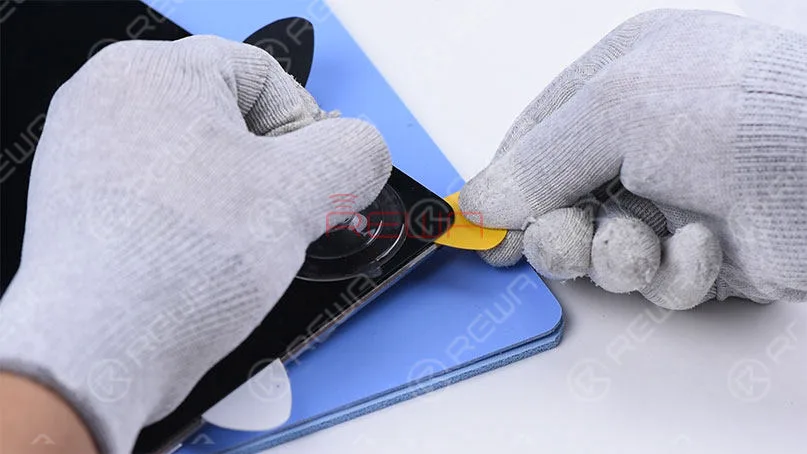
    Notice: The temperature for screen separating should not be high. High temperature may bring damage to the backlight. Put the iPad upside down on the Heating Pad and keep heating for 1 minute. Since the Heating Pad heats-up quickly and evenly, the heating time should be controlled carefully. The next step is screen separating with the help of the Repair Kits.

    Note: Since adhesive along edges of the screen is thick, we should be patient when operating.

    Time Saving Repair Kit - Pre-heating Pad for Screen/Battery Replacement

    STEP 02: Battery Replacement

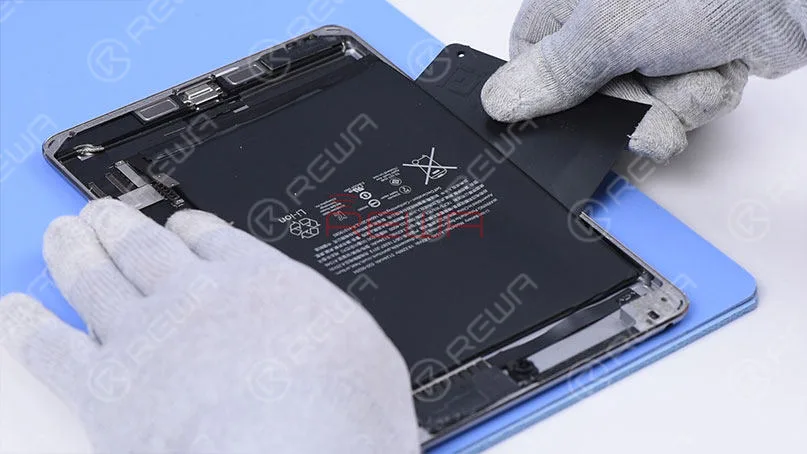
    Repair Kits can also be used for battery replacement. Pry up the battery carefully with the Specialized Pry Piece For Battery Removing. Once the battery has been removed, turn off the power switch of the Repair Kits…

    Time Saving Repair Kit - Pre-heating Pad for Screen/Battery Replacement

    For the detailed screen/battery replacement process, please click the video to watch:

    For bulk ordering, please feel free to contact REWA account managers to get a discount.

  • Bezel Disassemble Machine

    Bezel Disassemble Machine

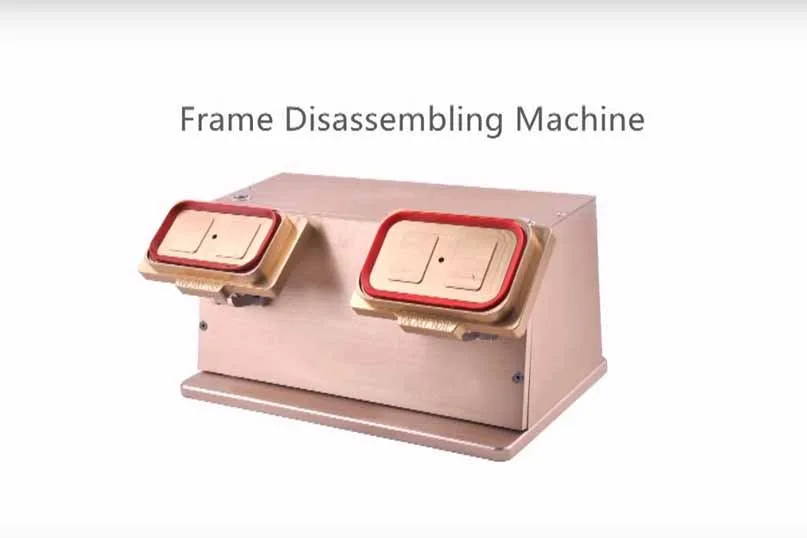
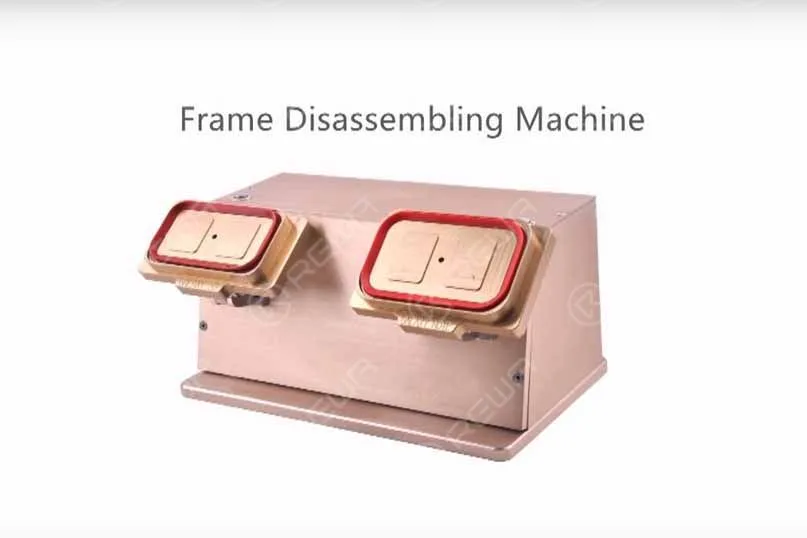
    bezel disassemble machine 2

    Right now the new type and new arrival Bezel Disassemble Machine is available now. Here is the main specification:

    • Voltage: 110/220V
    • Power: 50W
    • N.W.: 5.5KG
    • G.W.: 7KG
    • Dimension: 34x17x19cm
    • Working Environment: 20-30℃, Dust-free Room

    As well as operation steps:

    1. Before operating, preheat the LCD, temperature at about 90℃ for 30 secs.
    2. Plug in
    3. Put the glass lens side to the sucker
    4. Click the suction button
    5. Separate the frame from the screen slowly.

    Notes:  If hard to separate, you can add some Liquid Glue Cleaner, like 530.

    For more cell phone repair tools and LCD/Bezel separator machine, please go shop.rewa.tech to get. Any questions and suggestions please contact us sales@rewa.tech .