
If your iPhone 13 has been dropped and now suffers from no signal and Wi-Fi issues, you’re not alone. These problems are often caused by damage to the motherboard, which can result in missing pads and faulty components. In this guide, we’ll walk you through the step-by-step process of diagnosing and repairing an iPhone 13 with these issues, including how to identify current leakage, replace damaged chips, and swap the Wi-Fi chip and Baseband CPU to restore full functionality. Let’s dive into the repair process to bring your iPhone back to life.
Defect Phenomenon
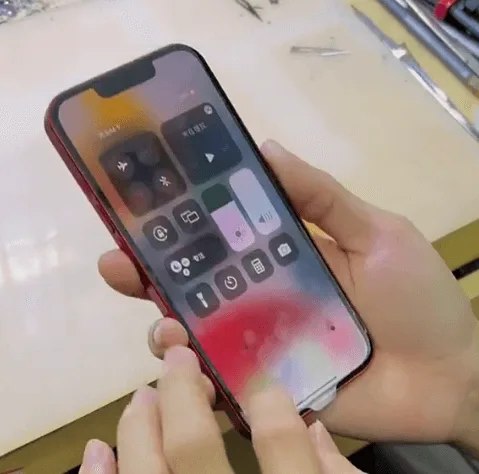
A second-hand iPhone 13 was recycled, but it shows no signal and Wi-Fi connectivity.
Troubleshooting
Disassemble the Phone
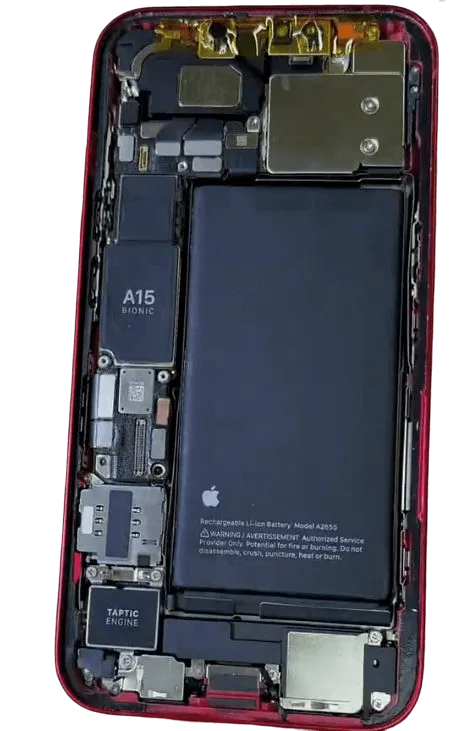
Remove the iPhone 13’s back cover and protect the Face ID module with a sticker. Then, carefully take out the motherboard.
Inspect the Motherboard
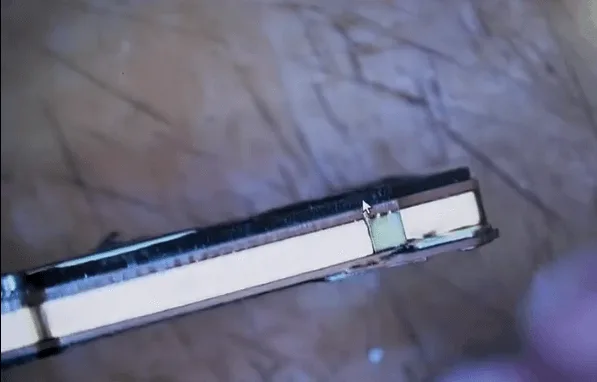
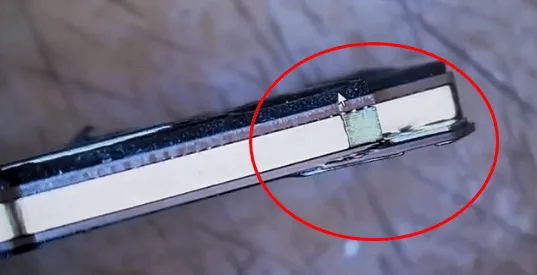
Use a microscope to inspect the motherboard. The lower layer shows signs of cracking, which could be causing the signal and Wi-Fi issues.
Repair Process
Heat and Separate the Motherboard Layers
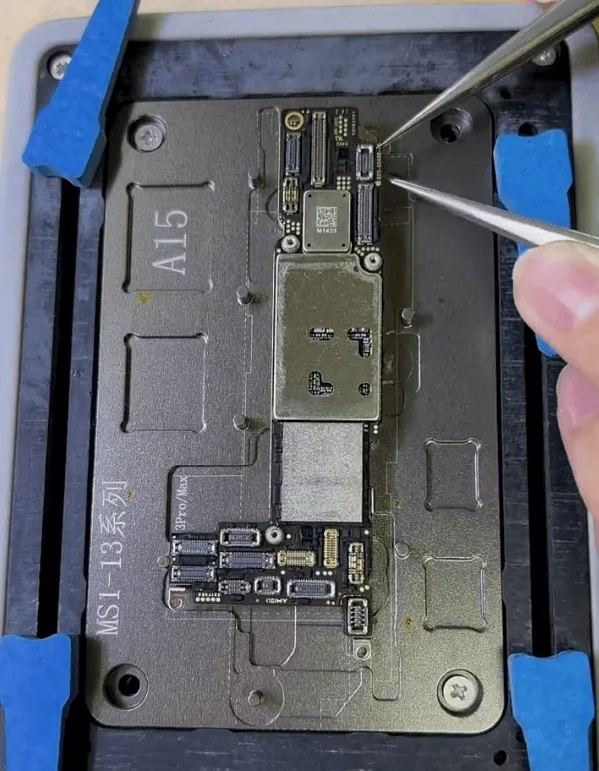
Place the motherboard on a heating platform to gently warm it up, making it easier to separate the layers.
Check for Missing Pads
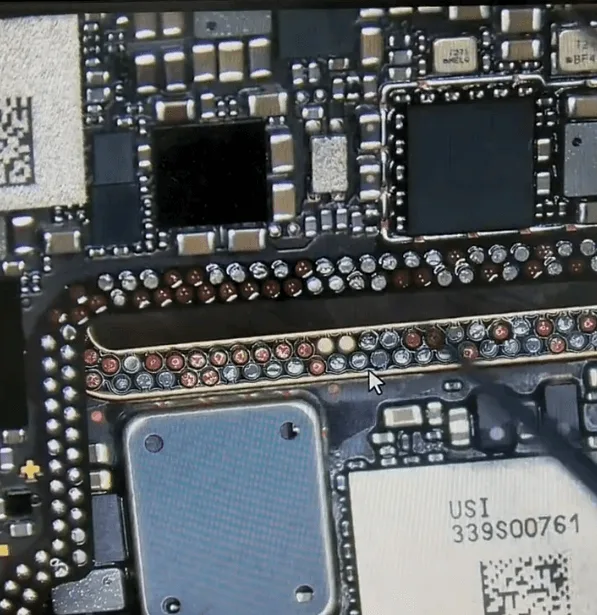
- After separating the layers, inspect the middle layer and find several missing pads, which could be the reason for the Wi-Fi and signal problems.
- Fix the missing pads using soldering techniques.
Identify and Replace Current-Leaking Chip
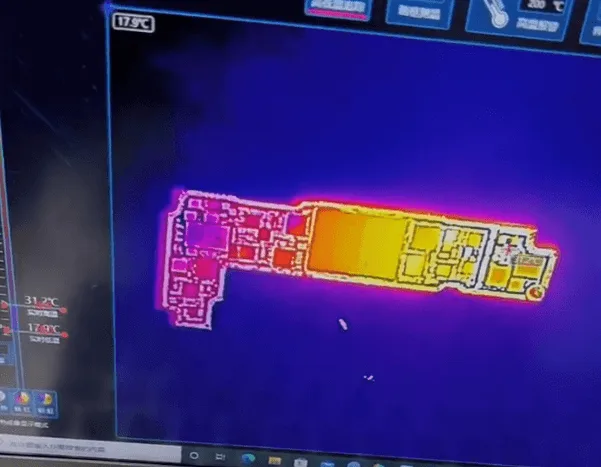
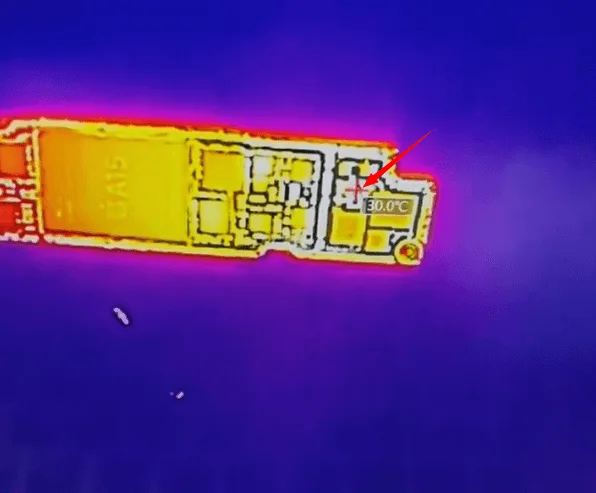
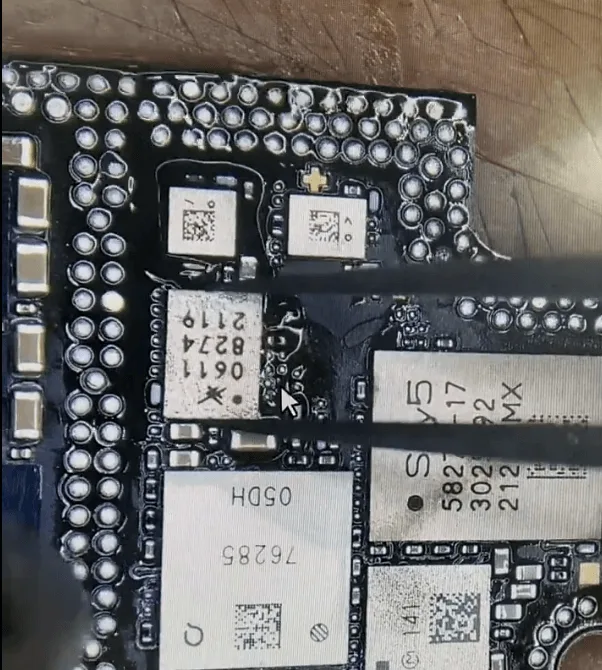
- Use a thermal imager to detect any components with current leakage. Find a damaged chip that needs replacing.
- Carefully remove the faulty chip and solder a new one in its place, eliminating the current leakage issue.
Reassemble and Test
Recombine the layers of the motherboard and test the phone. Unfortunately, the phone still lacks Wi-Fi and signal.
Address the Cracked Lower Layer
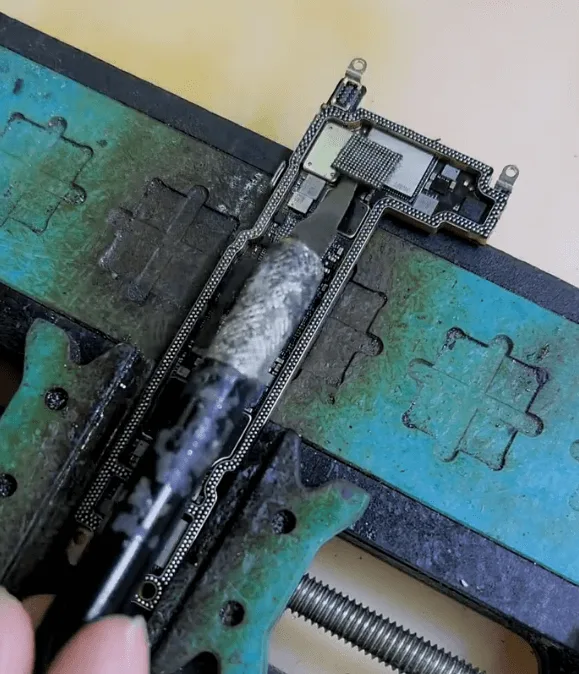
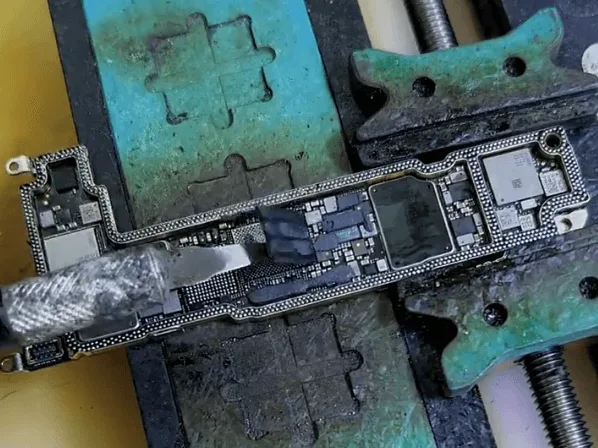
- Upon closer inspection, the drop damage seems to have caused an internal crack in the lower layer of the motherboard. In such cases, it’s best to replace key components.
- Swap the encrypted Wi-Fi chip and Baseband CPU to a new motherboard for a more stable solution.
Reball and Solder the Components
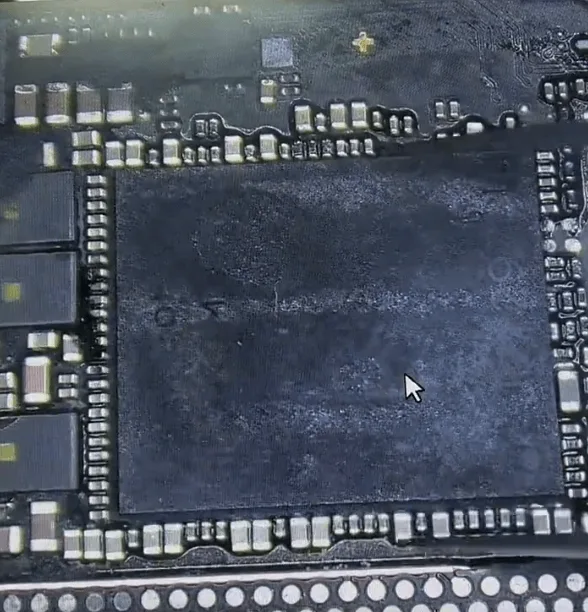
- Reball the Wi-Fi chip and Baseband CPU, and then solder them onto the new board.
- Reassemble the layers again and test the functions. This time, the Wi-Fi and baseband function as expected.
Final Assembly
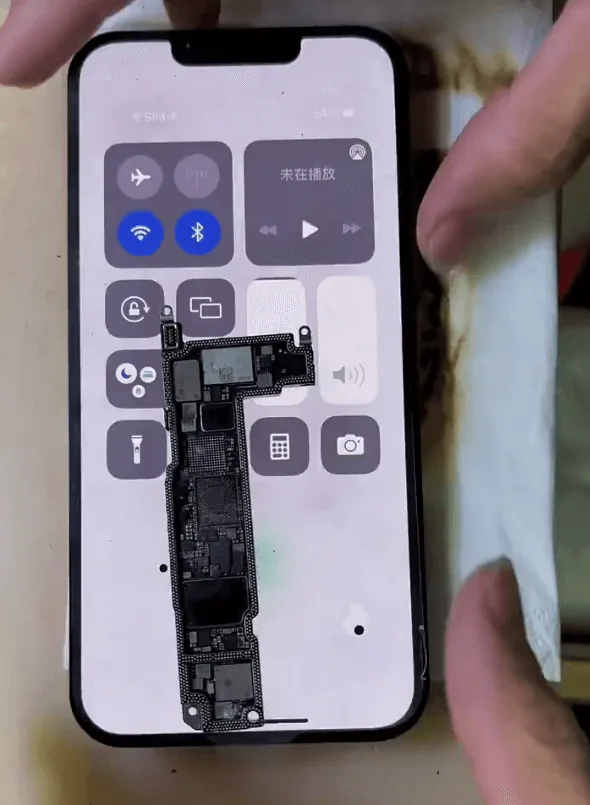
Assemble the phone and confirm that the repair process is complete. The iPhone 13 now has restored Wi-Fi and signal connectivity.
Conclusion
Fixing on an iPhone 13 no signal and Wi-Fi issues often comes down to addressing motherboard damage. In this case, by replacing missing pads, eliminating current leaks, and swapping the Wi-Fi chip and Baseband CPU to a new board, the phone regained its full functionality. This guide offers a step-by-step approach that helps ensure a stable and lasting repair. For challenging repairs like this, taking the time to carefully inspect and replace damaged components makes all the difference.
 English
 Español
 Français
 Deutsch
 Italiano