
After a serious drop while skateboarding, this iPhone 13 Pro experienced a complete display failure, despite other functions appearing normal. In this detailed repair guide, we’ll walk through diagnosing the root of the issue—caused by a small but critical capacitor failure—and outline the step-by-step process for restoring the display.

Device Details
Model: iPhone 13 Pro
Announced: 2021, September 14
Defect Phenomenon
The iPhone 13 Pro experienced severe drop damage while playing skateboard, resulting in a completely unresponsive display.
Troubleshooting
Inspect the Motherboard
Disassemble the phone and remove the motherboard, which showed signs of minor deformation from the drop.
Replace and Test Display
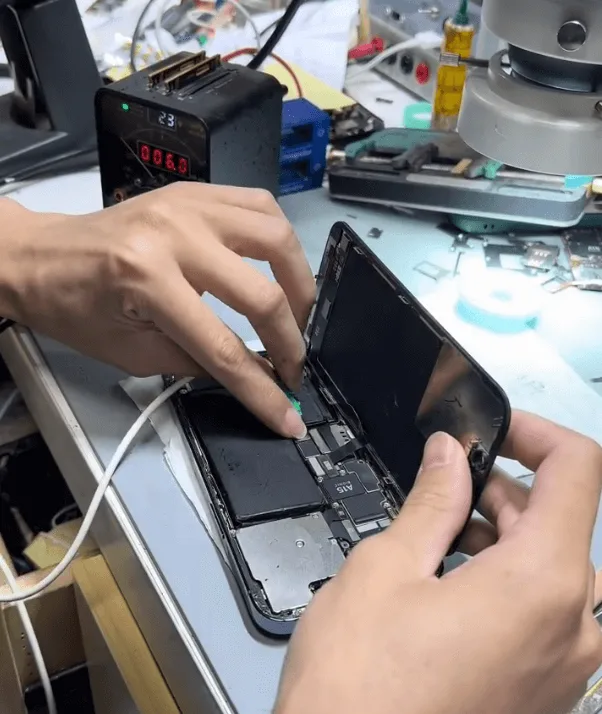
Swap in a new screen and connect the phone to a DC power supply. The boot current appeared normal, indicating the motherboard may be the root issue.
Further Testing
Testing with another screen confirmed the problem lies with the motherboard, as the display still did not function.
Repair Process
Measure Display Connector Diode Values
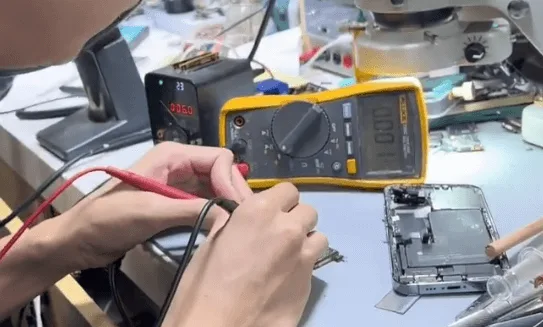
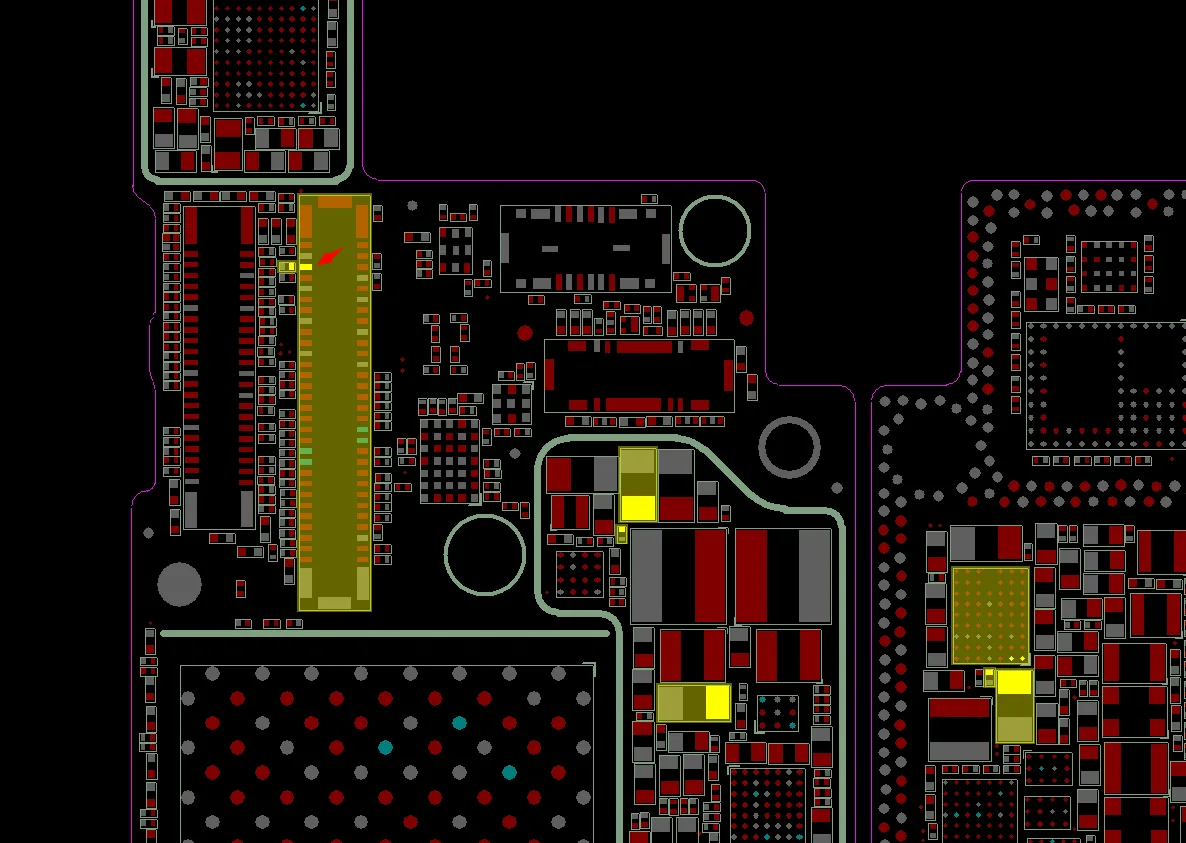
Use a multimeter to check the diode values on the display connector pins. One pin, the 4th, indicated a short. This pin connects to the display power IC (PMIC), which is essential for screen functionality.
Display PMIC (Power Management IC): PMIC stands for Power Management Integrated Circuit. This chip controls power flow to the display and other components. A damaged or malfunctioning PMIC can often result in issues like a black screen or no display.
Diode Values: Diode values refer to the measurements that indicate the health of electronic circuits. In troubleshooting, measuring these values can reveal if specific pins on the connector are “shorted” (unintended electrical connection), helping to pinpoint damaged components.
Identify Common Causes of No Display Issues:
Typical issues affecting the display in drop-damaged iPhones include:
- Poor soldering between motherboard layers
- Display PMIC damage
- Shorted capacitors
Inspect Capacitors with Rosin Method
Rosin Inspection
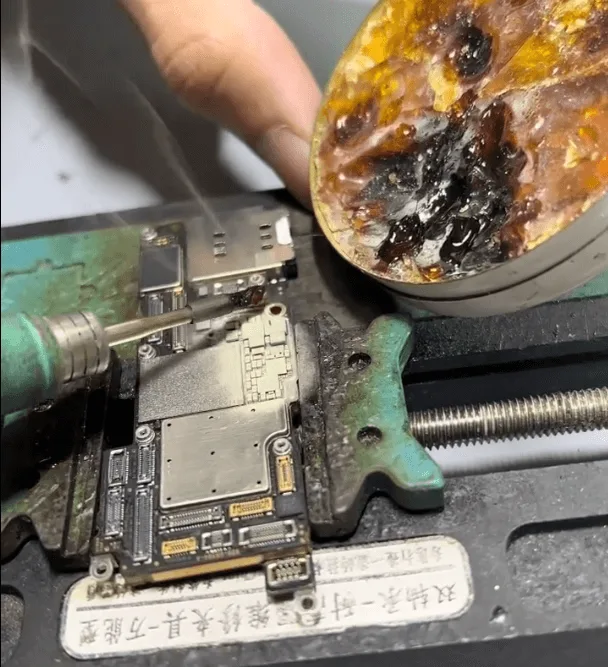
Apply rosin to the component area, then apply voltage to the display connector. If rosin melts around a capacitor, it indicates a current draw. In this case, a shorted capacitor was located.
What is Rosin Method?
Inspect Capacitors with Rosin Method
Remove the Shielding Cover
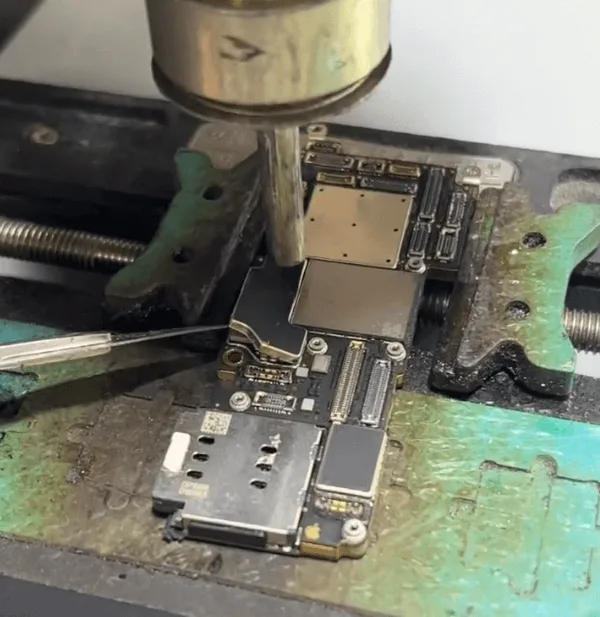
Gently remove the shielding cover with a hot air gun and tweezers to expose the capacitors.
Rosin Inspection
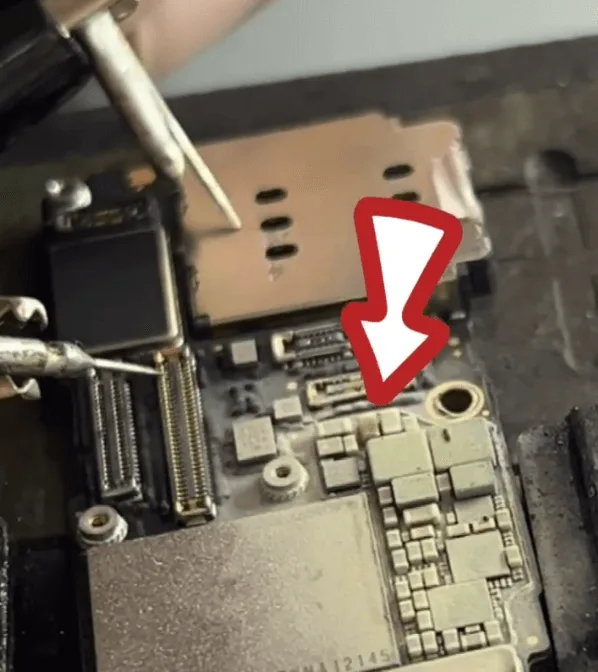
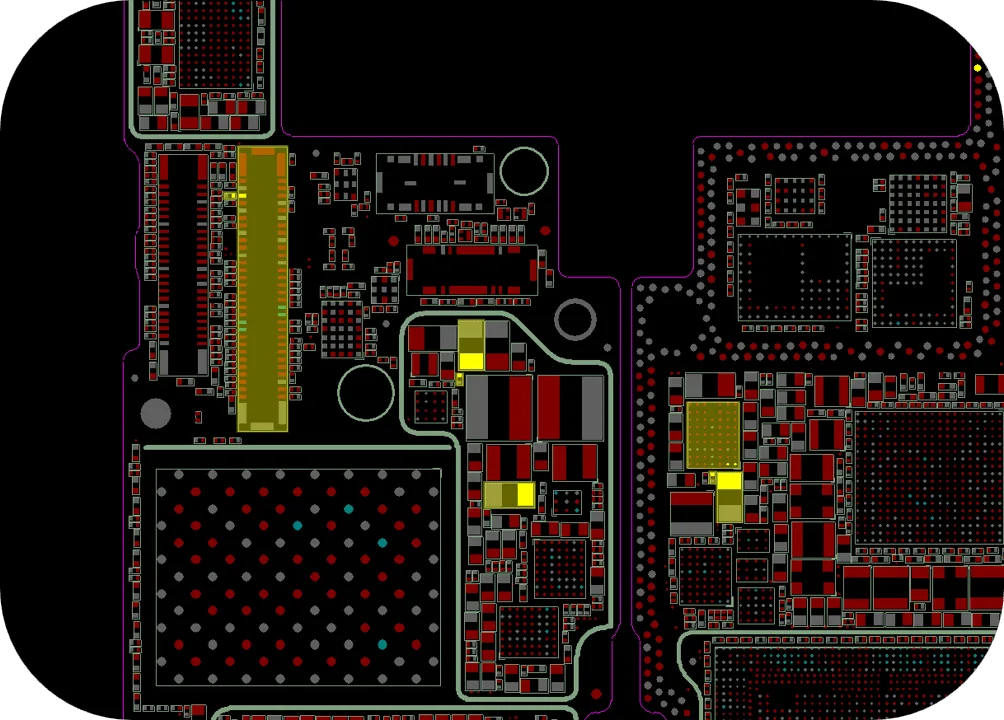
Apply rosin to the component area, then apply voltage to the display connector. If rosin melts around a capacitor, it indicates a current draw. In this case, a shorted capacitor was located.
Replace the Faulty Capacitor
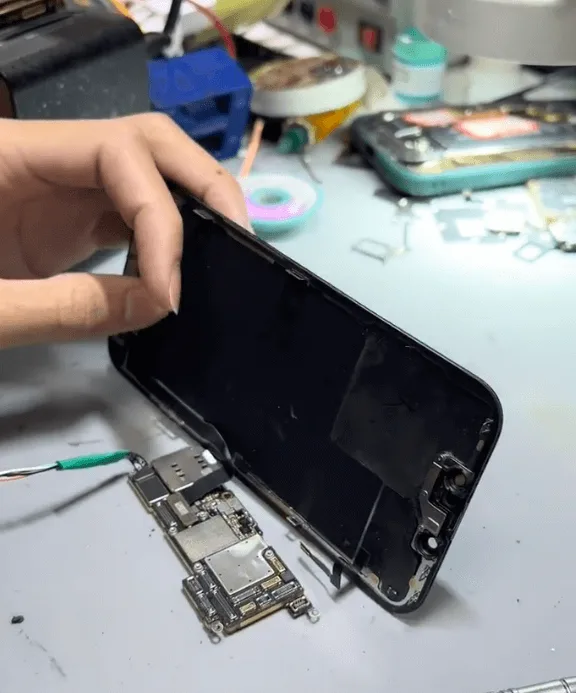
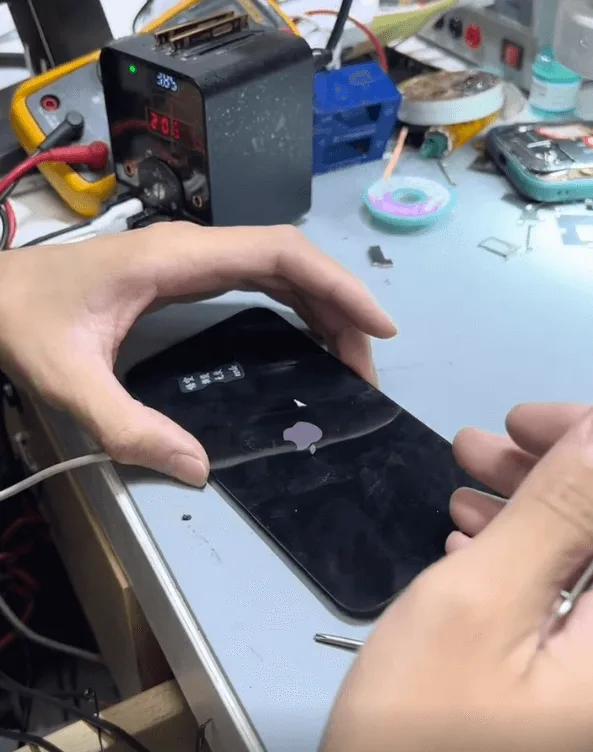
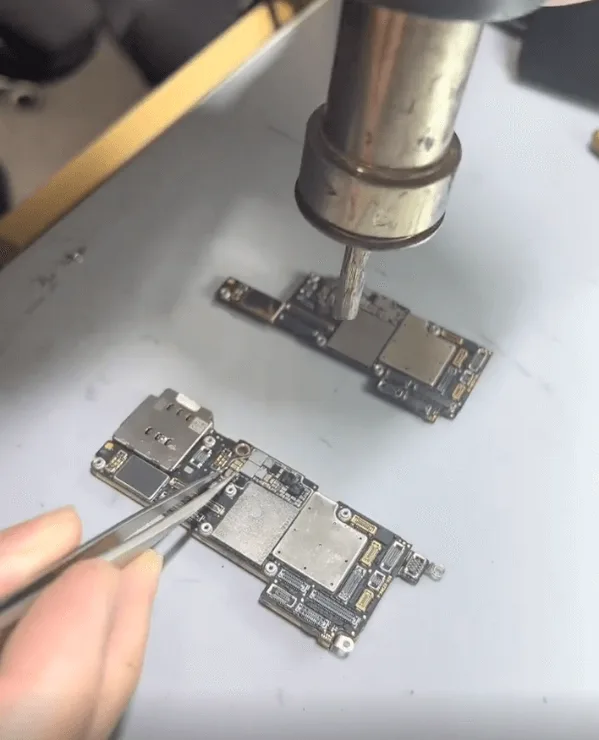
- Carefully remove the shorted capacitor with a hot air gun.
- Since a schematic for the iPhone 13 Pro isn’t available, replace it with a capacitor of similar specifications from another board.
- Solder the replacement capacitor onto the motherboard.
Final Assembly and Testing
Reassemble the phone and connect the display for a final test. The display was successfully restored, and all other functions, including Face ID, Wi-Fi, and the camera, worked as expected.
Summary
This repair process effectively restored the iPhone 13 Pro’s display by replacing a faulty capacitor. This method provides a reliable solution to similar no-display issues often found in drop-damaged devices.
Tools & Parts List
- Tools: Multimeter, DC power supply, hot air gun, tweezers, rosin.
- Parts: Replacement capacitor (same specification).
 English
 Español
 Français
 Deutsch
 Italiano