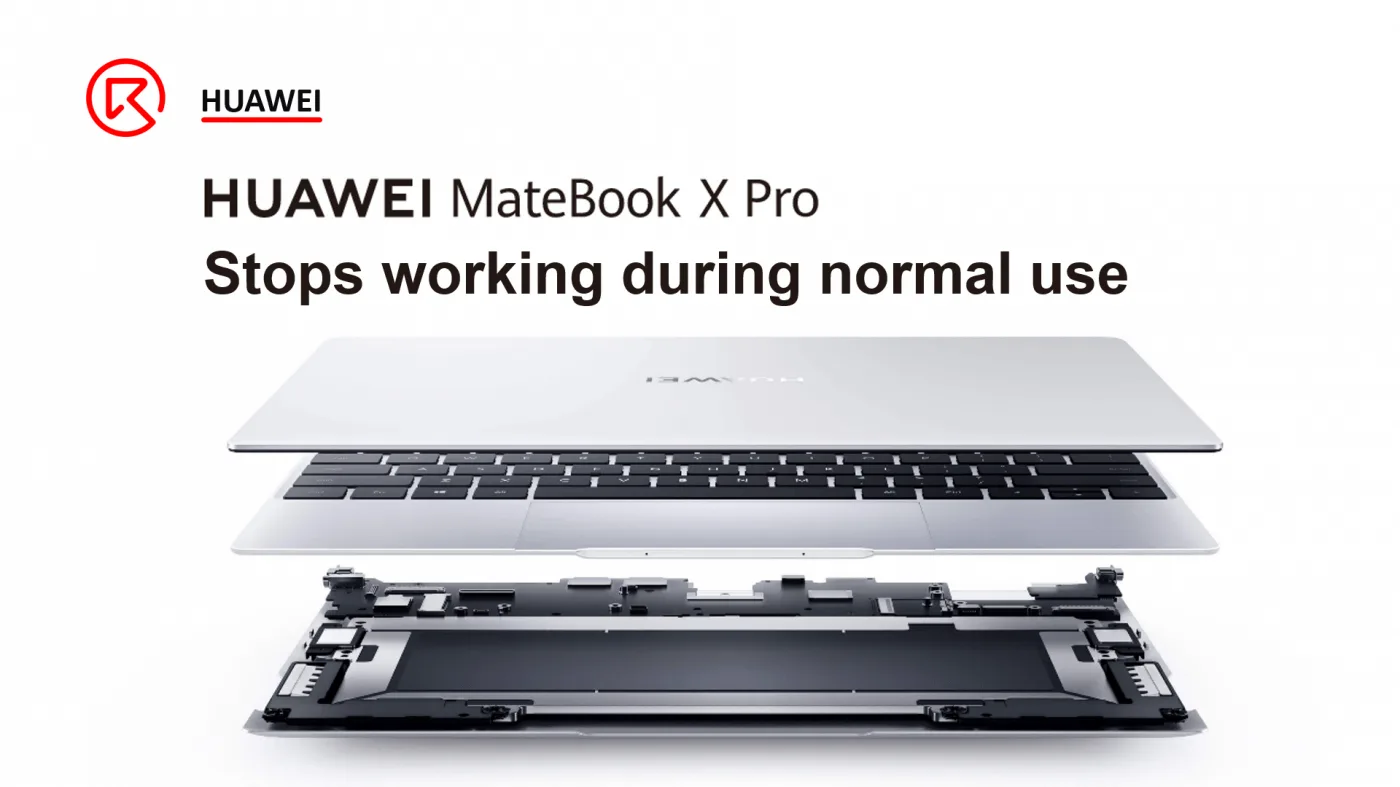
The HUAWEI MateBook X Pro is a high-performance laptop known for its sleek design and robust functionality. However, users may sometimes encounter issues where the laptop stops working during normal use. This guide outlines the troubleshooting and repair process for this problem, particularly when no water or drop damage is evident.
Defect Phenomenon
A customer reported that their HUAWEI MateBook X Pro stopped working during normal use. Despite previous repairs by several shops, the issue remained unresolved. The laptop exhibited no signs of water or drop damage.
Troubleshooting
First, let’s disassemble the MateBook X. Before connecting the motherboard with the DC power supply machine, it’s advised to check the condition of the motherboard first, in case it’s a water-damaged board and causes more serious issues.
(customer’s feedback only for repair reference, we still need to follow the correct repair process.)
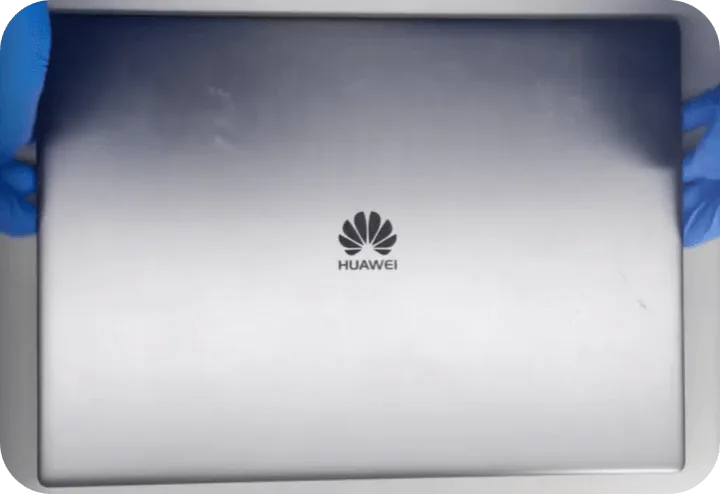
After removing the rear cover, we can smell burnt from the motherboard.
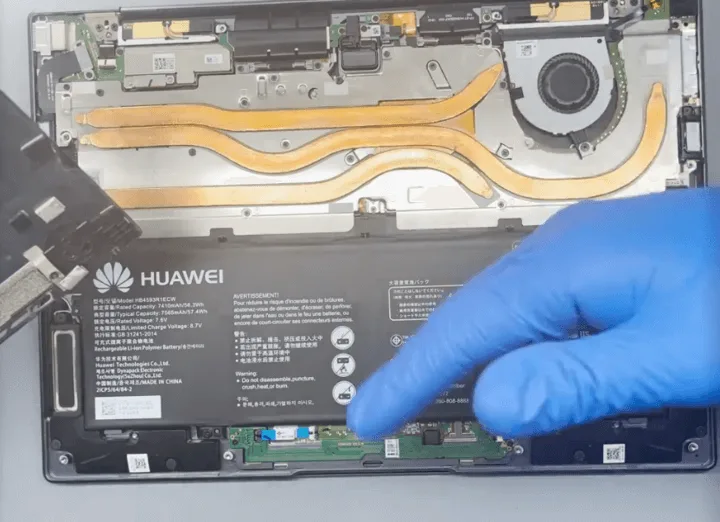
Take out the motherboard and check carefully, there’s a chip that is seriously burnt, we can see the burning traces with our eyes directly.
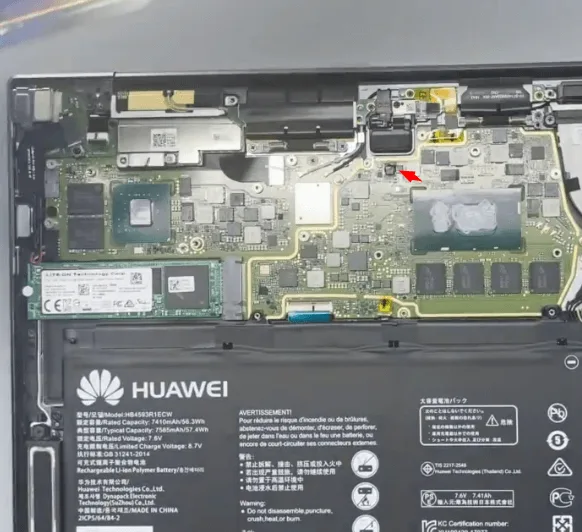
Check under the microscope, the components have been burnt and carbonized.
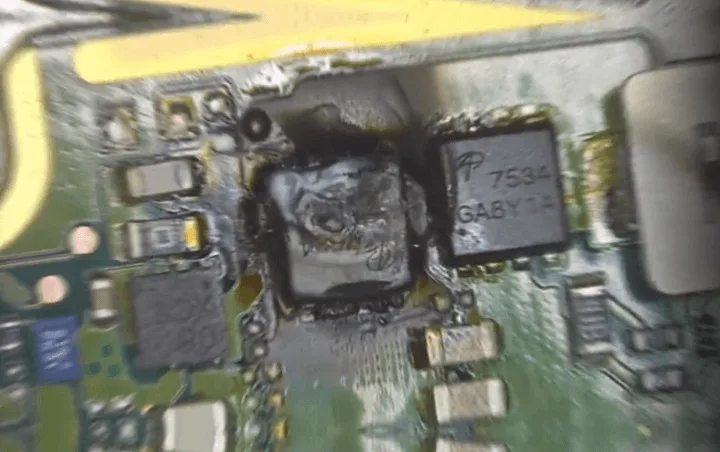
- The one on the left side is seriously carbonized, we can take it off easily with tweezers.
- The one on the right side also looks bad, later we need to resolder it.
After removing the two chips, we should also cut off the surface carbonized PCB with a sculpture knife carefully. The carbonized PCB is conductive once connected with the power, just like a delicate operation, we need to be extra careful to deal with the motherboard.
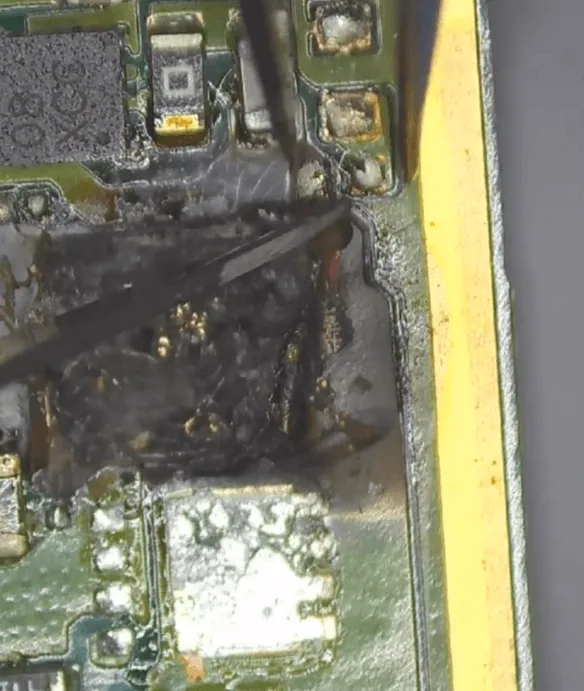
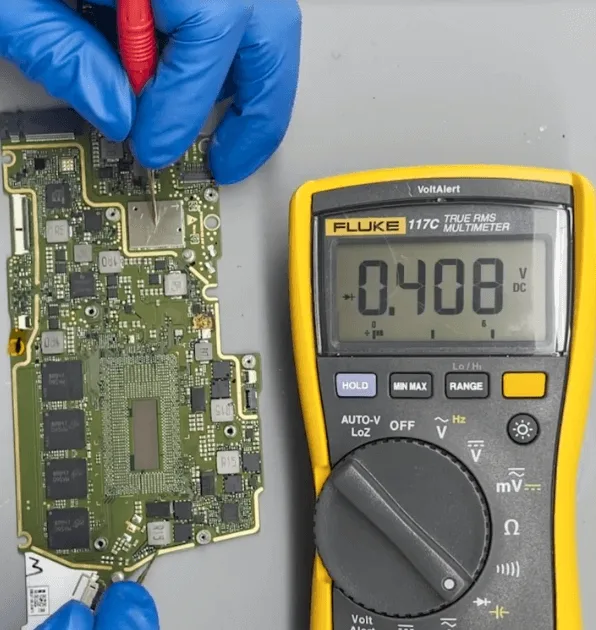
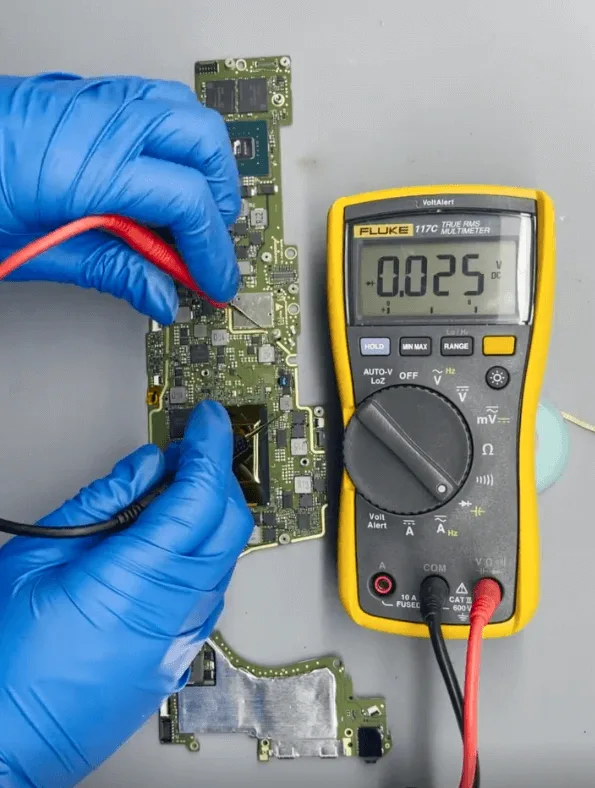
After that, measure the diode value of the MOSFET chip. The front side diode value is OK, but the rear side diode value is shorted.
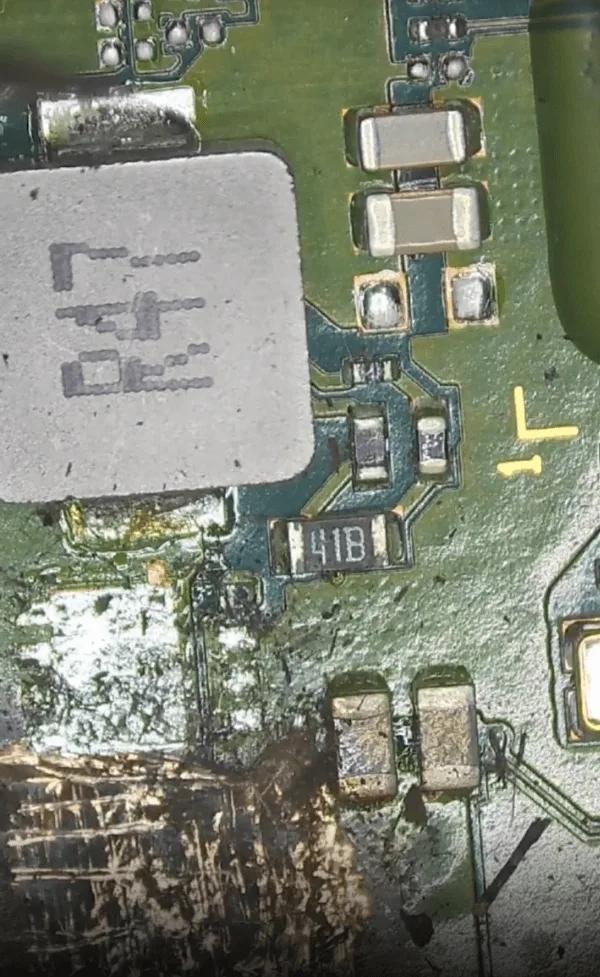
The rear side is connected with the CPU, the shorted diode value means it might be the CPU shorted or the inner PCB rail is damaged.
Before verifying whether the CPU is good or not, let’s measure all the main inductors first to see if there is any other shortage on the other main power supply rails.
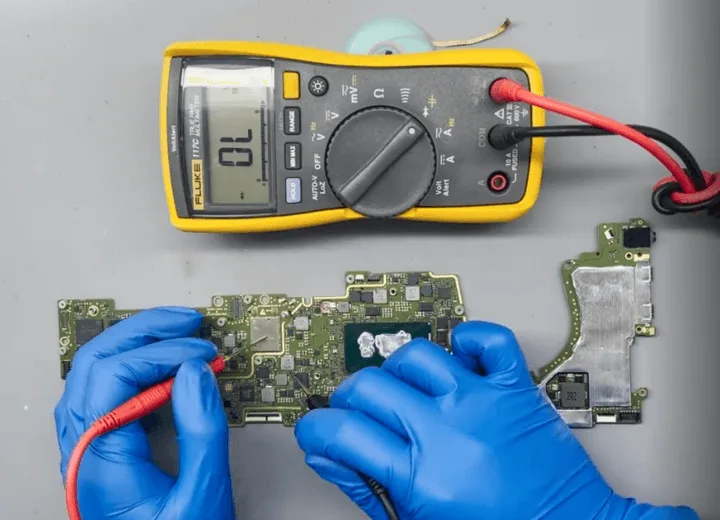
After measuring, all the inductors’ diode values are OK.
Next, let’s remove the CPU
The brief operation process
First, let’s remove the thermal grease on the CPU with the anti-static wiper.
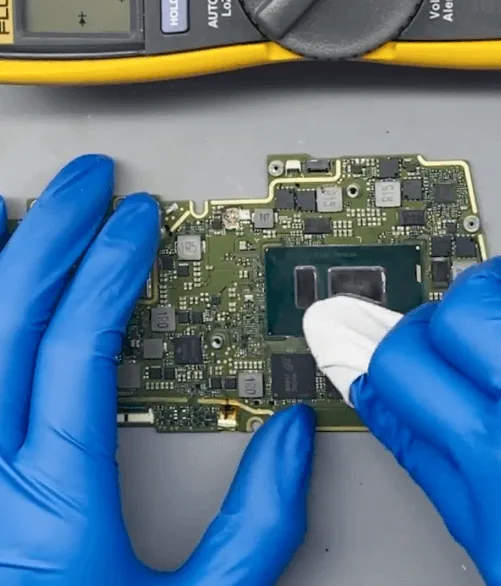
Then, mark the location of the CPU with a sculpture knife slightly.
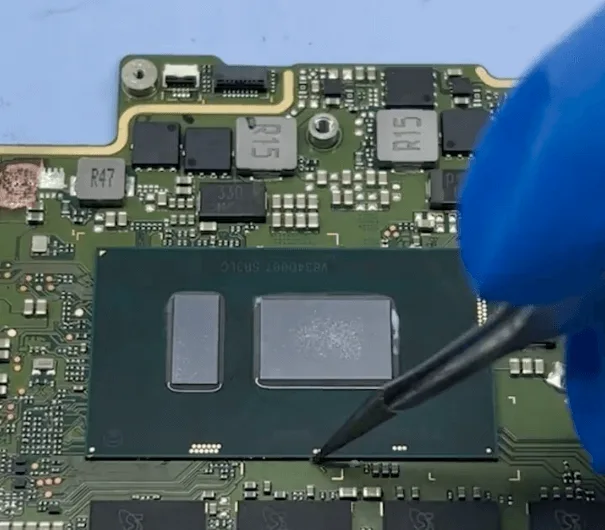
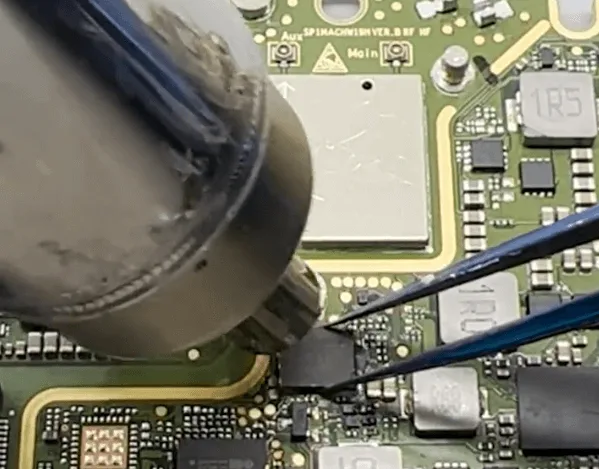
Next, let’s heat the CPU chip with the hot air gun evenly, and take off the chip when the tin between the PCB and CPU chip is melted.
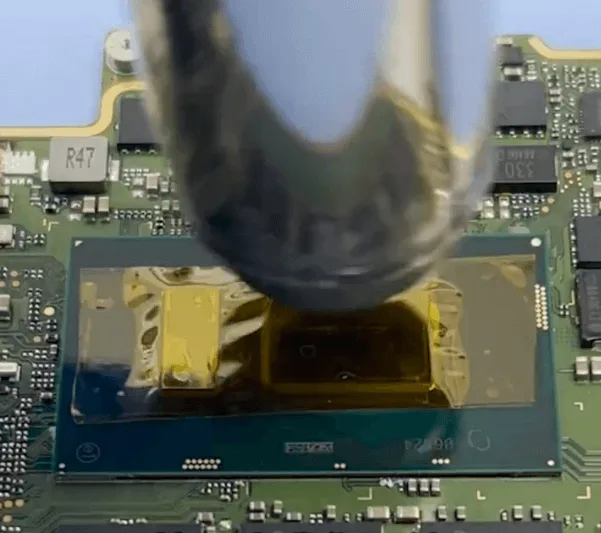
After removing the CPU chip, let’s clean the bonding pads on the PCB with the soldering iron and solder wick.
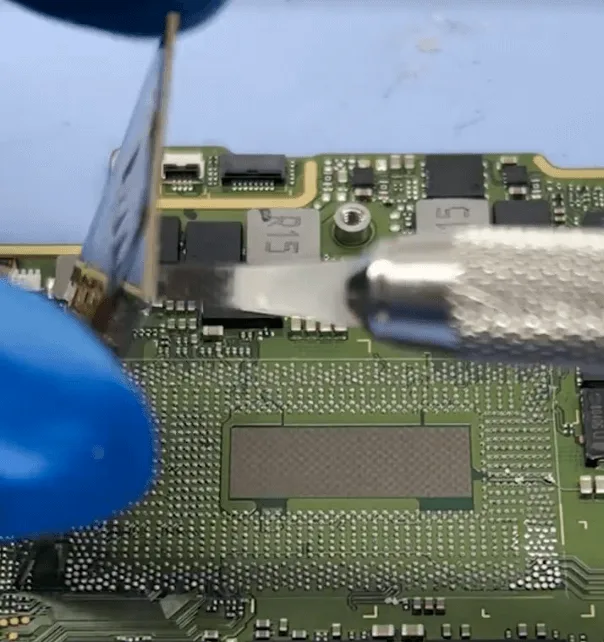
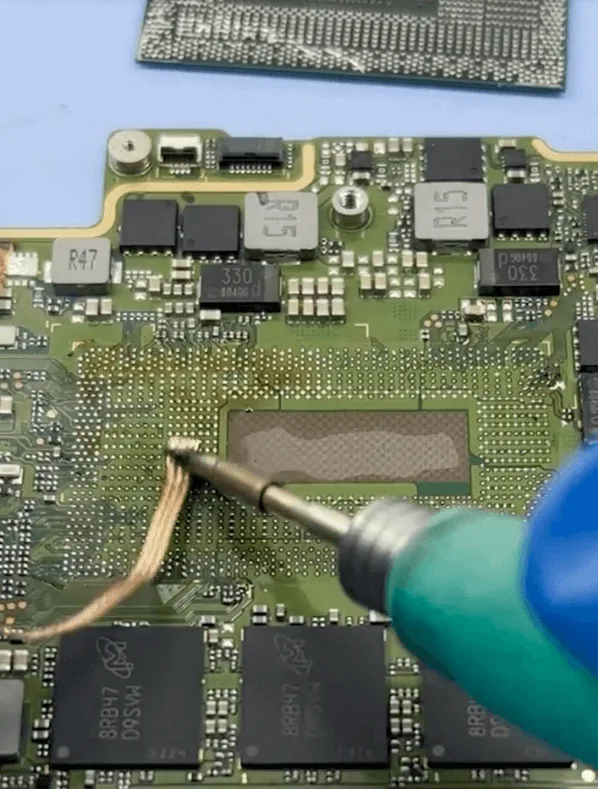
CPU and Damaged Chips Replacement
After removing the CPU chip, let’s measure the diode value on the rear side of the MOSFET, the shortage is gone, which means the original CPU is damaged.
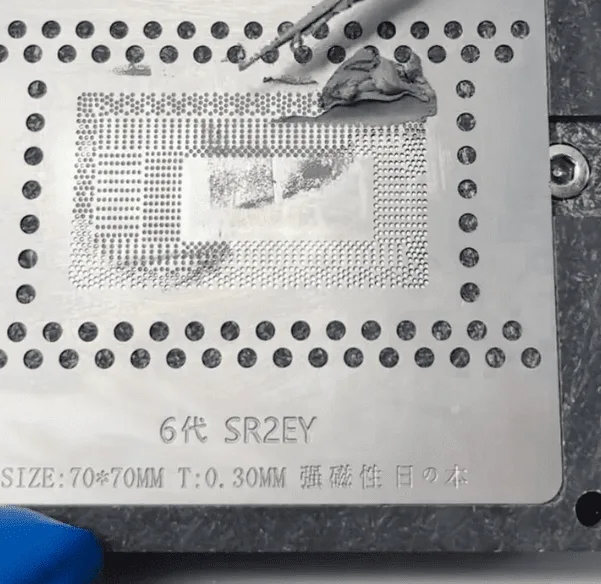
Find a CPU chip with the same specification, a lot of models of laptops use this CPU, and we can find a good one easily. Then reball it with the stencil and hot air gun.
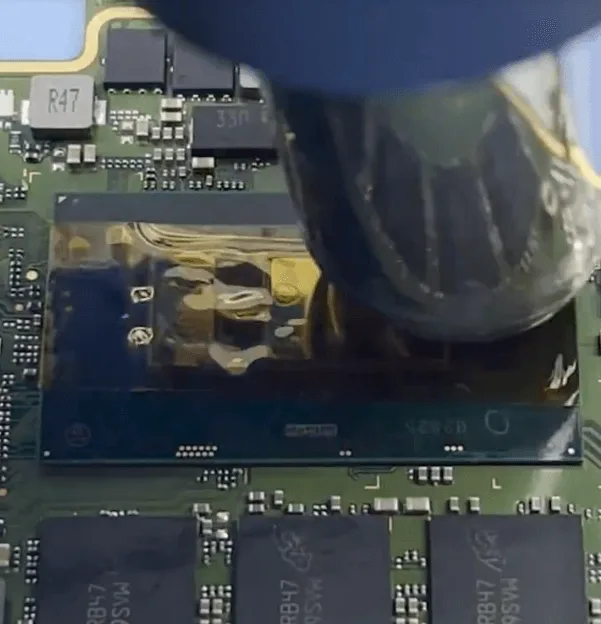
Then align the new CPU on the marked location, and heat it with the hot air gun to solder the CPU chip on the motherboard.
For the damaged MOSFETs
One we can just solder it back with a new one directly
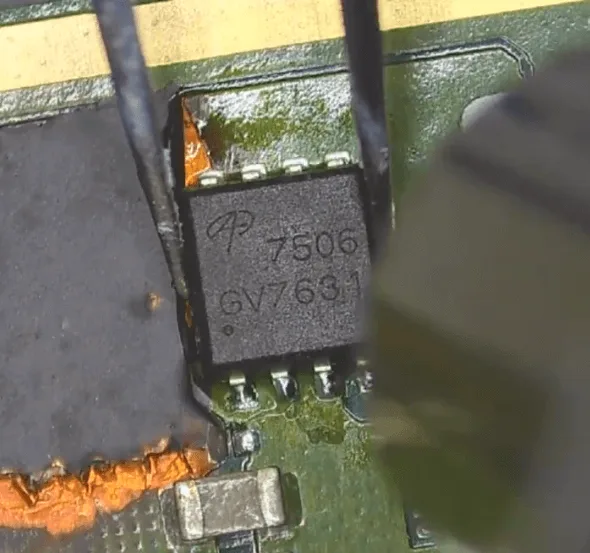
Another one, the PCB is seriously burnt. So we need to jump wires
1. Scratch out the pads on the PCB first
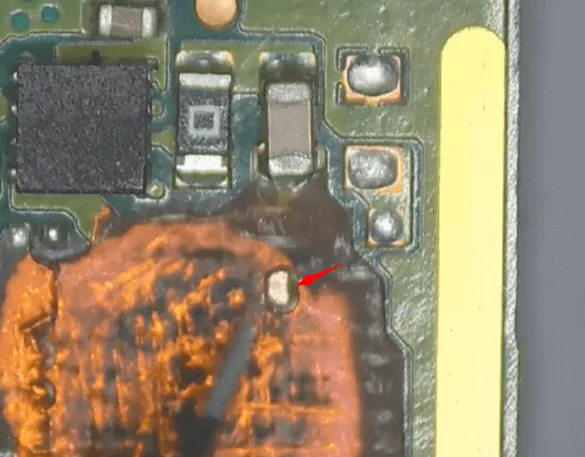
2. Apply UV mask and cure it UV lamp for isolation
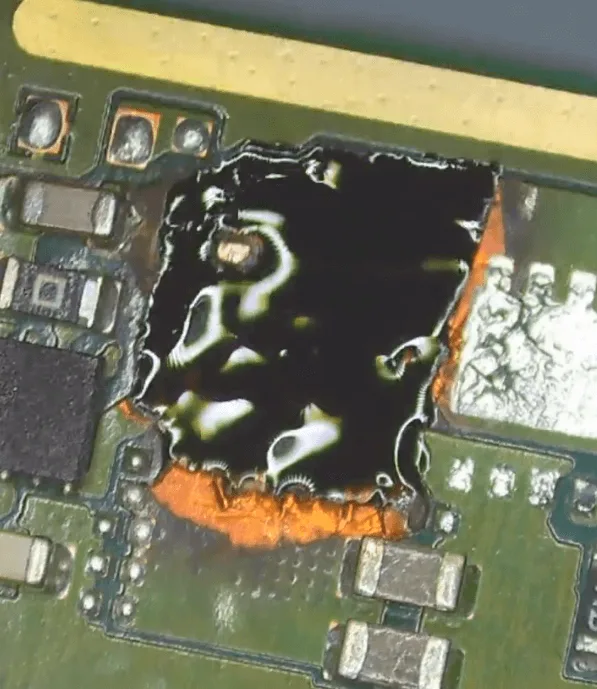
3. Since the PCB is seriously damaged, we should flip the MOSFET to jump wires
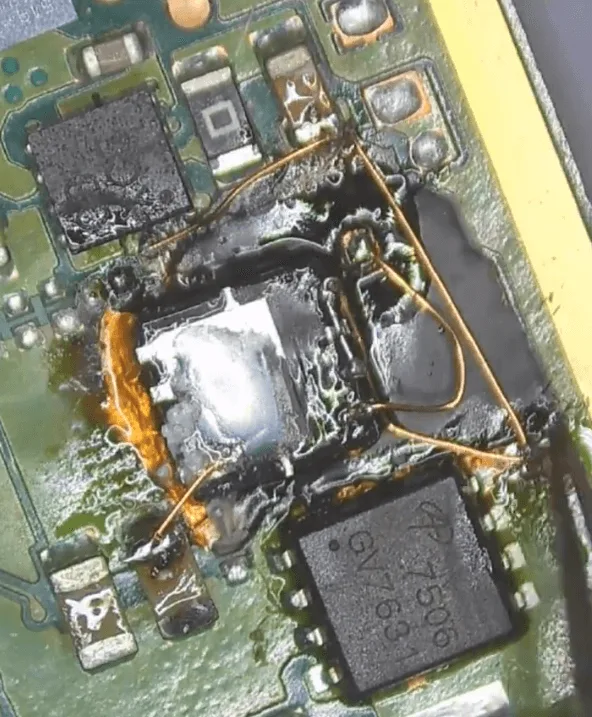
4. After the jumping wire operation is finished, let’s also apply some UV mask and cure it with the UV lamp
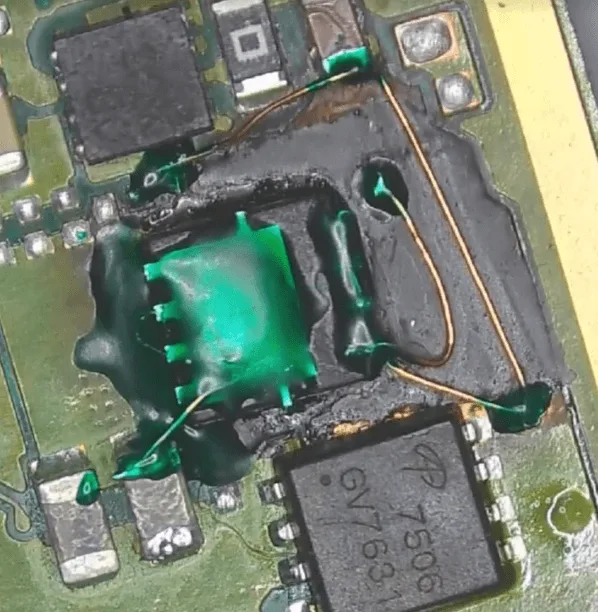
After the MOSFET chips replacement, let’s measure all the relative diode values again, no problem!
Rewrite the BIOS
Since the CPU has been replaced with a new one, we should rewrite the BIOS data with a specified programmer
1. remove the BIOS chip with the hot air gun
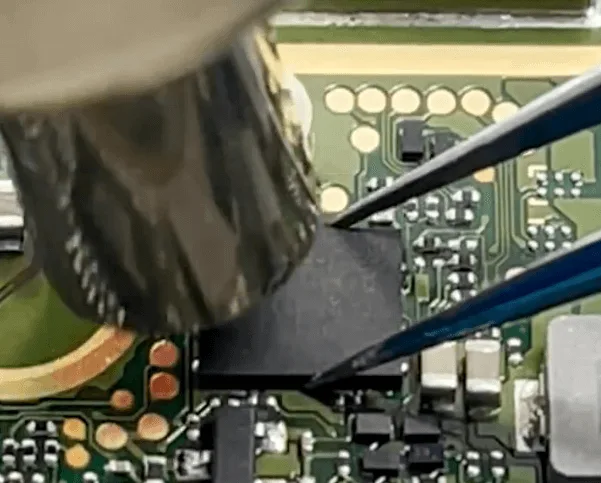
2. Solder the BIOS chip on the programmer board
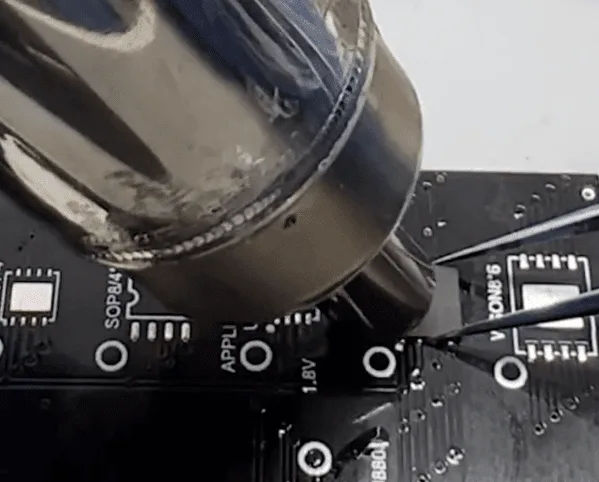
3. Rewrite BIOS data with programmer
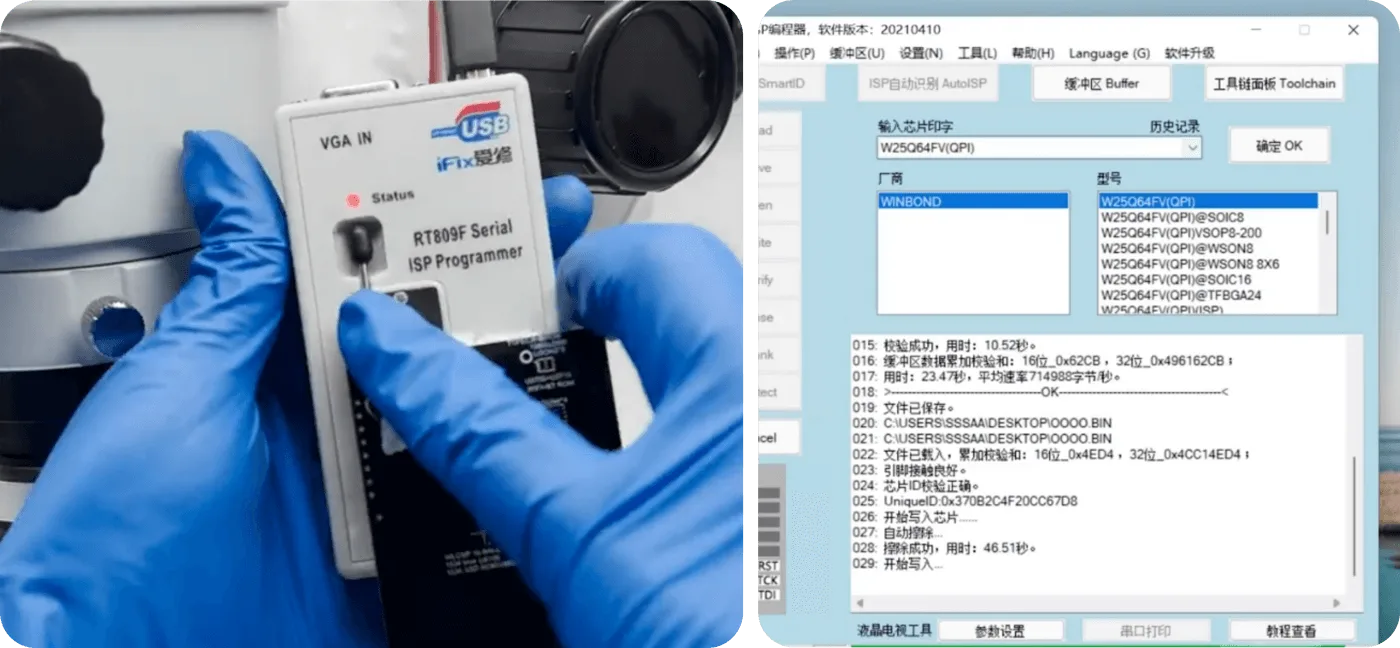
4. After the rewriting process is finished, let’s solder the chip back to the motherboard
Assemble the Laptop and Test
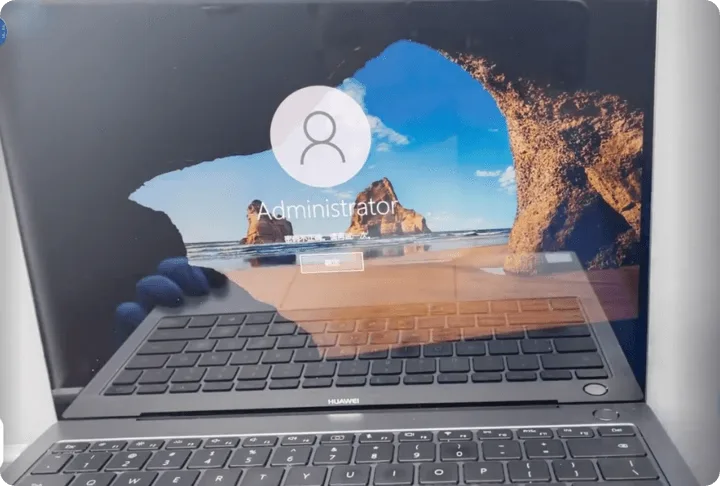
Assemble the whole laptop and press the power button to start up, then Matebook can enter into the system successfully, the cannot boot issue gets fixed perfectly by CPU and burnt MOQFET chips replacement.
Summary
The HUAWEI MateBook X Pro issue of stopping during normal use was resolved by:
- Identifying and removing burnt components.
- Replacing the damaged CPU and MOSFETs.
- Rewriting the BIOS data.
This repair requires precise work and careful inspection to ensure the laptop is restored to full functionality without causing additional damage.
 English
 Español
 Français
 Deutsch
 Italiano