Tag: iPhone X Keeps Restarting

  • Fix iPhone X Keeps Restarting With Vertical Lines On The Screen

    Fix iPhone X Keeps Restarting With Vertical Lines On The Screen

    iPhone X features vertical lines on the screen and keeps restarting? iPhone keeps restarting and error 9, 14 and 40? How to narrow down the fault possibilities by ruling out one by one? How to confirm the fault and fix the problem? Follow us and learn how to fix this problem step by step.

    First, we need to confirm if the fault has anything to do with the screen. Get a new iPhone X display assembly installed. The problem still remains the same as described earlier. We can confirm now that the fault is related to the motherboard.

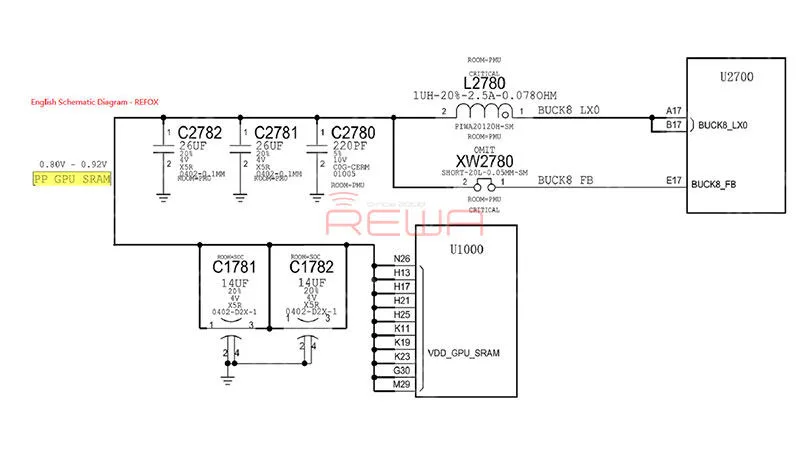
    The next thing we do is to confirm if the fault lies on the display circuit. Run diode mode measurement of the display connector, and measure the working voltage of the screen. All measured value is normal. Judging by this, the fault has nothing to do with the display circuit. It is probably related to PP_GPU_SRAM or CPU.
    Fix iPhone X Keeps Restarting With Vertical Lines On The Screen

    Again, let’s measure all the components on this circuit to narrow down the fault possibilities.

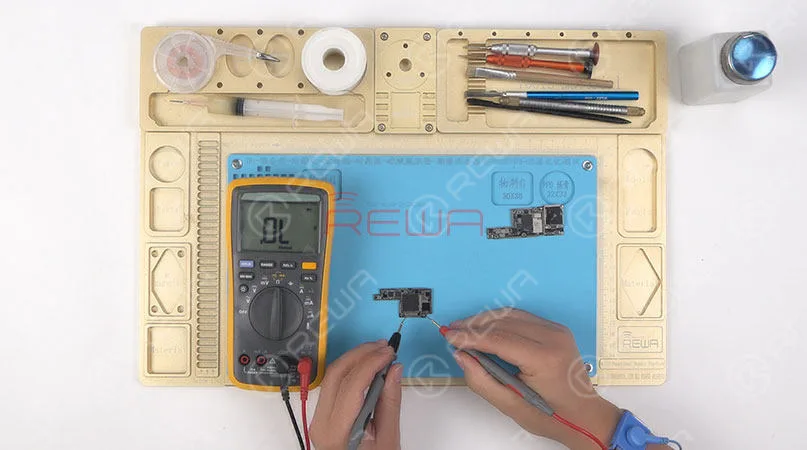
    Still, we need to separate the motherboard before measurement. Then run diode mode measurement of components on the circuit. The measured value is normal. So we can rule out the possibility of shorted capacitors on the circuit. Which means the fault may be related to L2780, U2700 or U1000.
    Fix iPhone X Keeps Restarting With Vertical Lines On The Screen

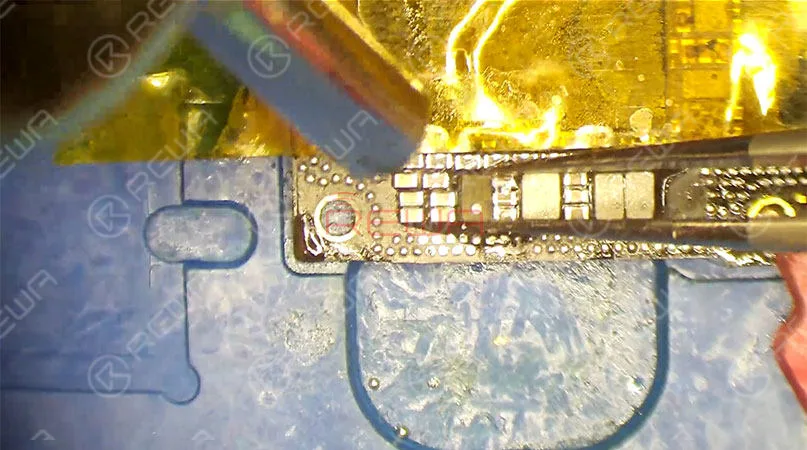
    Let’s start with L2780 on the circuit. Remove L2780 with Hot Air Gun, and get a new inductor soldered. Test the motherboard with the help of the test fixture afterwards. The phone turns on with normal screen display. Problem solved. Now we need to solder the upper layer and the lower layer back together.
    Fix iPhone X Keeps Restarting With Vertical Lines On The Screen

    Reball the lower layer first. Continue to apply BGA Paste Flux to the third space PCB, and get the upper layer in position. Solder the two layers together with the Heating Platform. Now we can assemble the phone and test.

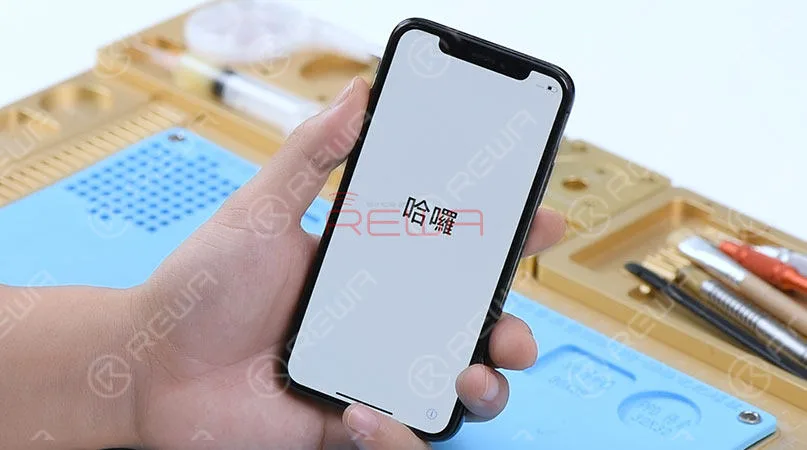
    Press the power button to turn on the phone. Fault cleared.
    Fix iPhone X Keeps Restarting With Vertical Lines On The Screen

    For detailed steps, please visit here:

    Tools Used:

    REWA has dedicated itself to offering cell phone repair parts and tools for over 10 years. We offer iPhone X screen replacement parts in different quality grades, as well as other iPhone X replacement parts for wholesale. In REWA, everything comes with quality. Contact us or leave us your comment if you need our repair technique support. REWA screen and logic board repair guides:

  • How To Fix iPhone X Keeps Restarting Logic Board Repair

    How To Fix iPhone X Keeps Restarting Logic Board Repair

    The unique design and structure of motherboard have made any repairs to iPhone X far more difficult than previous series. However, our newly launched iPhone X Motherboard Soldering&Desoldering Rework Station can help greatly with the repair work. With our repair case iPhone X keeps restarting today, abnormal boot current of the upper layer indicates that the fault is probably caused by USB IC. We can fix the iPhone X stuck on restarting issue by USB IC replacing and motherboard re-soldering. 

  • Fix iPhone X Keeps Restarting – Logic Board Repair

    Fix iPhone X Keeps Restarting – Logic Board Repair

    The unique design and structure of its motherboard have made any repairs to iPhone X far more difficult than previous models. Especially logic board repairs. For every time. We need to desolder the double layer logic board before formal repair and resolder it back to after the repair was finished. Today we’ll fix the keep restarting issue by using our newly launched iPhone X motherboard soldering and desoldering rework station. Let’s begin our repair step by step.

    Malfunction

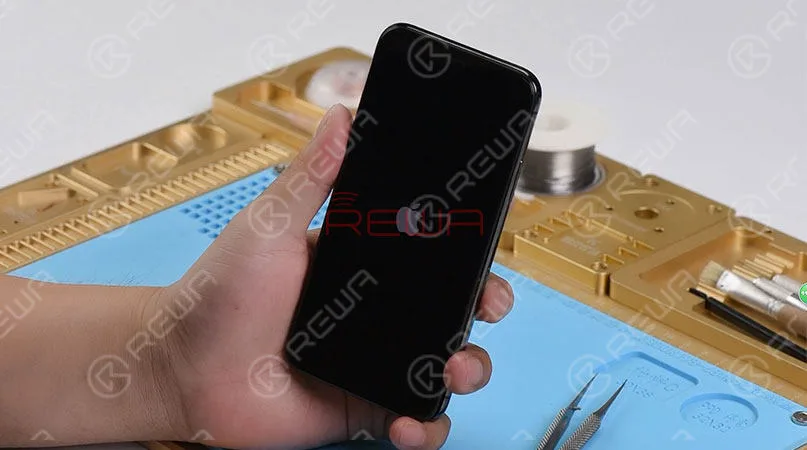
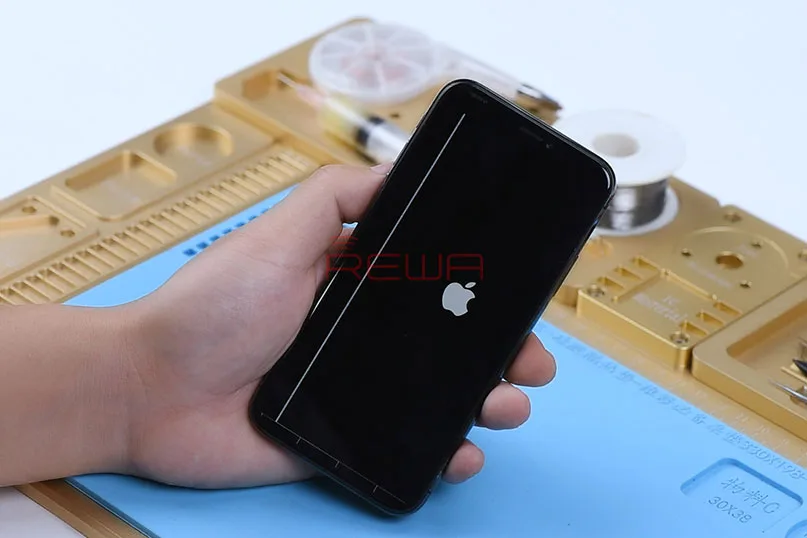
    Press the power button. And the Apple Logo appears on the screen(If you have met the issue about Apple logo, please check our special case for Fix iPhone 8 Stuck on Apple Logo). However, it keeps restarting. The motherboard of iPhone X is folded in half and soldered together. The upper layer mainly responsible for the phone boot up, and the lower layer mainly features baseband RF circuit. So the first thing we need to do is to detach the two layers from each other and check.

    Fix iPhone X Keeps Restarting

    iPhone X logic board separation

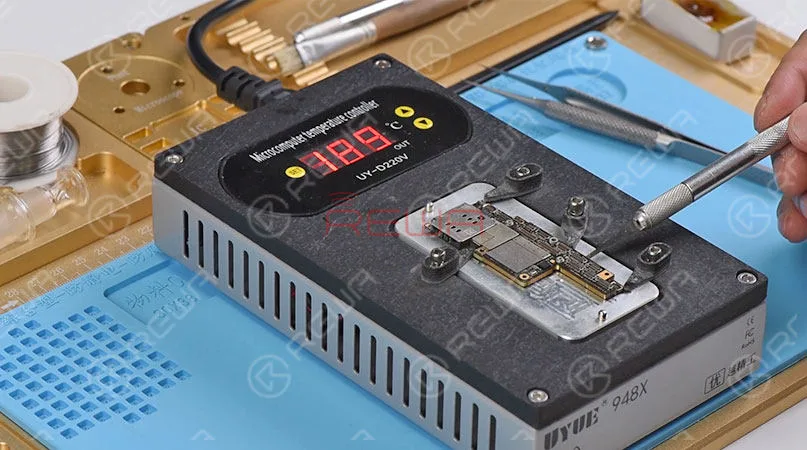
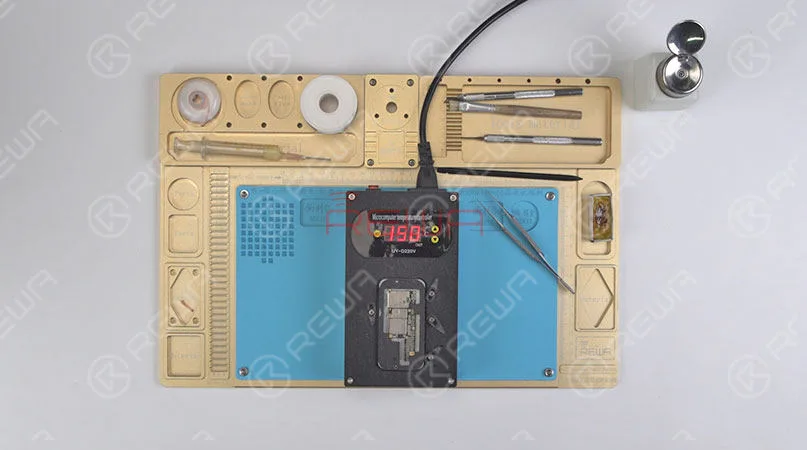
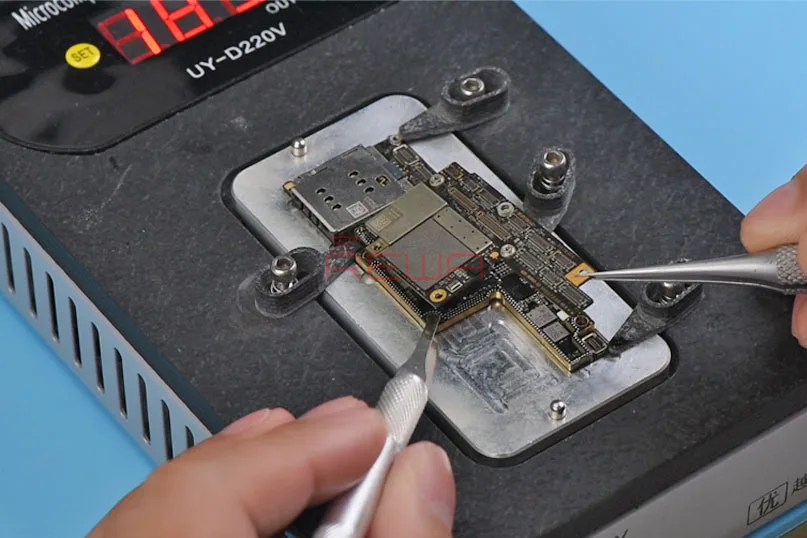
    Here comes our iPhone X heating platform. Heat the double-layer motherboard on the platform with temperature of 190℃ for 1 minute. Remove the upper layer with Sculpture Knife and tweezers. Then, remove tins on the two layers respectively.

    Fix iPhone X Keeps Restarting

    Malfunction Troubleshooting

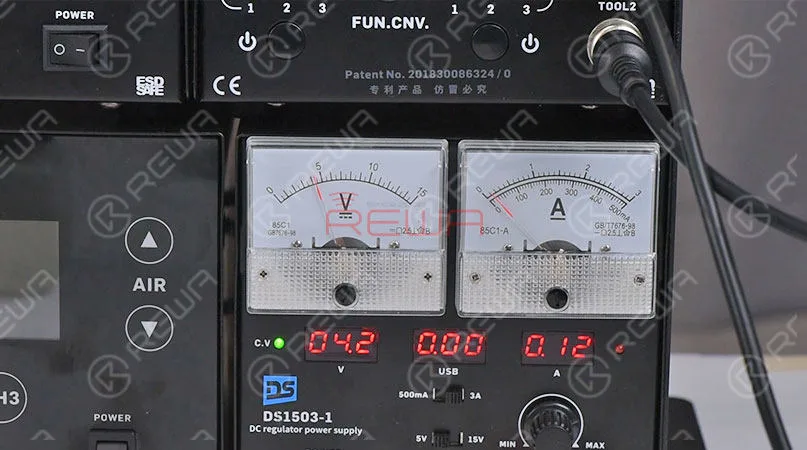
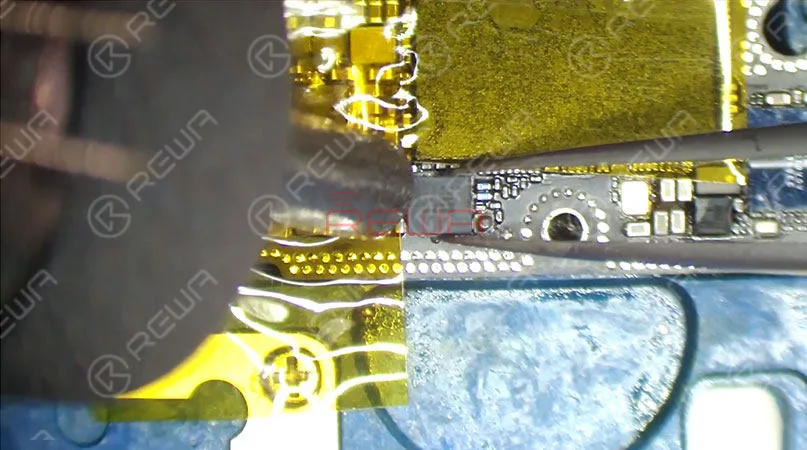
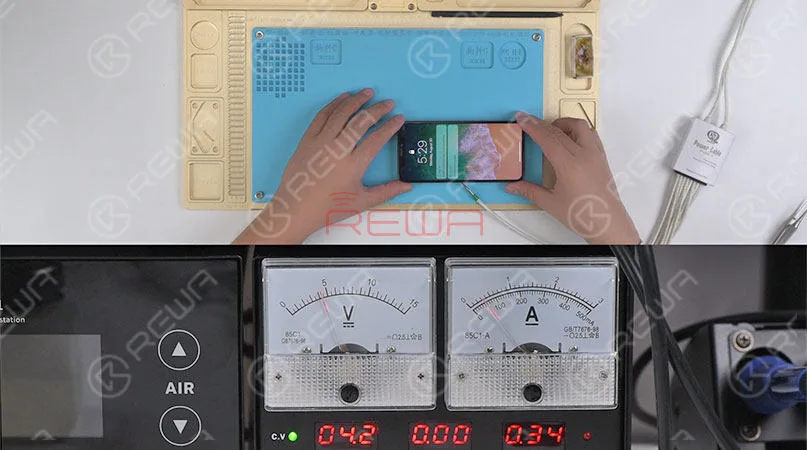
    Connect the upper layer with display assembly. Then Connect it to DC Power Supply. And power up with trigger signal. The current reading on the ammeter is abnormal, which indicates that the fault is related to USB IC U6300. So we need to replace with a new USB IC and see how it works. Attach the upper layer to PCB Holder. Detach the USB IC from the upper layer with Hot Air Gun. We find that the USB IC has been replaced before and two empty pads have gone missing.

    Fix iPhone X Keeps Restarting

    Repair

    Let’s begin our repair. Remove tins on the bonding pad with rosin soaked Solder Wick. Then, apply some Paste Flux to the bonding pad. Get a new USB IC in position and solder with Hot Air Gun. Once done, clean with PCB Cleaner.

    Fix iPhone X Keeps Restarting

    Test and check

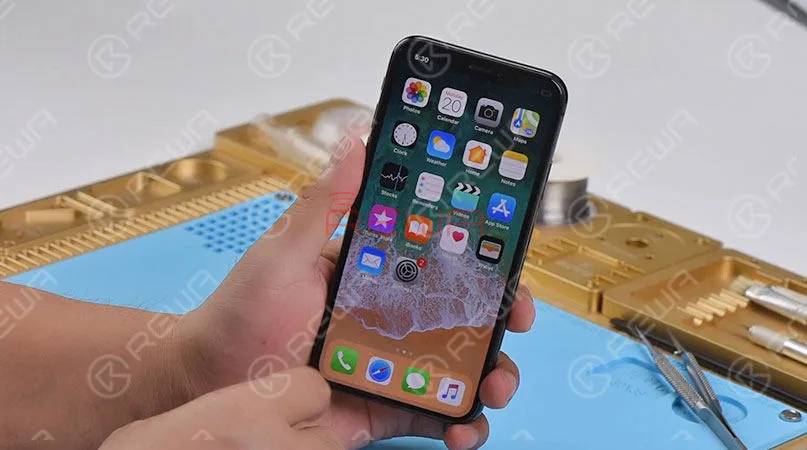
    Again, let’s measure boot current of the upper layer. Current reading on the ammeter is normal. The phone can get access to the home screen normally. Fault cleared.

    Fix iPhone X Keeps Restarting

    Resolder the double layer motherboard

    Now we need to resolder the two layers together. Reball the lower layer first. Then attach the reballed lower layer to the heating platform. Apply some BGA Paste Flux to bonding pads on the lower layer. And get the upper layer in position with the temperature of 150℃ and heat the two layers for 1 minute on the heating platform. Once the two layers have been soldered together. Wait for the double-stacked motherboard to cool for 15 minutes. Check the motherboard carefully. The motherboard has been soldered perfectly.

    Fix iPhone X Keeps Restarting

    Test and check again

    Now we can assemble the phone and test. Get the logic board and display assembly installed. Connect the battery and press power button. The phone turns on normally. iPhone X keeps restarting when turning on fixed perfectly.

    Fix iPhone X Keeps Restarting

    Attaching the video for you for more details. For more repair information, please pay attention to REWA Official Youtube Channel.

    Listing of the tools used. There is always one that you need or you are interested in. More cell phone replacement parts and tools please check REWA online store.