Tag: iphone x face id not working

  • How To Fix iPhone X Face ID Not Working After Repairing

    How To Fix iPhone X Face ID Not Working After Repairing

    iPhone X face ID not working after changing screen? Let’s check the video for the solution. We all know that some iPhones only work with SIM card provided by particular carriers. Usually we unlock the carrier lock with R-SIM. However, we have got news from the Internet that iPhone with the carrier lock could be unlocked without R-SIM. Is that True? Check the video to confirm weather it is possible to unlock iPhone on any SIM card without SIM card sticker.

    Any questions and demands please feel free to contact us at: sales@rewa.tech

  • iPhone X Face ID Not Working Fixed By Replacing Earpiece Flex Cable

    iPhone X Face ID Not Working Fixed By Replacing Earpiece Flex Cable

    Face ID will not be available and True Tone will disappear if the earpiece flex cable of models after the iPhone XS is damaged. The problem couldn’t be fixed before. But a new repair tool that can bind the new earpiece flex cable and repair the Face ID has come to the market. Let’s check it out!

  • How To Fix iPhone X Face ID Failed After Repairing

    How To Fix iPhone X Face ID Failed After Repairing

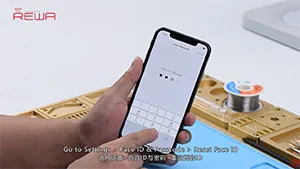
    Generally, replacing screen will not affect the normal use of face ID. However, we have got some feedback from our customers and fans that iPhone X face ID failed after screen replacement. Therefore we guess the problem is caused by improper operations during the repair, which results in the damage of flex cables or other components. Our video today is going to troubleshoot the iPhone X face ID failure caused by the damage of flex cable. iPhone X face ID not working after changing screen? Let’s check the video for the solution. 

    Tools & Spare Parts: