Tag: iphone won’t charge

  • How to Fix an iPhone X Won’t Charge: A Comprehensive Repair Guide

    How to Fix an iPhone X Won’t Charge: A Comprehensive Repair Guide

    When your iPhone X won’t charge, it can be a frustrating experience, especially after multiple unsuccessful repair attempts. In this guide, we’ll walk you through a detailed troubleshooting and repair process to resolve charging issues, focusing on cases where the phone has already been worked on by other technicians.
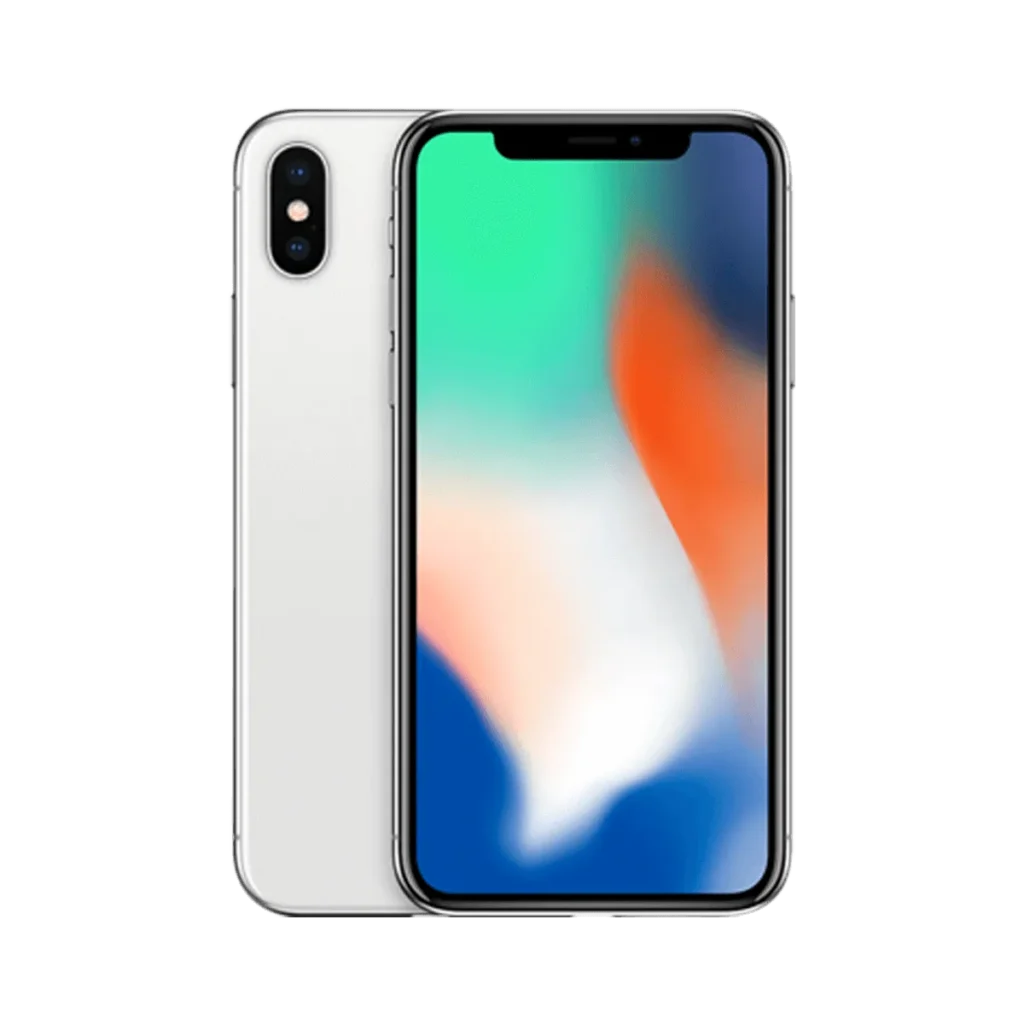
    iphone x

    Phone Details:

    Model: iPhone X

    Announced: 2017, September 12

    Defect Phenomenon

    The iPhone X was brought in with a non-functional charging port, and despite being repaired by several shops, the problem persisted. There was no charging symbol when connected to a charger, and tests using a USB multimeter charger detector showed no charging current.

    Troubleshooting the Charging Issue

    1: Initial Inspection
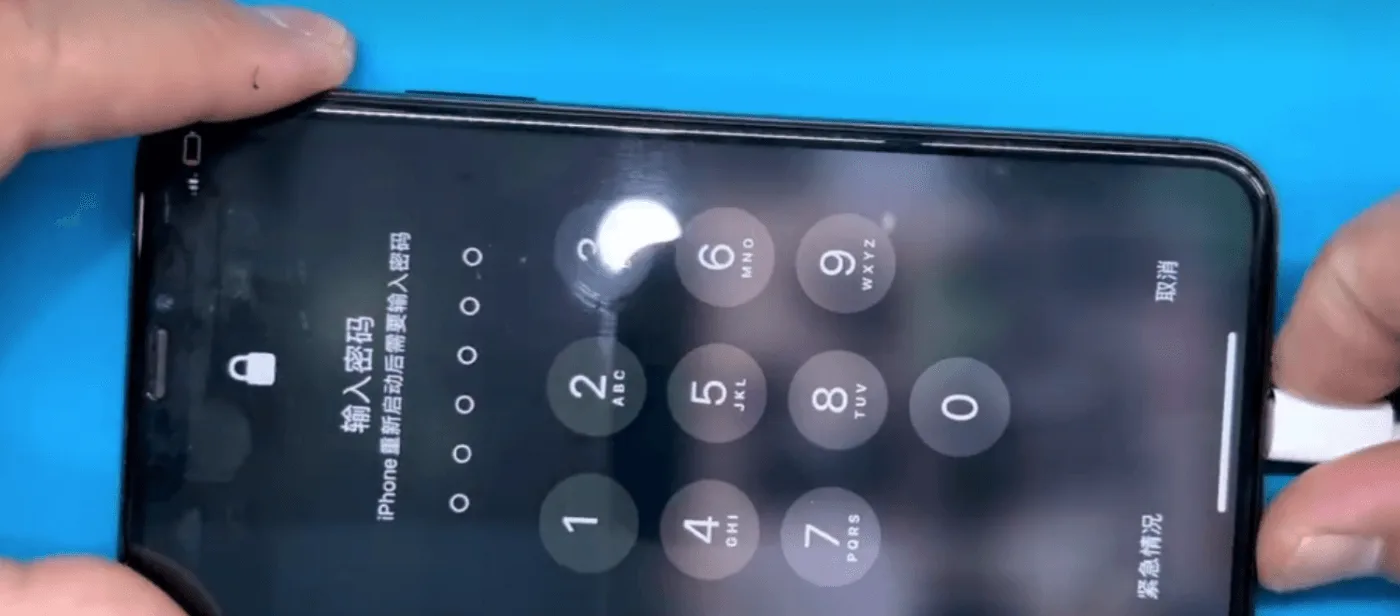
    iphone x won't charge

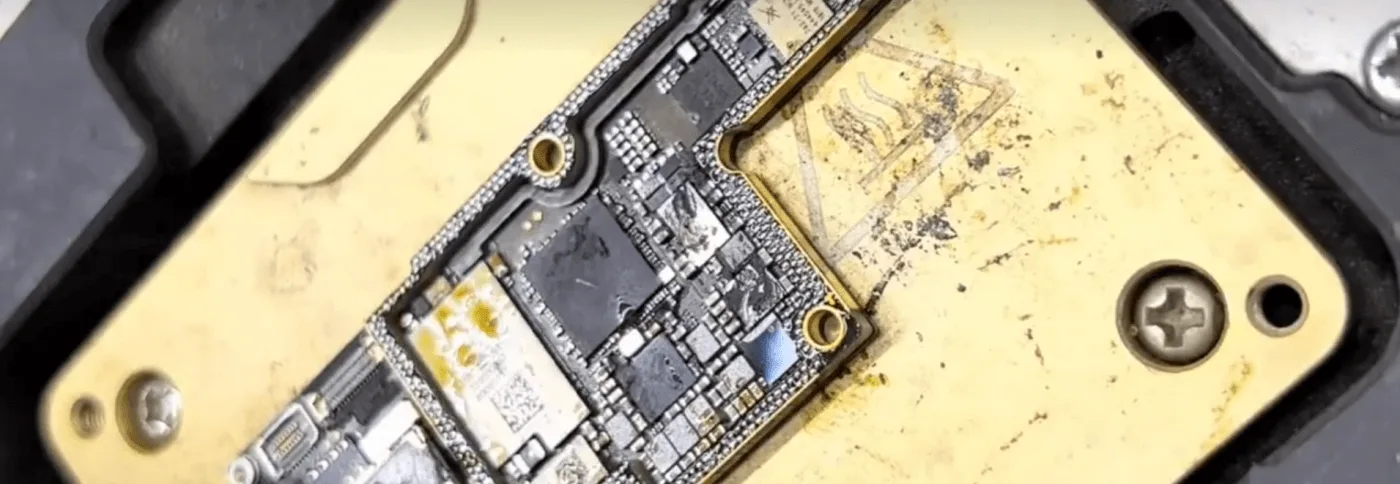
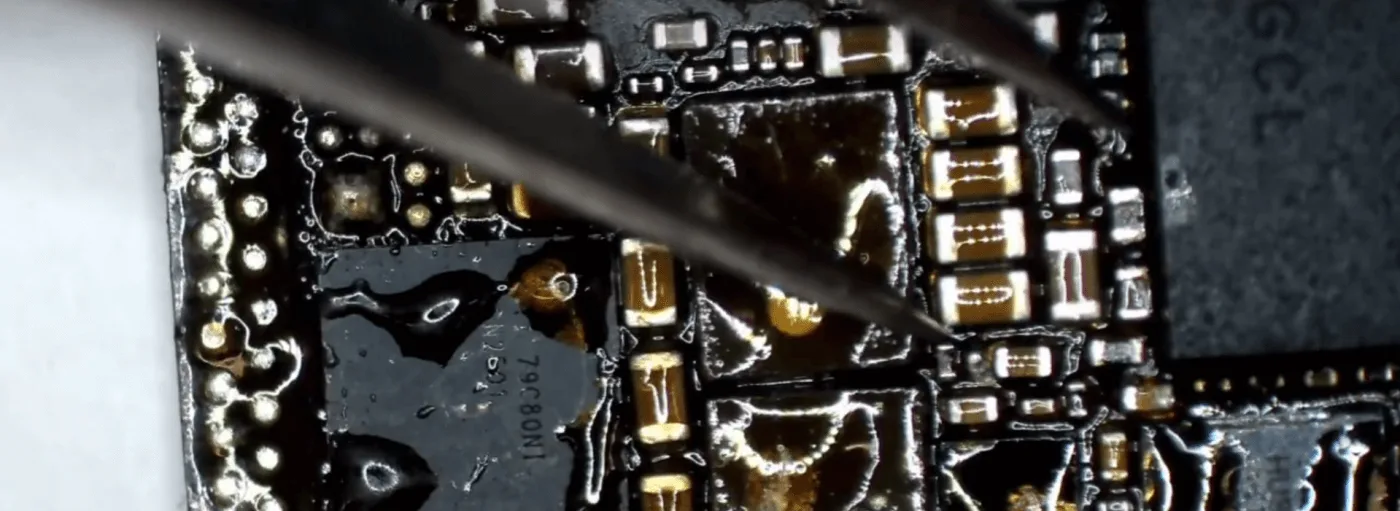
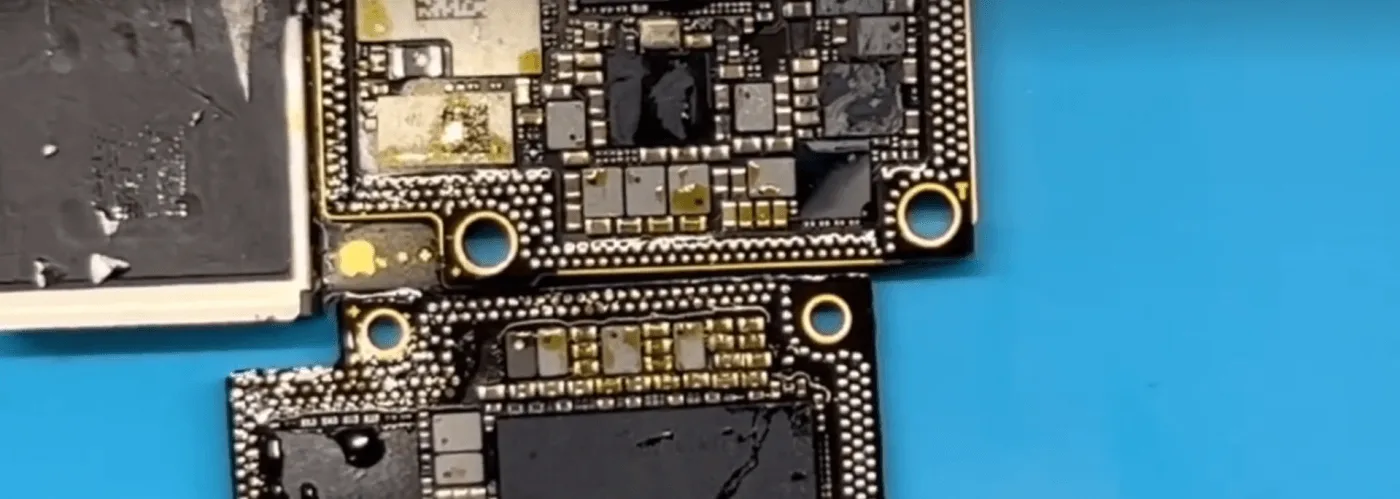
    After disassembling the phone and inspecting the motherboard, it was clear that the board was dirty and oily, with excess flux paste visible. This was an immediate red flag, as improper handling and poor-quality repairs can lead to further complications.
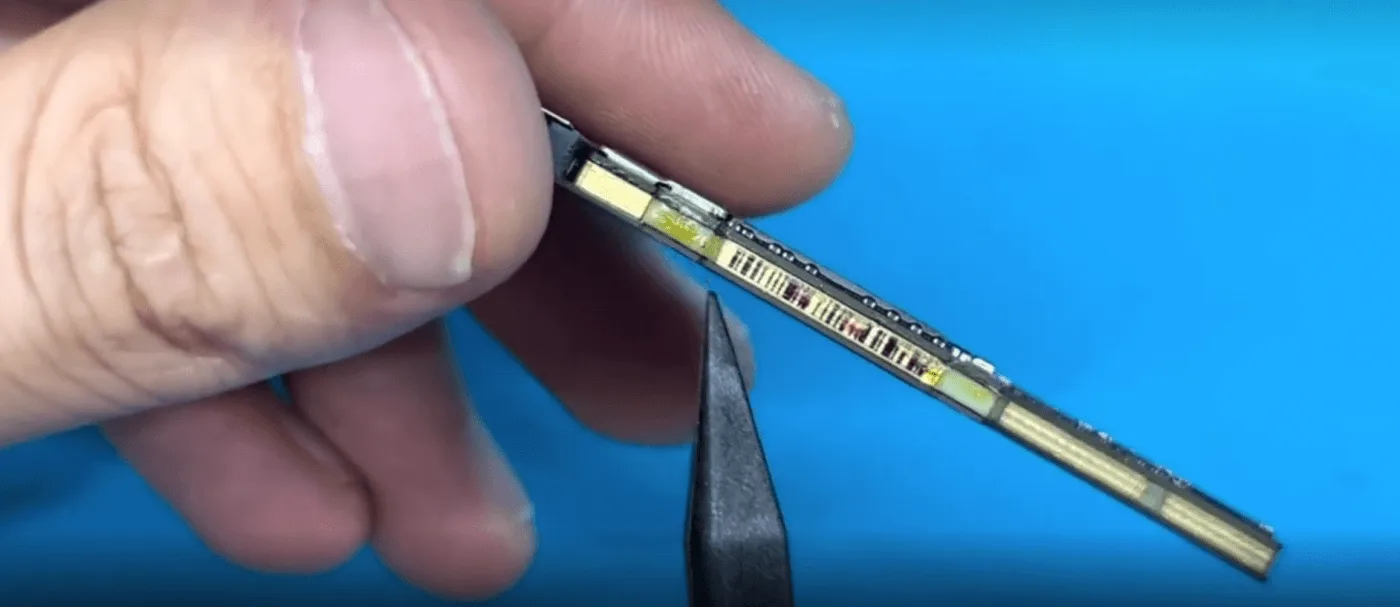
    how fix iphone won charge comprehensive repair guide the motherboard is

    2: Diode Value Check

    The next step was to measure the diode values on the battery connector. Fortunately, all the diode values were within the expected range, indicating that the issue wasn’t with the basic battery circuitry.
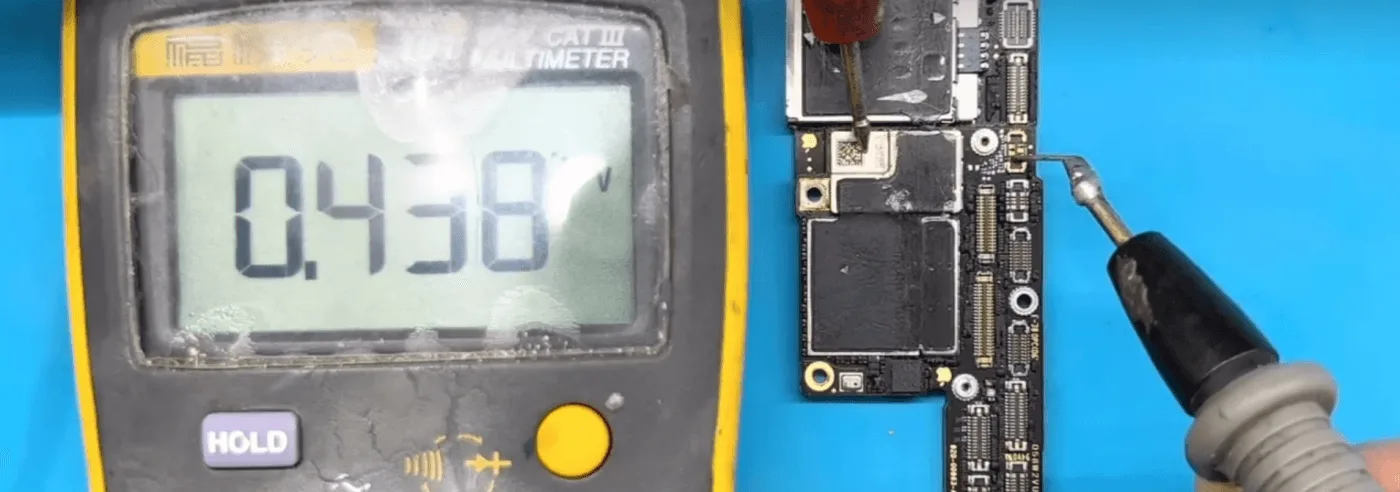
    how fix iphone won charge comprehensive repair guide lets measure the

    3: Motherboard Separation

    Given the state of the motherboard, we decided to separate the two layers for a closer inspection. Placing the board on a heating platform allowed us to separate the layers, revealing a messy interior full of low-quality solder paste flux. Additionally, the charging circuit components had been poorly resoldered by previous technicians.
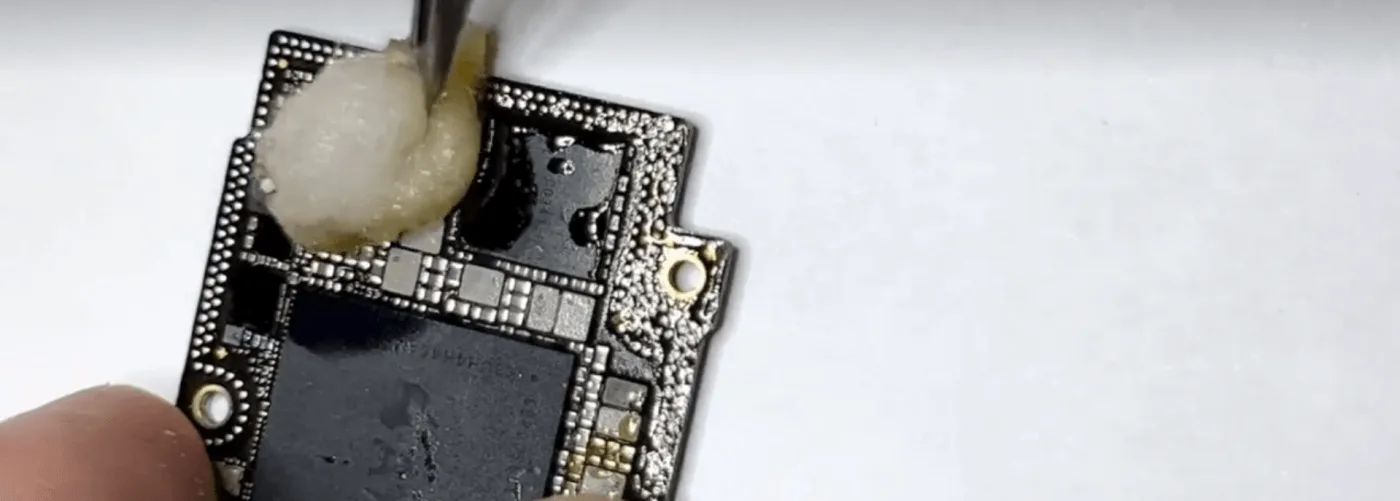
    Repair Process

    1: Cleaning the Motherboard

    The first and crucial step was to thoroughly clean the motherboard using a PCB cleaner. This not only removed the excess flux and dirt but also allowed for a more accurate assessment of the board’s condition.
    how fix iphone won charge comprehensive repair guide usb ic

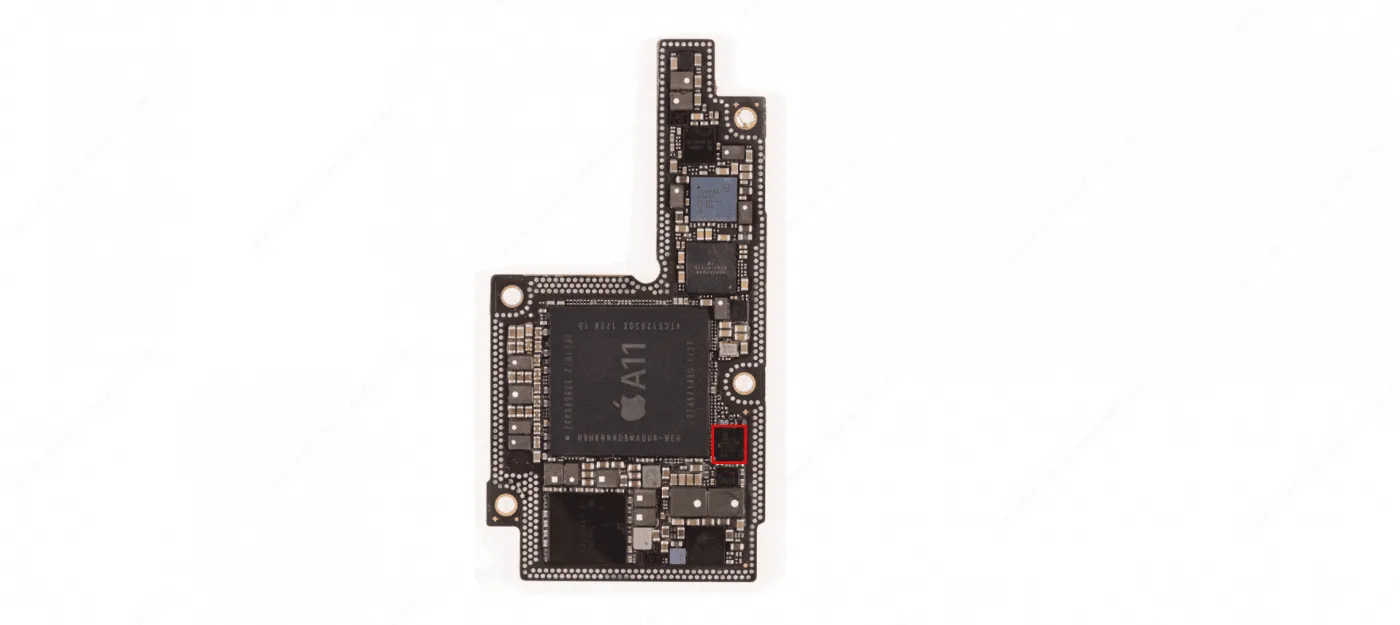
    2: Replacing the USB IC

    Based on our repair experience, the USB IC often has a high failure rate and is a common culprit in charging issues. Here’s how we replaced it:

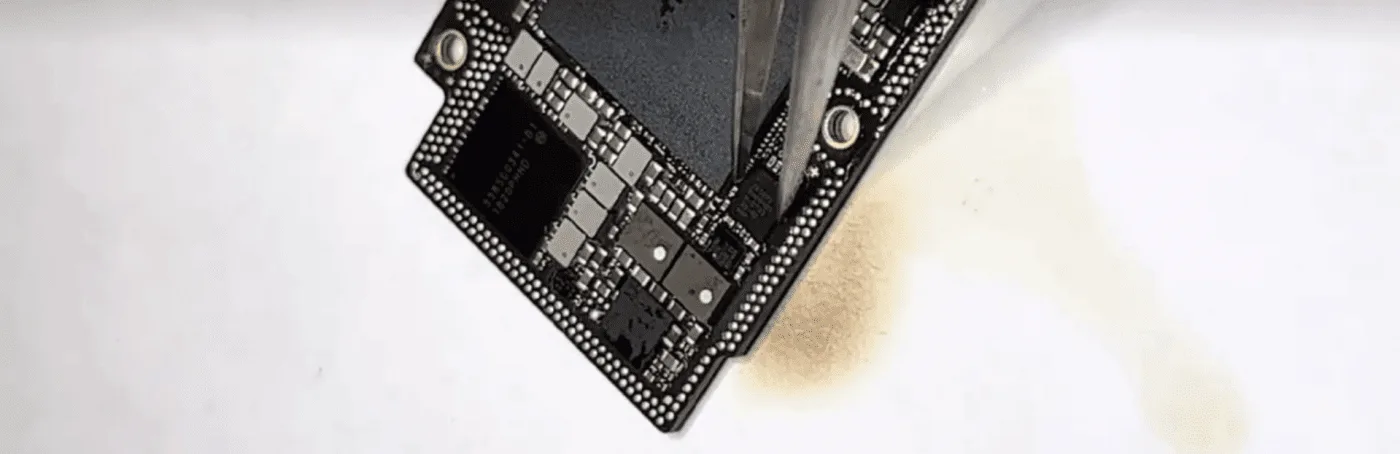
    • Remove the Original USB IC: Carefully desolder the existing USB IC using a hot air gun.
    • Prepare the PCB: Apply solder paste flux to the area and clean the PCB with solder wick and a soldering iron to remove any residual tin.
    • Install the New USB IC: Align the new USB IC in the correct position and use a hot air gun to solder it securely onto the motherboard.
    how fix iphone won charge comprehensive repair guide replace usb ic

    3: Testing the Repair

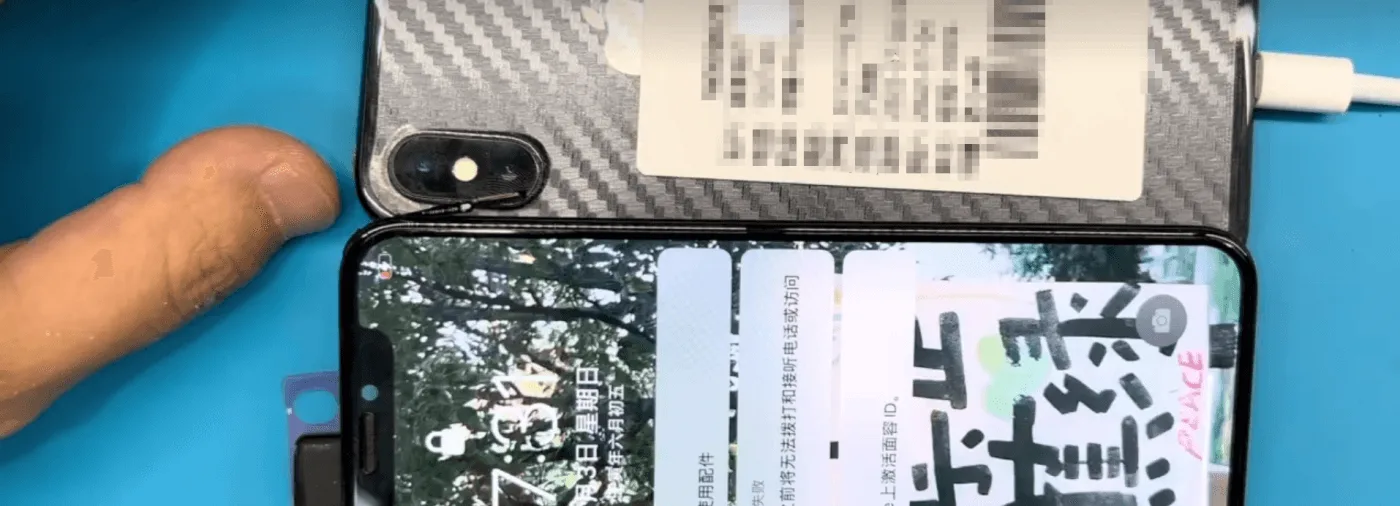
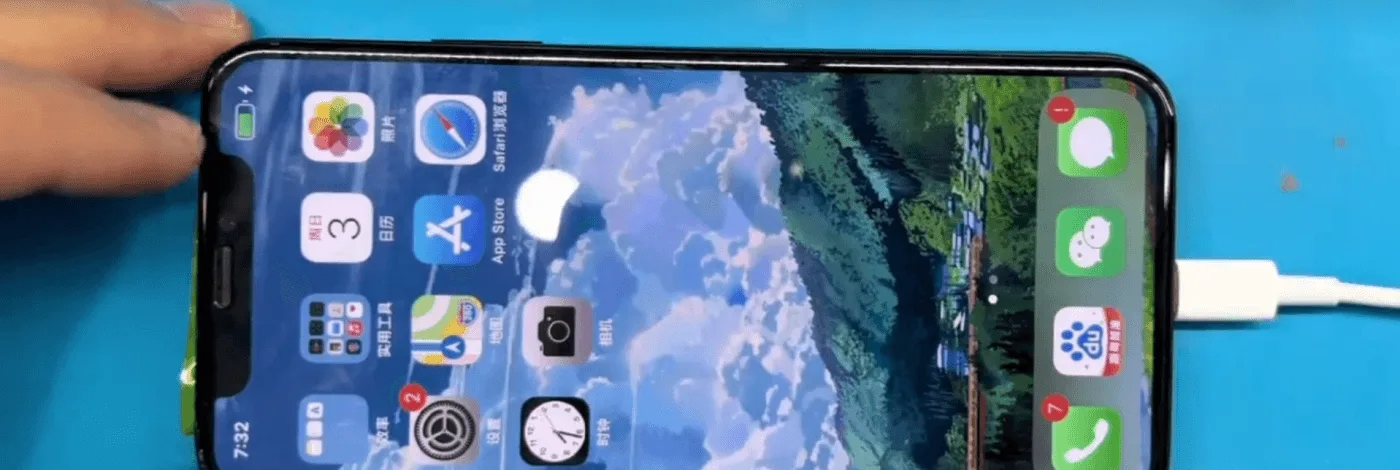
    After allowing the motherboard to cool down, we temporarily assembled the phone and connected it to a DC power supply. The good news? The phone charged normally, indicating that the repair was successful.
    how fix iphone won charge comprehensive repair guide the phone can be

    4: Recombining the Motherboard

    The next step was to recombine the two layers of the motherboard using the heating platform. Once reassembled, we tested the phone again, and all functions, including charging, were working perfectly.
    iPhone X Does Not Charge

    Tips for Technicians

    • Keep It Clean: Maintaining a clean motherboard is not just a best practice but a sign of respect for your customers. Always clean off excess glue, solder paste flux, and other residues after repairs.
    • Attention to Detail: Reapply any stickers and foam that were removed during the repair process. If possible, solder back the shielding covers to protect the components.
    • Quality Matters: Using high-quality materials and tools is essential to ensure the longevity and reliability of your repairs.

    Conclusion

    The iPhone X charging issue was resolved by identifying and replacing a faulty USB IC, along with thoroughly cleaning and reassembling the motherboard. This guide highlights the importance of proper repair techniques and attention to detail, ensuring that the phone is returned to the customer in optimal condition.

    If you’re facing a similar issue or have any questions about iPhone repairs, feel free to reach out or leave a comment below!
  • What To Do When Your iPhone 6 Won’t Charge

    What To Do When Your iPhone 6 Won’t Charge

    Have you met this situation that the battery power becomes less after charged one hour? This is something quite a few users complained about. While you may think that have to replace a new battery, that usually isn’t the case. So, what is causing this problem? Maybe the charging port is full of dirt or the cables may be damaged. Also, a software or hardware issue can cause this problem. Now, we have listing four common ways and a professional solution. As following.

    Restart iPhone

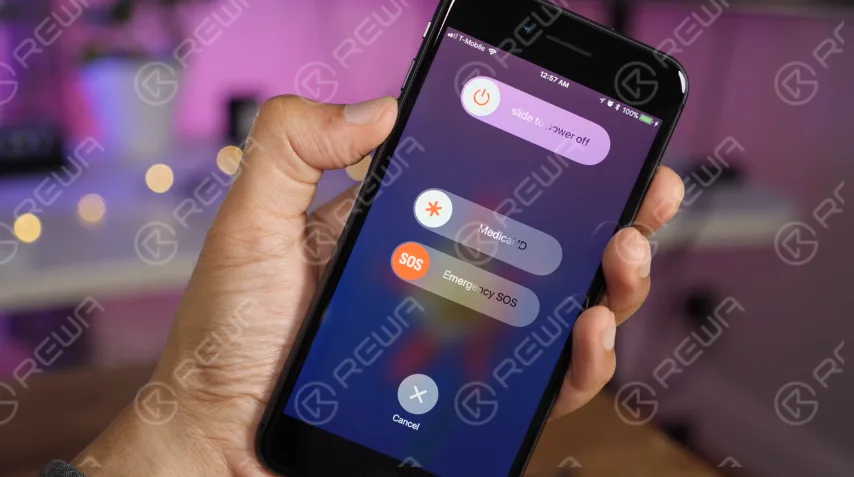
    For most non-professionals, the most common fix for issues on any computer/phone has always been to restart the device. Sometimes a program can be stuck or could be causing another issue or bug and cause kinds of types of frustration and confusion. Try restarting your iPhone first before going on to more intensive fixes.

    what do when your iphone won charge restart

    Update iOS

    When you upgrade your device, the issue will probably be gone. So if there is upgrade software, make sure you have been got. Come with following to do this.

    1. Go to Settings
    2. Tap General
    3. Tap Software Update
    4. Tap Download and Install

    Clean the iPhone’s charging port

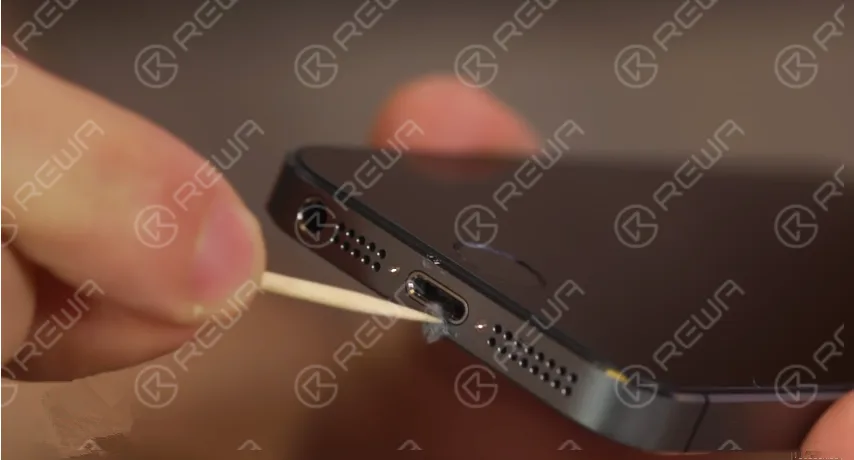
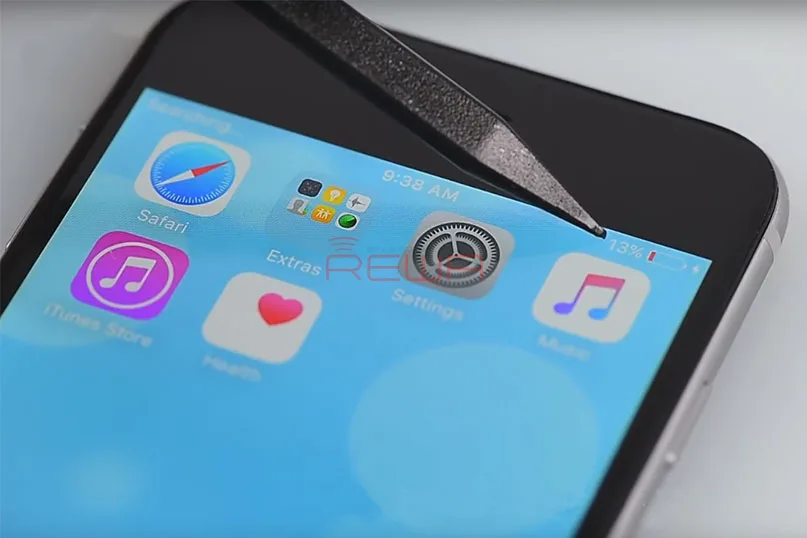
    If there are any obstructions, the cable won’t be properly placed into the charging port, thus, the device won’t charge. In this case, you need to clean the charging port. In order to do this, you will need some suitable tools, such as a toothpick or a small needle. Remove all the obstructions, but make sure to do it carefully to avoid any damage.

    What To Do When Your iPhone 6 Won't Charge

    Try another charging and USB port

    If the issue still can’t be solved after cleaned the charging port, then you can try another wall charger or use another USB cable. Plug the cable into the USB port in your computer. Maybe that will make a difference.

    With these ways to fix iPhone 6 won’t charge, you will probably solve the issue. If not, then it may be a hardware issue. Let’s follow REWA step by step video recording to fix iPhone 6 not charging with logic board.

    Charging fault analysis

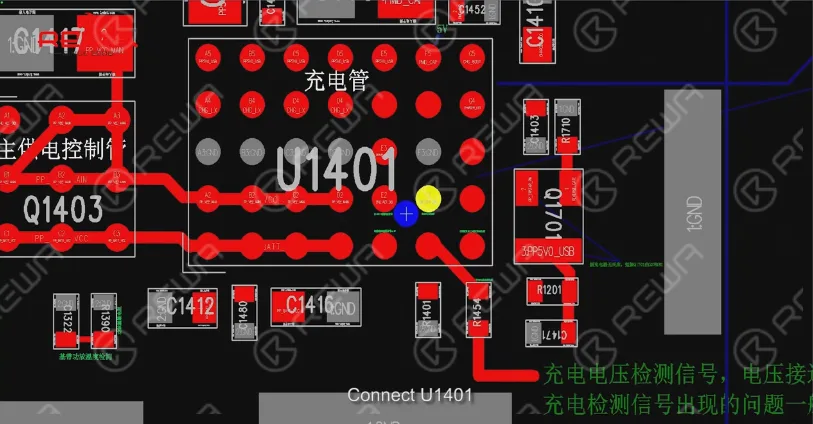
    Connect ZXW to a computer, open PCB diagram software, Charging voltage input PP5V0_USB, battery voltage PP_BATT_VCC, Battery electric quantity detection BATTERY_SWI_CONN

    Connect U1401, Tigris charger, USB control IC, overvoltage protection signal, U1700 damage can result in not charging, reboot and connect computer failure etc.

    What To Do When Your iPhone 6 Won't Charge

    Charging fault detection

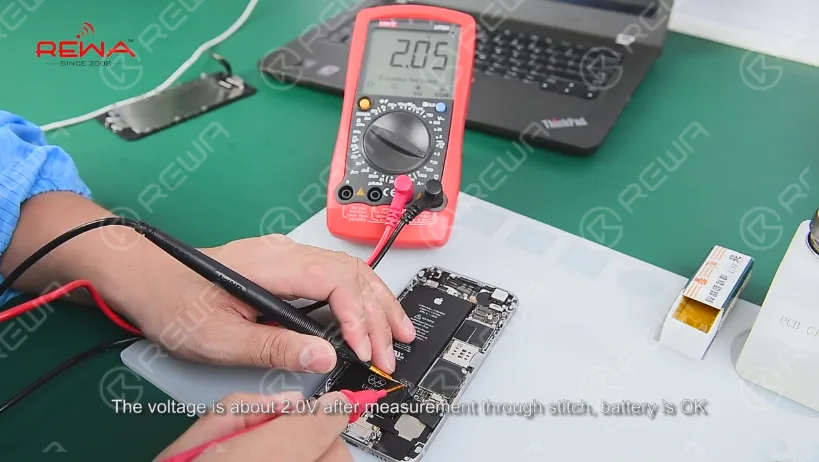
    Open iPhone 6 screen , take down the screen, pull up the battery connector from logic board. The voltage is about 2.0V after measurement through stitch battery is ok.

    What To Do When Your iPhone 6 Won't Charge

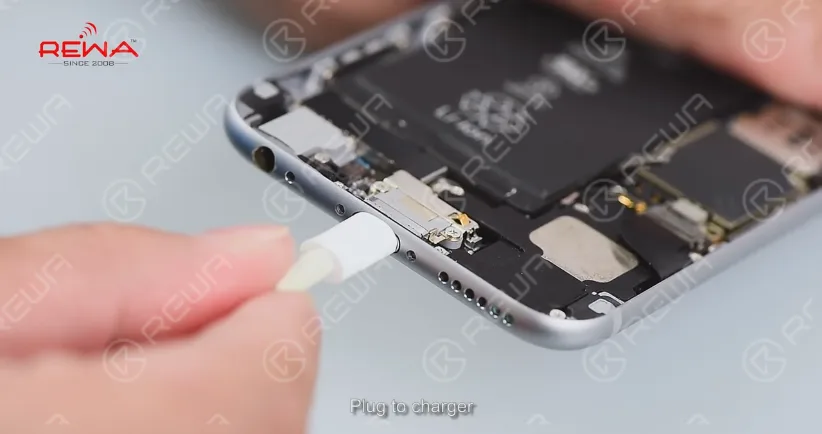
    Plug to charger, the voltage is 0.5V(normal 1.8V – 4.2V) after measurement through FPC connector, the logic board can’t charge.

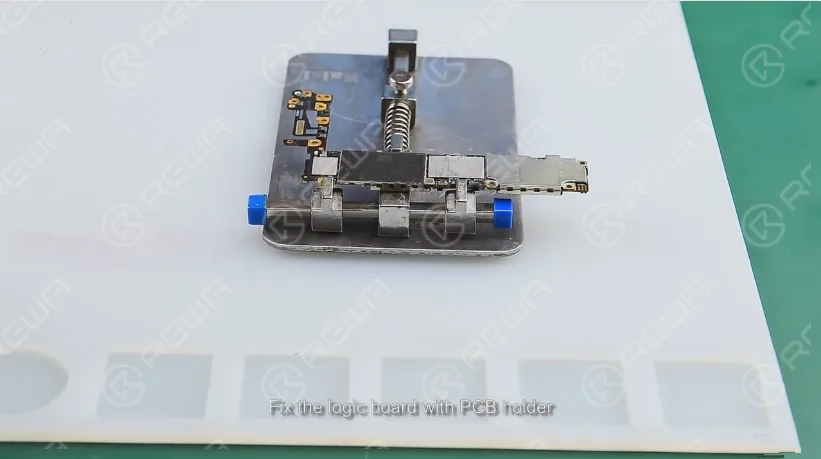
    Repair: Take out the logic board, fix the logic board with PCB holder. Blow the shield cover with 320℃ air hot gun and take off it.

    What To Do When Your iPhone 6 Won't Charge

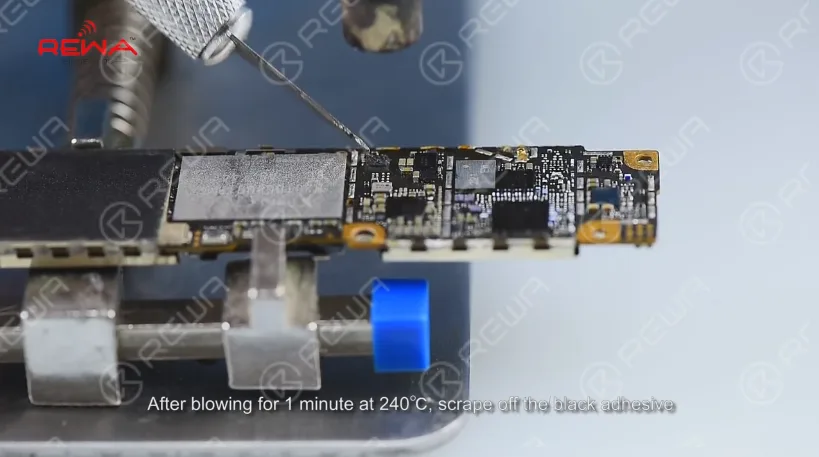
    After blowing for 1 minute at 240℃, scrape off the black adhesive.

    What To Do When Your iPhone 6 Won't Charge

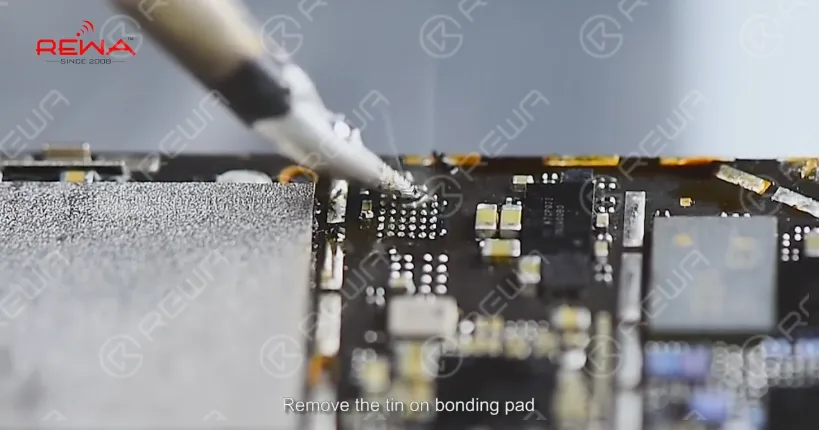
    Blow the Bonding Pad for 1 minute at 300℃ until the tin melts. Pry the chip with sculpture knife, apply some Paste Flux, remove the tin on bonding pad, apply some rosin on the Solder Wick and slick Bonding Pad.

    What To Do When Your iPhone 6 Won't Charge

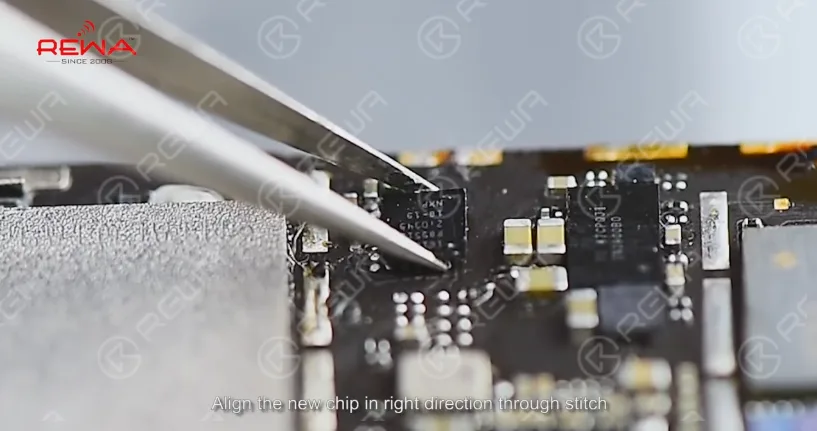
    Clean the Bonding Pad with PCB Cleaner, align the new chip in right direction through stitch.

    What To Do When Your iPhone 6 Won't Charge

    Blow the chip with hot gun for 1 minute at 280℃. Install the logic board after cool down

    Detection and troubleshoot

    Plug in charge, the voltage ranges between 1.8V and 4.2V indicating charging IC works properly, install the LCD and charge, after 1 hour the battery can charge properly.

    What To Do When Your iPhone 6 Won't Charge

    Make sure you bookmark this page so it will be easier for you to find it in the future when you need help. If you have any problems please comment at below or directly email to service@rewa.tech . We will try to reply in time.

    Click to watch the video and repair your iPhone 6 not charging by DIY

    If you are interested in the tools used in the video, please go to our online store  to order. Each replacement part has gone with REWA’s strict tests and systematic packing process, so each cell phone spare part is of guaranteed performance and low price.