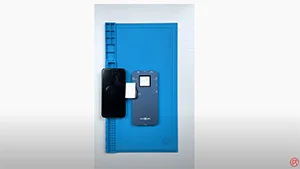
Check out DL S300 iTestbox, designed for iPhone screen test & True Tone repair function. Model support from iPhone 6 – 12 Pro Max.
Tag: iphone screen test
-
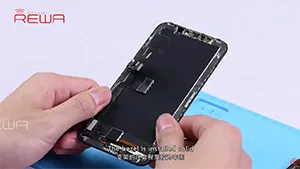
REWA Deep Test for iPhone X Aftermarket LCD Screen
Many people in the cell phone repair industry have expectations for iPhone X aftermarket screen to reduce the repair cost of iPhone X screen repair. Since iPhone X is different with previous models, the difficulty of iPhone X aftermarket screen production is quite high. After fully tested the first batch of iPhone X LCD aftermarket screens, REWA shares our test results with you for your information.
-
iPhone LCD Screen Sampling Test
To ensure the highest quality of iPhone screens, REWA Technology operates with an integrated quality control system, applying for professional quality assurance from purchase to delivery, and strict testing procedures. REWA iPhone LCD Screen Sampling Test, composed of the following 5 strict testing procedures, ensures qualified suppliers and high-quality products.
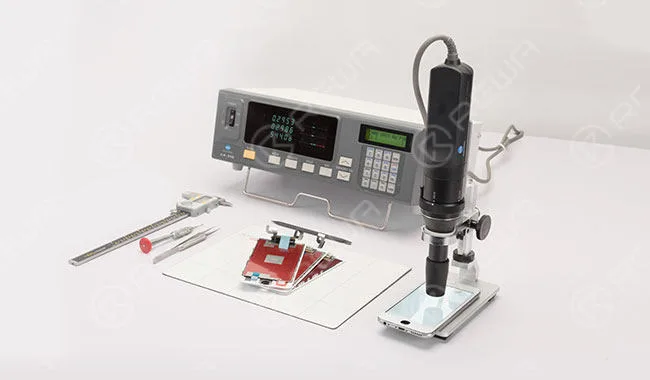
REWA LAB iPhone LCD Screen Sampling Test
Cosmetic Inspection
Check whether the surface of glass lens damaged or off paint, etc.
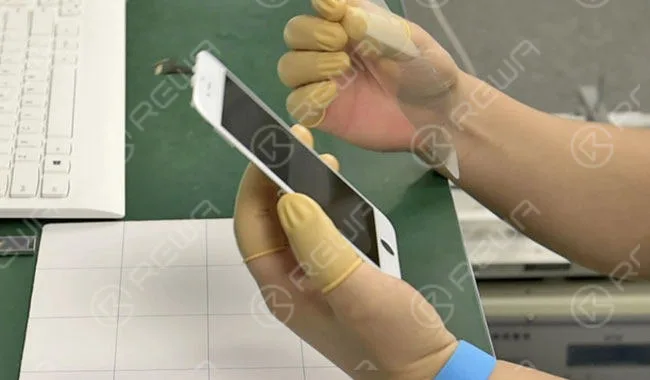
Check whether the front bezel debonding, damaged, screw hole blocked, etc.
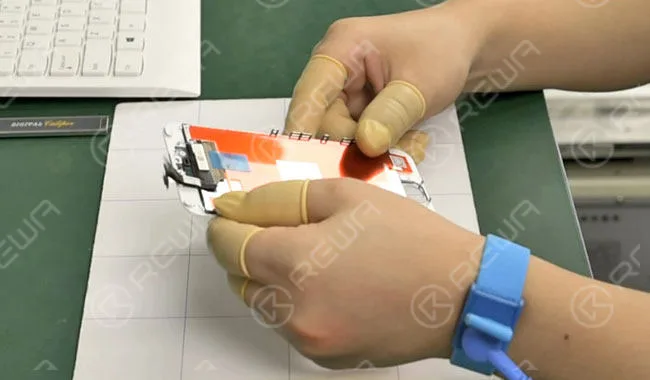
Check whether the flex cable is broken or damaged.
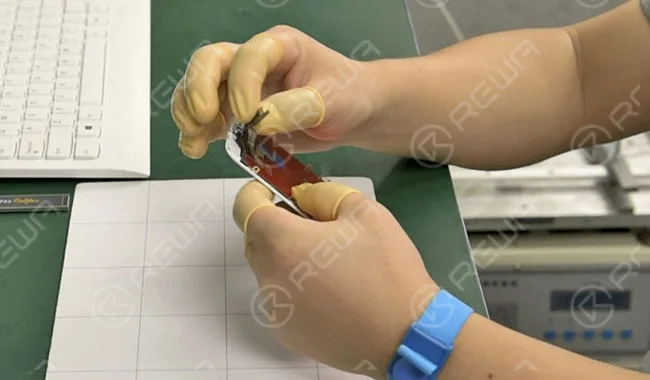
Check backlight adhesion normal or not.
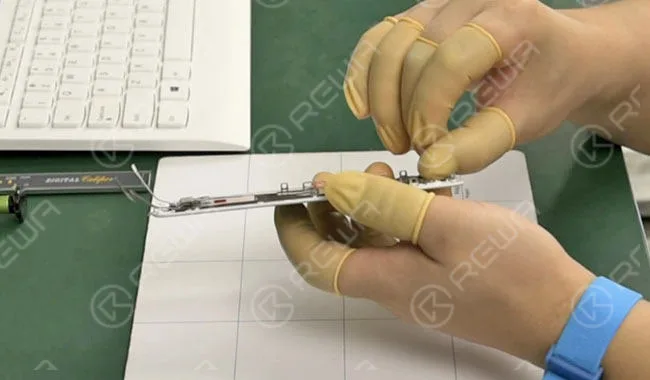
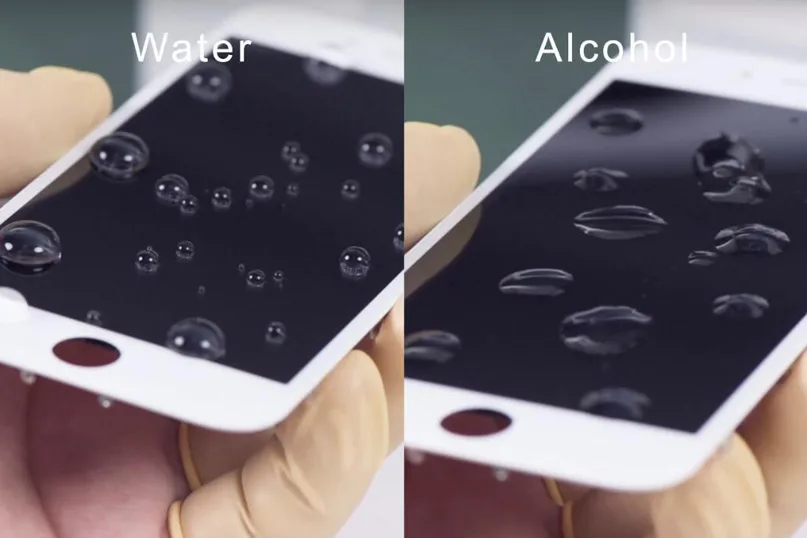
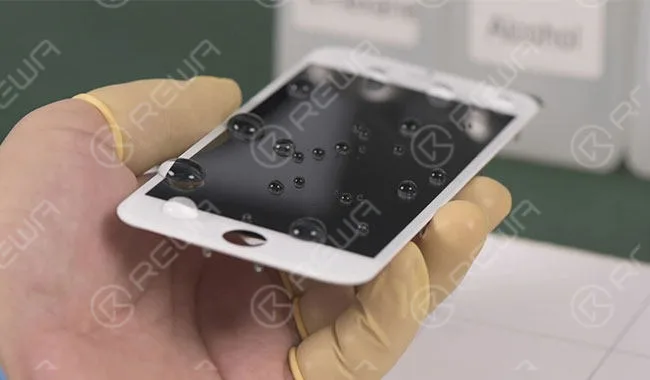
Check hydrophobic effect with water, alcohol, and N-hexane.
Function & Display
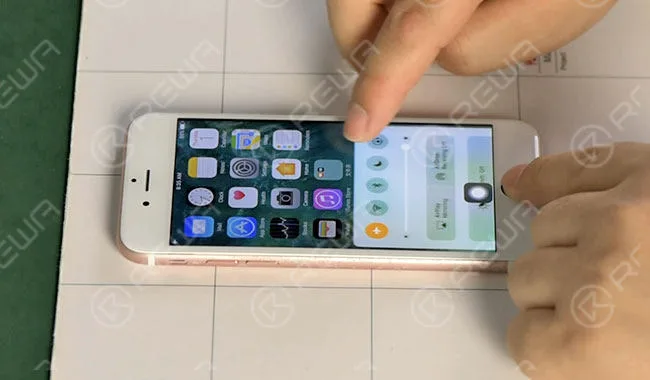
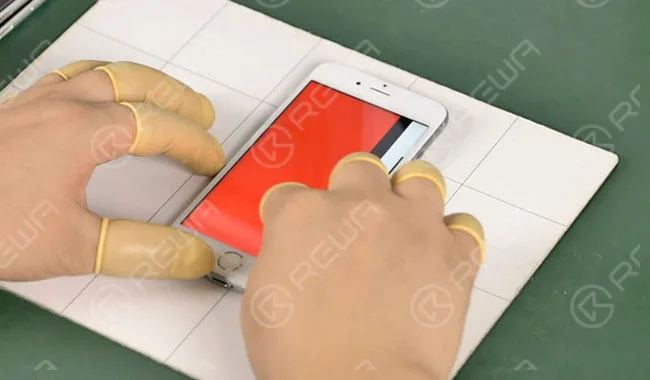
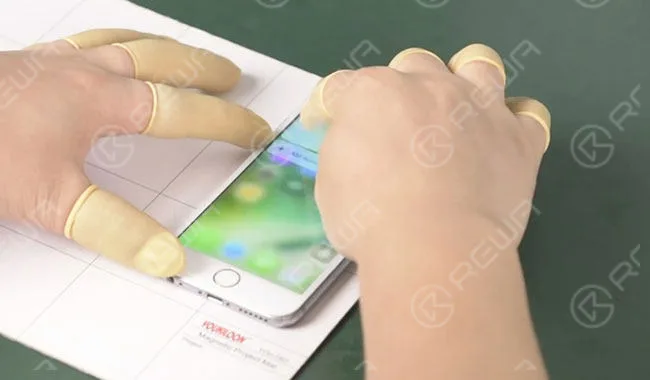
Test touch function by pulling up and down, switching page, moving icons.
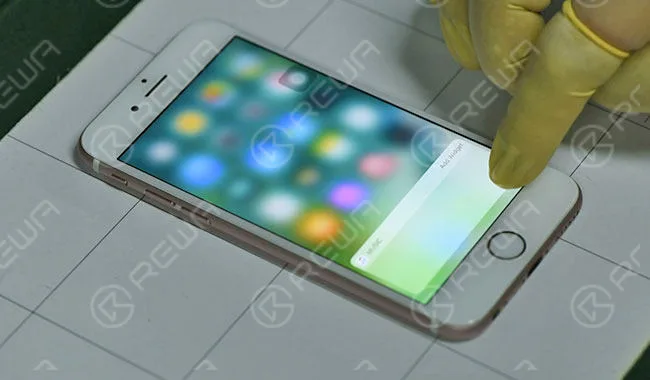
Test 3D Touch function and sensitivity.
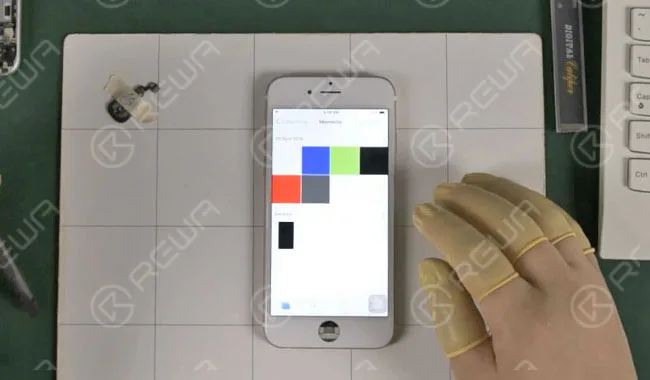
Check pure color screen normal or not.
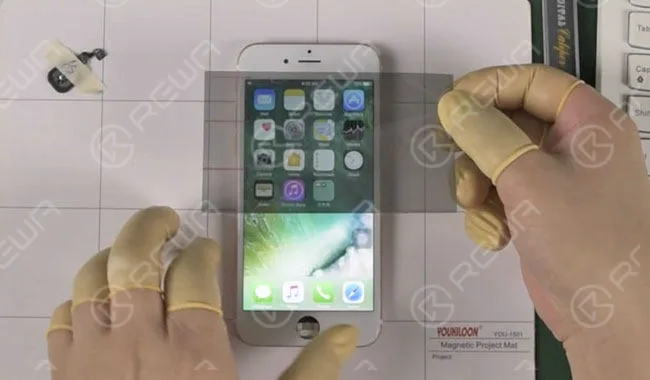
Check whether the screen turns black under polarizer.
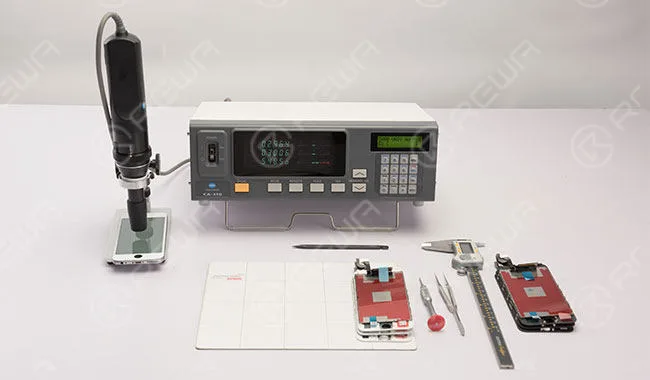
Test Color Coordinates & Brightness with Color Analyzer CA310.
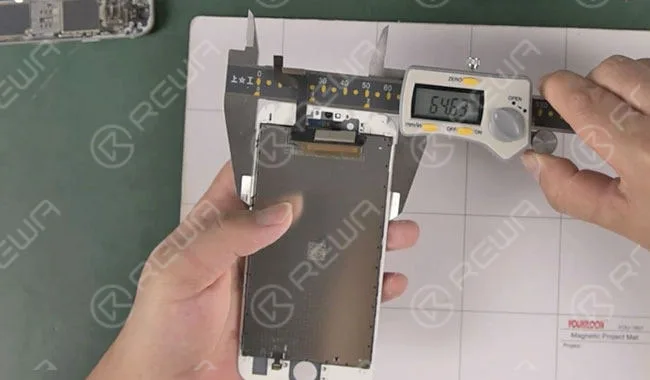
Structure Test
Measure thickness, width and length.
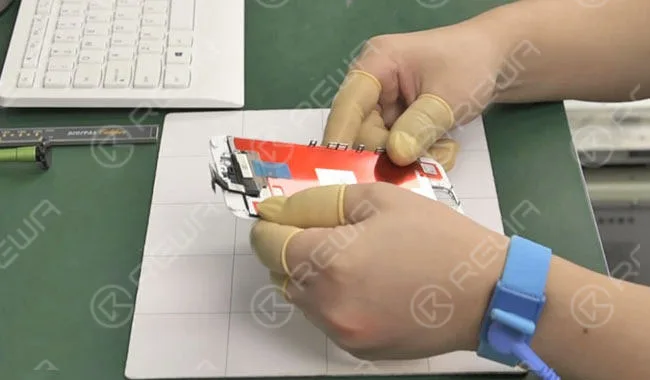
Check whether LCD metal plate well matched or screw hole well aligned.
Check screen fitness with iPhone housing after installation.
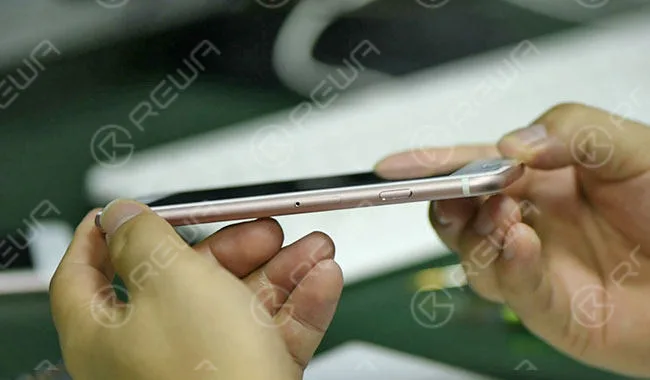
Check whether function normal or not after installation.
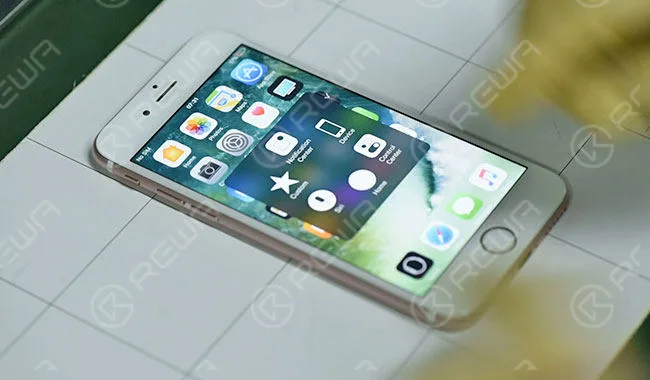
Check whether light leaked or backlight conflicted with LCD
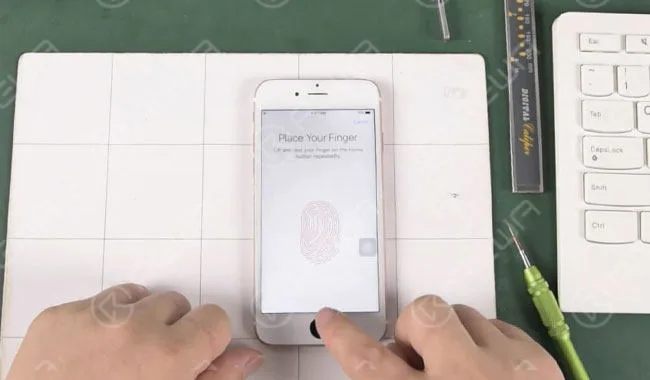
Run Touch ID function test.
Aging Test
Run Dynamic test (condition: +45℃; playing video for 2Hrs ), check whether display normal or not. After that, run function test again.
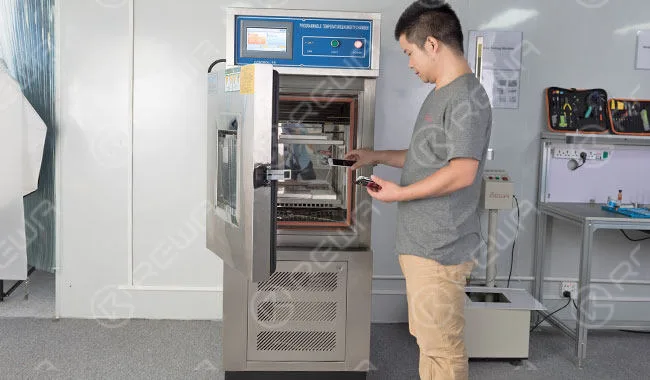
Run Static Cycle test (condition: -20℃/2Hrs, +55℃55%RH/2Hrs, +55℃/4Hrs), check whether display normal or not.
Once finished, check backlight adhesion and run another round of function test.
Vibration Test
Packaging the LCD assembly with a blister box. Then run Electromagnetic Vibration Test (Amplitude: 2mm, Frequency: 50HZ, Time:1H).
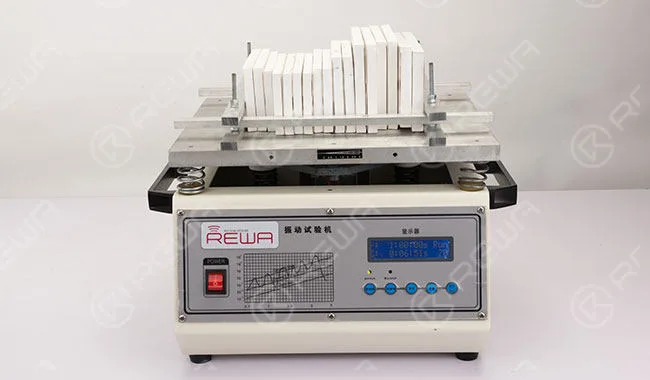
Once finished, check backlight adhesion and run another round of function test.
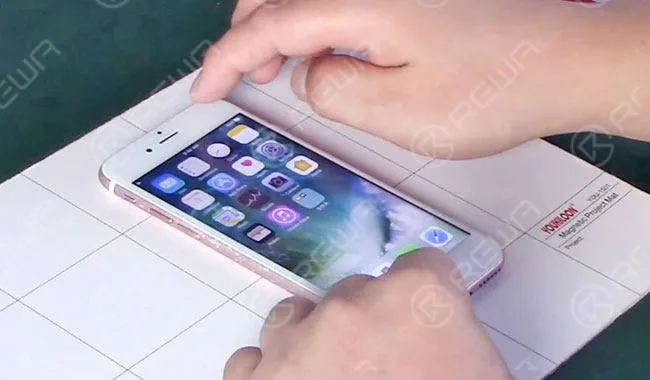
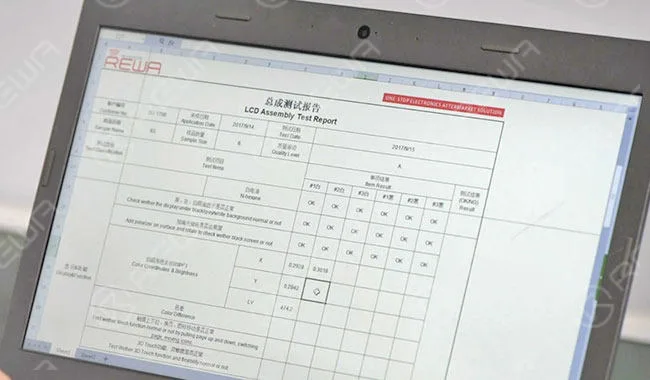
Test Report
Those passed all tests would be certified by the test report issued by REWA LAB.
You can check our iPhone X OLED Screen Total Teardown Analysis video.
 English
 Español
 Français
 Deutsch
 Italiano