The iPhone Motherboard Repair Live Course is suitable for iPhone motherboard repair beginners. Get enrolled now to get free access to the complete course package.
Tag: iphone motherboard repair
-
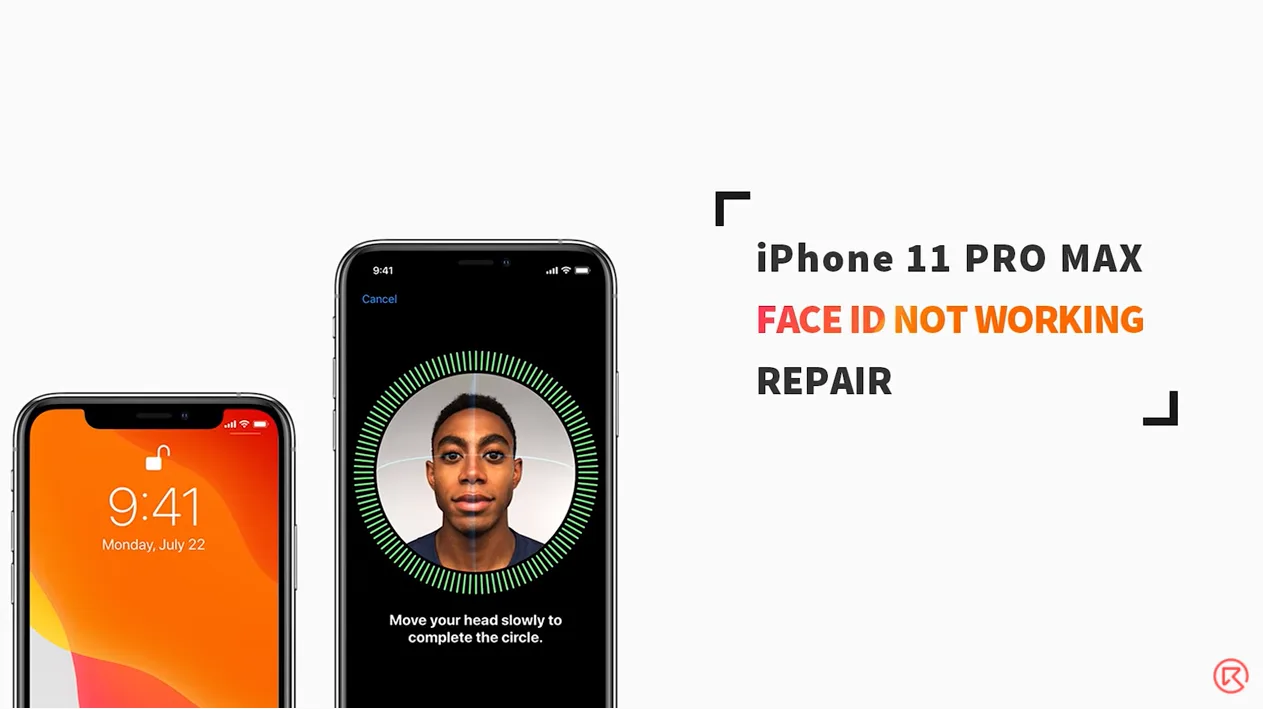
How To Fix iPhone 11 Pro Max Face ID Not Available – Motherboard Repair
As we all know, iPhone X and later models can easily come with Face ID failure after being dropped or water damaged. However, it should also be noted that improper operation during daily repair might also bring damage to Face ID relevant components and therefore result in Face ID failure. And that’s what our iPhone 11 Pro Max Face ID repair video is about today. Check it out now!
- 00:00 Intro
- 00:14 How to Fix iPhone 11 Pro Max Face ID Not Available
- 00:26 Tools & Materials
- 00:50 Diagnosis
- 05:58 Motherboard Repair
- 08:00 Assemble the Phone and Test
-
iBridge PCBA Test Cable-For Efficient iPhone Motherboard Repair
With parts coupled with the logic board, it is hard for technicians to measure signal and voltage of connectors on the logic board. Which makes fault-finding of the logic board also a difficult task. Well, you need this fascinating product, iBridge PCBA test cable. With reference value marked on the cable that can help you when measuring, you can locate the faulty position efficiently and precisely. Get iBridge PCBA test cable, get twice the result with half the effort. Let’s check the video to see how iBridge iPhone PCBA Extension Test Cable works.
-
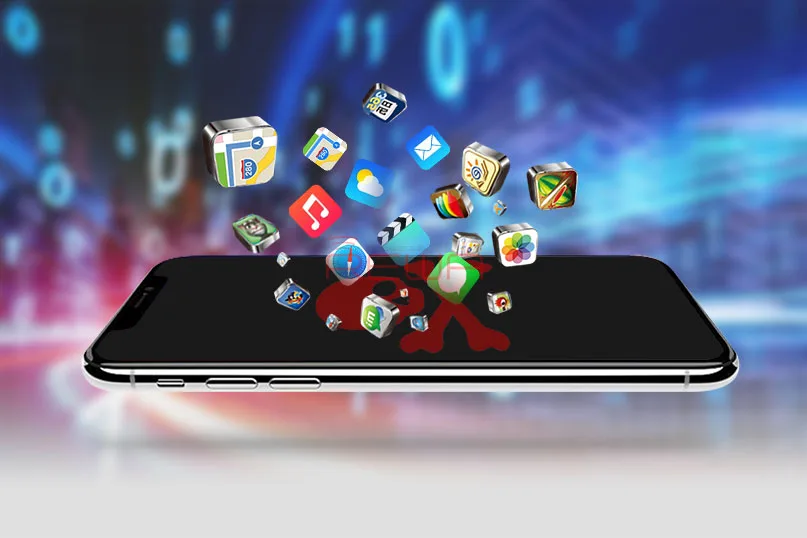
iPhone X Data Recovery From Dead Motherboard
iPhone X is “the future of the smartphone” according to Apple. There is no doubt that iPhone X brings many new experiences to users once again. However, users still can not avoid data loss in the process of using iPhone X. Of course, you can choose to restore from iTunes/iCloud backup to regain the lost data. Or you buy a data recovery software to regain. The premise of using these methods is your iPhone X can turn on normal. Many users usually ask that my iPhone fell in water and won’t turn on, can I get the data from a dead iPhone? So how to recover data when your iPhone won’t turn on?
As we all know, it is very difficult for repair technicians to extract data from a logic board that cannot be powered up, which requires precise operation with circumspection. And that’s what our iPhone X data recovery case is about today. The iPhone X won’t turn on after water damage. And the problem remains the same after several times of logic board repair. Well, let’s see what REWA can do…
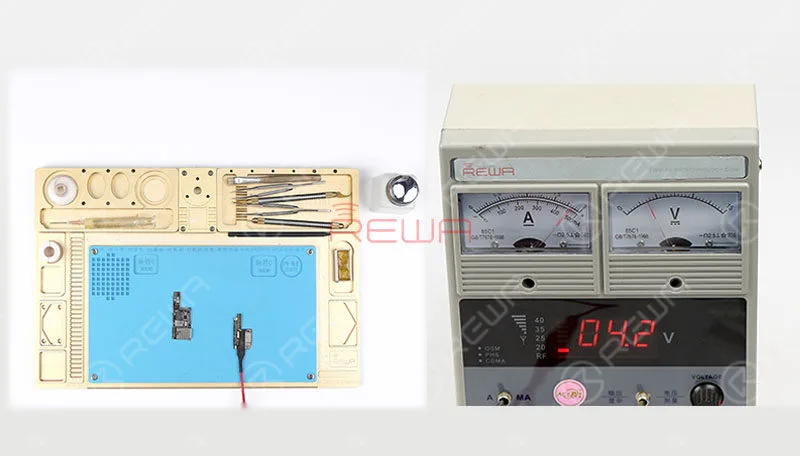
Connect the battery connector on the upper layer with the Power Supplier and press power button to power on. Current reading on the ammeter is abnormal, so the PCB board might have been damaged.
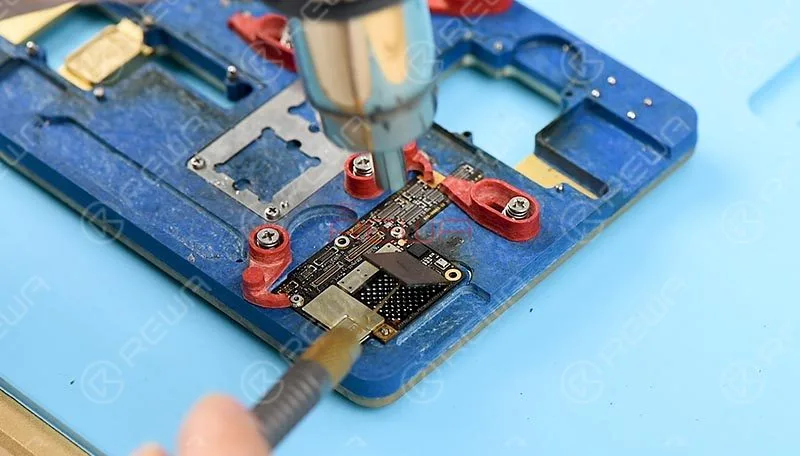
To recover data, we need to transplant CPU, Baseband CPU, EEPROM, NAND and baseband EEPROM on the original motherboard onto a new motherboard that can turn on the phone normally. Attach the upper layer to the PCB Holder, Heat with the 858D Hot Air Gun to remove black adhesive around the NAND flash chip. Continue to heat and pry up the NAND flash chip with a specialized knife.
Next, let’s detach CPU, EEPROM, Baseband CPU and Baseband EEPROM from the board with the same steps.
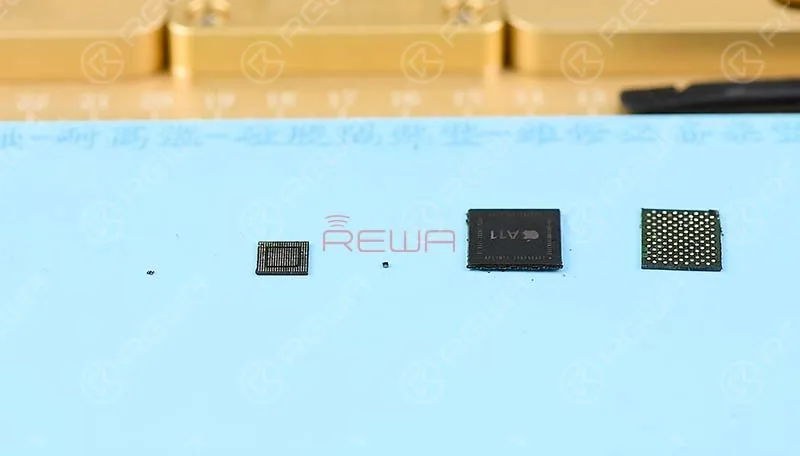
Now, we need to reball these detached components
Apply tins to the tip of the Soldering Iron, then clean tins and black adhesive on the NAND flash chip and clean with PCB Cleaner afterwards. Get the BGA Reballing Stencil in position, then Smear Solder Paste evenly on the stencil with BGA Scraper and heat evenly with the 858D Hot Air Gun. So that all solder balls can solidify completely. Once completed, wait for 1 minute. Then separate the NAND flash chip from the stencil.
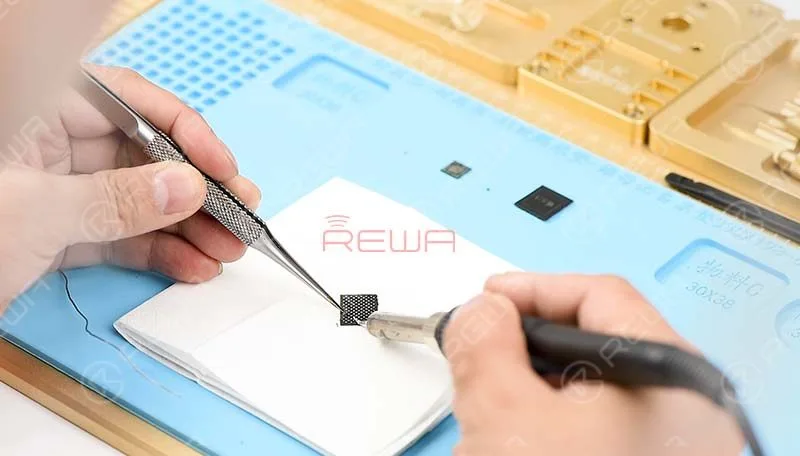
Continue to reball the baseband CPU, CPU, EEPROM and baseband EEPROM with the same steps. Please be noted that the WiFi module is bound up with WiFi address stored in the NAND flash chip. So our next move is to unbind WiFi. Connect the PCIE NAND Flash Chip Programmer with computer and have the WiFi unbound. We have talked about iPhone keeps searching for signal and iPhone no service with hardware fix solution.
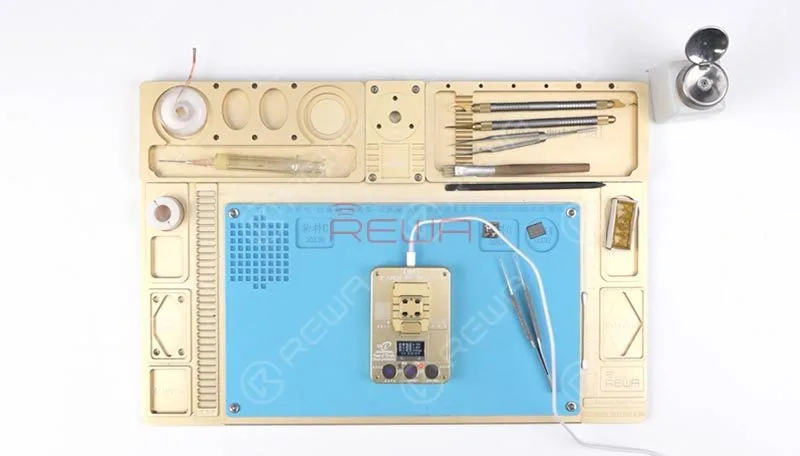
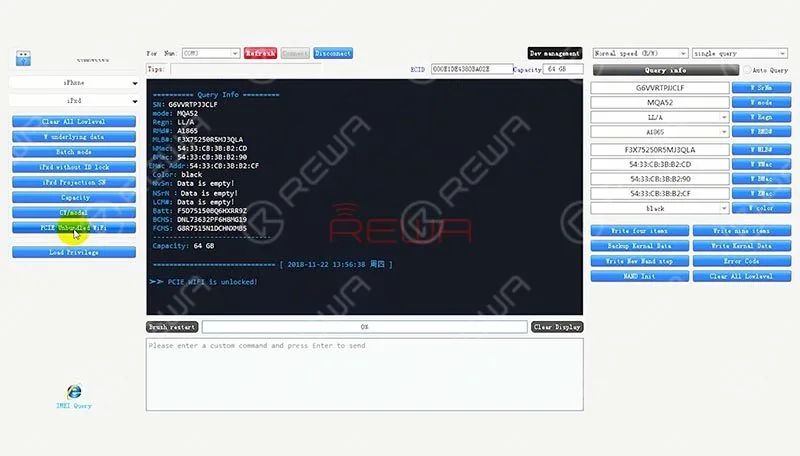
Now, we need to solder these detached components of the original motherboard to the new motherboard
Apply some BGA Paste Flux to the bonding pad of the NAND flash chip, get the reball finished NAND flash chip in position, solder with the 858D Hot Air Gun.
Continue to solder CPU, EEPROM, baseband CPU and the baseband EEPROM with the same steps. Once done, clean with PCB Cleaner.
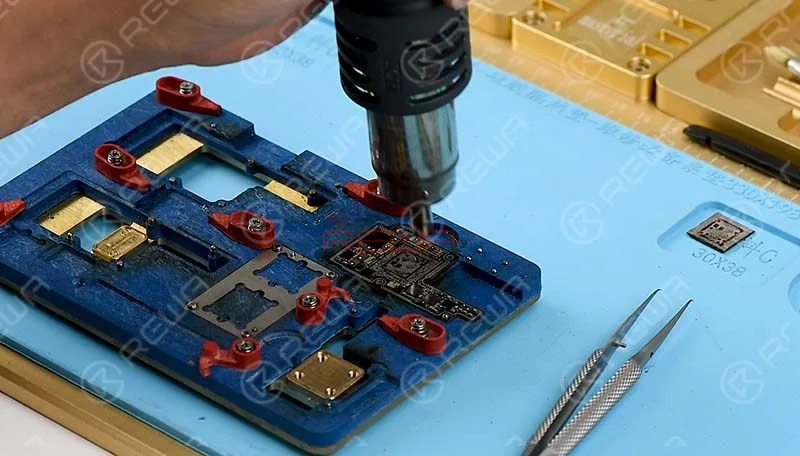
Next thing we do is to solder the two layers together, we need to test the two layers before soldering. Attach the upper layer and the lower layer to the Holder. Connect the upper layer and the lower layer with the display assembly. Connect the battery connector with DC Power Supply to power on. Current reading on the ammeter is normal this time, the phone can get access to the home screen normally.
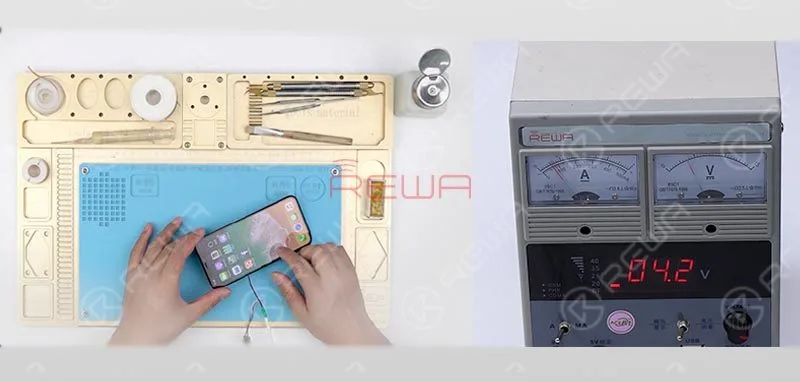
Then, we need to reball the lower layer, once completed, wait for 1 minute. Then apply some BGA Paste Flux to cylinders around the edge. Attach the reball finished lower layer to the heating platform and get the upper layer in position.
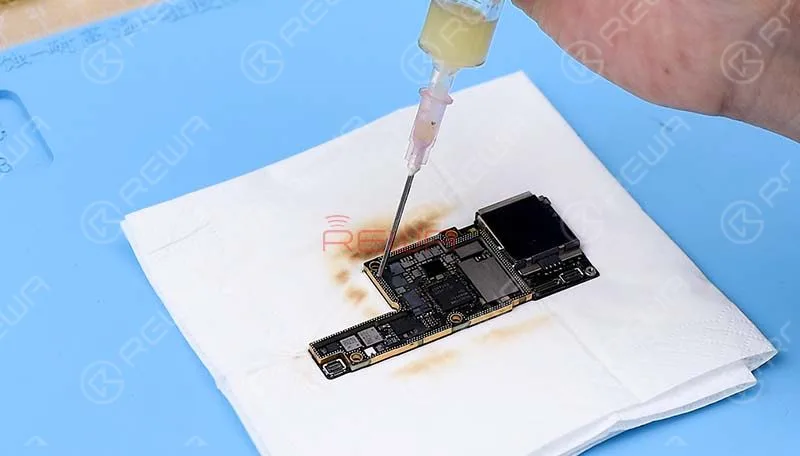
Set operating temperature of the platform, with the upper layer sinking and Paste Flux flowing, continue heating for 1 minute. Then detach the motherboard from the platform after cool down.
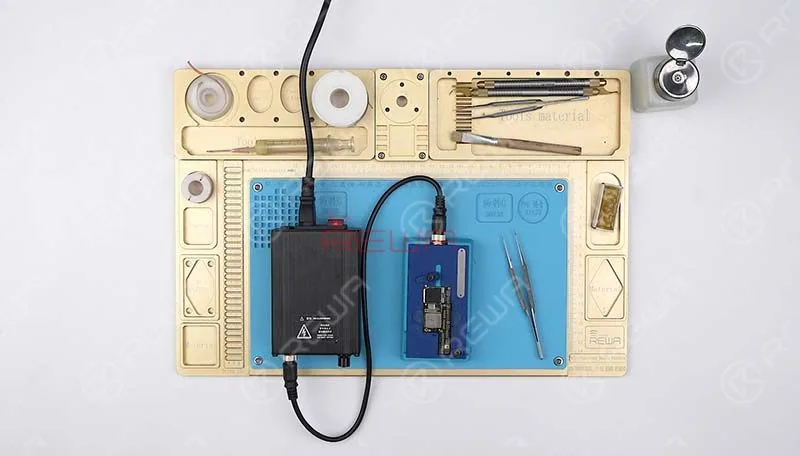
Now we can assemble the phone and test. Get the logic board and display assembly installed, connect the battery and press power button, the phone turns on normally. iPhone X data recovery completed successfully.
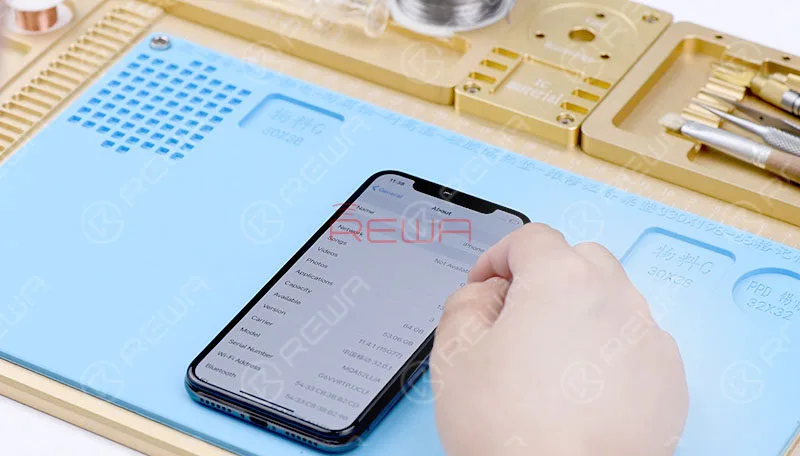
Warm tips: get the phone full assembled after confirmation of fault clearance
Our REWA offers the iPhone data recovery service, but the CPU, NAND flash and Baseband CPU mustn’t be damaged. Details please check REWA iPhone Data Recovery Service. Now, let’s watch the video for more details of iPhone X data recovery from motherboard.
-

iPhone Logic Board Repair Training Review
The last REWA Offline iPhone Logic Board Repair Training Course in 2018 has come to an end.This time we had 12 students getting to Shenzhen to have 6 days iPhone repair training course. In this video, they will go over their feedback on our iPhone logic board repair training as well as show insights within the course. What do our customers say? Does REWA Training really deserve your enrollment ?
-

REWA iPhone Logic Board Repair Training Review – 2018 Course Ⅲ
REWA Offline iPhone Logic Board Repair Training Course has come to an end. We had a short interview with our customers towards the 12 days’ chip level repair training. In this video, they will go over their feedback on our iPhone repair training as well as show insights within the course. What do our customers say? Does REWA Training really deserve your enrollment ? Check the video for the details.
 English
 Español
 Français
 Deutsch
 Italiano