Tag: iPhone display

  • Repair iPhone 13 Pro Max Display Caused by Washing Machine

    Repair iPhone 13 Pro Max Display Caused by Washing Machine

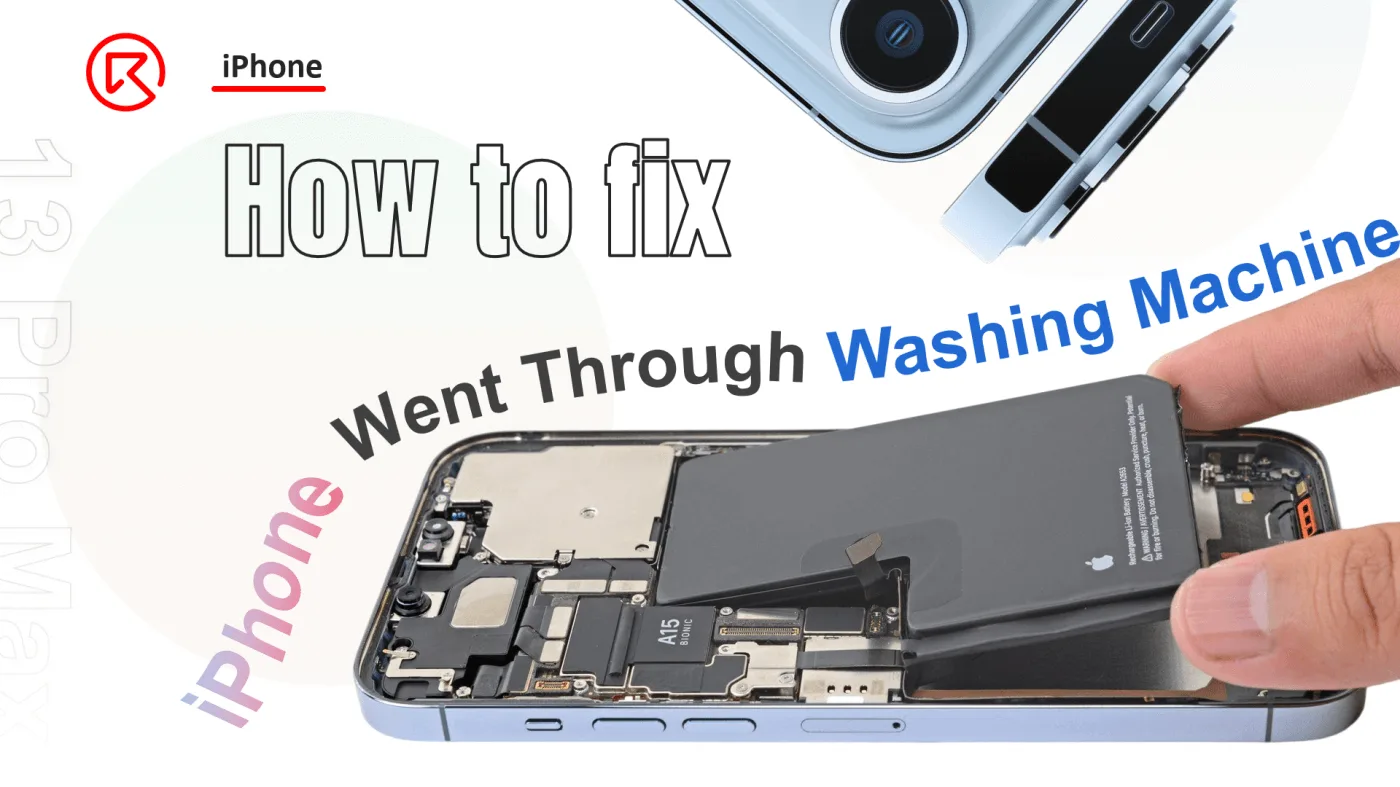
    Accidents happen, and sometimes our devices end up in unexpected places—like a washing machine. When an iPhone 13 Pro Max is subjected to such an ordeal, it’s crucial to act quickly to prevent permanent damage. This guide will walk you through the steps to repair a water-damaged iPhone 13 Pro Max, specifically focusing on restoring the display function after the screen turned black. Whether you’re a repair technician or a DIYer, this detailed guide will help you bring your device back to life.
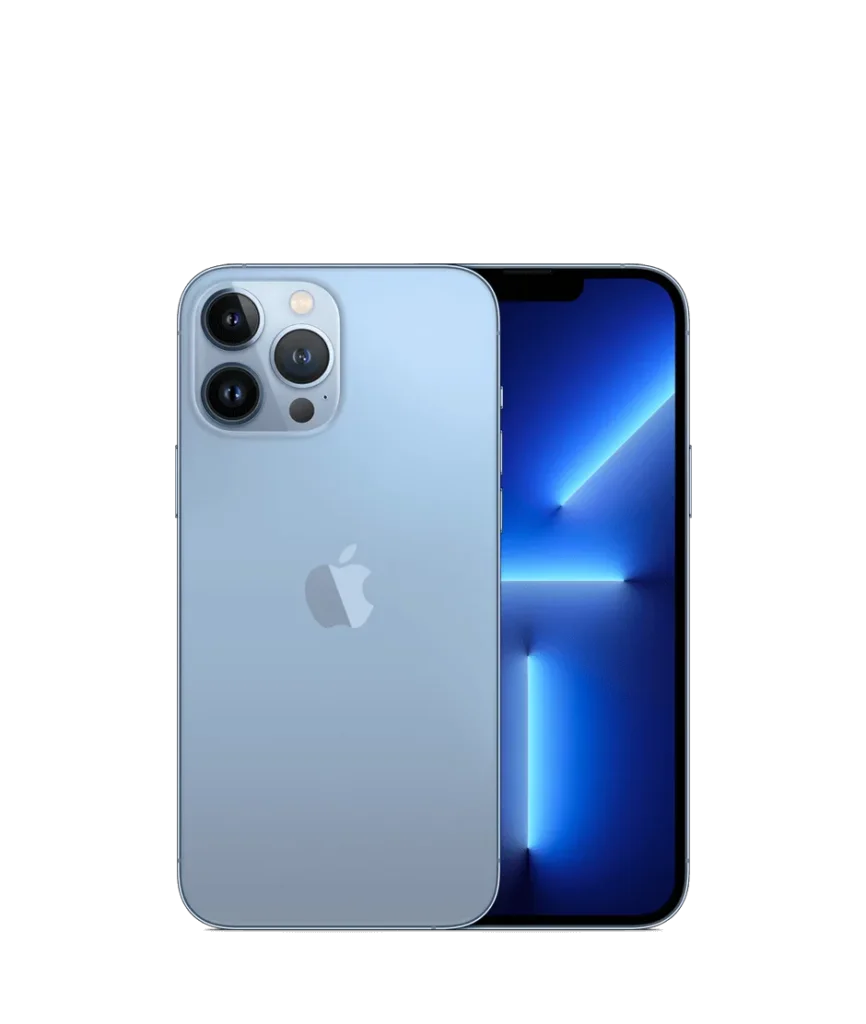
    iPhone 13 Pro Max

    Phone details

    Model: iPhone 13 Pro Max

    Announced: 2021, September 14

    Defect Phenomenon

    The iPhone 13 Pro Max was accidentally put through a washing machine cycle, leaving it unresponsive with a black screen.

    Troubleshooting

    1: Initial Assessment
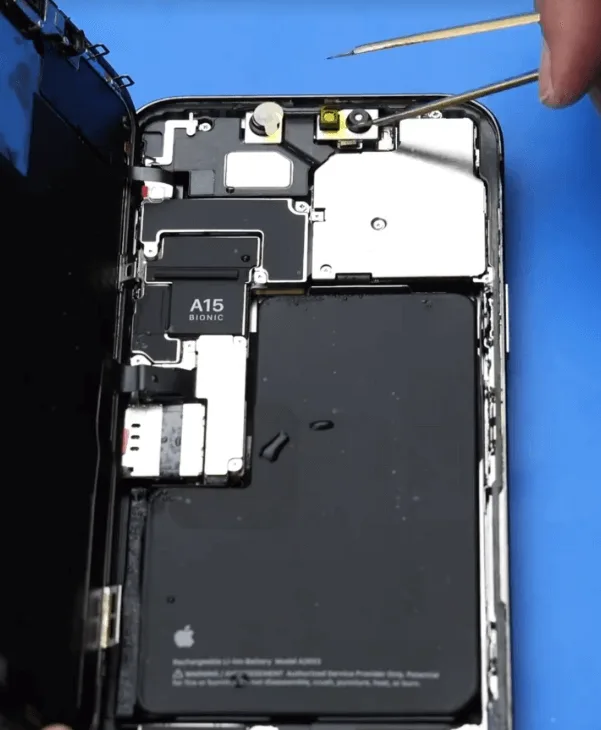
    repair iphone 13 pro max  display
    • For water-damaged devices, the first step is to disassemble the phone and remove any residual water or moisture.
    • After separating the components, watermarks were visible. Begin by protecting the cameras with stickers to prevent further damage.

    2: Cleaning the Internal Components
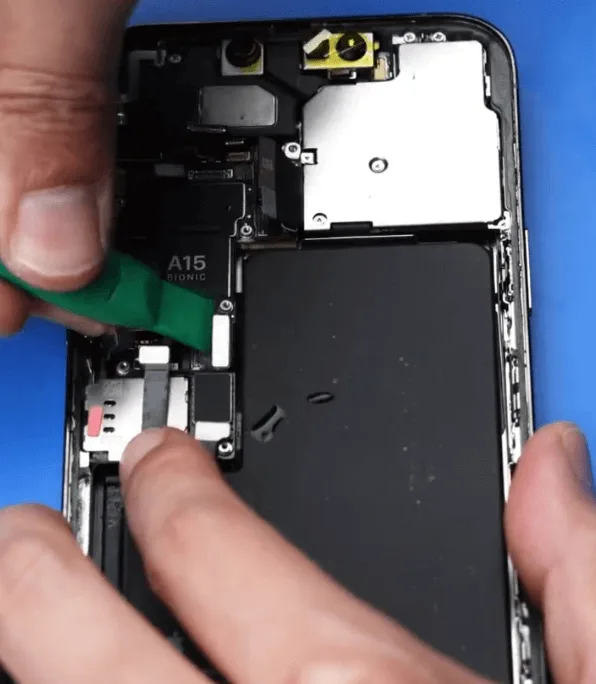
    • Remove the screws and disassemble the phone to thoroughly clean the inside, ensuring all water is removed.
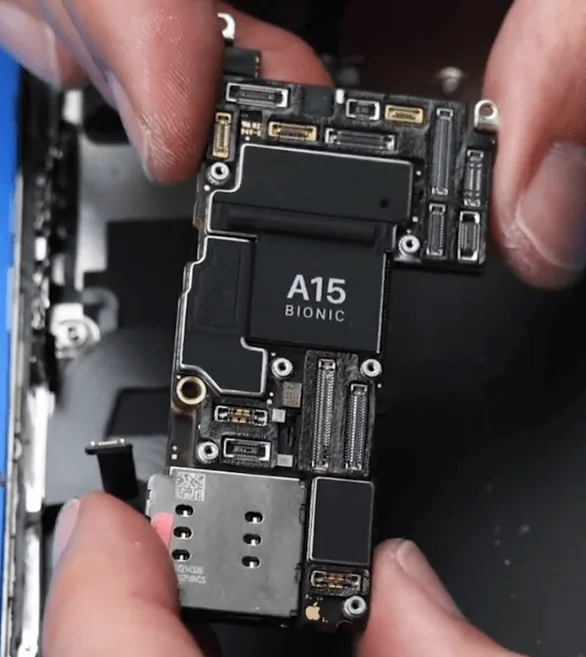
    • Once the motherboard is removed, inspect it for any cosmetic damage. The motherboard appeared fine.
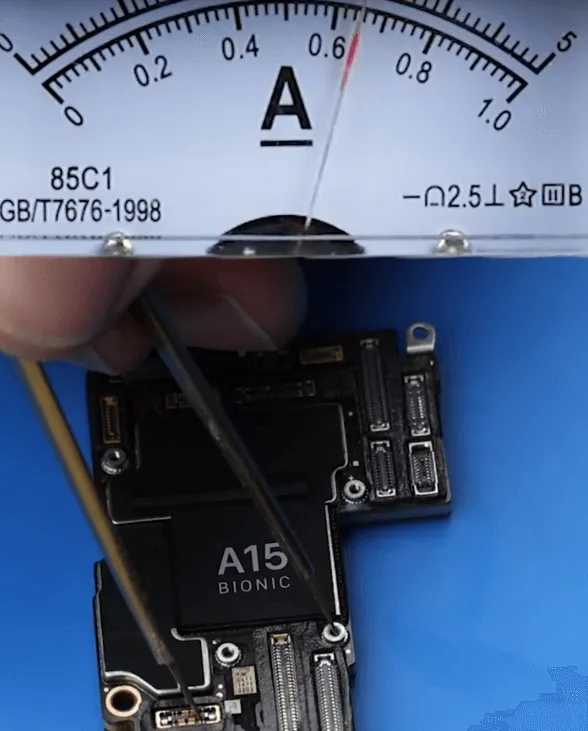
    • After cleaning and drying the motherboard, connect it to a DC power supply to check the boot process. The boot current was normal.

    3: Testing the Screen

    • Reattach the original screen to test it, but while the phone booted, there was still no display.
    • This indicated a display issue, potentially due to screen damage or a problem with the display circuit.

    Repair Process

    1: Screen Replacement Testing
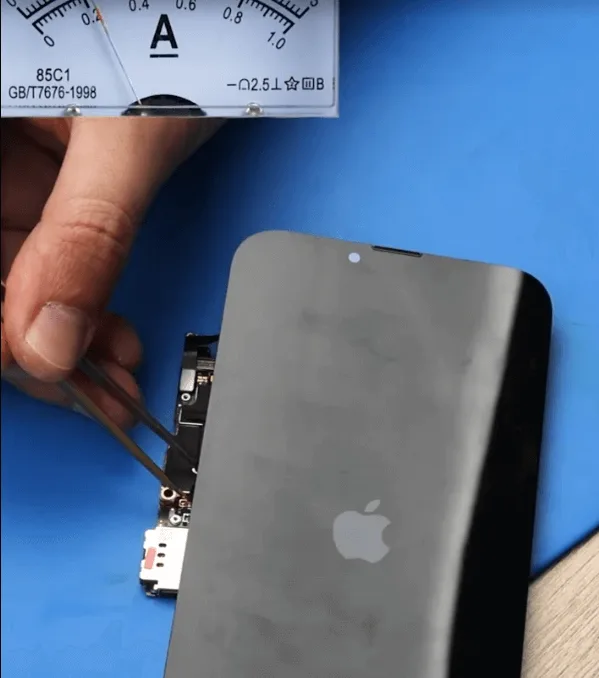
    iphone 13 pro max screen replacement
    • Replace the original screen with a known good screen to test if the issue lies with the display.
    • The phone displayed normally with the replacement screen, confirming that the issue was with the original screen.

    2: Inspecting the Original Screen
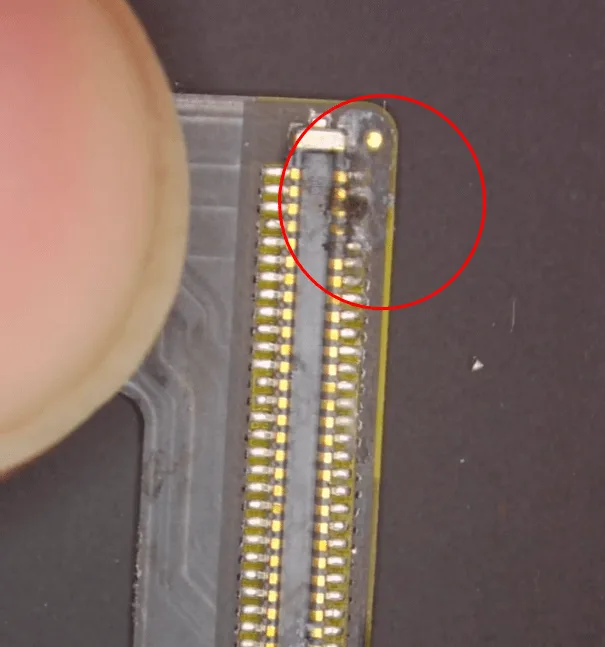
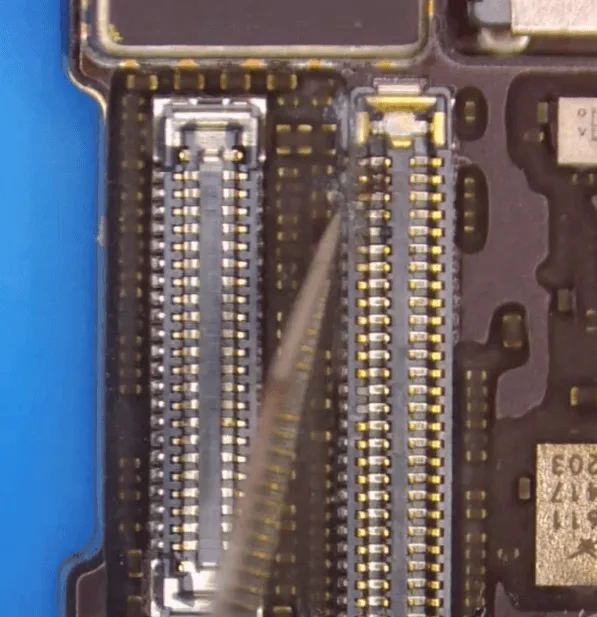
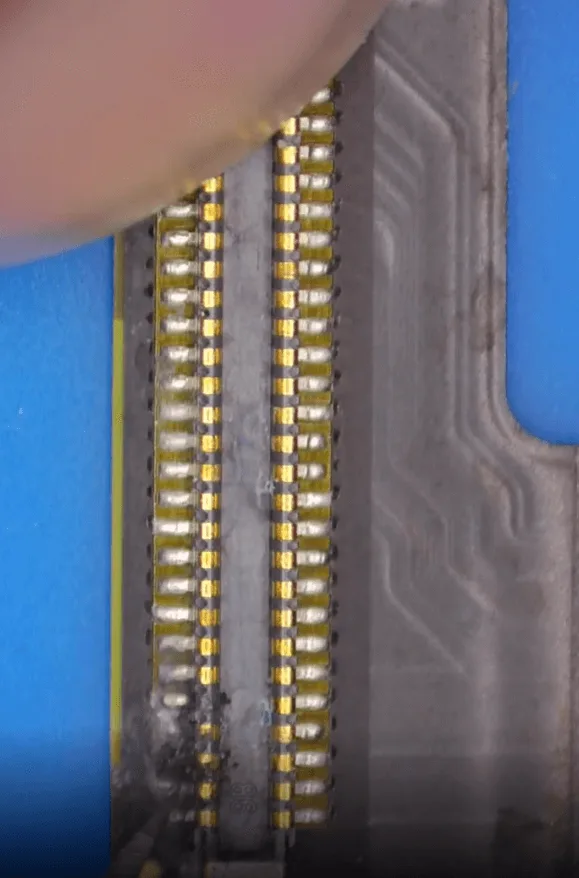
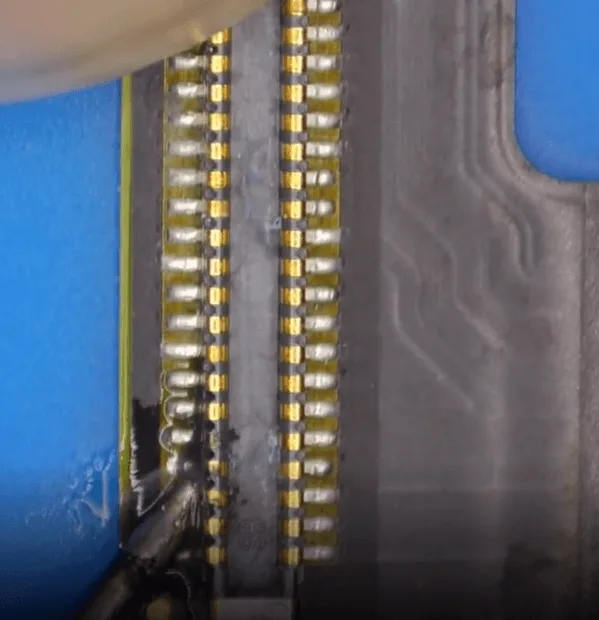
    • To save costs for the customer, inspect the original screen under a microscope. The screen’s display flex cable connector showed signs of corrosion.
    • The connector on the motherboard also had some slight corrosion, though less pronounced.

    3: Repairing the Corroded Connectors
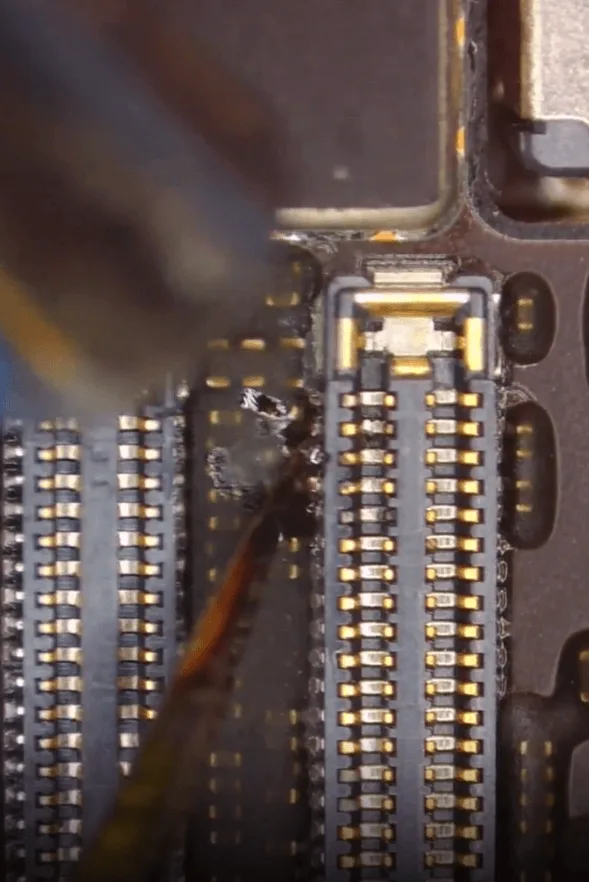
    • To ensure long-term stability of the display, clean the motherboard and apply tin paste to the corroded pins.
    • For the screen flex cable pins, carefully scrape off the corrosive electrolyte, then apply tin paste and solder the pins using a soldering iron and flux.

    4: Reassembly and Testing
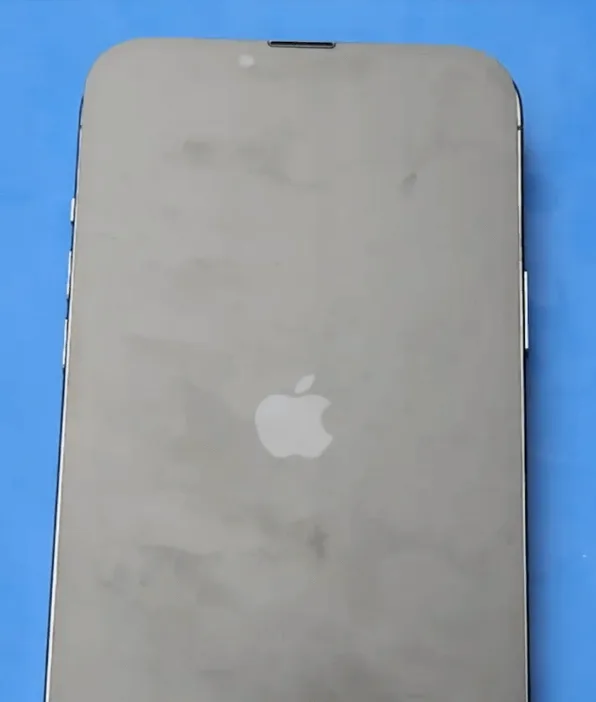
    iPhone 13 Pro max repair
    • After repairing the connectors, reassemble the screen and test the display. The display function returned to normal, indicating that the issue was resolved.
    • After testing the rest of the phone’s functions, including the cameras, Baseband, and Wi-Fi, everything worked fine—except for the Face ID, which failed.

    Conclusion

    While a washing machine accident can seem catastrophic, many of the iPhone 13 Pro Max’s functions can be restored with the right techniques and careful attention to detail. In this case, the display issue was resolved by repairing the corroded screen flex cable and connector. However, the Face ID function failed and requires further repair. For anyone looking to repair their iPhone after water damage, this guide provides a comprehensive approach to restoring functionality.
  • How to Select iPhone Aftermarket Screen Replacement?

    How to Select iPhone Aftermarket Screen Replacement?

    There are various kinds of screen assembly products with uneven quality, which makes many customers confused when placing orders. Therefore, REWA has set a stringent standard for selecting products to ensure customers’ shopping experience, aiming to select the best quality screen assembly product with the highest cost performance on the market. REWA hopes to make customers shop without worries and rest assured to use assembly products selected by REWA.

  • Test Flex Cable Extenders for iPhone Models

    Test Flex Cable Extenders for iPhone Models

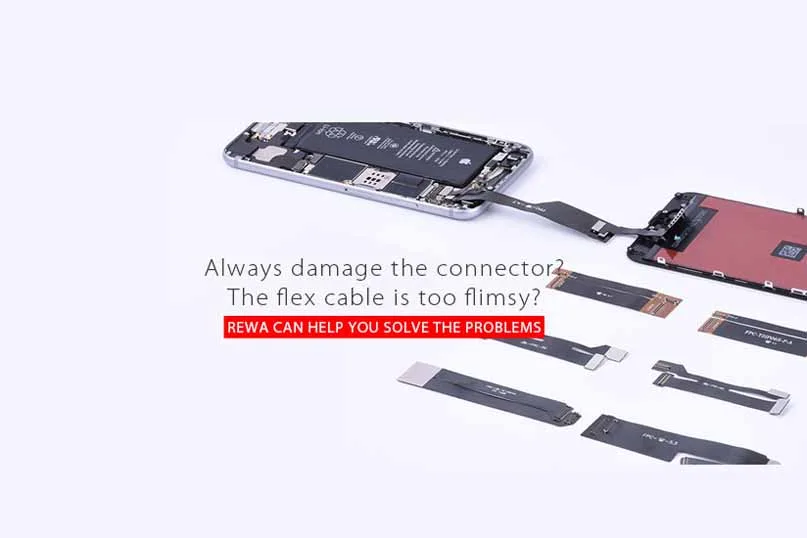
    Always damage the FPC connector? The flex cable is too flimsy?

    Test flex cable/flex cable extender/flex extended cable/flex extender cable can help.

    At present on the market, there are testing flex cables for iPhone 4/4 CDMA/4s, iPhone 5/5c/5s, iPhone 6/6 plus, iPhone 6s/6s plus, iPhone SE LCD Display Glass + Digitizer Touch Screen assembly.

    When we connect the screen to the motherboard directly, a series of problems occur: LCD flex is damaged, the motherboard is damaged by the short circuit or FPC connector wears out after repeated operations.

    Test flex cable will minimize the probability of occurrence of the above problems and make your repair and test process much more efficient.

    Here we take some examples to see what problems will develop without using an extended test flex cable?

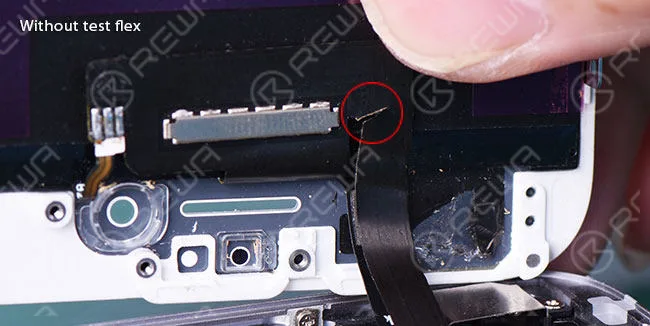
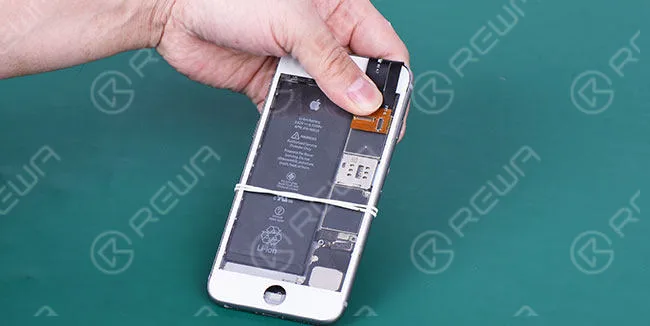
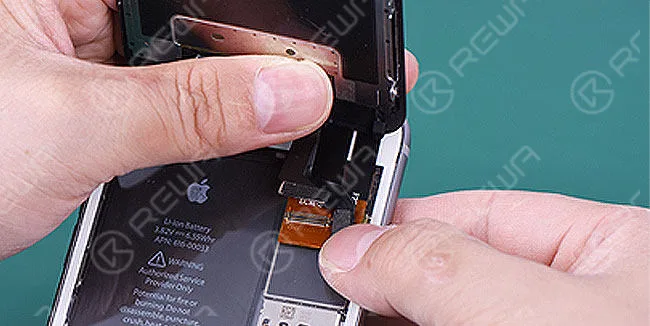
    When we connect LCD touchscreen to the motherboard directly for testing, the limited length of the LCD display flex cable makes it easy to be damaged by accident.

    test flex cable extenders iphone models

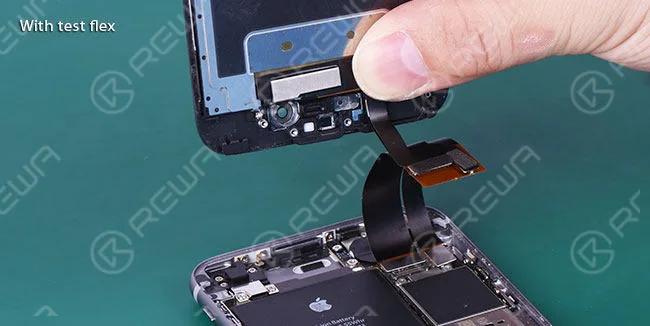
    However, compared with the former occasion, the extender test flex cable will extend the length of the LCD display screen flex cable and the chances of being damaged dramatically decrease in screen testing.

    test flex cable extenders iphone models 2

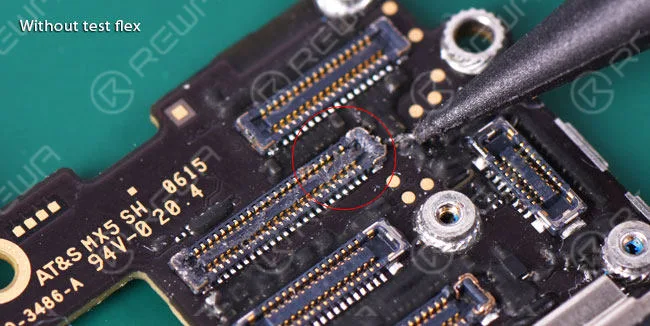
    What’s more, if the LCD digitizer touch screen assembly is frequently connected to the motherboard, the motherboard is apt to burn out by the short circuit and FPC connector is likely to wear out.

    test flex cable extenders iphone models 3

    When applied a LCD screen display test flex cable during operation, extended flex cable will avoid possible damages to the motherboard and FPC plug connector, thus making your repair and test process much more efficient.

    test flex cable extenders iphone models 4

    Practical Application of LCD Screen Display Test Flex Cable

    Before the introduction of LCD test flex cable application, I’d like to bring in a general cell phone parts – mobile phone outer screen glass lens.

    It will be used as a fastener for the test flex cable ribbon in case of loosening between test flex cable and motherboard.

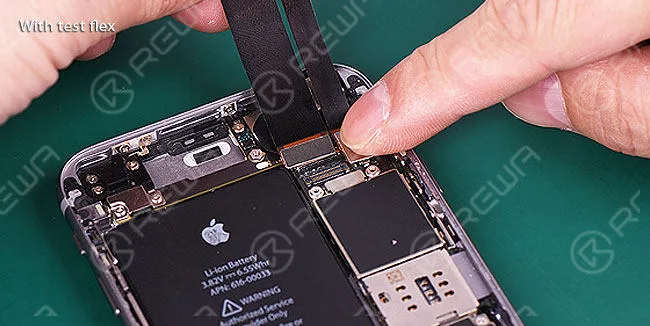
    Firstly, connect the motherboard to LCD screen test flex cable.

    test flex cable extenders iphone models 5

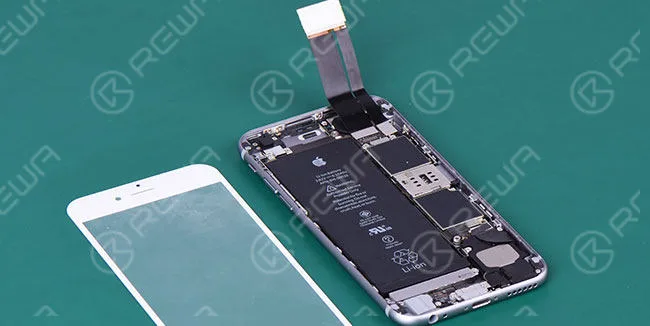
    Then place a mobile phone front glass on the motherboard.

    test flex cable extenders iphone models 6

    Next, paste a double-sided adhesive tape on the other side of FPC connector.

    test flex cable extenders iphone models 7

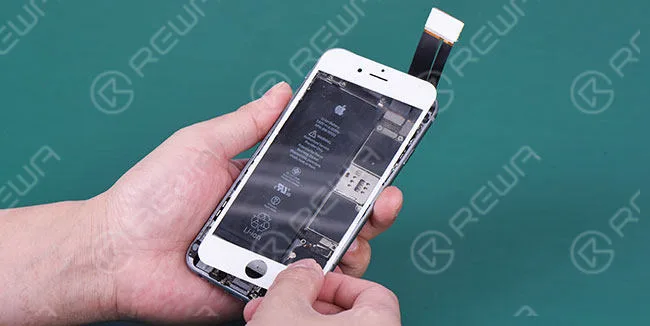
    After that, fix the LCD screen display on mobile phone glass lens firmly and securely.

    test flex cable extenders iphone models 8

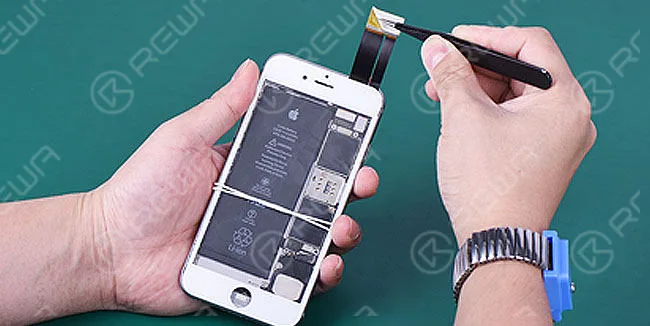
    Later on, connect the LCD assembly to flex extended cable/test flex.

    test flex cable extenders iphone models 9

    And finally, you can do your test for mobile phone replacement LCD display and Digitizer Touch Screen Assembly in a more relaxed way.

    test flex cable extenders iphone models 10

    What are Extended Test Flex Cables and why we ought to use them?

    iPhone and Android cell phone flex extender cables were first introduced into the market late in 2012 by China.

    Since then lots of repair technicians and mobile phone repair shops had been using them, while other people didn’t even know their existence or understand why they were used.

    Just as its name implies, flex extended cables simple extend the length from the mobile phone’s motherboard to the LCD display screen assembly.

    To outward seeming, the flex extensions themselves are far from getting a smartphone repair done.

    However, they can help save time in certain phone repair tasks and prevent costly spare parts consumption that can add up over time.

    That’s quite a lot of cost for mobile phone repair techs. As a consequence, flex extender cables should be used in every repair setting as well as the mobile phone spare parts testing process.

    When Should we use Flex Extender Cable?

    • Every repair technician should use test flex cables after receiving LCD assemblies from suppliers. In this occasion, they are mainly used to test the LCD and Touch Screen Digitizer Assemblies.
    • When selling your cracked, damaged or broken LCD display screens to reclaiming agents for cash to recycle.
    • When you use an iPhone LCD Screen Tester device or a cell phone logic board, test extended cables will be the choice.

    If you happen to be in the demand for the cell phone spare parts test flex cables or flex extender/extended cables, we will be glad to provide you with those LCD display screen, dock connector charging port, front facing camera and rear facing camera test flex ribbon cables for iPhone 4,5,6 series as well as LCD digitizer assembly test flex cable for iPad series.

    Want to order our products?

    Please go to our online store shop.rewa.tech to get or contact us:

    PRE-SALES Skype: rewatech

    Email: service@rewa.tech

    AFTER-SALES Skype: support-rewatech

    Email: support@rewatechnology.com