Tag: iphone data recovery

  • iPhone SE2 Data Recovery: A Step-by-Step Guide

    iPhone SE2 Data Recovery: A Step-by-Step Guide

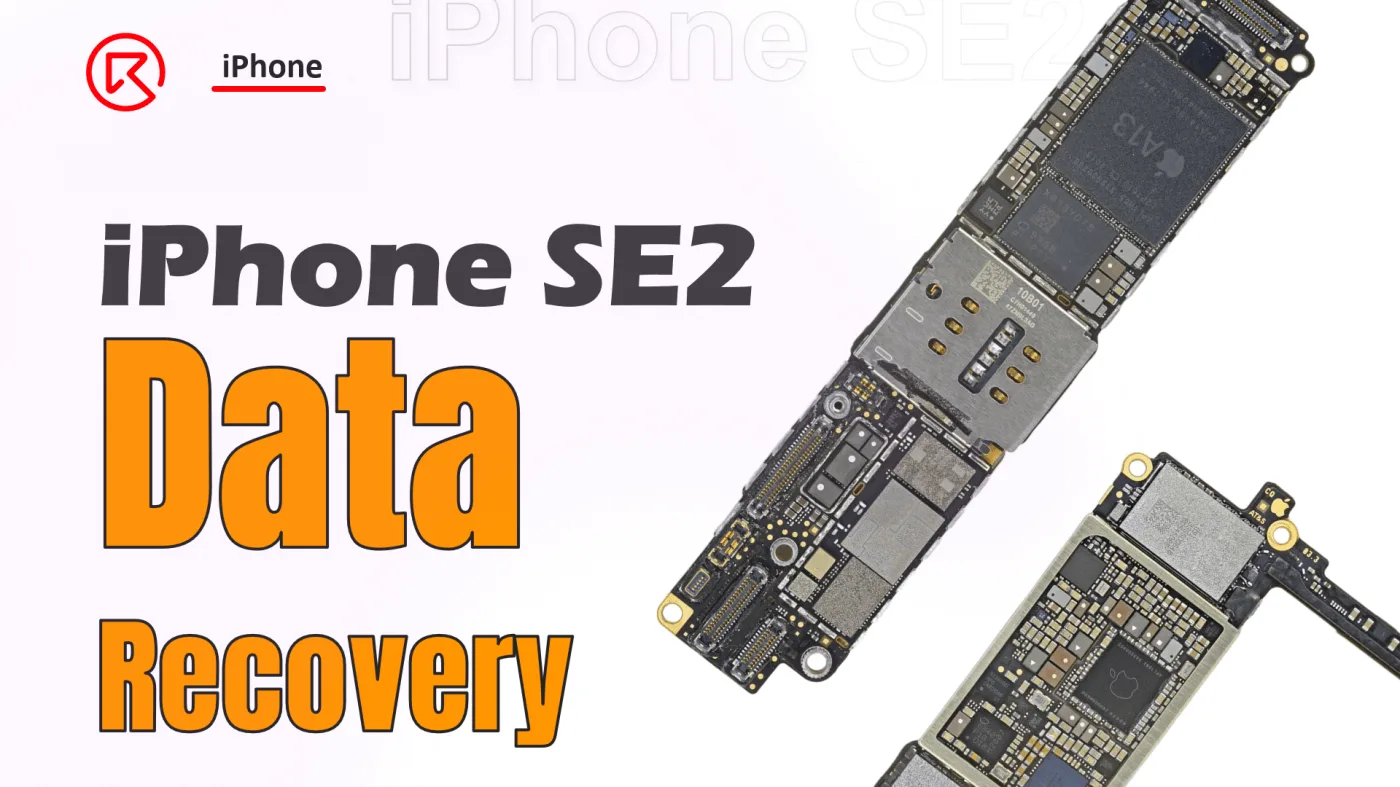
    Data recovery from an iPhone SE2 motherboard is a meticulous process, especially when crucial components like the CPU and NAND chip are involved. This guide walks you through the detailed steps required to successfully recover data by swapping key encrypted chips to a new board. Whether you’re a seasoned technician or a DIY enthusiast, following these steps will help ensure a successful recovery.

    iPhone SE

    Phone Details:

    Model: iPhone SE2 (2020)

    Announced: 2020, April 15

    Defect Phenomenon

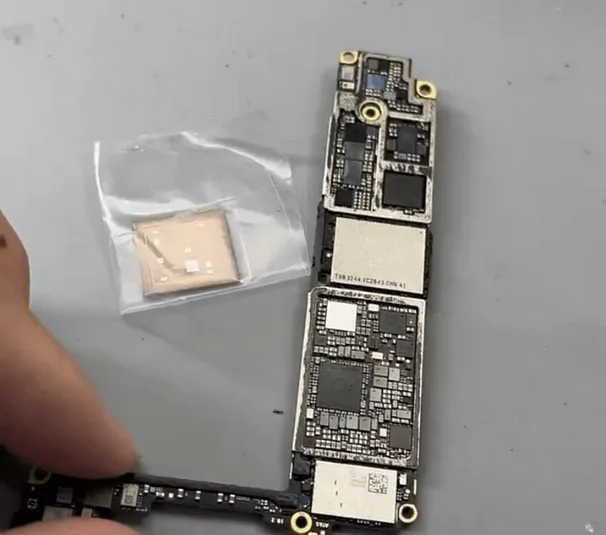
    When a client sends in just the motherboard of an iPhone SE2, it often means they’re desperate to recover valuable data. In this case, the challenge is even greater because the CPU, crucial for data recovery, has already been removed by another technician. Our task? To carefully swap the encrypted chips to a new board to retrieve the data.

    Detailed Process

    1. Assessing the CPU and NAND Chip
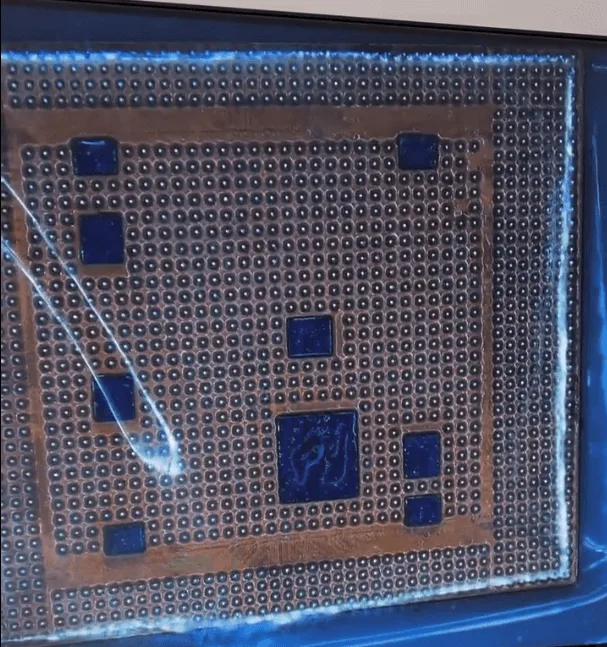
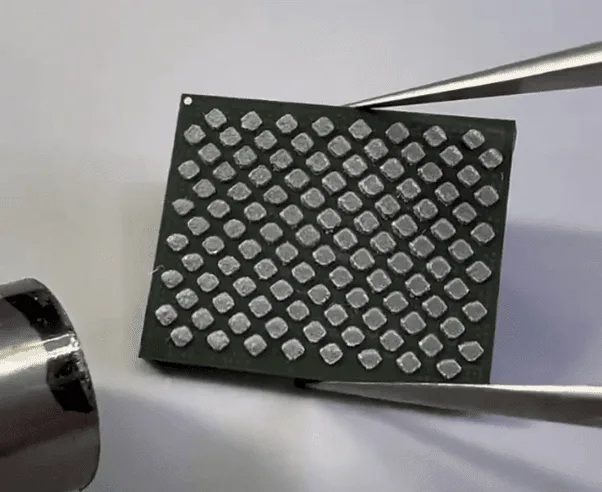
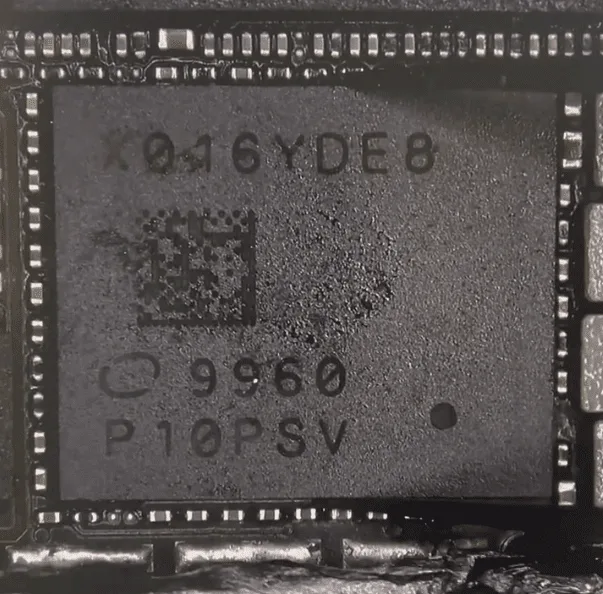
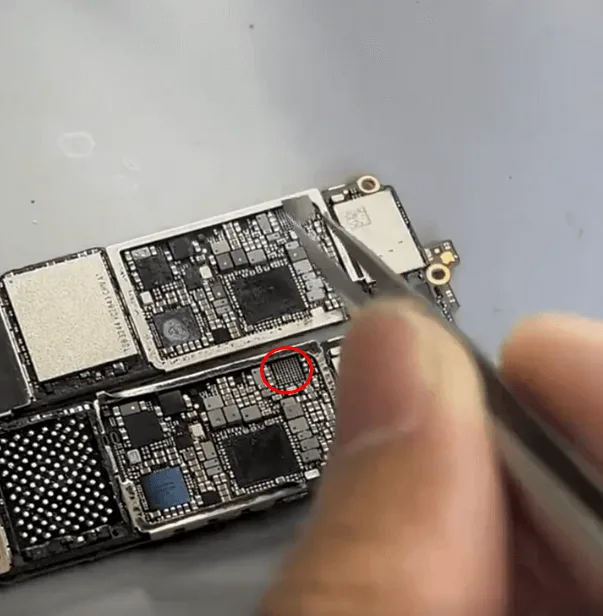
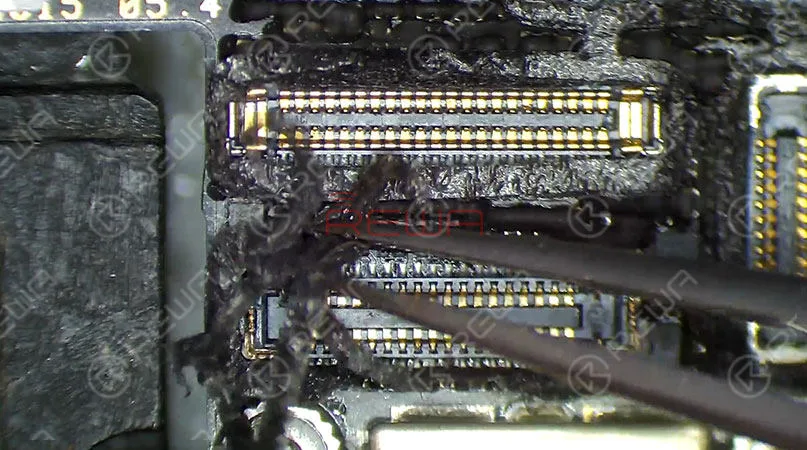
    The CPU is the key to unlocking the data on the iPhone, so it’s essential to check its condition first. Under the microscope, the CPU appears cosmetically intact, which is a good sign. The NAND chip, another vital component, also looks untouched and has not been resoldered.

    2. Removing and Reballing the NAND Chip
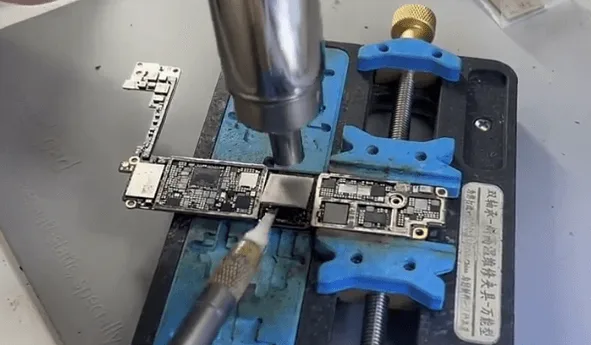
    • To begin, remove the NAND chip using a hot air gun and a blade knife. Once removed, reball the pads on the NAND to prepare it for the new board.
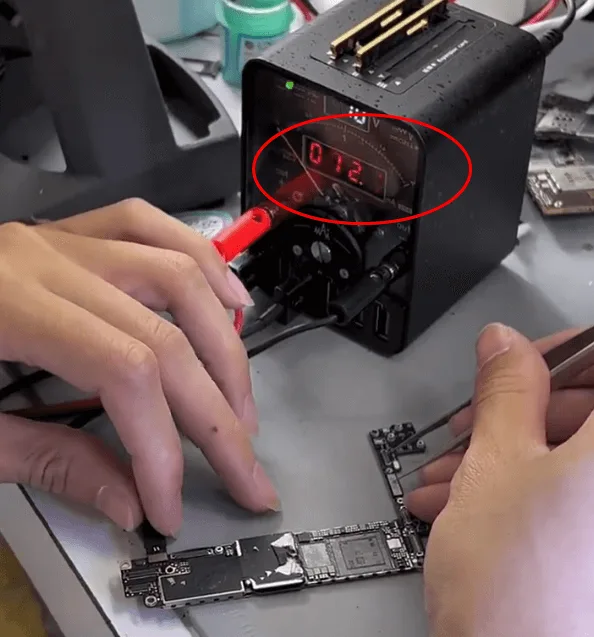
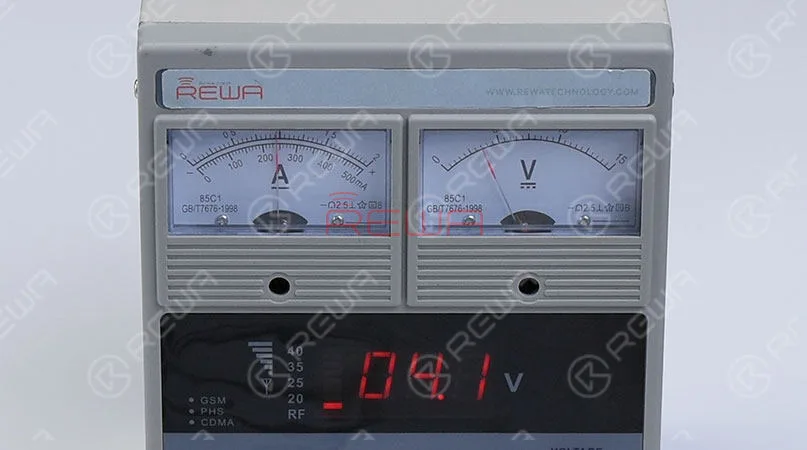
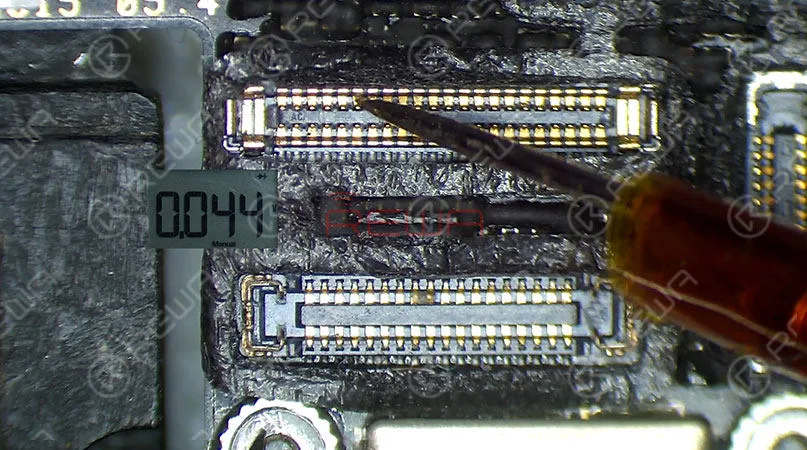
    • Next, examine the donor board where the CPU, Baseband CPU, and NAND chip have been removed. Connect the board to a DC power supply and trigger it with tweezers. A stable boot current of around 12mA indicates that everything is normal and ready for the next step.

    3. Soldering the NAND and CPU Chips
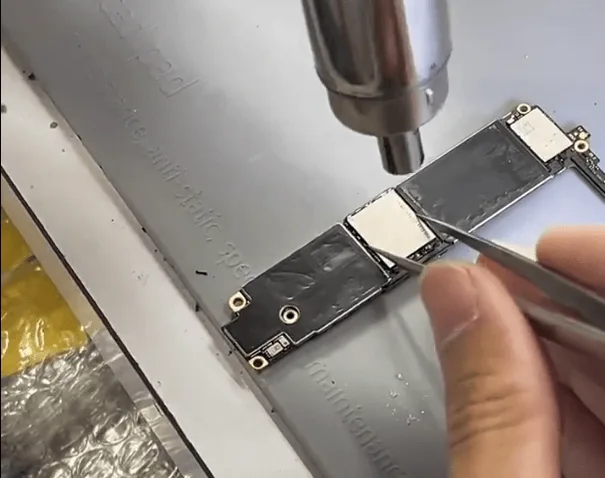
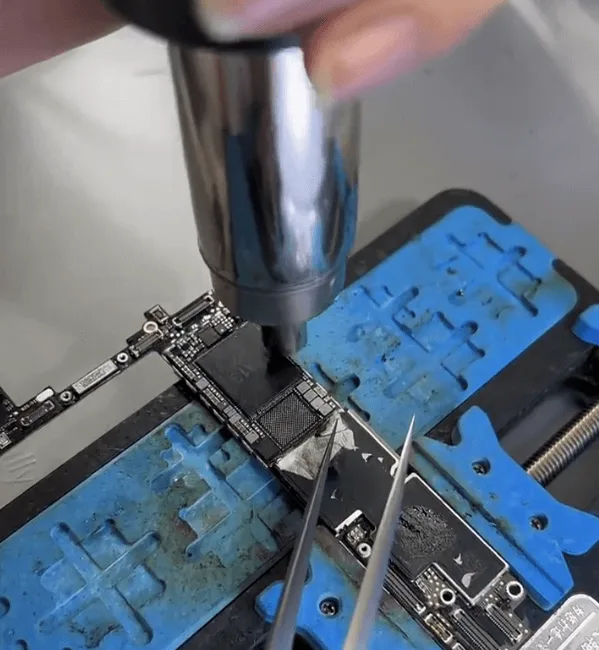
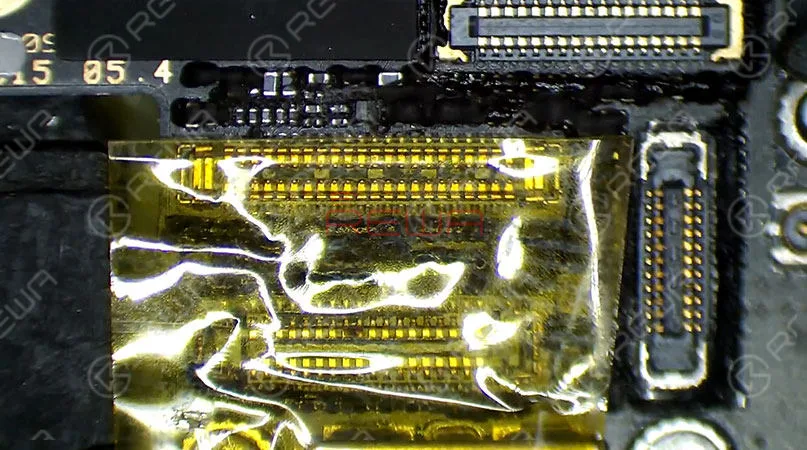
    • Start by soldering the NAND chip using a QUICK 9008 tool, setting the temperature to approximately 340℃. After successfully soldering the NAND, proceed to the CPU.
    • This step requires extreme precision. Align the CPU carefully and control both the heating distance and time. When the flux under the CPU chip starts to flow, gently push the CPU. If it returns to its original position, stop heating.
    • With both the NAND and CPU chips soldered, it’s time to test the motherboard. Connect it to a screen and trigger the boot process. The appearance of the Apple logo followed by a reboot loop is expected at this stage, as the logic EEPROM is not yet soldered.

    4. Swapping the Logic EEPROM
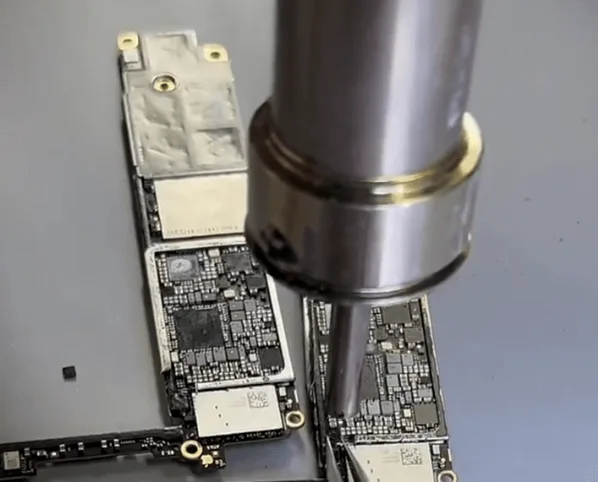
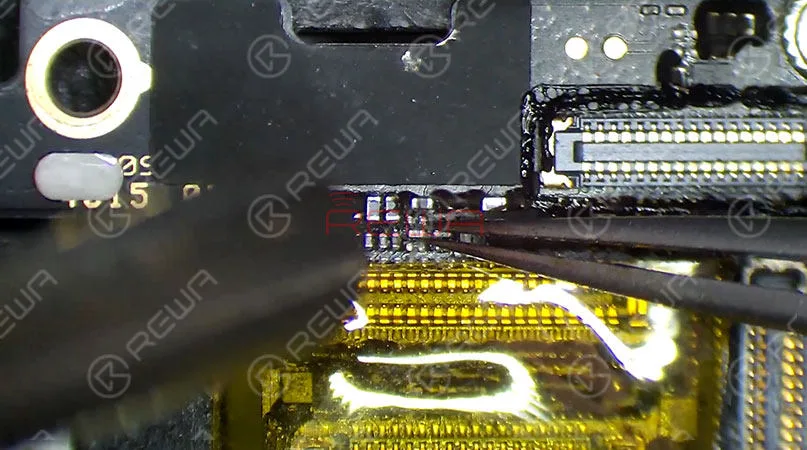
    iphone se2 data recovery step guide swap the tiny logic eeprom chip

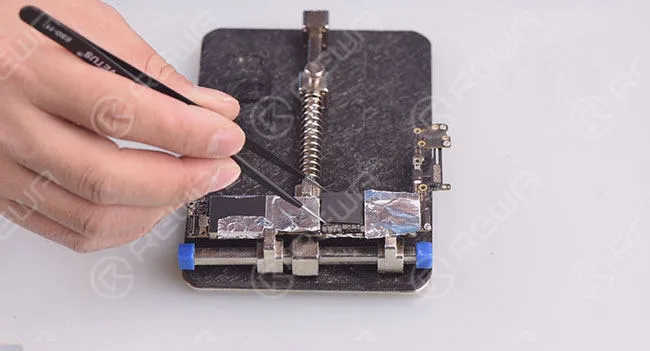
    The next step involves swapping the logic EEPROM. Although the swap process is simple, the chip is tiny, requiring careful control of heating temperature, time, and distance to avoid damaging or displacing the chip.

    Alternative Option: Use a Logic EEPROM Reader to read and write the encrypted data without the need for soldering.

    5. Testing and Soldering the Baseband CPU
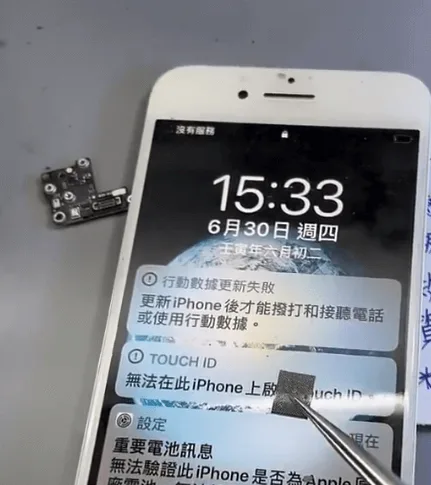
    • After soldering the NAND, CPU, and logic EEPROM, boot the iPhone again. If it prompts an update failure, this is likely due to the Baseband CPU not being installed yet. The Baseband CPU is encrypted and must be handled with care. The soldering process is similar to that of a standard BGA chip.
    • After the Baseband CPU is successfully soldered, enter the unlock PIN to place the phone in recovery status. If the phone repeatedly enters recovery mode, the NFC chip may also need to be swapped.

    6. Final Assembly and Testing
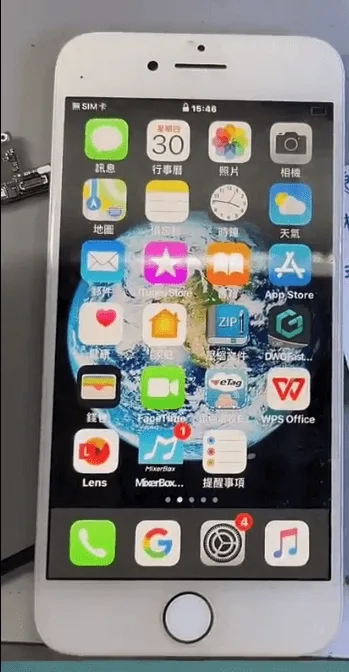
    iPhone SE2 Data Recovery

    In the final step, assemble the phone and perform a complete test. If the phone boots normally and shows “No SIM card,” this indicates the Baseband function is operational. Enter the unlock code to access the system. If successful, the data is intact and can be backed up using iTunes.

    Summary

    Recovering data from an iPhone SE2 requires the careful swapping of four key chips:

    • NAND
    • CPU
    • Baseband CPU
    • Logic EEPROM

    Additionally, the NFC chip may need to be swapped to avoid persistent recovery mode issues. By following these detailed steps, you can successfully retrieve the data and bring the iPhone back to life.

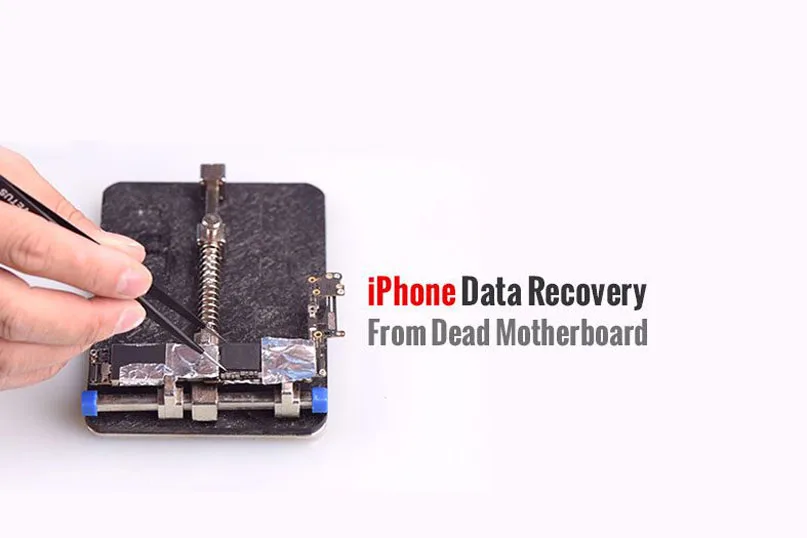
  • iPhone Data Recovery from Dead Phone – New Repair Service Launched

    iPhone Data Recovery from Dead Phone – New Repair Service Launched

    A faulty or dead iPhone is a disaster for many people, however losing all the photos and data of your phone without any backup seems to be a even greater disaster. iPhone data recovery thus becomes very important in cell phone repair industry. In this video, we are going to show you how to recover the losing data from a dead phone. The iPhone 6s we are dealing with today is one that turns on with black screen due to damage of logic board. Official conclusion is that the damaged CPU cannot be repaired, nor can data in the phone be backed up. After full analysis of the phone, REWA LAB has found out that the fault is related to AP_TO_LCM_RESET signal of CPU. We can light up the screen with jumper wiring and get the phone temporarily prepared to complete data recovery for iPhone process.Let’s check out the video to see how to save phone data even with a dead logic board.

  • 7 Steps for iPhone Data Recovery from Dead Motherboard

    7 Steps for iPhone Data Recovery from Dead Motherboard

    Have you ever met the problem of losing your files on your phone suddenly? All the pictures, messages, contacts and files were gone. Don’t worry, this guide will tell you how to recover your iPhone data.

    Keep reading…

    How to get back the critical loss data?

    Generally, there are usually 3 ways to recover the data of your phone according to the different situations.

    Data recovery from the dead motherboard

    This approach is mainly for those phones which are seriously damaged, without iCloud backup, can not turn on, or even with the deformed motherboard, ff your phone or motherboard is damaged, the situation would be worse, you need tomotherboard repair.

    Data recovery with iCloud

    This is mainly for the phones with iCloud backup.

    Data recovery with software

    This approach is for the phone in good conditions, but data is deleted carelessly.

    The way 2 and 3 are easy to solve, you can search the solutions from Google , but here we will introduce how to recover data from your dead phone even dead motherboard today.

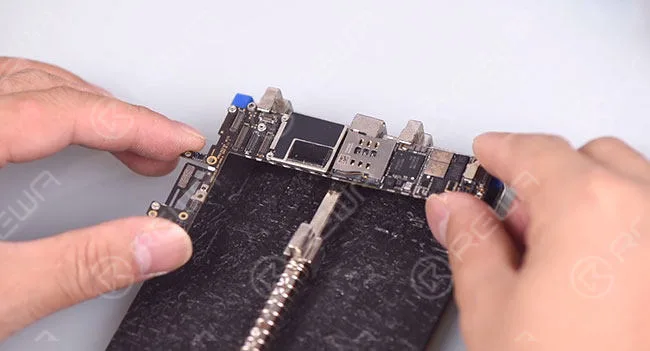
    Step 1 . Detach the motherboard from the phone

    7 Steps for iPhone Data Recovery from Dead Motherboard

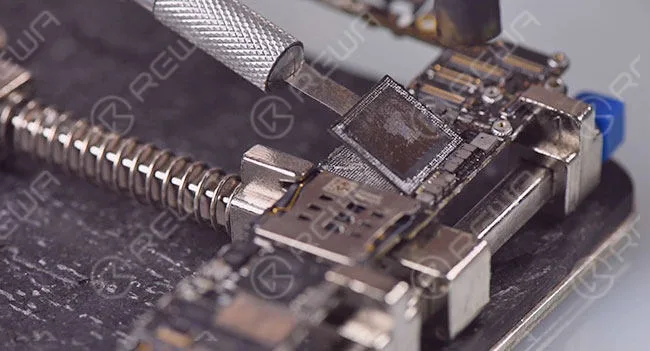
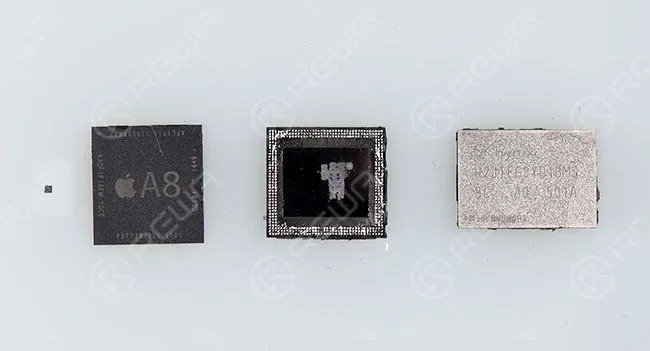
    Step 2.  Detach the A8 CPU, EEPROM and NAND Flash    from the dead motherboard. Please deal with these 3 chips carefully, because the well-performed 3 chips are a must of successful data recovery.

    7 Steps for iPhone Data Recovery from Dead Motherboard
    7 Steps for iPhone Data Recovery from Dead Motherboard

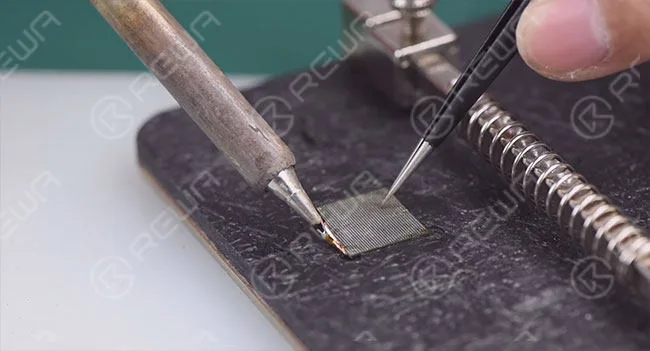
    Step 3.  Clean the detached 3 chips with rosin, BGA paste flux, PCB cleaner, solder iron and the razor blade.

    7 Steps for iPhone Data Recovery from Dead Motherboard

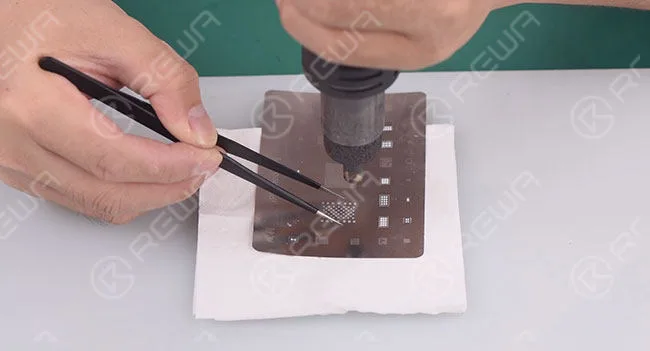
    Step 4.  BGA rebelling

    7 Steps for iPhone Data Recovery from Dead Motherboard

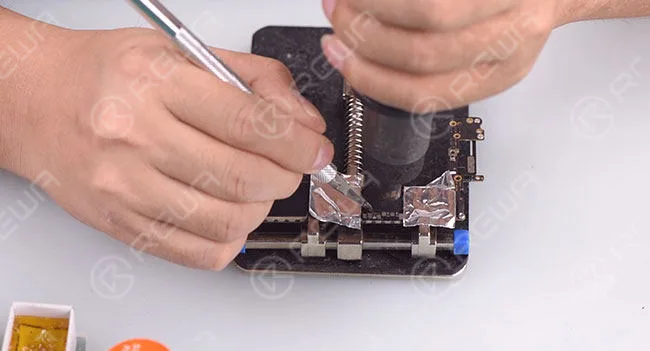
    Step 5.  Detach the A8 CPU, NAND Flash, EEPROM from the new motherboard

    7 Steps for iPhone Data Recovery from Dead Motherboard

    Step   6.  Install the 3 chips detached from broken motherboard to the new one

    7 Steps for iPhone Data Recovery from Dead Motherboard

    Step 7.  Install the motherboard to the phone and test if the data recovered successfully

    7 Steps for iPhone Data Recovery from Dead Motherboard

    This guide isn’t clear? Don’t worry, we have a video tutorial:

    What do you think of this guide? If it is useful to you, please collect and share it; by the way, if you have any questions, you can leave a comment.

    And there are somethings tips you need to notice:

    1. There is a possible risk for the motherboard data recovery process.

    2. Skilled repair techs are required for the operation.

    3. The fallen pads are empty pads which do not affect the function.

    4. Apple official after-sales support does not accept the phone repaired by third-party.

    5. The data can not be recovered if one of these three chips (CPU, NAND Flash, EEPROM) is broken.

    6. This cellphone is still calling failed until this step because the process is just for data recovery. Further operations are needed to fix the communication function.

    If your data is critical, make sure you choose a reputable repair shop or firm that can properly recover data from mechanically failed or physically damaged motherboards.

    Good News: Now we have provided phone data recovery service now, if you need this service, please contact us.

    These are the tools we have used in this guide:

    Visit REWA  online shop  for more parts and tools.

    Wanna learn basic knowledge about iPhone motherboard, master iPhone micro-soldering techniques, understand the work-flow of different iPhone circuits, master troubleshooting processes of different iPhone issues, and learn detailed screen/back glass refurbishing steps?

    REWA Academy is a platform that provides repair technique learning, practical demonstration, and idea-sharing for practitioners in the electronic repair industry.

  • How Can I Recover Data From Dead iPhone 6S

    How Can I Recover Data From Dead iPhone 6S

    A faulty or dead iPhone is a disaster for many people, however losing all the photos and data of your phone without any backup seems to be an even greater disaster. iPhone data recovery thus becomes very important in cell phone repair industry. We are going to show you how to recover the losing data from a dead phone. Connect the battery connector with DC Power Supply, and press the power button to power on, there is no response from the screen.

    How Can I Recover Data From Dead iPhone 6S

    However, current reading on the ammeter is normal, which indicates that the phone is turning on yet with black screen.

    How Can I Recover Data From Dead iPhone 6S

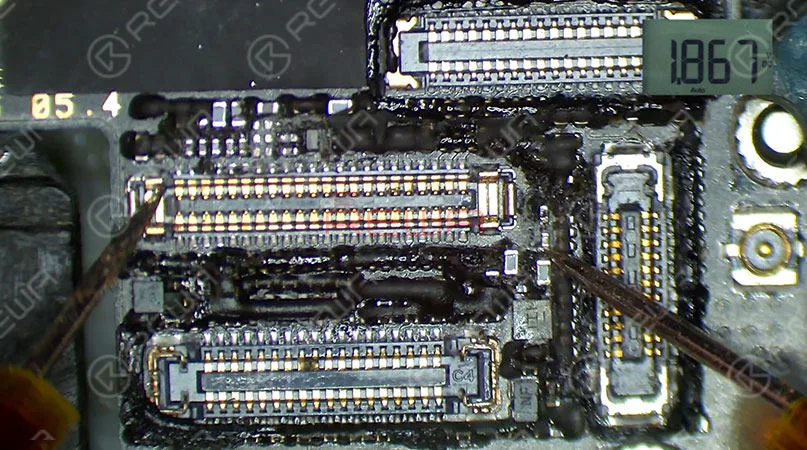
    Our initial judgment is that the display circuit might have been damaged, and we need to check LCD/Digitizer Connector J4200. Run diode mode measurement of pins relevant to display on J4200. The measured value of Pin 33 is lower than normal value, which is abnormal.

    How Can I Recover Data From Dead iPhone 6S

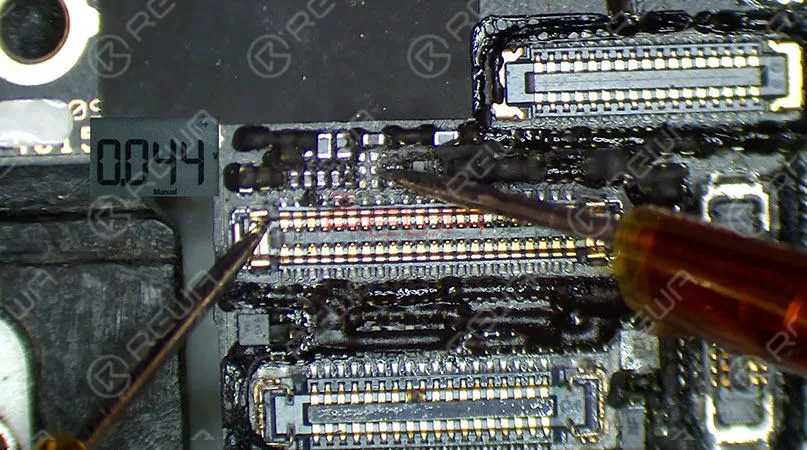
    Pin 33 is the reset signal pin for display circuit, the reset signal sent out by Pin J3 on CPU reaches Pin 33 via FL4221, C4221 and C4220. Our next move is to detach FL4221, C4221 and C4220 for further measurement. First, remove sponge around the connector with tweezers.

    How Can I Recover Data From Dead iPhone 6S

    Then stick High Temperature Protective Tape on connectors around.

    How Can I Recover Data From Dead iPhone 6S

    Heat with Hot Air Gun at 330℃, air flow 1, detach FL4221, C4221 and C4220 from the board.

    How Can I Recover Data From Dead iPhone 6S

    Then tear off the High Temperature Protective Tape and run diode mode measurement of the two pins on FL4221. The measured value of Pin 2 is abnormal.

    How Can I Recover Data From Dead iPhone 6S

    Since Pin 2 is connected directly to CPU, we can confirm now that CPU has been damaged. As we all know, a damaged CPU can not be replaced separately. And therefore the 1.8V AP_TO_LCM_RESET signal cannot be supplied. To avoid data loss, we can recover data by voltage borrowing. Choose a 1.8V voltage point nearby, For example, C4118 for our course today, which is the 1.8V voltage point of BUTTON_MENU_KEY_L. First, remove sponge around with tweezers.

    How Can I Recover Data From Dead iPhone 6S

    Then heat with Hot Air Gun at 270℃ to remove black adhesive. Run voltage mode measurement of C4118, the measured value is 1.8V, which is perfect for all operation.

    How Can I Recover Data From Dead iPhone 6S

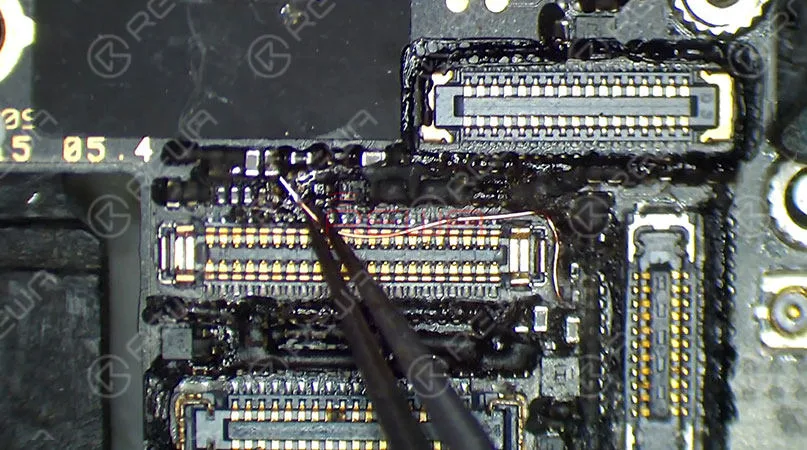
    Apply some Paste Flux to FL4221 bonding pad, the remove tins on the pad with Soldering Iron at 350℃, prepare a length of tin applied Enameled Copper Wire of 0.1mm in diameter, heat with Soldering Iron at 350℃. With one end of the wire soldered to C4118, solder the other end to Pin 1 of FL4221. Once done, clean with PCB Cleaner.

    How Can I Recover Data From Dead iPhone 6S

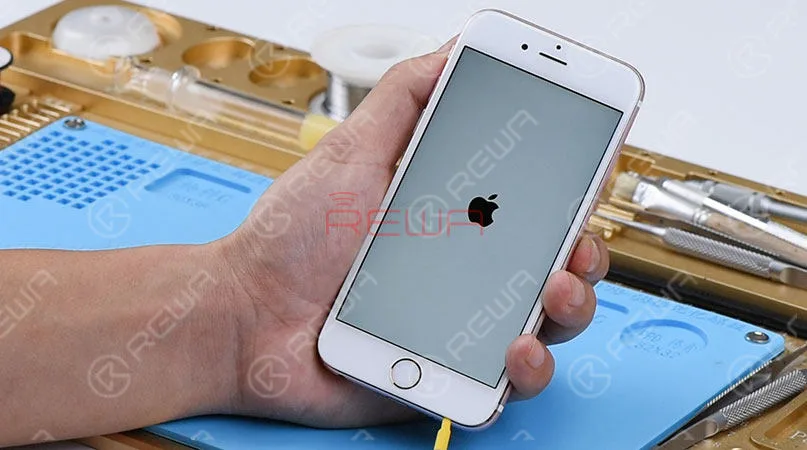
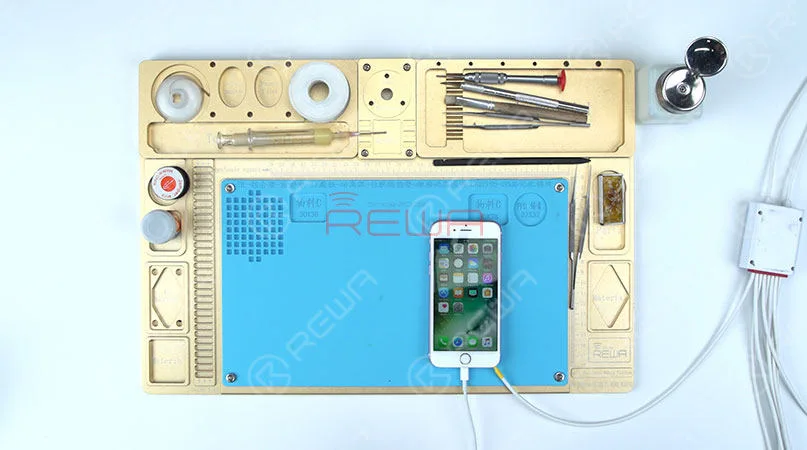
    Now we can assemble the phone and test, Connect the battery connector with DC Power Supply and press power button to power on.The phone turns on normally.

    How Can I Recover Data From Dead iPhone 6S

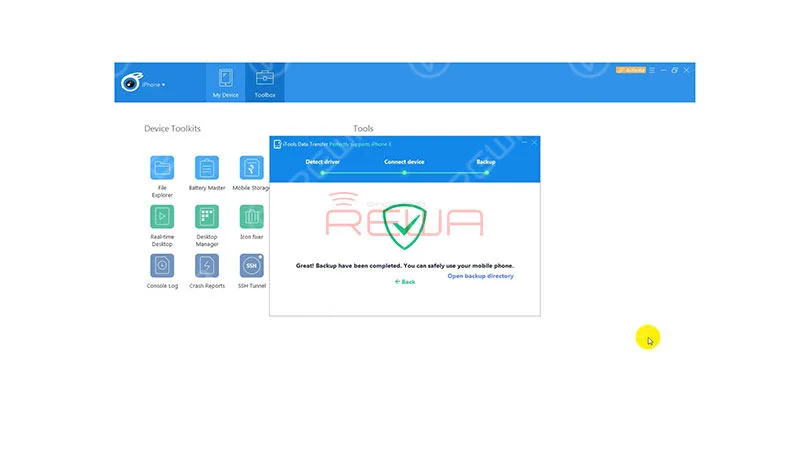
    Connect the phone to computer with a digital cable, launch the iPhone Data Recovery software iTools.

    How Can I Recover Data From Dead iPhone 6S

    Go to Toolbox>Phone Transfer, choose ’Restore backup’, and click on ’Backup’ to start the Backup process. Once finished, save all the recovered data on the computer.

    How Can I Recover Data From Dead iPhone 6S

    Tips: make sure that the screen stays on during the data recovery process, otherwise the data recovery might fail. Also, this works for data recovery only, the phone is still not prepared enough for normal use. iPhone 6s data recovery from dead board completed successfully.

    More iPhone 6s data recovery details please click to watch the video.

    If you are interested in the tools used in the video please come with following to order, any questions welcome to contact service@rewa.tech

    Tools used in this tutorial

  • iPhone Data Recovery from Dead Phone – New Repair Service

    iPhone Data Recovery from Dead Phone – New Repair Service

    A faulty or dead iPhone is a disaster for many people, however losing all the photos and data of your phone with out any backup seems to be a even greater disaster. iPhone data recovery thus becomes very important in cell phone repair industry. In this video, we are going to show you how to recover the losing data from a dead phone. The iPhone 6s we are dealing with today is one that turns on with black screen due to damage of logic board. Official conclusion is that the damaged CPU cannot be repaired, nor can  data in the phone be backed up. After full analysis of the phone, REWA LAB has found out that the fault is related to AP_TO_LCM_RESET signal of CPU. We can light up the screen with jumper wiring and get the phone temporarily prepared to complete data recovery for iPhone process.Let’s check out the video to see how to save phone data even with a dead logic board.

    Tools Used:

  • How To Recover The Data From a Damaged iPhone

    How To Recover The Data From a Damaged iPhone

    Have you ever met the problem about losing your files on your phone suddenly? All the pictures, messages, contacts and files were gone. What a disaster! If your phone or motherboard is damaged, the situation would be worse. How to recover the data from a damaged phone?

    The data recovery approach demonstrated in the video is mainly for those phones which are seriously damaged, without iCloud backup, can not turn on, or even with deformed logic board/motherboard. 

    Attention:

    1. There is a possible risk for the motherboard data recovery process.

    2. Skilled repair techs are required for the operation.