Tag: iphone 7

  • iPhone 7 Serious Drop Damage Repair and Restoring Functionality

    iPhone 7 Serious Drop Damage Repair and Restoring Functionality

    When an iPhone 7 is slammed to the ground, the damage can be severe, affecting not only the screen but also internal components. In this guide, we’ll walk through the process of diagnosing and repairing an iPhone 7 serious drop damage, rendering it unable to boot. From addressing display issues to resolving baseband problems, this step-by-step guide will help you restore your iPhone 7 to full working order.
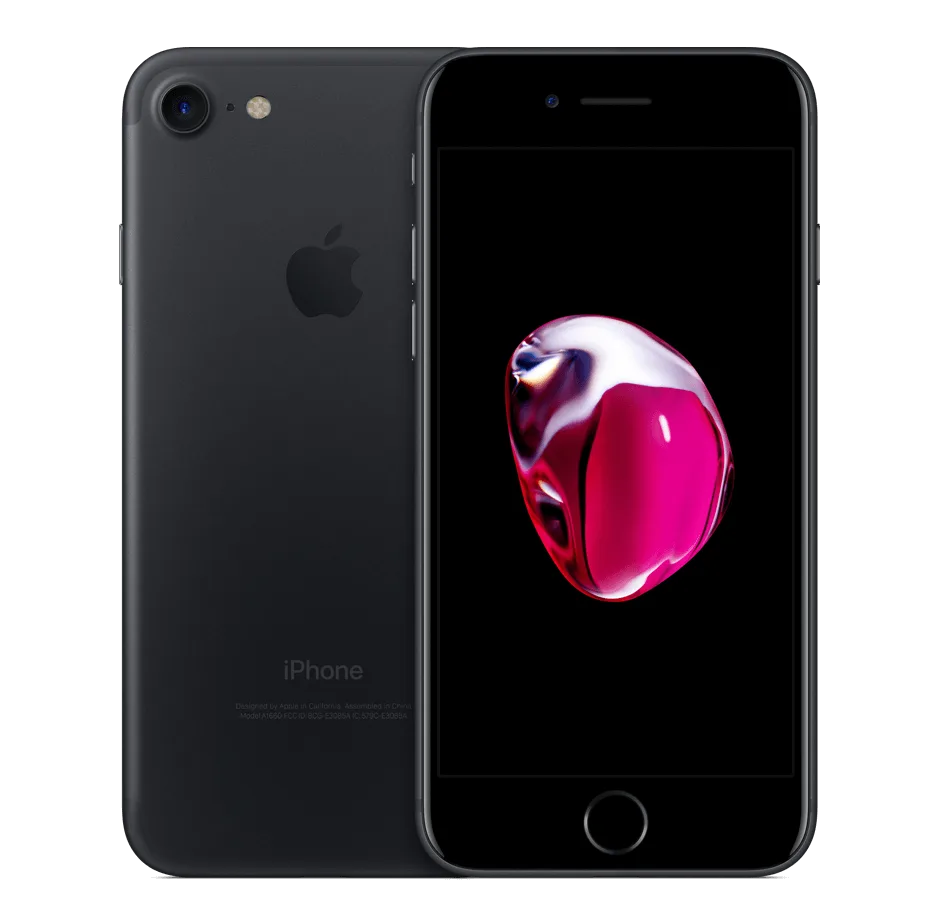
    iphone 7 black

    Phone Details:

    Model: iPhone 7

    Announced: 2016, September 07

    Defect Phenomenon

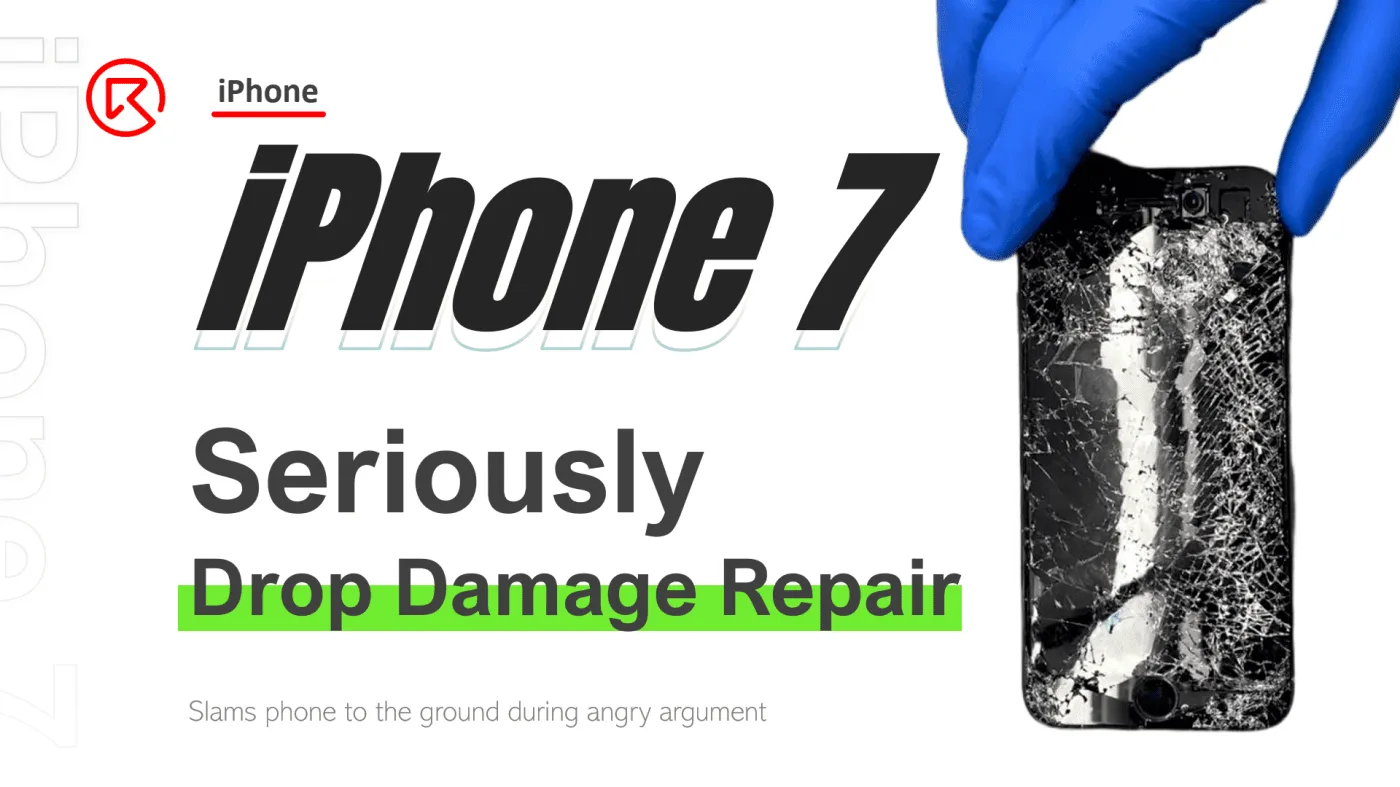
    The iPhone 7 was slammed to the ground during an argument, resulting in a shattered screen and the inability to boot.

    Troubleshooting to Repair iPhone 7 Drop Damage

    1: Initial Inspection
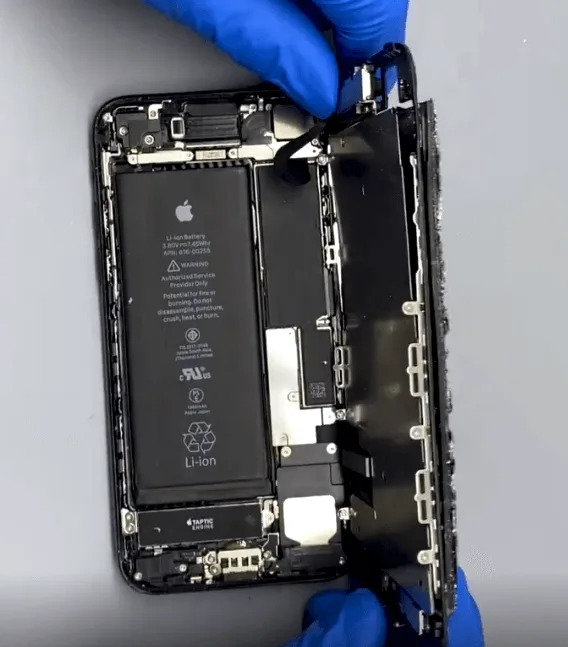
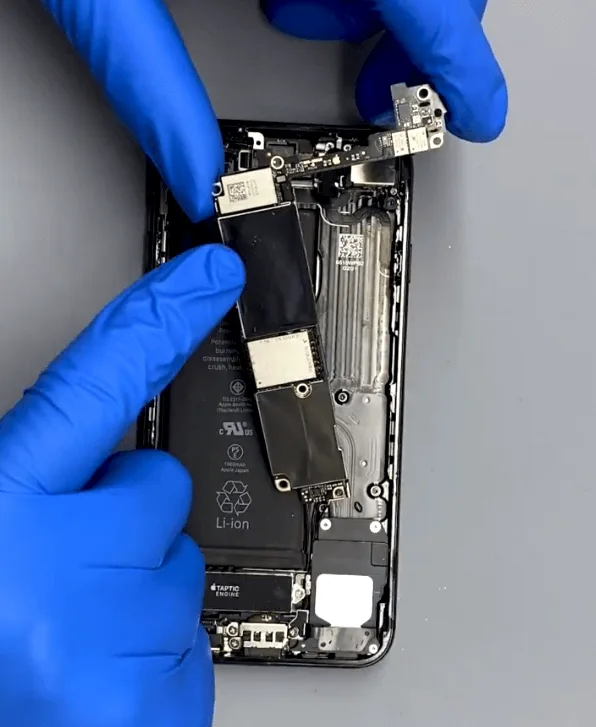
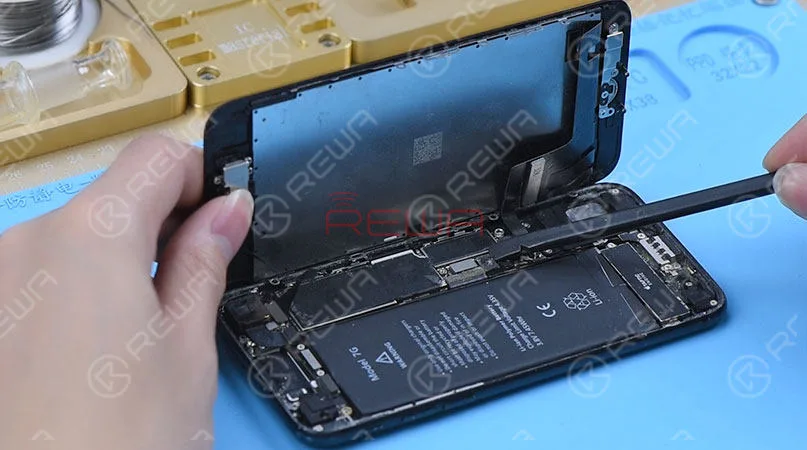
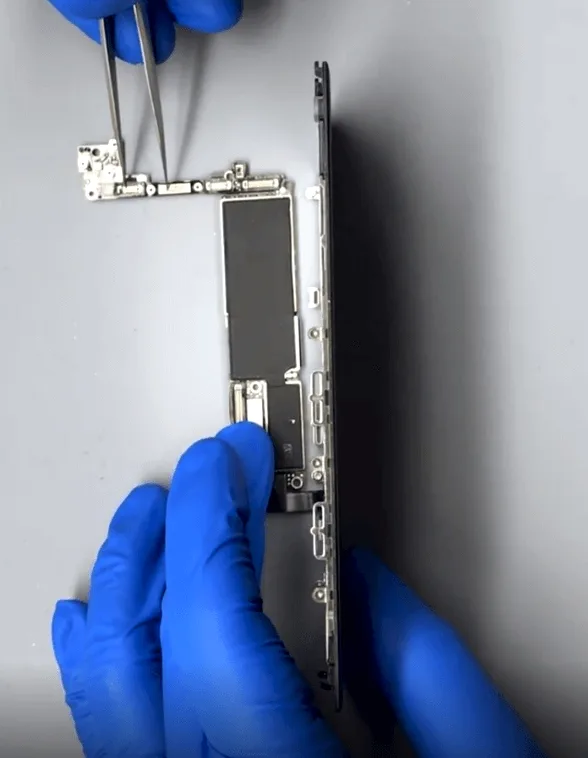
    • Disassemble the phone and carefully remove the motherboard for inspection.
    • The motherboard appears to be in good condition with no visible deformation or missing components.

    2: Screen Replacement and Testing
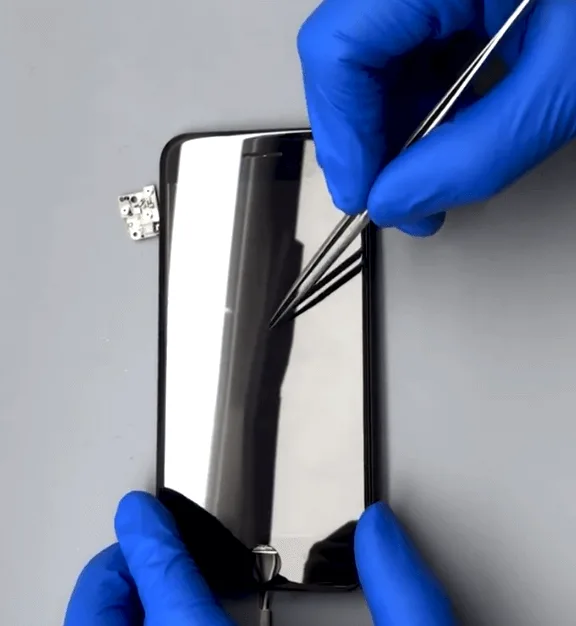
    • Replace the shattered screen with a new one and attempt to boot the phone.
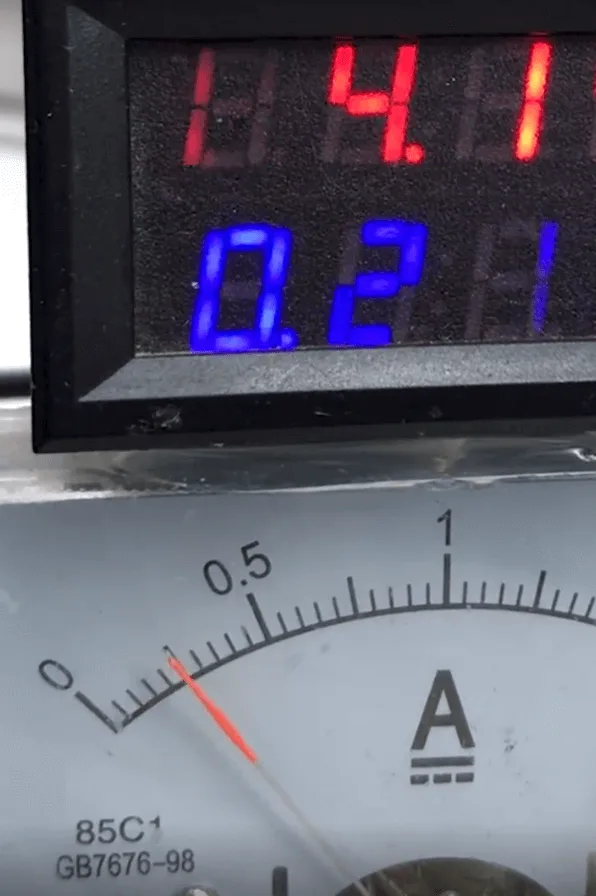
    • The boot current is normal, but the screen remains blank, indicating a possible issue with the display circuit.

    3: Diagnosing the Display Circuit:
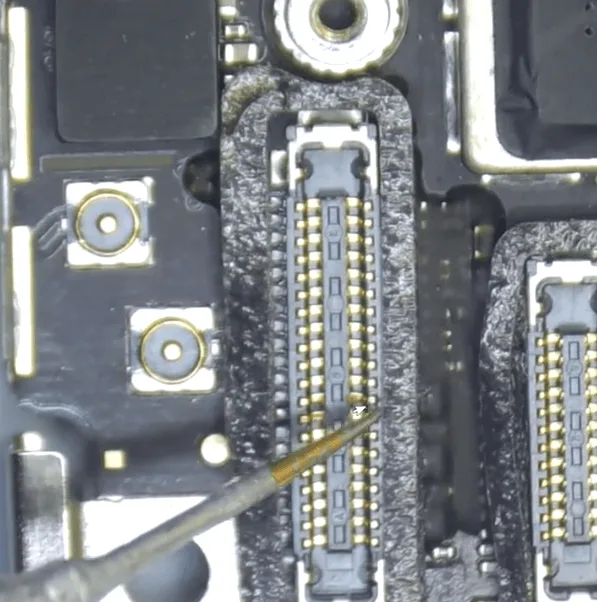
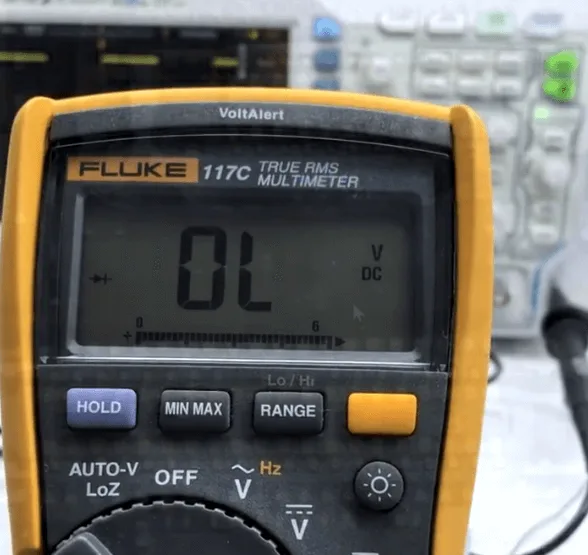
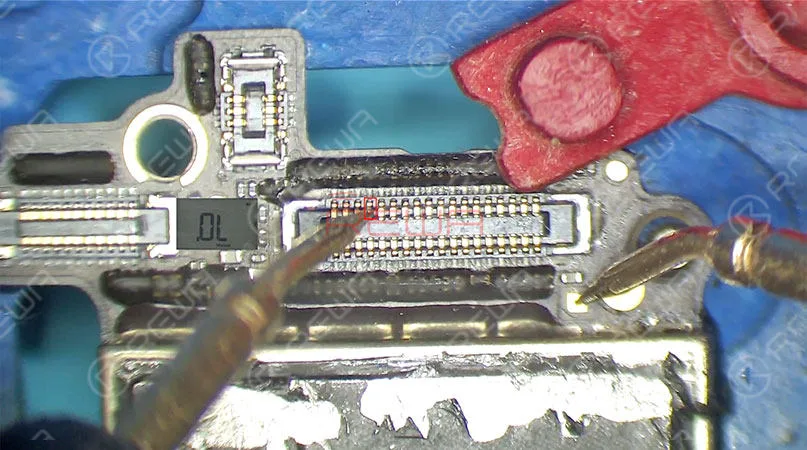
    • Measure the diode values on the display connector. One pin shows an abnormal diode value of OL (open loop).
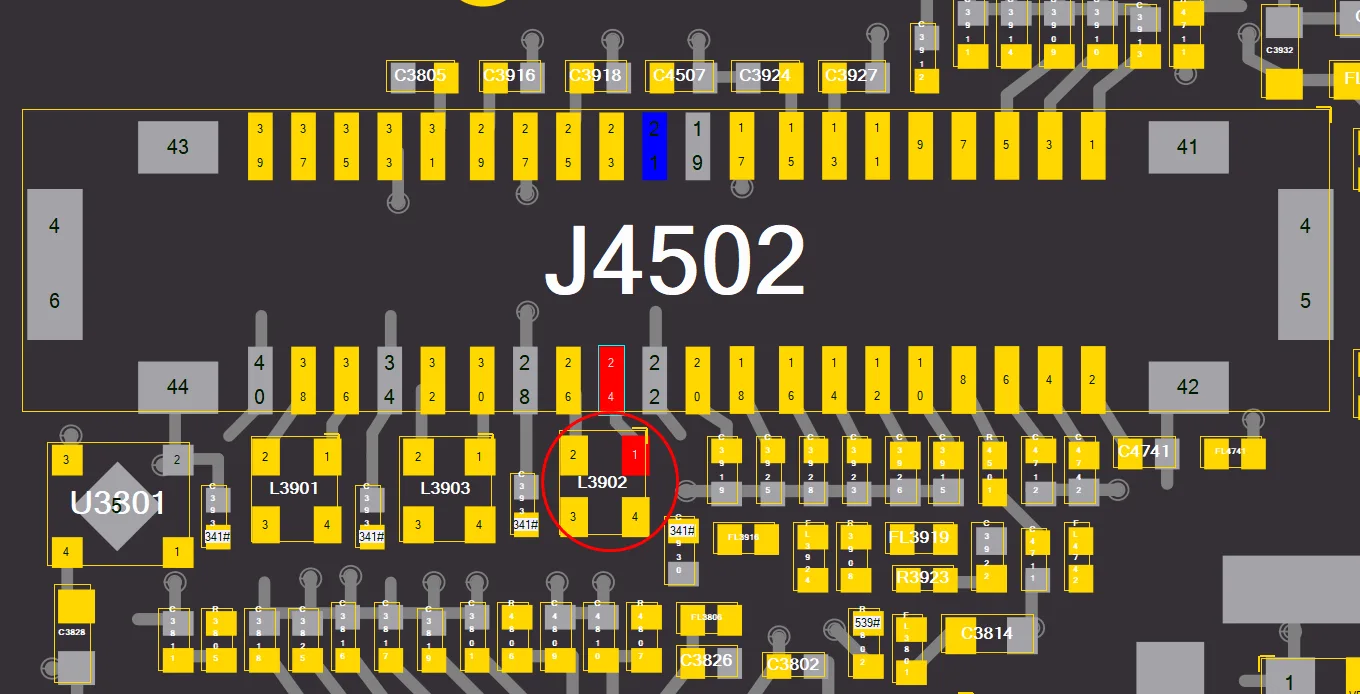
    • According to the bitmap, this pin is connected to L3902, indicating a problem with the combined inductor.

    4: Repairing the Inductor
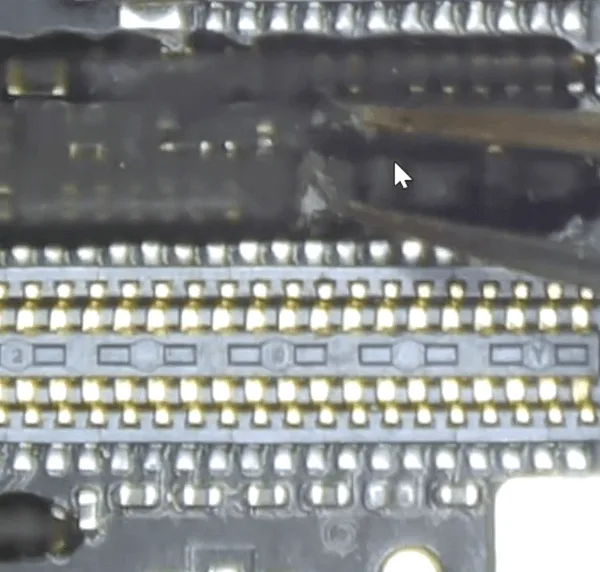
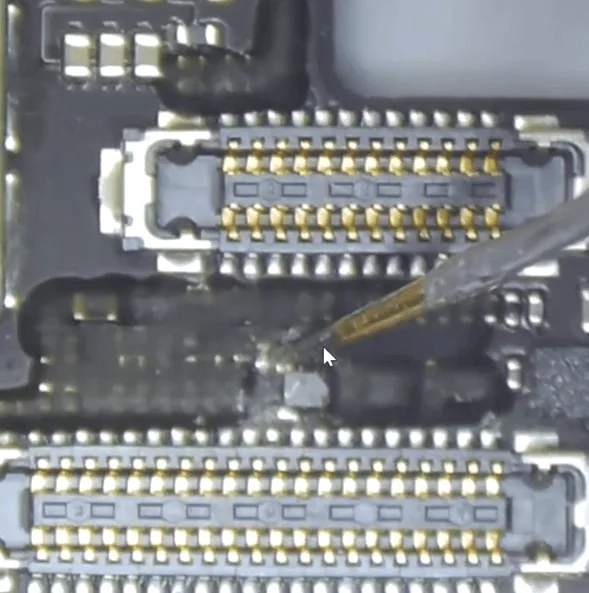
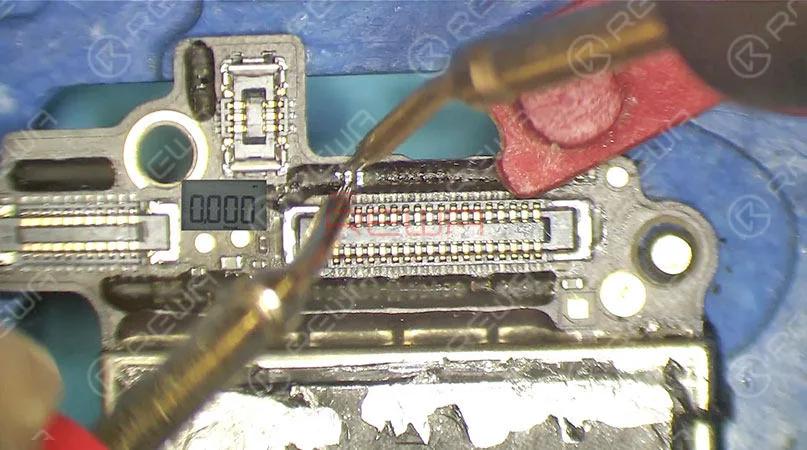
    • Remove the black glue on the surface of the inductor.
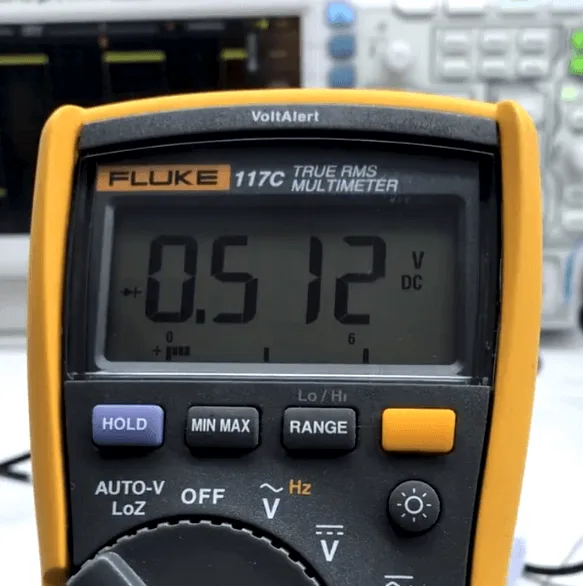
    • After removal, the diode value on the inductor pin is 512, confirming that the inner rail is broken.
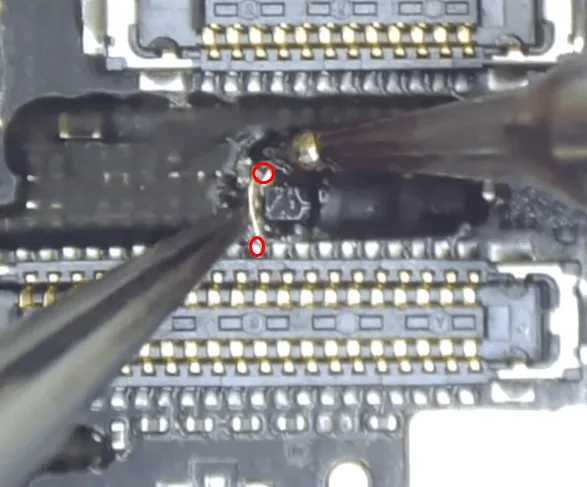
    • Instead of replacing the inductor, which could cause soldering issues due to the number of connectors, jump a copper wire to repair the connection.

    5: Completing the Display Repair
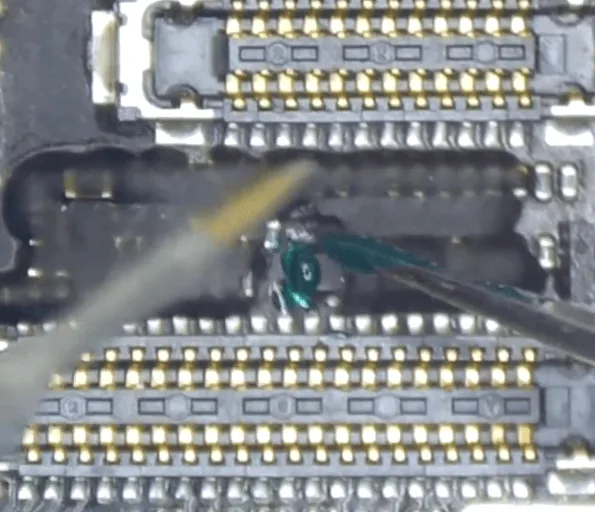
    • Use the red-circled points to jump a wire, reconnecting the display signal (90_MIPI_AP_TO_LCM_DATA0_P).
    • Apply a UV mask and cure it with UV light to secure the connection.
    • Reassemble the phone and test it again. The phone now boots normally, and the display functions properly.

    Addressing the Baseband Issue

    1: Identifying the Problem
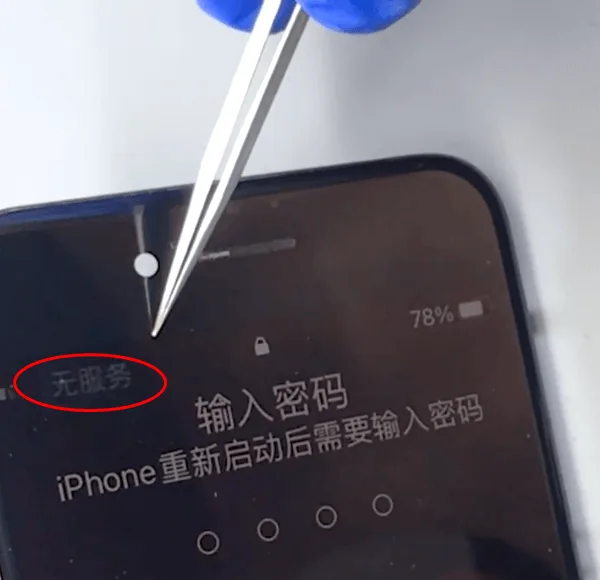
    iphone 7 no internet
    • After the initial repair, the phone boots, but there is no service, which is a common issue in iPhone 7s after serious drops. This typically points to damage in the Baseband PMU or Baseband CPU.

    2: Repairing the Baseband PMU
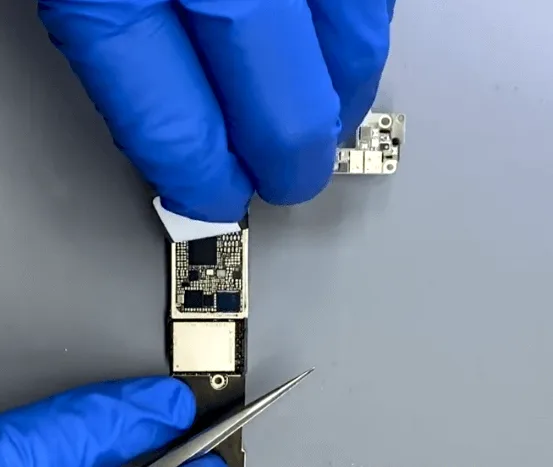
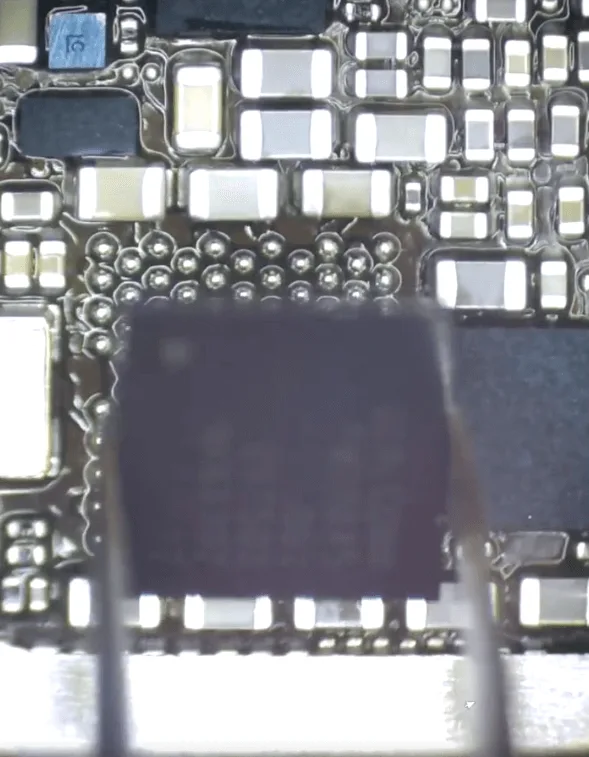
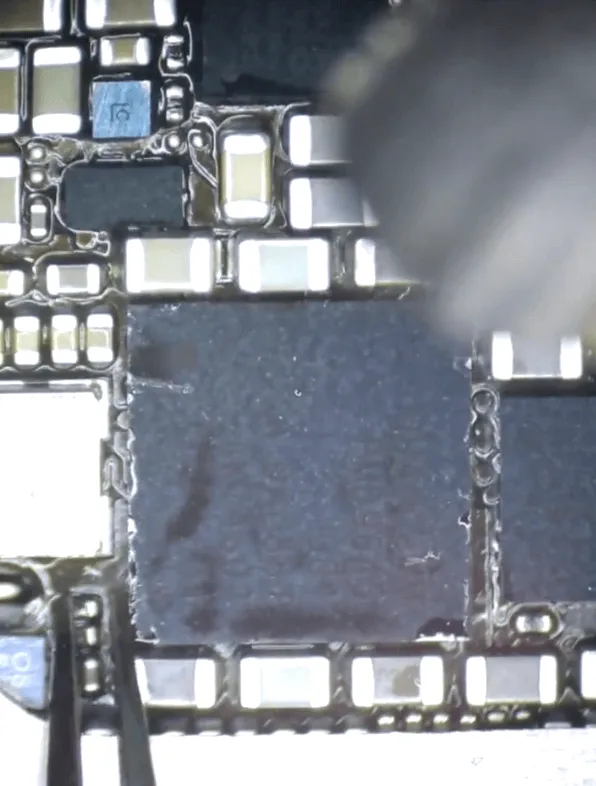
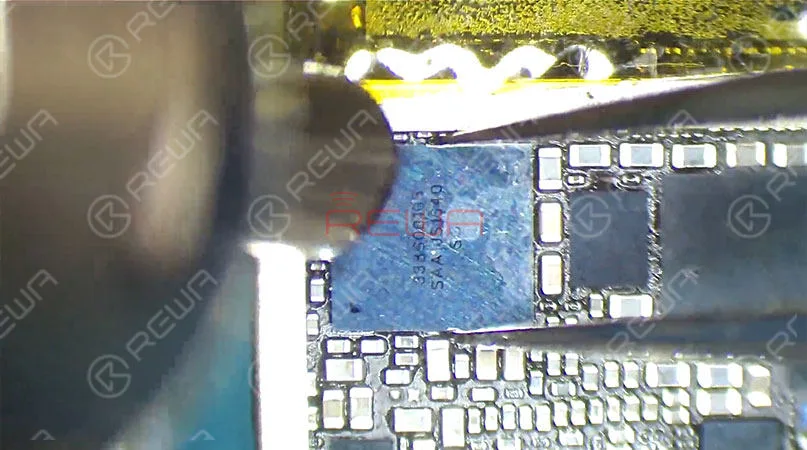
    • Remove the protective sticker to access the Baseband PMU chip.
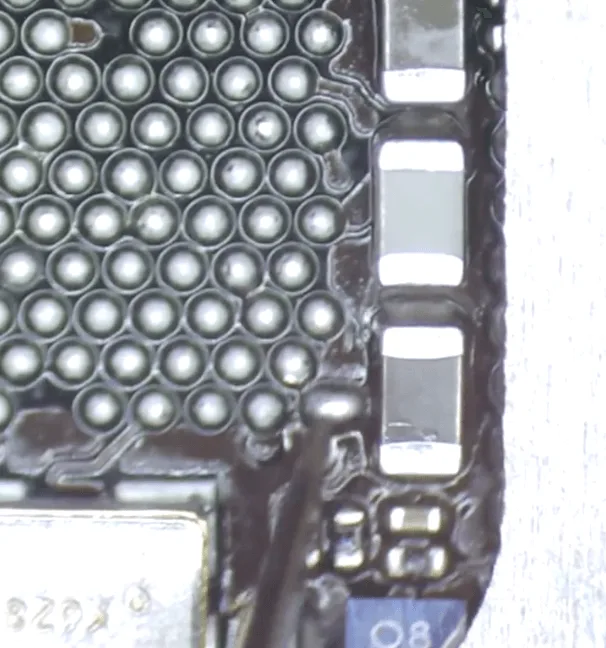
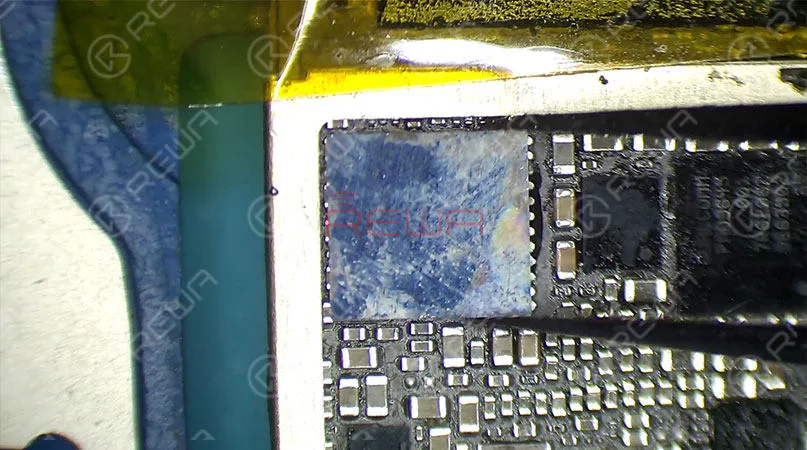
    • Apply solder paste and use a hot air gun to carefully remove the chip.
    • Reconnect the broken wire using a soldering tin ball and resolder the Baseband PMU chip in place.

    3: Final Testing
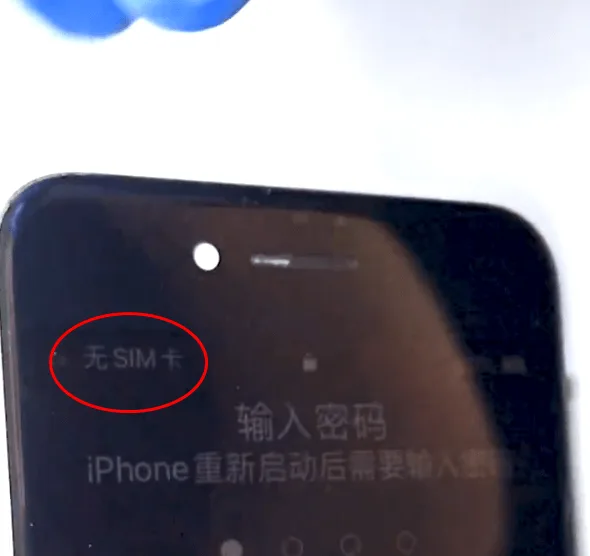
    iPhone 7 Serious Drop Damage Repair
    • Clean the motherboard with PCB cleaner to ensure all components are properly soldered and free of debris.
    • Reassemble the phone and test it again. This time, the phone successfully recognizes the SIM card, and the “No Service” issue is resolved.

    Conclusion

    Repairing an iPhone 7 serious drop damage is a multi-step process that requires careful diagnosis and precision. By addressing both the display circuit and the baseband issues, you can restore full functionality to your device. If you encounter similar issues, follow these steps to effectively repair and revive your iPhone 7. For more detailed repair tutorials, visit REWA Academy and enhance your technical skills.
  • Hey Siri Not Working On iPhone 7 Quick Fix

    Hey Siri Not Working On iPhone 7 Quick Fix

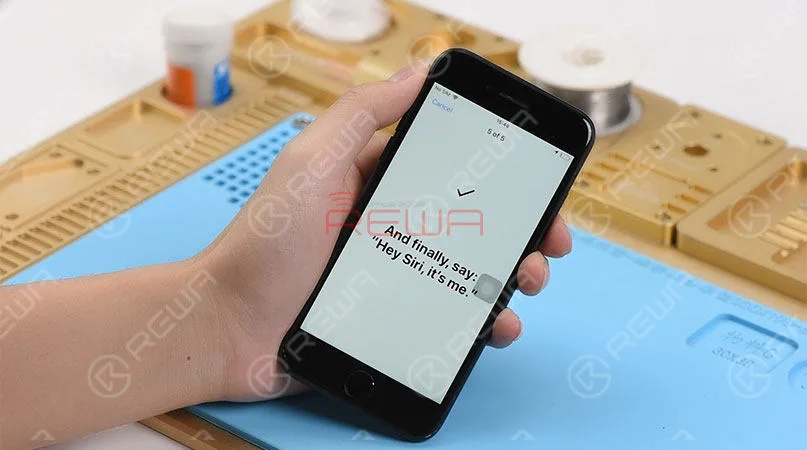
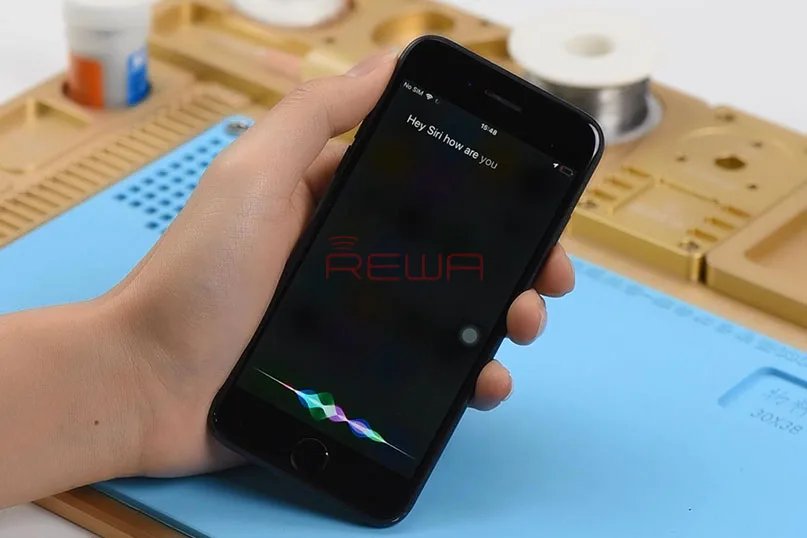
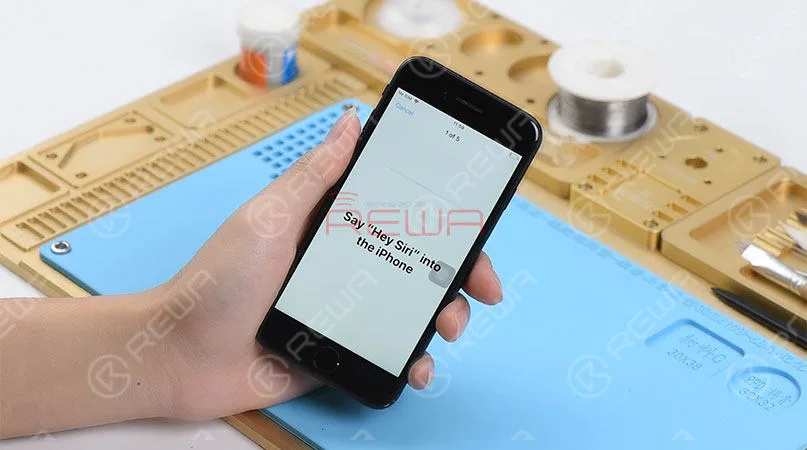
    Hey Siri, how’s the weather today? Hey Siri, call my girlfriend… Hey Siri, read my schedule… “It is a super useful tool to have when on the road or just simply when your hands are full.” It’s true definitely. However, what if Hey Siri is not working on your iPhone now? Don’t worry, we have these solutions for you. Solution 1: Make sure that your device has Hey Siri turned on. Solution 2: Try to reboot your device Sometimes software glitches can occur, and a reboot can often fix problems with services that get stuck and fail to work. If Hey Siri still does not work, then there is probably something wrong inside the motherboard. Here in this blog, we will share with you a repair case about Hey Siri not working on iPhone 7 . The setup cannot be completed. Try to long press the home button for Siri, and we find that Siri works normally.

    Hey Siri Not Working On iPhone 7 Quick Fix

    Judging by this, the fault is probably related to relevant circuits of the front facing microphone. Then we need to do iPhone motherboard repair. Let’s turn off and take apart the phone first. (Please be noted that we should disconnect the battery first, then move on to other flex cables.)

    Hey Siri Not Working On iPhone 7 Quick Fix

    Then get the logic board attached to the PCB Holder and run diode mode measurement of the front-facing camera connector. So as to find out what the problem is. We find that the measured value of Pin 29 is OL, which is abnormal. Which also means Pin 29 relevant circuit has open-circuited.

    Hey Siri Not Working On iPhone 7 Quick Fix

    Therefore, we should check components related to the circuit on Bitmap. We can see that the circuit is formed by an inductor, a capacitor, a diode and the audio IC. Since capacitors and diodes have nothing to do with the open-circuit problem, we can check the inductor first. Then remove black adhesive on the inductor with Tweezers and then test. The measured value is normal, which also indicates that the inductor is in normal status. Judging by this, the fault is probably related to audio IC.

    Hey Siri Not Working On iPhone 7 Quick Fix

    By now, we can confirm that the most possible cause for Hey Siri not working on this iPhone 7 is the audio IC. Let’s try to replace it with a new audio IC and see how it works. First we need to stick High-temperature Tape on the NAND flash chip next to the audio IC, then remove audio IC with Hot Air Gun.

    Hey Siri Not Working On iPhone 7 Quick Fix

    Get a new audio IC in position after audio IC detaching and pad cleaning. Solder the audio IC with Hot Air Gun afterwards. Once done, clean with PCB Cleaner.

    Hey Siri Not Working On iPhone 7 Quick Fix

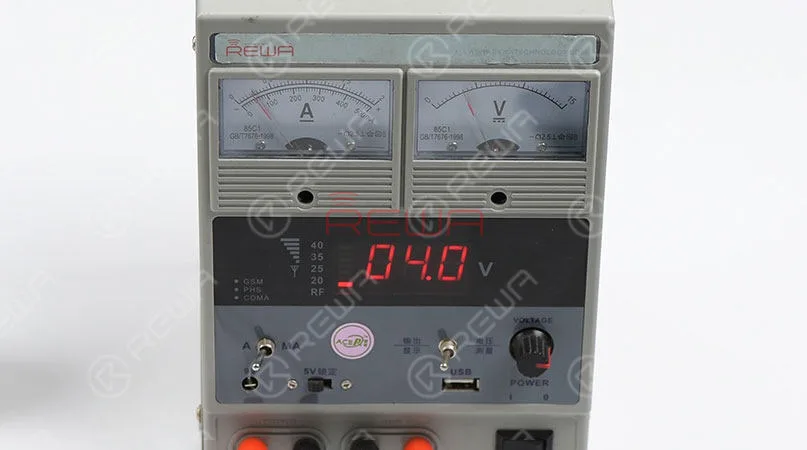
    Now we need to test the logic board before assembling the phone. Get the logic board powered on with tweezers. Current reading on the ammeter is normal.

    Hey Siri Not Working On iPhone 7 Quick Fix

    Now we can assemble the phone and test. Enable and set up ‘Hey Siri’ on the phone. Once completed, try to invoke Siri by muttering the words ‘Hey Siri’. Siri is opening on the phone this time.

    Hey Siri Not Working On iPhone 7 Quick Fix

    And this is our Hey Siri logic board repair today. If you have questions or are interested in iPhone logic board repair, do not hesitate to attend REWA Training Course . Tools Used:(For more iPhone parts and cell phone repair tools, please check our new online store – shop.rewa.tech , you can get the details and prices of each product, shipping fees as well, welcome to check! Any questions and suggestions please contact us anytime through our Ask Forum or sales@rewatechnology.com )

    Hot Air Gun Rework Station – 990AD

    Electronic Soldering Iron SMD Rework Station – 969A

    Straight Tweezers

    PCB Holder for iPhone Motherboard Repair

    Rosin Soldering Flux

  • Unveil the last secret of iPhone 7

    Unveil the last secret of iPhone 7

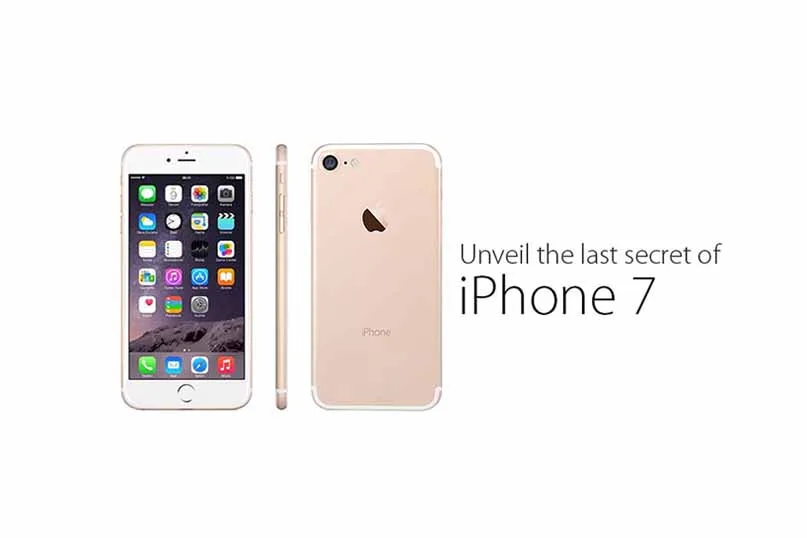
    With the launch date of iPhone 7 fast approaching, we’ve seen a slew of rumors about this new device on the Internet. All kinds of conflict information make us confused. Here we collect the most reliable specific and detailed information about the next-generation iPhone. Let’s check it out.

    Features and specifics:

    unveil last secret iphone

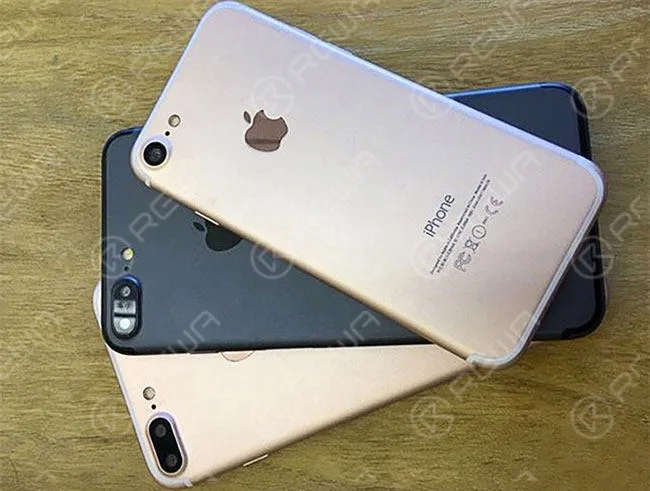
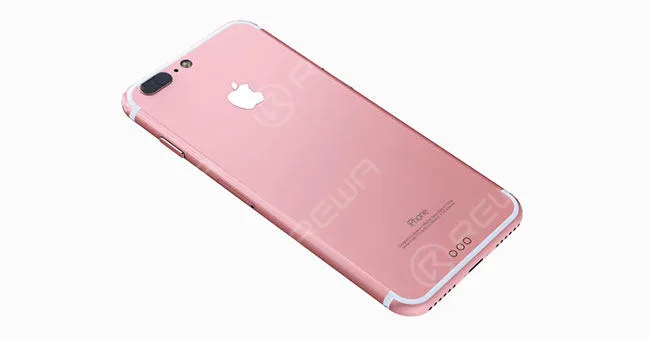
    1. The dual-lens camera on the iPhone 7 plus, but not on the standard iPhone 7.

    unveil last secret iphone 2

    2. Repositioned antenna lines curve along the edges of the phone instead of striping across the back of it.

    unveil last secret iphone 3

    unveil last secret iphone 4

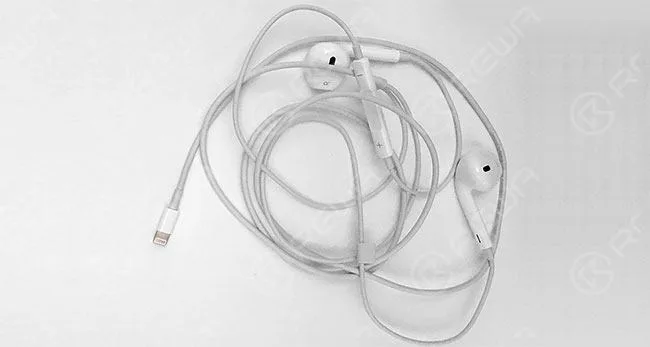
    3. Removal of the headphone jack. Earpods will remain the same but will have a Lightning connector instead of a 3.5mm headphone connector.

    unveil last secret iphone 5

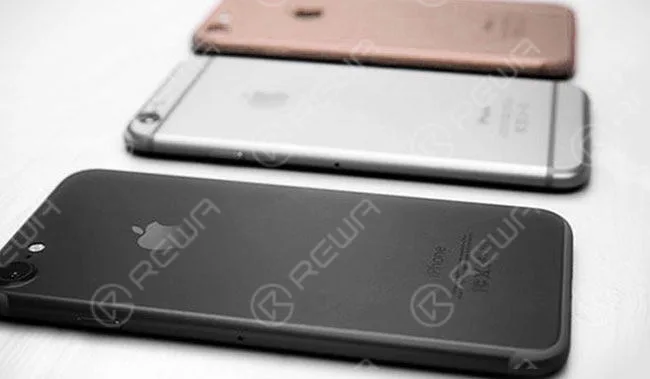
    4. The same four color schemes: silver, gold, rose gold and space black. The dark blue version will not appear as rumored. 5. Different camera holder and sensor bracket.

    unveil last secret iphone 6
    unveil last secret iphone 7

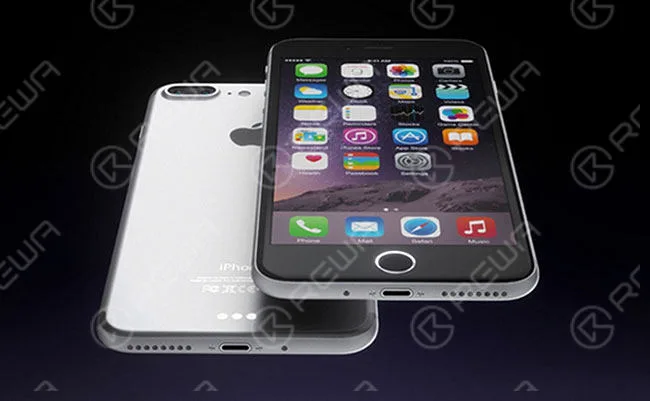
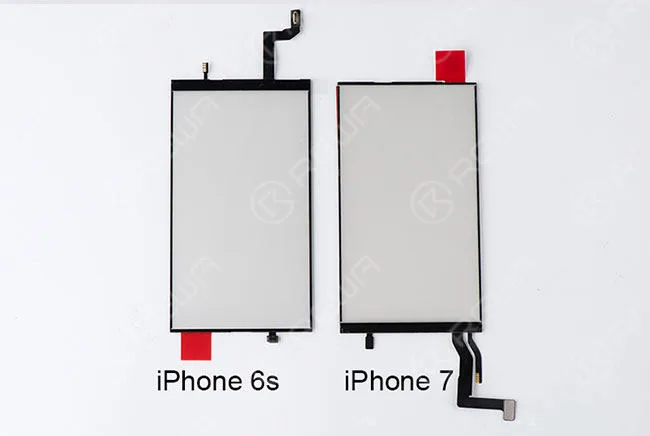
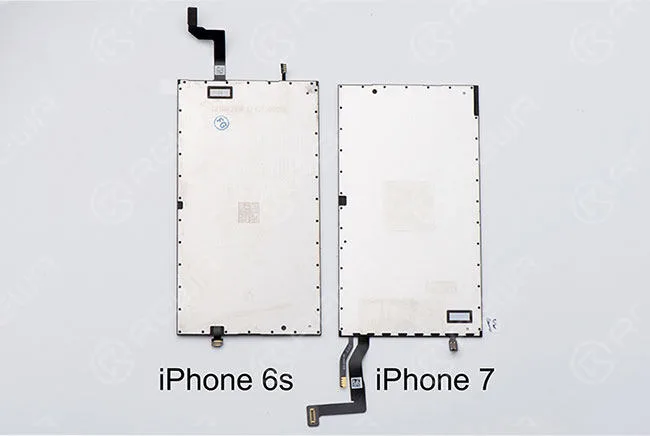
    6. LCD flex cable and touch flex cable are assembled together and moved from top to bottom. 7. 32GB base storage, with 128GB and 256GB option. 8. Home button will no longer be a clickable button, but rather a pressure-sensitive circle that provides haptic feedback when touched. The new home button will still contain the Touch ID fingerprint sensor. 9. The screws on the bezel are using tri-lobular thread screws instead. 10. The reposition of logic board connector. Now we believe you have a thorough understanding of iPhone 7, are you satisfied with all those upgrades? Want to order our products?

    Please contact us: PRE-SALES

    Skype: rewatech

    Email: service@rewa.tech

    AFTER-SALES Skype: support-rewatech

    Email: support@rewatechnology.com