Tag: iphone 12 pro

  • iPhone 12 Pro Battery Replacement: Cost & Shop Guide

    iPhone 12 Pro Battery Replacement: Cost & Shop Guide

    iPhone 12 Pro battery replacement is more than a simple cell swap. This model uses an encrypted battery protection board, so aftermarket installs usually need a BMS transfer, data rewrite, and a tag-on flex. Genuine Apple batteries follow a different path with Apple Service Toolkit 2 (AST2).

    This guide walks through when to replace, what it typically costs, the shop method vs Apple parts, and how to clear the “Unable to verify this iPhone has a genuine Apple battery” alert. It is written for repair shops and advanced DIY techs who already work with heat, adhesive, and small connectors.
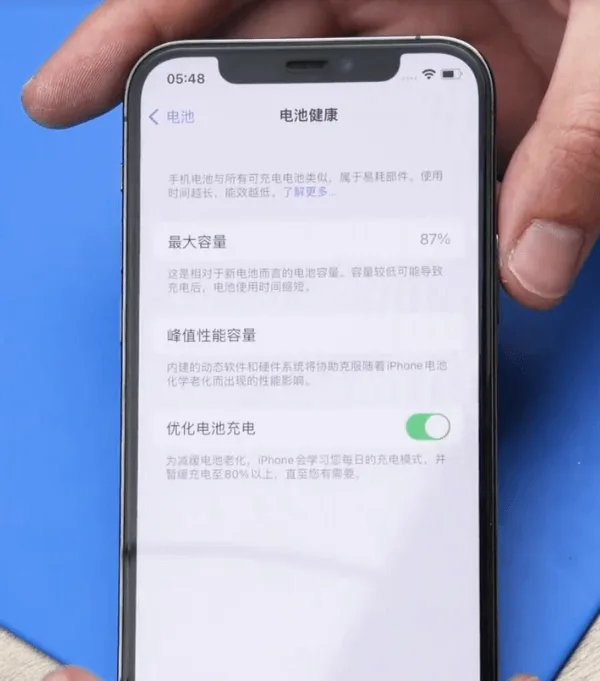
    iPhone 12 Pro battery health at 87 percent

    Example device: iPhone 12 Pro
    Battery Health: 87% (Settings → Battery → Battery Health → Maximum Capacity)

    When to replace an iPhone 12 Pro battery

    Apple designs iPhone batteries (14 and earlier, including the 12 Pro) to retain about 80% capacity at 500 complete charge cycles under ideal conditions. Many techs still quote a swap near or below 80%, or when Battery Health shows a Service recommendation. Customers sometimes request a replacement earlier (for example at 85-90%) to restore full-day runtime. That is a preference call, not a hard Apple rule.

    In the example above, health sits at 87%. A replacement can still make sense if the customer wants better runtime, or if the phone shows unexpected shutdowns, heat while charging, or peak performance messages.

    Cost and battery specs (quick reference)

    Prices vary by country, tax, and part grade. Use these U.S.-oriented figures as a planning baseline, then confirm local quotes:

    • Apple / AppleCare+ service: about $89 out of warranty for iPhone 12 / 12 Pro battery service (AppleCare+ is often no extra charge when capacity is below 80%). Always re-check Apple’s current estimate tool.
    • Independent shop: often about $50-$100+ depending on city, warranty, and whether the shop transfers the BMS or uses AST2.
    • DIY / wholesale cell: kits often land around $40-$60 retail; shop wholesale cells can undercut that.

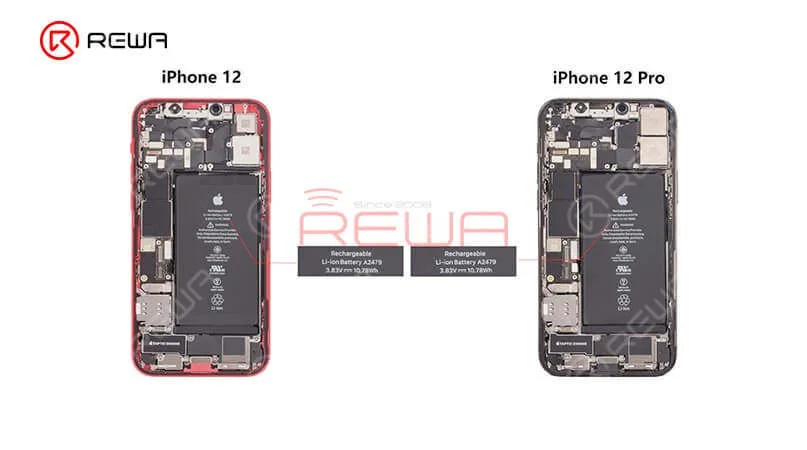
    Capacity reference (teardown consensus, not an Apple datasheet line): about 2,815 mAh (~10.78 Wh at 3.83 V). Common part marking refs include A2479 (also seen as styles like 11CP5/45/85 on replacement listings). iPhone 12 and 12 Pro share the same capacity class; 12 Pro Max does not.

    How to replace an iPhone 12 Pro battery

    1. Battery protection board encryption (aftermarket path)

    The iPhone 12 Pro uses an encrypted battery protection board. Dropping in a raw aftermarket cell without handling the board and data is how shops get a permanent Important Battery Message and missing health percentage.

    Transfer the protection board: Carefully remove the old pack, separate the original BMS / protection board, and spot-weld that board onto the new cell tabs with a proper fixture. Use a welding machine (or equivalent laser / resistance welder). Align anode and cathode correctly, then insulate with the correct tape and bracket.

    2. Rewrite battery data

    Models before 2018: A battery programmer rewrite was often enough.

    XS and later (including iPhone 12 Pro): After board transfer and data rewrite with a programmer, attach a tag-on flex when you change cell data so authentication does not leave a permanent alert.

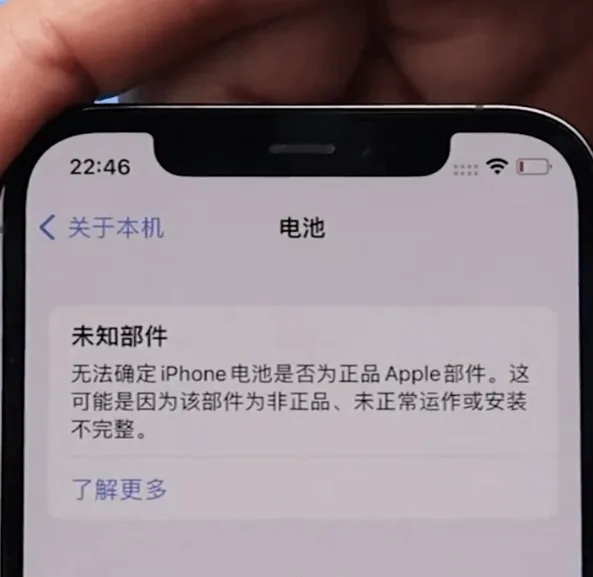
    Note: Skip these steps and you will usually see “Unable to verify this iPhone has a genuine Apple battery” after power-on.

    3. Official Apple battery + AST2

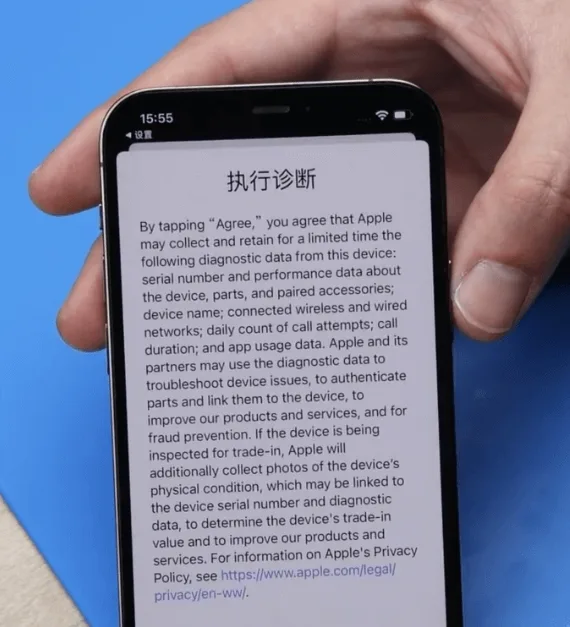
    For genuine Apple parts, keep the phone on Wi-Fi and use Apple Service Toolkit 2 (AST2):
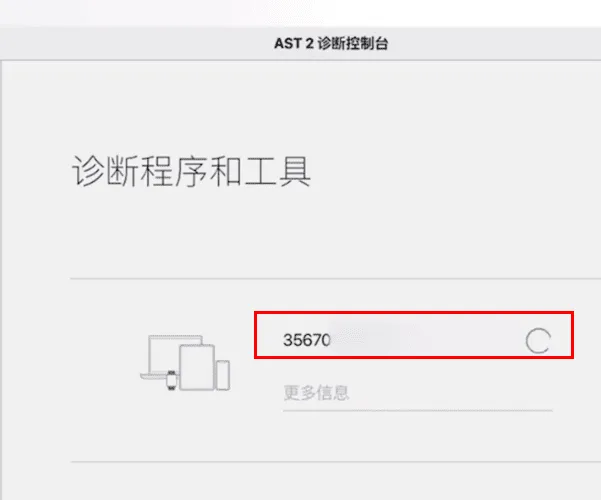
    Apple Service Toolkit 2 (AST2):

    • Log in to AST2.
    • Enter the battery serial number and run diagnostics on the phone.
    • After diagnostics clear, proceed with the battery install.

    4. Remove the old battery
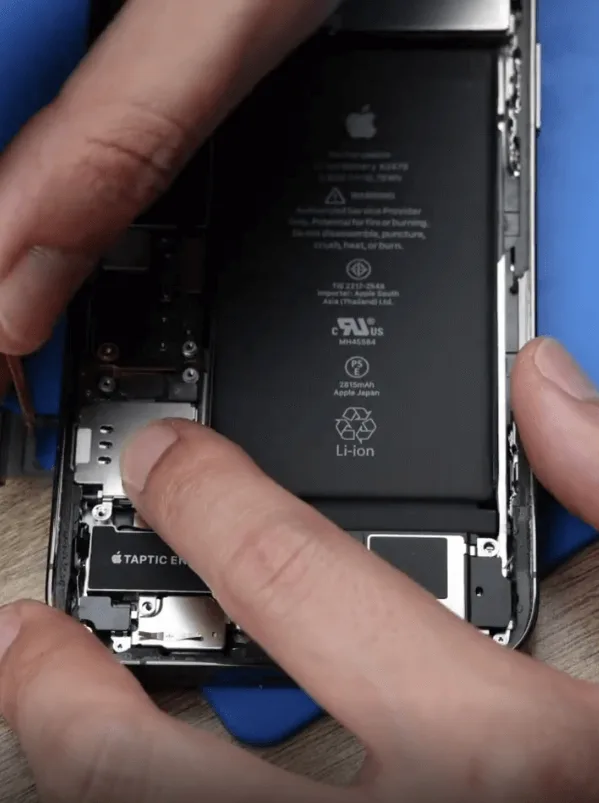
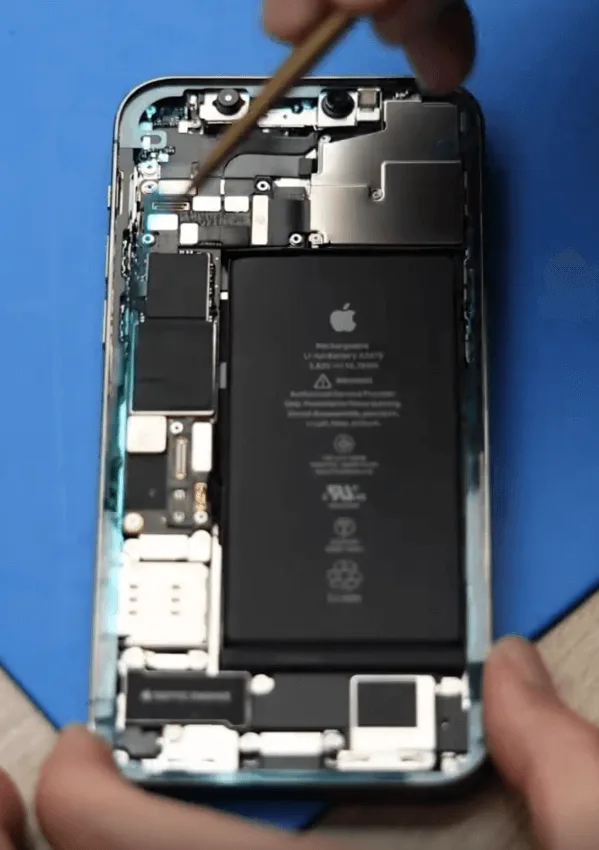
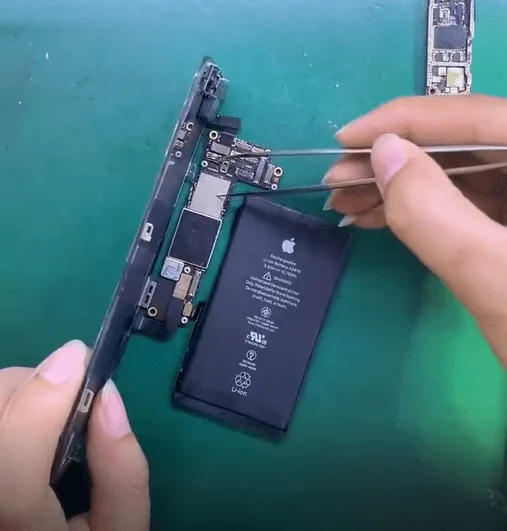
    Remove the original iPhone 12 Pro battery carefully
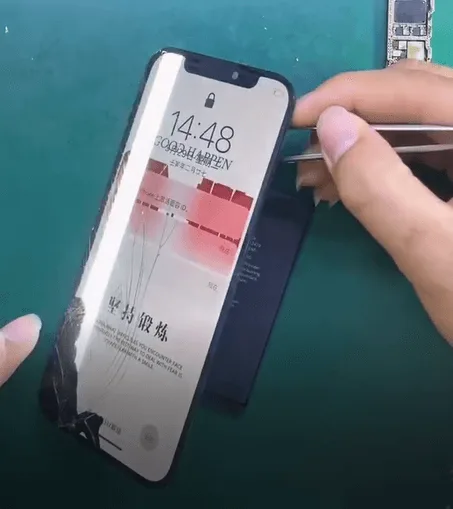
    • Open the display safely; do not crease flexes.
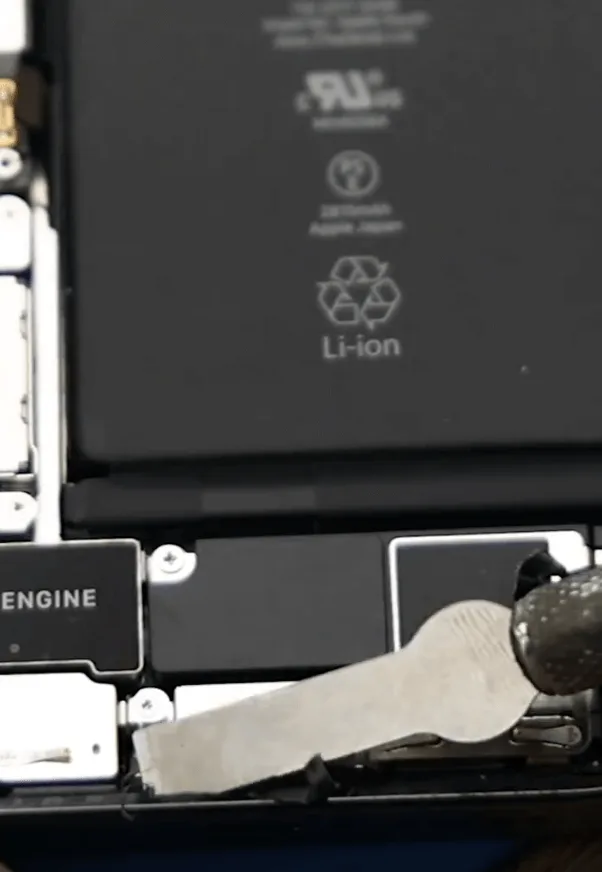
    • Disconnect the battery connector, then remove the original pack with adhesive pull tabs or isopropyl. Never lever hard under a swollen cell.
    • Apply new waterproof frame adhesive. It restores a seal; it does not magically restore factory IP68 rating.

    5. Install the new battery
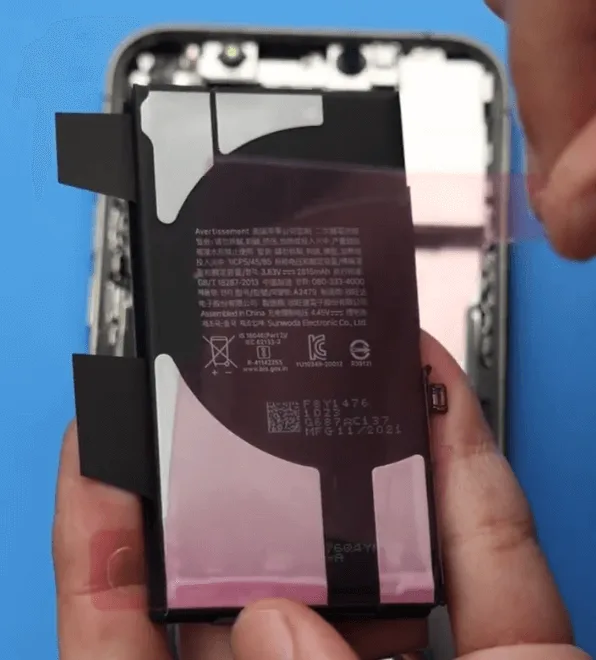
    • Seat the new iPhone 12 Pro battery (or your shop cell with transferred BMS).
    • Reconnect the battery connector, reassemble the display, and power on.
    • Verify charge, Battery Health visibility, and that the phone boots cleanly under load.

    6. Clear the genuine battery alert
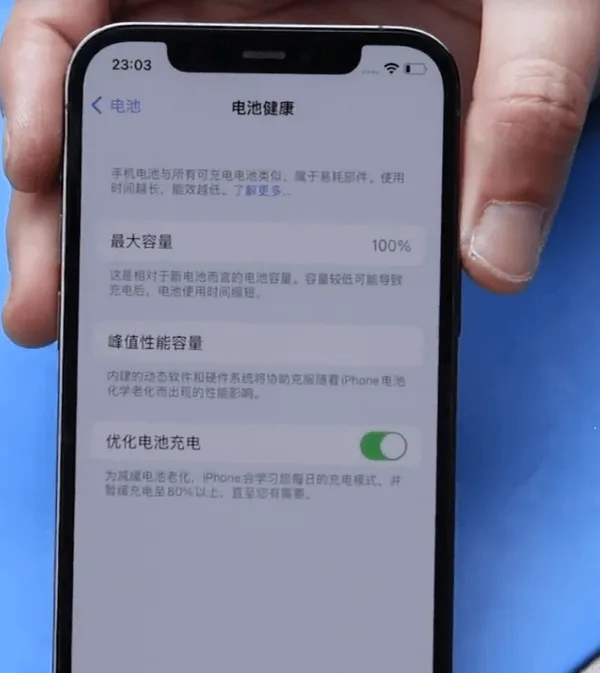
    iPhone 12 Pro battery replacement complete
    • Initial alert: On first power-up you may see “Unable to verify this iPhone has a genuine Apple battery.”
    • Genuine Apple path: Log back into AST2 and run diagnostics again to clear the non-original alert.
    • Aftermarket path: Confirm BMS transfer, programmer write, and tag-on flex were done correctly. Persistent alerts usually mean a skipped auth step.

    Watch how to clear Important Battery Message pop-ups on iPhone XS through 12 Pro Max:

    iPhone XS-12 Pro Max Important Battery Message pop-ups removing

    Frequently Asked Questions

    Do iPhone 12 and iPhone 12 Pro use the same battery?

    Teardown reporting puts them in the same capacity class (~2,815 mAh). Always match connector, tab layout, and thickness for your fixture. 12 Pro Max is a different pack.

    Should I replace at 87% Battery Health?

    Apple’s usual guidance centers on ~80% or a Service recommendation. At 87%, replace if runtime no longer meets the customer’s needs or if shutdowns and heat point to a weak cell.

    Why does an aftermarket battery show an Important Battery Message?

    The 12 Pro pairs battery authentication to the phone. Without a correct BMS transfer, data rewrite, and tag-on when required, iOS flags the pack as non-genuine.

    Is AST2 required for every battery job?

    No. AST2 is the genuine Apple / authorized-service path. Aftermarket shop jobs use board transfer, programmer, and tag-on instead.

    Will new waterproof adhesive restore water resistance?

    It restores a seal and is good practice. It does not guarantee factory IP68 performance after a open-repair.

    How much does Apple charge for an iPhone 12 Pro battery?

    Out-of-warranty battery service is commonly cited around $89 for iPhone 12 / 12 Pro in the U.S. Confirm Apple’s current estimate for your region before quoting.

    Wrap-up

    A clean iPhone 12 Pro battery replacement means picking the right path: aftermarket (BMS transfer + programmer + tag-on) or genuine Apple (AST2 diagnostics). Keep adhesives fresh, never force a swollen cell, and verify auth and health on first boot so you avoid callbacks.

    Need cells, welders, or programmers for the bench? Browse REWA tools, including iPhone battery cell replacements, battery programmers, and spot welding machines.
  • Drop-damaged iPhone 12 Pro Repair

    Drop-damaged iPhone 12 Pro Repair

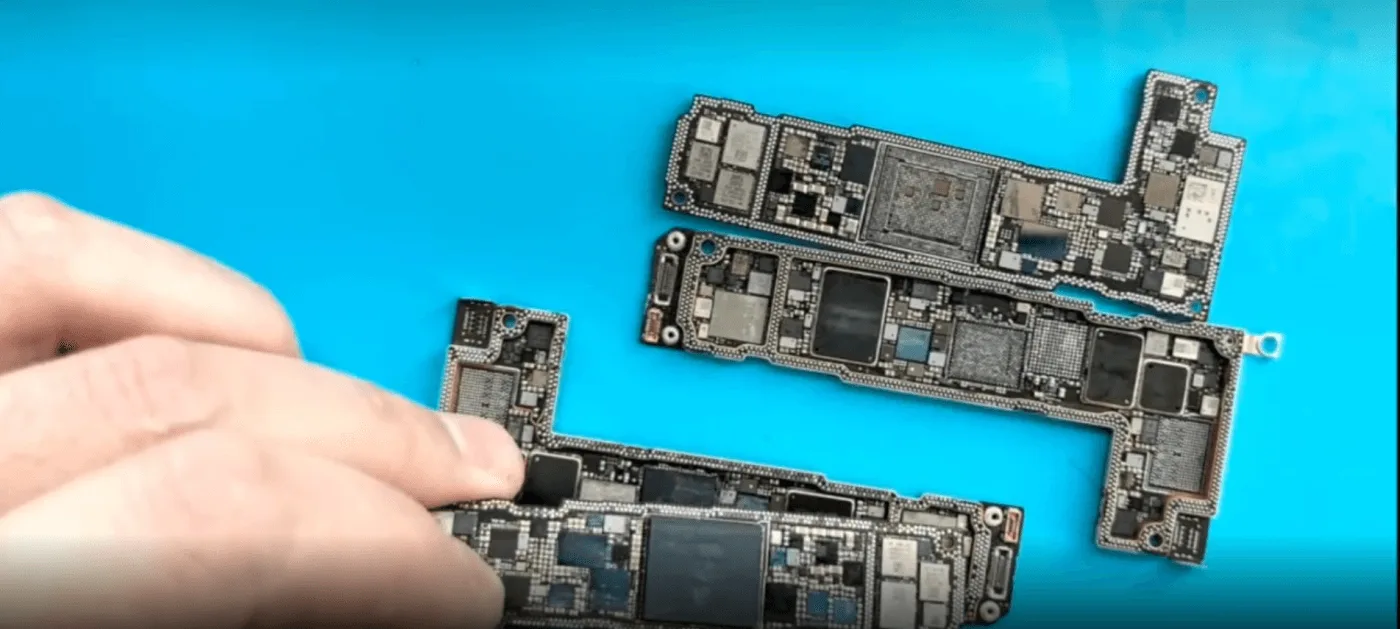
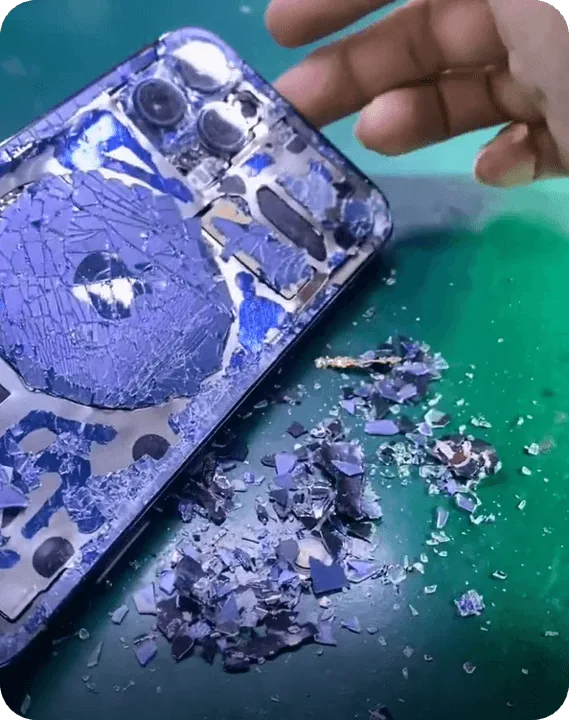
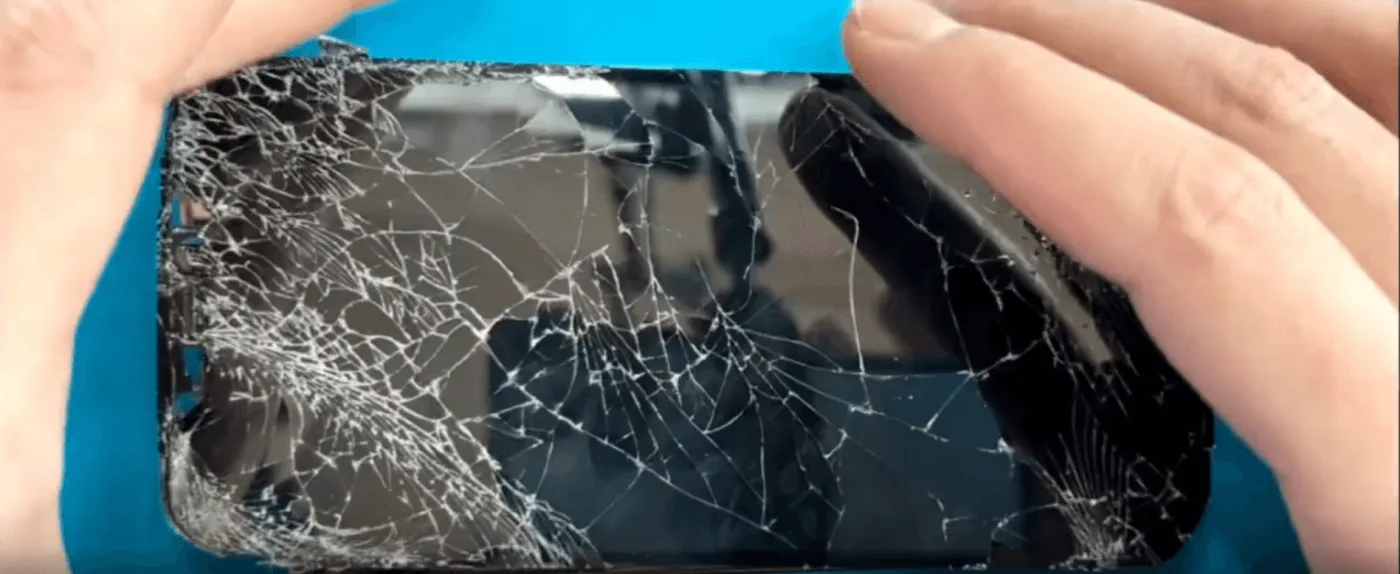
    A severely drop-damaged iPhone 12 Pro can seem beyond repair, especially when both the screen and back cover are shattered, the camera module is damaged, and worst of all, the motherboard is separated. However, for those who want to preserve their data, a motherboard chip swap is a viable solution. In this guide, we’ll walk you through the intricate repair process, ensuring the encrypted chips are transferred to a new donor motherboard successfully. Whether you’re a repair professional or a DIY enthusiast, follow along to learn the essential techniques required for motherboard-level iPhone repairs.

    Damage Assessment

    Upon receiving the iPhone 12 Pro, we identified the following issues:

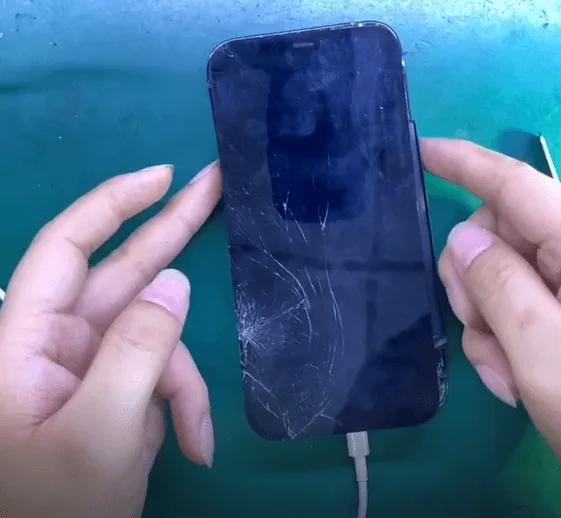
    • Cracked screen and glass back cover
    • Damaged camera module
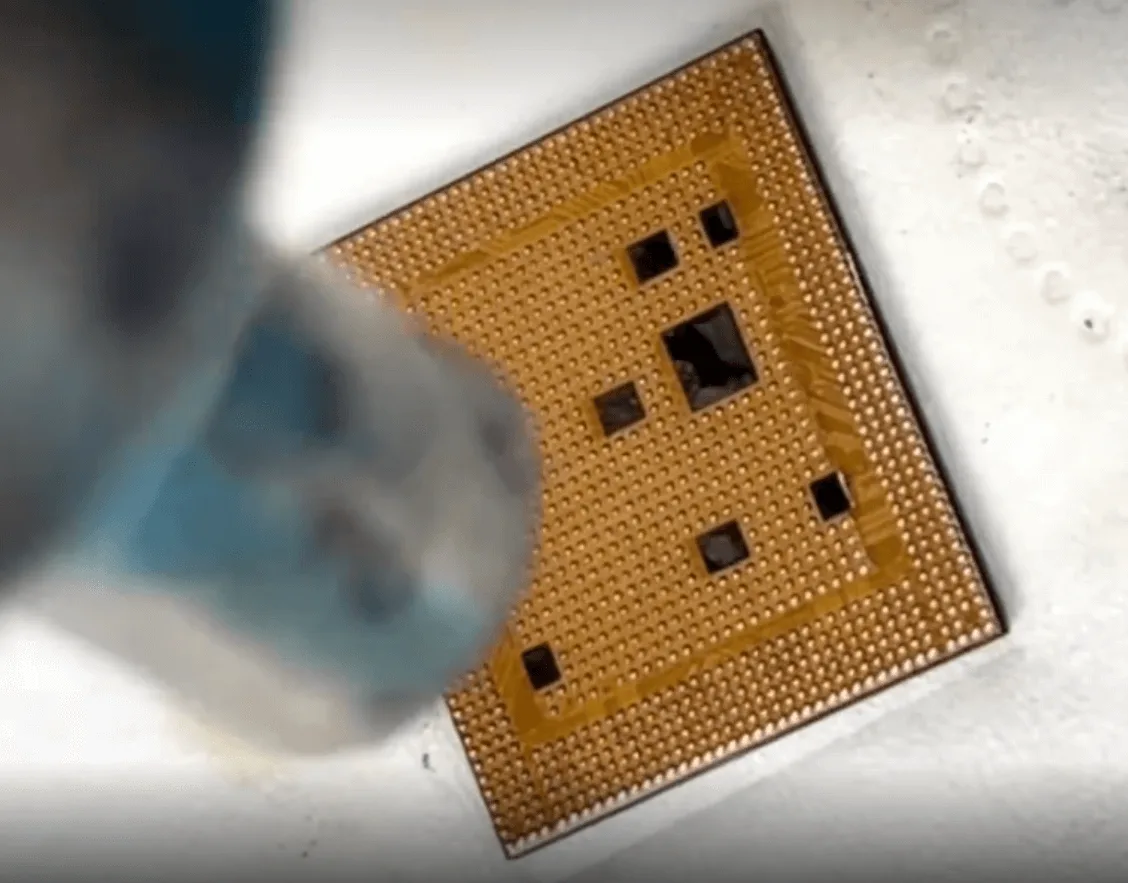
    • Separated motherboard (severely deformed with missing pads on the middle layer)
    • CPU, NAND chip, and Logic EEPROM appear intact

    The customer’s primary concern is data recovery, so a full motherboard replacement isn’t an option. Instead, we will swap the essential encrypted chips to a donor motherboard.

    broken iphone 12 pro

    Step-by-Step Repair Process

    Step 1: Motherboard Disassembly

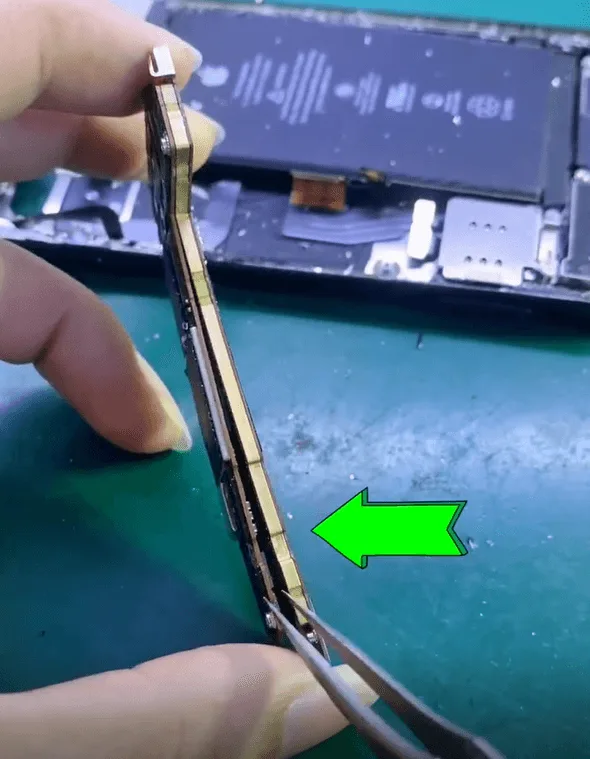
    • Carefully disassemble the iPhone and remove the motherboard.
    • Since the motherboard is already separated due to the impact, we inspect all components to determine salvageable parts.
    Drop-damaged iPhone 12 Pro Repair

    Repair Process

    Step 2: Extracting the Encrypted Chips

    To successfully retain the user’s data, we must transfer three key components:

    • NAND chip (stores system and user data)
    • CPU (central processing unit responsible for processing tasks)
    • Logic EEPROM (important for device-specific configurations)

    Removing the NAND Chip and CPU

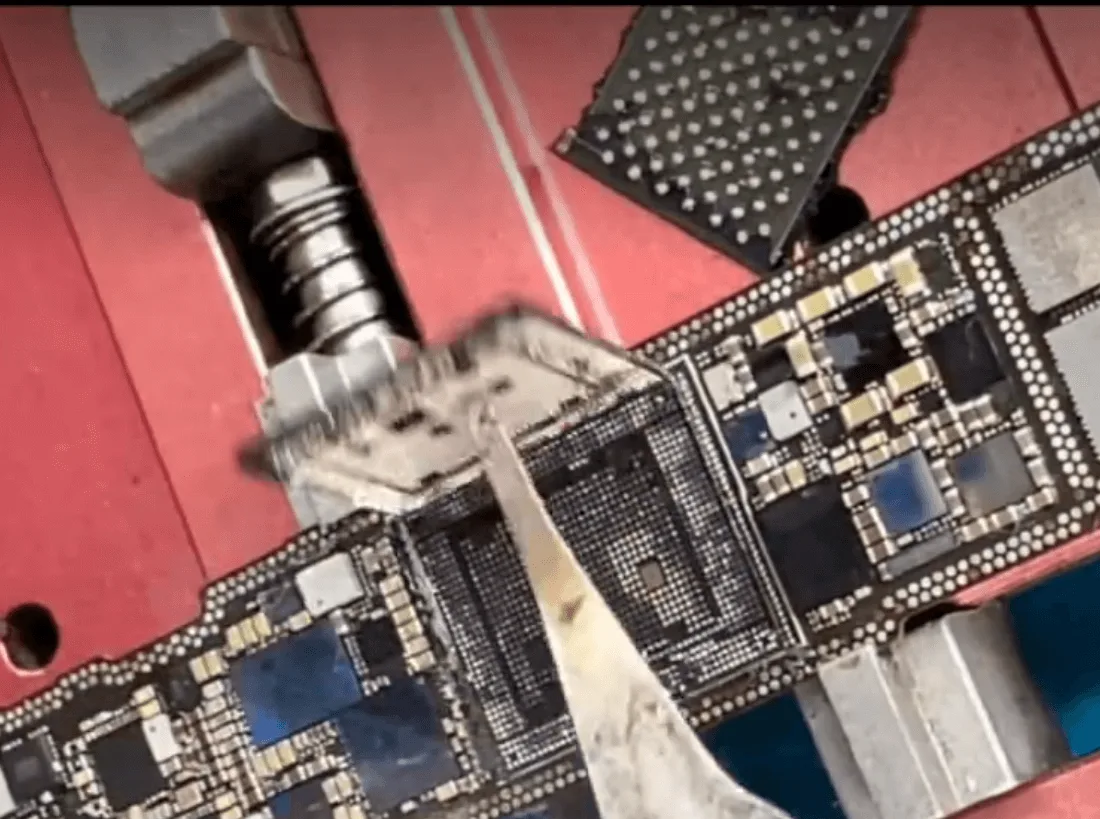
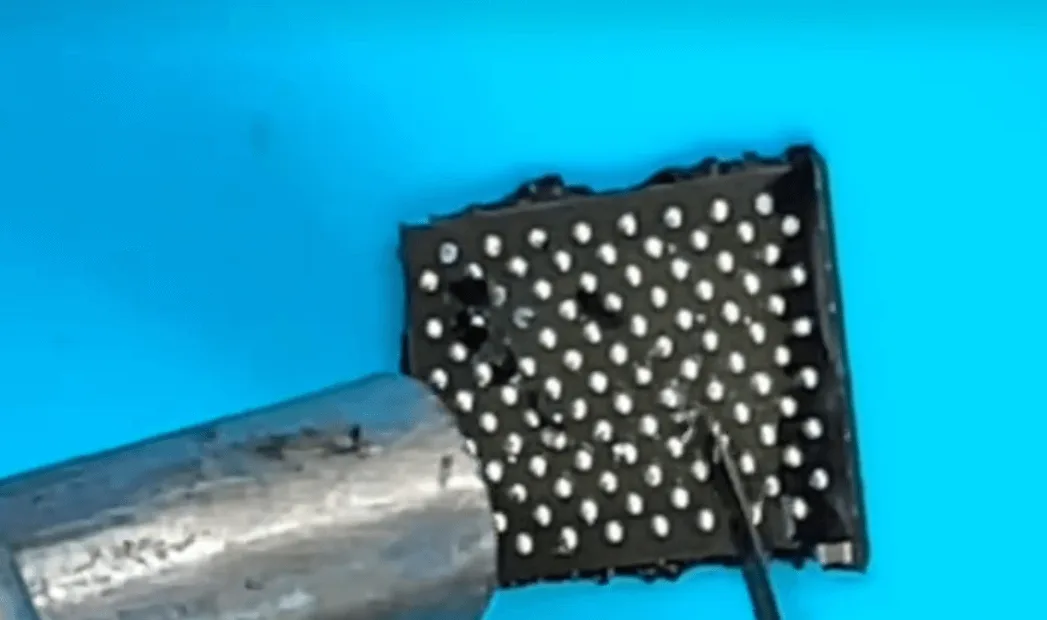
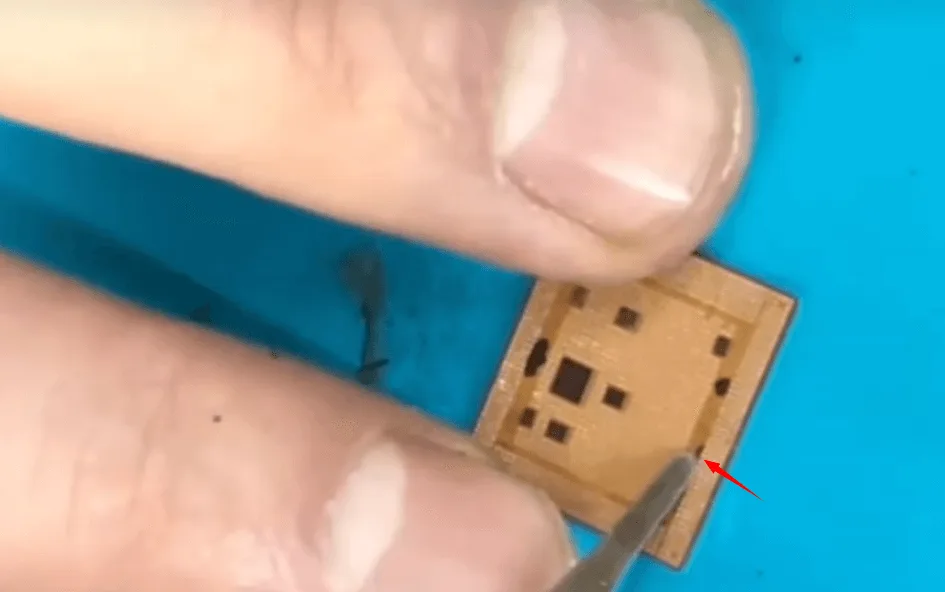
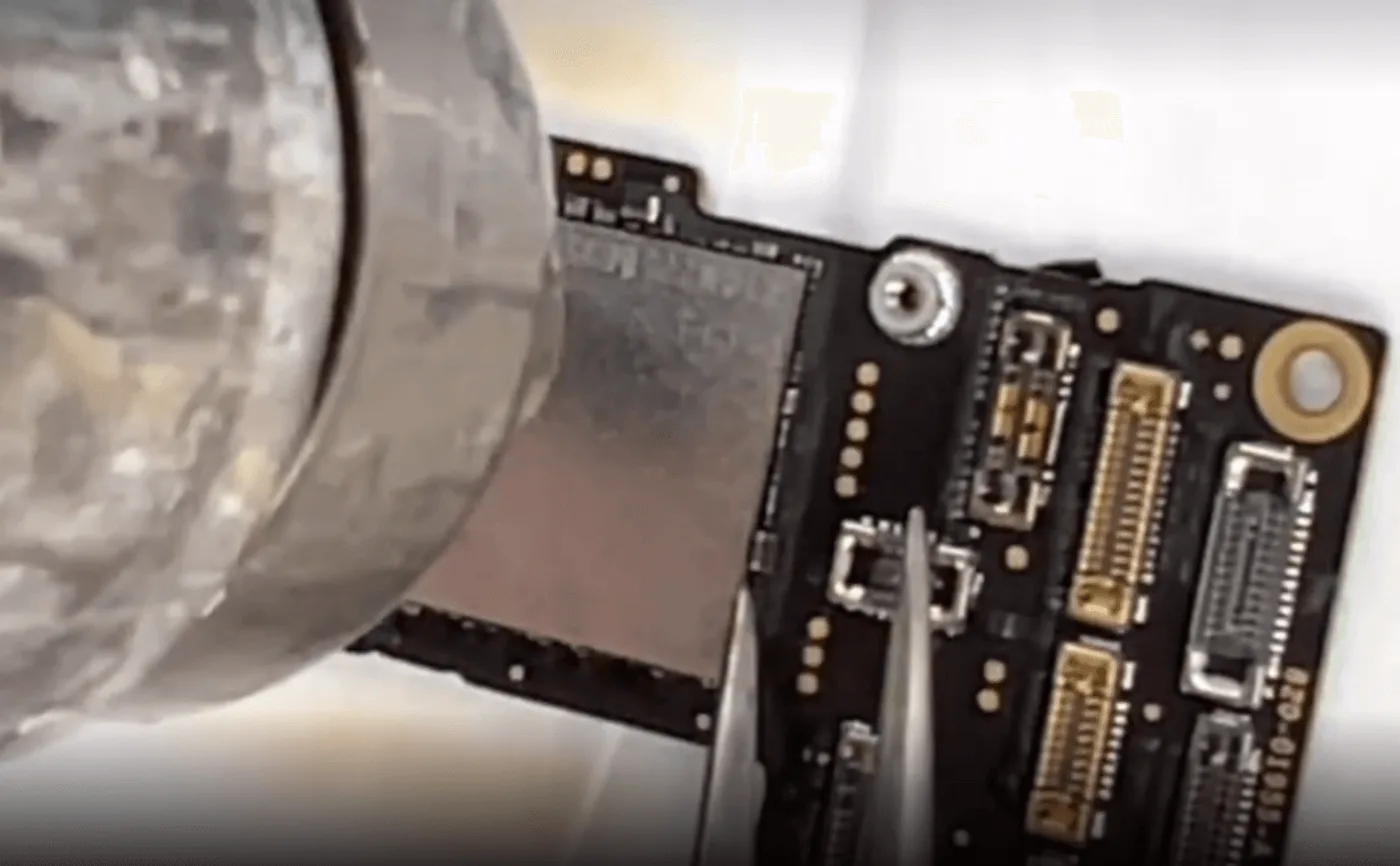
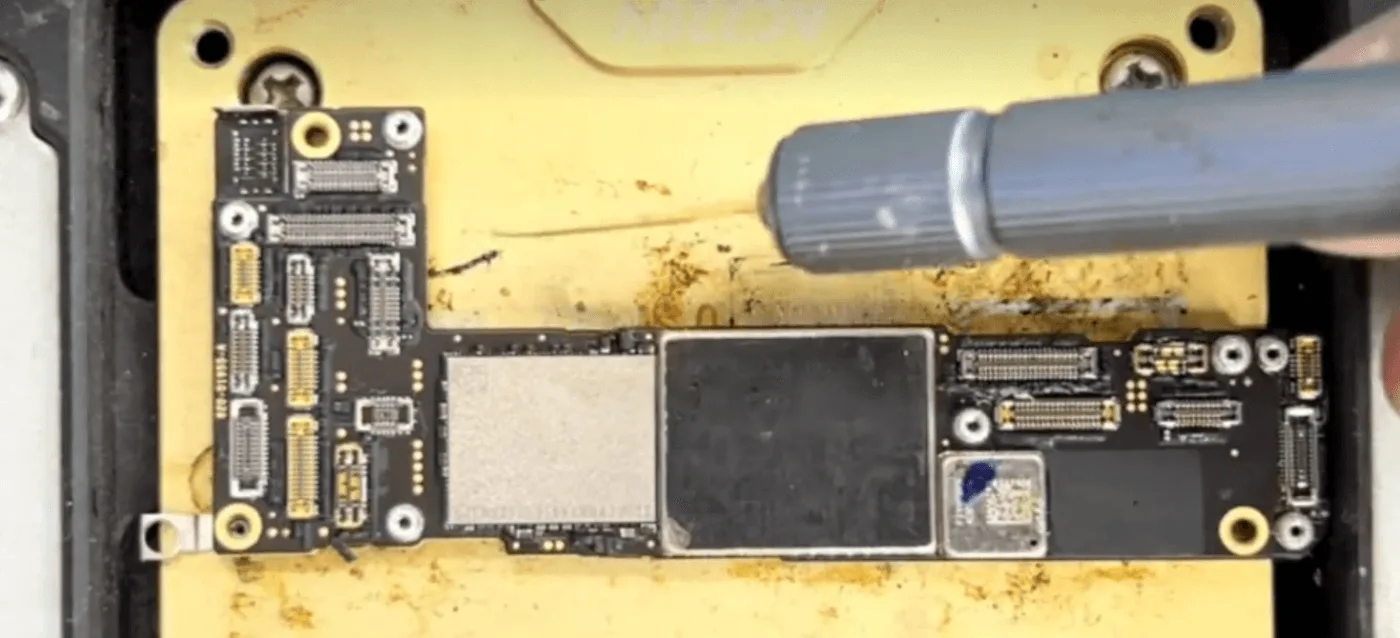
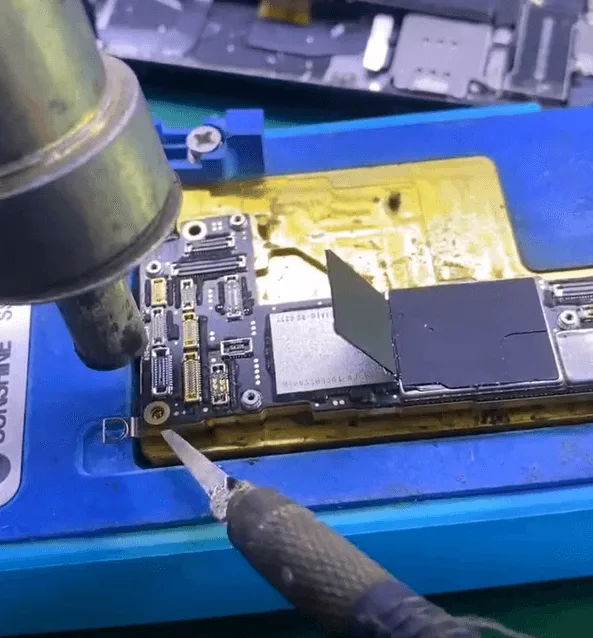
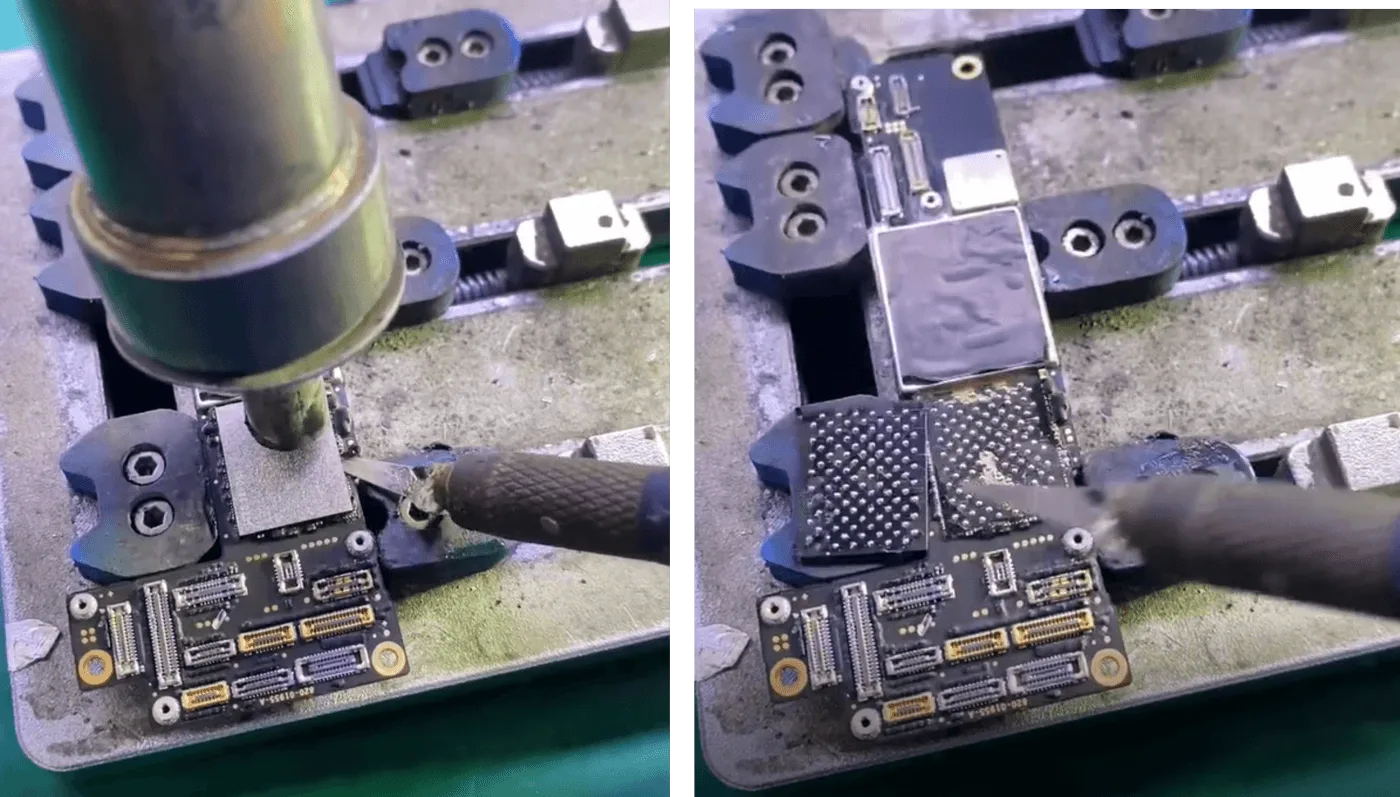
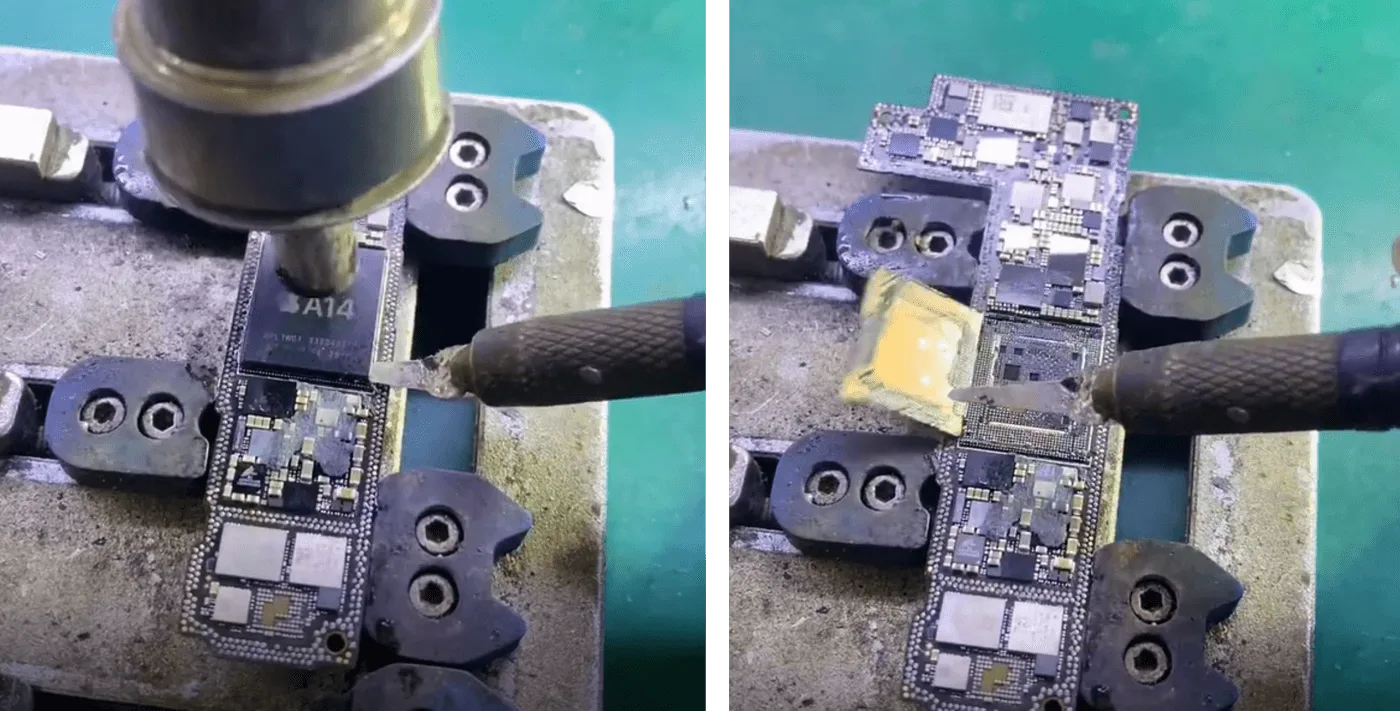
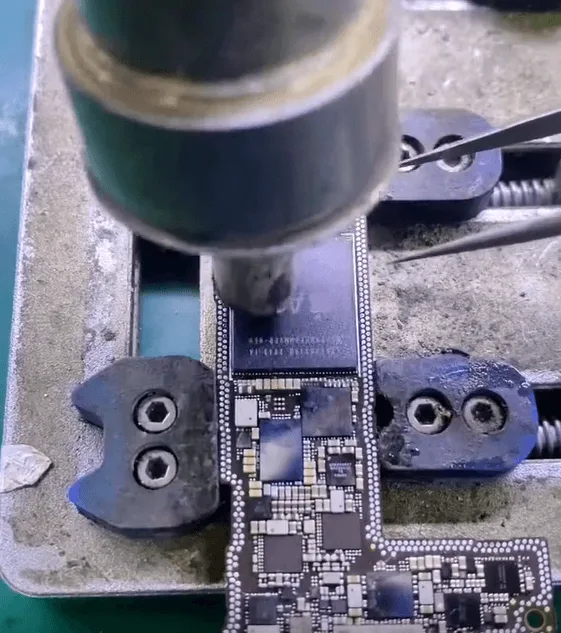
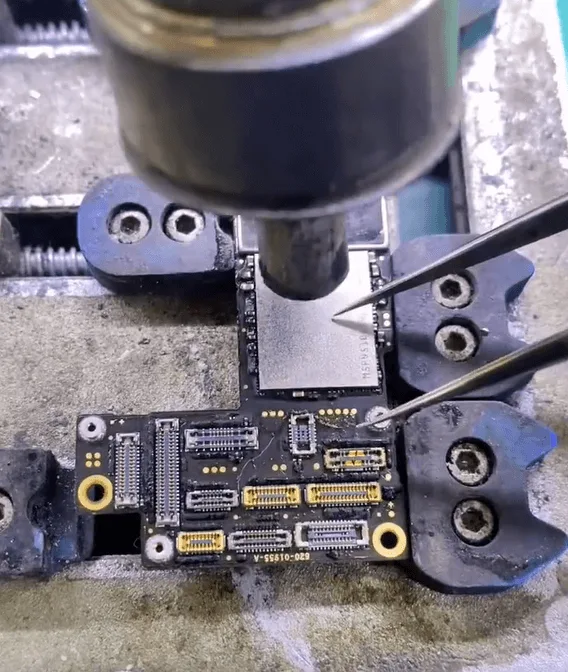
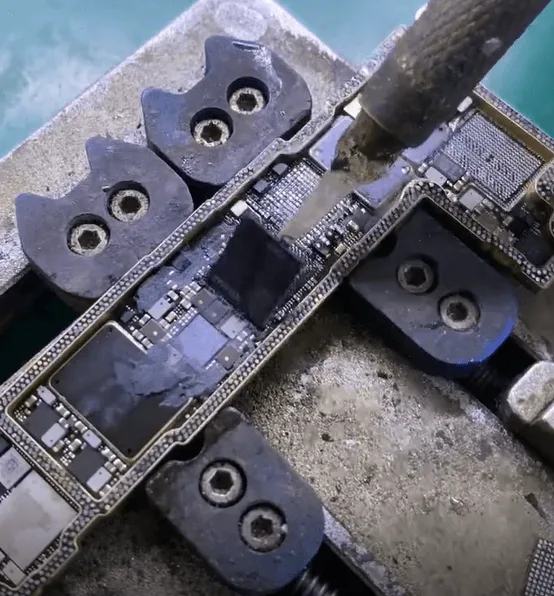
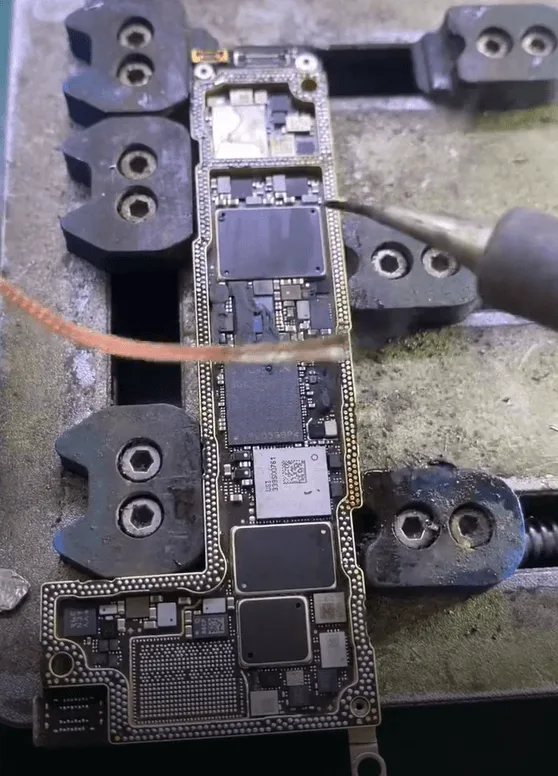
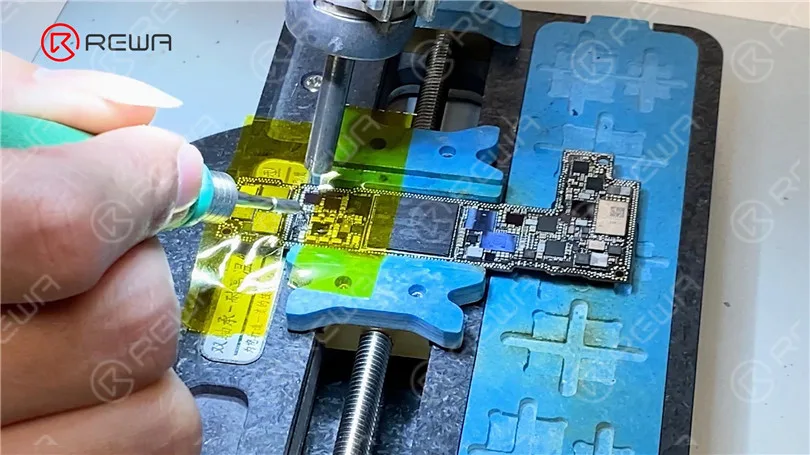
    • Use a special knife and a hot air gun to remove the black glue securing the NAND chip.
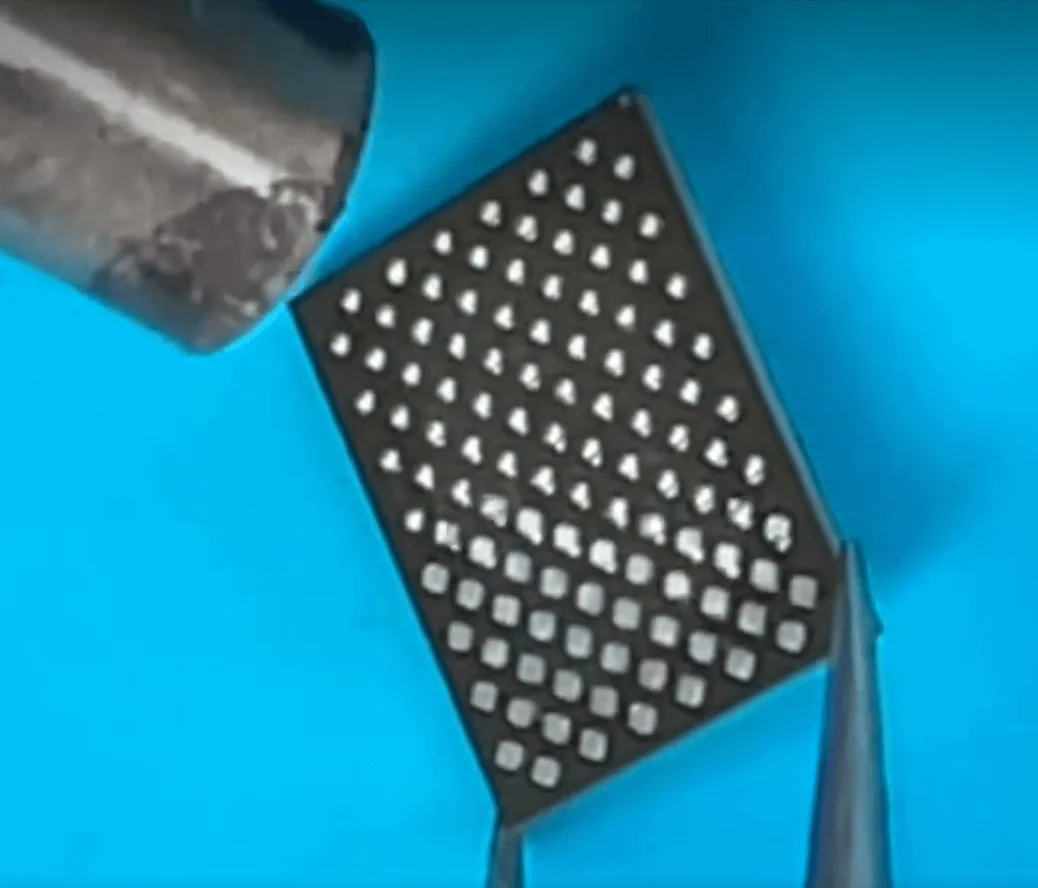
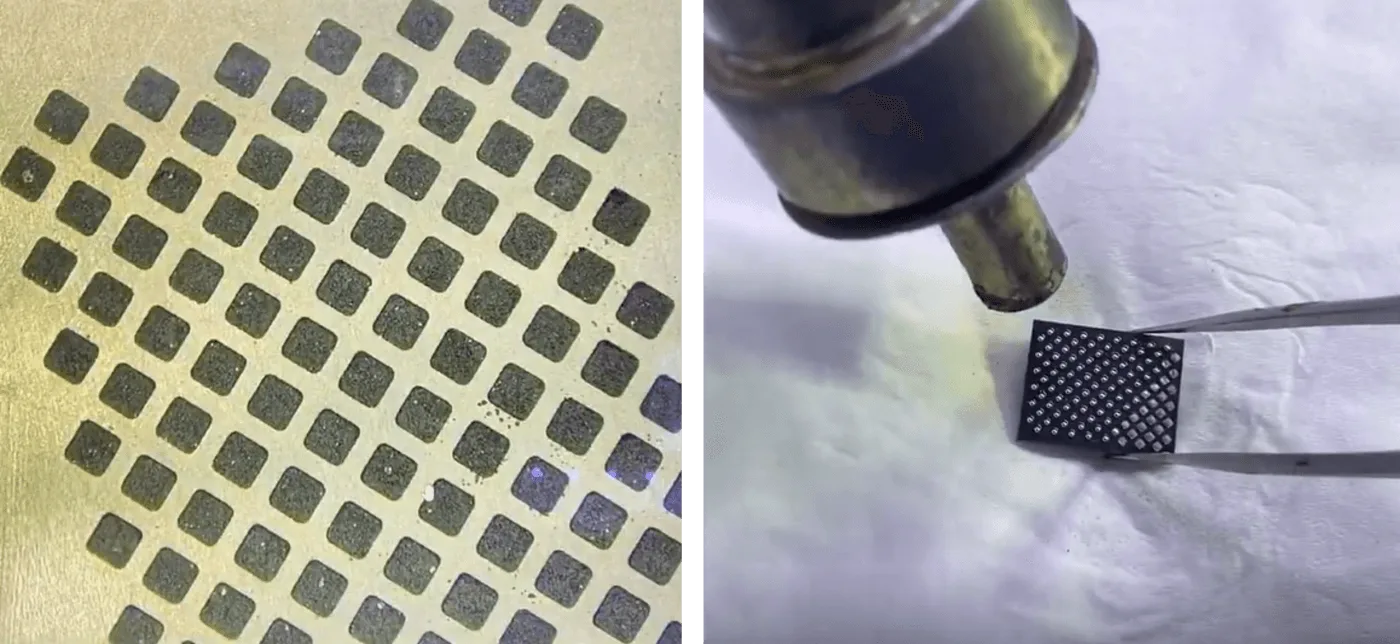
    • Gently lift the NAND chip and reball the pads to ensure clean and smooth connections.
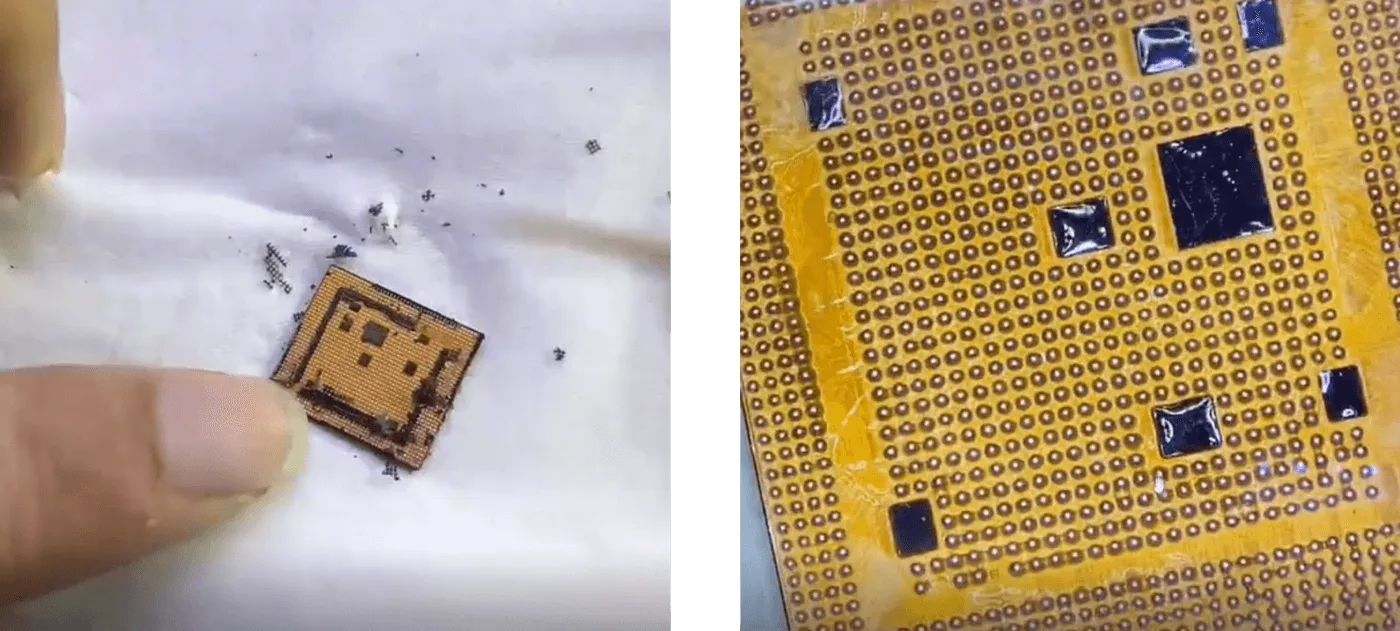
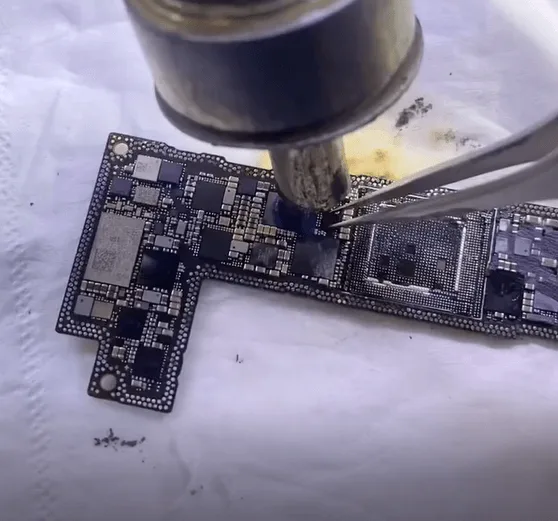
    • Repeat the process for the CPU, carefully removing residual glue before reballing.

    Step 3: Soldering to the Donor Motherboard

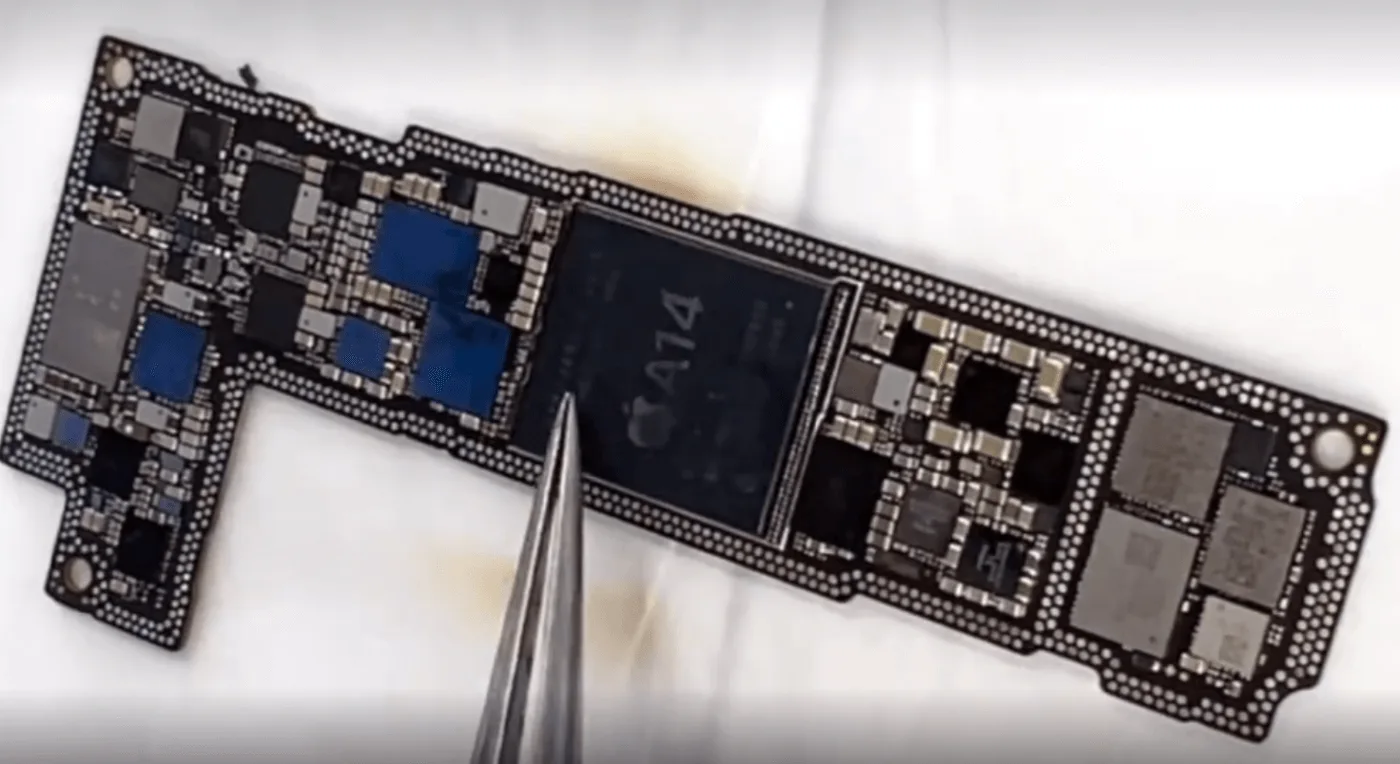
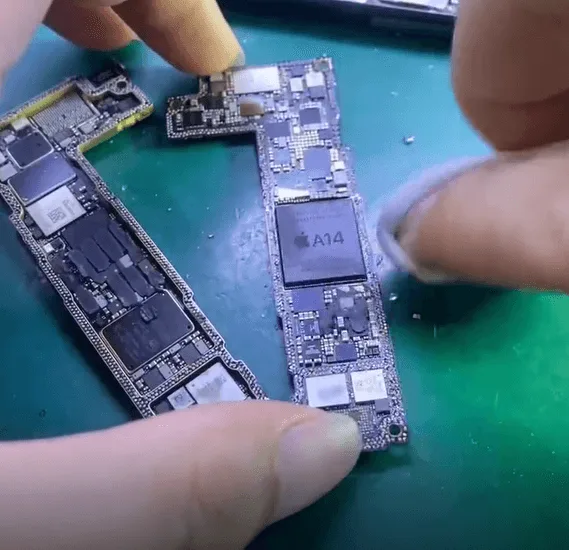
    • Align and solder the NAND chip, CPU, and Logic EEPROM onto the donor motherboard.
    • Ensure each pad is clean and correctly positioned to avoid soldering errors.
    agin nand chip
    clean and position nand chip

    Step 4: Testing the Boot Process

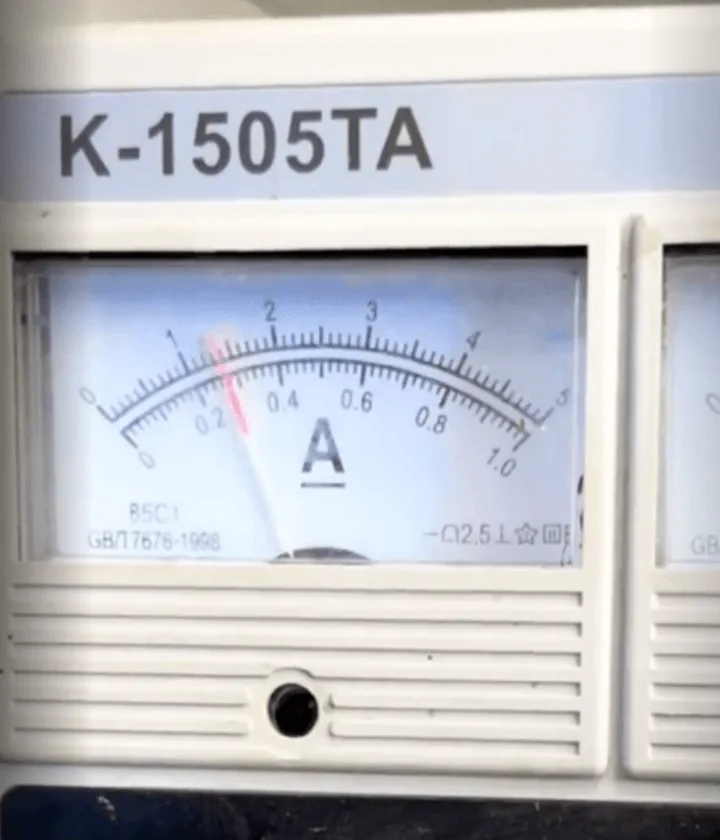
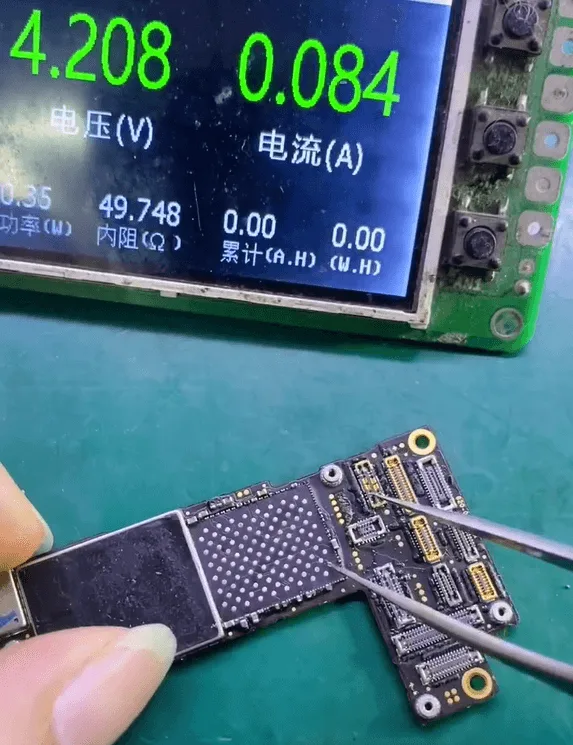
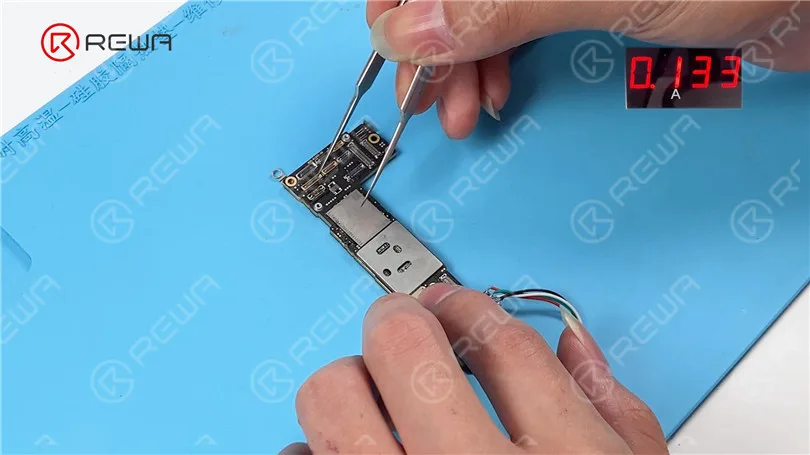
    • Trigger the boot process using a signal board only to verify if the CPU and NAND chip are functioning correctly.
    • A normal boot current confirms a successful chip transfer.
    signal board

    Step 5: Wi-Fi Module Transfer for Data Backup

    Since the data backup will be performed via Wi-Fi, the original encrypted Wi-Fi module must also be swapped.

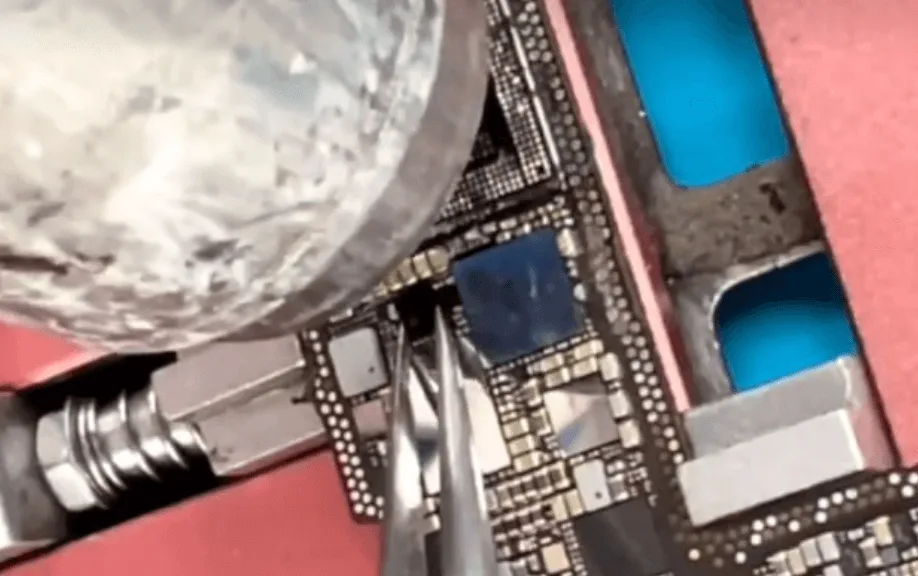
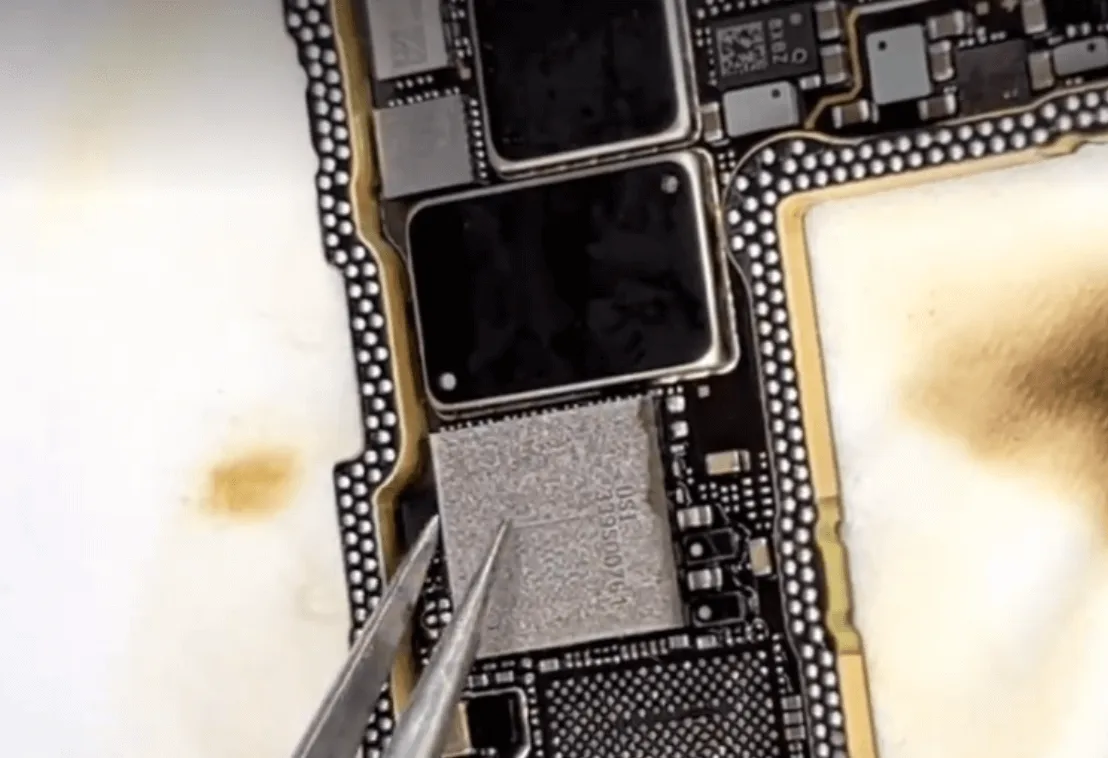
    • Heat and remove the Wi-Fi module chip.
    • Clean and reball the Wi-Fi module before soldering it onto the donor motherboard.
    wifi module chip

    Step 6: Reassembling the Motherboard

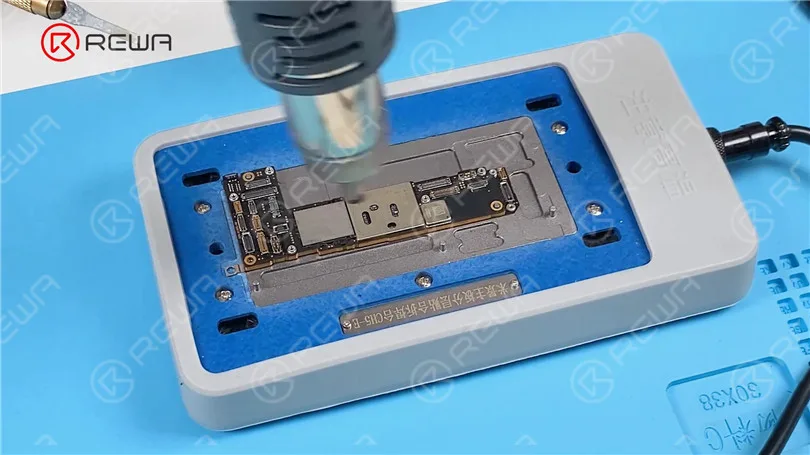
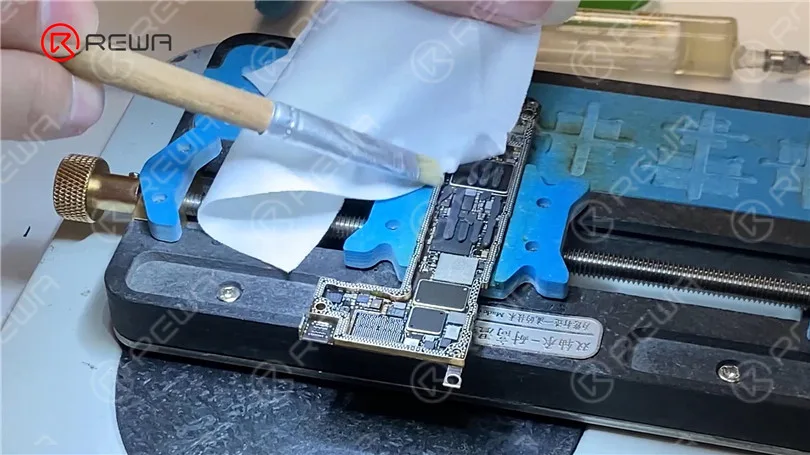
    • Use a heating platform to recombine the two layers of the motherboard.
    reassembling the motherboard

    Step 7: Final Assembly and Data Backup

    • Reassemble the iPhone and ensure all connections are secure.
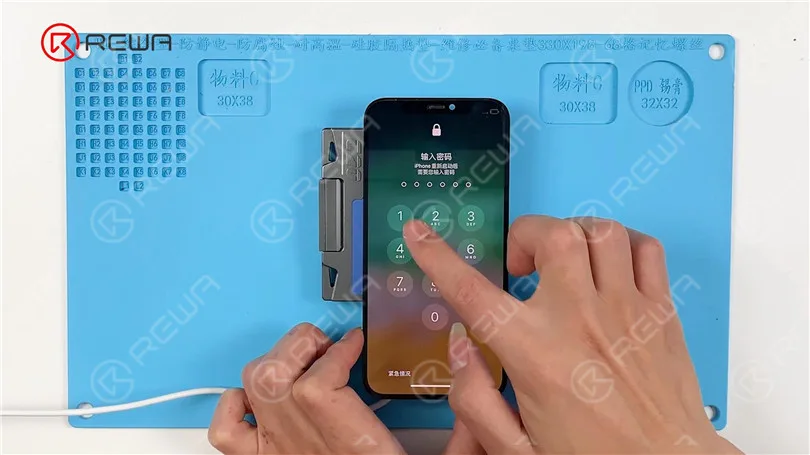
    • Power on the device and connect to Wi-Fi to begin the data backup process.

    Tools & Parts Required

    Conclusion

    Successfully repairing a severely damaged iPhone 12 Pro while preserving data requires precision, expertise, and the right tools. By carefully transferring the encrypted NAND, CPU, and Logic EEPROM to a donor motherboard, the device can be restored, allowing the user to recover important data. If you’re looking to refine your repair skills further, visit REWA Academy for detailed training and advanced repair techniques.

    Stay tuned for more iPhone repair insights and professional tips from REWA!

  • iPhone 12 Pro Boot Failure After Drop – Data Recovery & Logic Board Repair Guide

    iPhone 12 Pro Boot Failure After Drop – Data Recovery & Logic Board Repair Guide

    Have you experienced boot failure after dropping the iPhone 12 Pro? Drop damage is one of the most common causes of boot failure in smartphones. In this repair guide, we’ll walk you through the complete process of reviving a severely damaged iPhone 12 Pro that won’t boot due to a fractured double-layer motherboard. Moreover, we’ll show you how to recover lost data by swapping encrypted chips onto a donor board, such as irreplaceable photos. Whether you’re a professional repair technician or a DIY enthusiast, this article provides a deep look into advanced logic board repair methods.
    iPhone 12 Pro

    Phone Overview

    Model: iPhone 12 Pro

    Announced: 2020, October 13

    Damage Inspection:

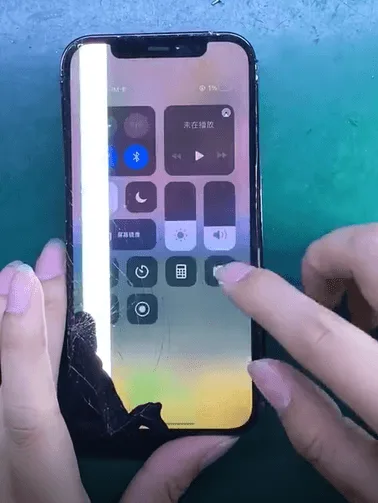
    After the drop, the iPhone 12 Pro showed a cracked screen and back glass. More concerning iPhone 12 Pro boot failure. The customer urgently needed to recover important photos from the device.

    iPhone 12 Pro Drop Damage

    Initial Diagnosis:

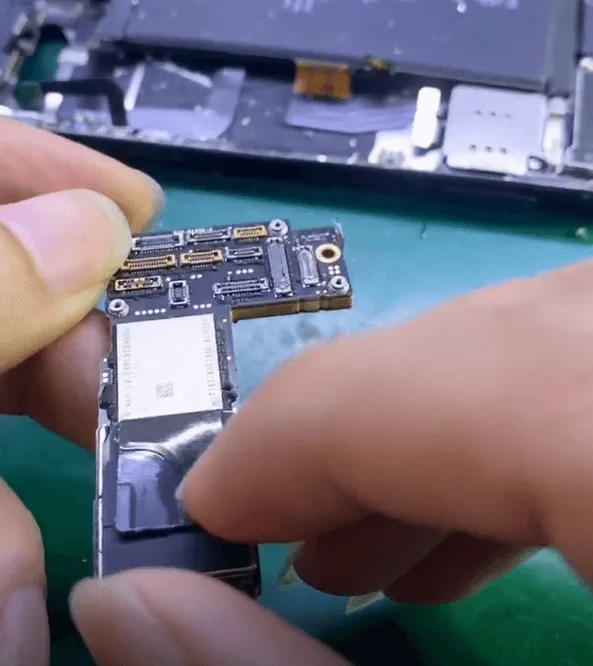
    Upon disassembling the phone, it became clear the double-layer motherboard was nearly separated due to the impact.

    iphone 12 pro boot failure drop data recovery logic board repair guide 3
    • Removed the protective sticker on the NAND chip – visually intact.
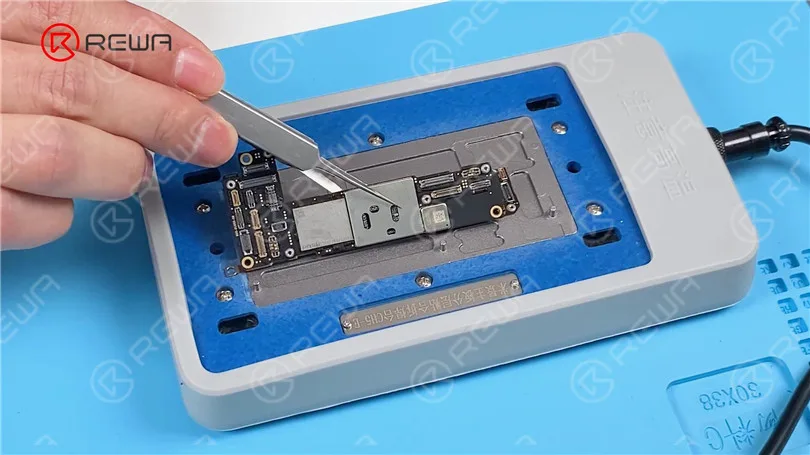
    • Heated the board using a hot air gun and heating platform to carefully separate the two layers.

    Chip Condition Check:

    • After separation, both the NAND chip and CPU appeared undamaged.
    • However, internal damage was found in the logic board’s rail area, indicating the board was structurally broken and beyond full restoration.
    iphone 12 pro boot failure drop data recovery logic board repair guide 6

    Chip Swapping Process for Data Recovery:

    Considering that the board inside the rails is cracked and broken, the data recovery can be accomplished by swapping out the encrypted chip for a different one.

    The first step is to carefully remove the NAND chip and CPU.

    iphone 12 pro boot failure drop data recovery logic board repair guide 7
    iphone 12 pro boot failure drop data recovery logic board repair guide 8

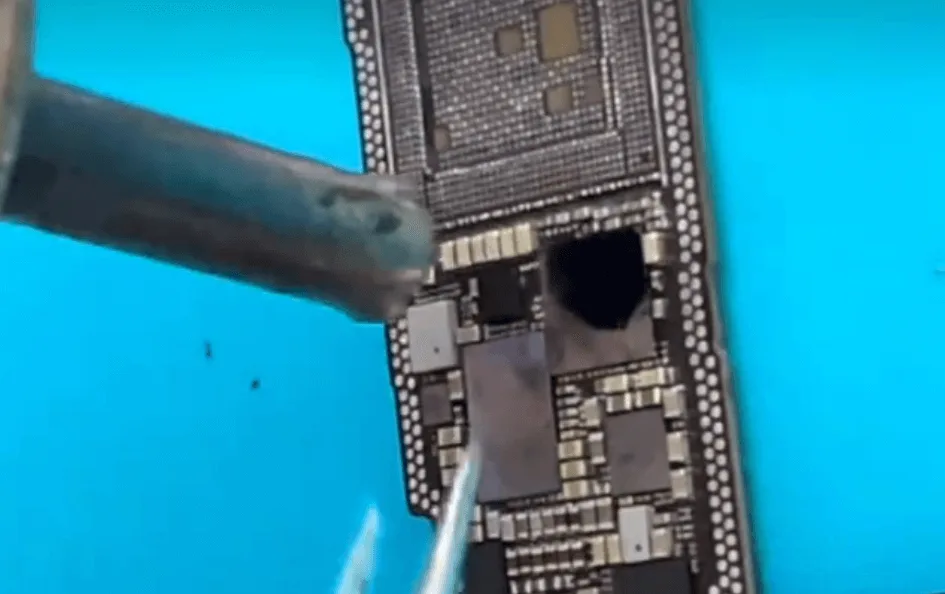
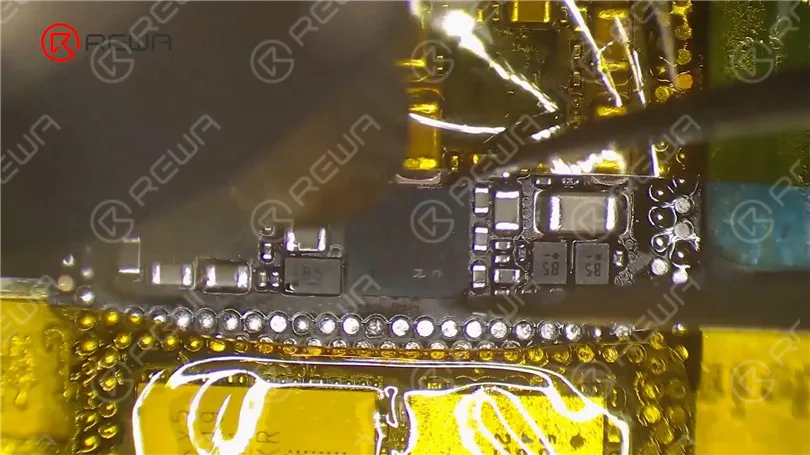
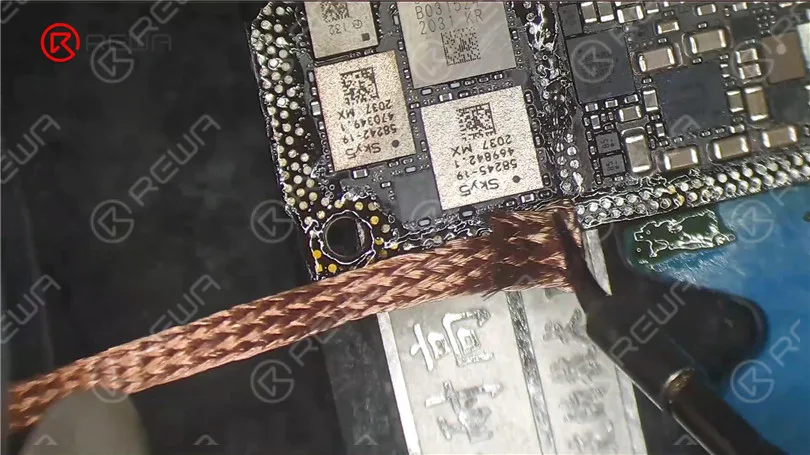
    Remove the glue from the CPU pads, then clean them and reball them

    iphone 12 pro boot failure drop data recovery logic board repair guide 9

    Also, clean the pads on the NAND chip and reball it using the stencil, solder paste, and hot air gun.

    iphone 12 pro boot failure drop data recovery logic board repair guide 10

    We have now prepared the two most important chips.

    • Solder the CPU onto the new motherboard
    • Swapping the Logic EEPROM (stores calibration/configuration data).

    Trigger Current Test:

    • Tested the board without the NAND chip installed.
    • Read a trigger current of 80mA, which is consistent with normal DFU mode—good sign.

    NAND Installation & Boot Test:

    • Soldered the NAND chip back onto the new board.
    • Assembled and tested the device. Still wouldn’t boot.
    • Suspected dock flex cable damage. Re-tested the board by connecting only the battery and screen.

    ✅ The iPhone booted successfully.

    iphone 12 pro boot failure drop data recovery logic board repair guide 17

    Signal Board Repairs:

    • Reballed and reinstalled the Baseband CPU and Wi-Fi chip onto the baseband layer.
    • Cleaned the frame pads and rebonded the two motherboard layers together.

    Final Testing:

    After reassembling the iPhone 12 Pro:

    • All functions tested and passed.
    • Only the screen needed replacement.
    • The phone was successfully restored—full data recovery and operational. A true “full blood resurrection”.
    iphone 12 pro boot failure drop data recovery logic board repair guide 20

    Tools & Parts Used:

    Tools:

    • Hot air gun
    • Heating platform
    • Soldering iron
    • Stencil for reballing
    • Solder paste
    • Tweezers
    • Microscope
    • Flux
    • Logic board holder
    • Cleaning solution (e.g., isopropyl alcohol)

    Parts:

    • iPhone 12 Pro motherboard
    • Replacement screen
    • Dock flex cable (if damaged)
    • Thermal pads (if needed)

    Technical Terms:

    • Double-layer motherboard: The iPhone 12 Pro’s logic board consists of two layers soldered together, one handling signal processing (logic layer) and the other handling power and RF signals (baseband layer).
    • NAND chip: The flash storage chip that contains user data such as photos and apps.
    • CPU (Central Processing Unit): The phone’s main processing chip. In iPhones, it contains encrypted data tied to the NAND.
    • Reballing: A process where you apply new solder balls to a chip to allow it to be soldered onto another board.
    • DFU Mode (Device Firmware Update): A recovery mode that allows communication between the phone and a computer even when the phone isn’t booting normally.
    • Baseband CPU: Controls cellular communication. It must be matched and reballed if swapped.

    Conclusion:

    Physical damage doesn’t always mean the end for your iPhone 12 Pro—especially if important data is at stake. With advanced microsoldering skills and the right tools, it’s possible to swap critical encrypted chips like the CPU and NAND onto a new motherboard, recovering full functionality and preserving user data. For professionals and skilled DIYers, this repair highlights the importance of precision, patience, and a strong understanding of iPhone logic board architecture.

  • iPhone 12 vs. iPhone 12 Pro: Parts Swapping Test by REWA LAB

    iPhone 12 vs. iPhone 12 Pro: Parts Swapping Test by REWA LAB

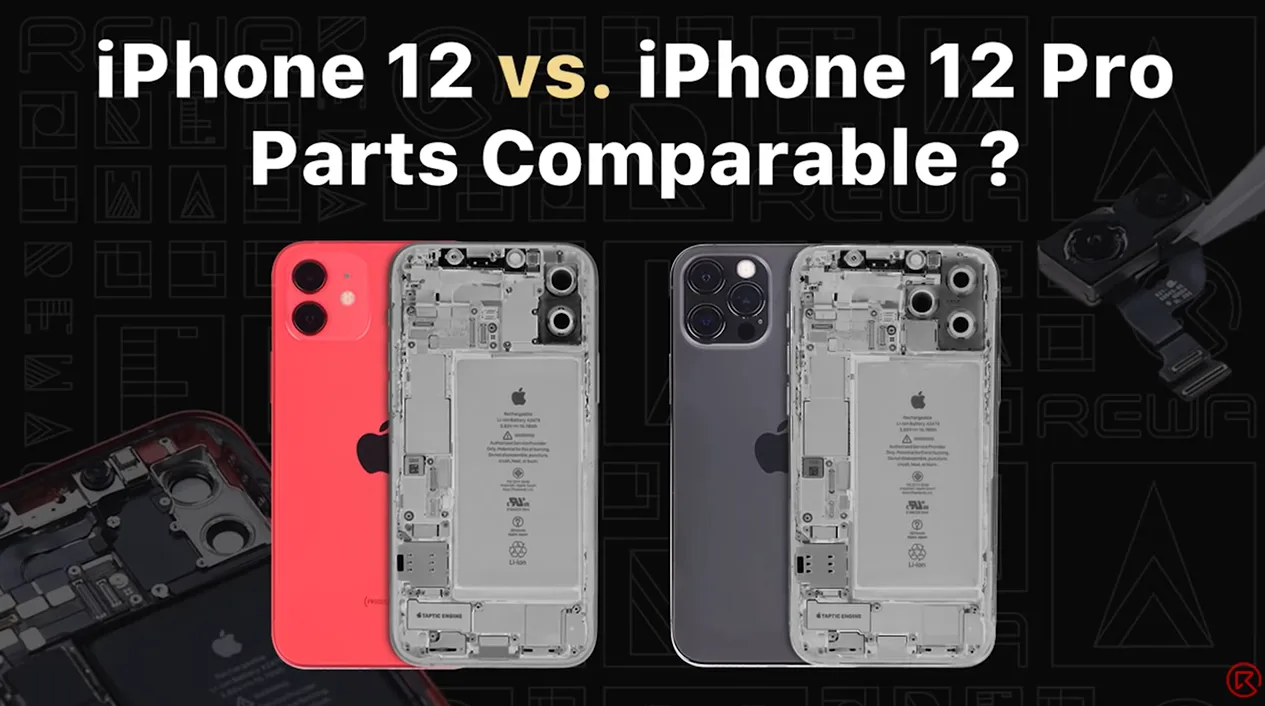
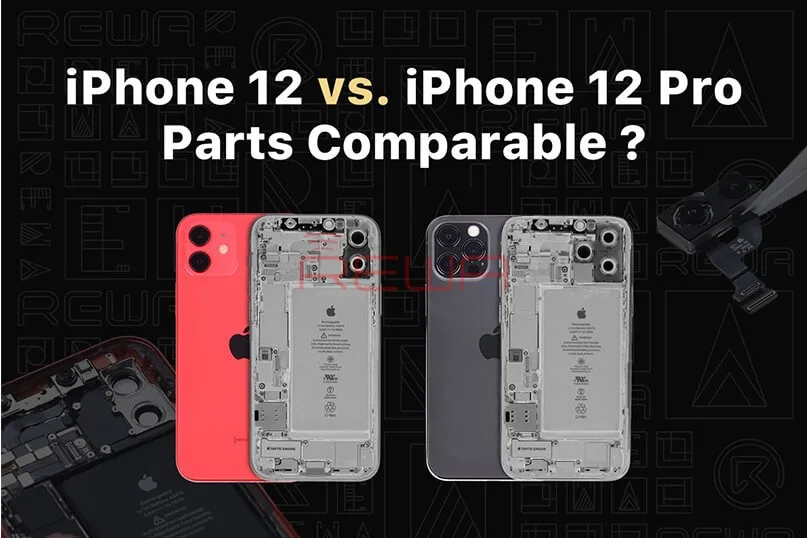
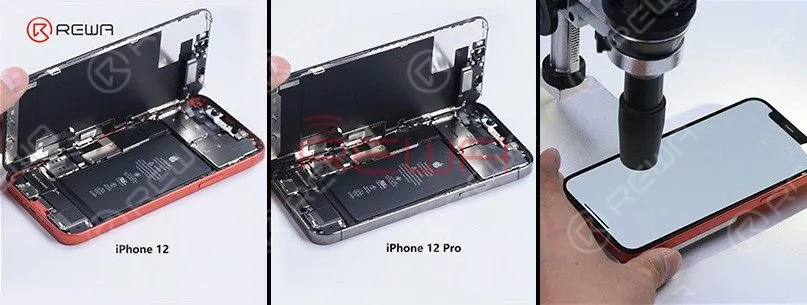
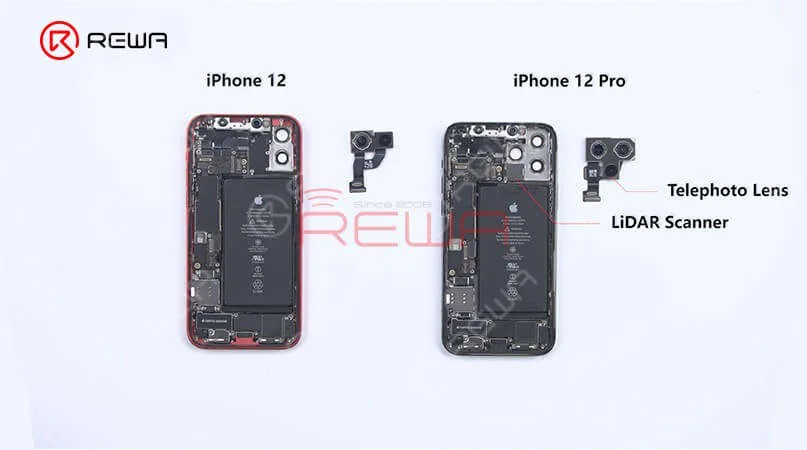
    Recently, REWA LAB found that interior structure and appearance of iPhone 12 and iPhone 12 Pro look very similar after teardown. Therefore, REWA technicians tried to swap some parts of the two models to test if they can be functionally interchangeable. Want to find out the test result? Watch this video and you will know!

  • iPhone 12 vs. iPhone 12 Pro: Parts Swapping Test by REWA LAB

    iPhone 12 vs. iPhone 12 Pro: Parts Swapping Test by REWA LAB

    REWA LAB, renowned for its meticulous teardowns and in-depth analysis of electronic devices, recently conducted a fascinating experiment. In a bid to explore the similarities and potential functional interchangeability between the iPhone 12 and iPhone 12 Pro, REWA technicians embarked on an intricate parts-swapping test.

    In this blog post, we will delve deeper into the findings of this groundbreaking experiment and present you with an insightful analysis of the similarities and potential functional compatibility between the iPhone 12 and iPhone 12 Pro. Stay tuned for a comprehensive breakdown of the experiment’s outcomes, giving you a deeper understanding of these cutting-edge smartphones.
    iPhone 12 vs. iPhone 12 Pro: Parts Swapping Test by REWA LAB
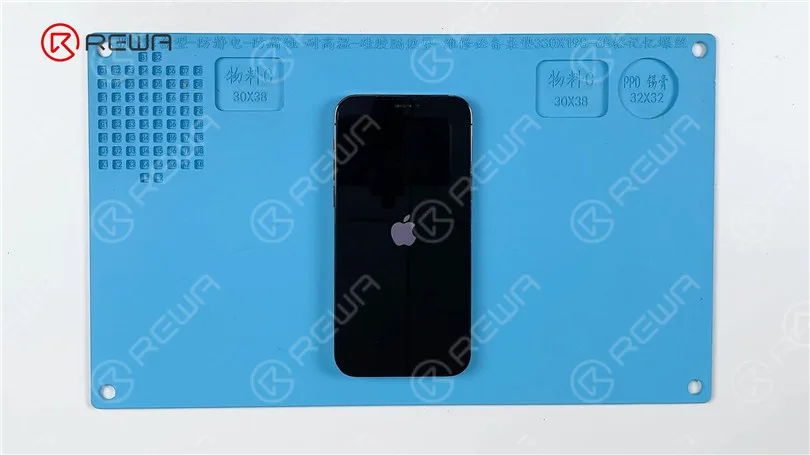
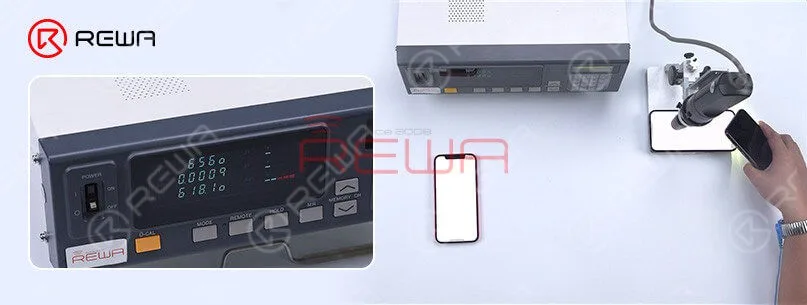
    The iPhone 12 and iPhone 12 Pro differ in several ways. Notably, the iPhone 12 has one less camera compared to the iPhone 12 Pro. Official information reveals that the maximum brightness of the iPhone 12 is 625 nits, whereas the iPhone 12 Pro boasts a higher maximum brightness of 800 nits. Testing confirms these findings, indicating that the iPhone 12 reaches a maximum brightness of 625 nits, while the iPhone 12 Pro achieves 800 nits. This variance in brightness could be attributed to factors such as the screen or the motherboard.
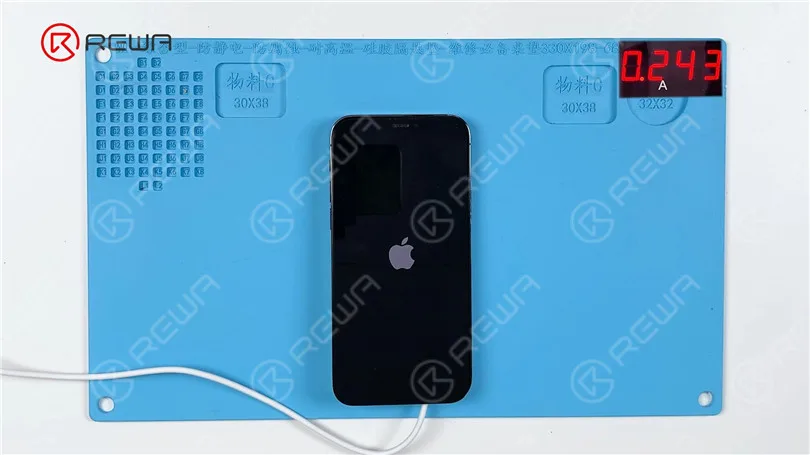
    One of the most identical difference is that iPhone 12 have one less camera. According to official information, the max brightness of the iPhone 12 is 625 nits while the max brightness of the iPhone 12 Pro is 800 nits. After the test by found the max brightness of the iPhone 12 is 625 nits while the iPhone 12 Pro is 800 nits. The reason may be related to the screen or the motherboard.

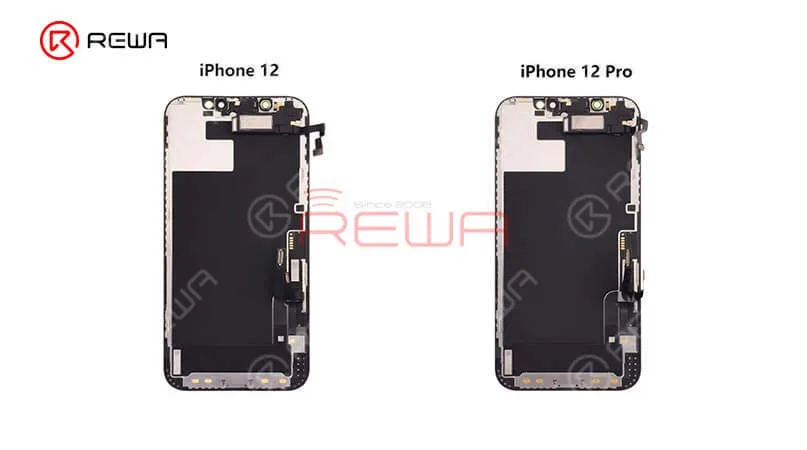
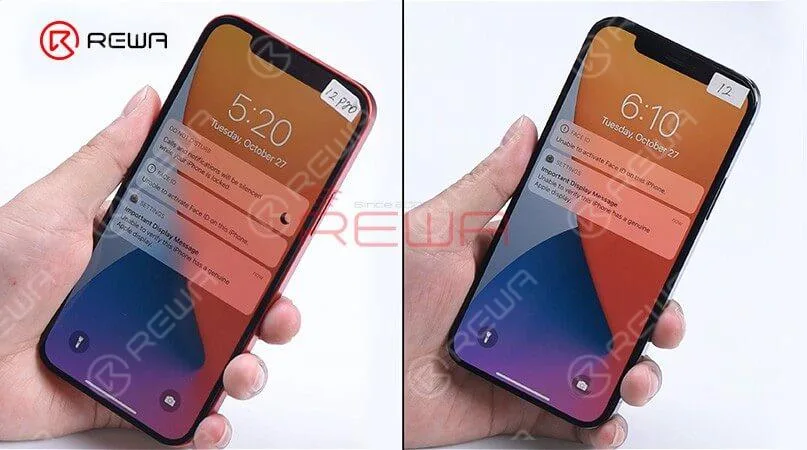
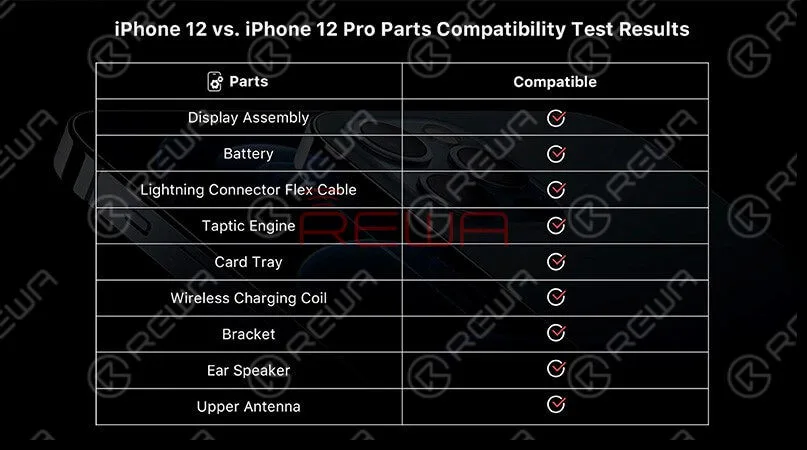
    Lift the screen and we can find the interior parts of the iPhone 12 and iPhone 12 Pro are arranged basically in the same way except for the rear camera bracket. Remove the display, we can see that the displays and flex cables have the same look. Now, swap two screens, assembly the phone, and start testing. Boot up and the screen works well. “Important display message” and “Unable to activate Face ID on the iPhone” pops up which indicates that the display has encrypted IC. 3D Touch and touch function work well while the “True Tone” function lost. Test distance sensor on the ear speaker flex and ambient light sensor on the ear speaker and all function works normally. These tests prove that sensors on the ear speaker are interchangeable except for the encrypted flood illuminator of the Face ID module. The max brightness of iPhone 12 Pro becomes 809nits with iPhone 12’s display while the ma brightness of iPhone 12 becomes 618 nits with iPhone 12 Pro’s display. It can be seen that the max brightness of the two models not related to the display. The reason may be related to the motherboard or iOS system. Generally, the two models’ displays are interchangeable.

    These tests prove that sensors on the ear speaker are interchangeable except for the encrypted flood illuminator of the Face ID module. The max brightness of iPhone 12 Pro becomes 809nits with iPhone 12’s display while the ma brightness of iPhone 12 becomes 618 nits with iPhone 12 Pro’s display. It can be seen that the max brightness of the two models not related to the display. The reason may be related to the motherboard or iOS system. Generally, the two models’ displays are interchangeable.
    These tests prove that sensors on the ear speaker are interchangeable except for the encrypted flood illuminator of the Face ID module. The max brightness of iPhone 12 Pro becomes 809nits with iPhone 12’s display while the ma brightness of iPhone 12 becomes 618 nits with iPhone 12 Pro’s display. It can be seen that the max brightness of the two models not related to the display. The reason may be related to the motherboard or iOS system. Generally, the two models’ displays are interchangeable.

    Moving to other internal parts, we can find two models’ speakers have the same look and size as well. Two Tactic Engines present the same appearance and size. After the swapping of Tactic Engines, the vibration function works well. Let’s see what will happen after the battery swaps. “Important battery message” pops up which indicates that BMS used in battery feature an encrypted IC. However, the phone still can charge normally.

    Moving to other internal parts, we can find two models’ speakers have the same look and size as well. Two Tactic Engines present the same appearance and size. After the swapping of Tactic Engines, the vibration function works well. Let’s see what will happen after the battery swaps. “Important battery message” pops up which indicates that BMS used in battery feature an encrypted IC. However, the phone still can charge normally.

    Next, let’s take a look at the lightning connector flex cable. The appearance of both is the same. After the swapping test, we find recording function and charging function all work normally.Finally, we found that in addition to the camera and the motherboard, almost all parts of the iPhone 12 and iPhone 12 pro are compatible.

     Next, let’s take a look at the lightning connector flex cable. The appearance of both is the same. After the swapping test, we find recording function and charging function all work normally.Finally, we found that in addition to the camera and the motherboard, almost all parts of the iPhone 12 and iPhone 12 pro are compatible.
     Next, let’s take a look at the lightning connector flex cable. The appearance of both is the same. After the swapping test, we find recording function and charging function all work normally.Finally, we found that in addition to the camera and the motherboard, almost all parts of the iPhone 12 and iPhone 12 pro are compatible.

    For high-quality iPhone parts and repair tools, please visit the REWA Shop. REWA empowers your repair business by offering selected high-quality parts for iPhone.