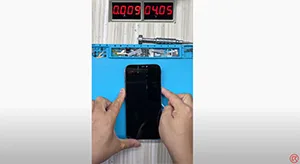
Tag: iphone 12 pro max won’t turn on

  • iPhone 12 Pro Max Won’t Turn On Issue Repair Guide

    iPhone 12 Pro Max Won’t Turn On Issue Repair Guide

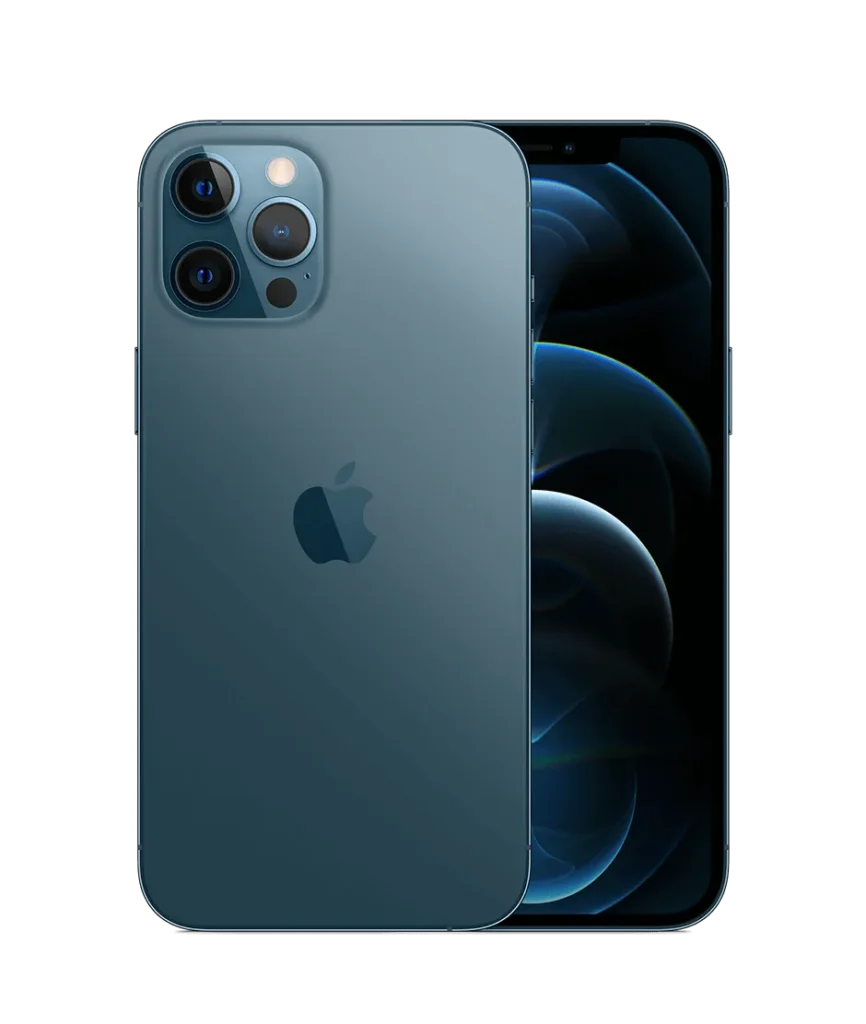
    The iPhone 12 Pro Max, announced on October 13, 2020, is a high-end smartphone known for its advanced features. However, a serious drop can cause it to fail to turn on. This guide details the steps to troubleshoot and repair this issue.

    iphone 12 pro max cannot charge stuck apple logo

    Phone Details

    Model: iPhone 12 Pro Max

    Announced: 2020, October 13

    Defect Phenomenon

    An iPhone 12 Pro Max that has been seriously damaged by a drop may not turn on. In such cases, the following troubleshooting and repair process can be helpful.

    Troubleshooting Process

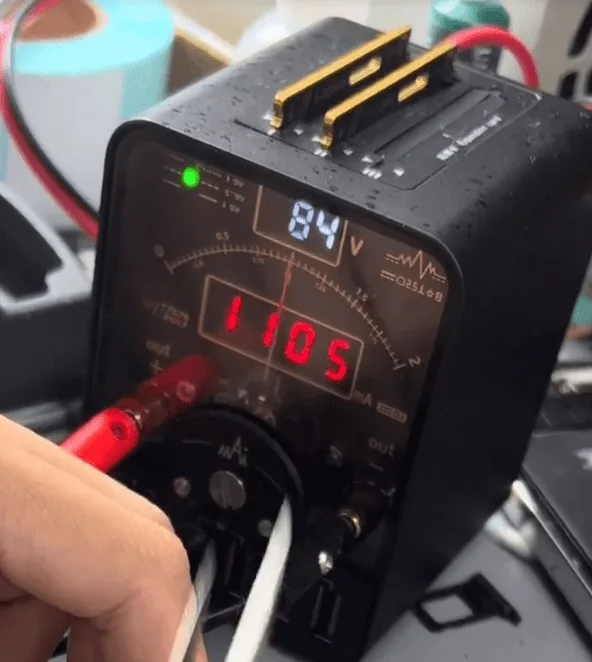
    First, let’s connect the motherboard with the DC power supply machine, there’s no current leakage. But when triggering the boot process by tweezer, the current jump to 1100mA directly.
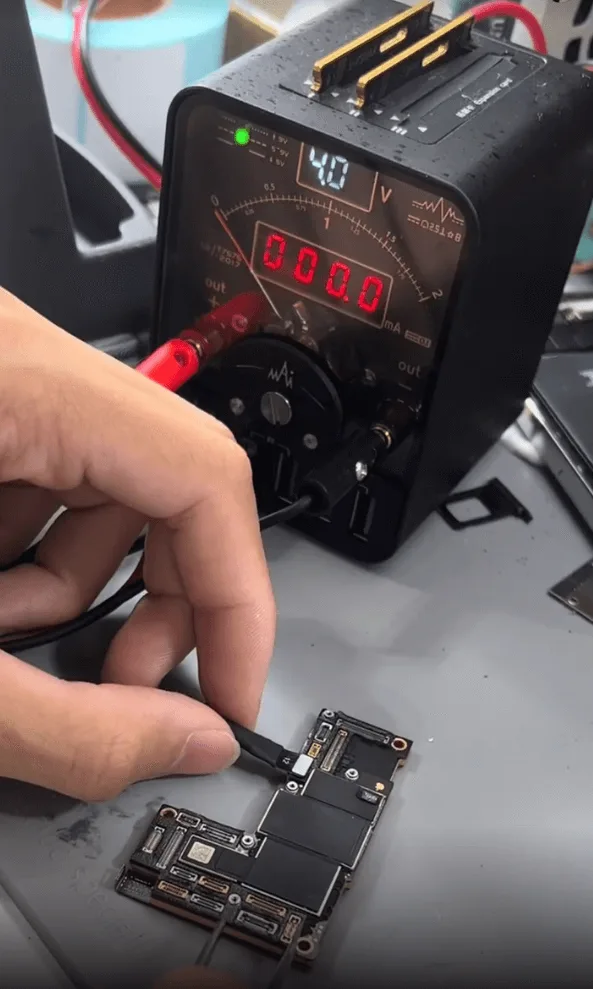
    iphone 12 pro max won turn issue repair guide trigger to boot
    iphone 12 pro max won turn issue repair guide 1100ma directly

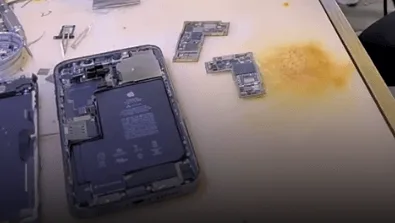
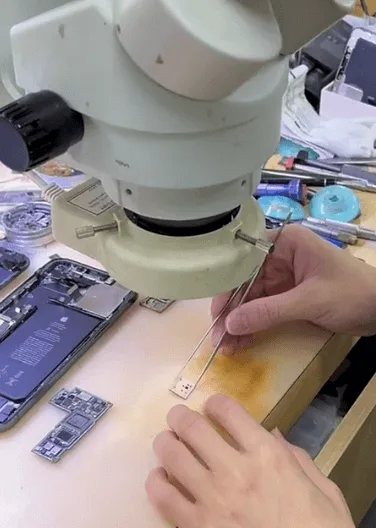
    Next, let’s remove the foams around the connectors, and then hold the motherboard on the heating platform to separate the two layers of the motherboard.
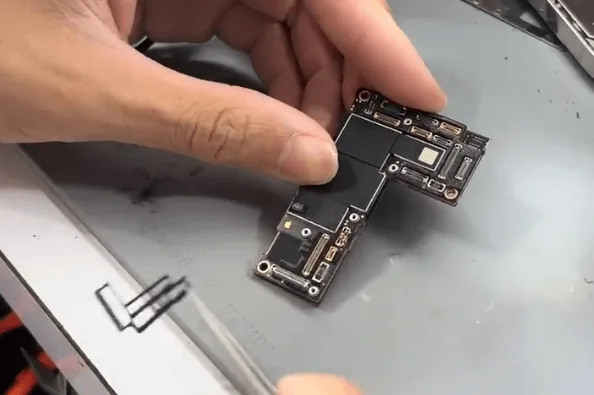
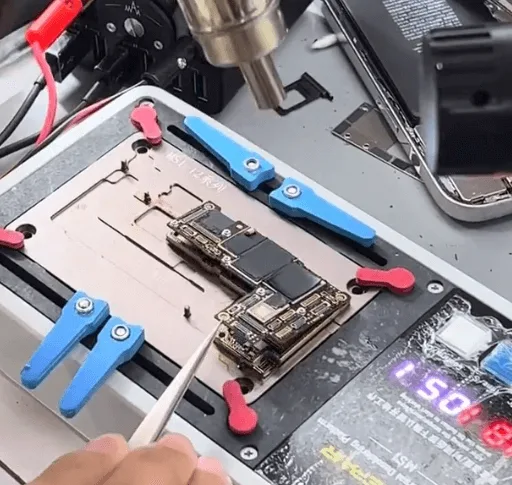
    iphone 12 pro max won turn issue repair guide remove the foams around
    iphone 12 pro max won turn issue repair guide separate with the heating

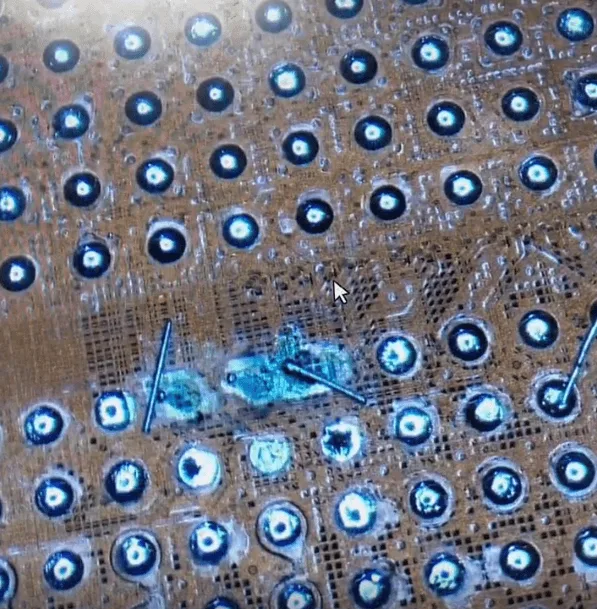
    After separation, not surprisingly, a lot of pads have fallen off, later we need to take a lot of time to fix the missing pads. But anyway, let’s fix the boot issue first.

    When measuring the diode values on the power rails which are outputted from PMU to CPU, find one capacitor around the CPU is shorted to the ground.
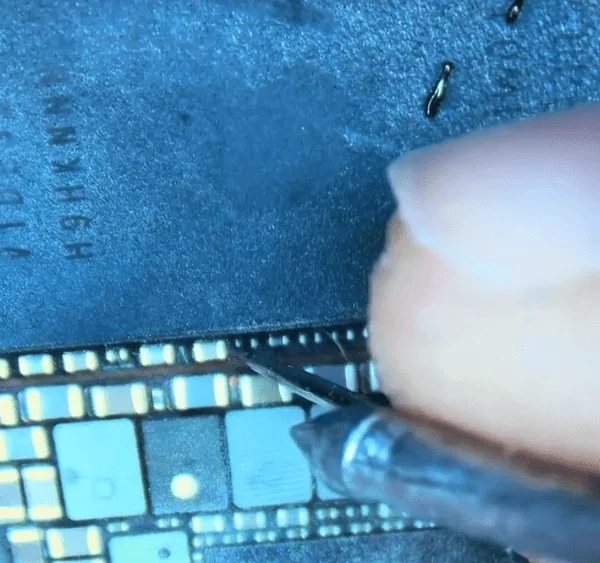
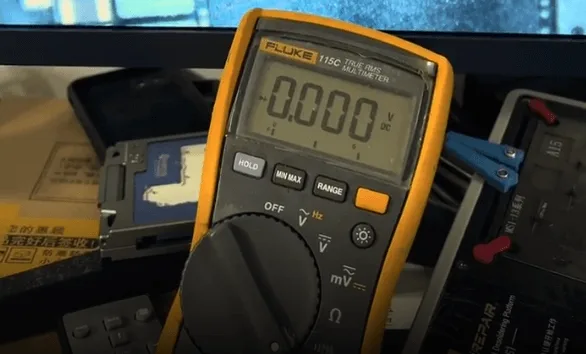
    iphone 12 pro max won turn issue repair guide when measuring with
    iphone 12 pro max won turn issue repair guide find one rail is shorted

    Refer to the Refox bitmap, it’s PP1V2_IO.

    As we can see, there are many components related to the PP1V2_IO.
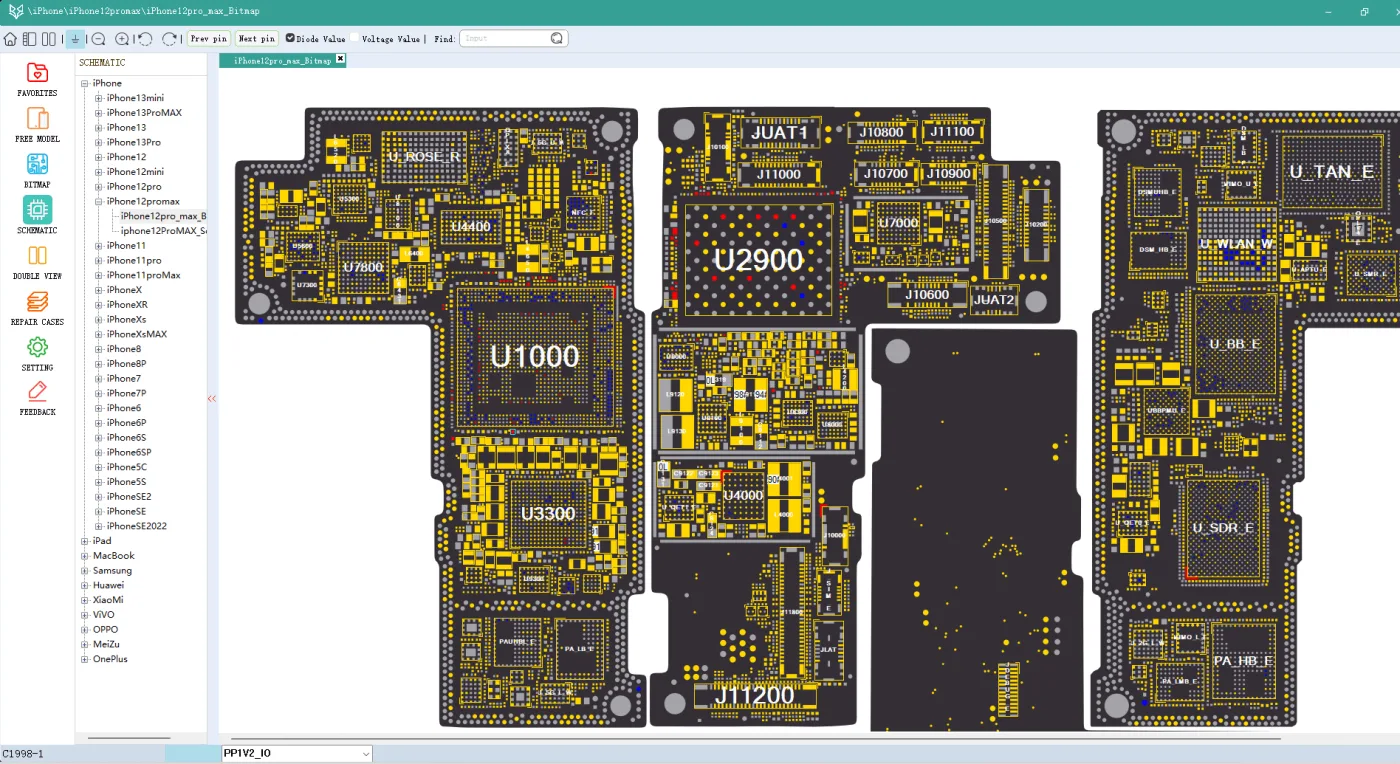
    iphone 12 pro max won turn issue repair guide refox bitmap

    To find out the exact shorted component, we need to use the rosin inspection method.

    Apply rosin smoke on the surface of the relative areas on the motherboard
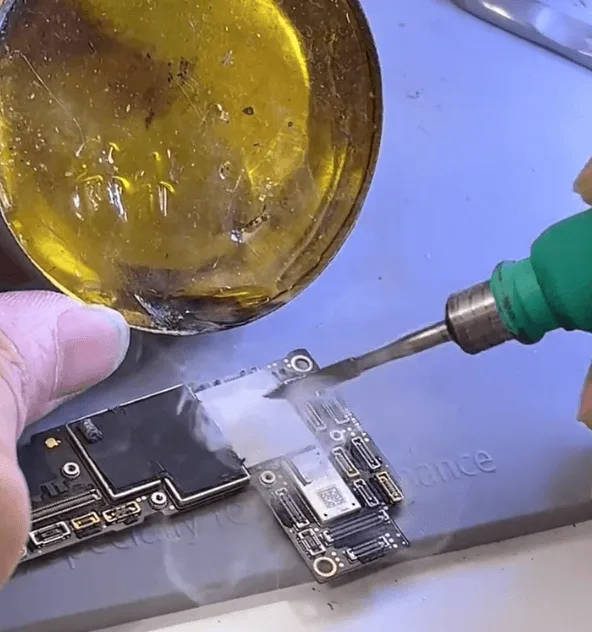
    iphone 12 pro max won turn issue repair guide apply rosin smoke on the

    Then connect the motherboard with the DC power supply machine and check under the microscope, we can find the shorted component easily.
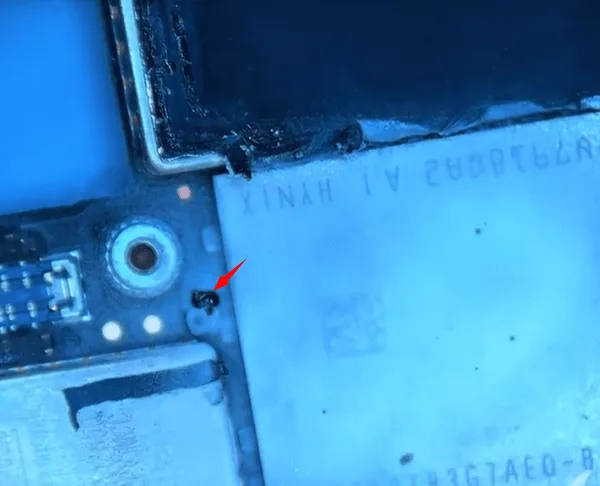
    iphone 12 pro max won turn issue repair guide the shorted capacitor

    Refer to the bitmap, it’s the capacitor C2941

    iphone 12 pro max won turn issue repair guide c2941

    Since it’s a filter-type capacitor, to avoid the potential heat damage to the NAND and connectors around it. We can just pick it off with tweezers directly.

    After that, connect the logic board with the screen and boot with the DC power supply machine again, the phone can be booted.
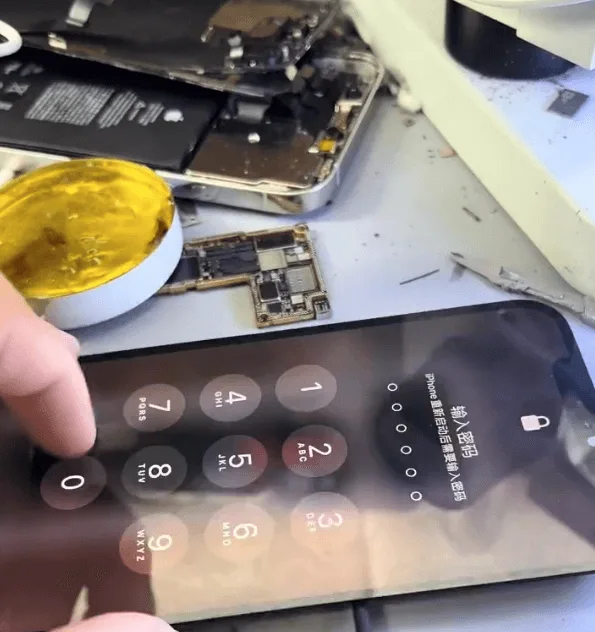
    iphone 12 pro max won turn issue repair guide phone can be booted

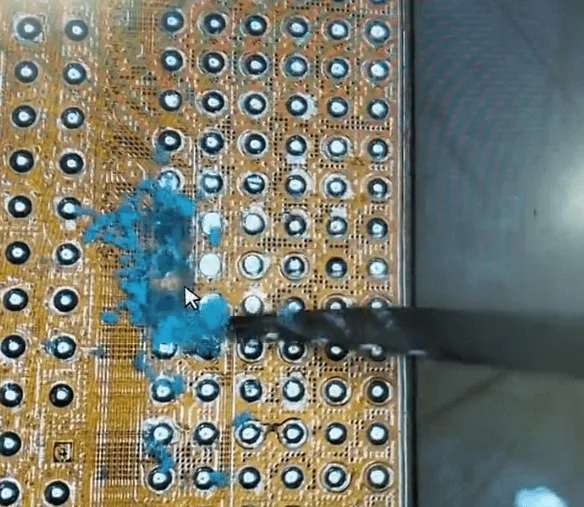
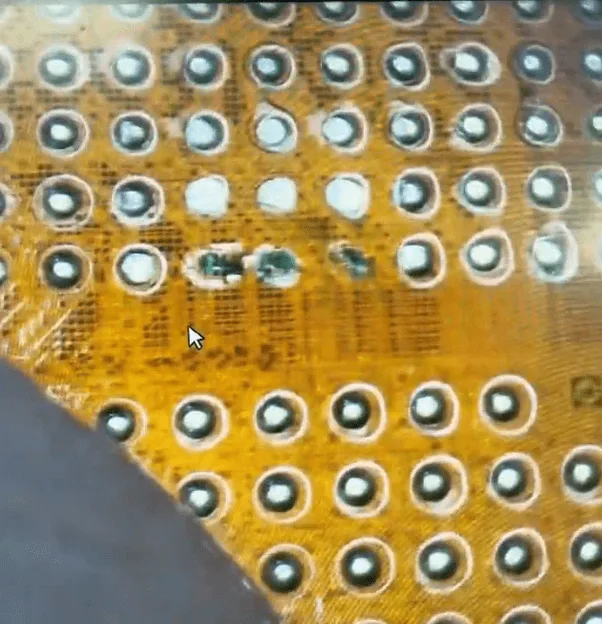
    Then, let’s fix the missing pads on the middle layer.
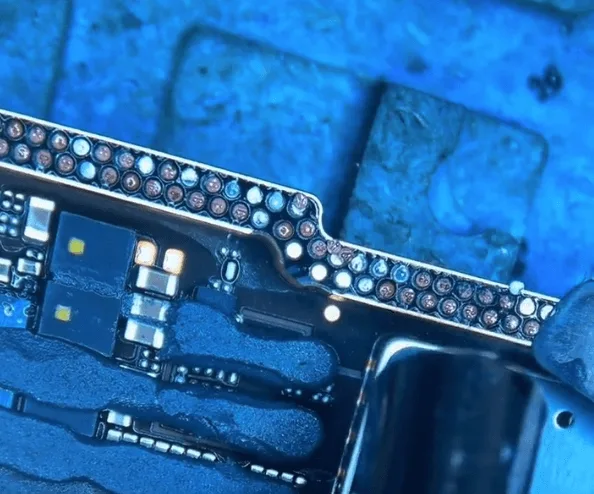
    iphone 12 pro max won turn issue repair guide the missing pads on middle

    Fixing the missing pads is not very difficult but requires a lot of patience.

    For the pad that has no connection point
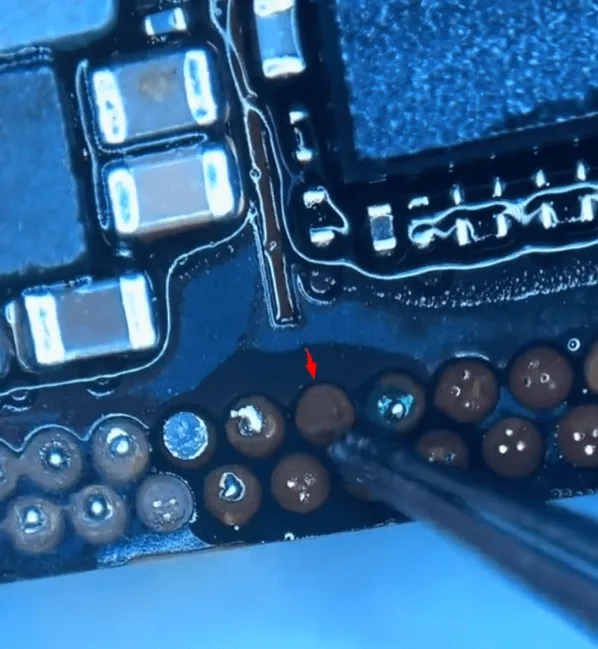
    iphone 12 pro max won turn issue repair guide for the pad that has no

    We need to scratch out the root of the pad with a sculpture knife slightly first
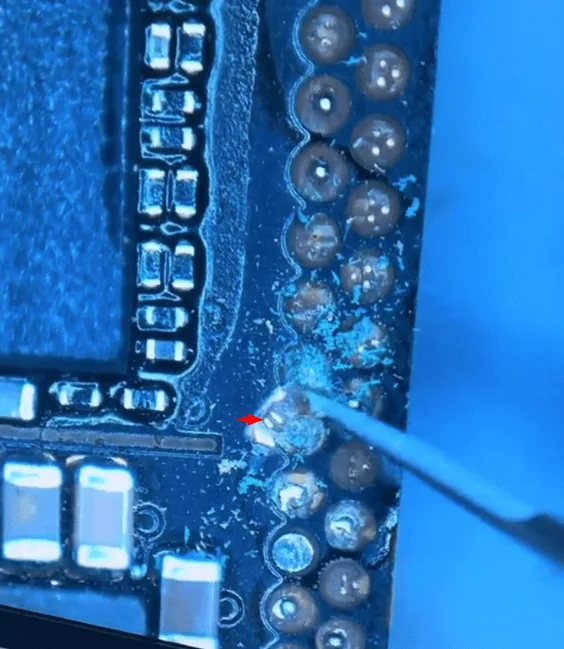
    iphone 12 pro max won turn issue repair guide scratch out the pads

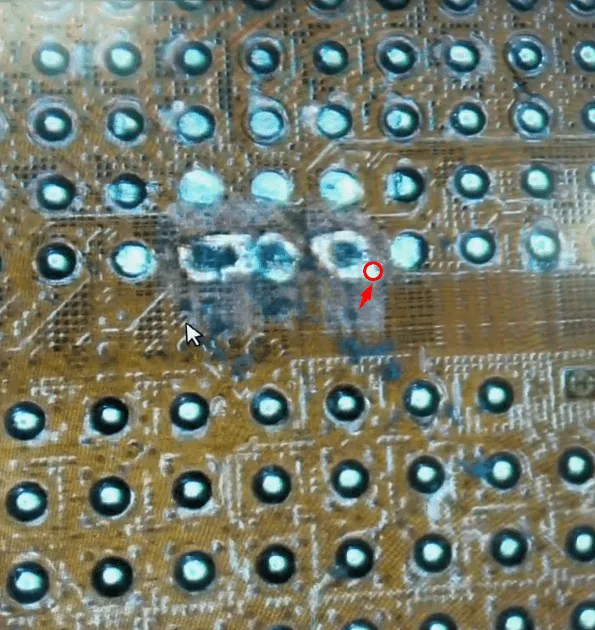
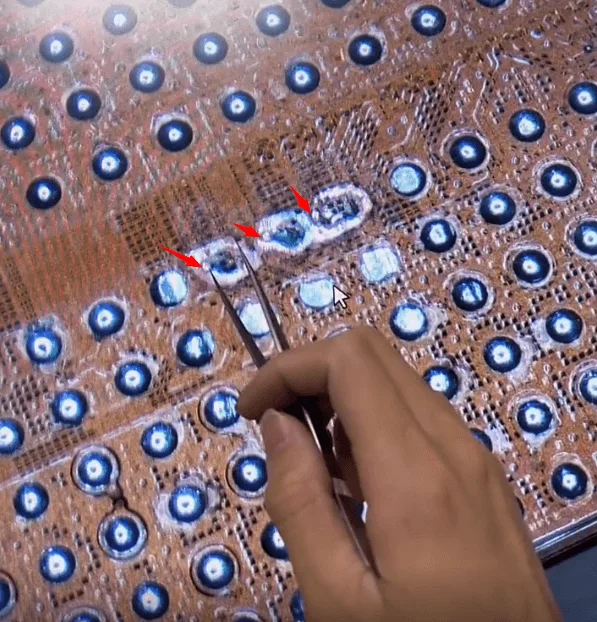
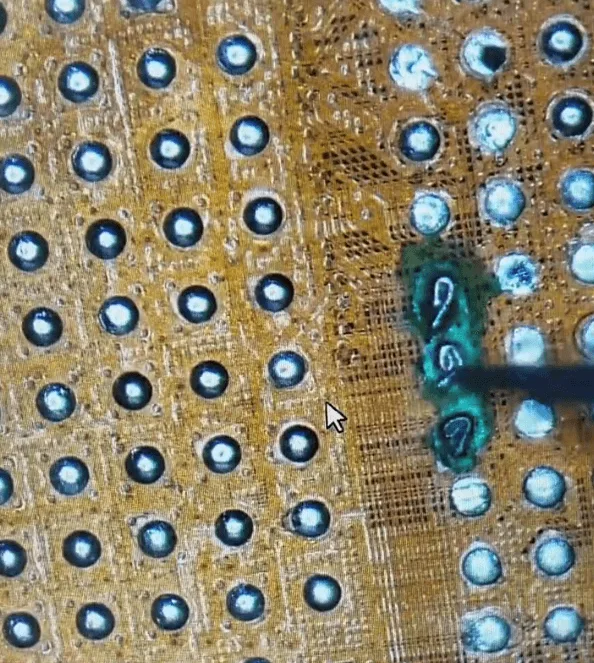
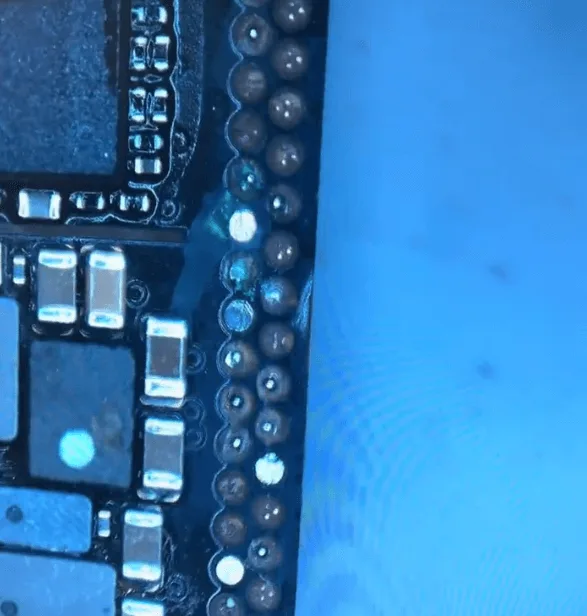
    After that, based on the “root” to jump wire and make a circle
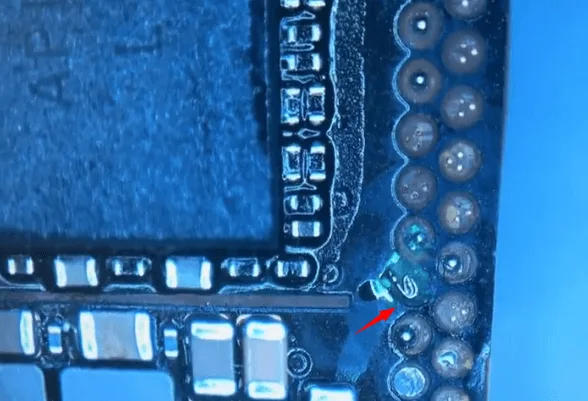
    iphone 12 pro max won turn issue repair guide make circle

    Then solder a copper lug on the surface
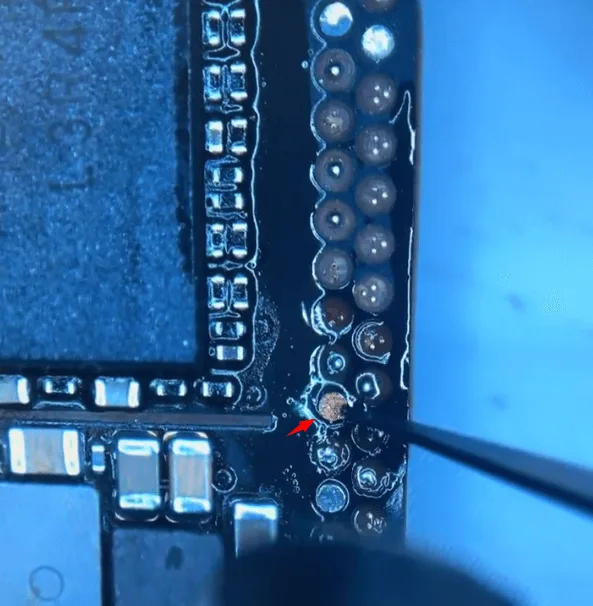
    iphone 12 pro max won turn issue repair guide solder copper lug on the

    Then cure and reinforce it with the UV mask and UV lamp.
    iphone 12 pro max won turn issue repair guide cure with the uv lamp

    Assemble and Test

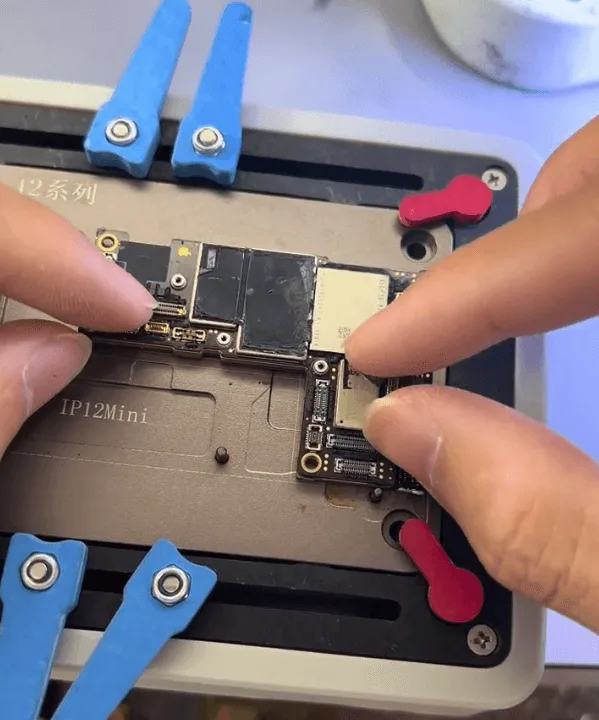
    Then assemble the two layers of the motherboard first with the heating platform
    iphone 12 pro max won turn issue repair guide heating platform

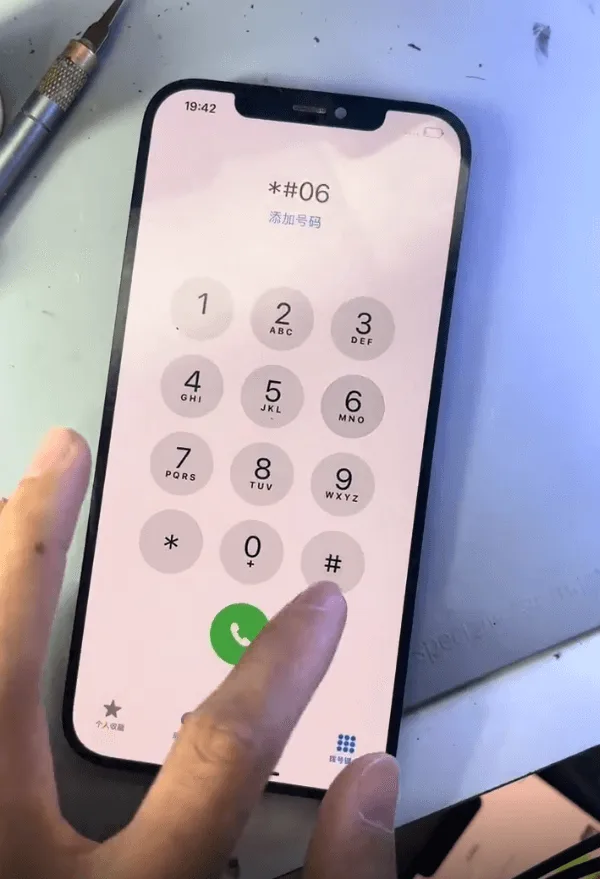
    When the motherboard cooling down, assemble the phone to test and all the functions are OK.

    The issue gets resolved by removing the damaged capacitor and recombining the two layers of the motherboard.
    iPhone 12 Pro Max Won't Turn On

    Summary

    The iPhone 12 Pro Max issue of not turning on due to serious drop damage was resolved by:

    • Removing the damaged capacitor (C2941).
    • Recombining the two layers of the motherboard.
    • Fixing the missing pads.

    This repair requires careful inspection and precise work to ensure the phone is restored to full functionality without causing additional damage.
  • iPhone 12 Pro Max Not Booting? How to Fix with CPU Pad Repair

    iPhone 12 Pro Max Not Booting? How to Fix with CPU Pad Repair

    A no-boot issue in an iPhone 12 Pro Max is a challenge for repair technicians, especially when caused by missing CPU pads. This guide explains how to diagnose, repair, and restore functionality to the device by skillfully repairing the CPU pads through wire jumping and other intricate methods.

    iphone 12 pro max

    Device Details

    Model: iPhone 12 Pro Max

    Announced: 2020, October 13

    Defect Phenomenon

    Device: iPhone 12 Pro Max

    Symptoms:

    1. The device was unable to boot.
    2. Previous repair attempts failed.
    3. Customer feedback identified missing CPU pads.

    Repair Process

    Initial Inspection

    • Disassembled the phone and found the motherboard already separated.
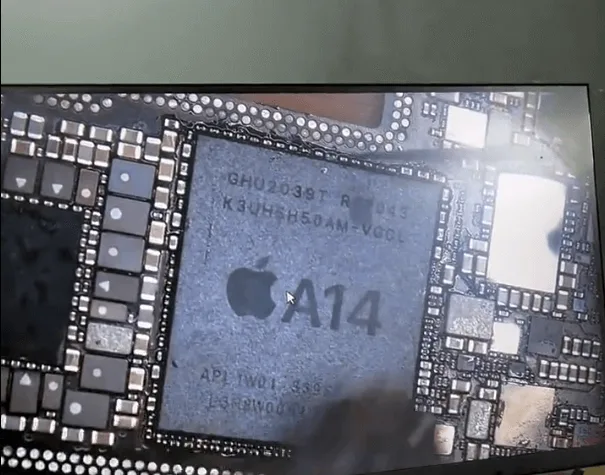
    • Inspected the CPU under a microscope and confirmed repair traces on the pads.
    iphone 12 pro max not booting how fix cpu pad repair received the phone

    Root Cause

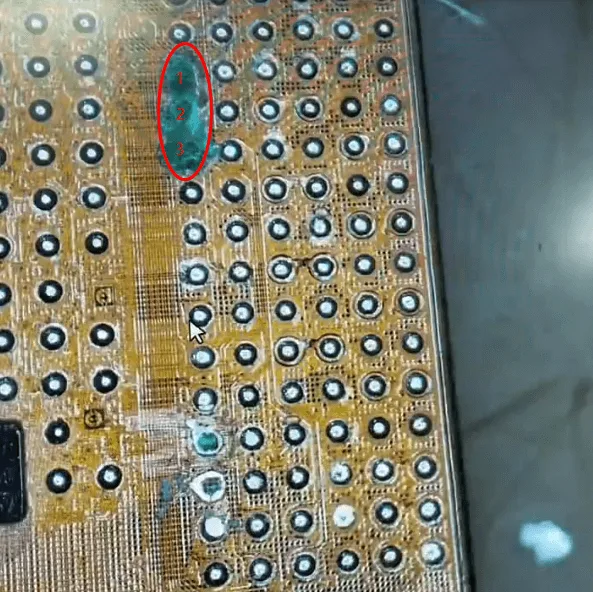
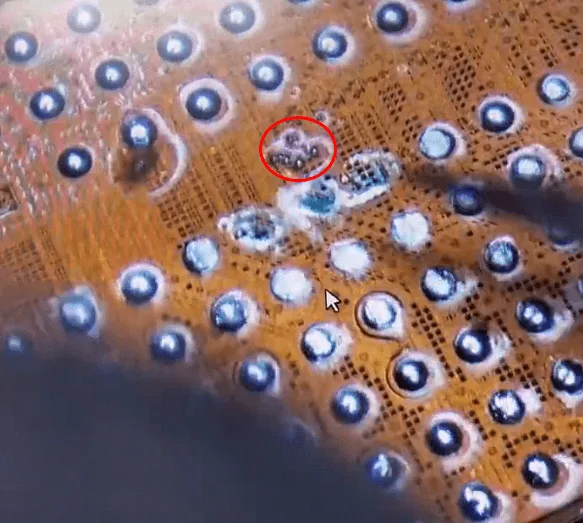
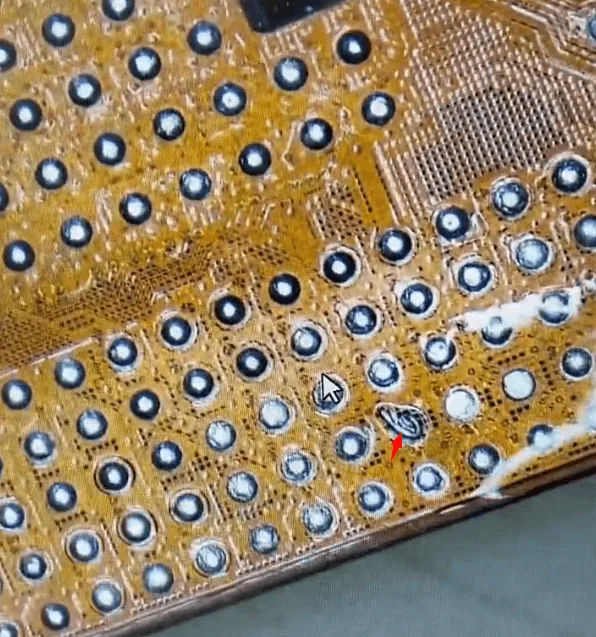
    • Missing pads on the CPU were preventing proper connections, including three critical and challenging pads located close to one another.

    Repair Process

    Step 1: Remove the CPU

    • Carefully remove the CPU from the motherboard.
    iphone 12 pro max not booting how fix cpu pad repair remove the and

    Step 2: Locate the Missing Pads

    • Inspected under a microscope to identify missing or damaged pads.
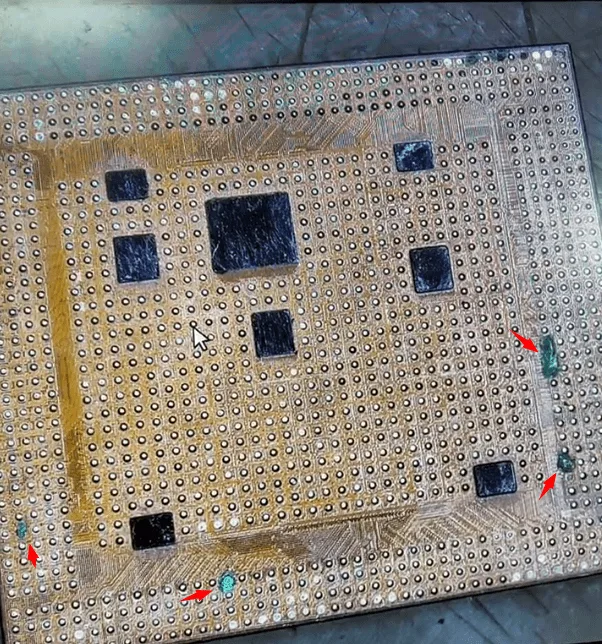
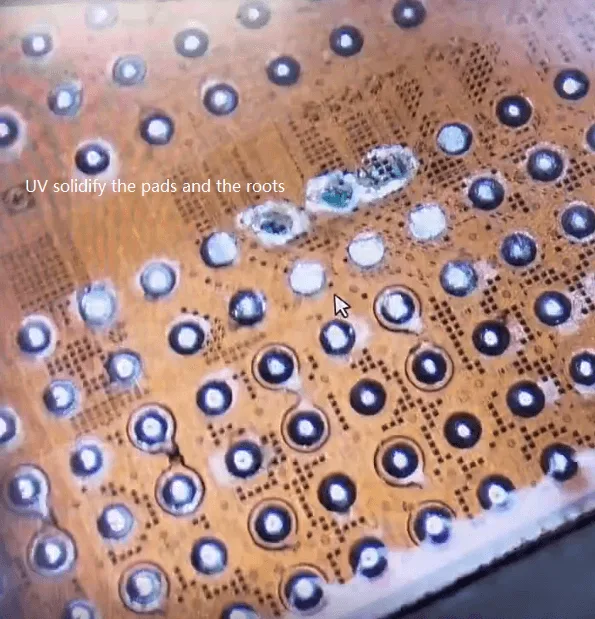
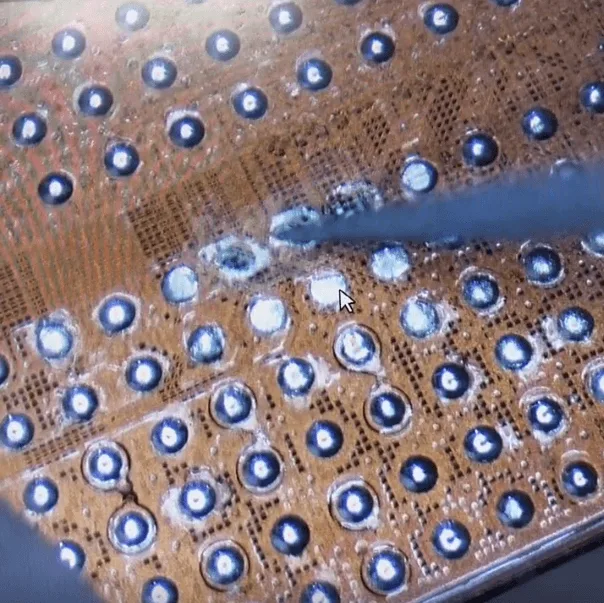
    • Removed the solidified UV mask covering the pads.
    iphone 12 pro max not booting how fix cpu pad repair some pads on the

    Step 3: Root Identification

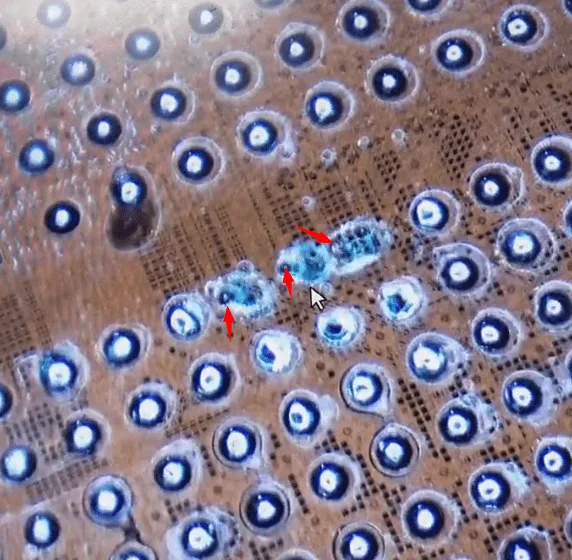
    • Patiently scratched the pad areas with a sculpture knife to locate the roots.
    • Strengthened the roots by applying solder flux and curing with a UV lamp.

    Step 4: Prepare for Wire Jumping

    • Cleaned the roots and applied a minimal amount of tin paste to each.

    Step 5: Wire Jumping for Missing Pads

    • Soldered one side of the wire to the roots.
    • Created a loop on the other side for a secure connection.
    • Applied a UV mask to stabilize the wires and cured them with a UV lamp.

    Step 6: Reball the CPU

    • Re-balled the CPU with solder balls to ensure proper connection with the motherboard.
    iphone 12 pro max not booting how fix cpu pad repair solder back the

    Step 7: Reassemble the Motherboard

    • Soldered the CPU back to the motherboard and recombined the two motherboard layers using a heating platform.

    Summary

    The issue finally gets fixed by CPU pads jump wire repair. As mentioned, CPU chip missing pad repair requires rich experience, excellent stable handwork, and great patience.

    Do more practice and then you can repair similar issues like this with confidence.

  • Fix iPhone 12 Pro Max Won’t Turn On by Jumper Wires

    Fix iPhone 12 Pro Max Won’t Turn On by Jumper Wires

    This iPhone 12 Pro Max cannot boot up because one of the inductors is broken. The problem is successfully fixed by jumping wire.