Tag: iphone 12 pro max repair

  • iPhone 12 Pro Max Cannot Charge and Stuck at Apple Logo

    iPhone 12 Pro Max Cannot Charge and Stuck at Apple Logo

    An iPhone 12 Pro Max that won’t charge and remains stuck at the Apple logo is a repair technician’s challenge. This issue arose after a screen replacement, leading to motherboard problems. This detailed guide explores the troubleshooting process, identifies the root cause, and outlines the steps to replace the defective USB chip.
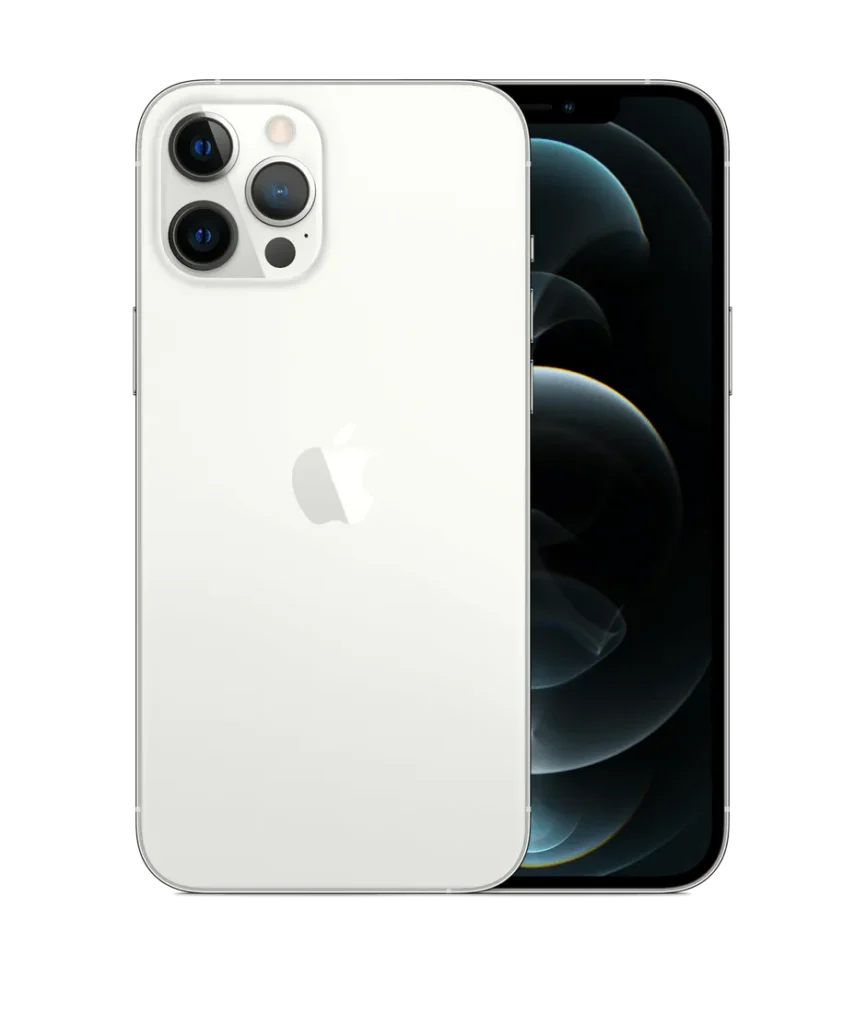
    iPhone 12 pro max

    Device Details

    Model: iPhone 12 Pro Max

    Announced: 2020, October 13

    Defect Phenomenon

    • The original screen was damaged and has been replaced with a new one.
    • After a few days of use, the phone stopped working and could not be booted. 
    • Connected it to the charging cable, but there was no response.

    Troubleshooting

    Disassemble the phone and apply a sticker to the Face ID module.
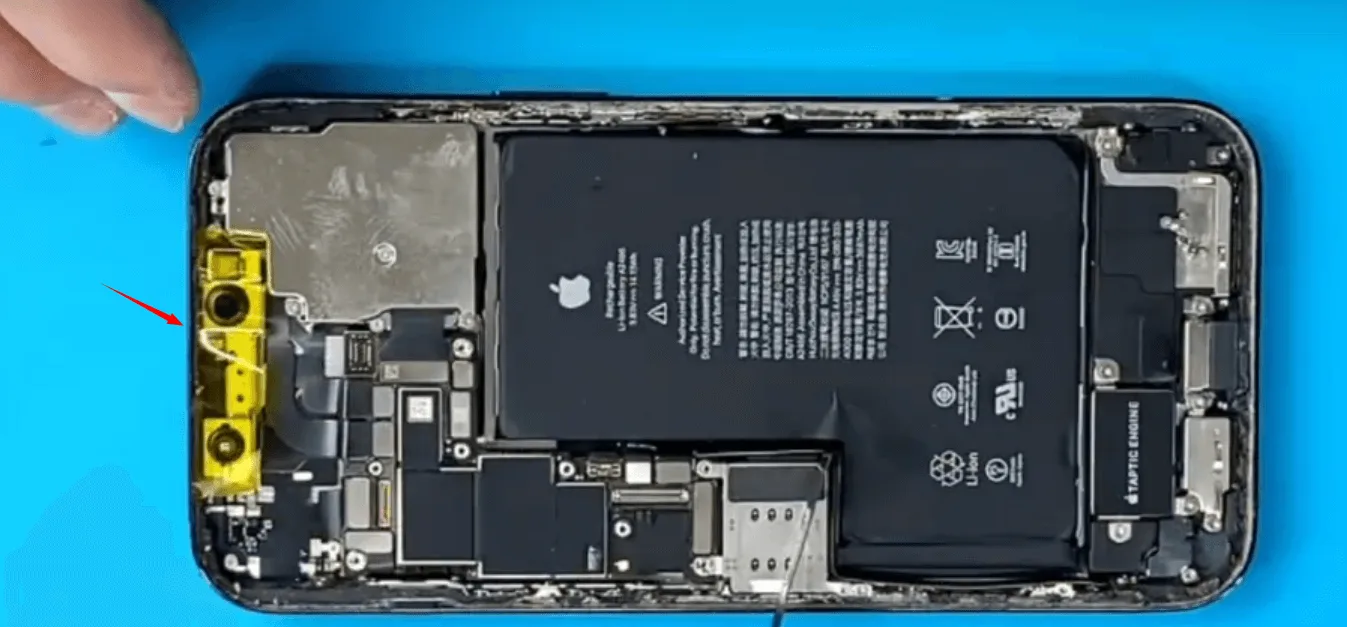
    iphone 12 pro max cannot charge stuck apple logo protect the face id

    Initial Inspection

    Face ID Module: Protected with a sticker before disassembly.

    Motherboard:

    • No signs of previous repairs or water damage.
    • No physical deformation.

    Everything looks fine.

    Boot Current Check

    • Connected the motherboard to a DC power supply and observed the current curve.
    • The boot current remained fixed at 400mA, suggesting chip damage.

    Thermal Imaging Analysis

    • Separated the motherboard layers using a heating platform.
    • Supplied power and used thermal imaging to locate overheating.
    • Identified the USB chip as the source of excessive heat.
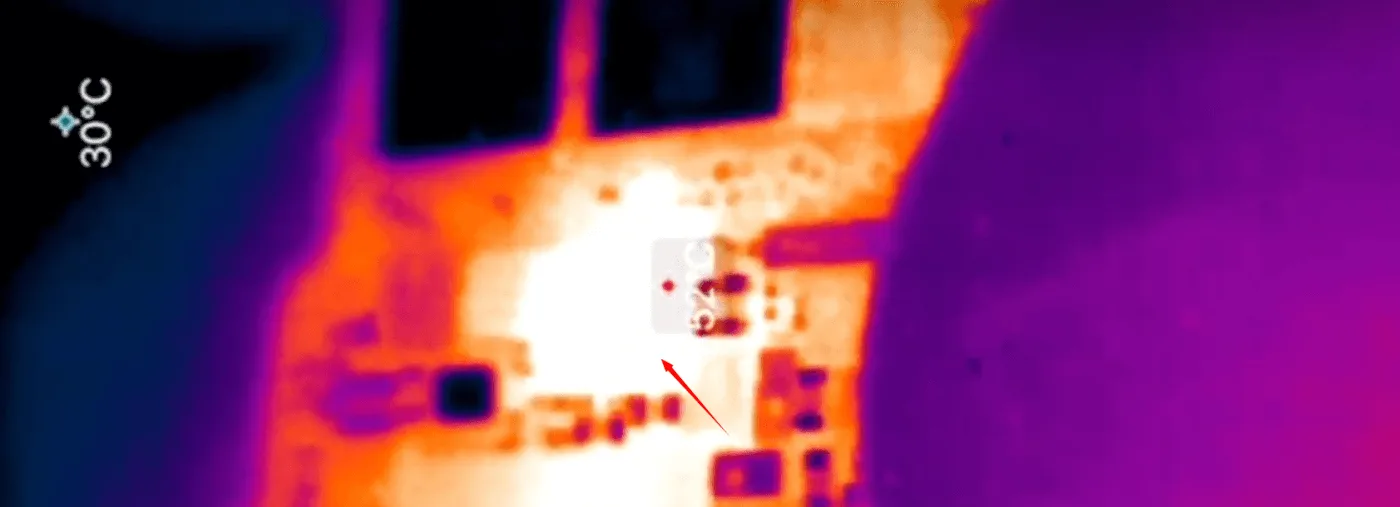
    iphone 12 pro max cannot charge stuck apple logo the usb chip get hot

    Repair Process

    USB Chip Removal

    • Removed the defective USB chip using a hot air gun and tweezers.
    • Worked quickly to avoid impacting the nearby Power Management Unit (PMU).
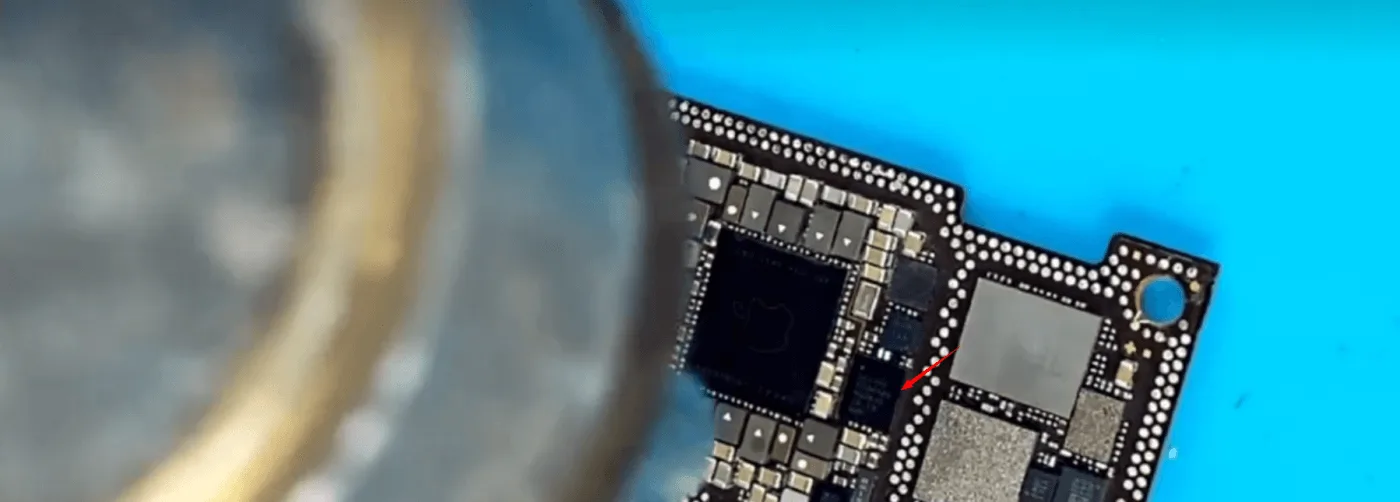
    iphone 12 pro max cannot charge stuck apple logo then remove the chip

    Pad Preparation

    • Cleaned the pads with solder flux and solder wick.
    • Ensured the pads were smooth for optimal chip connection.
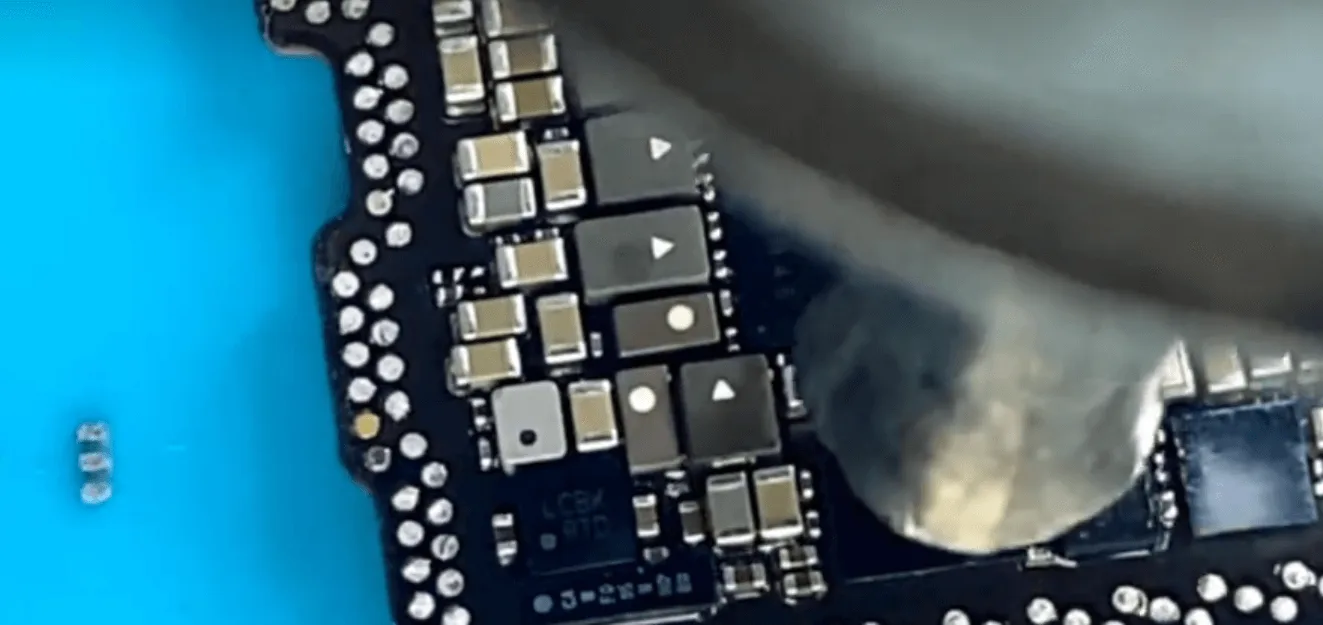
    iphone 12 pro max cannot charge stuck apple logo solder it back to the

    Chip Replacement

    • Re-balled the new USB chip to ensure all solder joints were intact.
    • Soldered the chip onto the motherboard with precision.

    Recombine Motherboard Layers

    • Reassembled the motherboard layers using a heating platform.
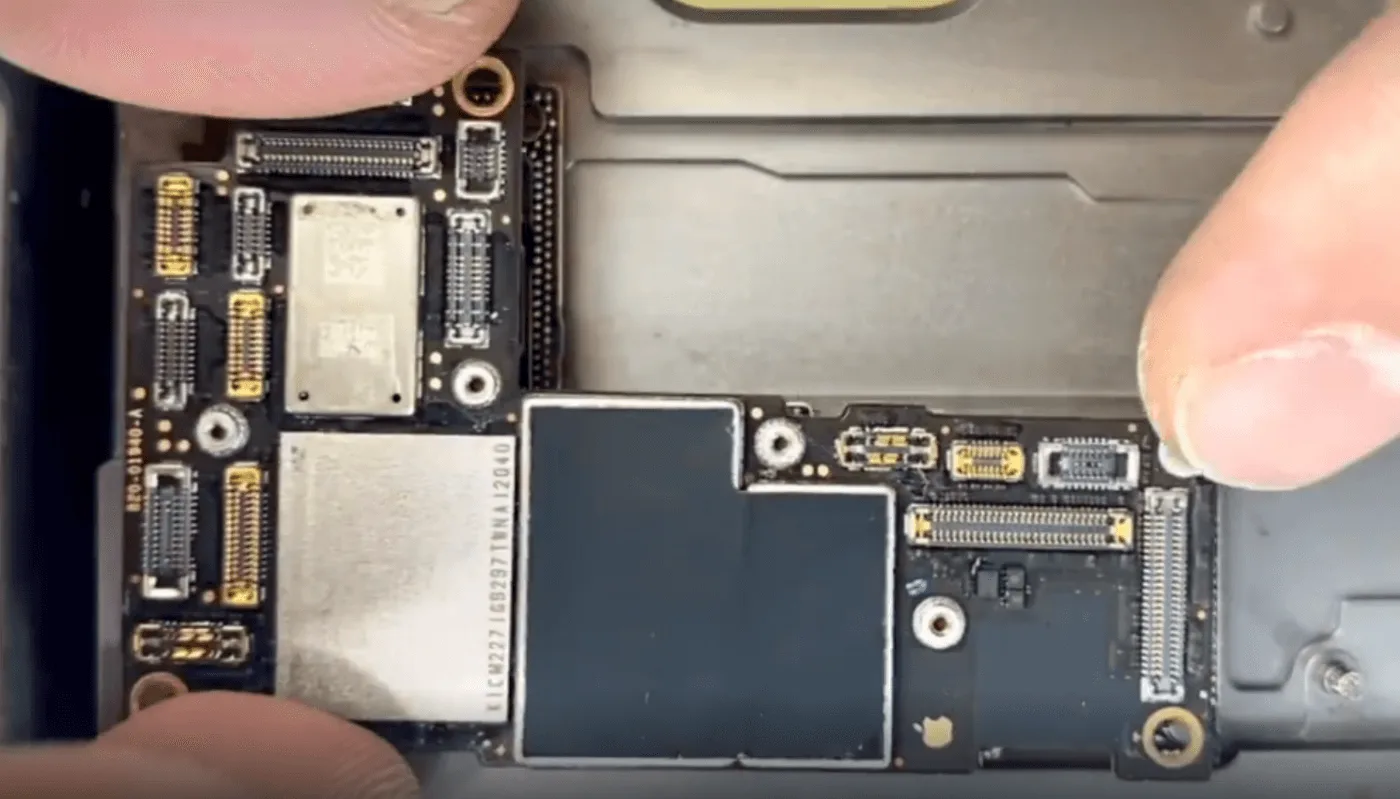
    iphone 12 pro max cannot charge stuck apple logo then we can recombine

    Testing

    Boot Current Check

    Verified that the boot current returned to normal after USB chip replacement.
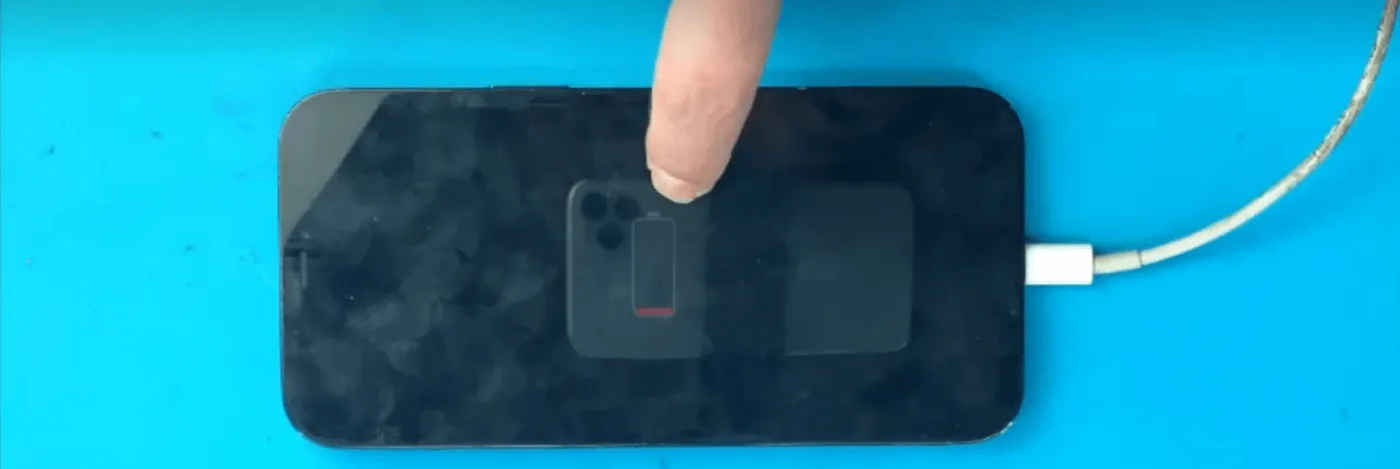
    iPhone 12 Pro Max Cannot Charge

    Functional Testing

    • Assembled the phone and tested charging functionality.
    • Conducted additional tests to ensure all functions were working correctly.

    Final Outcome

    The iPhone 12 Pro Max was successfully repaired. The phone now charges normally, boots without issues, and retains full functionality.

    Key Takeaways

    1. Precision Tools: Use thermal imaging to pinpoint overheating components.
    2. Quick Repairs: Minimize heat exposure to sensitive components during desoldering.
    3. Preventative Care: Protect nearby components like the PMU during chip replacement.

    For more professional repair tips and advanced techniques, visit REWA Academy.

    Let me know if you’d like any adjustments, additional sections, or graphics to accompany this guide!
  • iPhone 12 Pro Max Not Booting? How to Fix with CPU Pad Repair

    iPhone 12 Pro Max Not Booting? How to Fix with CPU Pad Repair

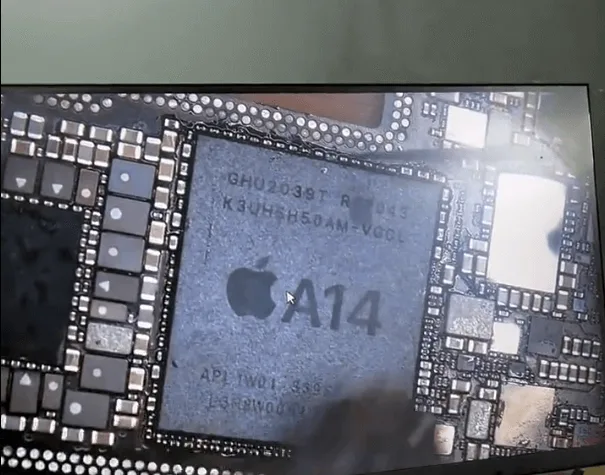
    A no-boot issue in an iPhone 12 Pro Max is a challenge for repair technicians, especially when caused by missing CPU pads. This guide explains how to diagnose, repair, and restore functionality to the device by skillfully repairing the CPU pads through wire jumping and other intricate methods.

    iphone 12 pro max

    Device Details

    Model: iPhone 12 Pro Max

    Announced: 2020, October 13

    Defect Phenomenon

    Device: iPhone 12 Pro Max

    Symptoms:

    1. The device was unable to boot.
    2. Previous repair attempts failed.
    3. Customer feedback identified missing CPU pads.

    Repair Process

    Initial Inspection

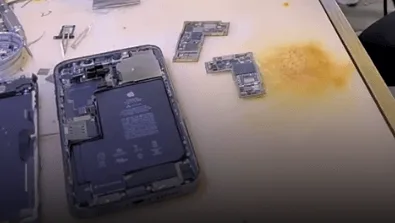
    • Disassembled the phone and found the motherboard already separated.
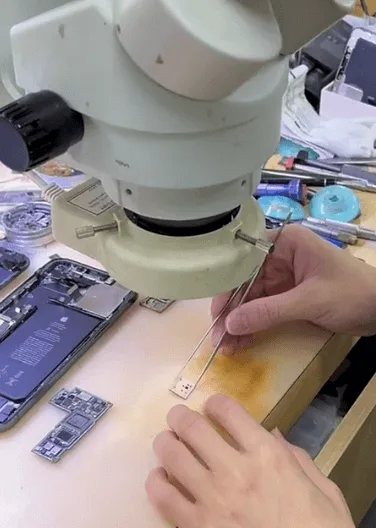
    • Inspected the CPU under a microscope and confirmed repair traces on the pads.
    iphone 12 pro max not booting how fix cpu pad repair received the phone

    Root Cause

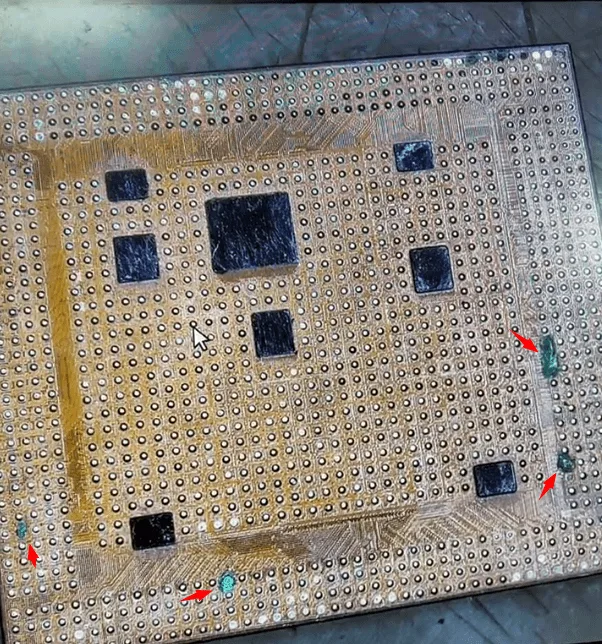
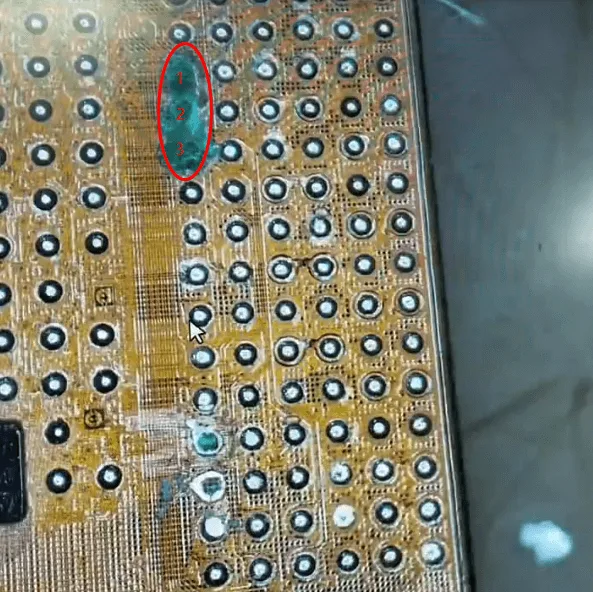
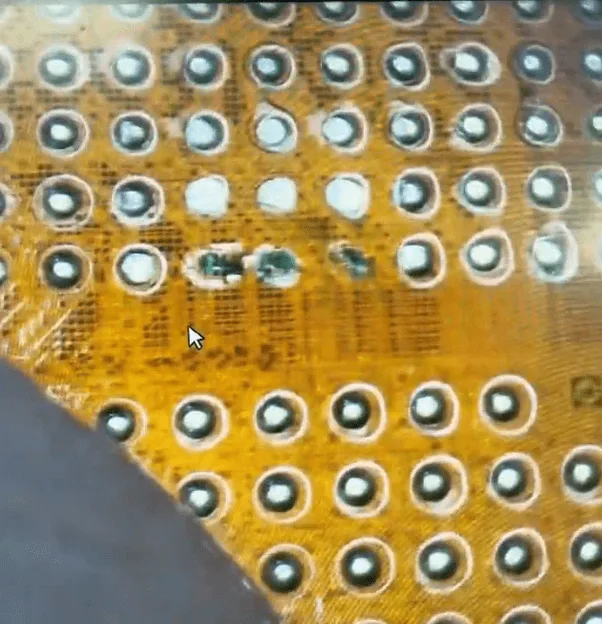
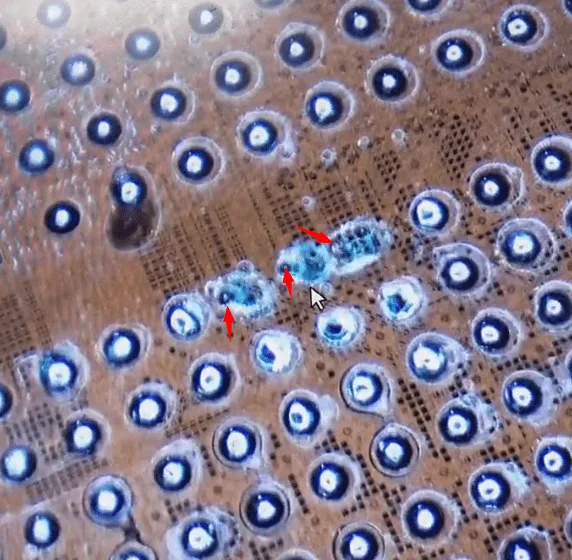
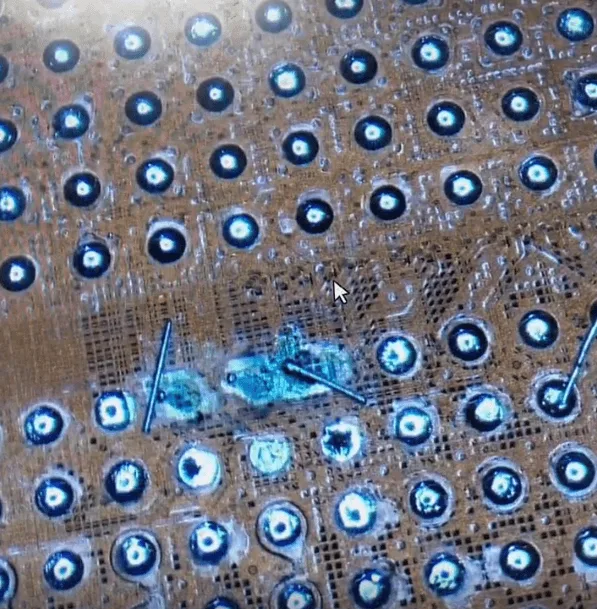
    • Missing pads on the CPU were preventing proper connections, including three critical and challenging pads located close to one another.

    Repair Process

    Step 1: Remove the CPU

    • Carefully remove the CPU from the motherboard.
    iphone 12 pro max not booting how fix cpu pad repair remove the and

    Step 2: Locate the Missing Pads

    • Inspected under a microscope to identify missing or damaged pads.
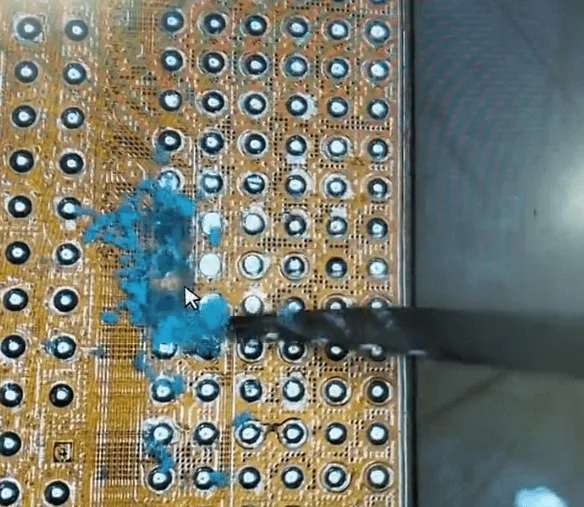
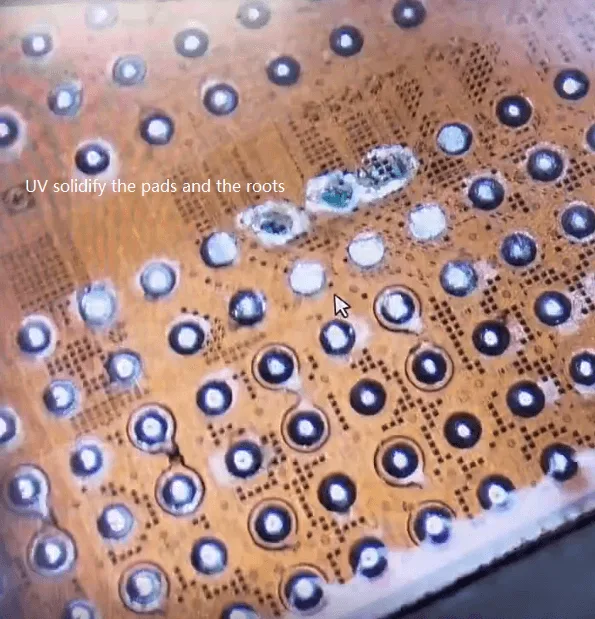
    • Removed the solidified UV mask covering the pads.
    iphone 12 pro max not booting how fix cpu pad repair some pads on the

    Step 3: Root Identification

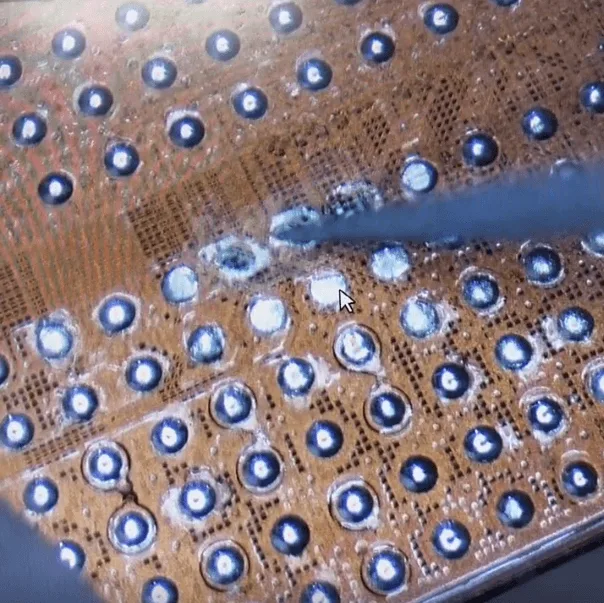
    • Patiently scratched the pad areas with a sculpture knife to locate the roots.
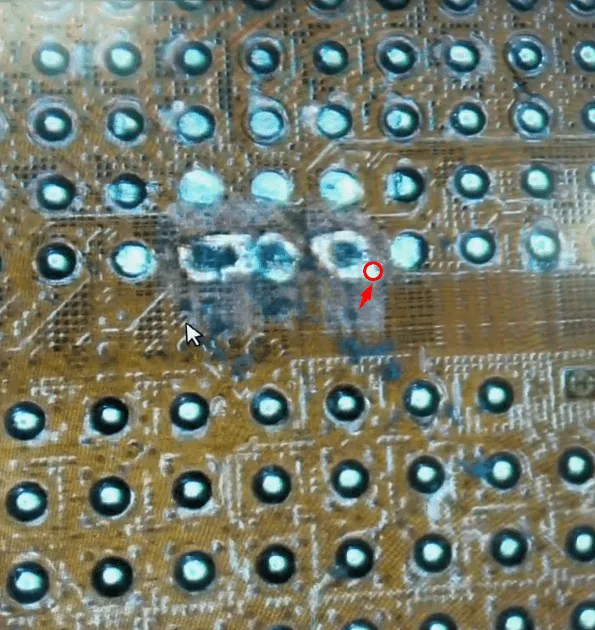
    • Strengthened the roots by applying solder flux and curing with a UV lamp.

    Step 4: Prepare for Wire Jumping

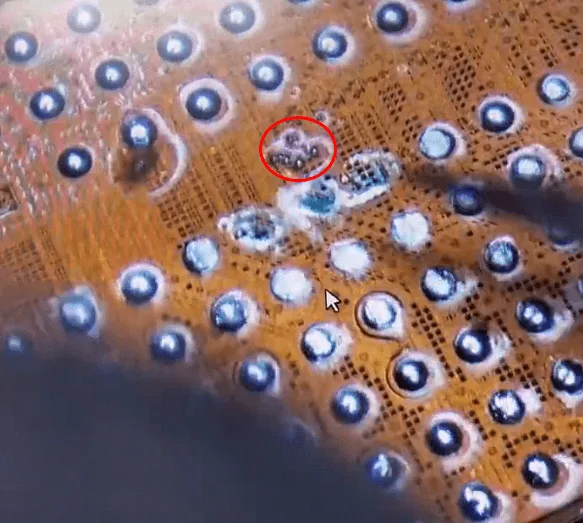
    • Cleaned the roots and applied a minimal amount of tin paste to each.

    Step 5: Wire Jumping for Missing Pads

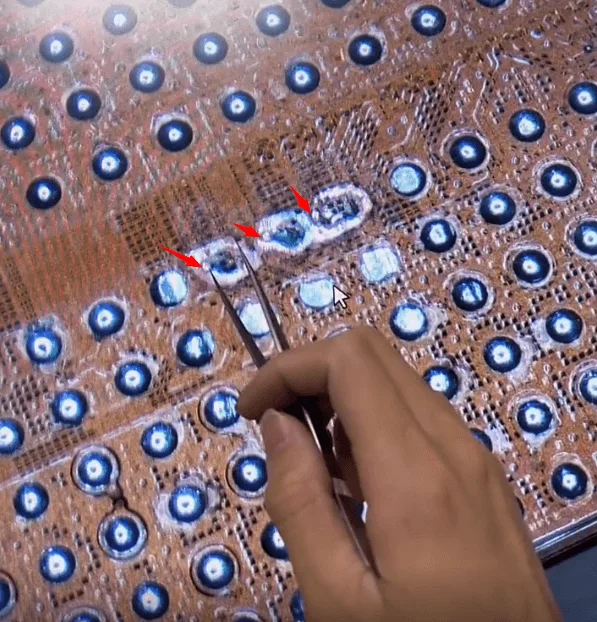
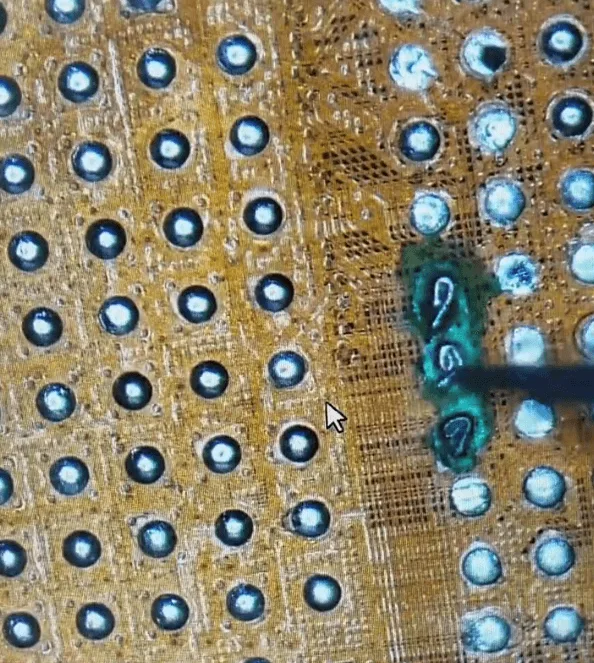
    • Soldered one side of the wire to the roots.
    • Created a loop on the other side for a secure connection.
    • Applied a UV mask to stabilize the wires and cured them with a UV lamp.

    Step 6: Reball the CPU

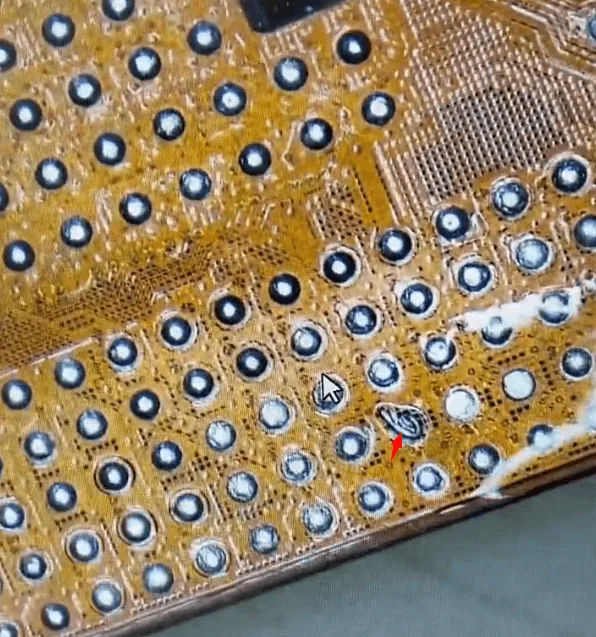
    • Re-balled the CPU with solder balls to ensure proper connection with the motherboard.
    iphone 12 pro max not booting how fix cpu pad repair solder back the

    Step 7: Reassemble the Motherboard

    • Soldered the CPU back to the motherboard and recombined the two motherboard layers using a heating platform.

    Summary

    The issue finally gets fixed by CPU pads jump wire repair. As mentioned, CPU chip missing pad repair requires rich experience, excellent stable handwork, and great patience.

    Do more practice and then you can repair similar issues like this with confidence.

  • Fix iPhone 12 Pro Max Won’t Turn On by Jumper Wires

    Fix iPhone 12 Pro Max Won’t Turn On by Jumper Wires

    This iPhone 12 Pro Max cannot boot up because one of the inductors is broken. The problem is successfully fixed by jumping wire.

  • Fix iPhone 12 Pro Max Overheating Issue by Soldering Lugs – Over a Dozen Missing Pads

    Fix iPhone 12 Pro Max Overheating Issue by Soldering Lugs – Over a Dozen Missing Pads

    The iPhone 12 Pro Max was dropped before and now shows a temperature warning. A cosmetic inspection tells us that the motherboard has pseudo-soldering. After separation, the motherboard is found to have over a dozen missing pads. With the help of REFOX soldering lugs, the missing pads are repaired and the overheating issue is fixed.