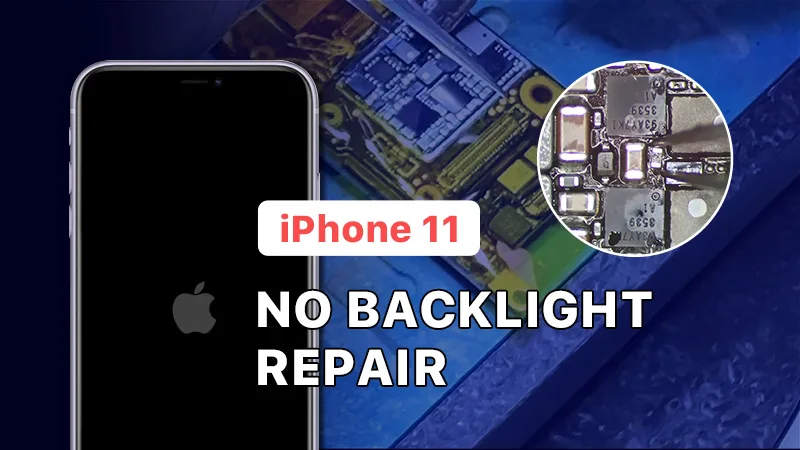
Are you experiencing the frustrating issue of a black screen with no backlight on your iPhone 11? Don’t worry, we are here to help. In this detailed guide, we will provide step-by-step instructions to diagnose and repair this common iPhone problem. With our expert tips and insights, you’ll be able to get your iPhone 11’s backlight up and running in no time.
Diagnosing the Problem
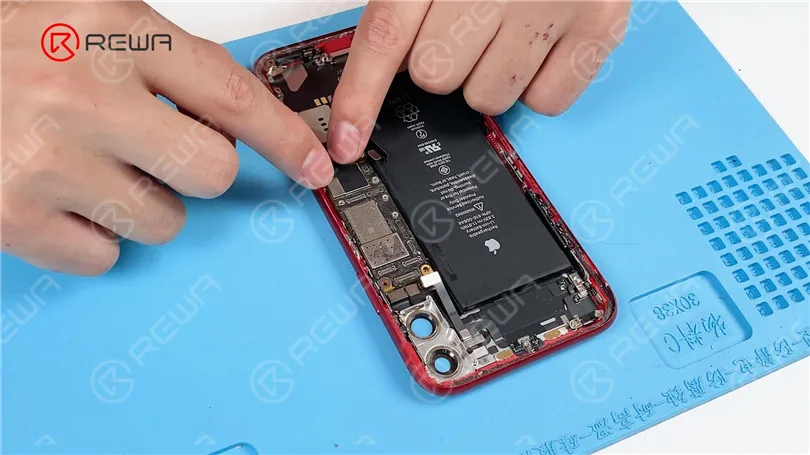
First things first, if your iPhone 11 powers on but the display is dim or black, you may be dealing with a backlight issue. Here’s how you can diagnose the problem:
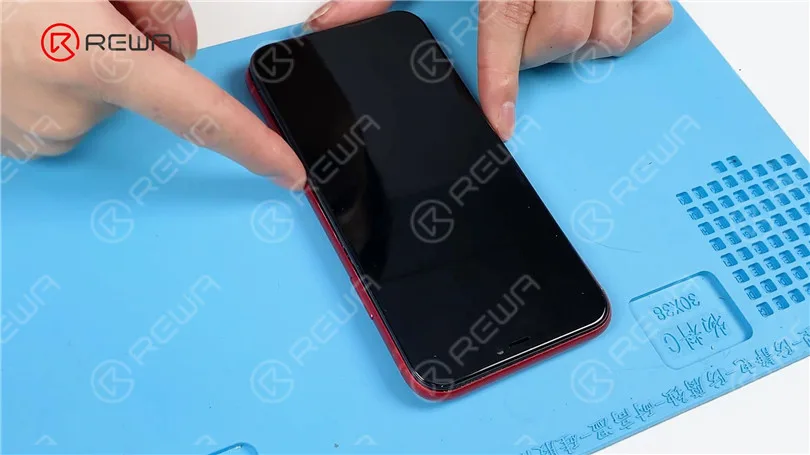
Connecting the Essentials: Begin by installing the motherboard and connecting the screen and battery. Press the power button to turn on the phone. If you can see the Apple logo faintly, it’s a clear indication that your phone is functional, but the backlight is not working.
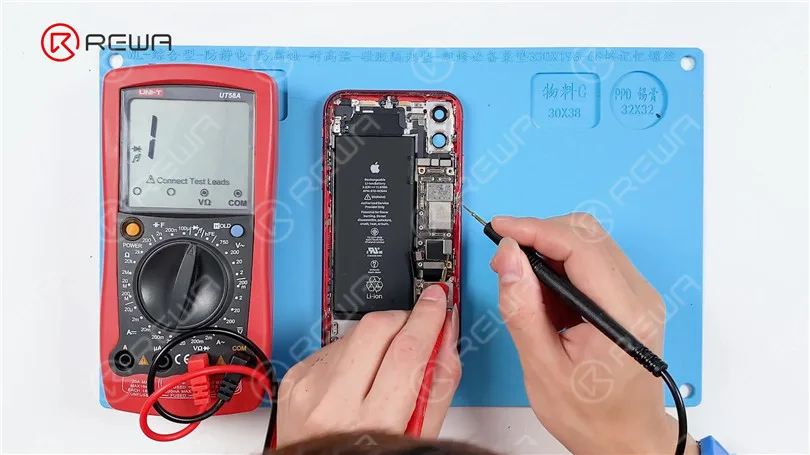
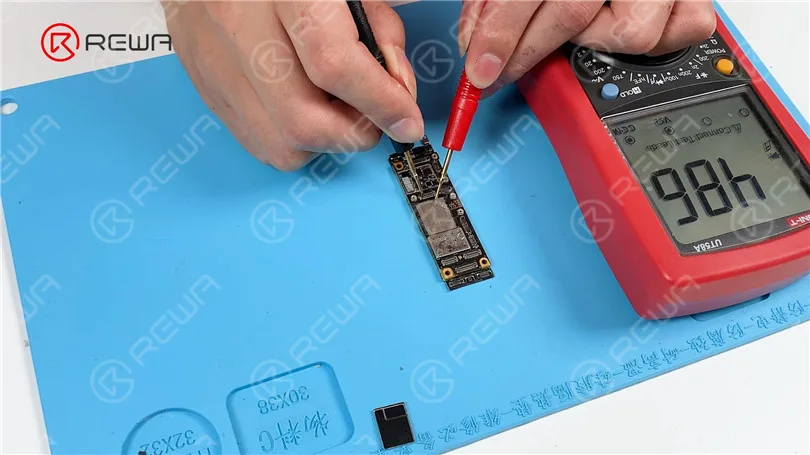
Measuring Diode Values: To identify the root cause, remove the screen and disconnect the battery. Using a multimeter in diode mode, measure the values of pins 26, 24, 22, 20, 18, and 16 on J8000. Pay special attention to pins 24 and 18; if they show no diode values or values significantly different from the normal range of around 400-500, it suggests an open circuit in these circuits.
The Repair Process
Since the malfunctioning components are hidden beneath a shielding cover, the following steps are necessary:
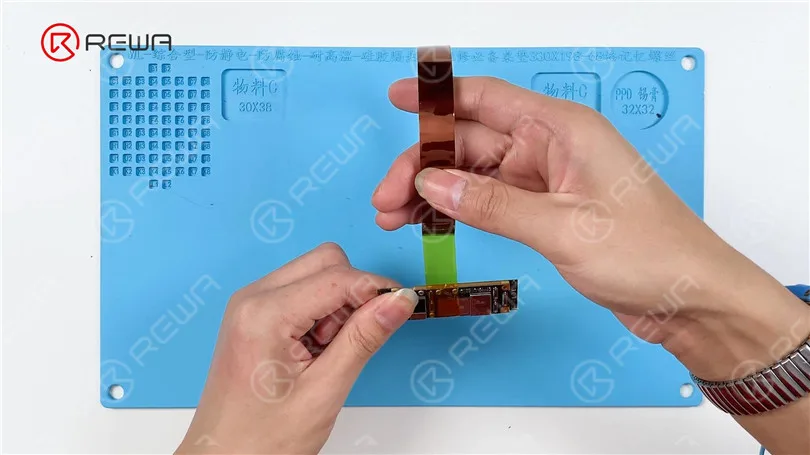
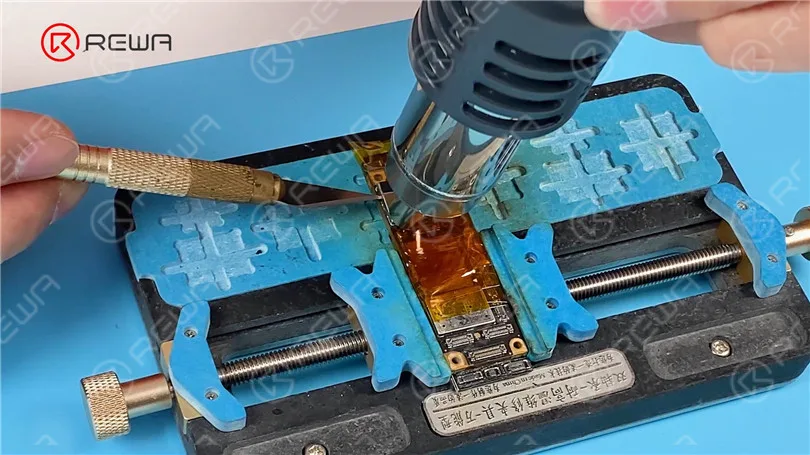
Shielding Cover Removal: Safeguard the connectors with high-temperature tape. Gently heat the shielding cover with a Hot Air Gun at 380°C and airflow 60. Carefully pry up the shielding cover using a Sculpture Knife.
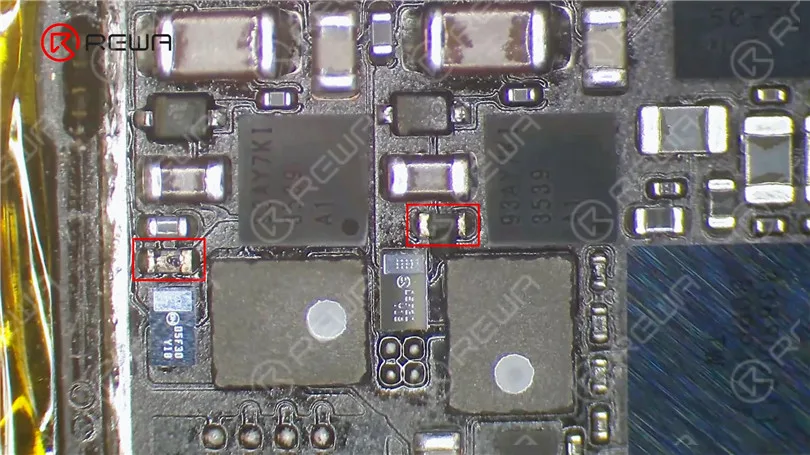
Component Inspection: Under a microscope, you will likely observe damaged resistors R5651 and R5661. These need to be replaced.
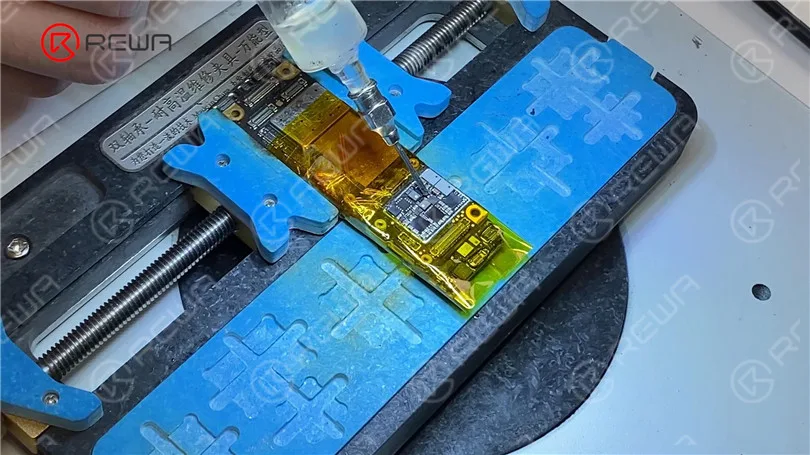
Resistor Replacement: Apply a small amount of Paste Flux, then use a Hot Air Gun set at 360°C and airflow 40 to remove the damaged resistors. Since finding identical-sized resistors can be challenging, you can use iPhone 7 backlight protection inductors as suitable alternatives. Heat the inductors with the Hot Air Gun to solder them in place.
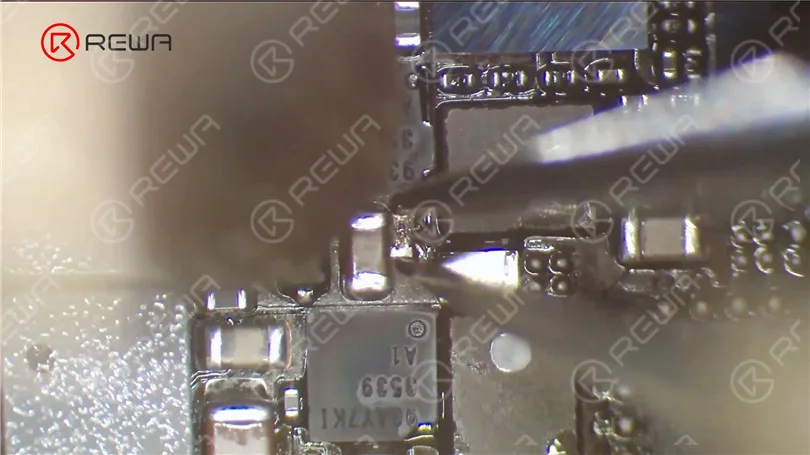
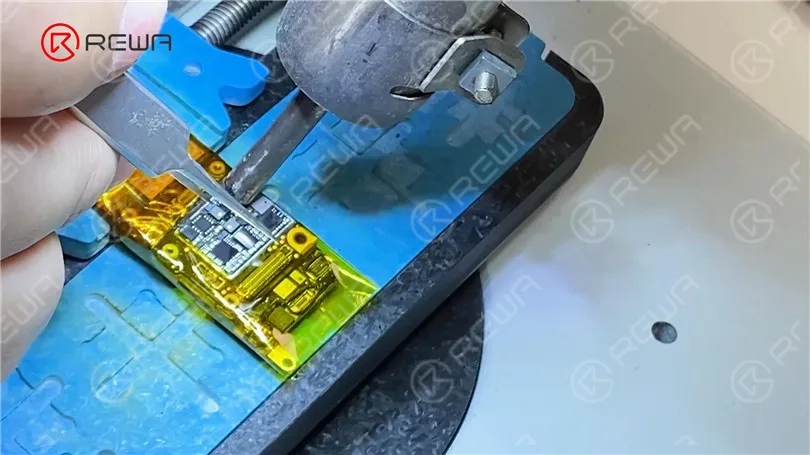
Testing and Confirmation: Once the motherboard cools down, remove the high-temperature tape and measure the diode values of pin 24 and 18. You should now see that they have returned to normal.
Reassembly: With the resistors replaced and the backlight circuit restored, it’s time to reassemble your iPhone. Install the motherboard, connect the screen and battery, and power on your device. If all goes well, your iPhone 11 should display correctly, and the backlight issue should be resolved.
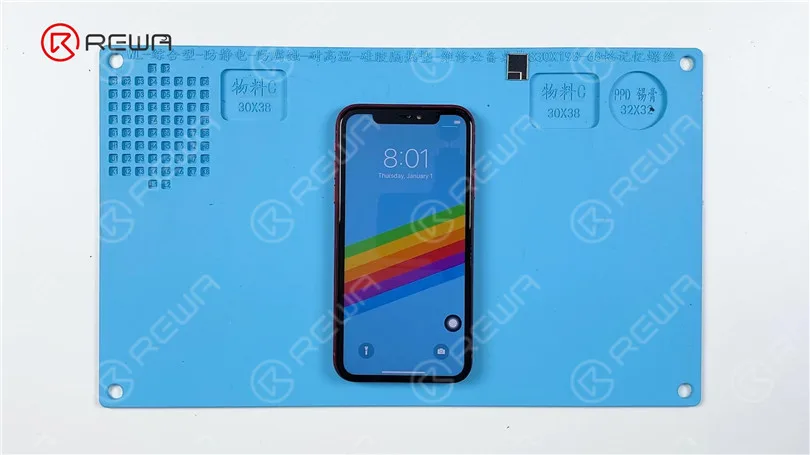
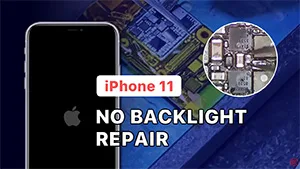
Video Guide to fix iPhone 11 Black Screen with no backlight.
Conclusion
In this comprehensive guide, we’ve demonstrated the step-by-step process to diagnose and repair an iPhone 11 with no backlight. By carefully following these instructions, you can successfully bring your iPhone back to life.
Remember to exercise caution and precision when working with delicate components, and if you’re not confident in your repair skills, consider seeking professional assistance. With a little patience and know-how, you can save your iPhone 11 from the annoyance of a black screen and enjoy your device’s display once more.
By following these guidelines, you’ll have your iPhone 11’s backlight issue resolved in no time. Don’t let a dim display keep you in the dark; bring your device back to life and enjoy its vibrant screen once more.
 English
 Español
 Français
 Deutsch
 Italiano