Tag: ipad ghost touch

  • How to Fix iPad Touch Screen Jumping/Glitching – Touch IC Replacement

    How to Fix iPad Touch Screen Jumping/Glitching – Touch IC Replacement

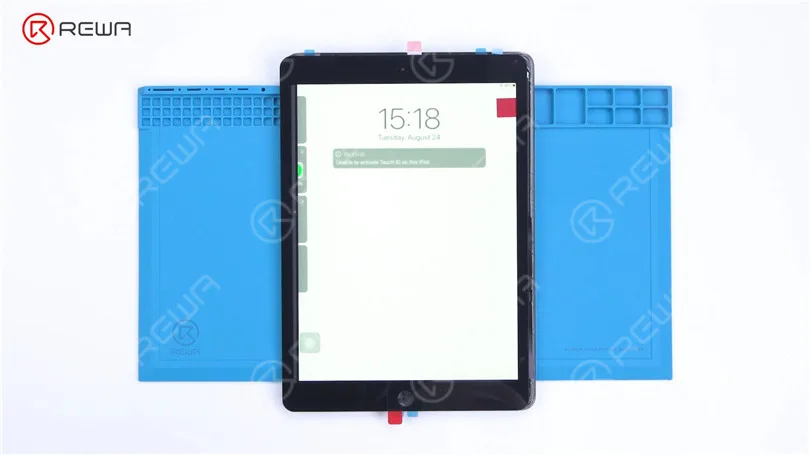
    Today we will share how to repair iPad touch screen jumping. The touch screen of the iPad is still jumping after touch screen replacement.
    How to Fix iPad Touch Jumping/Glitching - Touch IC Replacement

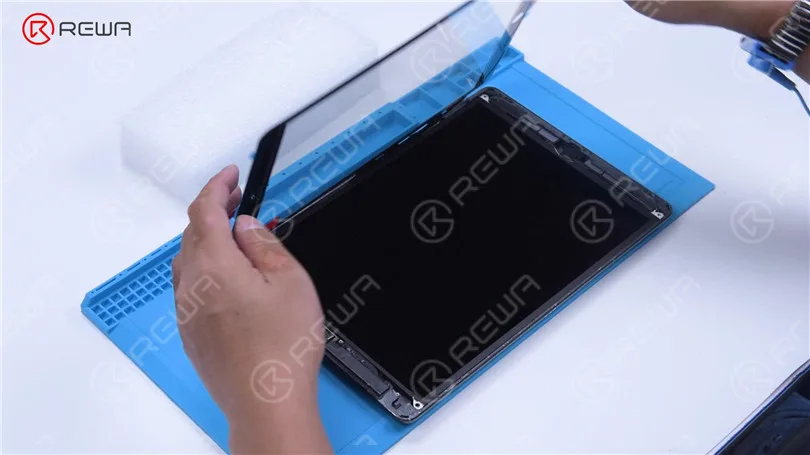
    It can be preliminarily judged that the problem is caused by a motherboard fault. Next, we need to check the motherboard. Detach the touch screen and display.
    How to Fix iPad Touch Jumping/Glitching - Touch IC Replacement

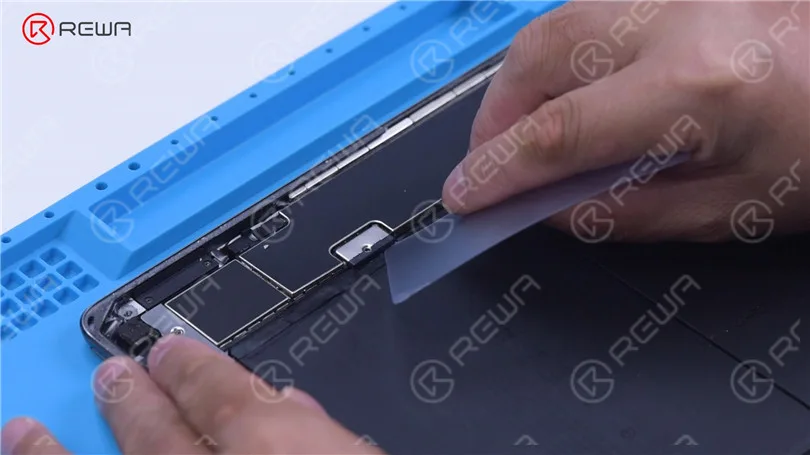
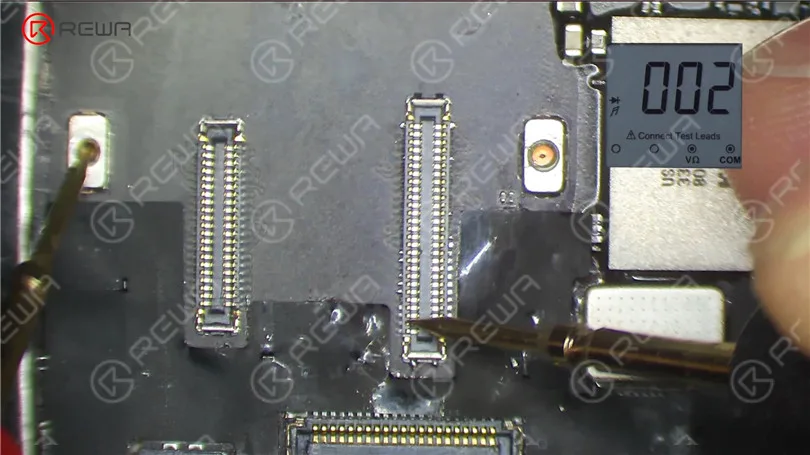
    Remove the screw on the motherboard and insert a Pry Piece to disconnect the battery. Measure diode values of the two connectors with diode mode of the multimeter. The diode values are normal. It indicates that the circuit connecting the touch connectors to the touch IC is normal.
    How to Fix iPad Touch Jumping/Glitching - Touch IC Replacement
    How to Fix iPad Touch Jumping/Glitching - Touch IC Replacement

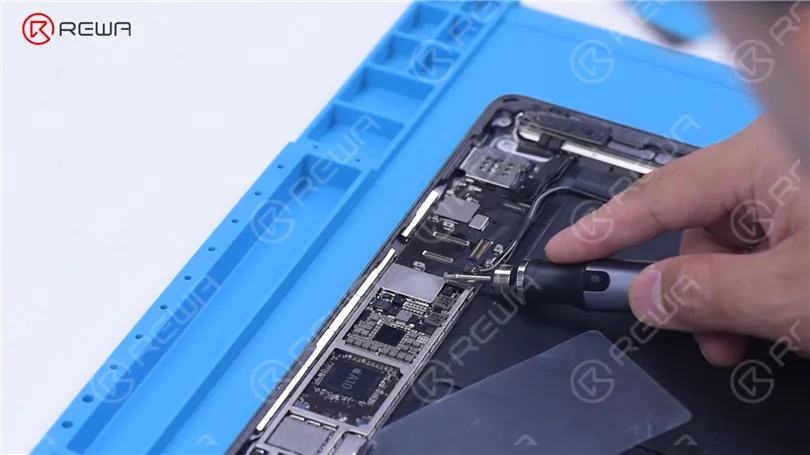
    Then we try to replace the touch IC. Remove the shielding cover on the motherboard. Since there is another soldered shielding cover on the touch IC, we need to grind the shielding cover and then heat to remove. Grind the shielding cover with a Grinding Pen. Please pay attention not to damage surrounding components while grinding.
    How to Fix iPad Touch Jumping/Glitching - Touch IC Replacement

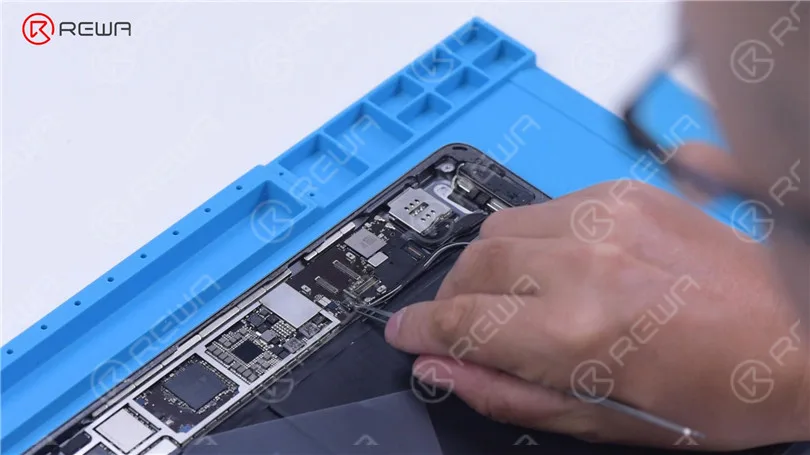
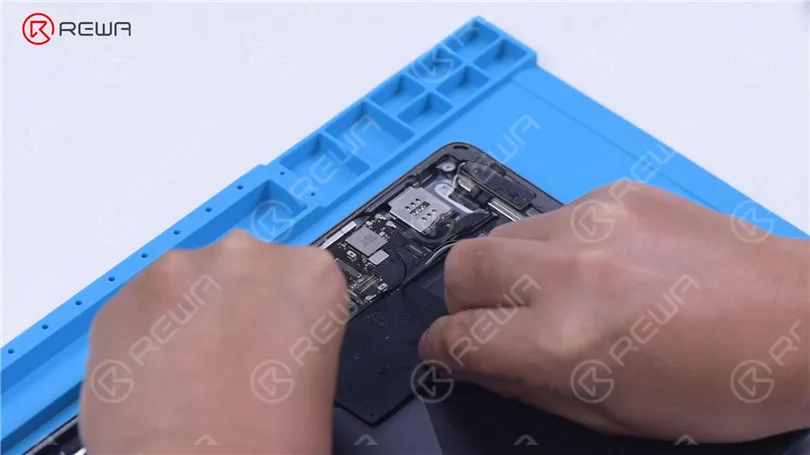
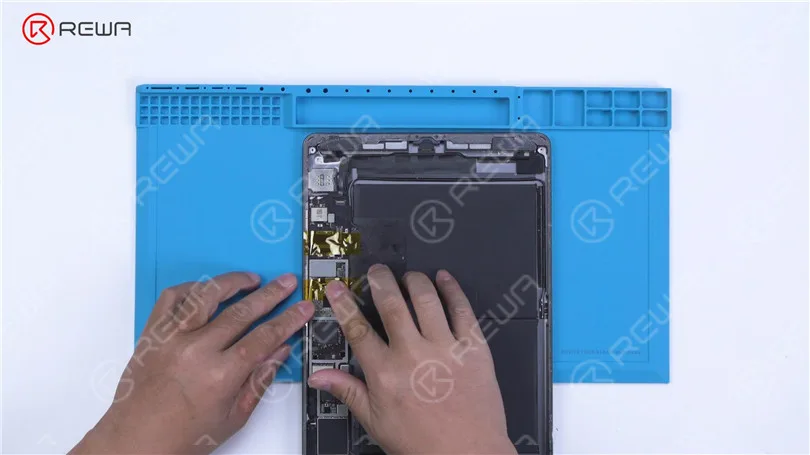
    Tear off the tape after grinding. Disconnect the flex cable. To prevent hard desoldering due to fast heat dissipation, pry up the motherboard with a metal blade.
    How to Fix iPad Touch Jumping/Glitching - Touch IC Replacement
    How to Fix iPad Touch Jumping/Glitching - Touch IC Replacement

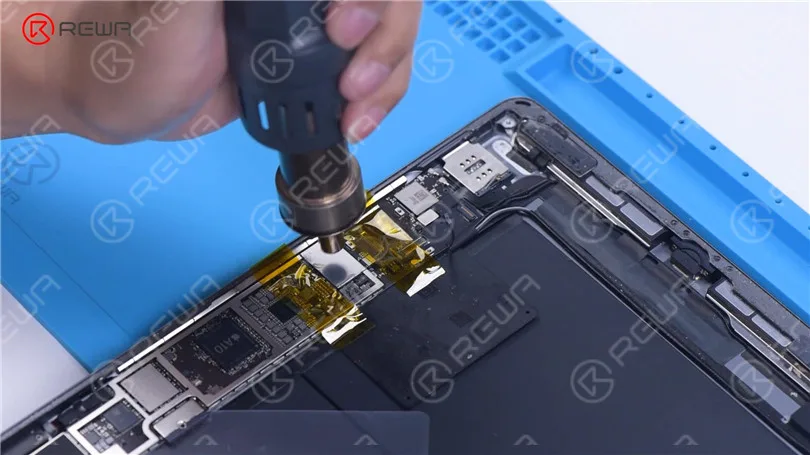
    Protect nearby components with high-temperature tape. Apply some Paste Flux. Remove the shielding cover with QUICK 861D Hot Air Gun at 400 °C and airflow 45.
    How to Fix iPad Touch Jumping/Glitching - Touch IC Replacement
    How to Fix iPad Touch Jumping/Glitching - Touch IC Replacement

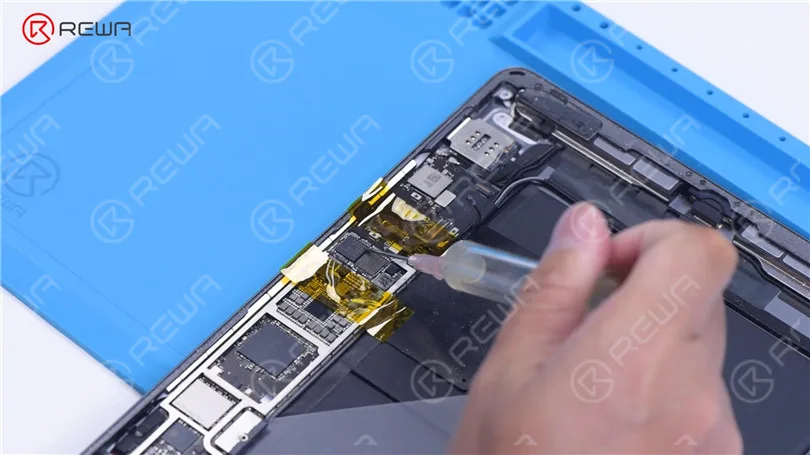
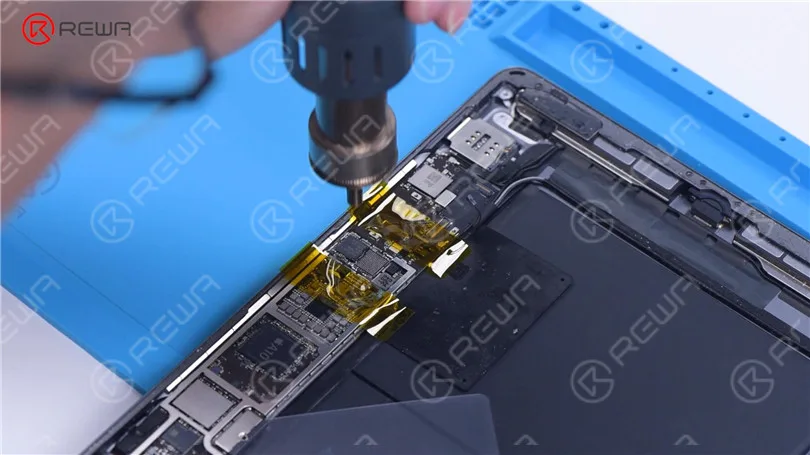
    Apply some Paste Flux around the touch IC. Keep heating to remove the Touch IC. Apply some middle-temperature Solder Paste to the bonding pads with Soldering Iron at 365 °C.
    How to Fix iPad Touch Jumping/Glitching - Touch IC Replacement
    How to Fix iPad Touch Jumping/Glitching - Touch IC Replacement

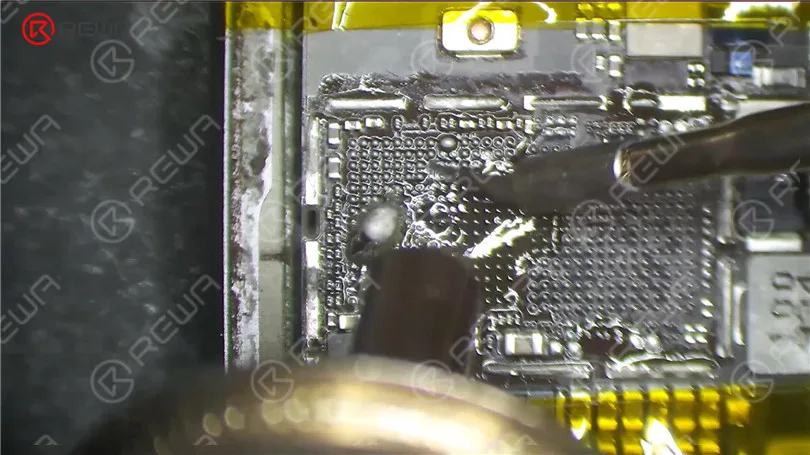
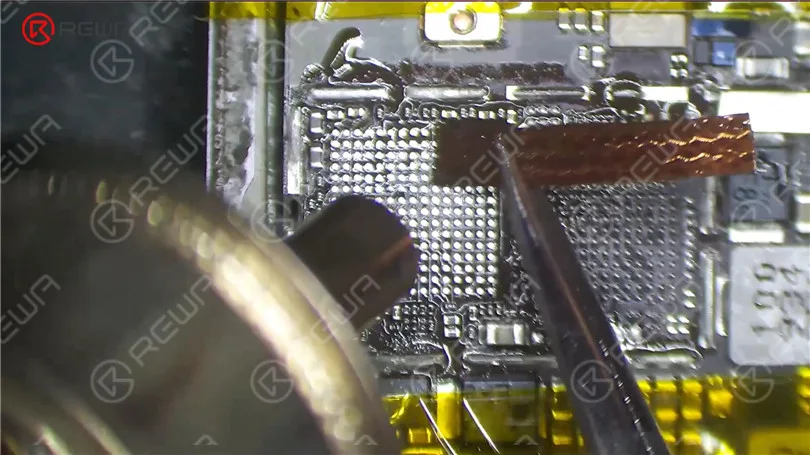
    Add heat with Hot Air Gun to clean the bonding pads. Keep cleaning the bonding pads with Solder Wick. Clean the bonding pads with PCB Cleaner.
    How to Fix iPad Touch Jumping/Glitching - Touch IC Replacement
    How to Fix iPad Touch Jumping/Glitching - Touch IC Replacement

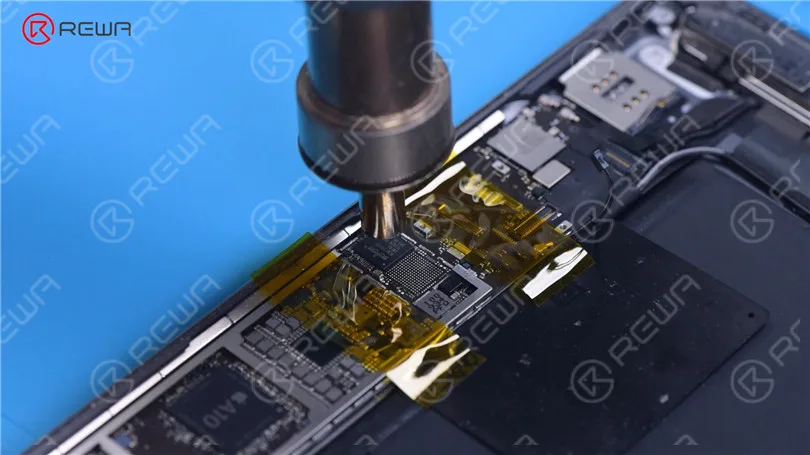
    Apply some Paste Flux. Put a new touch IC in position. Heat with Hot Air Gun to solder.
    How to Fix iPad Touch Jumping/Glitching - Touch IC Replacement

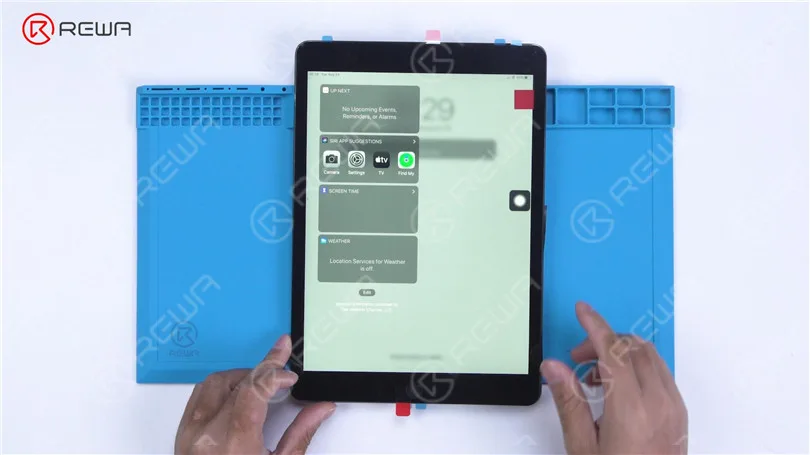
    After the motherboard has cooled, remove the high-temperature tape. Connect the flex cable. Install the screw. Then install the touch screen and display. Turn on the iPad. The touch screen has returned to normal. The touch jumping problem has disappeared.

    How to Fix iPad Touch Jumping/Glitching - Touch IC Replacement
  • iPad Air Ghost Touch? Learn Why and How to Solve It

    iPad Air Ghost Touch? Learn Why and How to Solve It

    You may have observed that your iPad has been acting strangely, especially if you have replaced the iPad screen recently.

    Similarly, this is also a headache for many repair shops.

    For S+ grade iPad Air touch screen digitizer, iPad ghost touch is a problem occurs quite often as follow, touch function works well before assembling, but some malfunctions spring up after assembled, like screen flicking and unstable touch.

    How to solve this problem?

    Here we have the reason and solution.

    Reason

    What causes the ghost touch on your iPad devices?

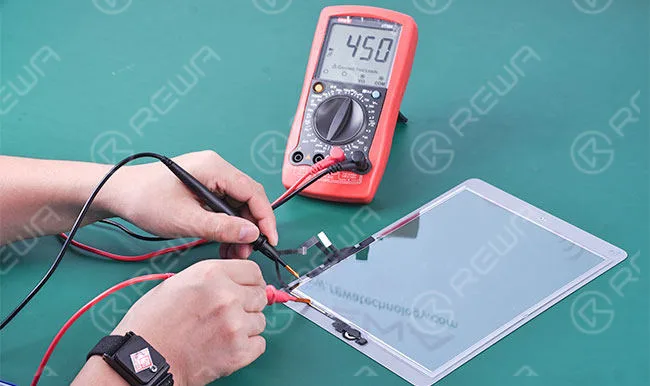
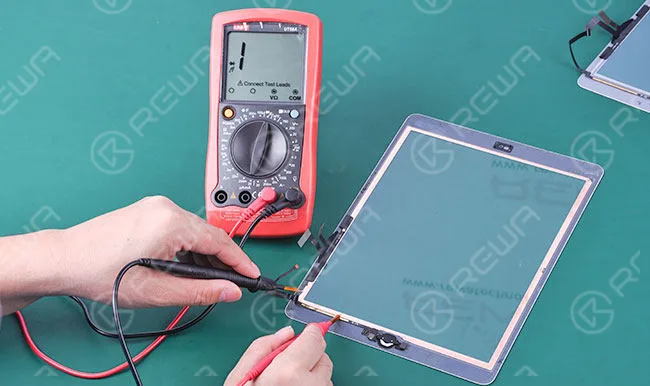
    There is a layer of electronic circuit exposed on the surface of S+ grade iPad Air touch screen digitizer, and also a layer of conductive adhesive tape stuck along the four sides of LCD display.

    When installing the touch screen digitizer to the LCD, it will cause short-circuit, which acted as screen flicking and unstable touch.

    ipad air ghost touch learn why how solve it

    For the OEM touch screen digitizer, however, there is a piece of film covered on the surface, thus it will avoid the occurring of the above problems.

    ipad air ghost touch learn why how solve it 2

    Solutions

    The solutions to this problem are quite easy.

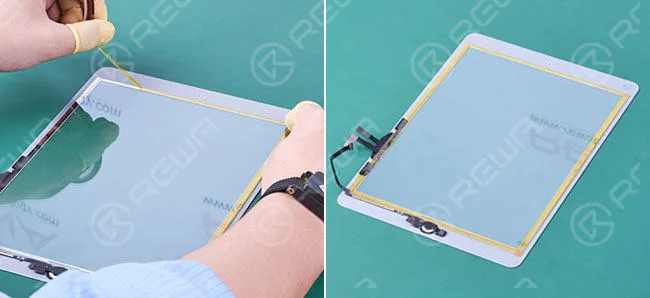
    1. Paste tape on the four sides of the iPad digitizer to protect the exposed electronic circuit from touching the conductive adhesive directly.

    Please take care of the flex cable when pasting.

    ipad air ghost touch learn why how solve it 3

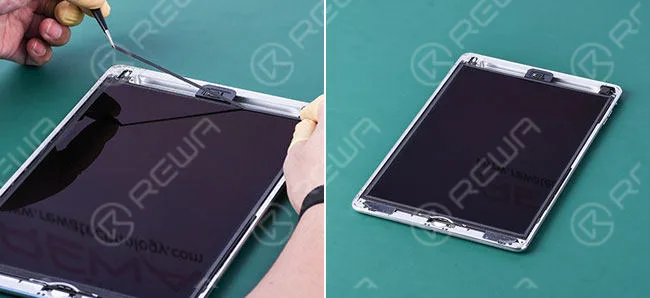
    2. Paste a layer of foam on the four sides of the LCD display to avoid direct contact between the LCD display and digitizer touch screen.

    ipad air ghost touch learn why how solve it 4

    If you experience ghost touching on your iPad Air, it would be better to take it to a repair shop.