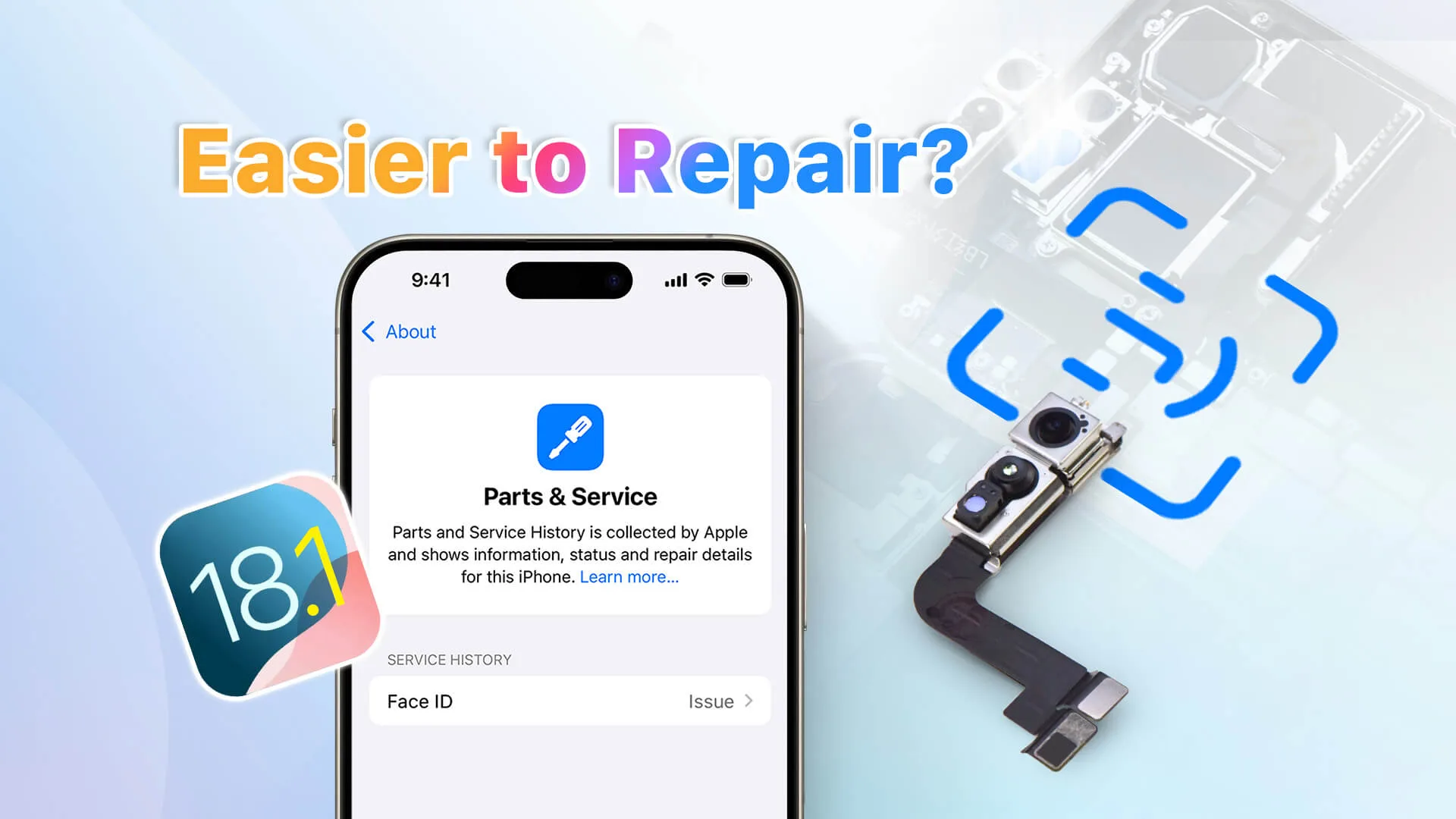
In this video, REWA Lab dives into the compatibility and repair challenges of Face ID parts on iOS 18.1. We’ll assess whether traditional repair methods remain effective with the latest system update. The testing process includes a detailed Face ID parts swap and pairing steps, comprehensive functionality checks, and innovative Face ID solution testing. If you’re a repair professional or enthusiast, this video is a must-watch to stay updated on iOS 18.1’s impact on Face ID repairs. Gain insights, troubleshoot issues, and ensure seamless repairs with the latest techniques.
Since Apple introduced Parts Pairing, third-party technicians have worked around these limitations with various solutions. Now, with the release of iOS 18.1, changes in repair history tracking aim to improve repair possibility. But what impact does this have on third-party iPhone repairs?
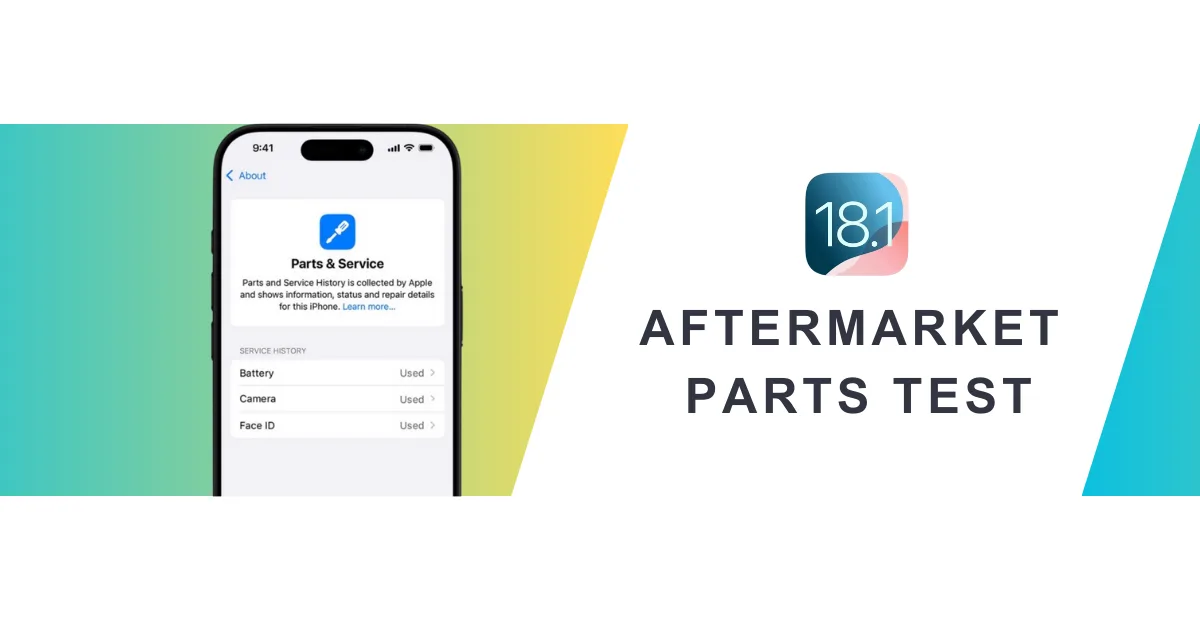
A wide range of aftermarket parts, including iPhone screens, batteries, cameras, and face ID assemblies, were tested by REWA Tech lab to determine the real-world impact of iOs 18.1 on aftermarket parts.
Replace Screen Replacement
Before iOS 18
Replacing iPhone screen will appear “Unknown Part” message and True Tone will disappear; issues resolved using IC transfer and repair programmers.
Example: 100% Fix "Unknown Part" Message for iPhone 15 Pro After Screen Replacement
After iOS 18.1
No.
Screen Type
Transfer Original IC
Transfer Original Front Sensor
Pass Repair Assistant
Parts & Service History
True Tone
1
OEM
No
Yes
No
Unable to Configure
Yes
2
OEM
Yes
Yes
/
No
Yes
3
Aftermarket
No
Yes
No
Unable to Configure
Yes
4
Aftermarket
Yes
Yes
/
No
Yes
5
OEM + Paired Front Sensor
No
No
Yes
Used
Yes
6
Service Pack + Paired Front Sensor
No
No
Yes
Genuine
Yes
Key findings
As long as the screen has a matching IC and sensor, there will be no repair history and no need for a repair assistant diagnosis.
All third-party screens support True Tone.
Replace Battery Replacement
Before iOS 18
“Unknown Part” message, battery health not displayed; resolved by solutions like no welding battery, battery cell + tag-on flex, battery cell + repair board.
Example: Aftermarket Solutions to Calibrate iPhone Battery Health on iOS 17.4
After iOS 18.1
No.
Battery Type
Pass Repair Assistant
Parts & Service History
Health Data
1
OEM New
Yes
Genuine
100%
2
OEM Used
Yes
Used
OEM Used battery’s data
3
Aftermarket(TI ZY HF Solutions)
No
Unverified
100%
4
Battery Cell + Native BMS Board
/
/
Native battery’s data
Key findings
Third-party batteries still fail to pass Repair Assistant, and the parts history is recorded as unverified.
New third-party batteries replaced in iPhones all can show health data.
We also tested third party batteries on iOS 18.0.
Watch the video:
Replace Rear Camera Replacement
Before iOS 18
Replacing a lens alone will display an unknown part message. A repair programmer and repair flex cables are required.
Example: How to Remove Rear Camera "Unknown Part" Message for iPhone 15 PM
After iOS 18.1
No.
Camera Model
Pass Repair Assistant
Camera Calibration
1
iPhone 12
Yes
No
2
iPhone 13
Yes
No
3
iPhone 14
Yes
No
4
iPhone 15
Yes
Yes
5
iPhone 16
Yes
Yes
Key findings
The rear cameras of iPhone 12-16 can be diagnosed by the repair assistant, but the iPhone 15 and 16 series require camera calibration.
Replace Front Camera + Face ID Assembly
Before iOS 18
Replacing this assembly will make Face ID function fail. A repair programmer and repair flex cables are required.
Example: Fix Face ID (WITHOUT SOLDERING) Not Working with REFOX RP30
After iOS 18.1
No.
Assembly Model
Pass Repair Assistant
Face ID
1
iPhone 12
No
No
2
iPhone 13
No
No
3
iPhone 14
No
No
4
iPhone 15
No
No
5
iPhone 16
Yes
Yes
Key findings
iPhone 12-15 front camera + Face ID assembly cannot be diagnosed by the repair assistant, only iPhone 16 can.
Summary
From iOS 18.0 to 18.1, iPhone repairs have gradually become relatively easy, but there are still some problems that need to be verified. Pay attention to the REWA channel to get more new technologies and information.
Additionally, REWA provides a variety of repair tools and phone parts, welcome to consult or visit our online shop!
 English
 Español
 Français
 Deutsch
 Italiano