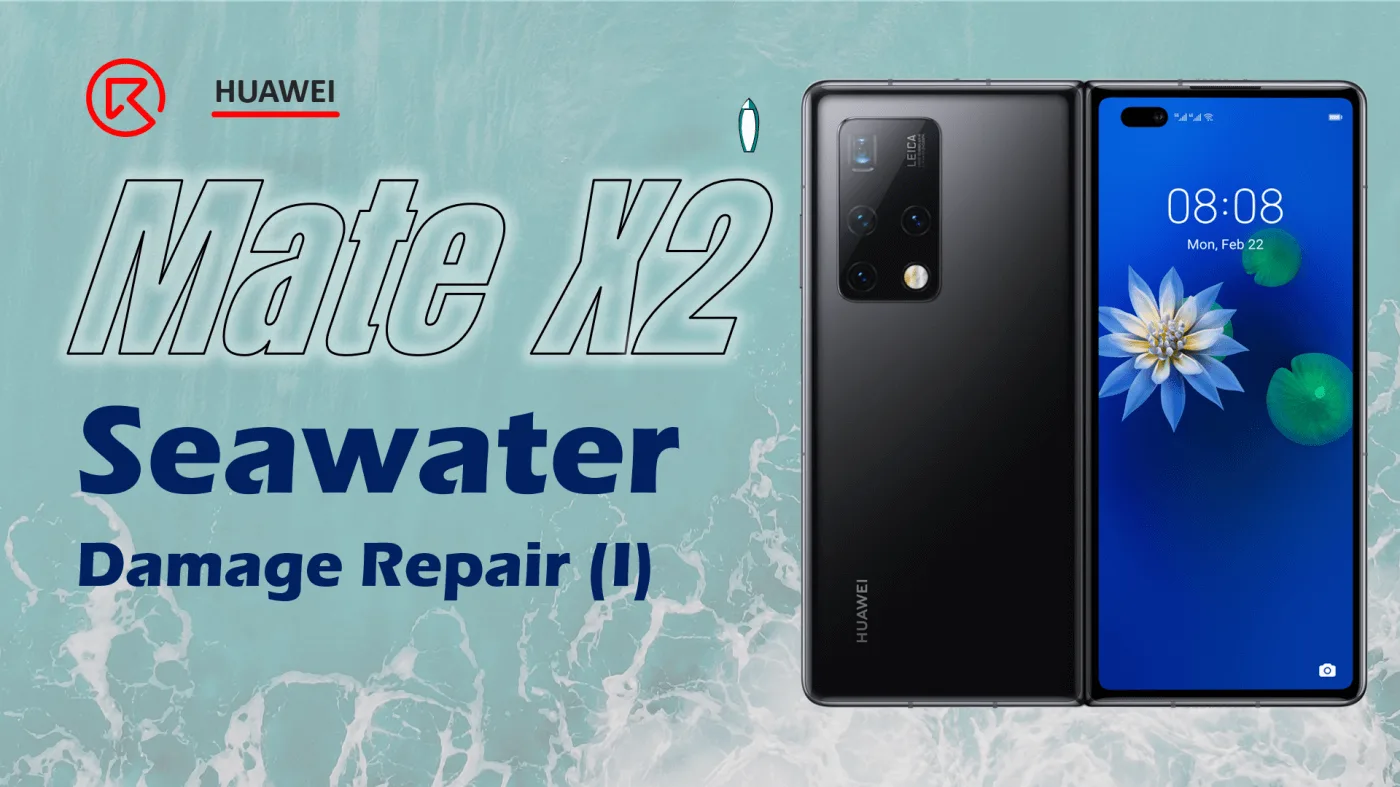
HUAWEI Mate X2 Seawater Damage Repair
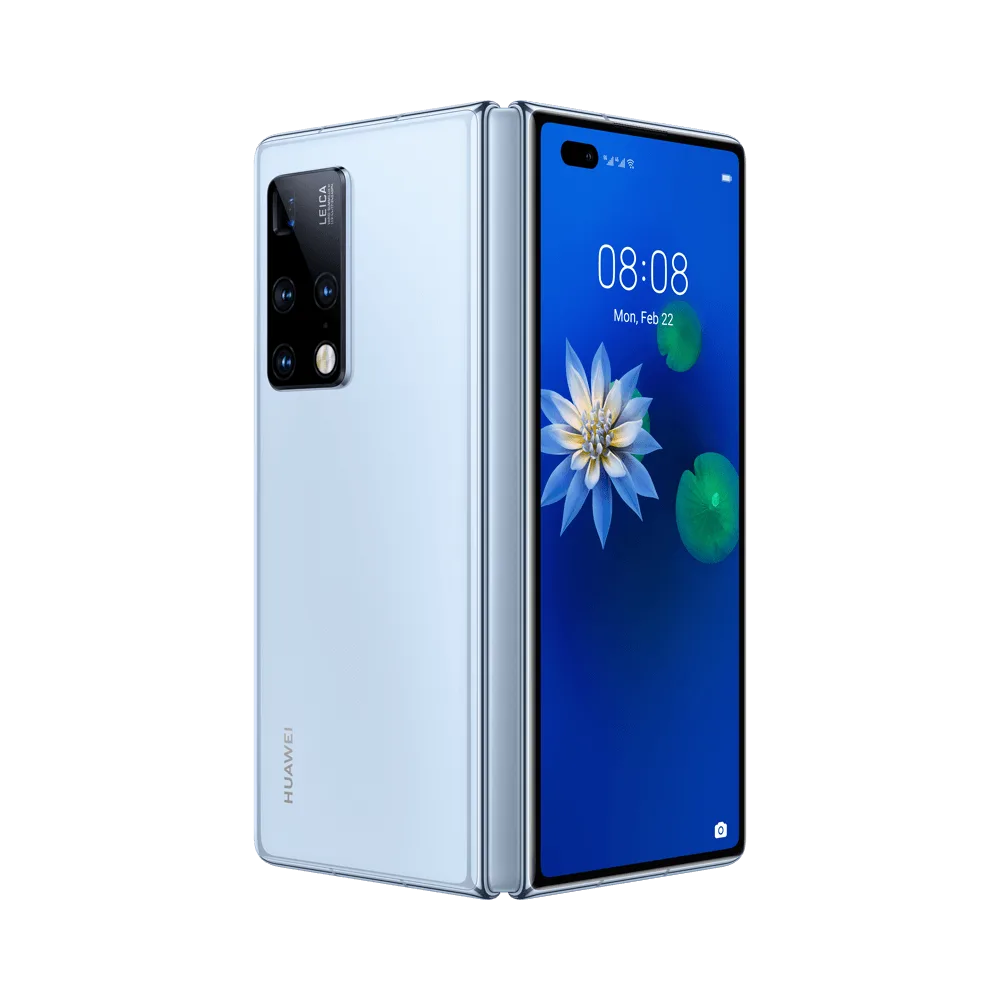
Model: HUAWEI Mate X2
Announced: 2021, February 22
Defect Phenomenon
The phone was seawater damaged and then cannot be booted.
The seawater is very corrosive, after the seawater damage if the phone has not been dealt with timely and properly will cause a lot of issues.
Troubleshooting Process
Let’s place the phone on the heating pad to heat and then separate.
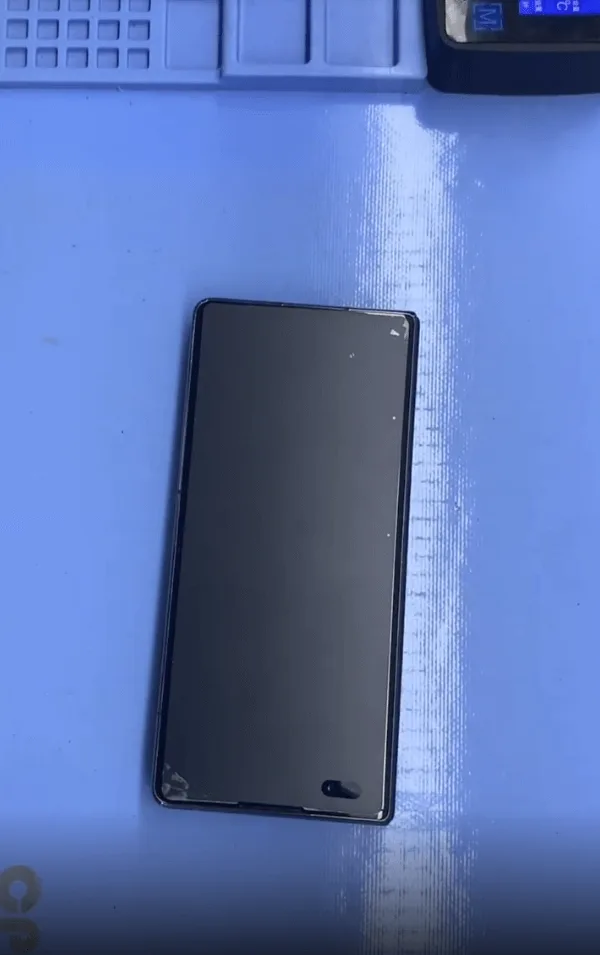
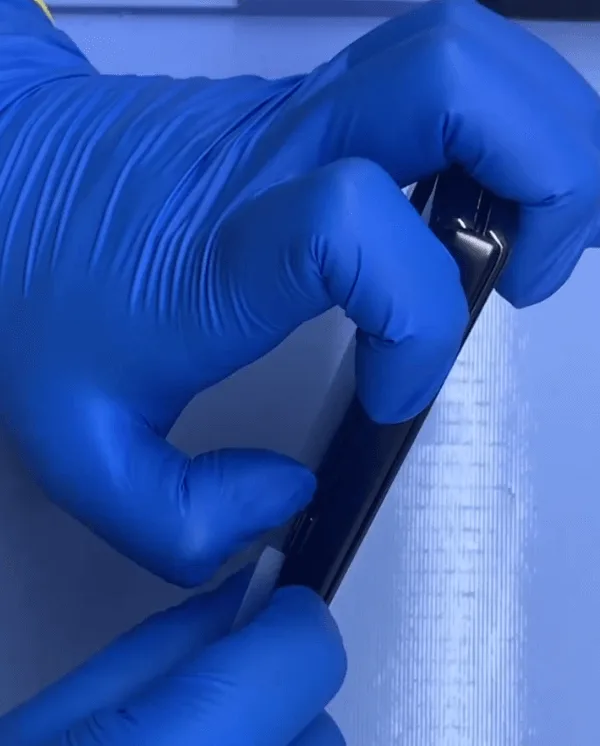
After heating a while, the glue on the frame became very soft and we can separate the rear cover with a very thin plastic card easily.
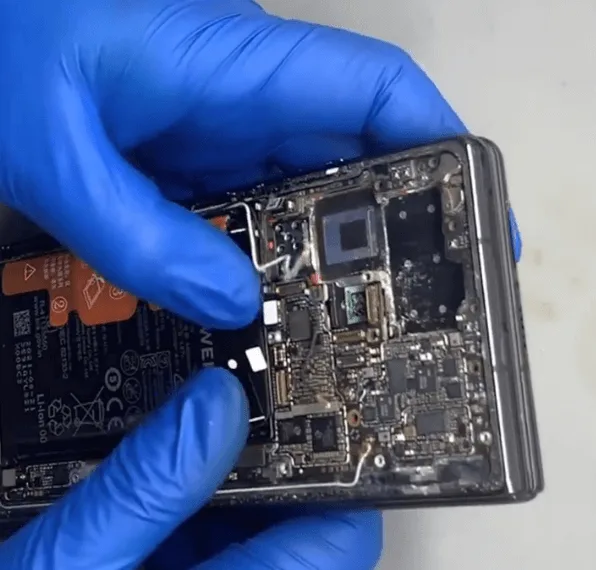
Check the inside situation, the mainboard is covered with solidified sea salt.
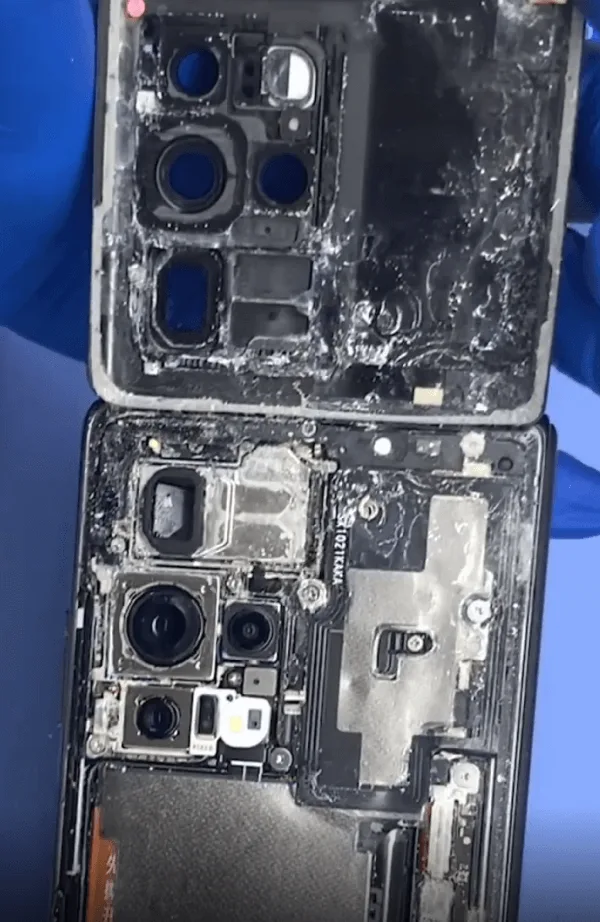
Let’s protect the cameras with stickers first.
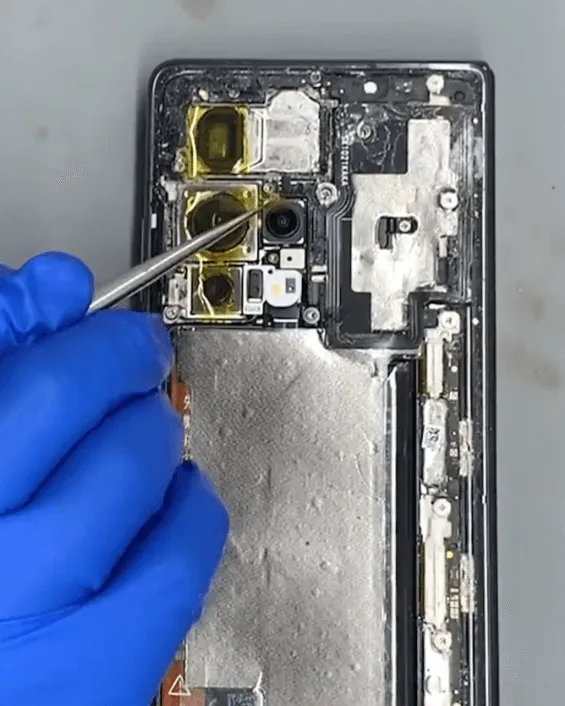
Take out the motherboard, it’s amazing that there are still so many sea salt particles inside the phone.
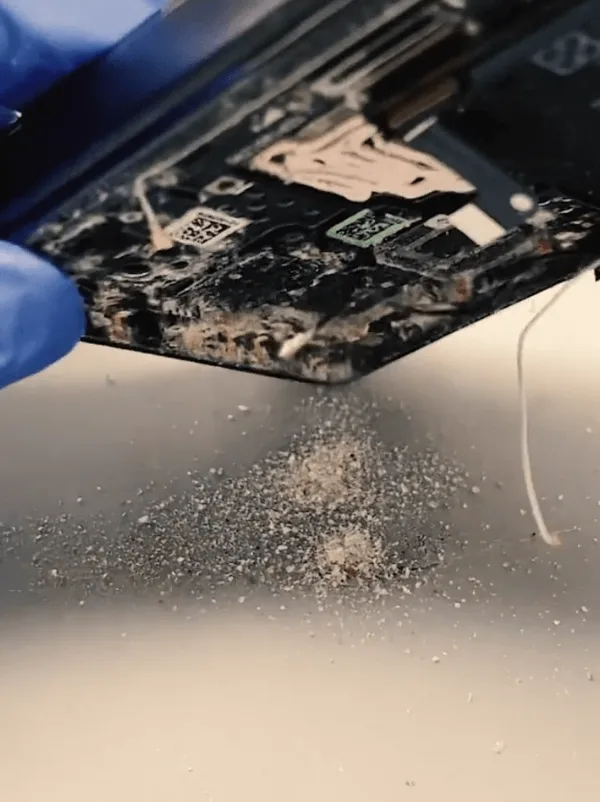
Then let’s check the motherboard under the microscope carefully, as guessed, there are many components on the motherboard that are corroded.
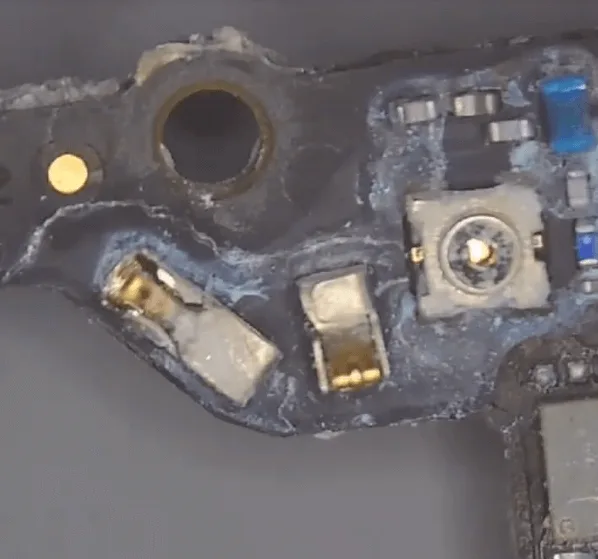
After checking, many capacitors and resistors are missing. Besides this, even a small shielding cover has fallen off, and many areas with green/blue corrosive electrolytes.
Like this kind of serious corrosion, we have to remove all the shielding covers and clean the components inside with the ultrasonic cleaner + PCB cleaner liquid thoroughly.
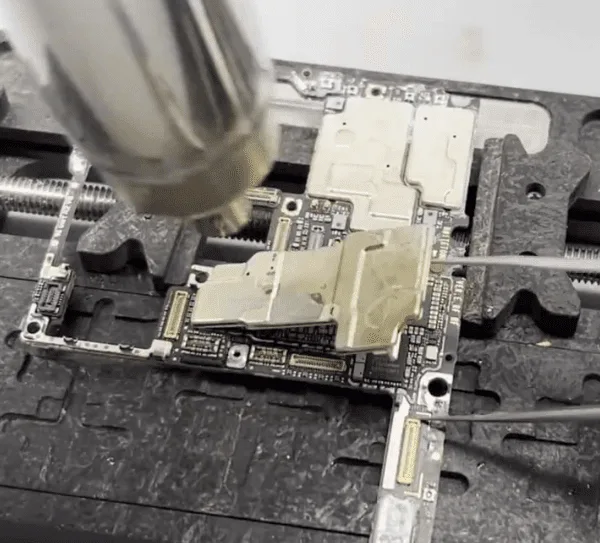
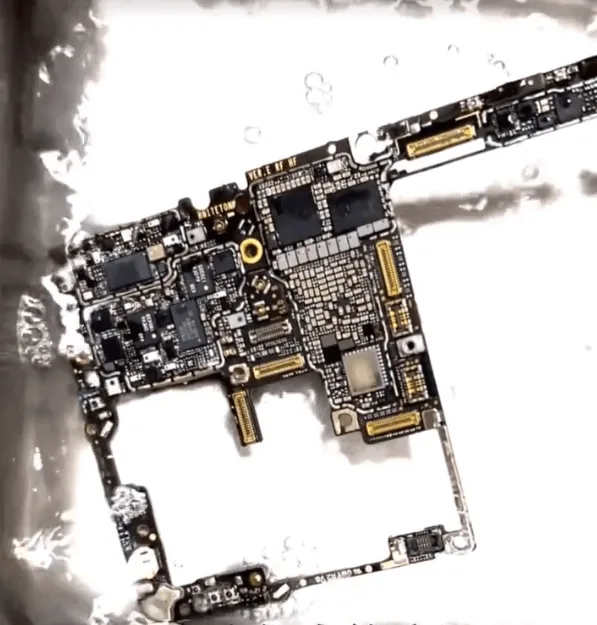
After cleaning, scratch off the corrosive and blacken pads carefully.
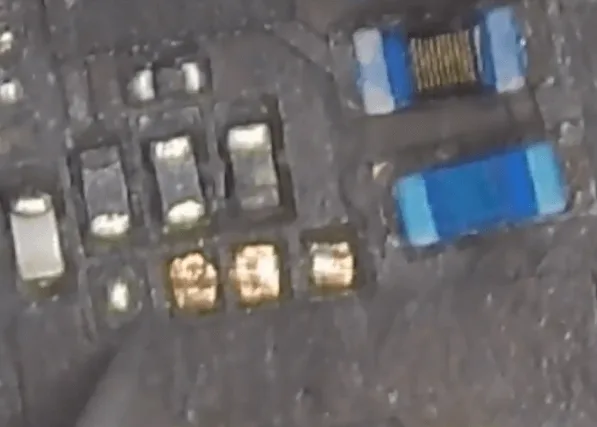
The 1st stage of physical cleaning is finished, let’s clean the motherboard with the PCB cleaner + brush again.
Then connect with the DC power supply machine to have a test, after testing, there is a large current leakage.
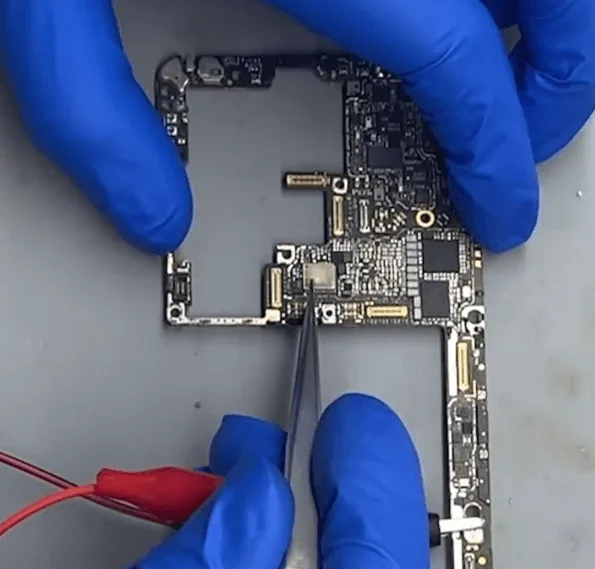
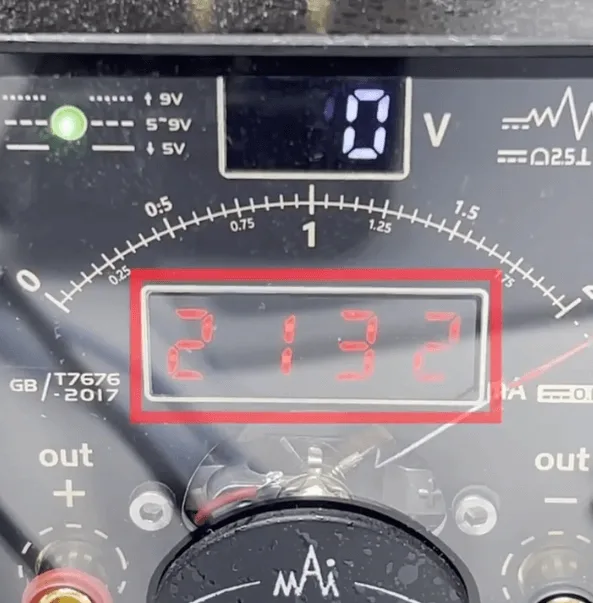
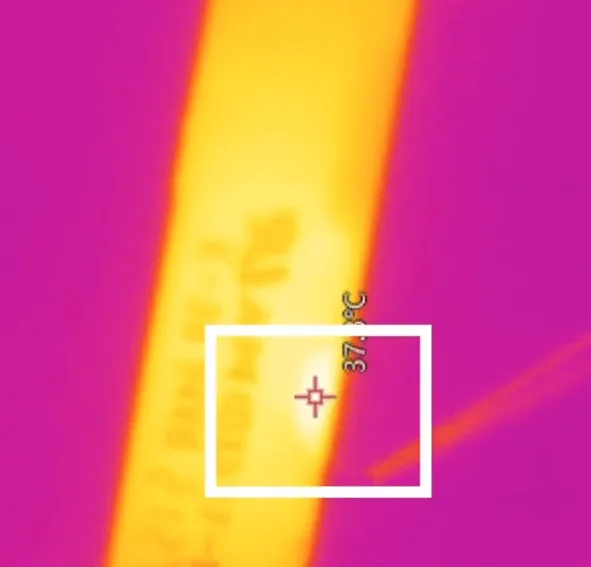
Where there is current leakage, there is a hot component or chip. Let’s inspect the motherboard under the thermal imager, and find the heat is coming from the PCB layers.
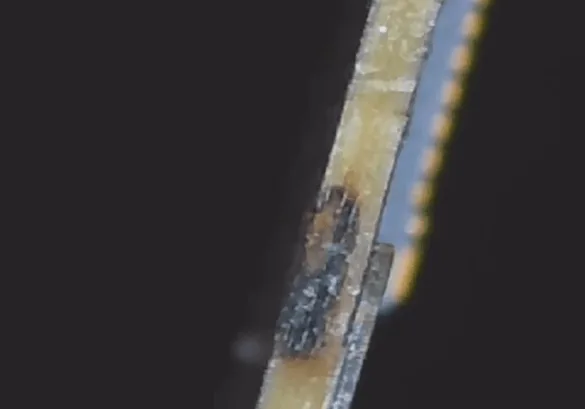
We can see the corrosive from the side of the PCB board.
For this kind of defect, we can only fix it by scratching off the layers and jumping wires to fix it.
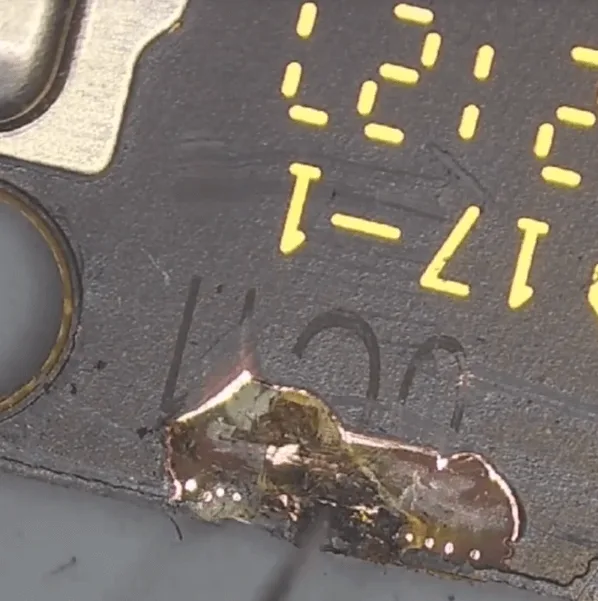
There are many layers inside the PCB board, so we need to scratch off layer by layer until reaching the layer that has no short.
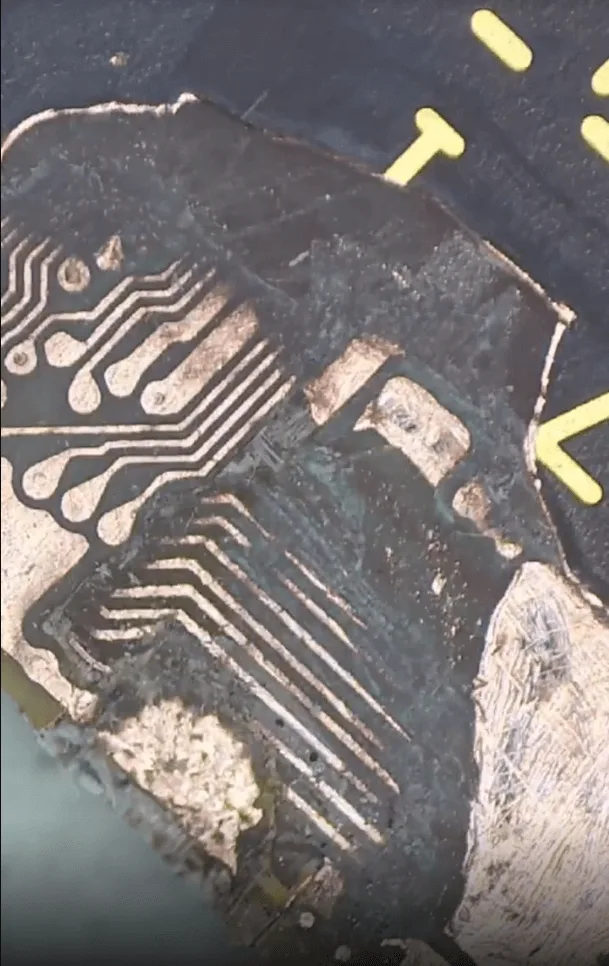
The scratching-off layers process requires a lot of patience and carefulness.
Then the next step, we need to jump wires.
How to Jump Wire
First, apply some UV mask and cure it with a UV lamp for isolation
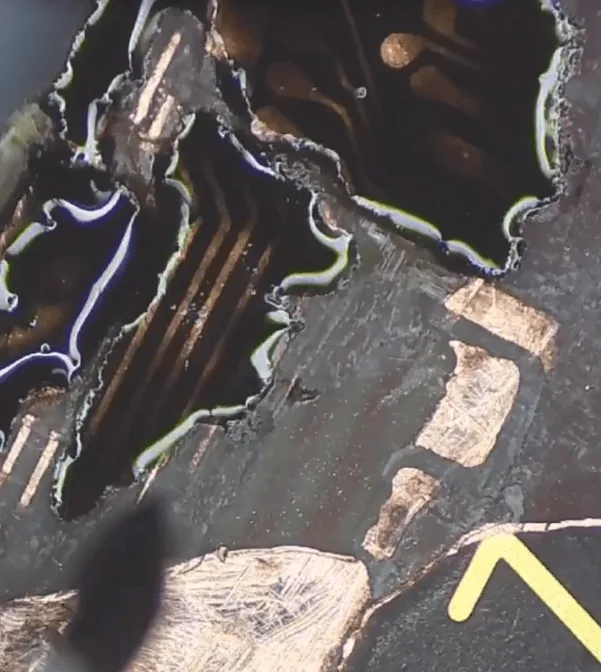
Secondly, there’s no inner layers structure for this model on the bitmaps yet. So we should scratch off the layers on the same motherboard for reference to avoid wrong jump wire connections.
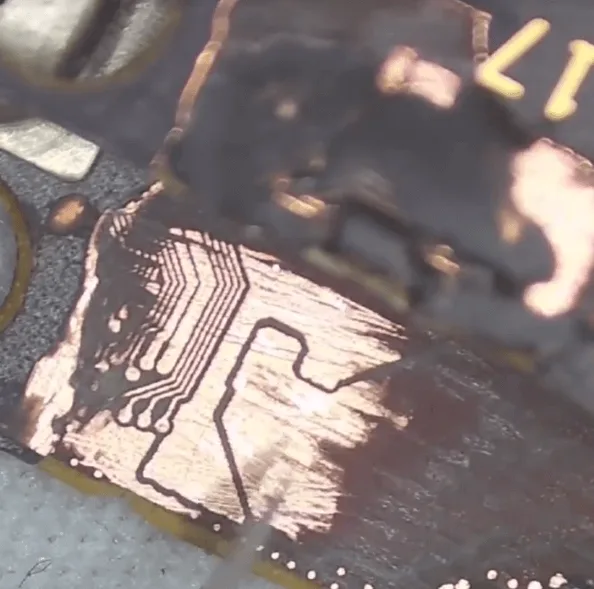
In the third step, let’s refer to the good motherboard to jump wires
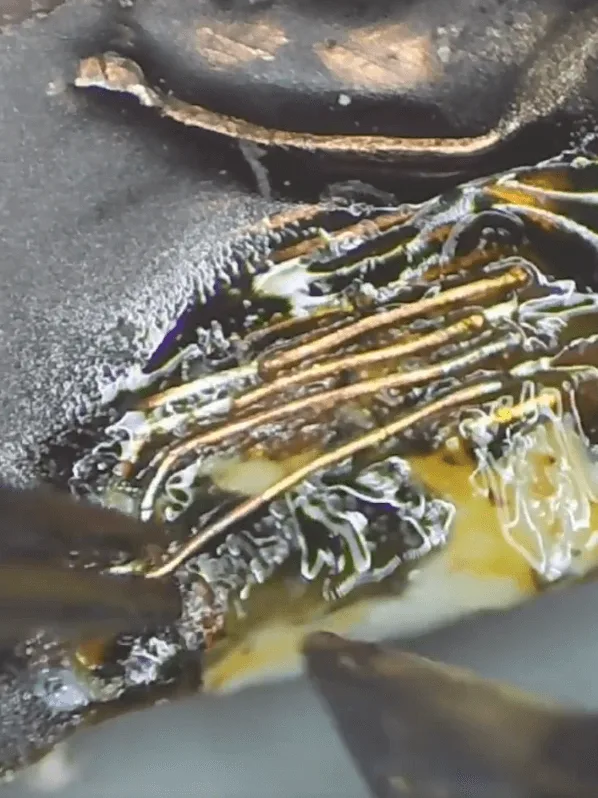
After jumping wires, apply some UV mask for isolation and strengthen again.
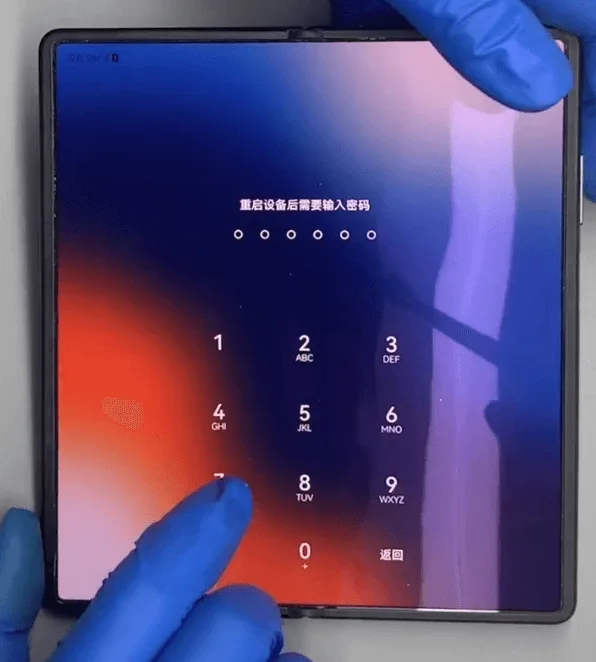
Assemble and Test
When the motherboard cooling down and the UV mask is isolated, let’s assemble the phone to have a test.
The phone can start up
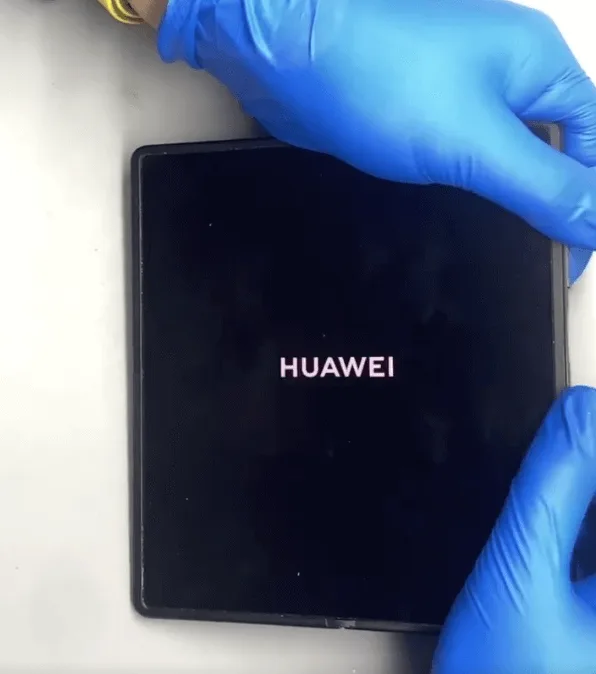
But there are still some other issues when entering into the system
- the display is abnormal on the main screen, the font display wider and fatter than normal
- the outside vice screen displays the HUAWEI logo only, and cannot enter into the standby user interface
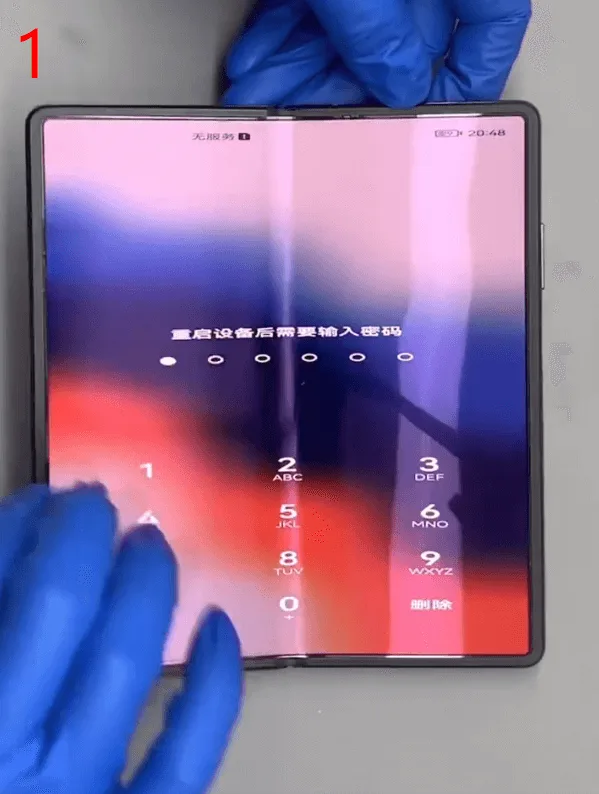
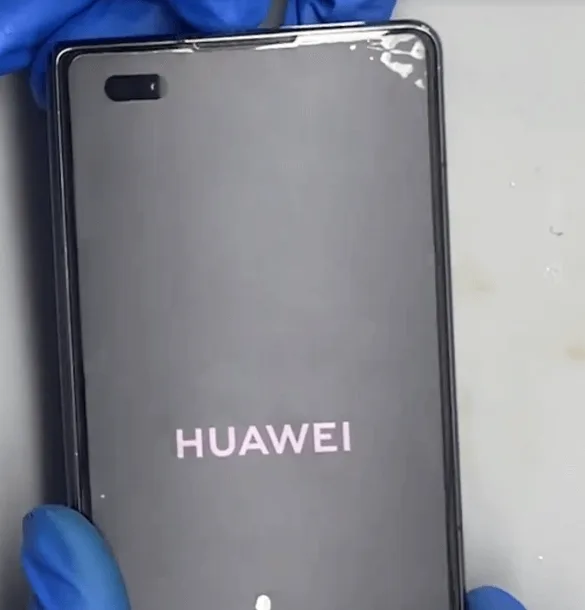
For the two issues, let’s continue to introduce the repair method in the next article.
 English
 Español
 Français
 Deutsch
 Italiano