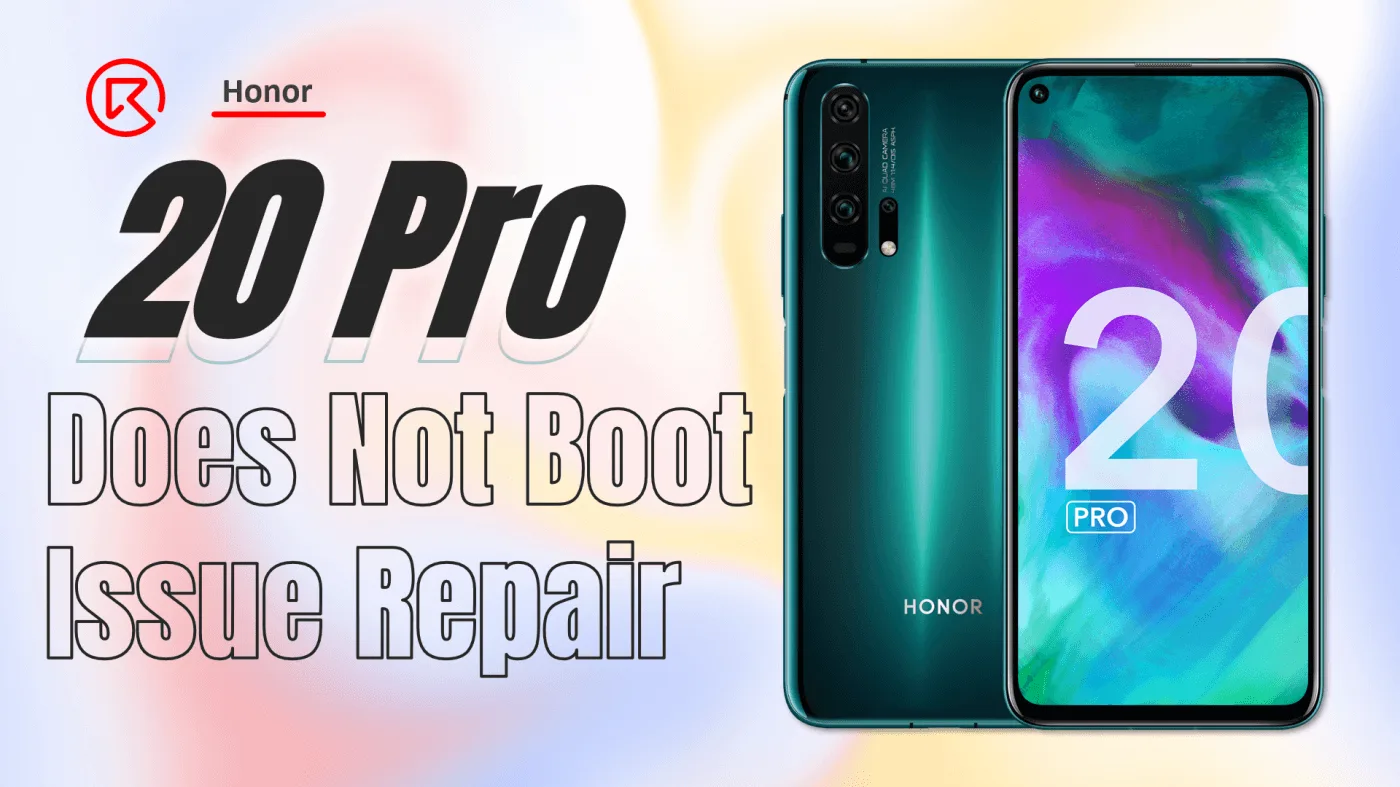
Having trouble with your Honor 20 Pro not booting? You’re not alone. This problem can be frustrating, especially when the phone shows no signs of water or physical damage. In this step-by-step guide, we’ll walk you through how to diagnose and fix this issue by inspecting the motherboard, identifying damaged components, and ultimately restoring your phone’s functionality. Whether you’re a technician or a DIY repair enthusiast, this guide is designed to help you bring your Honor 20 Pro back to life.

Device Details
Model: Honor 20 Pro
Announced: 2019, May
Defect Phenomenon
The Honor 20 Pro suddenly stops functioning during regular use. There’s no indication of water, drop damage, or improper charging, making the cause of the issue hard to identify at first glance.
Troubleshooting
1: Separate the Back Cover
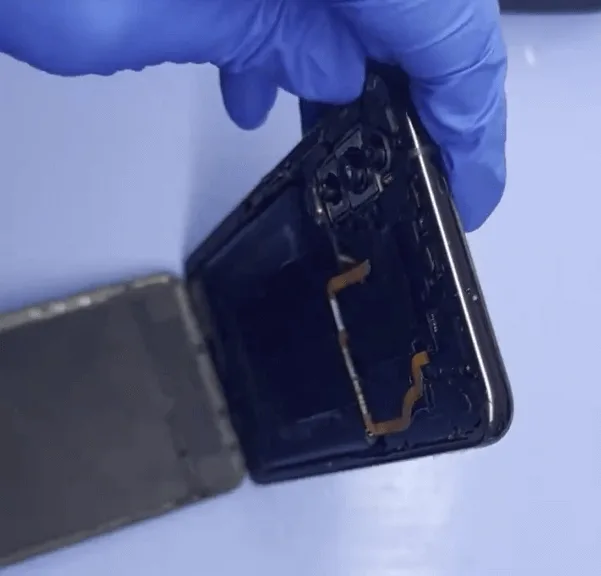
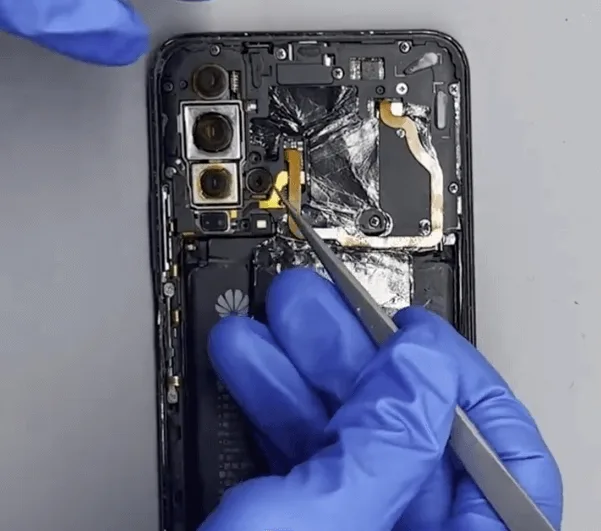
Start by heating the phone on a heating platform to soften the adhesive. This will allow you to carefully remove the back cover.
Pro Tip: Always protect sensitive components like the cameras by covering them with stickers before proceeding.
2: Remove Screws
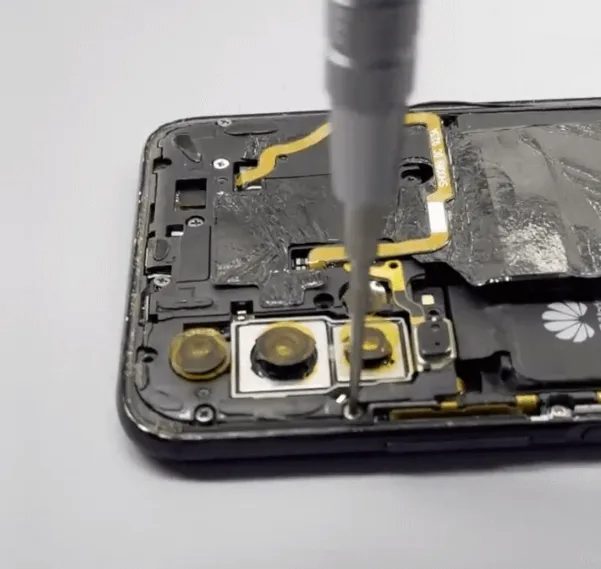
Using a precision screwdriver, remove the screws one by one. Be sure to handle the screws carefully to avoid stripping or damaging them.
3: Examine the Motherboard
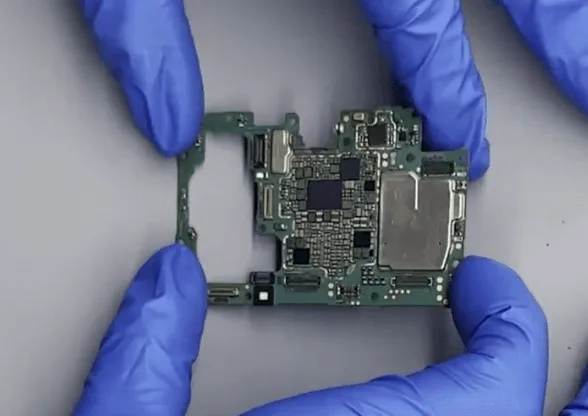
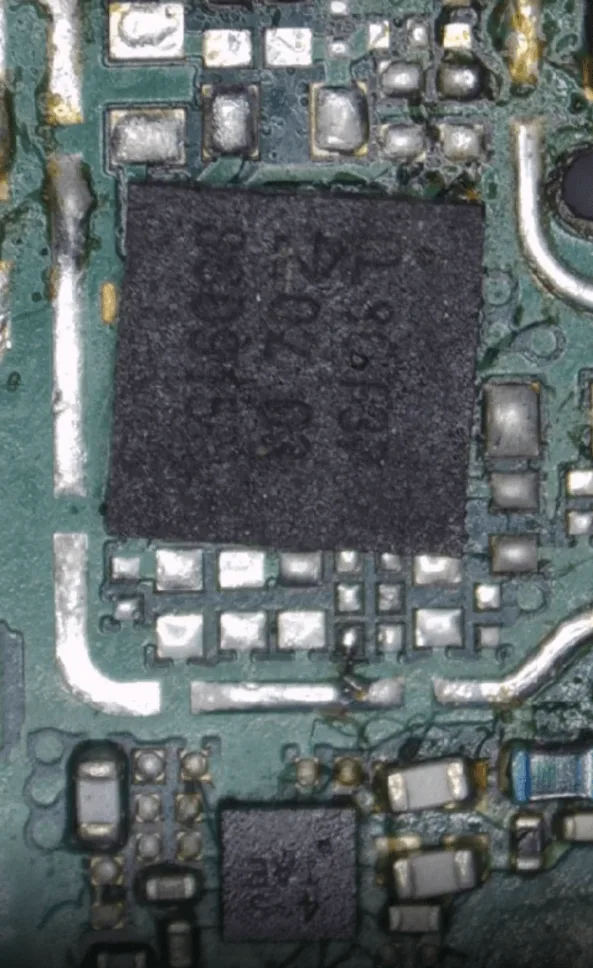
After the screws are removed, gently take out the motherboard for inspection. Upon inspection, you might notice that this phone had already been repaired. Unfortunately, in this case, the previous repair job was not done properly.
Issues Found:
- Some shielding covers are missing.
- Several chips are poorly soldered.
- Key small capacitors are absent.
- The NFC chip is misaligned and improperly soldered, with some surrounding components also missing.
With so many issues on the motherboard, we need to address them one by one to restore the phone’s functionality.
Repair Process
1: Remove the NFC Chip
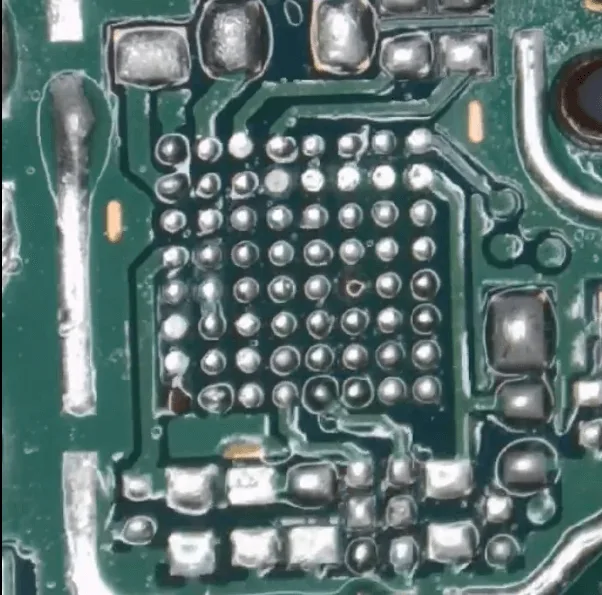
Start by desoldering and removing the poorly installed NFC chip. After removal, clean up the PCB pads to ensure proper reinstallation later.
2: Check for Power Leaks
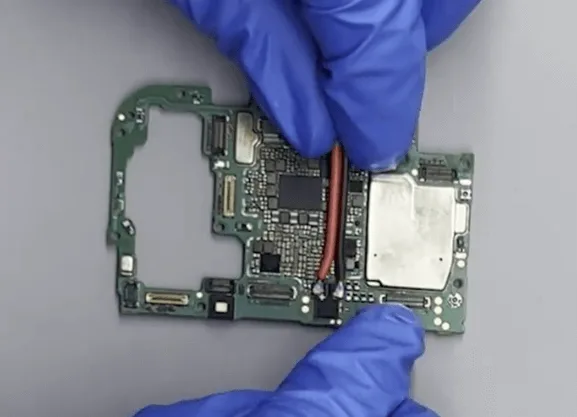
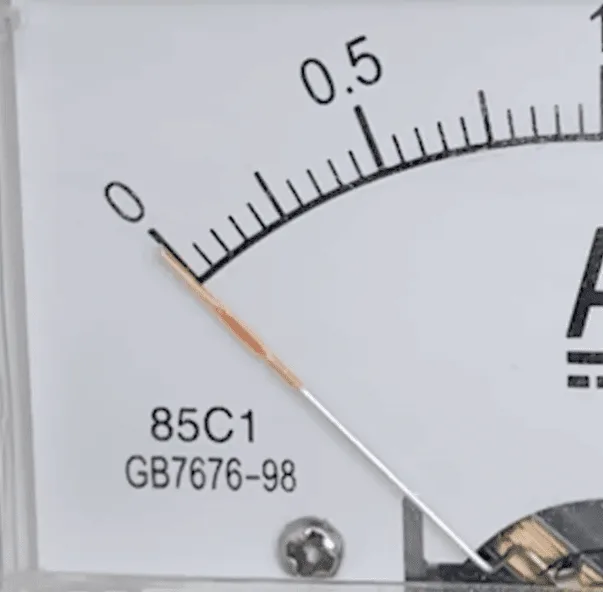
Connect the motherboard to a DC power supply and attempt to boot the phone. Use tweezers to trigger the boot process. If you notice the current pointer fluctuating, it likely indicates a current leak on the second power supply rails.
3: Inspect with a Thermal Camera
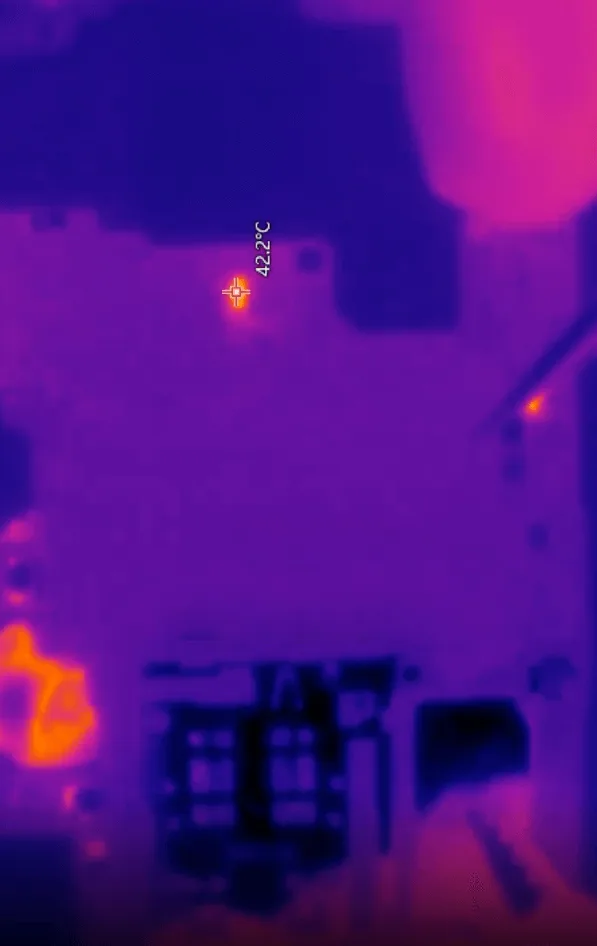
Reapply power and inspect the motherboard with a thermal camera. You’ll want to look for any abnormal hot spots that indicate where the short or leakage is occurring.
4: Use Rosin for Precise Inspection
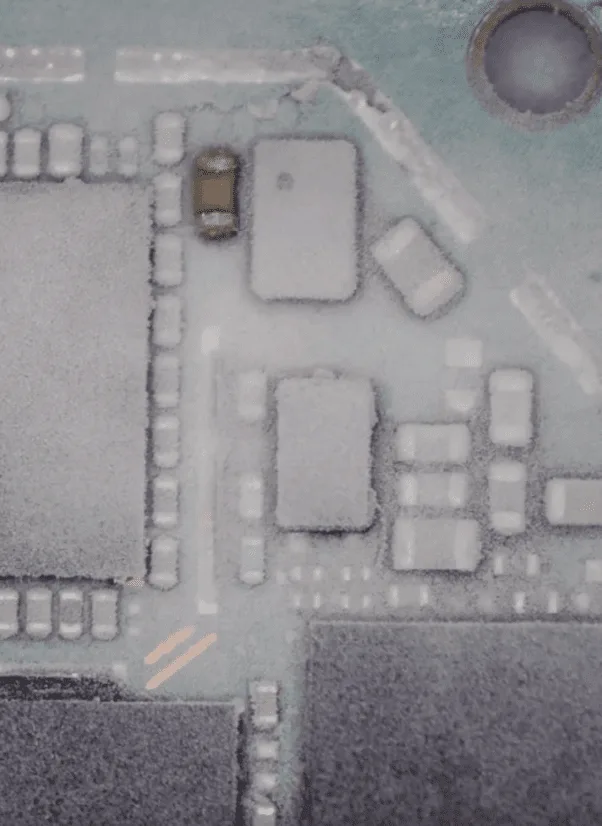
Apply rosin to the hot area to pinpoint the exact faulty component. Connect the DC power supply, and the rosin will react when exposed to the short circuit heat, revealing the damaged part.
5: Remove the Damaged Capacitor
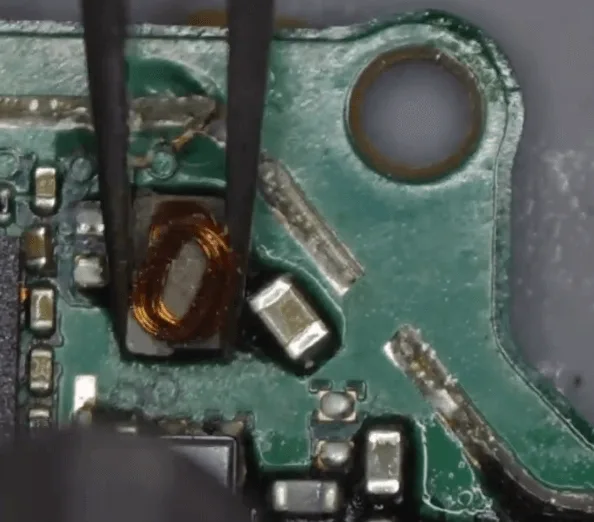
Upon locating the issue, remove the filter capacitor. In this case, the small inductor nearby is also damaged, so you’ll need to replace it as well.
6: Replace the Inductor
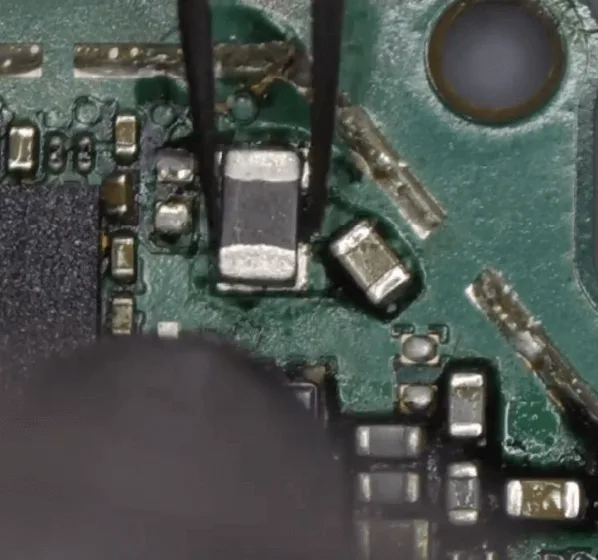
Even if the new inductor looks slightly different from the original, as long as the specifications match, it should function properly.
7: Test the Phone
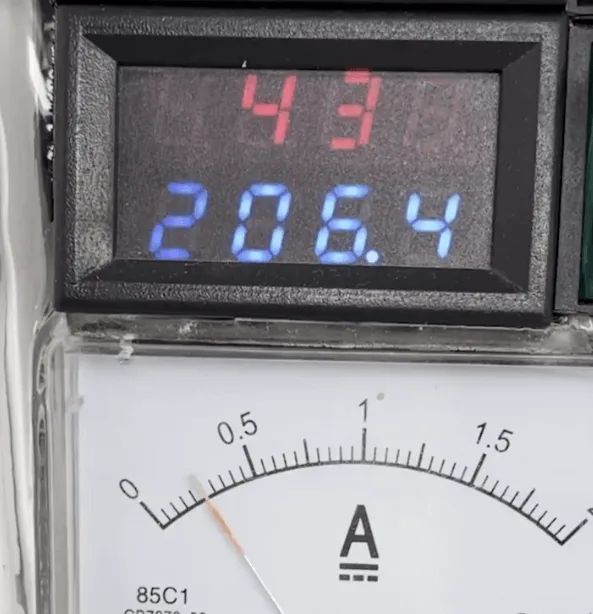
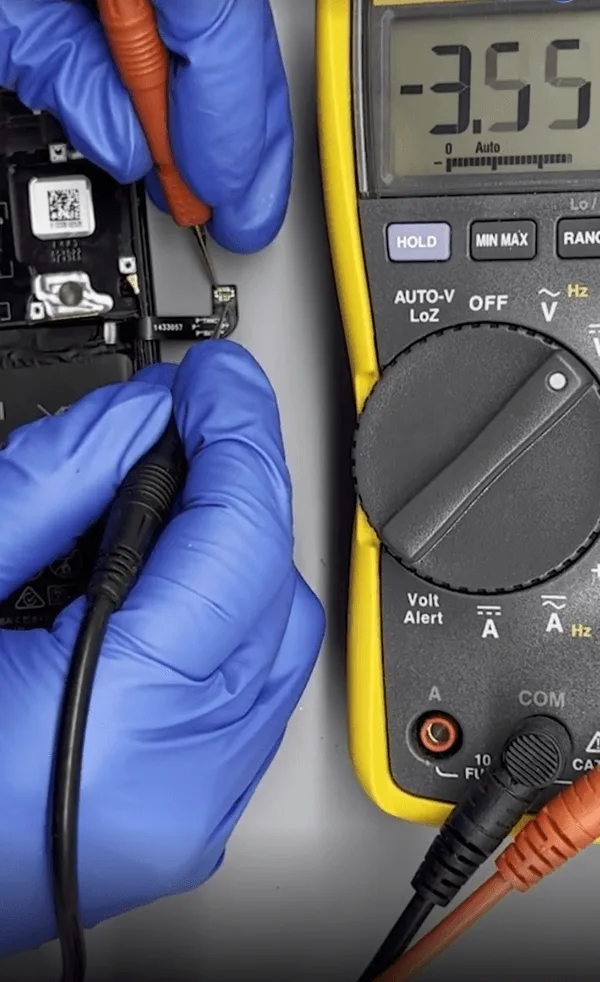
After replacing the damaged components, reconnect the DC power supply and attempt to boot the phone. The phone should now boot normally.
8: Check the Battery
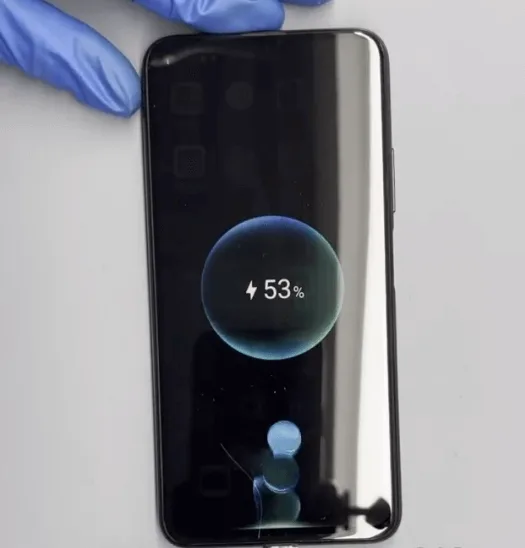
Before reconnecting the battery, measure the battery voltage to ensure it’s within acceptable limits. Once confirmed, reconnect the battery, and test the phone again. At this stage, the phone should be booting and charging correctly.
9: Backup Data Before NFC Fix
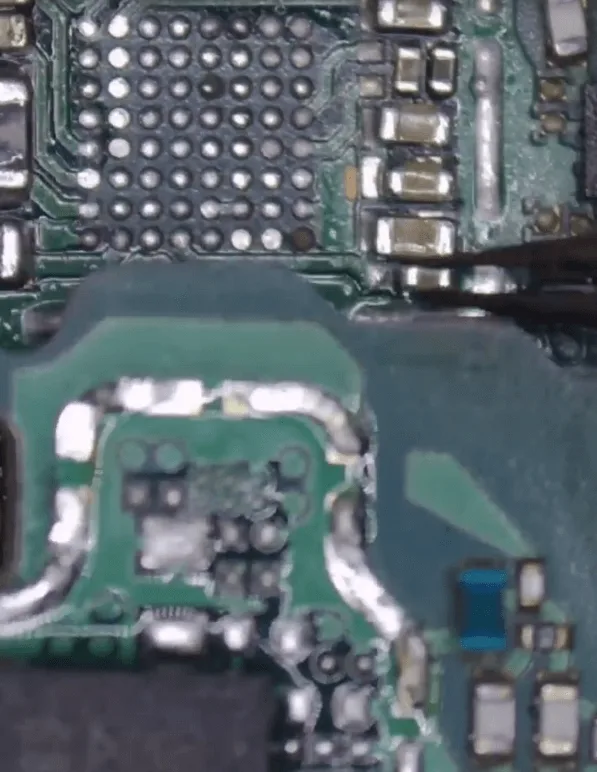
With the phone booting normally, take this opportunity to back up the client’s data before proceeding with the NFC chip repair.
10: Repair NFC Chip
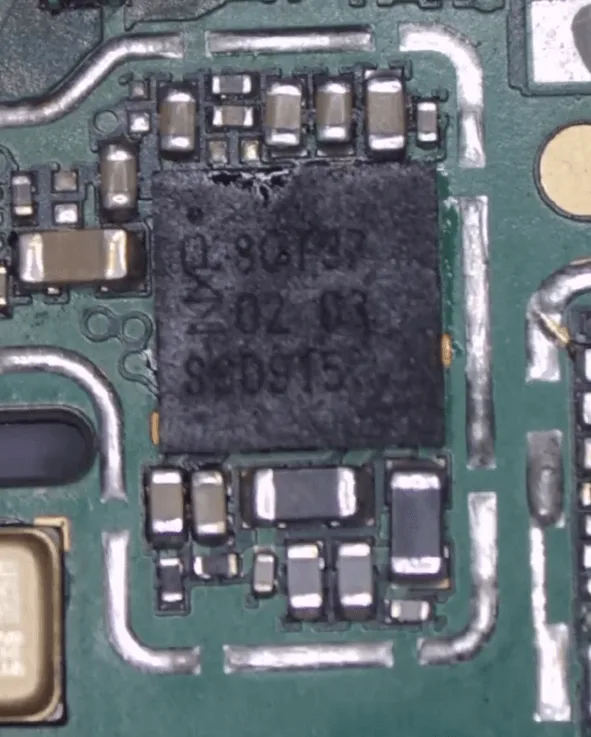
To fix the NFC issue, source a donor motherboard of the same model. Carefully desolder the NFC chip and surrounding components from the donor board, then solder them onto the damaged motherboard.
11: Final Assembly
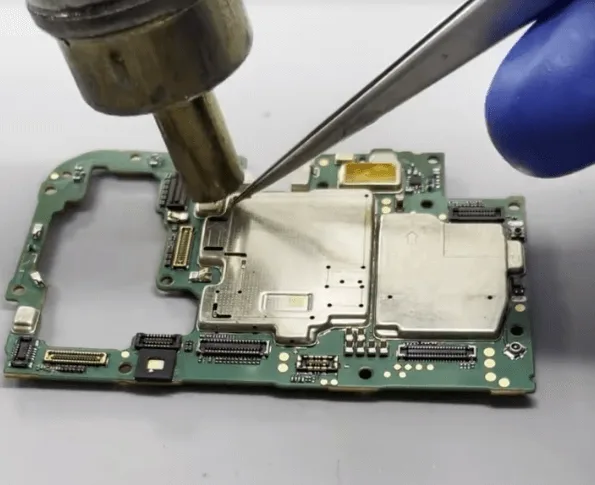
After all components are soldered properly, reassemble the phone, and don’t forget to replace the missing shielding covers.
12: Final Test
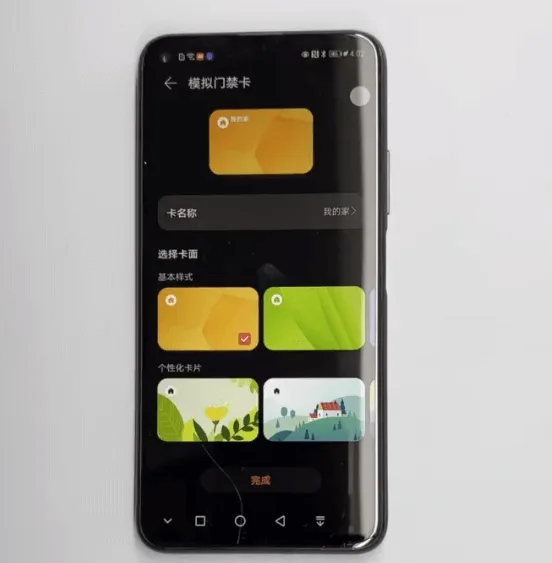
Boot the phone one last time and test all functions, including the NFC. If everything works correctly, the repair is successful.
Conclusion
Congratulations! By following this detailed guide, you’ve successfully diagnosed and repaired the Honor 20 Pro not booting issue. The phone now boots normally, charges correctly, and the NFC functionality has been restored. This repair process highlights the importance of careful inspection and the ability to fix poorly conducted previous repairs. Always remember to back up data before performing significant repairs to avoid any data loss.
 English
 Español
 Français
 Deutsch
 Italiano