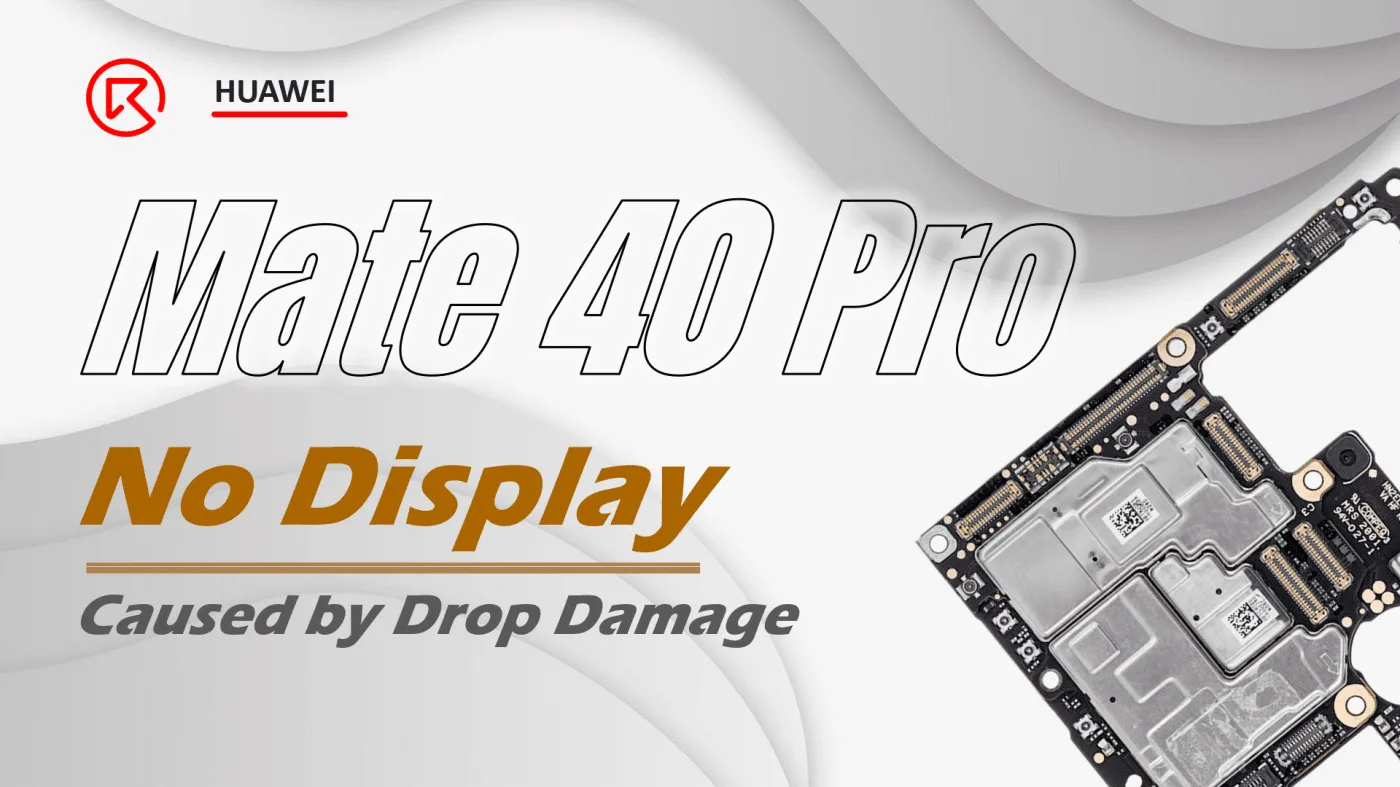
Drop damage is a common but frustrating issue for smartphone users, often leading to serious problems like no display on your Huawei Mate 40 Pro. If you’ve experienced this, you might worry about losing access to your data. In this guide, we’ll explore the step-by-step process to diagnose and fix the no-display issue caused by drop damage. Whether you’re a seasoned technician or a DIY enthusiast, these instructions will help you repair the phone and restore its full functionality while keeping your data intact.

Device Details
Model: HUAWEI Mate 40 Pro
Announced: 2020, October 22
Defect Phenomenon
The phone suffered severe drop damage, resulting in a non-functional display and a cracked back glass. However, when connected to a charger, the phone vibrates, indicating that it still powers on. The customer has requested that the phone be repaired without losing any data.
Troubleshooting
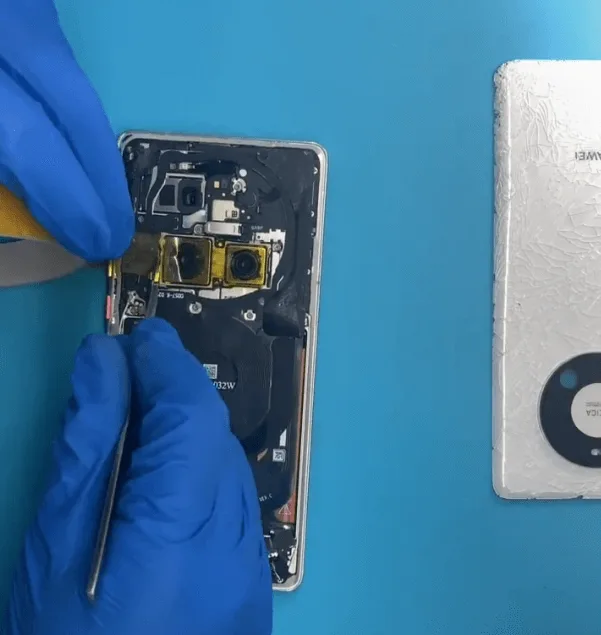
Remove the back cover carefully to access the internal components.
Protect the cameras with stickers to prevent any damage during the repair process.
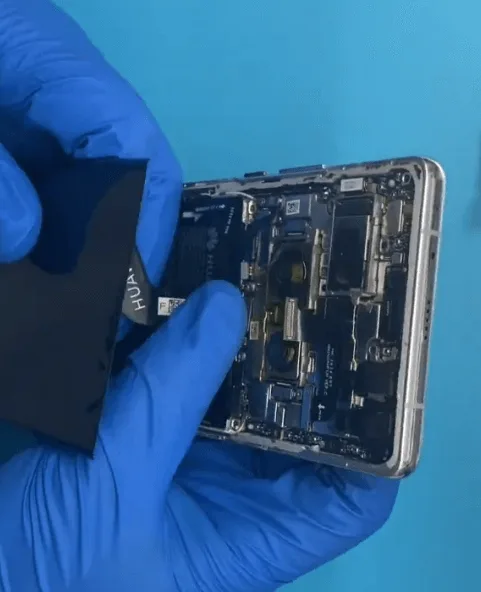
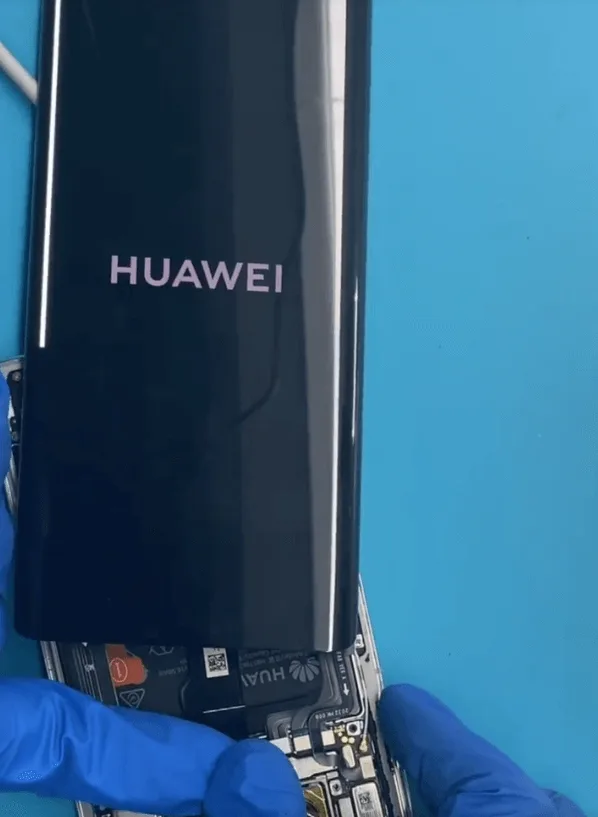
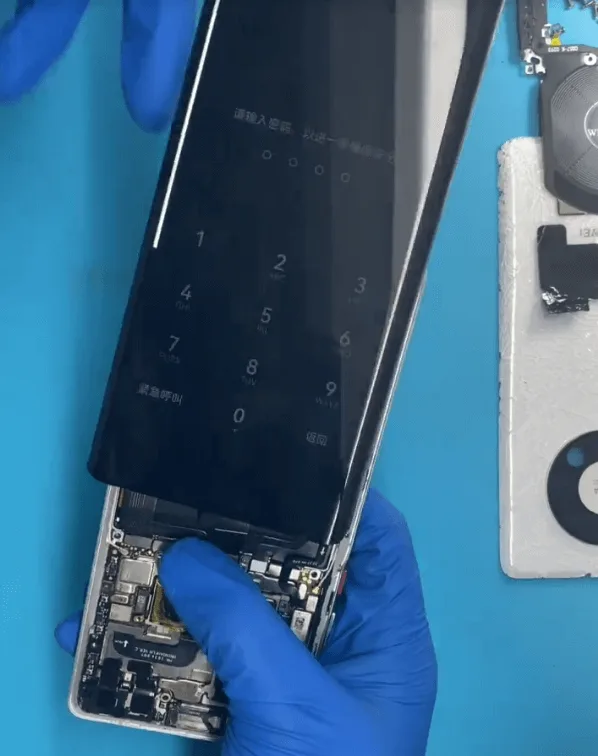
- Since the phone’s display is not functioning, replace the screen with a new one to test if the issue lies with the display itself.
- After replacing the screen, the display still does not work. However, when pressing the screen firmly, the display briefly returns. This suggests that the no-display issue may be due to poor soldering between the layers of the motherboard.
Repair Process
To resolve the no-display issue, the two layers of the motherboard need to be resoldered:
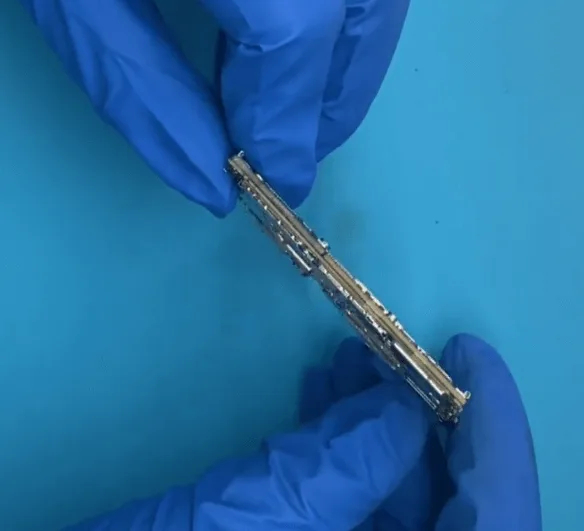
Remove the motherboard from the phone. Although slightly deformed, the damage is not severe.
Inspect the motherboard under a microscope. A larger-than-normal gap between the two layers of the motherboard is visible, indicating a possible cause of the issue.
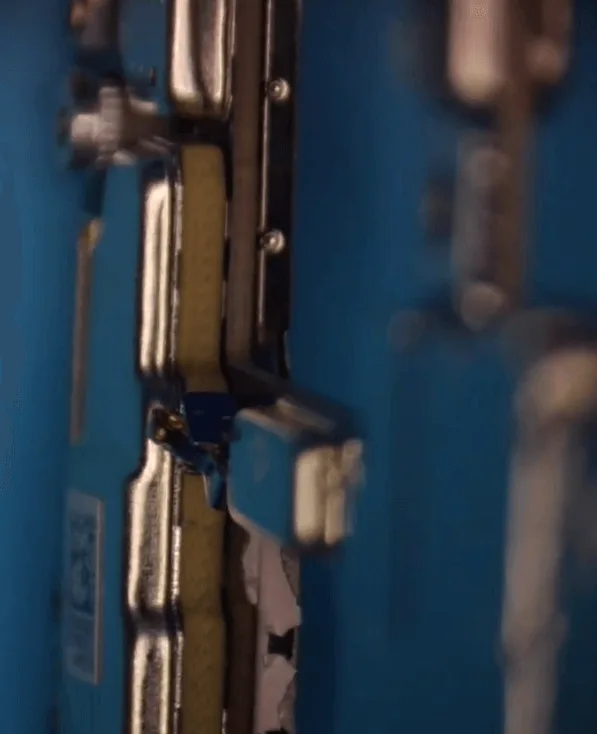
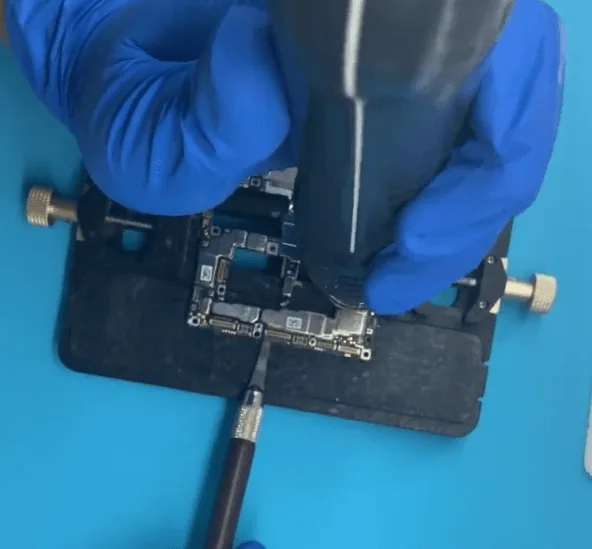
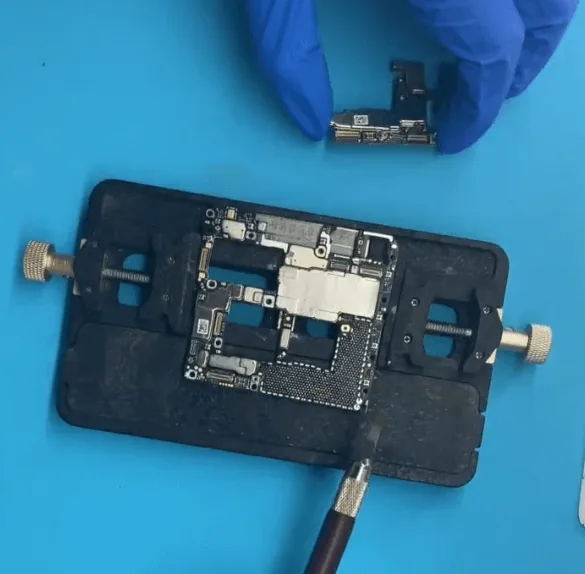
Separate the two layers of the motherboard by evenly heating it with a hot air gun. The melting temperature of the solder on the motherboard is 150°C, so be cautious not to overheat it, as this could lead to further issues with the soldering or connections on the PCB.
Examine the pads under the microscope. Several pads are missing and need to be repaired:
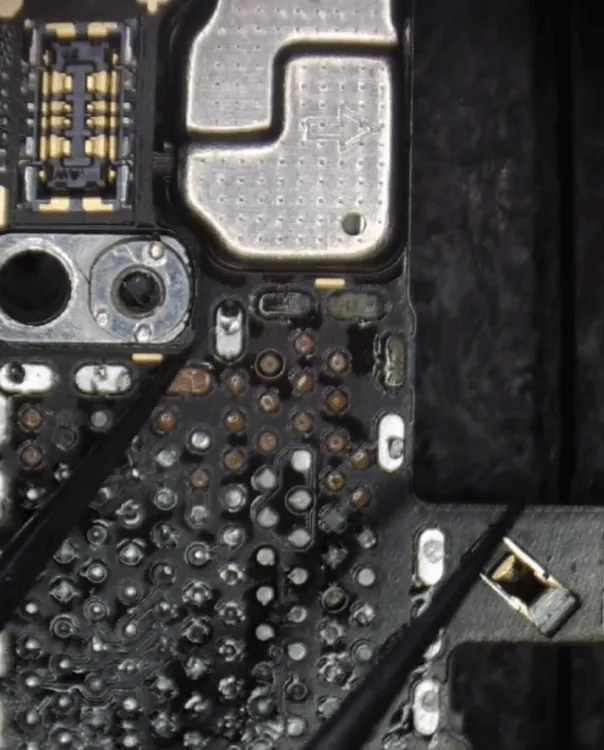
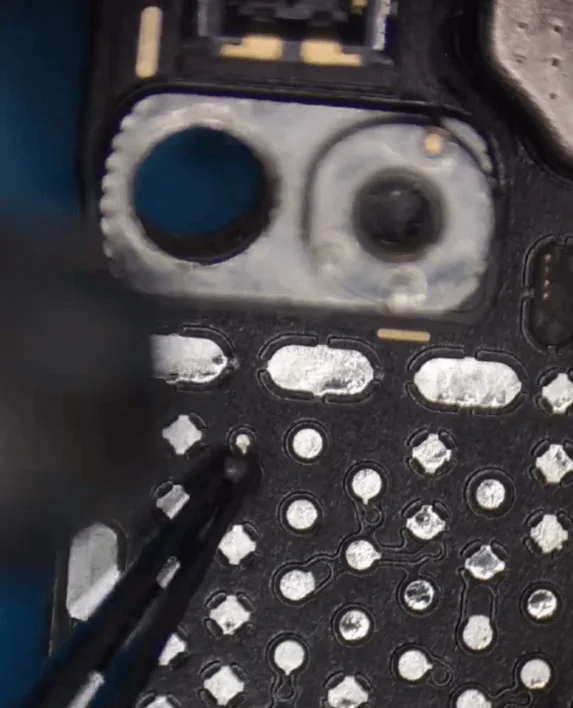
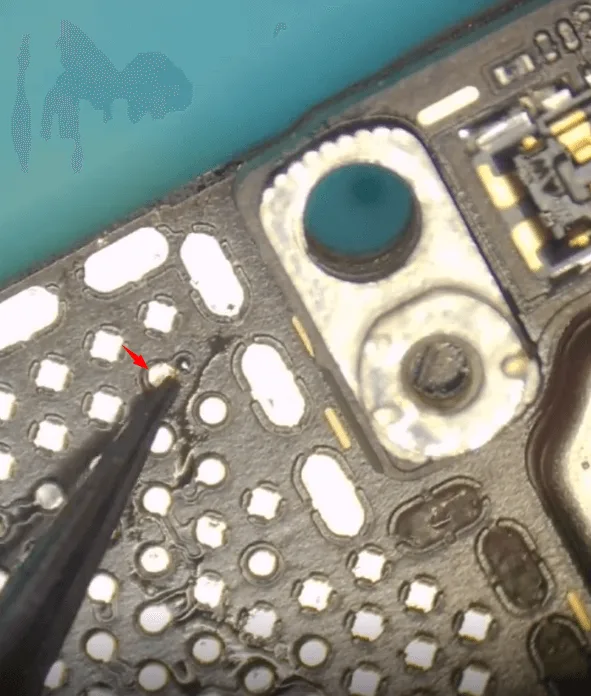
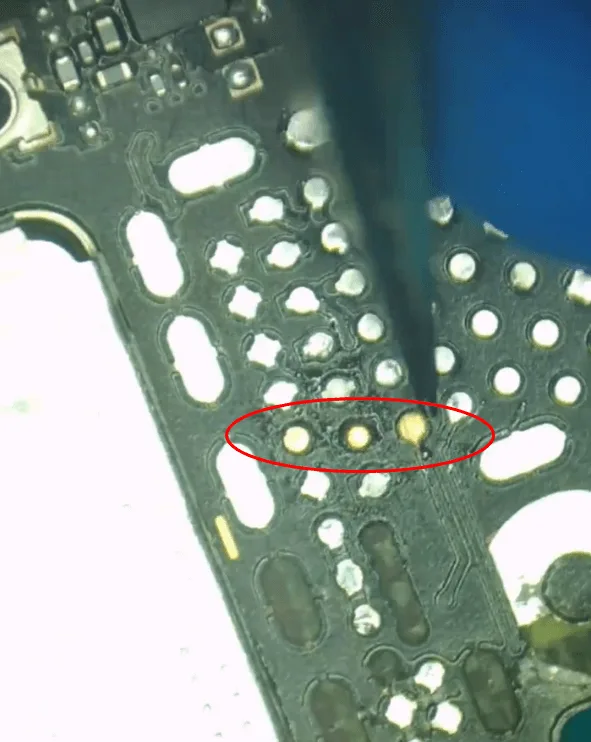
- Apply medium-temperature solder paste to the PCB pads.
- Clean any mixed tin on the PCB with solder wick.
- Clean the PCB pads with PCB cleaner.Lightly touch each pad to check for looseness.
- Scratch off the connection wire of the missing pads.
- Solder tin balls to reform the connection.Fix the missing pads using soldering lugs.
Cure the soldering lugs using a UV mask and UV lamp, then carefully remove any excess connections. The lower layer of the motherboard should now be securely fixed.
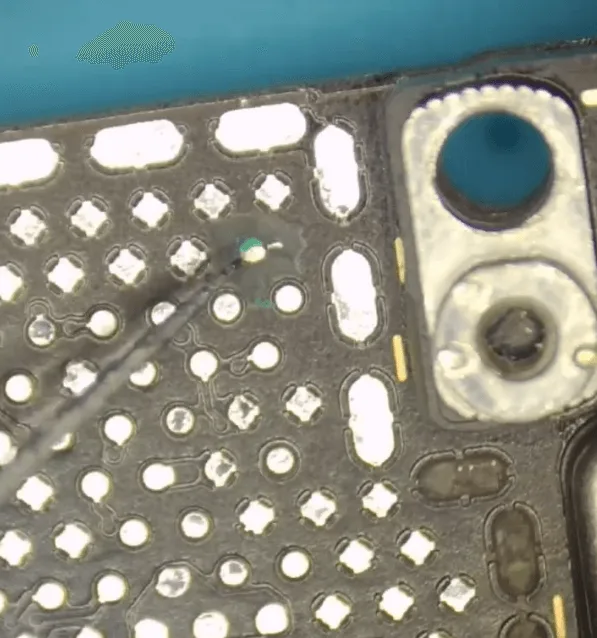
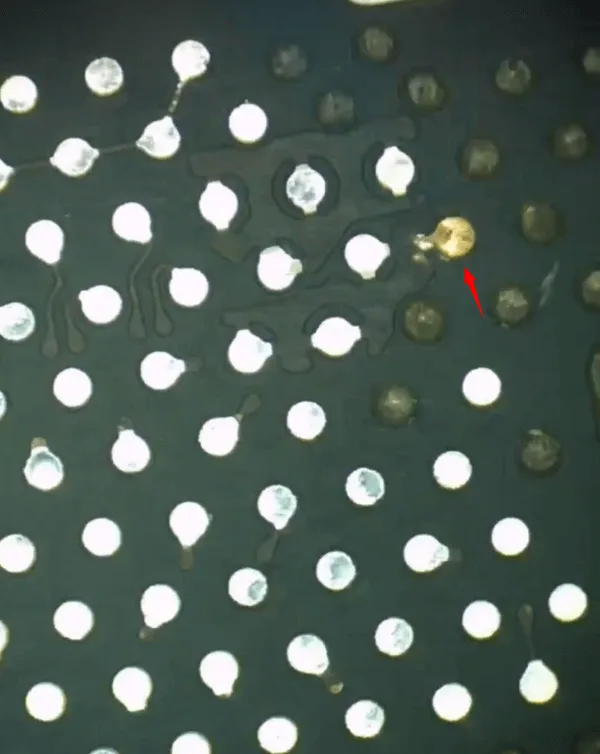
For the upper layer of the motherboard, check for missing pads. After inspection, only one pad is found to be useful. Repair the missing and useful pad using the same method as the lower layer.
Jump cover the GND pads with a UV mask and cure them using a UV lamp.
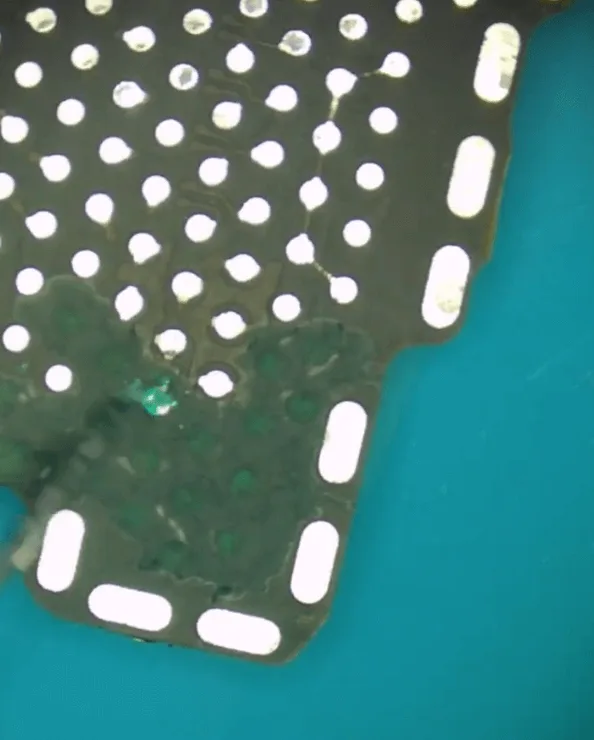
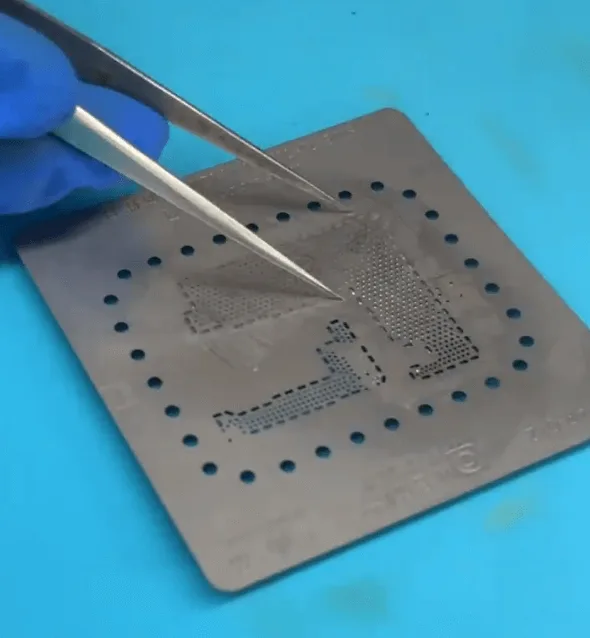
After repairing the missing pads, reball the upper layer of the motherboard using a stencil.
Align the two layers of the motherboard, apply a small amount of solder paste flux, and heat with a hot air gun to recombine the layers.
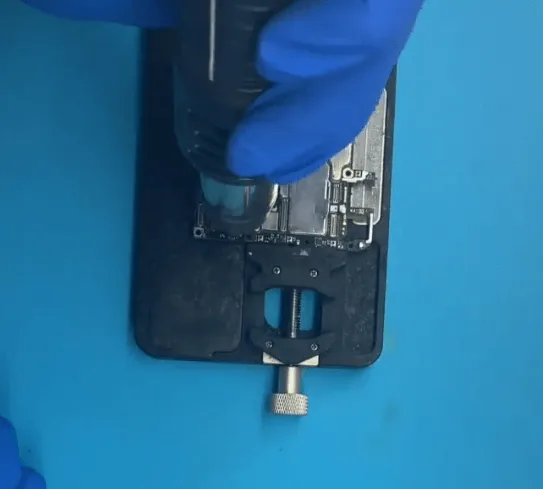
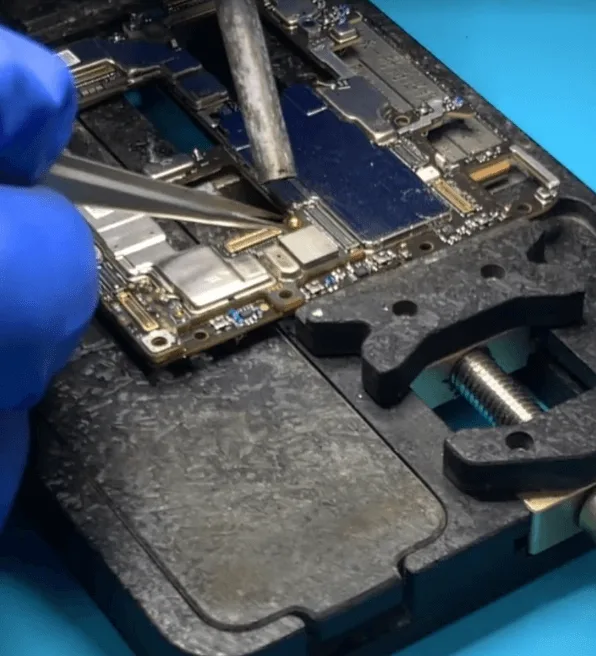
A screw pillar is missing, so solder it back to the motherboard as well.
Assemble and Test
- Reassemble the phone components, and press the power button to boot the device.
- The phone successfully starts up with the original screen, and all functions are restored.
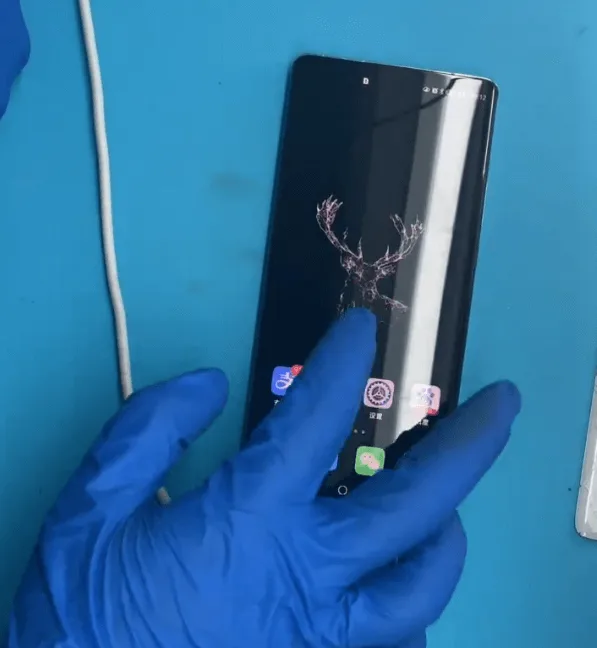
The phone was successfully repaired by recombining the two layers of the motherboard, with no need to replace additional parts.
Conclusion
Repairing a no-display issue caused by drop damage on a Huawei Mate 40 Pro requires careful handling and precision, particularly when working with the motherboard. By following these detailed steps, you can restore your phone’s display and functionality without losing any valuable data. Whether you’re an experienced technician or a DIY repair enthusiast, mastering these techniques will ensure that you can tackle even the most challenging repairs with confidence.
 English
 Español
 Français
 Deutsch
 Italiano