HUAWEI Mate X2 Seawater Damage Repair (Part II)
Let’s continue with the previous repair process. The cannot start issue has been resolved by cleaning the PCB board with the ultrasonic cleaner and jumping wires to fix the burned PCB layers.
But the phone still with two issues
- The font displayed on the main screen is fatter than the normal display
- The outside vice screen displays the HUAWEI logo only
Let’s fix them!
Troubleshooting
For the display font larger and wider, based on the repair experience it should be caused by the compass IC being damaged. Take out the motherboard and check carefully under the microscope again
The motherboard is a two-layer combined structure and seems with some poor soldering.
Let’s remove the upper layer of the motherboard and resold it.
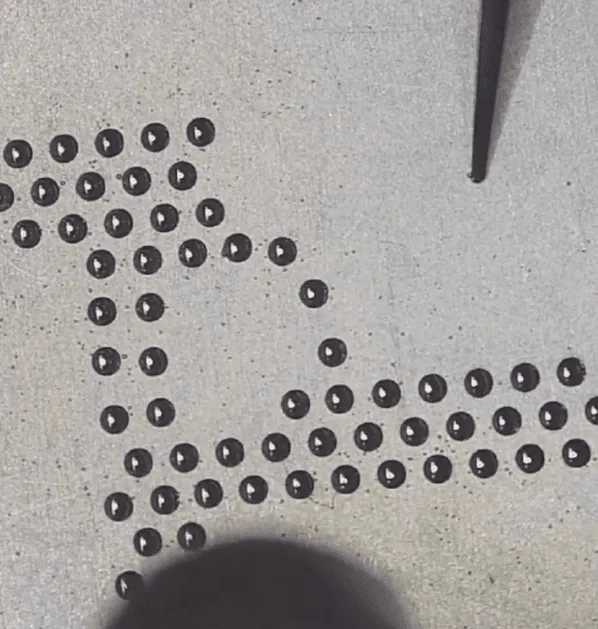
Then recombine the two layers of the motherboard
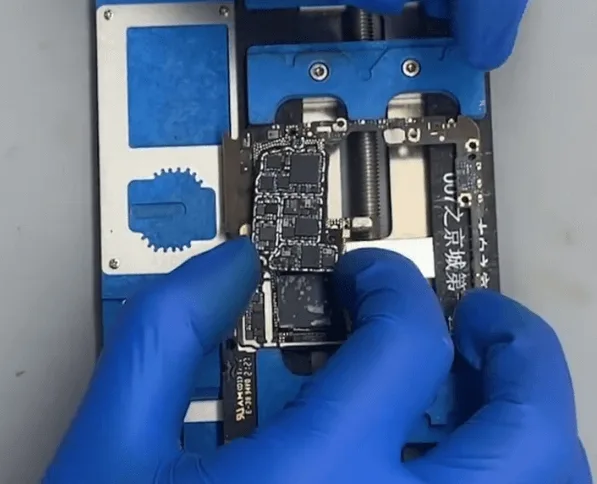
After the motherboard cooling down, assemble the phone temporarily to test again. The phone still with the same issue (font is wider and bigger than normal)
Check the motherboard under the microscope, and find there are some parts that are corrosion carbonization
Let’s scratch them off one by one with the sculpture knife slightly
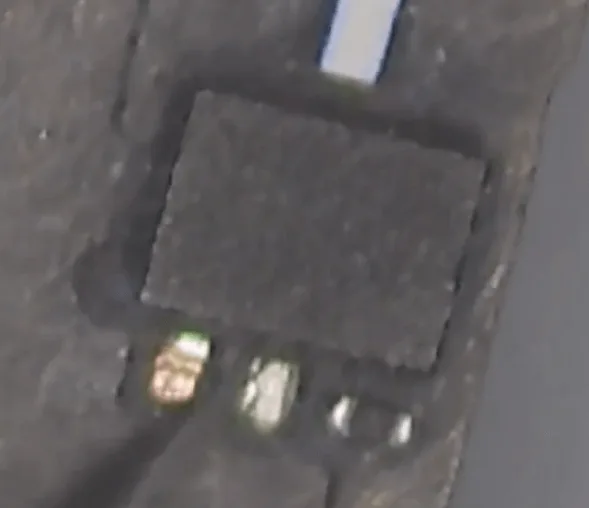
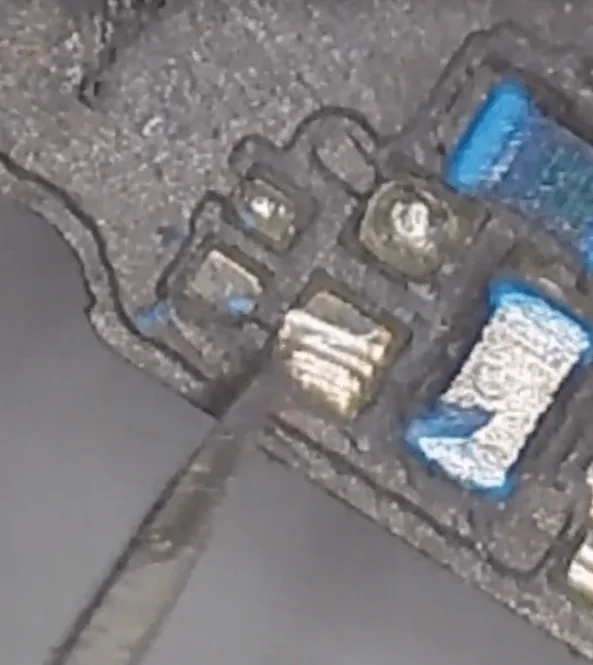
Later we will deal with these pads, to resolder them.
Then let’s find the compass chip, just as guessed, it’s corrosive so seriously and there’s almost nothing left on the motherboard.
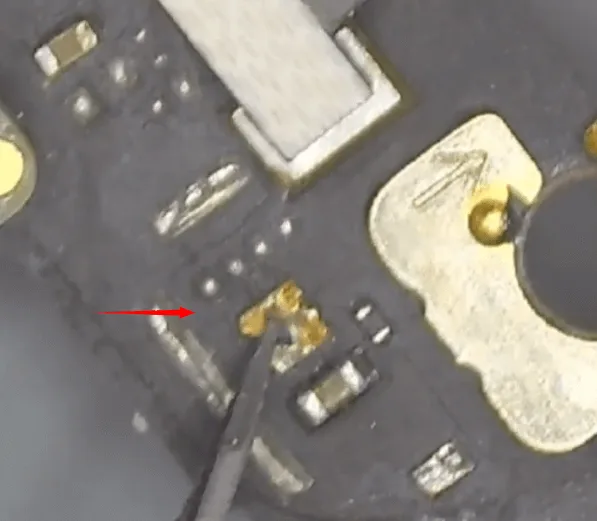
Let’s heat with the hot air gun and remove the residuals with tweezers slightly.
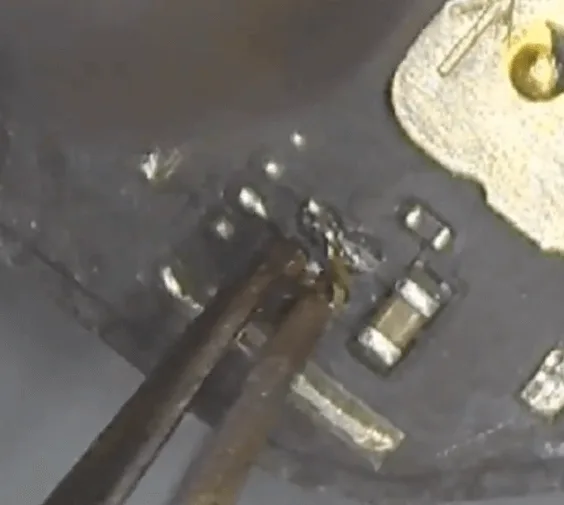
Then take another good compass IC from the same model motherboard, and then solder it to the motherboard.
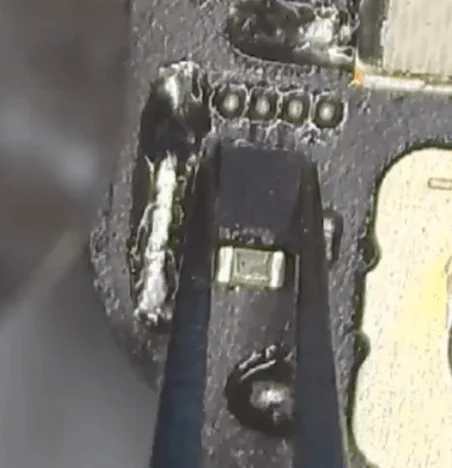
For the signal parts, there’s a shielding cover that also gets corrosive.
Let’s remove it and check the chips/components under the shielding cover are also seriously corrosive.
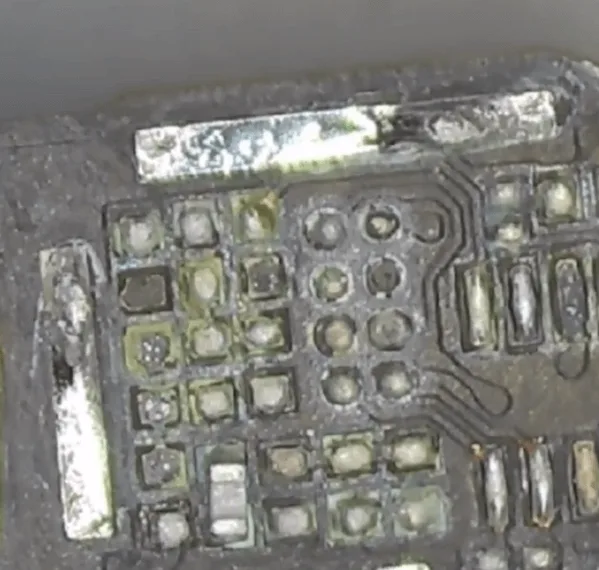
Let’s clean the pads on the PCB with solder paste and soldering iron first. Then swap the same components and chips from the donation board.
Assemble and test
After soldering back the compass IC and the missing chips, let’s assemble the phone to test again.
The phone can boot normally, and the main screen also displays normally.
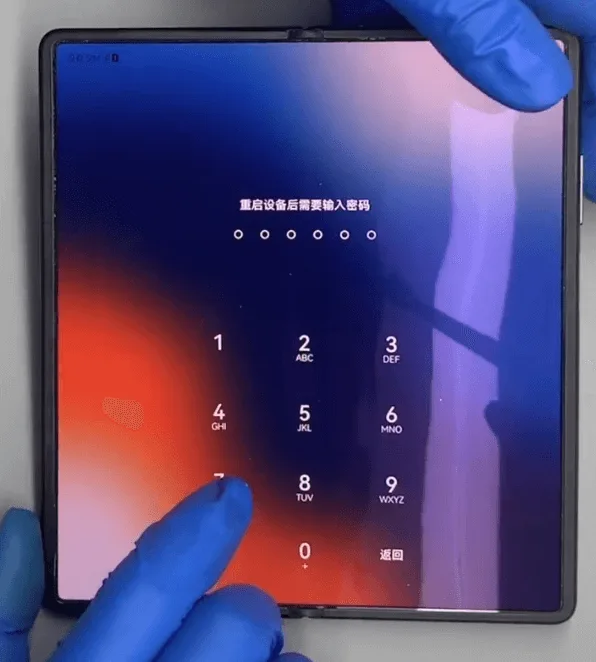
When folding the screen, the outside vice screen also displays normally.
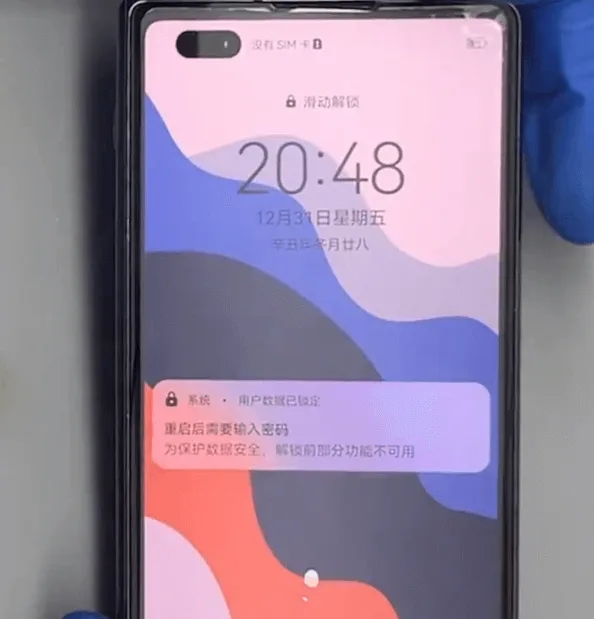
Test the other functions one by one, everything is OK.
The issue gets resolved perfectly by replacing a new compass IC and swapping the corrosive signal chips.
 English
 Español
 Français
 Deutsch
 Italiano