
Huawei Mate 30 Pro Porsche Edition boot failure after a drop incident can be challenging to diagnose and repair. This guide will walk you through the steps to identify and fix the boot failure issue, from inspecting the motherboard to performing precise repairs on internal connections. With these instructions, technicians and DIY repair enthusiasts can restore the device’s functionality.
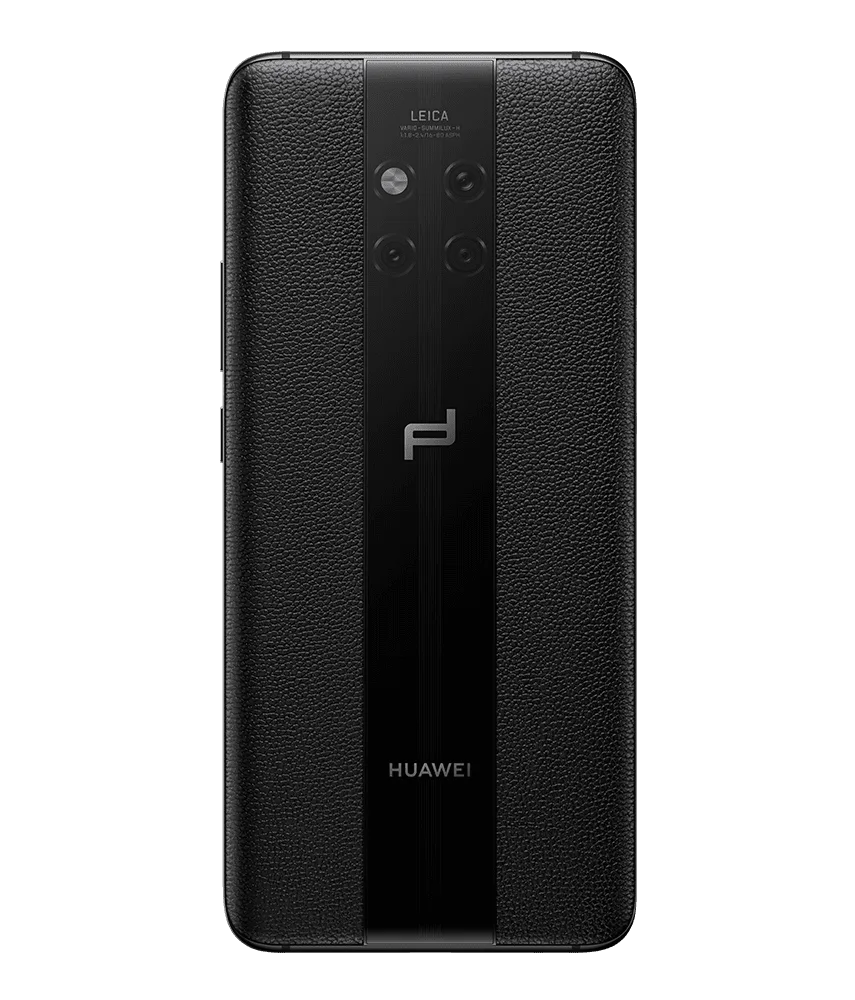
Device Details
Model: Mate 30 Pro (Porsche version)
Announced: 2019, September 19
Defect Phenomenon
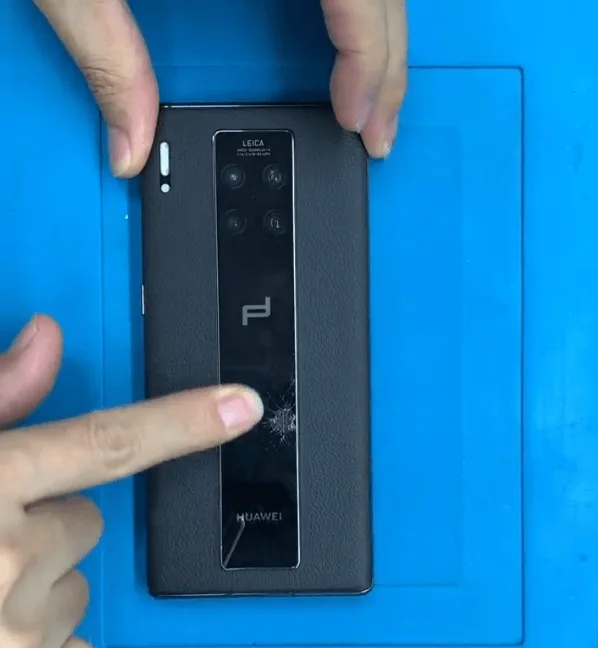
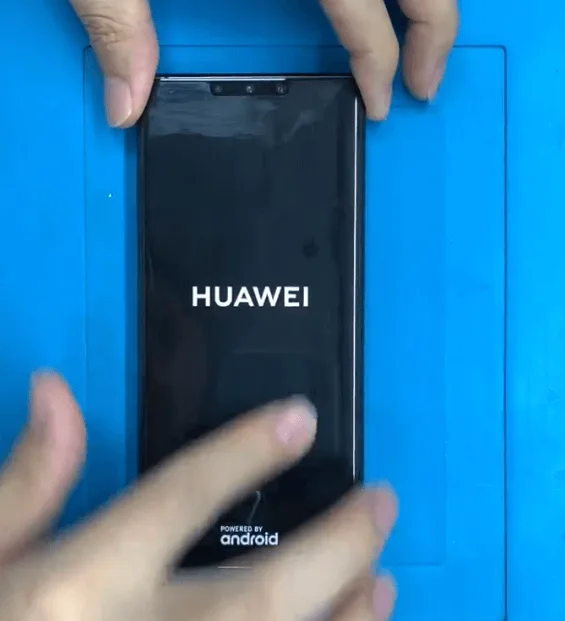
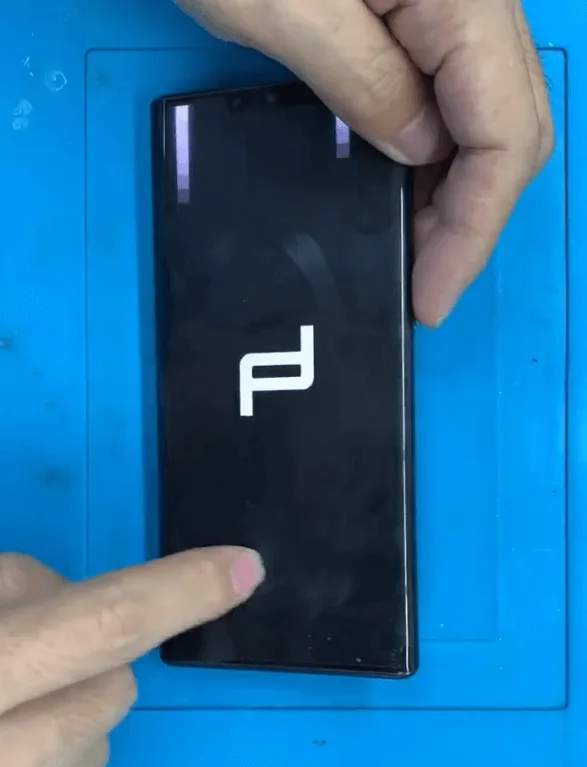
The Huawei Mate 30 Pro Porsche Edition suffered severe drop damage, shattering the screen. After screen replacement, it worked for a few days but then failed to boot, showing the Huawei logo briefly before turning off.
Troubleshooting
Disassemble and Inspect the Phone
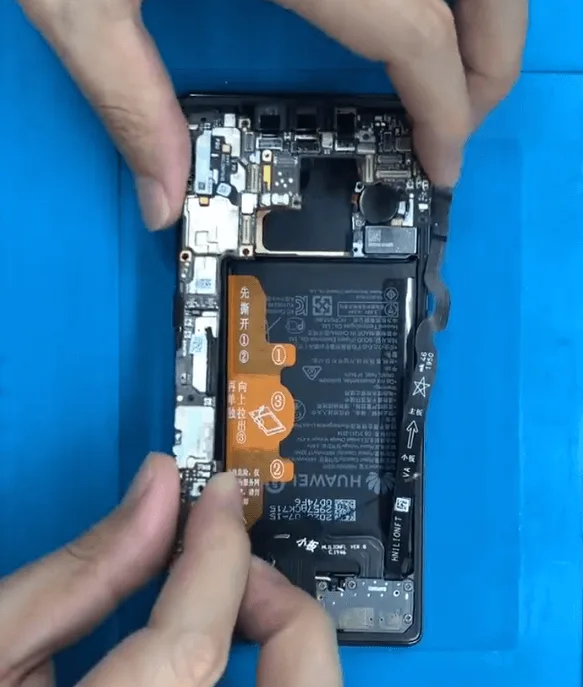
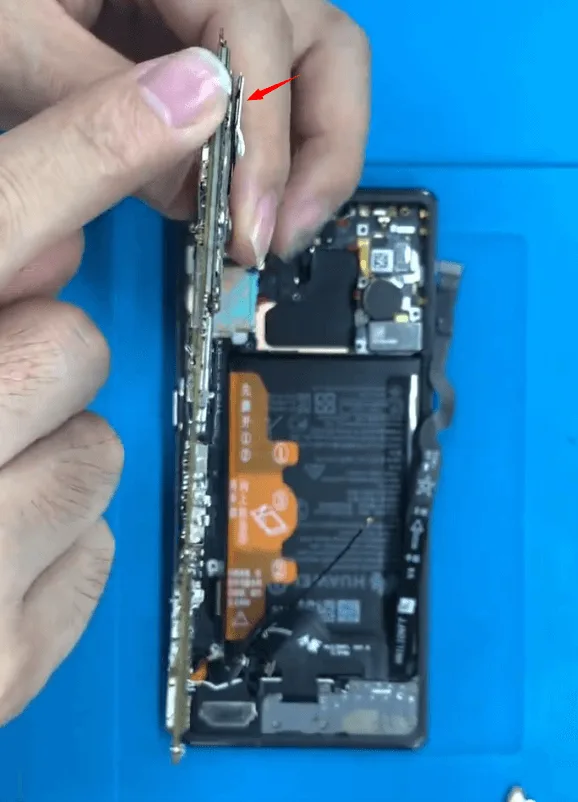
Begin by disassembling the phone to inspect the motherboard. The damage report confirms severe drop impact, causing minor deformation and depressions on the shielding cover of the motherboard.
Initial Battery and Connection Check
Huawei’s high-end models have encrypted batteries, so poor battery connection could cause boot issues. Start by testing a new unencrypted battery to rule out battery-related problems.
Battery Connector Diode Value Measurement
Since the boot issue persists, measure the diode values on the battery connector pins. Although all diode values appear normal, the problem may stem from a poor connection within the motherboard.
Repair Process
After replacing the unencrypted battery, the phone still exhibited the same defect. Therefore, the problem is likely originating from the motherboard.
First, we need to check the battery connector. The battery connector is located on a small board that is soldered onto the main motherboard. Could the issue be caused by a poor connection between these two layers of the motherboard?
Reviewing the defect phenomenon again, we note that the phone can boot for a few seconds, indicating that the issue might be due to a poor connection to the motherboard or unstable internal rails.
Resolder the Battery Connector Board
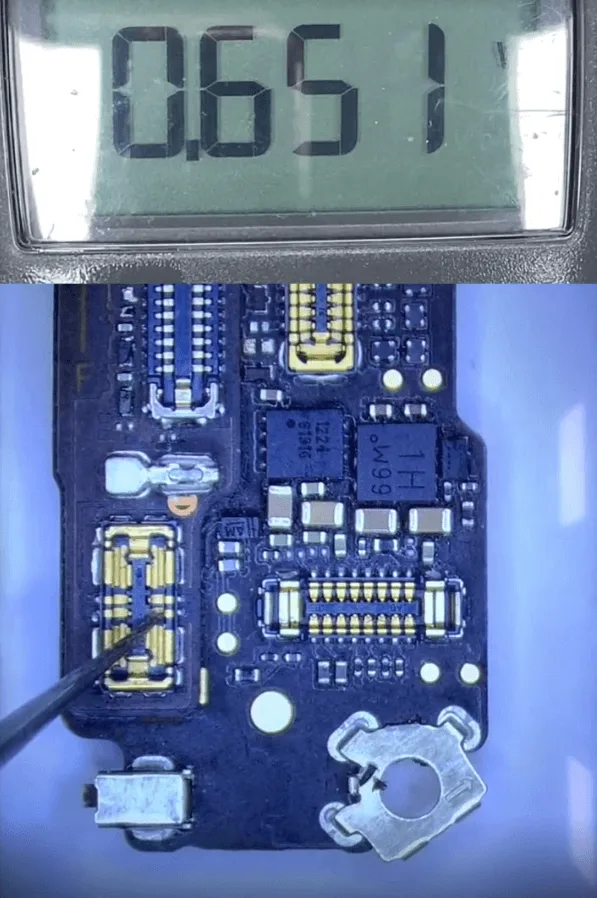
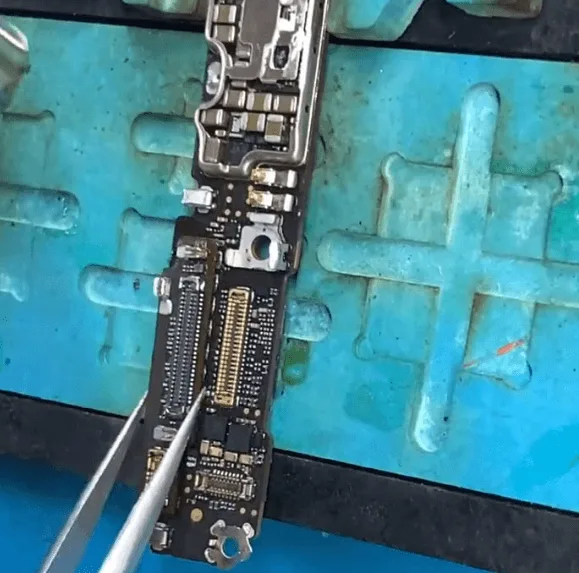
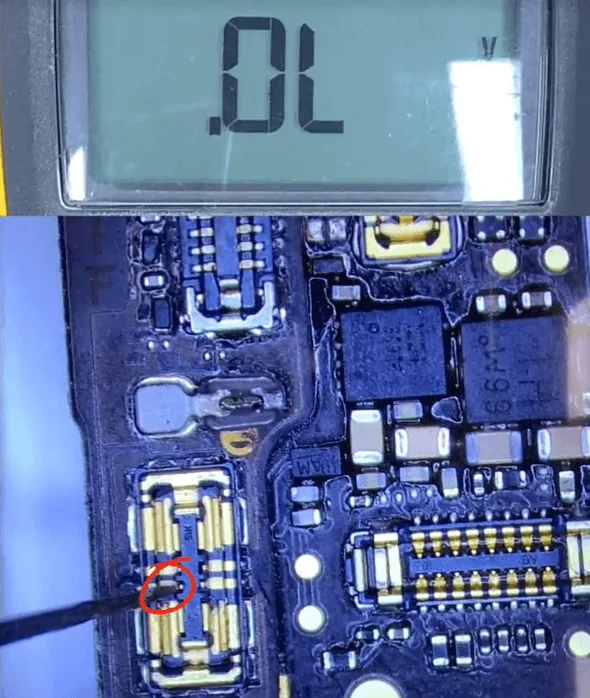
- Carefully desolder the small battery connector board using a hot air gun, reball, and then solder it back to the motherboard.
- After completing that, we’ll measure the diode values on the battery connector once more. This time, we notice a defect: the diode value on one pin of the battery connector reads OL (open line). Typically, the diode value should be around 400.
Identify and Address the Open Line on the Main Motherboard
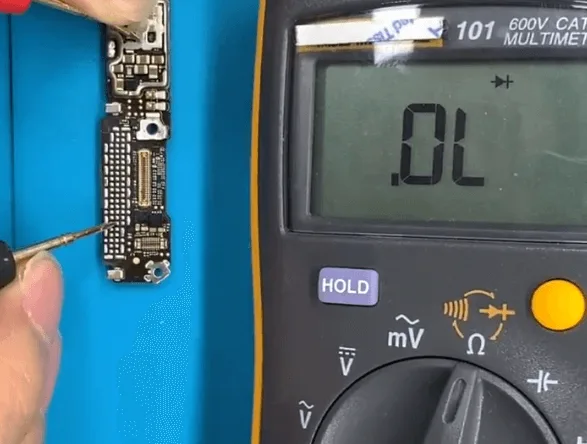
Remove the small board again and locate the battery pin connection pad on the main motherboard. The open line (OL) suggests the rail between this pad and a connected resistor has been broken, likely due to the motherboard’s internal instability after the drop.
Locate and Create a Jump Wire
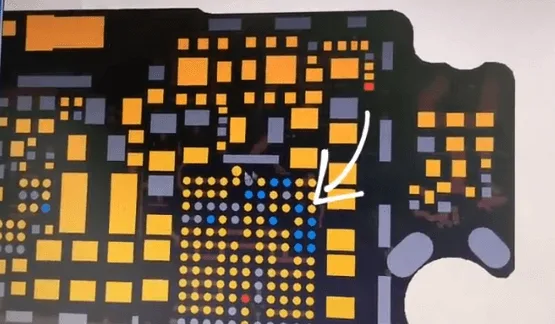
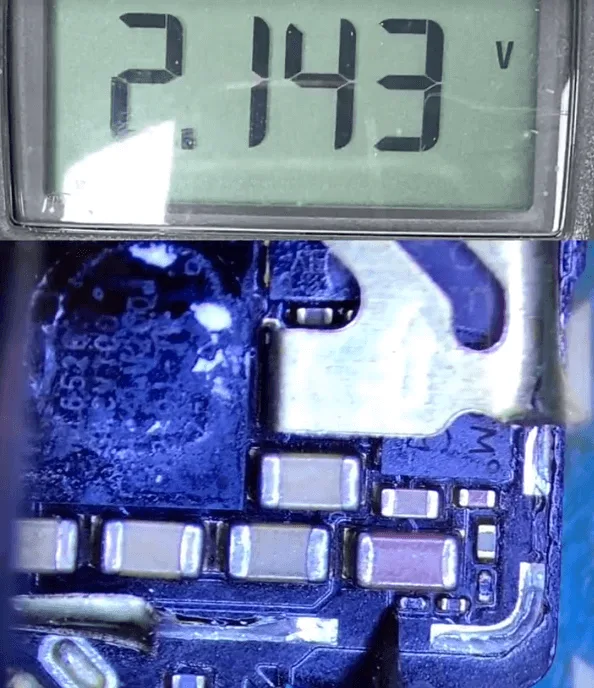
- Using a motherboard bitmap, locate the defective rail connected to a small power IC via a resistor. Measure the diode value on both sides of the resistor to confirm the break.
- To create a stable connection, remove the resistor, then run a jump wire:
- Connect one end to the resistor’s side, and the other end to the PCB pad on the rear side.
Finalize the Repair
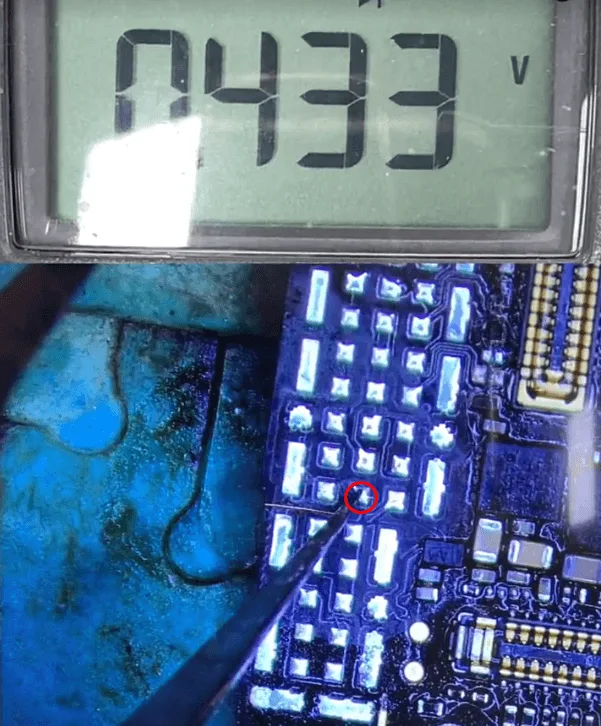
- Secure the jump wire with a UV mask and solidify with a UV lamp.
- Solder the small battery connector board back into place, recheck the diode values, and ensure everything reads normally.
Testing and Assembly
Verify Repair Success
- Measure the diode values once more to confirm they are back to normal.
- Reassemble the phone and perform a boot test. This time, the phone boots up without issue, resolving the problem by creating a jump wire on the battery signal pin’s rail.
Conclusion
Through precise inspection and repair, you’ve restored functionality to the HUAWEI Mate 30 Pro Porsche Edition by creating a jump wire to bypass a broken inner rail. This repair method not only addresses boot issues but also reinforces the stability of the motherboard after severe damage.
Tools & Parts List
- Microscope
- DC power supply machine
- Unencrypted test battery
- Hot air gun
- UV mask and UV lamp
- Jump wire materials (soldering tools)
- PCB cleaner
- Motherboard bitmap for troubleshooting reference
 English
 Español
 Français
 Deutsch
 Italiano