Tag: huawei mate 20

  • Fixing HUAWEI Mate 20 Pro Boot Issues Caused by CPU Soldering Problems

    Fixing HUAWEI Mate 20 Pro Boot Issues Caused by CPU Soldering Problems

    The HUAWEI Mate 20 Pro is a powerful device, but improper charging habits or environmental factors can lead to serious hardware issues. In this case, the phone was charged overnight and placed under a pillow, only to fail to boot the next morning. A fixed current reading during testing suggests that the CPU’s connection to the PCB may be compromised. Thankfully, this is a repairable issue.

    huawei mate 20 pro

    Devices Details

    Model: HUAWEI Mate 20 Pro

    Announced: 2018, October 16

    This guide will show technicians and DIYers how to tackle poor CPU soldering—an increasingly common issue in Android phones, especially with high-performance chips like the Kirin 980 in the Mate 20 Pro.

    Defect Phenomenon

    After charging the phone overnight, the device won’t boot. Connecting it to a charging multimeter reveals a 0mA current, confirming that the phone is not charging.

    Troubleshooting Steps

    1: Disassemble the Phone
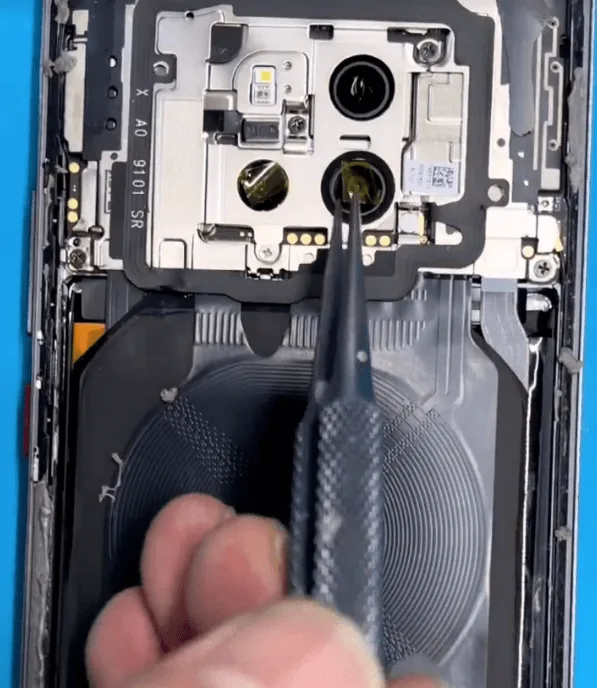
    huawei mate 20 pro boot issue
    • Begin by carefully disassembling the phone. Protect the camera lenses with stickers, and remove the motherboard.

    2: Test Boot Current
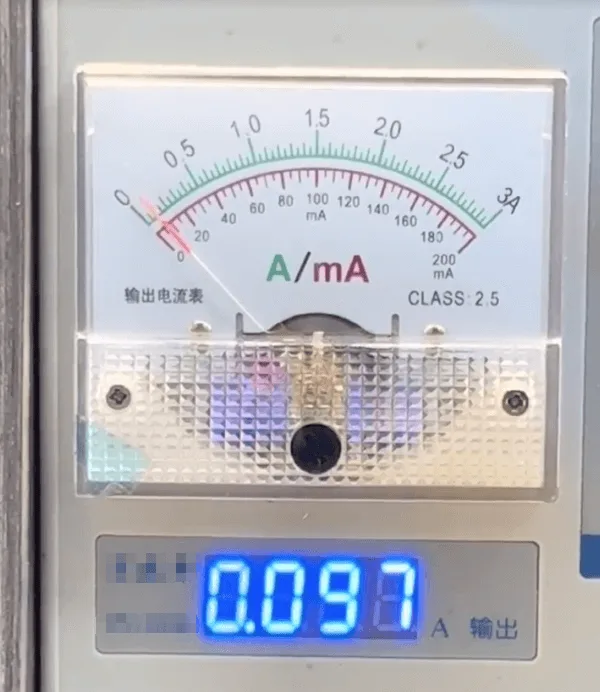
    multimeter

    Connect the motherboard to a DC power supply and attempt to trigger the boot process. The current is fixed at 97mA, indicating the phone cannot boot. Based on repair experience, this can be caused by:

    • CPU overheating, leading to poor soldering between the CPU and the PCB.
    • A broken inner PCB rail, disrupting the connection between the CPU and related circuits.

    Since the phone has no signs of water damage or physical drops, the most likely cause is CPU poor soldering.

    How to Repair Huawei Mate 20 Pro Won’t Turn On

    1: Remove the CPU
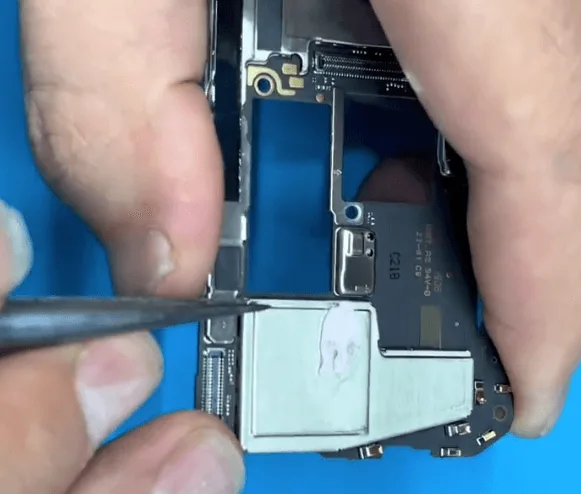
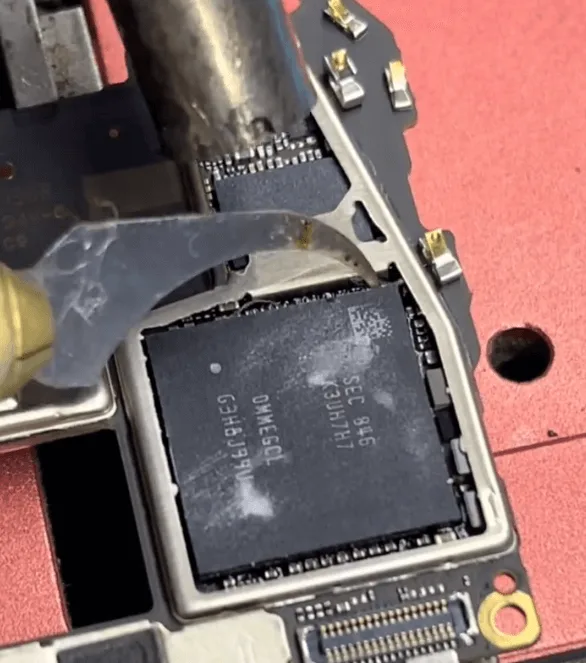
    • First, remove the shielding cover to access the Kirin 980 CPU.
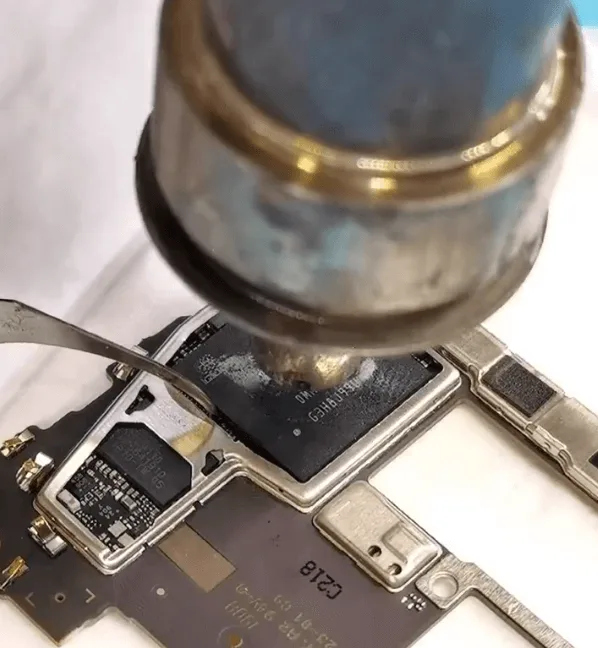
    • The Kirin 980 is prone to poor soldering, so we need to rework it. Start by removing the glue surrounding the CPU chip using a hot air gun set to 290°C. Be cautious not to overheat any specific area.

    2: Disassemble the CPU Layers
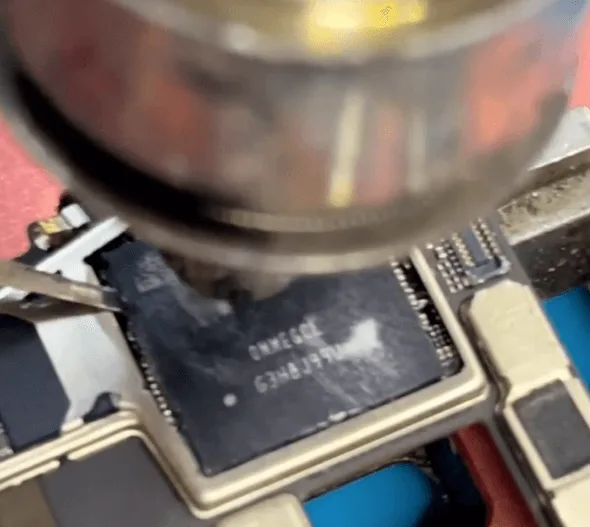
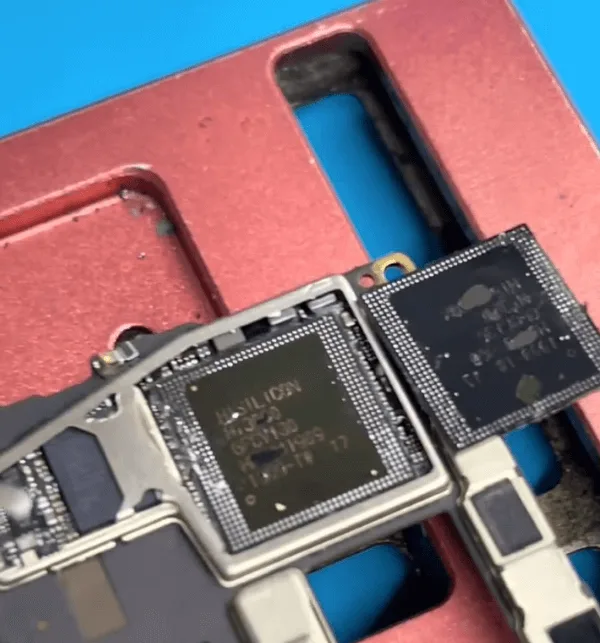
    The CPU is composed of two layers: the upper RAM layer and the lower core CPU layer.

    • Remove the upper RAM layer first.
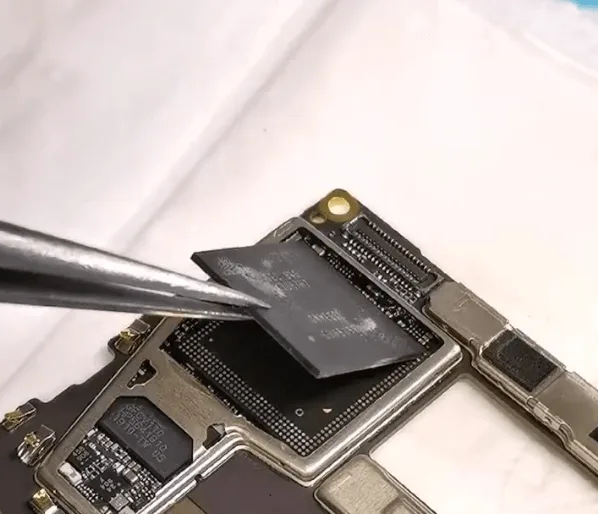
    • Next, slightly heat the lower CPU layer until the solder melts, and carefully pry it up from the PCB.

    3: Inspect the PCB Pads
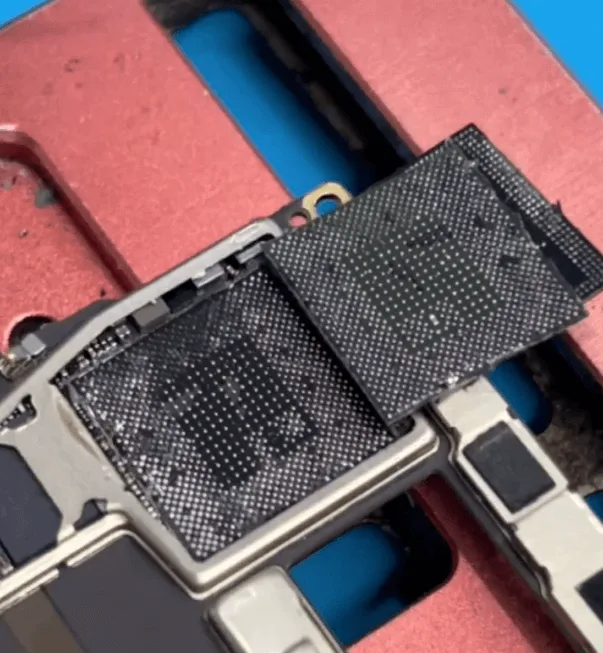
    inspecting huawei mate 20 pro pcb
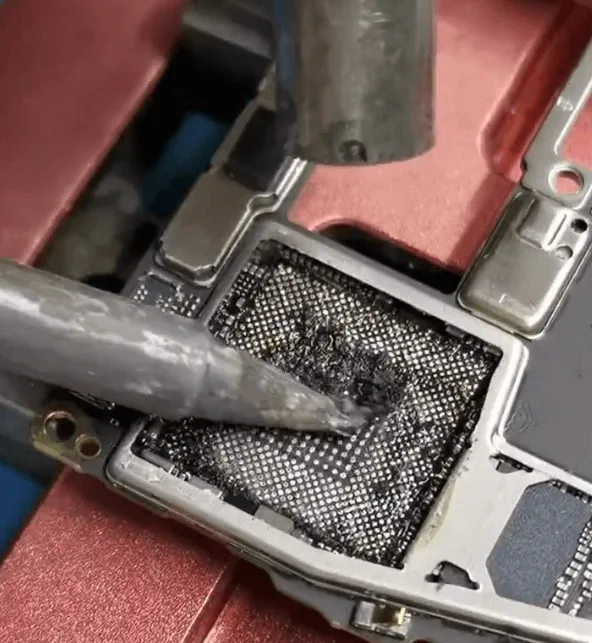
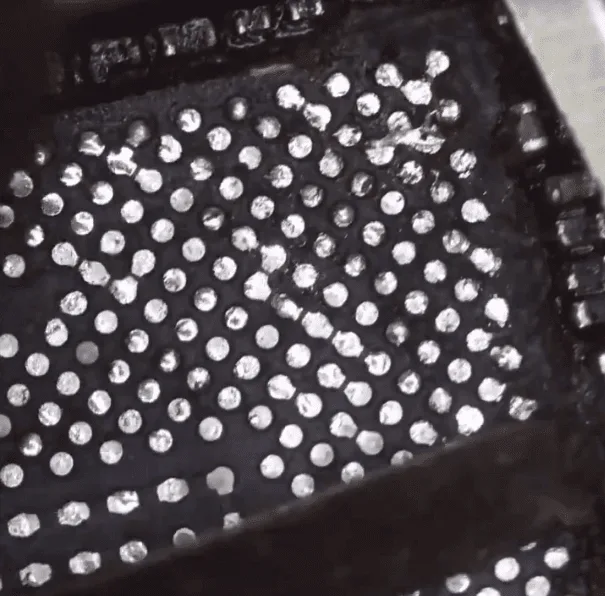
    • After removing the CPU, inspect the PCB. Some pads may have turned black due to corrosion, leading to poor connections.

    4: Clean and Reball the CPU
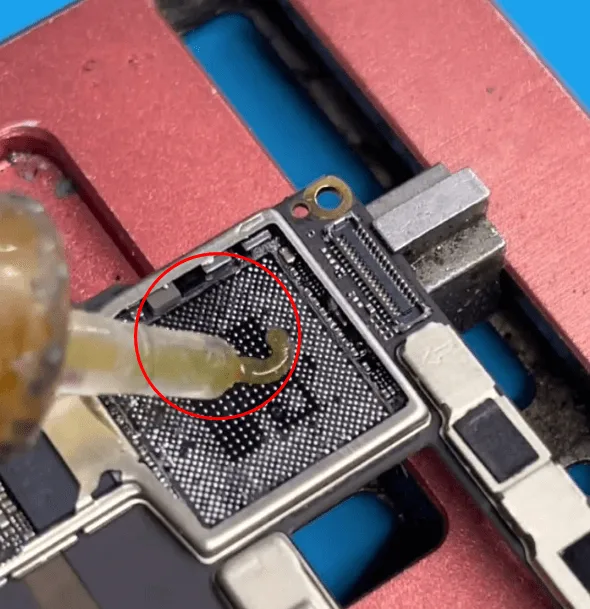
    • Clean the PCB pads using solder paste flux, a hot air gun, and a soldering iron. Use solder wick to remove excess solder and ensure the pads are flat.
    • Carefully remove the hard black glue from the PCB, especially around the corners, under a microscope. Ensure the pads are spotless and flat to ensure proper CPU re-soldering.

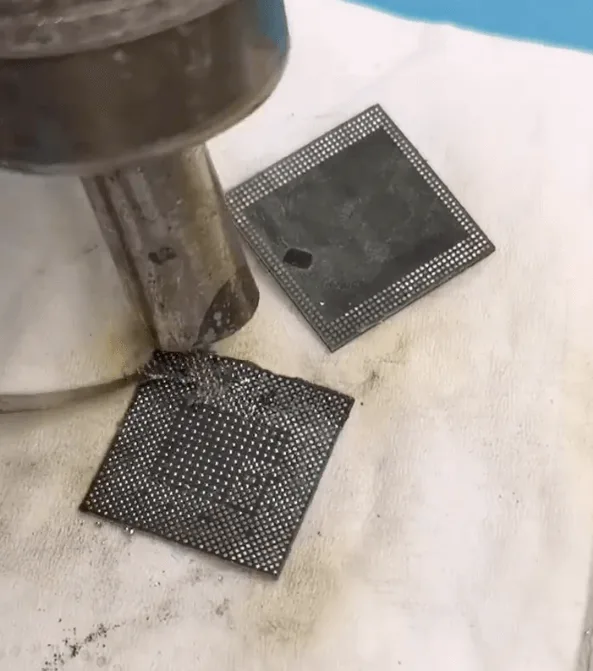
    5: Reball the CPU Chips
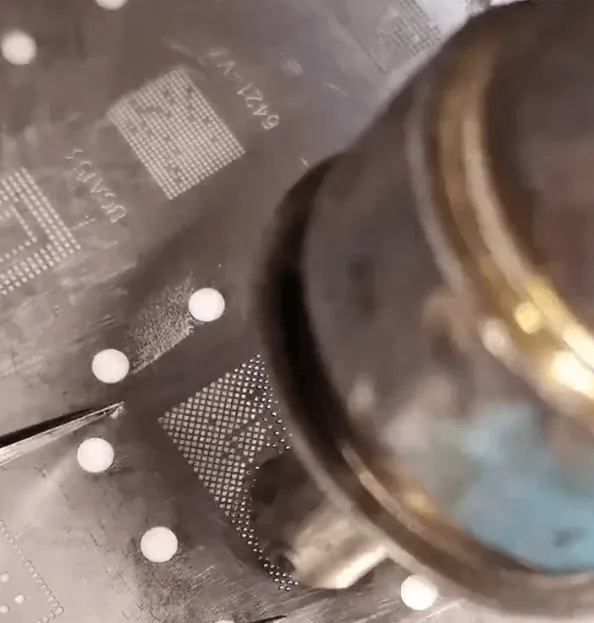
    reballing cpu
    • Reball the CPU’s upper and lower layers using a stencil. Be patient, as this process requires precision.

    6: Resolder the CPU
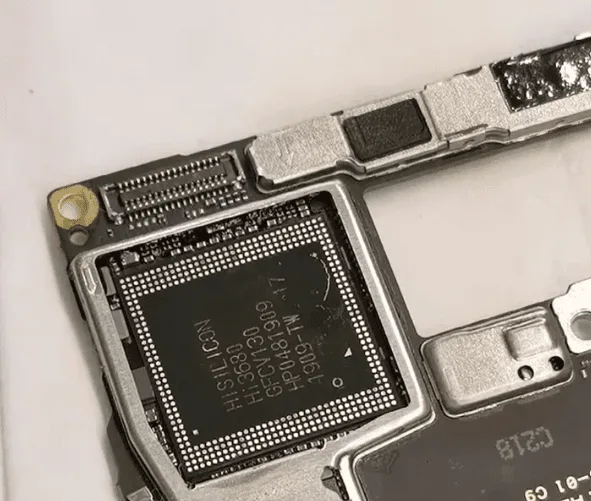
    • Align the lower CPU layer with the cleaned PCB and reflow the solder using the hot air gun. Heat the board evenly until the solder melts, allowing the CPU to seat itself onto the PCB.
    • Afterward, resolder the upper RAM layer using a similar method.

    7: Reassemble and Test

    • Reassemble the phone and test it. The phone should now boot normally, and charging, along with other functions, should work perfectly.

    Conclusion

    CPU poor soldering is a frequent issue in Android devices, and the Kirin 980 in the HUAWEI Mate 20 Pro is no exception. By carefully removing, cleaning, and resoldering the CPU, Huawei Mate 20 Pro boot issue can be successfully resolved. Proper handling and repair skills, especially in CPU rework, can fix up to 90% of boot issues caused by soldering problems.

    Tips for Prevention

    To avoid future soldering issues caused by overheating or improper charging:

    1: Adopt Better Charging Habits

    • Avoid using the phone while it’s charging.
    • Use a certified charger and USB cable.
    • Charge the phone in a well-ventilated, cool area.
    • Try to keep the battery between 30% and 90% rather than allowing it to drop to 0% or charge fully to 100%.

    2: Avoid Overnight Charging

    • Charging the phone overnight, especially under a pillow or in hot environments, can contribute to CPU overheating, which may weaken solder joints.

    By following this step-by-step guide, you can resolve most HUAWEI Mate 20 Pro boot issues caused by poor CPU soldering. This comprehensive solution can help you avoid unnecessary motherboard replacements, saving both time and money. If you have any questions or need further assistance, feel free to leave a comment below!
    1. Restore Destroyed HUAWEI MATE 20

      Restore Destroyed HUAWEI MATE 20

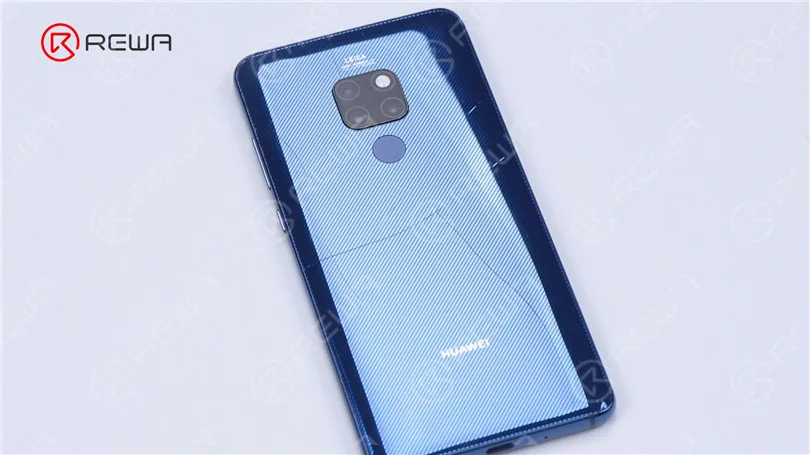
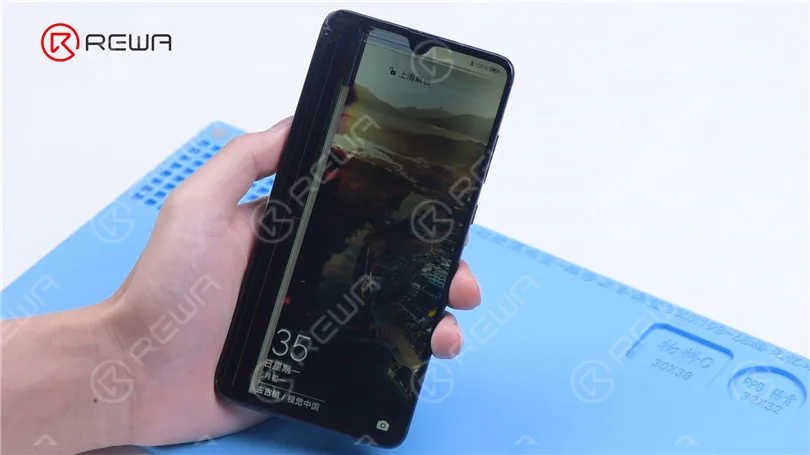
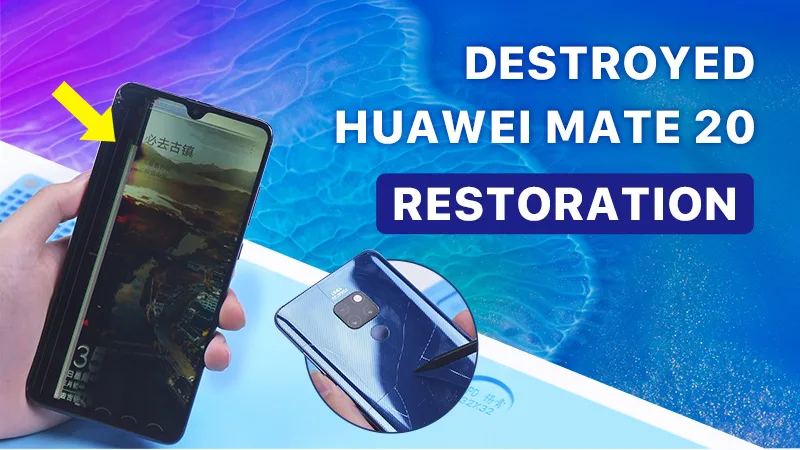
      Check out this video to see how we restore a HUAWEI Mate 20 that has been heavily dropped. Both the front glass and back cover are damaged. The middle frame is deformed too.

    2. How to Restore Destroyed Huawei Mate 20

      How to Restore Destroyed Huawei Mate 20

      Today we will share how to restore a HUAWEI Mate 20 that has been heavily dropped. Both the front glass and back cover are damaged. The middle frame is deformed too.

      Destroyed HUAWEI MATE 20 Restoration By REWA

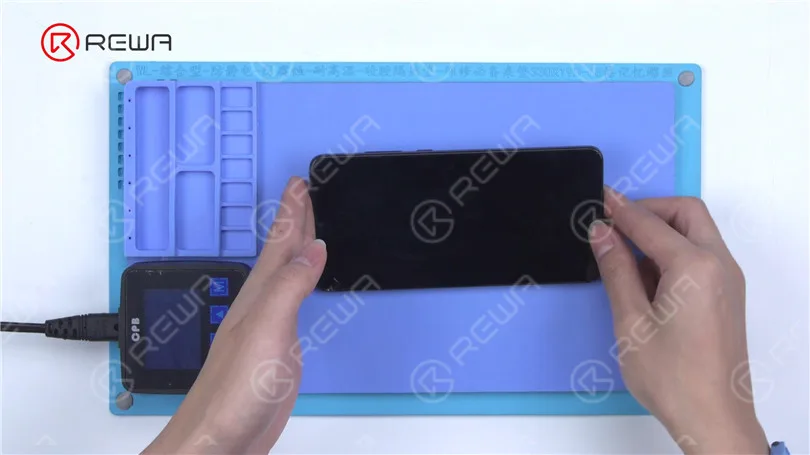
      Turn on the phone to test. We can see that the display and touch have malfunctioned. Therefore, we need to replace the back cover, middle frame and screen.

      Destroyed HUAWEI MATE 20 Restoration By REWA

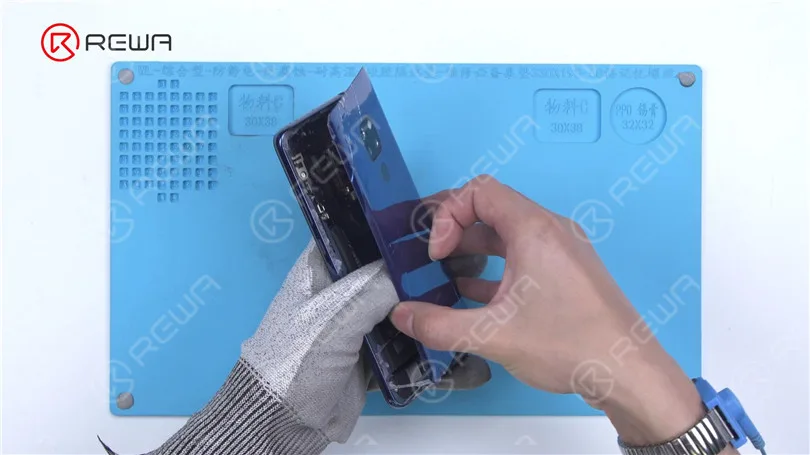
      Then we disassemble the phone. The disassembly process of Mate 20 is different from iPhone. The back cover needs to be removed first. The back cover of Mate 20 is glued to the middle frame. We need to heat the back cover for removal. Put the phone on the Heating Pad at 90 °C to heat for 2 minutes. Separate the back cover with a knife blade and pry piece. To facilitate separation, apply some alcohol. Please separate from left to right to avoid damaging the flex cable.

      Destroyed HUAWEI MATE 20 Restoration By REWA
      Destroyed HUAWEI MATE 20 Restoration By REWA

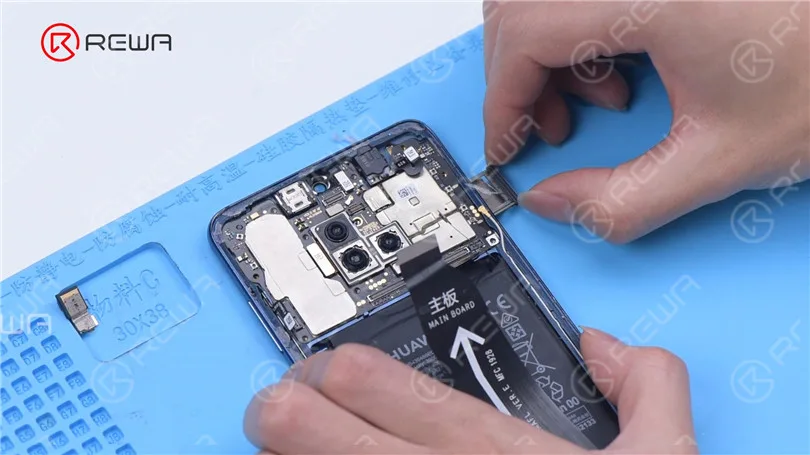
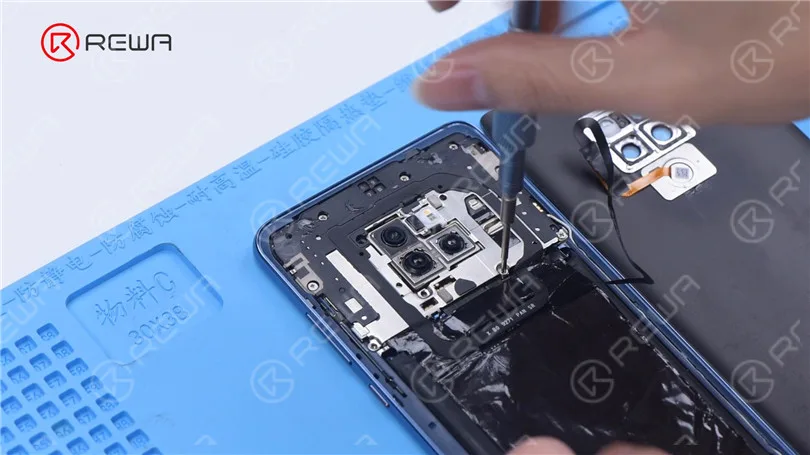
      Then we remove the middle frame screws. After the screws are removed, detach the middle frame protection board. Disconnect the flex cables. Remove the SIM card tray and motherboard. Apply some alcohol around the battery to extract the battery.

      Destroyed HUAWEI MATE 20 Restoration By REWA

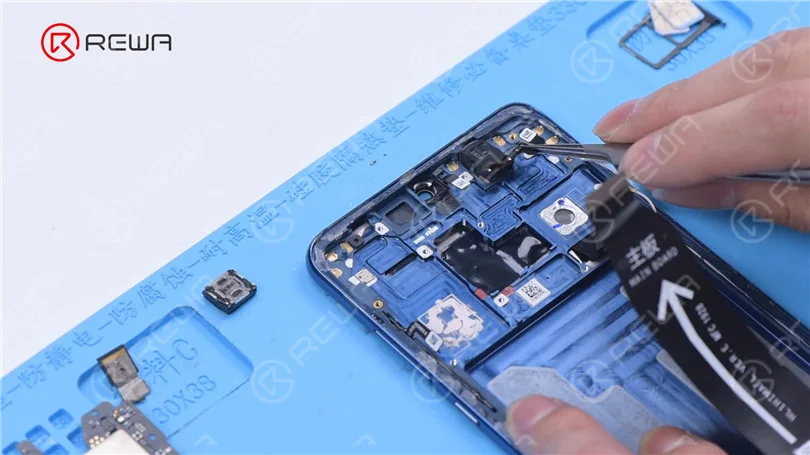
      Remove the receiver and headset jack. Yank the speaker and charging port PCB out. Remove the vibration engine and antenna out.

      Destroyed HUAWEI MATE 20 Restoration By REWA

      Apply some alcohol around the screen. Separate the screen from the middle frame with a pry piece. Take out the distance sensor module.

      Destroyed HUAWEI MATE 20 Restoration By REWA

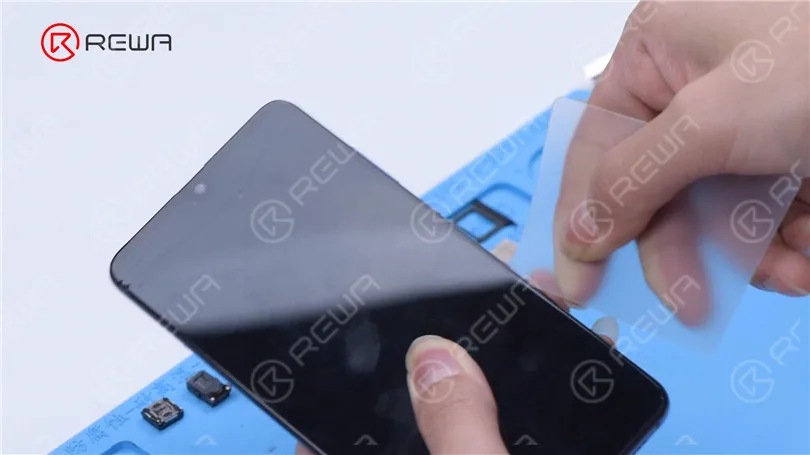
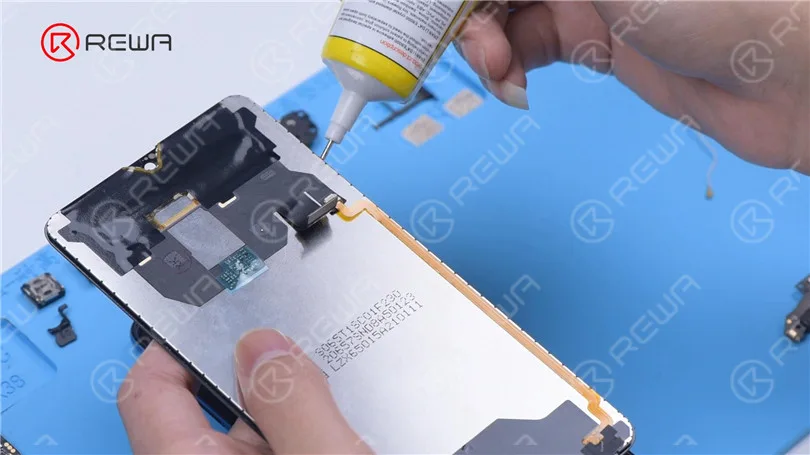
      Install the battery and motherboard on a new screen and middle frame to test. The display and touch functions are normal. It can be judged that the screen quality is good. Next, we restore the phone. Apply some E8000 to glue the distance sensor module and peel off the middle frame protection film. Apply some E8000 on the edges of the screen and attach the screen to the middle frame.

      Destroyed HUAWEI MATE 20 Restoration By REWA

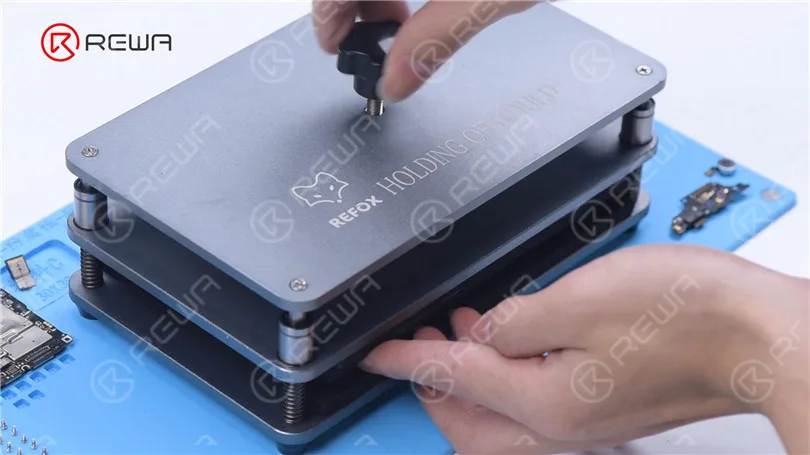
      Press the screen against the middle frame with a Press Clamp. It can be seen that the screen and middle frame fit perfectly.

      Destroyed HUAWEI MATE 20 Restoration By REWA

      Install the vibration engine and charging port PCB. Connect the motherboard connector and antenna. Install the speaker and screws. Put the antenna in position. Set the buffer cotton, headset jack and receiver up. Install the motherboard and connect the flex cables. Fix the front camera and the antenna.

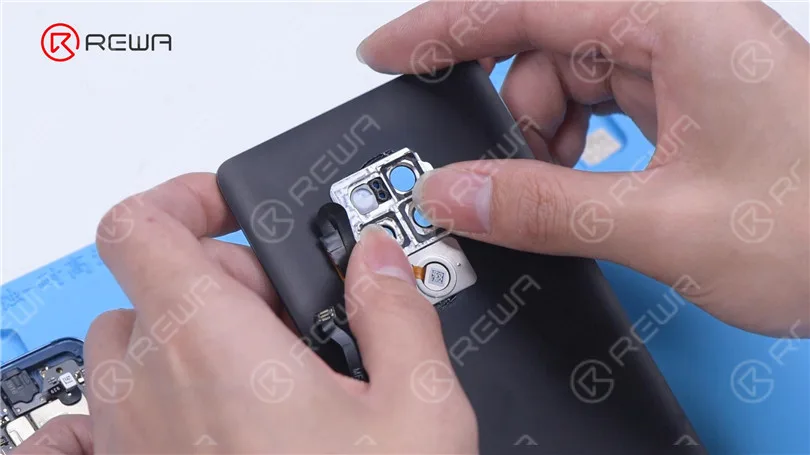
      Then install the battery and connect the motherboard connector. Apply some alcohol on the camera and fingerprint frames of the damaged back cover. Take out the camera and fingerprint frames. Apply some E8000 to the new back cover to glue the camera and fingerprint frames. Connect the fingerprint flex cable and attach the middle frame protection board.

      Destroyed HUAWEI MATE 20 Restoration By REWA

      Drive the screws. Apply some adhesive around the middle frame. Press the back cover against the middle frame with a Press Clamp. Insert the SIM card tray.

      Destroyed HUAWEI MATE 20 Restoration By REWA

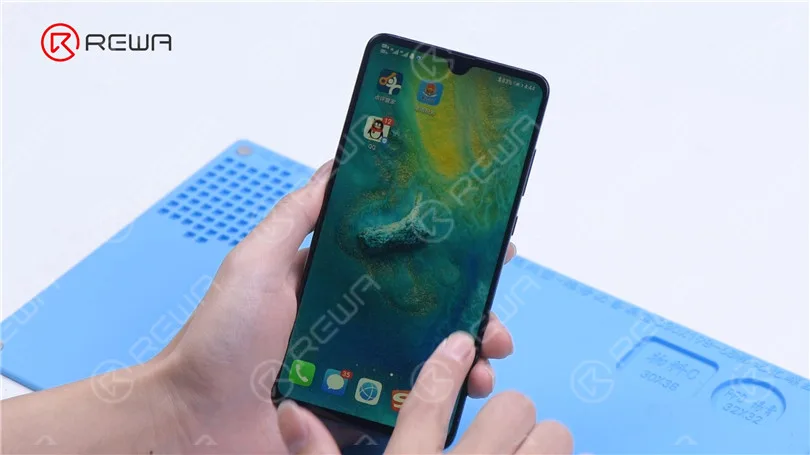
      Turn on the phone to test. The display and touch functions return to normal.

      Destroyed HUAWEI MATE 20 Restoration By REWA

      You can buy repair tools and HUAWEI phone parts in the video from REWA shop. REWA will share more Android repair cases in the future. Please share phone models and repair cases that you are interested in the comment section. In the meantime, REWA Academy will launch Android phone repair course in the future. Please stay tuned.

      Watch the video below to see how we restore a destroyed HUAWEI mate 20.