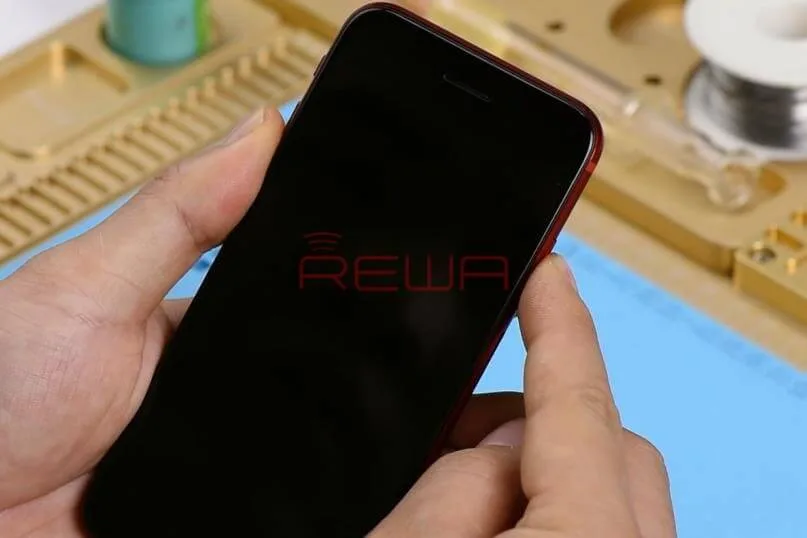
The CPU of mobile phones functions much like the brain of our body, making it a critical component.
When it comes to mobile phone repair, addressing CPU issues can be quite complex.
In this article, we will explore how to troubleshoot and repair a common problem with the iPhone 7 not turning on, attributed to pseudo soldering of the CPU.
Problem
-
No Response When Turning On the Phone
- Press the power button, but there’s no response.
-
Power Supply Test
- Disassemble the phone.
- Connect the phone to the DC Power Supply.
- Press the power button.
- The current pointer remains static at 50mA-60mA.
- Connect the phone to a computer; the device cannot be recognized, suggesting USB IC or logic board power supply issues.
Diagnosis
To diagnose and potentially resolve the issue:
-
Testing Power Supply
- Remove the logic board.
- Connect the battery connector to the DC Power Supply.
- Test power button functionality.
- Measure the 16 rails of the logic board power supply, ensuring the values are within normal ranges.
-
Replacing USB IC
- If power supply measurements are normal, replace the USB IC.
- Attach the logic board to the PCB holder.
- Carefully remove part of the shield plate.
- Detach the USB IC using a Hot Air Gun.
- Clean the bonding pad.
- Solder a new USB IC and test; if the problem persists, proceed to troubleshooting the CPU.
Troubleshooting
Upon identifying CPU-related issues:
-
Re-soldering the CPU
- Remove the shield plate with a Hot Air Gun.
- Apply high-temperature tape to protect nearby components.
- Carefully detach the CPU from the board using a Hot Air Gun.
- Clean the bonding pad and remove the solder from the CPU.
-
Reballing the CPU
- Position the BGA Reballing Stencil.
- Apply Solder Paste evenly on the stencil.
- Heat the solder balls evenly with a Hot Air Gun.
- Allow the CPU to cool for 2 minutes.
- Apply BGA Paste Flux to the bonding pad.
- Position the re-balled CPU and solder it with a Hot Air Gun.
- Clean with PCB Cleaner.
Reassemble and Test
Now that the CPU-related issue has been addressed:
-
Reassembly
- Install the logic board and the display assembly.
- Connect the battery and press the power button.
-
Testing
- The phone should turn on normally.
- Run a function test to ensure that all components are functioning correctly.
Conclusion
By following these steps, you can successfully troubleshoot and repair CPU-related issues in mobile phones. In this specific case, the iPhone 7 not turning on due to pseudo soldering of the CPU, our comprehensive process has resolved the problem, allowing the device to function as expected.
Tools Used
- Hot Air Gun Rework Station – 990AD
- Integrated Repair Platform
- Digital Multimeter
- Communication Maintenance Power Supply
- Electron Microscope
Free Schematic Software: Refox
Visit our online shop for more parts and tools.
You can also visit REWA YouTube Channel to check our video and learn how to repair a dead iPhone step by step.
 English
 Español
 Français
 Deutsch
 Italiano