The Black Shark 5 Pro is a high-performance gaming smartphone from Xiaomi, announced in March 2022. It features a Snapdragon 8 Gen 1 (4nm) CPU, making it a powerful device for gaming enthusiasts. This guide will walk you through troubleshooting and fixing a no-display issue, particularly when it’s caused by water damage.
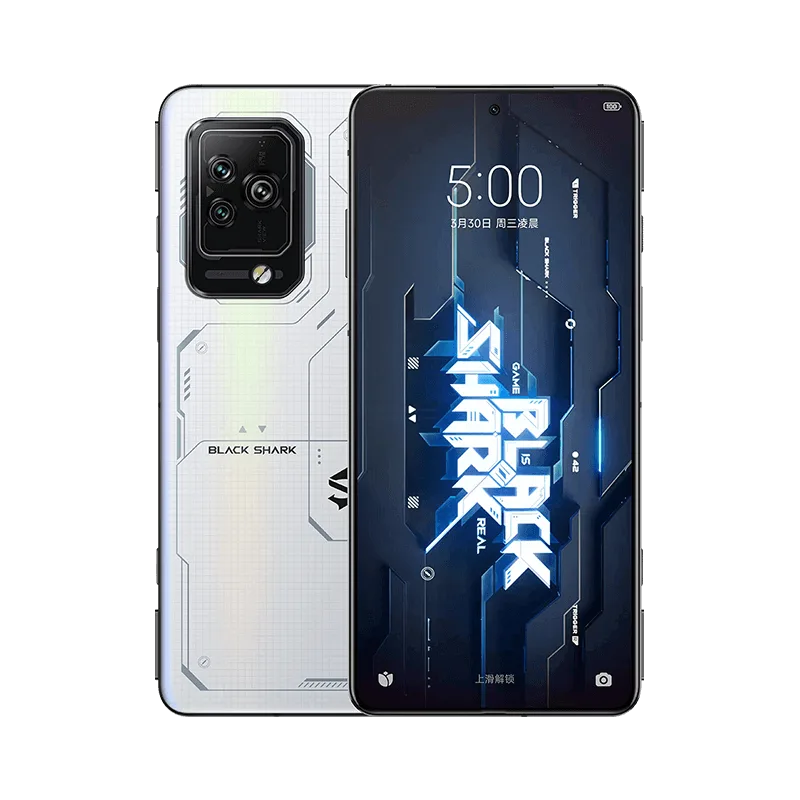
Black Shark 5 Pro Basic Information
Announced: 2022, March 30
CPU: Snapdragon 8 Gen 1 (4nm)
Defect Phenomenon
The phone won’t turn on due to water damage. However, it is hard to determine whether it is a display problem or a boot problem before checking the motherboard.
Troubleshooting
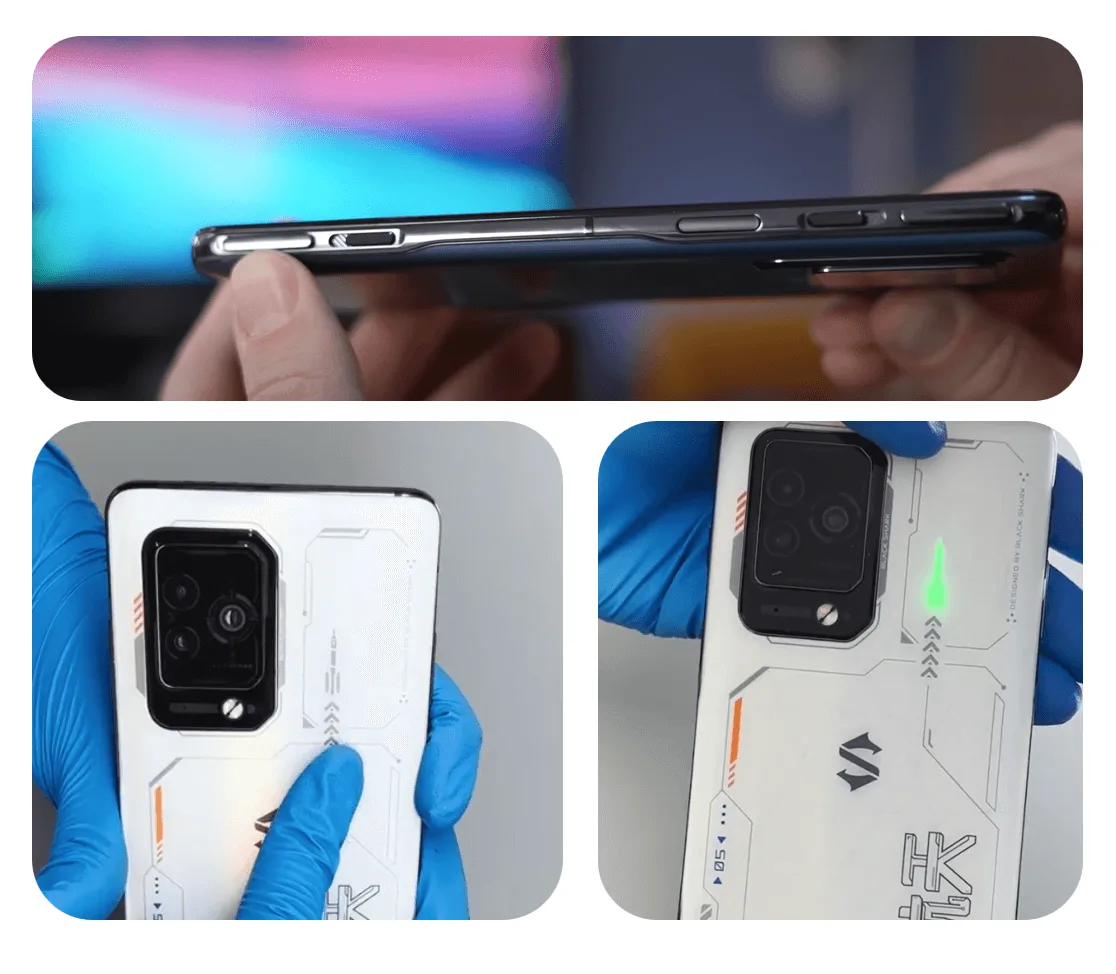
First, check the cosmetics of the phone carefully and it looks good, there’s no obvious sign of water or drop damage.
And it is worth mentioning that there are some interesting and considerable designs, like the shoulder trigger buttons and the little glowing rocket on the back side. The details must be loved by game enthusiasts.
Then let’s disassemble the phone to check the parts and motherboard inside.
- Place the phone on the heating pad for screen separation (heat at 90℃ for 3 minutes)
- Remove the back housing cover
- Remove the screws and protect the cameras with the tape stickers
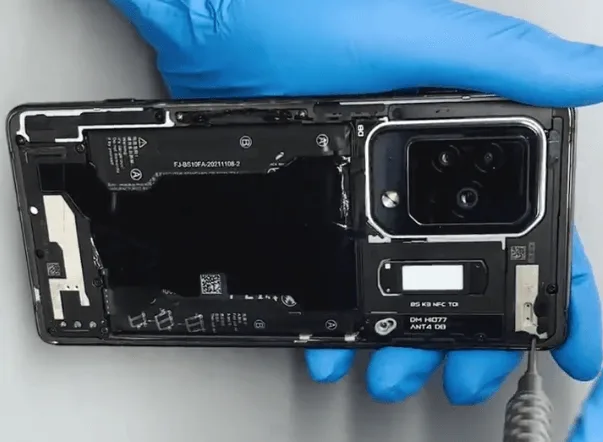
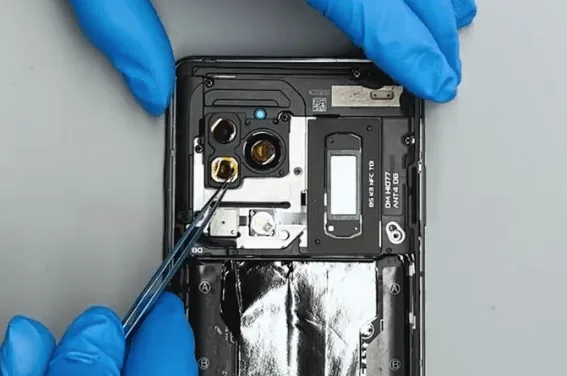
4. Then take out the motherboard
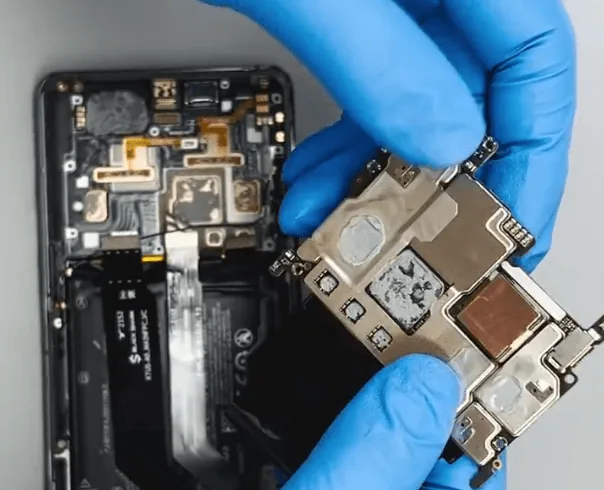
The motherboard also looks very new and has not been repaired yet, it’s good news for the repair technician. Compare with the 2 or 3 times repaired cellphones, the phone has not been repaired with a higher success rate.
Then connect the DC power supply machine with the motherboard, and trigger the boot process with tweezers.
The boot current is normal, but there is no display
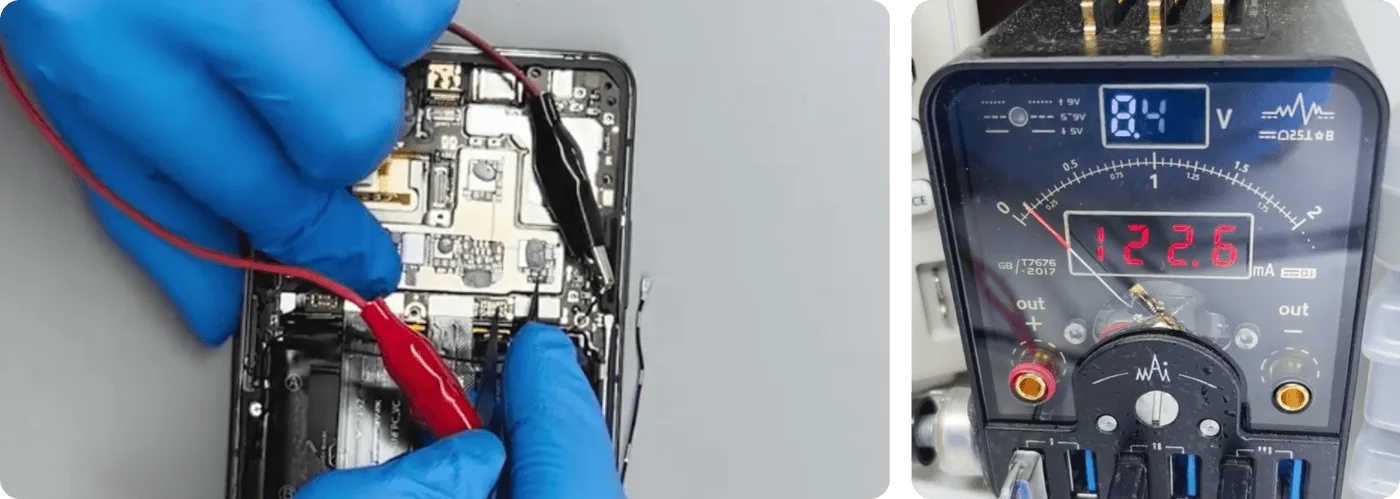
So we can preliminarily determine that there is a problem with the display circuit.
Repair Process
First, let’s detach the display flex cable from the motherboard.
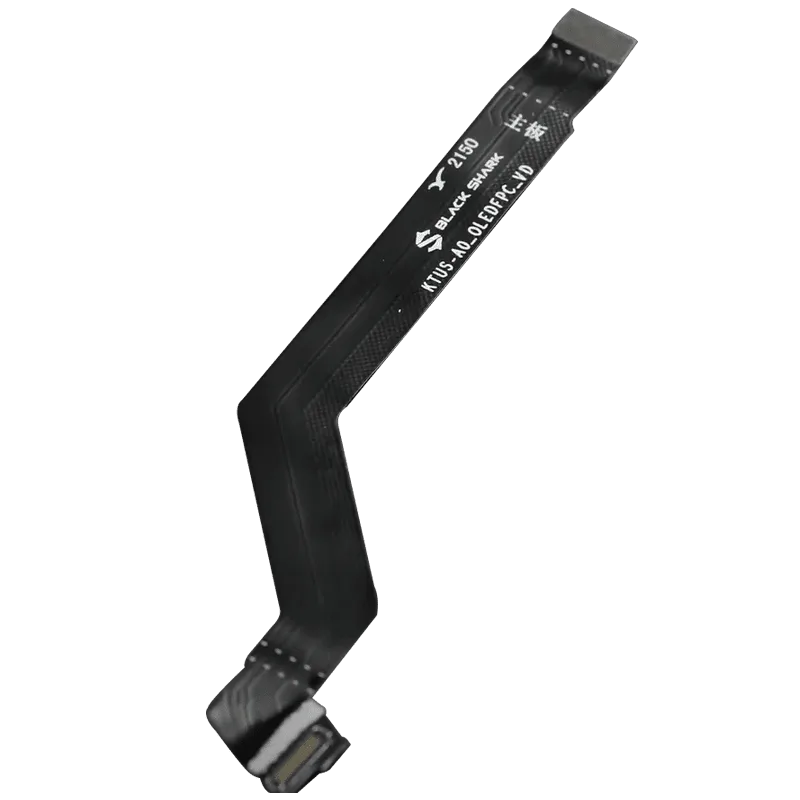
Then measure the diode values on the display connector which is located on the motherboard. After measuring, the diode values are OK.
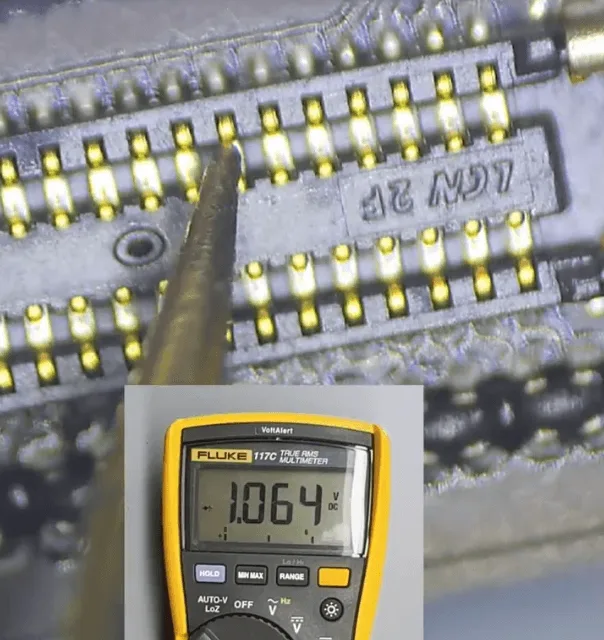
Since the diode values on the display connector are OK, there’s a lower chance the no display is caused by the motherboard. So let’s continue to check the OLEDFPC.
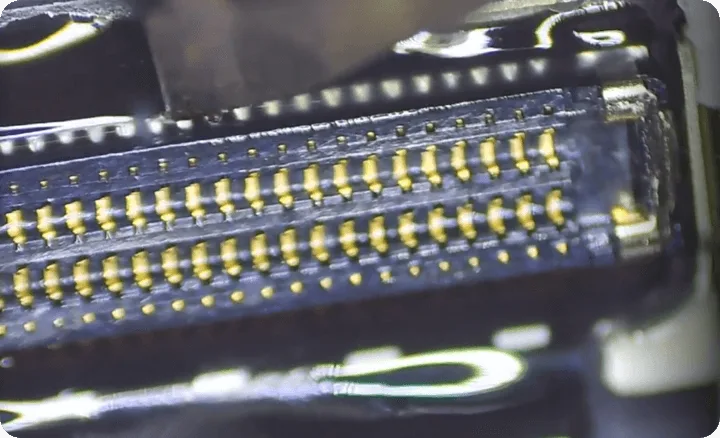
Check under the microscope, there are some obvious corrosive signs on the OLEDFPC flex connector.
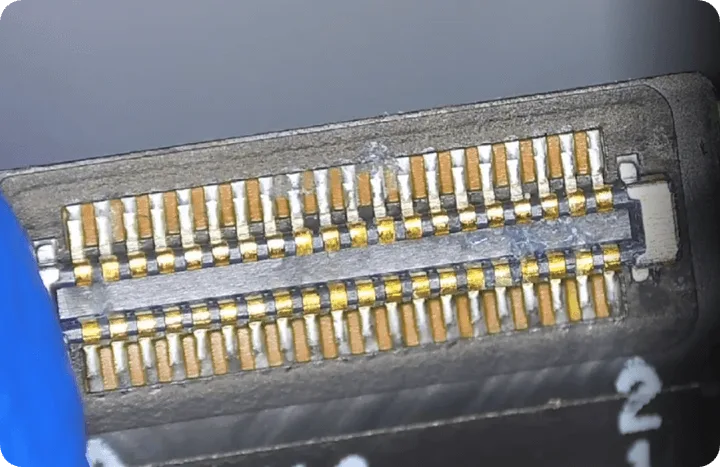
So let’s deal with the abnormal parts first
● Apply a little bit of solder paste flux on the flex cable connector
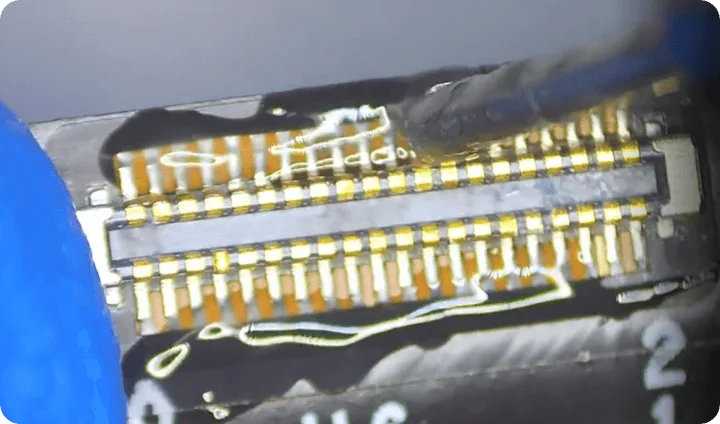
● Use the soldering iron to resolder the pins
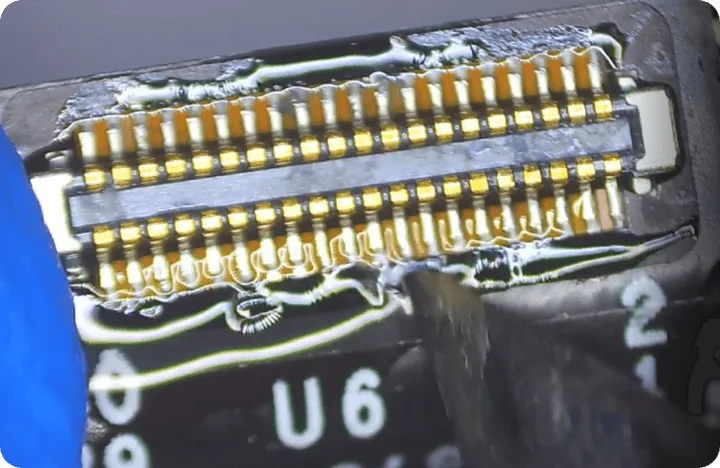
The other side of the flex cable is connected with the little board on the bottom, it’s also corrosive.
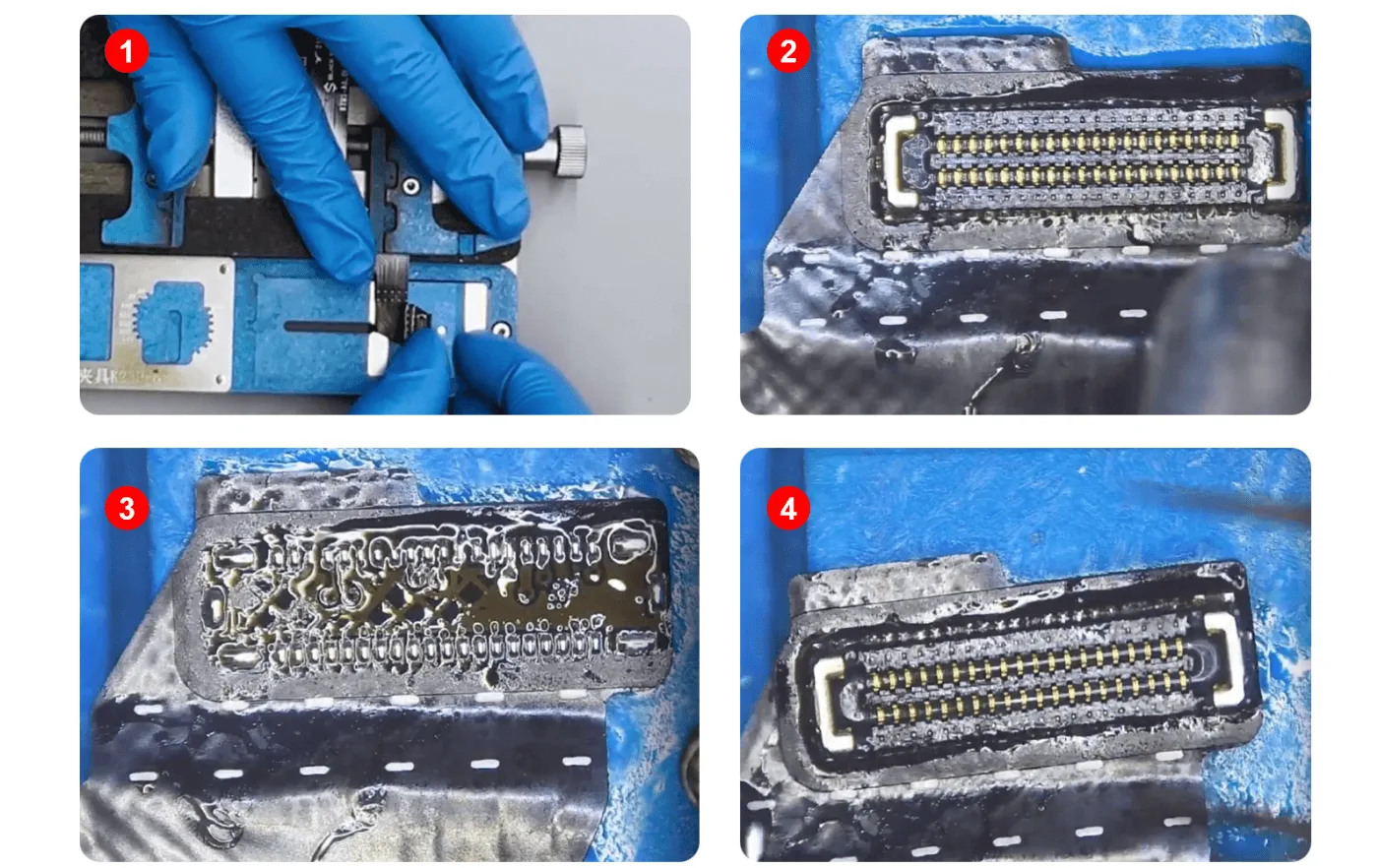
Let’s resolder the connector
● 1. Hold the flex cable on the PCB holder
● 2. Apply a little solder paste flux then heat with the hot air gun to take off the connector
● 3. Deal with the pads on the flex cable with soldering iron and solder paste
● 4. Align the connector and heat with the hot air gun to solder the connector back to the flex cable
For the connector on the motherboard, deal with it with the same process.
After that, clean the connectors with PCB cleaner and assemble the phone to have a test.
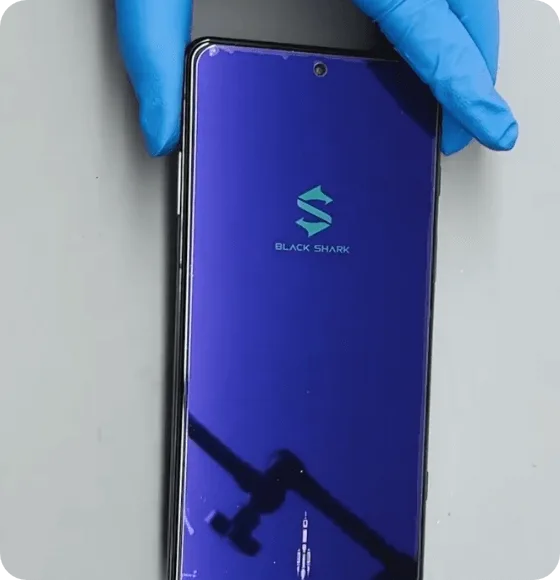
The display function is normal, other functions like charging, audio, Wi-Fi, etc. are also OK.
The repair is not finished yet!
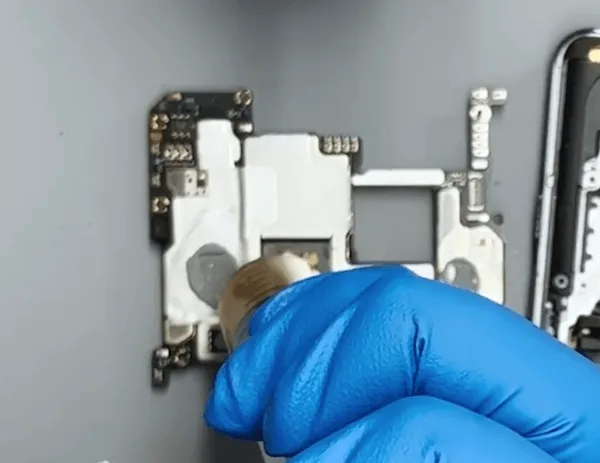
The Snapdragon 8 Gen 1 is quite emotional and easy to get ‘angry’, so we need to apply a little bit more thermal grease on the CPU.
With the thermal paste to cool down the CPU, the black shark will not be so hot and perform better when playing the games, and it can also extend the life of the mobile phone to some extent.
Summary
The no display issue gets fixed easily by resoldering the display connector on the motherboard as well as the connectors on the OLEDFPC flex cable.
We don’t have to always focus on the motherboard when there’s a defect happens.
 English
 Español
 Français
 Deutsch
 Italiano