Tag: airpods pro

  • Introduction to AirPods Pro

    Introduction to AirPods Pro

    The new AirPods Pro from Apple has finally hit the market, and for many, this release has been long-awaited. In this post, we’ll explore the key features and improvements that make the AirPods Pro a noteworthy upgrade.

    Design and Comfort
    AirPods Pro

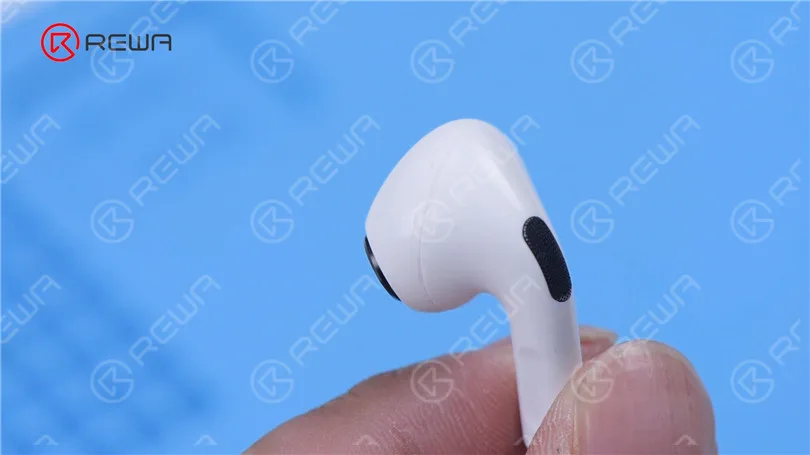
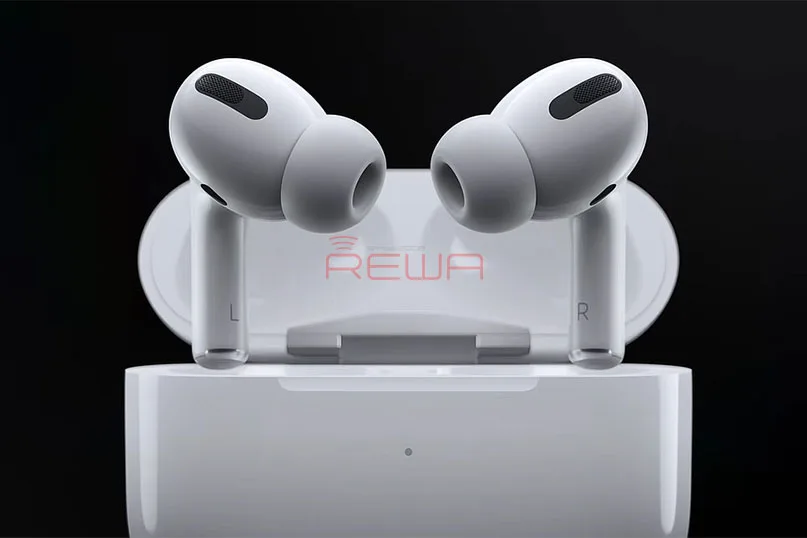
    The AirPods Pro boasts a distinct design compared to the traditional AirPods. The charging case is slightly wider, while the earbuds themselves are shorter. Apple has introduced a new element to in-ear headphones by including three sizes of flexible silicone tips. These tips feature an internal taper that conforms to your ear’s shape, ensuring a secure fit and a seal that enhances noise cancellation. Additionally, the AirPods Pro are IPX4 rated, making them sweat and water-resistant, similar to the Power Beats Pro. However, those sensitive to pressure from in-ear designs may still find the fit uncomfortable, despite the vent system designed to equalize pressure.

    Listening Experience and Sound Quality
    A Quick Glimpse Of And A Useful Introduction To The New AirPods Pro !

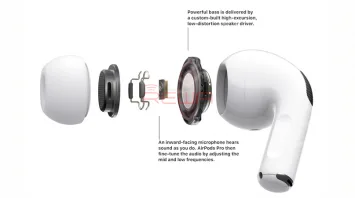
    One of the standout features of the AirPods Pro is the Active Noise Cancellation (ANC) mode. This technology utilizes both outward-facing and inward-facing microphones to block ambient noise, allowing for a focused listening experience. In addition, the Transparency mode lets outside sounds seep in, maintaining awareness of your surroundings. Switching between these modes is effortless; simply press and hold the force sensor on the earbud stem.

    In terms of sound quality, Apple incorporates Adaptive EQ technology, which customizes the audio to your ear’s shape for an optimal listening experience. The introduction of the H1 chip supports hands-free “Hey Siri” capabilities, Audio Sharing, and Announce Messages with Siri.

    Battery Life

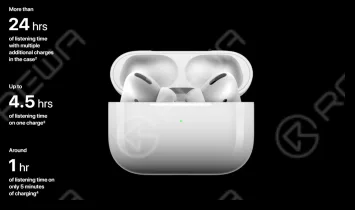
    The AirPods Pro offers up to 4.5 hours of listening time on a single charge—an impressive 5 hours when ANC and Transparency modes are turned off. The included Qi-certified charging case holds multiple charges, providing over 24 hours of listening time for on-the-go users.

    Should You Upgrade?

    Whether to invest in the AirPods Pro or remain with the traditional AirPods ultimately depends on your usage. If superior sound quality is your priority, the upgrade is well worth it. Conversely, if you primarily use your AirPods for phone calls and as a casual accessory, the conventional AirPods remain a cost-effective option.

    Have you had a chance to try out the AirPods Pro? We invite you to share your thoughts and experiences!
  • AirPods Pro Battery Replacement

    AirPods Pro Battery Replacement

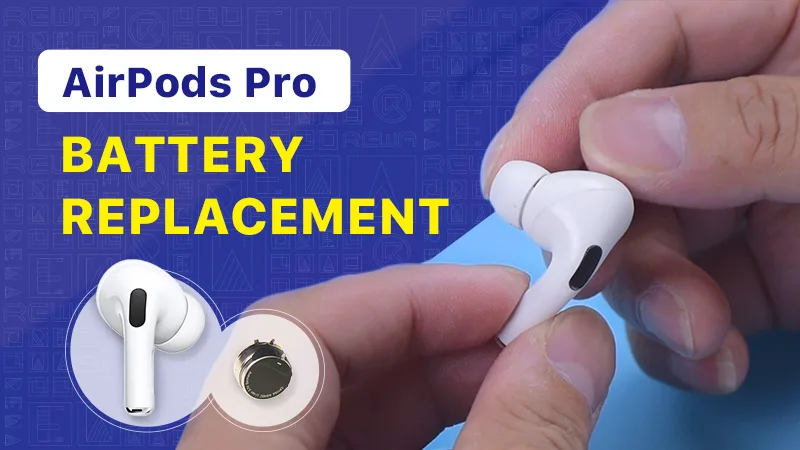
    If your AirPods battery is dying fast, you can try to replace it. Check out this video to see how we replace the battery of AirPods Pro.

  • AirPods Pro Battery Replacement – Draining Too Fast Problem

    AirPods Pro Battery Replacement – Draining Too Fast Problem

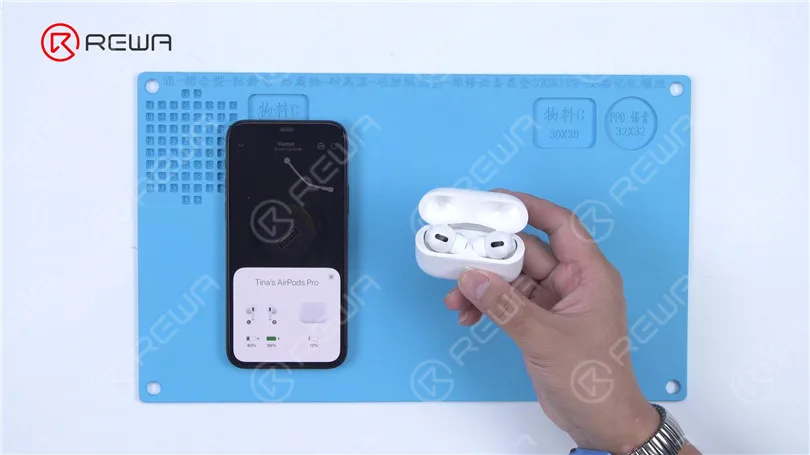
    Today we will share a repair case of battery replacement for AirPods Pro battery draining too fast.

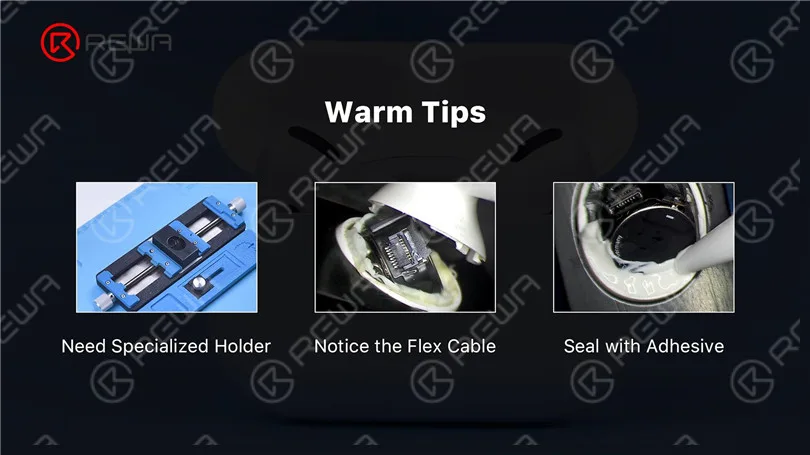
    There are three aspects that require our attention for this repair.

    AirPods Pro Battery Replacement - Draining Too Fast Problem

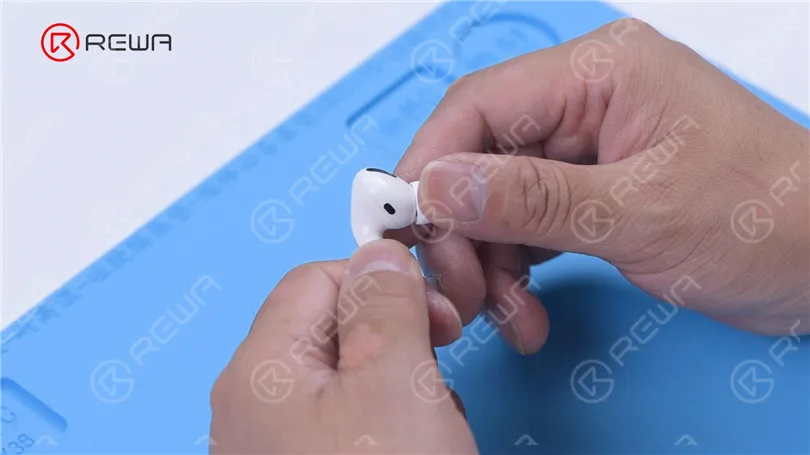
    Next, we will show you how to replace the AirPods Pro battery step by step. First of all, we remove the silicone eartip.

    AirPods Pro Battery Replacement - Draining Too Fast Problem

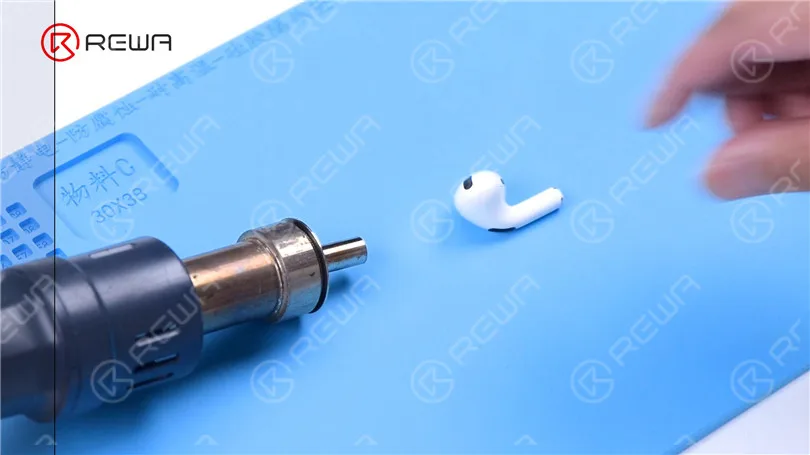
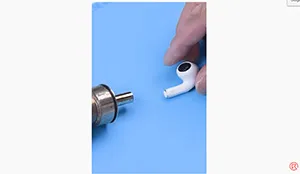
    Heat the AirPods Pro with a helical Hot Air Gun at 100 °C for 2-3 minutes.

    AirPods Pro Battery Replacement - Draining Too Fast Problem

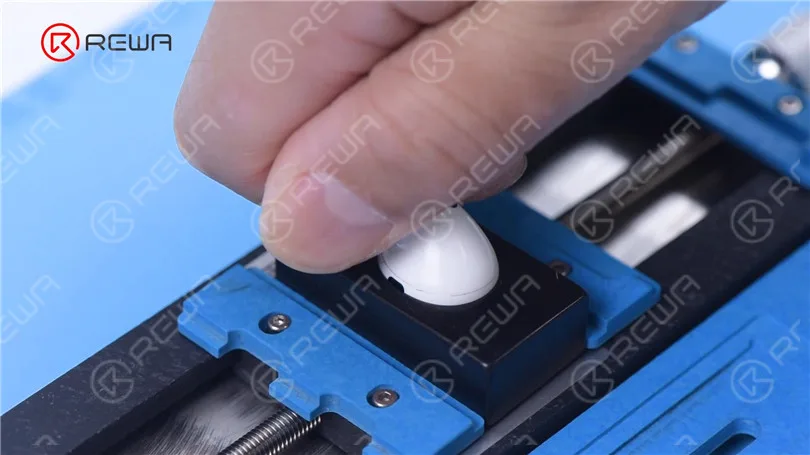
    Attach the AirPods Pro to the specialized holder. Pull the stem with force.

    AirPods Pro Battery Replacement - Draining Too Fast Problem

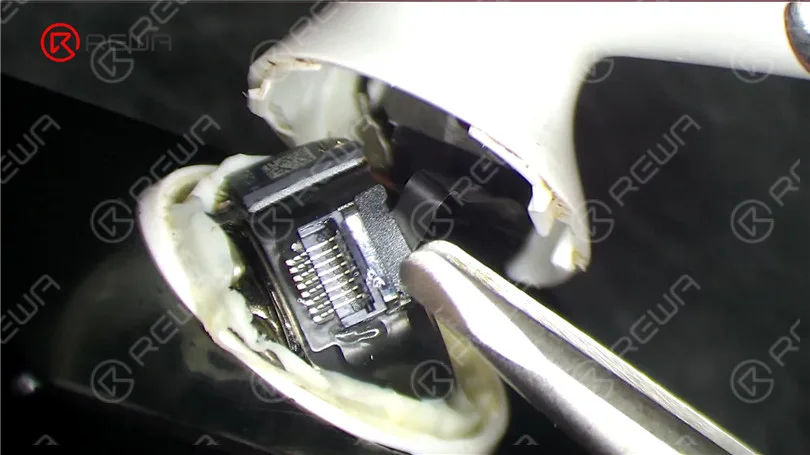
    Remove adhesive with tweezers where there is a gap. Please pay attention to the force applied to avoid damaging the flex cable. Pry up the connector and disconnect the flex cable.

    AirPods Pro Battery Replacement - Draining Too Fast Problem

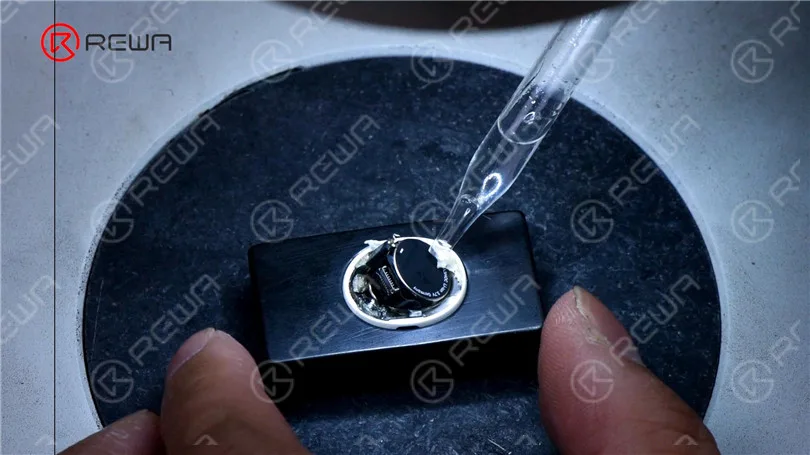
    Remove adhesive around the battery with tweezers. To facilitate adhesive removal, apply some alcohol.

    AirPods Pro Battery Replacement - Draining Too Fast Problem

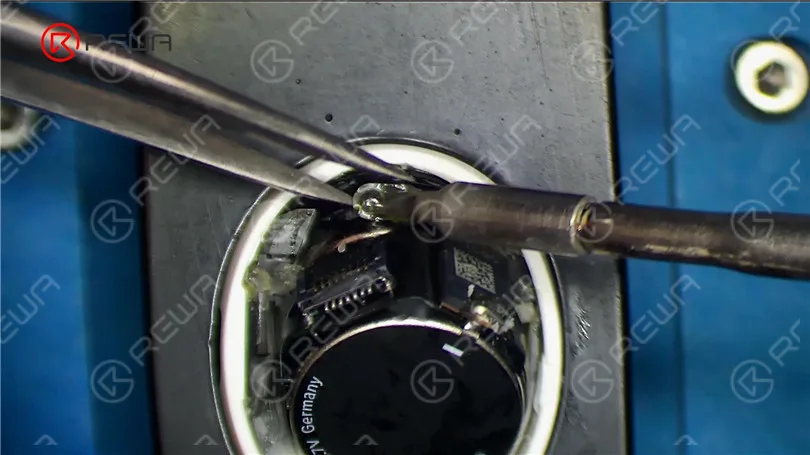
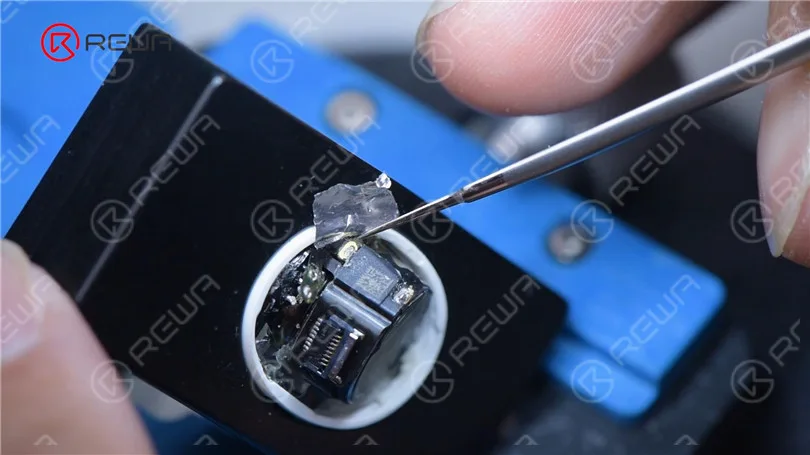
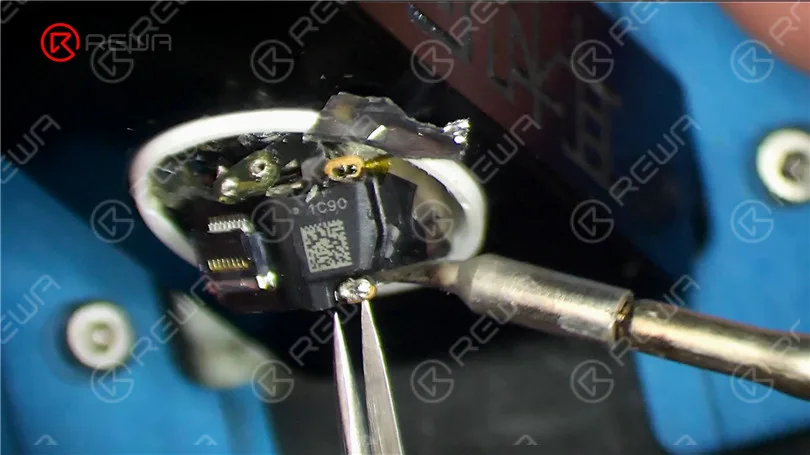
    Then we remove adhesive on the pads. Please do not damage the flex cable. Heat with Soldering Iron at 365 °C to disconnect the receiver flex cable. Insulate with aluminum foil. Heat with Soldering Iron at 365 °C to separate the power module from the battery.

    AirPods Pro Battery Replacement - Draining Too Fast Problem
    AirPods Pro Battery Replacement - Draining Too Fast Problem
    AirPods Pro Battery Replacement - Draining Too Fast Problem

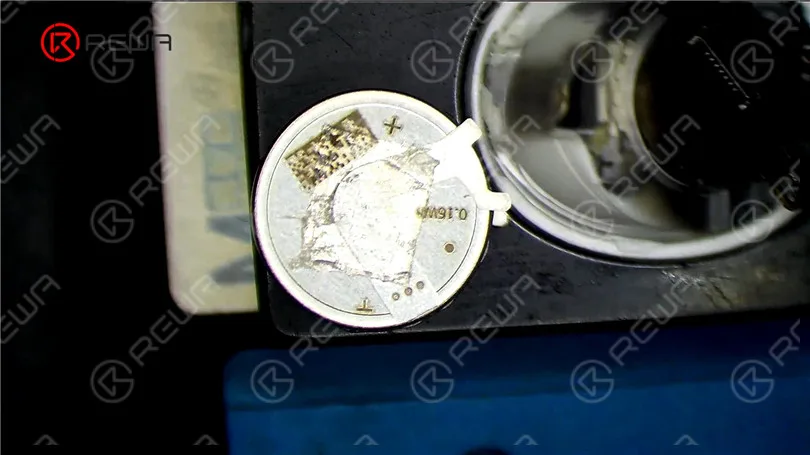
    Pry up the battery with tweezers. Apply some alcohol while prying. Get a new AirPods Pro battery. It can be seen that AirPods Pro uses button battery which is distinct from the cylindrical battery in AirPods 1 and AirPods 2. The button battery is a lithium-ion cell with a steel shell and better explosion-proof performance.

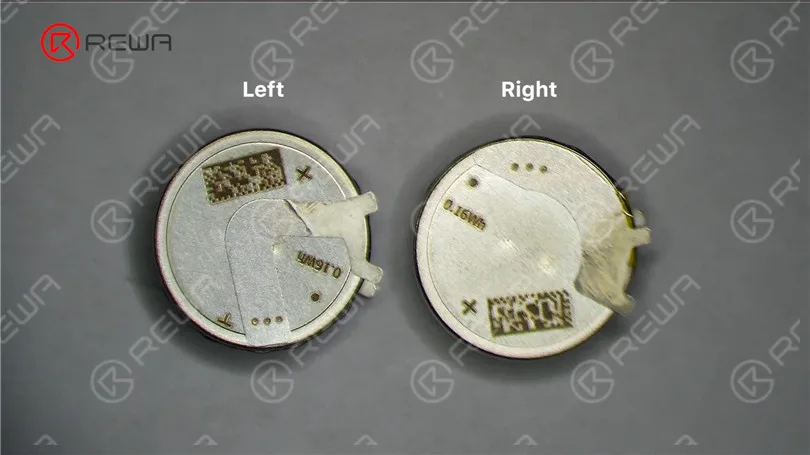
    Other than that, there are two kinds of AirPods Pro battery. We need to distinguish between left and right for replacement.

    AirPods Pro Battery Replacement - Draining Too Fast Problem

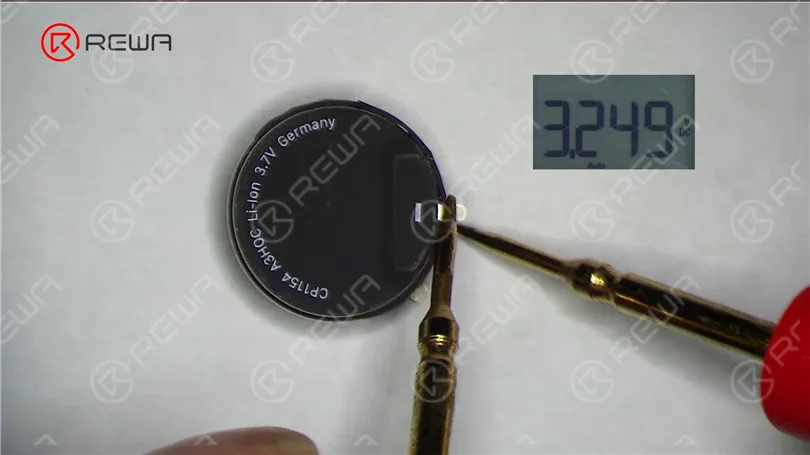
    Measure the new battery voltage ahead of replacement. It can be seen that the battery is good with normal voltage.

    AirPods Pro Battery Replacement - Draining Too Fast Problem

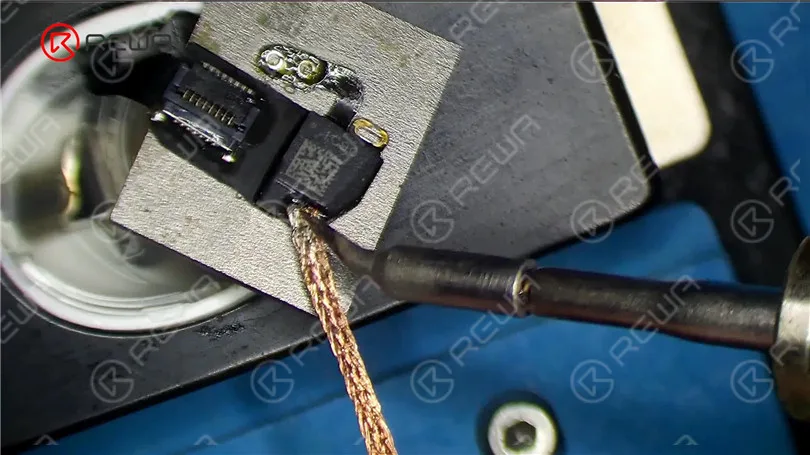
    Remove tin on the flex cable with Soldering Iron at 365 °C and solder wick before soldering. Then clean with PCB Cleaner.

    AirPods Pro Battery Replacement - Draining Too Fast Problem

    Stick the double-sided tape on the anode of the battery. Put the battery in position. Connect the flex cable.

    AirPods Pro Battery Replacement - Draining Too Fast Problem

    Heat with Soldering Iron at 365 °C to solder the anode and cathode of the battery. Insulate with aluminum foil when soldering the anode. Next, solder the receiver flex cable. Connect the flex cable and close the AirPods Pro case.

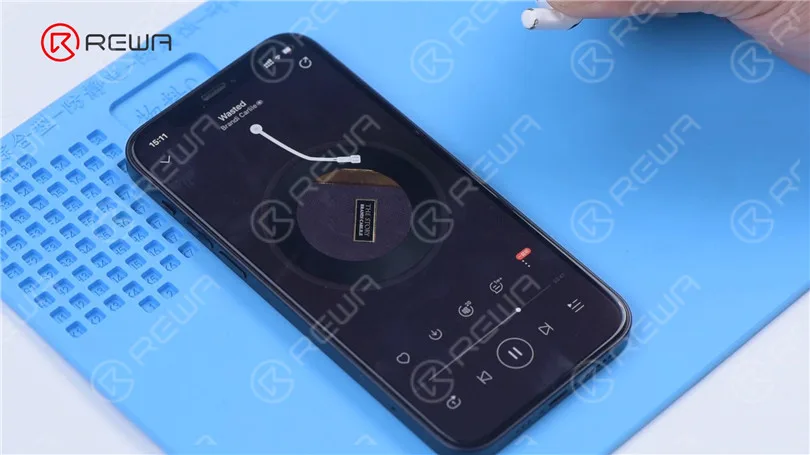
    Put the AirPods Pro into the charging case. The AirPods Pro can be charged and connected to the phone. The music can be played. Since we have removed the adhesive, there will be noise during playing.

    AirPods Pro Battery Replacement - Draining Too Fast Problem

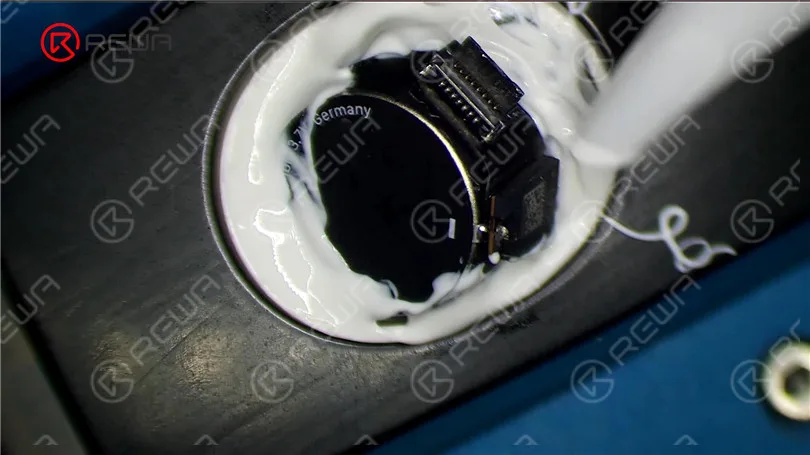
    We need to apply adhesive to seal the AirPods Pro. Apply some adhesive around the AirPods Pro. To ensure the sealing effect, we advise you to apply more adhesive.

    AirPods Pro Battery Replacement

    Close the AirPods Pro case. Remove excess adhesive with alcohol. After an hour, the adhesive has set. Remove the fixing tape. Clean the case again with alcohol. The battery of AirPods Pro has been successfully replaced without traces. Install the eartip. The AirPods Pro can be connected to the phone and music can be played. Put the AirPods Pro into the charging case. The AirPods Pro can be charged.

    AirPods Pro Battery Replacement - Draining Too Fast Problem
    AirPods Pro Battery Replacement - Draining Too Fast Problem

    To replace the battery of AiPods Pro presents some difficulties. A specialized holder is needed to separate the case. Additionally, we need to be extremely careful not to damage the flex cable while removing adhesive. In the battery installment, the case needs to be sealed with adhesive again to prevent noise during playing.

    You can purchase the battery of AirPods Pro on REWA shop. Please don’t hesitate to contact our customer service team for more details.

    Watch the below video to see how we replace the battery of AirPods Pro.