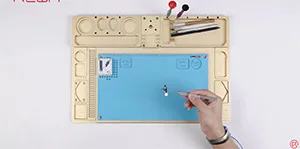
Recentemente, sul mercato è comparso un nuovo pulsante Home HX di seconda generazione per la riparazione del pulsante Home rotto di iPhone 7/7P/8/8P. Non sono più necessari cavi di collegamento. Tutto ciò che devi fare è installare il nuovo pulsante Home e poi collegarlo al telefono tramite Bluetooth. Ebbene, REWA LAB ha condotto una serie di test sul prodotto e abbiamo riscontrato alcuni difetti di progettazione. Dai un'occhiata ora!
Tag: riparazione del tasto home dell'iphone
-
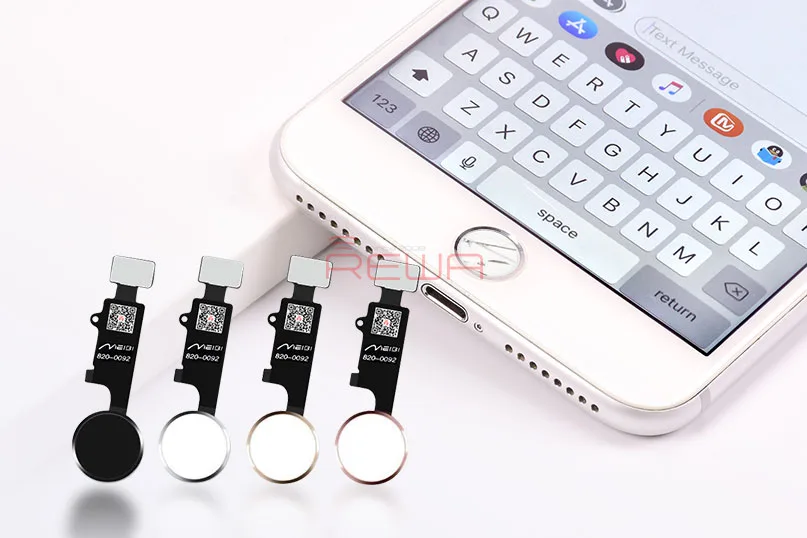
Home Button Solution for iPhone 7, 7 Plus, 8, and 8 Plus: The Universal Home Button
Are you tired of dealing with a malfunctioning home button on your iPhone 7, 7 Plus, 8, or 8 Plus? Fret not, as we introduce the game-changing solution you’ve been waiting for – the Universal Home Button. This innovative device is here to bring your home button back to life, ensuring that your iPhone functions like new, except for Touch ID.
The Universal Home Button – A Breakthrough Solution
The Universal Home Button is the ultimate answer to the common issue of a malfunctioning or broken home button. What sets it apart is its effortless installation – no soldering or charging port flex cable replacement is required. All you need to do is connect it with your phone via Bluetooth, and you’ll regain all the fantastic features of your home button.
Home Button Functions Restored
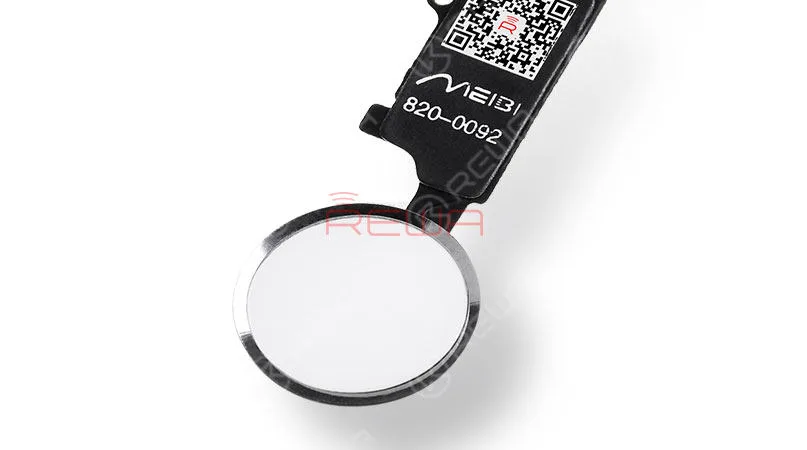
With the Universal Home Button, all your home button functions are brought back to life, except for Touch ID. Here’s what you can expect:
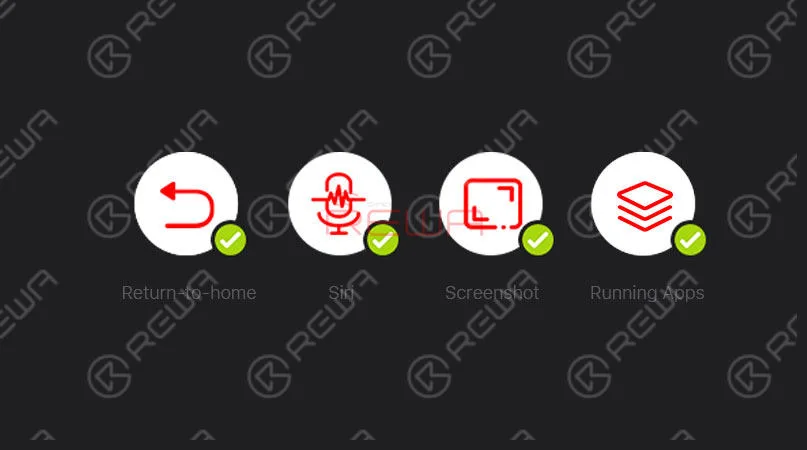
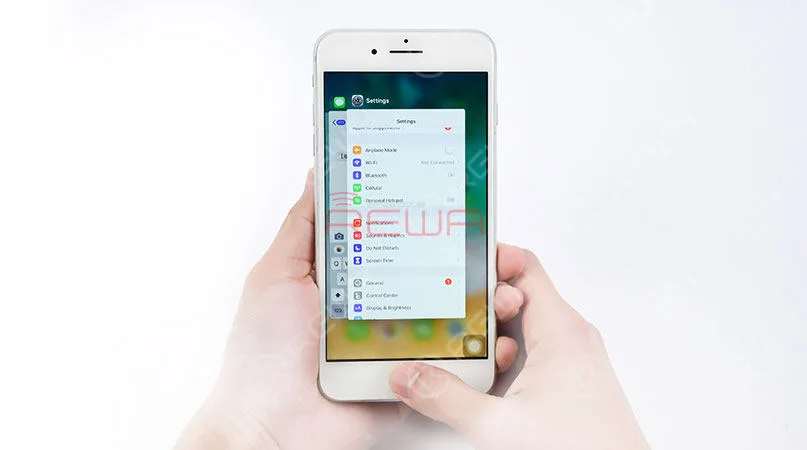
Double-clicking for Running Apps: Easily reveal all running apps with a double-click of the home button.
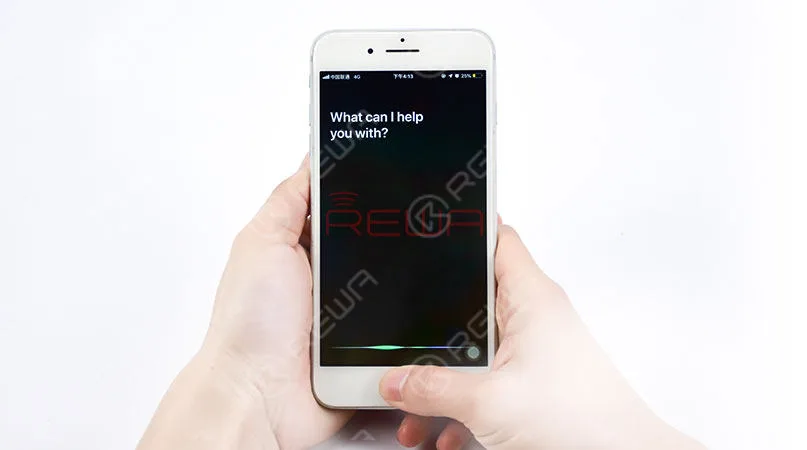
Siri at Your Fingertips: Simply press and hold down the home button to open Siri.
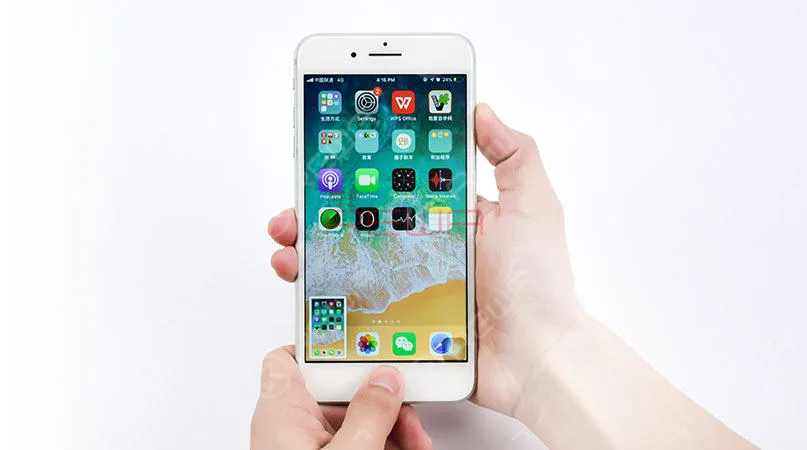
Effortless Screenshots: Take screenshots by pressing the power button and the Universal Home Button simultaneously.
Features of the Universal Home Button
Here are some features of the Universal Home Button for reference
Here are some key features of the Universal Home Button:
- Compatible with iPhone 7, 7 Plus, 8, and 8 Plus, covering four models.
- No need to change your charging cable.
- No need to detach the logic board from the phone, making installation a breeze.
- Low power consumption, with micro-amp (μA) power usage.
- Compatible with all iOS systems.
- The phone remains open to pairing with other Bluetooth devices.
A Cost-Effective Solution
While some might have reservations about a Bluetooth-connected solution, it’s important to note that the Universal Home Button doesn’t interfere with your phone’s ability to pair with other Bluetooth devices. When you weigh the cost of buying a new iPhone or shelling out a substantial amount to fix a broken home button, the Universal Home Button emerges as the most cost-effective and efficient solution available.
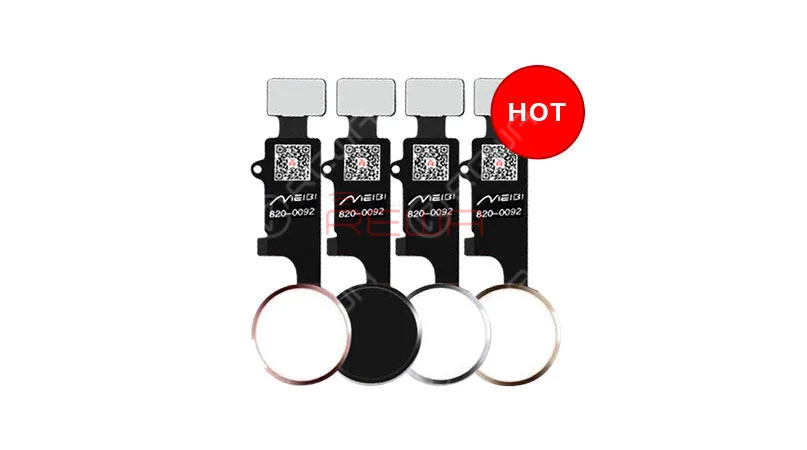
Available in Four Stylish Colors
The Universal Home Button isn’t just about functionality; it’s also about style. You can choose from four elegant colors: black, white, gold, and rose gold to match your iPhone’s aesthetic seamlessly.
Conclusione:
While Touch ID setup is not supported with the Universal Home Button, it brings back your phone’s normal return-to-home functionality, screenshot capture, and Siri access. It’s a remarkable solution for users facing home button issues, allowing them to continue using their devices without the hassle and expense of extensive repairs or replacements.
To learn more about the installation process, check out our comprehensive video guide qui or reach out to our account managers for assistance.
Don’t let a broken home button hold you back – the Universal Home Button is here to save the day. Feel free to contact us if you’re interested in this revolutionary solution.
-
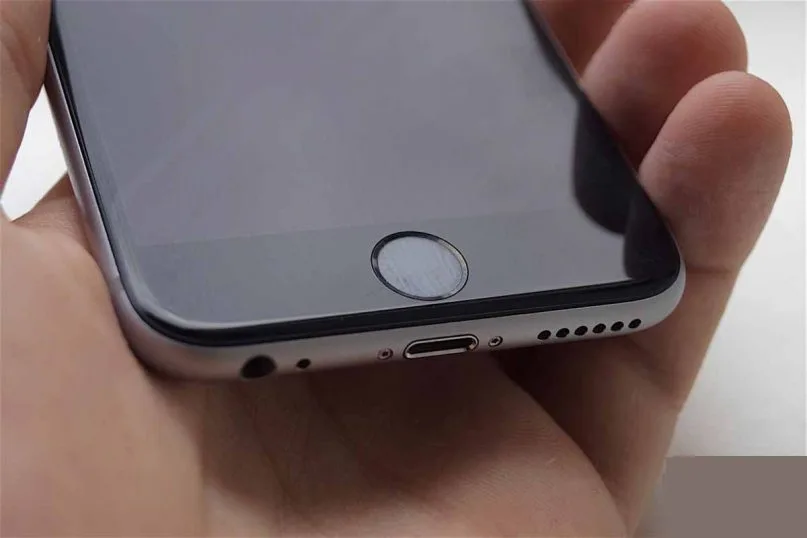
Pulsante Home dell'iPhone non risponde? Prova questa soluzione per ricalibrarlo
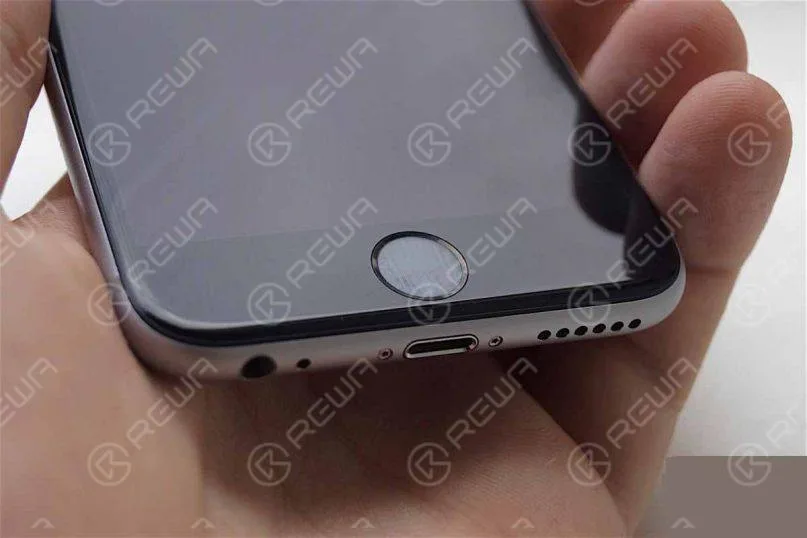
Potresti aver notato che nel tempo il pulsante Home del tuo iPhone o iPad diventa meno reattivo. Se premi il pulsante, il risultato è un ritardo, un lag o talvolta è completamente insensibile, costringendoti a fare clic più volte.
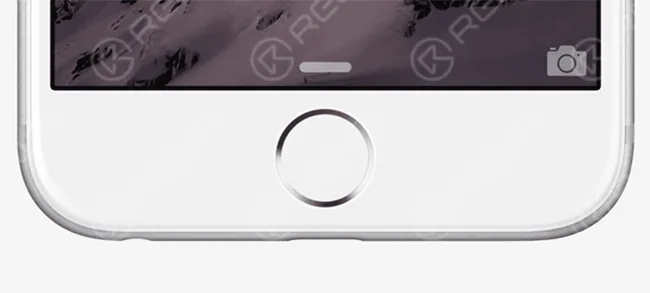
Ecco un vecchio trucco per ricalibrare il tasto Home del tuo iPhone o iPad se lo trovi poco reattivo o lento. Non è necessario smontarlo. Tutto quello che devi fare è seguire queste semplici istruzioni:
- 1. Avvia un'app qualsiasi, come Azioni, Meteo, ecc., preinstallata sul tuo iPhone o iPad.
- 2. Tieni premuto il pulsante di accensione (standby/riattiva) finché non appare sullo schermo il cursore per lo spegnimento.
- 3. Rilascia il pulsante di accensione e tieni premuto il pulsante Home finché non scompare il cursore “scorri per spegnere”.
Questo è tutto. Noterete che questo uccide l'app. Noterete anche che il pulsante Home è molto più reattivo.
Questo è un trucco piuttosto vecchio per ricalibrare il tasto Home se diventa reattivo. Non è chiaro perché funzioni e quale sia il significato dell'utilizzo di un'app di sistema. Ma sembra funzionare e certamente ha reso il tasto Home sul mio iPhone 6 Plus più reattivo. Non sono stato costretto a fare clic più volte dopo aver provato questo trucco. Questo dovrebbe funzionare anche con i tasti Home di iPad e iPod touch.
Se il tuo pulsante Home non funziona neanche dopo aver provato questo trucco, è molto probabile che si tratti di un problema hardware e che tu debba farlo riparare. In alternativa, puoi anche utilizzare AssistiveTouch (Impostazioni > Generali > Accessibilità > AssistiveTouch), che abilita un pulsante Home su schermo.
Fateci sapere se funziona per voi.
 English
 Español
 Français
 Deutsch
 Italiano