Tag: iphone won’t charge

  • How to Fix an iPhone X Won’t Charge: A Comprehensive Repair Guide

    Come riparare un iPhone X che non si carica: Guida completa alla riparazione

    Quando il vostro iPhone X non si carica, può essere un'esperienza frustrante, soprattutto dopo molteplici tentativi di riparazione non andati a buon fine. In questa guida vi guideremo attraverso un processo dettagliato di risoluzione dei problemi e di riparazione per risolvere i problemi di ricarica, concentrandoci sui casi in cui il telefono è già stato lavorato da altri tecnici.
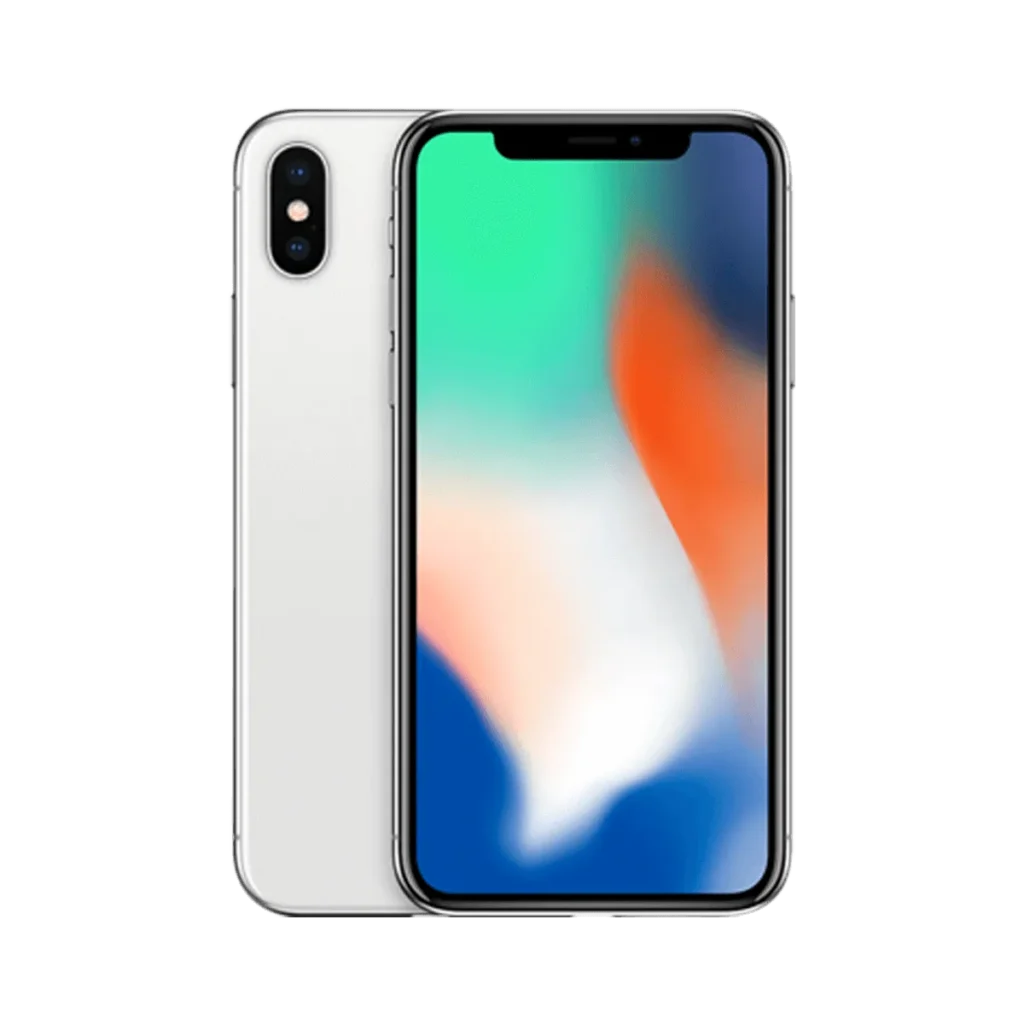
    iPhone x

    Dettagli telefonici:

    Modello: iPhone X

    Annunciato: 2017, 12 settembre

    Fenomeno dei difetti

    L'iPhone X è stato consegnato con una porta di ricarica non funzionante e, nonostante sia stato riparato da diversi negozi, il problema persisteva. Non c'era alcun simbolo di carica quando era collegato a un caricabatterie e i test effettuati con un multimetro USB per la rilevazione della carica non mostravano alcuna corrente di carica.

    Risoluzione del problema di ricarica

    1: Ispezione iniziale
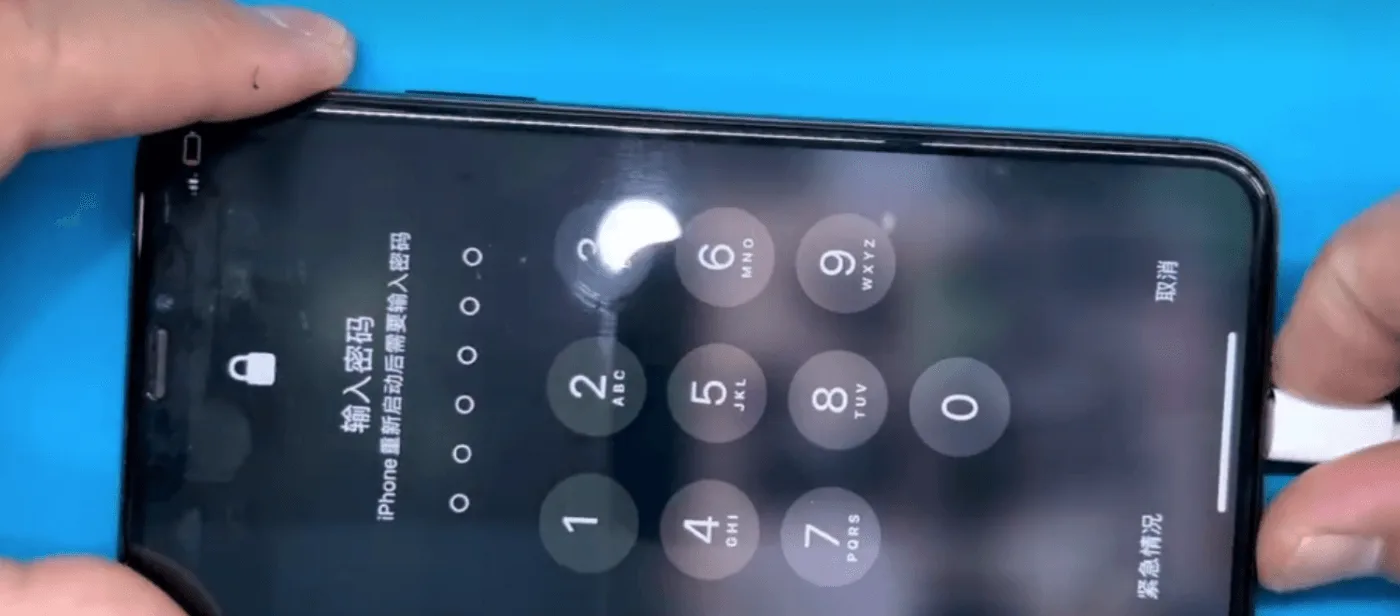
    iphone x non si carica

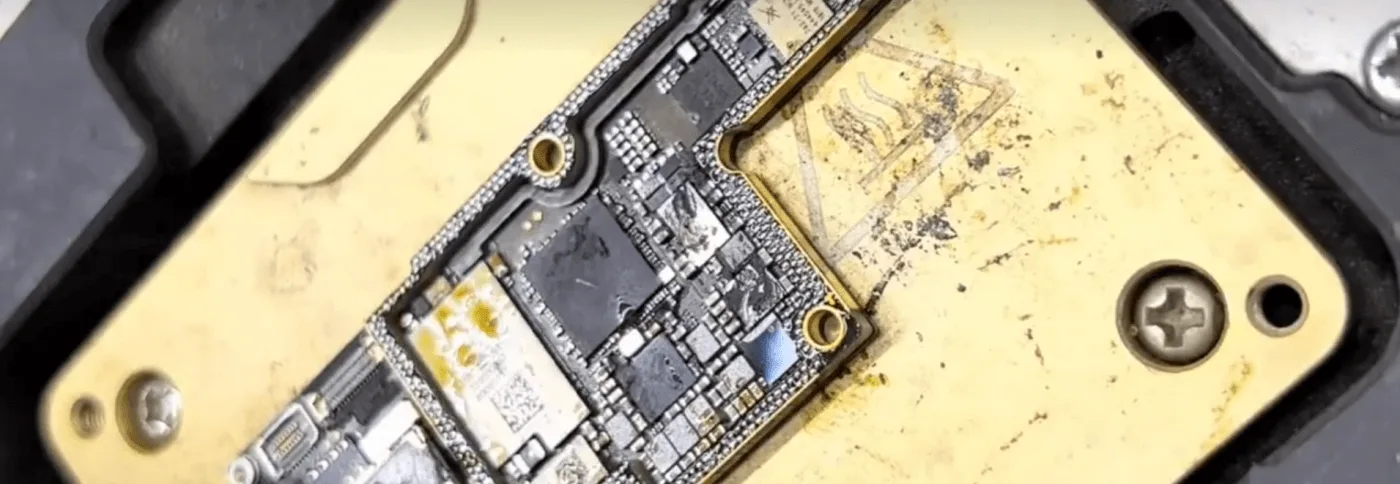
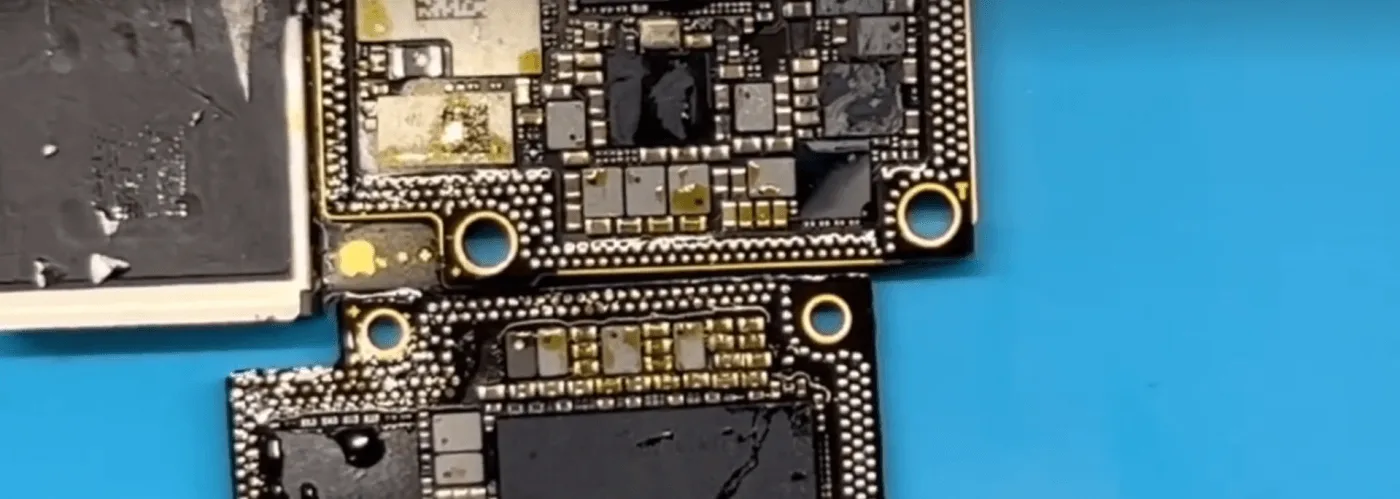
    Dopo aver smontato il telefono e ispezionato la scheda madre, è emerso chiaramente che la scheda era sporca e oleosa, con un eccesso di pasta flussante visibile. Questo è stato un segnale di allarme immediato, poiché una gestione impropria e riparazioni di scarsa qualità possono portare a ulteriori complicazioni.
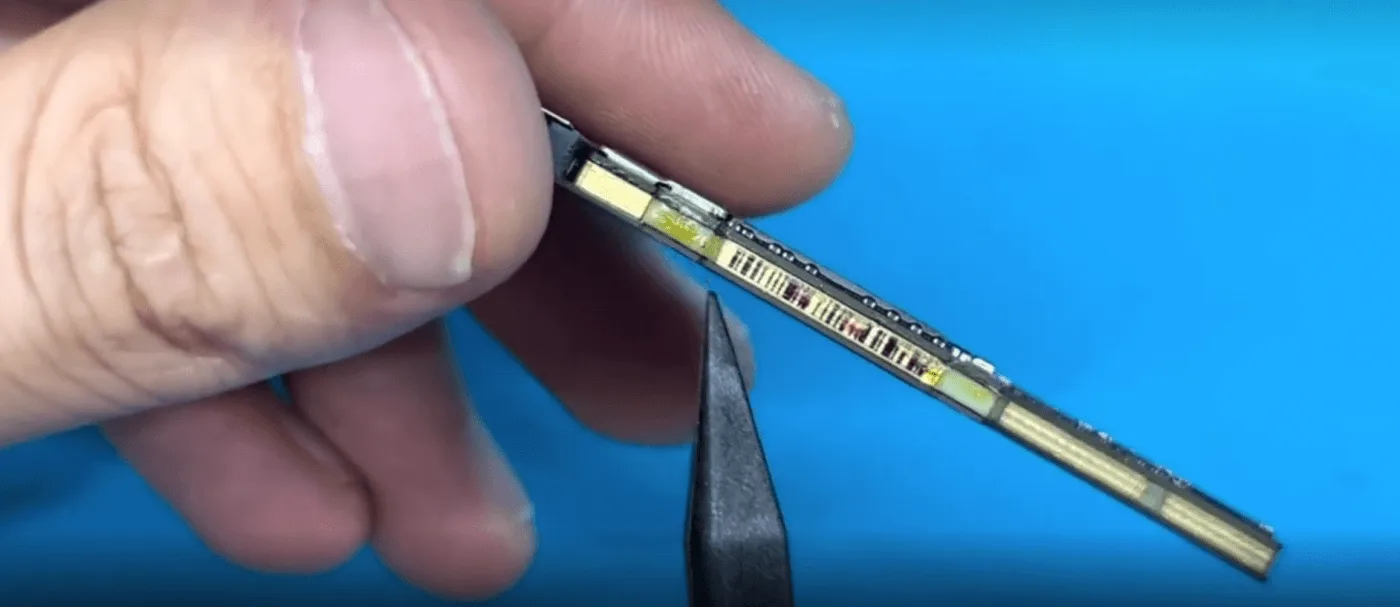
    how fix iphone won charge comprehensive repair guide the motherboard is

    2: Controllo del valore del diodo

    Il passo successivo è stato quello di misurare i valori dei diodi sul connettore della batteria. Fortunatamente, tutti i valori dei diodi rientravano nell'intervallo previsto, indicando che il problema non riguardava il circuito di base della batteria.
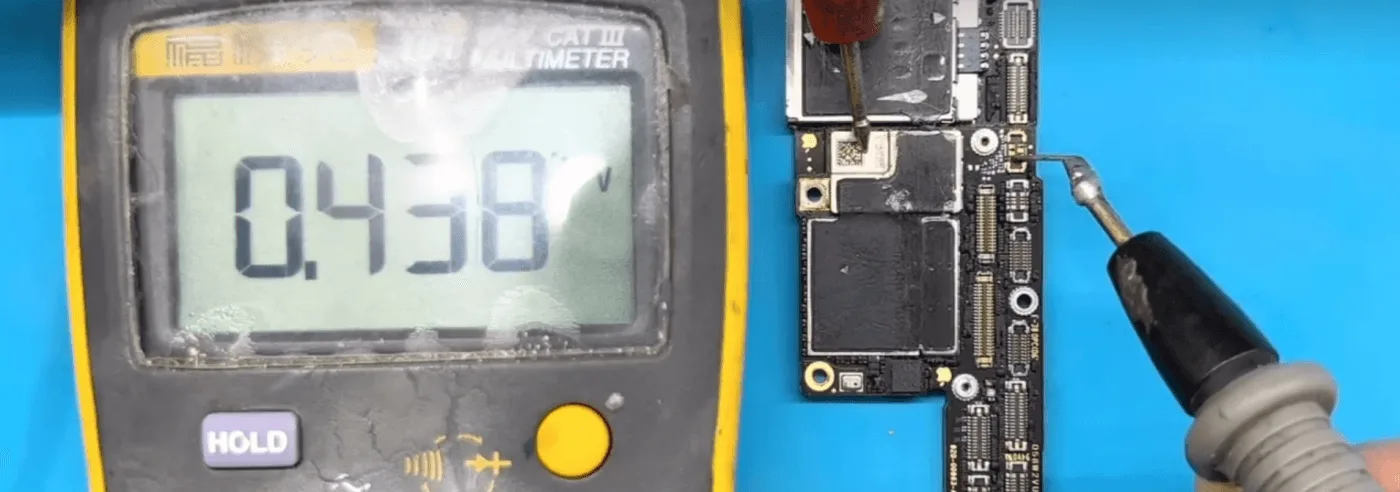
    how fix iphone won charge comprehensive repair guide lets measure the

    3: Separazione della scheda madre

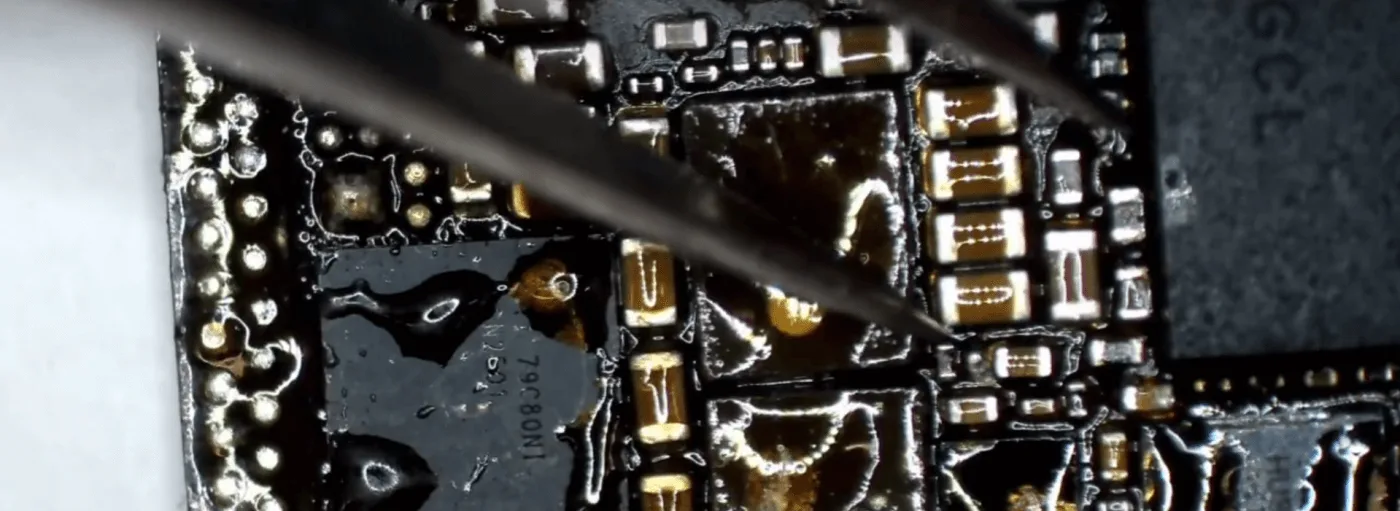
    Dato lo stato della scheda madre, abbiamo deciso di separare i due strati per un'ispezione più approfondita. Posizionando la scheda su una piattaforma riscaldante abbiamo potuto separare gli strati, rivelando un interno disordinato e pieno di fondente per pasta saldante di bassa qualità. Inoltre, i componenti del circuito di carica erano stati saldati male dai tecnici precedenti.
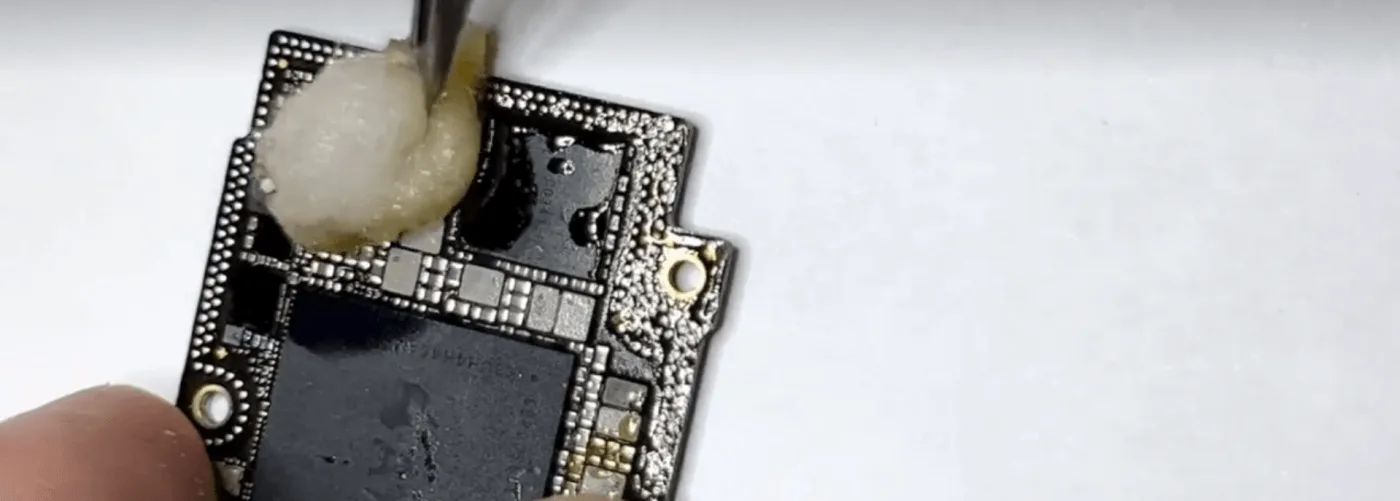
    Processo di riparazione

    1: Pulizia della scheda madre

    Il primo passo fondamentale è stato quello di pulire a fondo la scheda madre con un detergente per circuiti stampati. Questo non solo ha rimosso il flusso in eccesso e lo sporco, ma ha anche permesso una valutazione più accurata delle condizioni della scheda.
    how fix iphone won charge comprehensive repair guide usb ic

    2: Sostituzione del circuito integrato USB

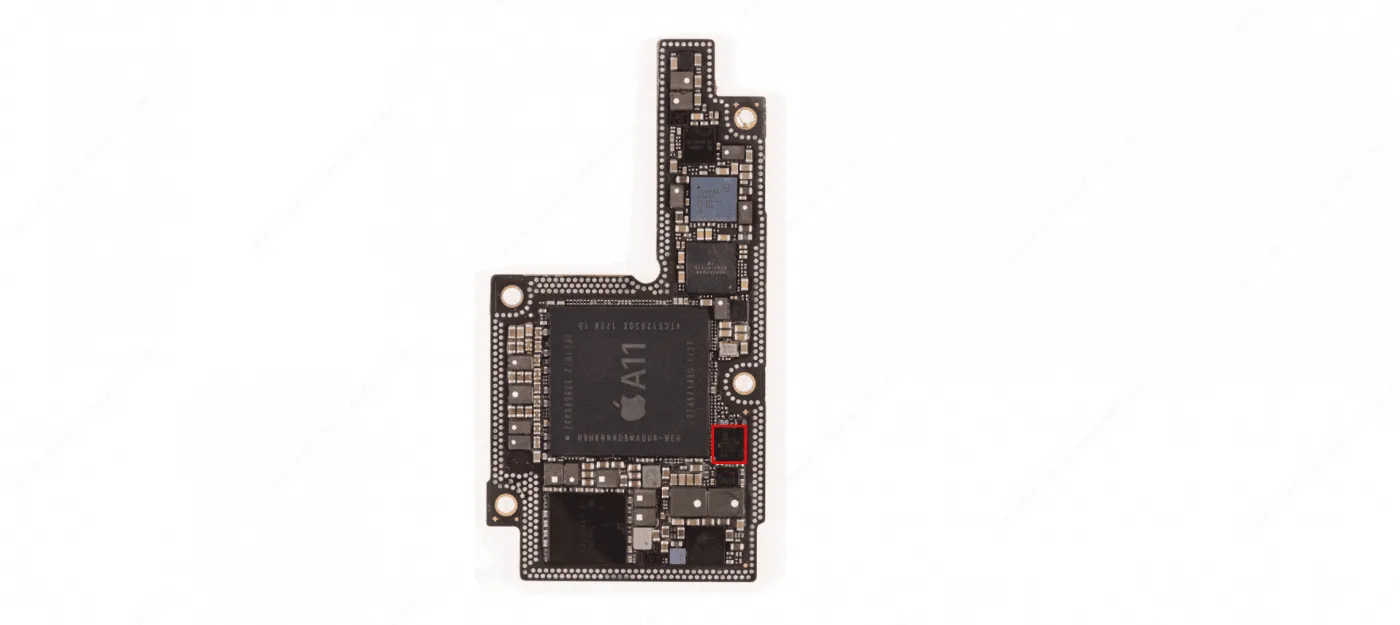
    In base alla nostra esperienza di riparazione, l'IC USB ha spesso un'alta percentuale di guasti ed è un comune responsabile dei problemi di ricarica. Ecco come lo abbiamo sostituito:

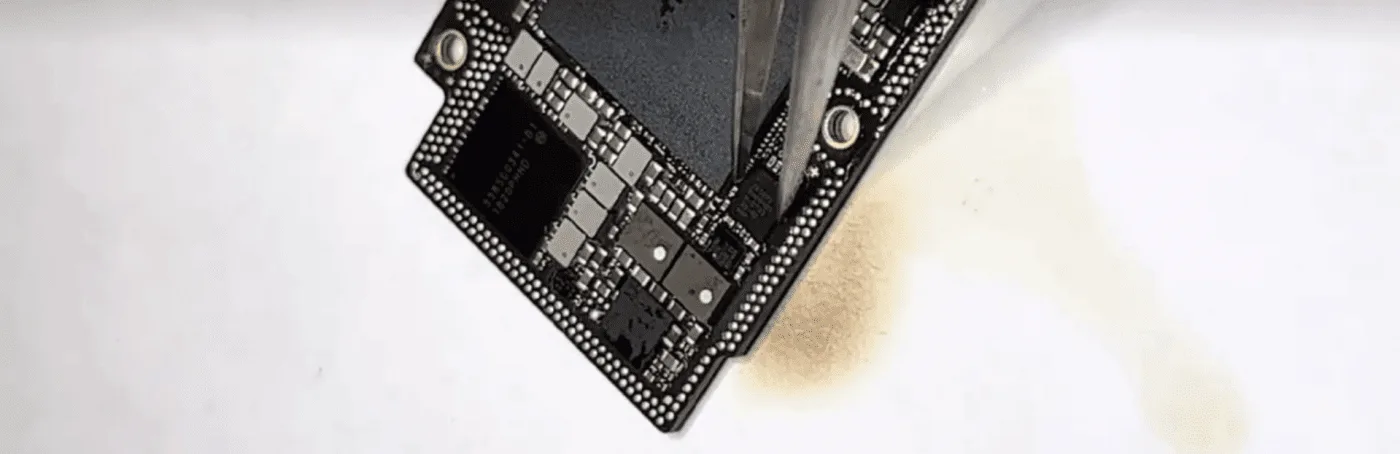
    • Rimuovere il circuito integrato USB originale: Dissaldare con cura il circuito integrato USB esistente utilizzando una pistola ad aria calda.
    • Preparare il PCB: Applicare il flussante per pasta saldante sull'area e pulire il PCB con uno stoppino per saldatura e un saldatore per rimuovere eventuali residui di stagno.
    • Installare il nuovo circuito integrato USB: Allineare il nuovo circuito integrato USB nella posizione corretta e utilizzare una pistola ad aria calda per saldarlo saldamente alla scheda madre.
    how fix iphone won charge comprehensive repair guide replace usb ic

    3: Verifica della riparazione

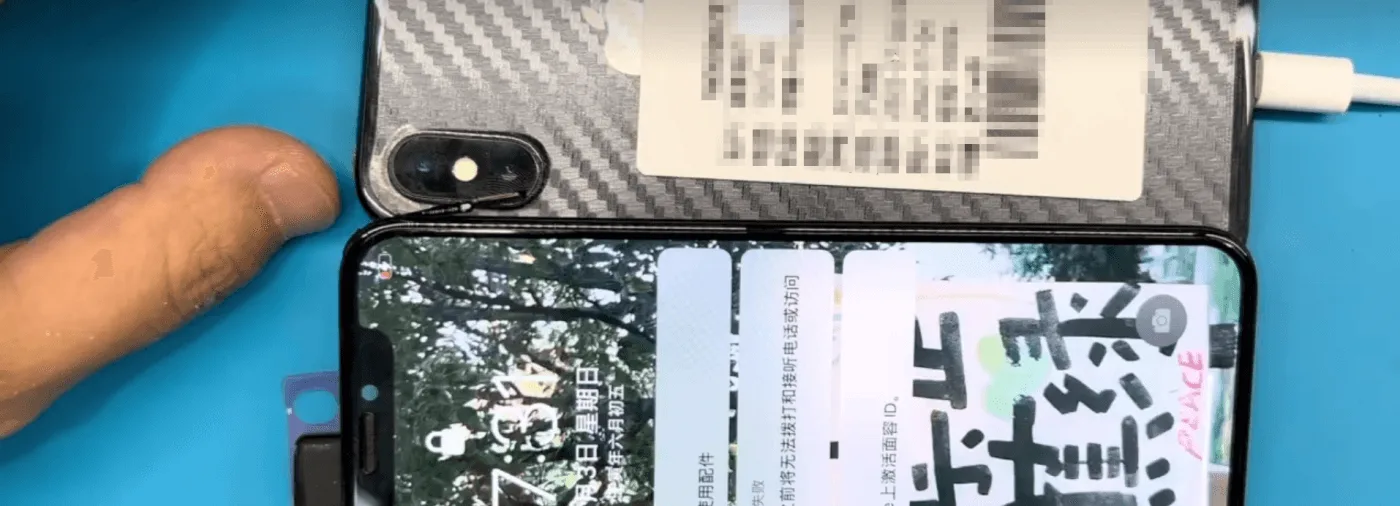
    Dopo aver lasciato raffreddare la scheda madre, abbiamo assemblato temporaneamente il telefono e lo abbiamo collegato a un alimentatore CC. La buona notizia? Il telefono si è caricato normalmente, il che indica che la riparazione è andata a buon fine.
    how fix iphone won charge comprehensive repair guide the phone can be

    4: Ricombinazione della scheda madre

    Il passo successivo è stato quello di ricombinare i due strati della scheda madre utilizzando la piattaforma di riscaldamento. Una volta riassemblato, abbiamo testato nuovamente il telefono e tutte le funzioni, compresa la ricarica, funzionavano perfettamente.
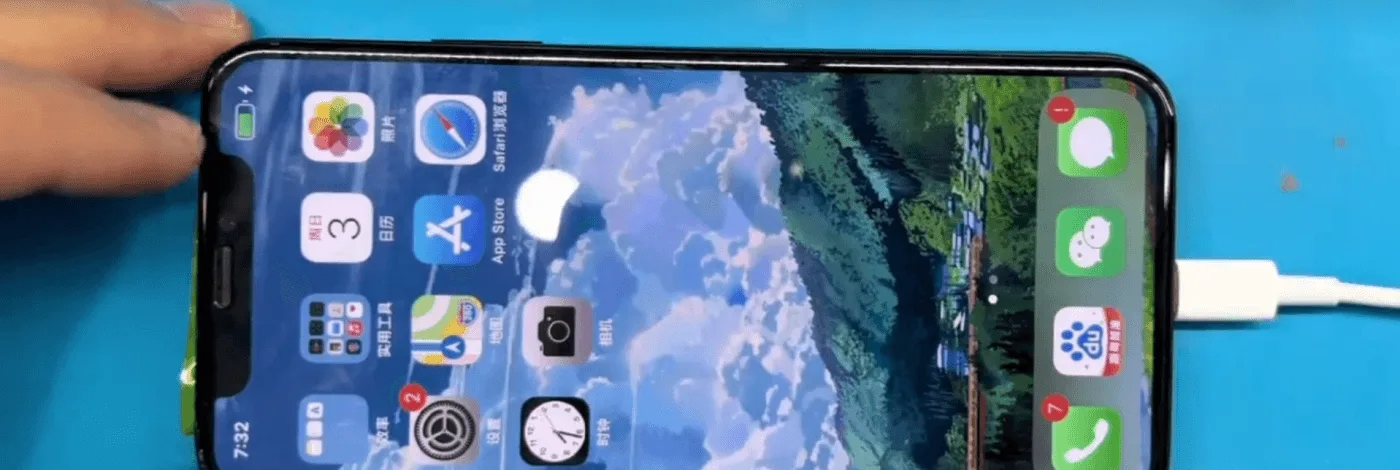
    L'iPhone X non si carica

    Suggerimenti per i tecnici

    • Mantenere la pulizia: Mantenere una scheda madre pulita non è solo una buona pratica, ma anche un segno di rispetto per i clienti. Pulire sempre la colla in eccesso, il fondente della pasta saldante e altri residui dopo le riparazioni.
    • Attenzione ai dettagli: Riapplicare gli adesivi e la schiuma che sono stati rimossi durante il processo di riparazione. Se possibile, risaldare le coperture di schermatura per proteggere i componenti.
    • Questioni di qualità: L'utilizzo di materiali e strumenti di alta qualità è essenziale per garantire la longevità e l'affidabilità delle riparazioni.

    Conclusione:

    Il problema di ricarica dell'iPhone X è stato risolto identificando e sostituendo un circuito integrato USB difettoso, oltre a pulire e riassemblare accuratamente la scheda madre. Questa guida evidenzia l'importanza delle tecniche di riparazione corrette e dell'attenzione ai dettagli, assicurando che il telefono venga restituito al cliente in condizioni ottimali.

    Se state affrontando un problema simile o avete domande sulla riparazione dell'iPhone, non esitate a contattarci o a lasciare un commento qui sotto!
  • What To Do When Your iPhone 6 Won’t Charge

    What To Do When Your iPhone 6 Won’t Charge

    Have you met this situation that the battery power becomes less after charged one hour? This is something quite a few users complained about. While you may think that have to replace a new battery, that usually isn’t the case. So, what is causing this problem? Maybe the charging port is full of dirt or the cables may be damaged. Also, a software or hardware issue can cause this problem. Now, we have listing four common ways and a professional solution. As following.

    Restart iPhone

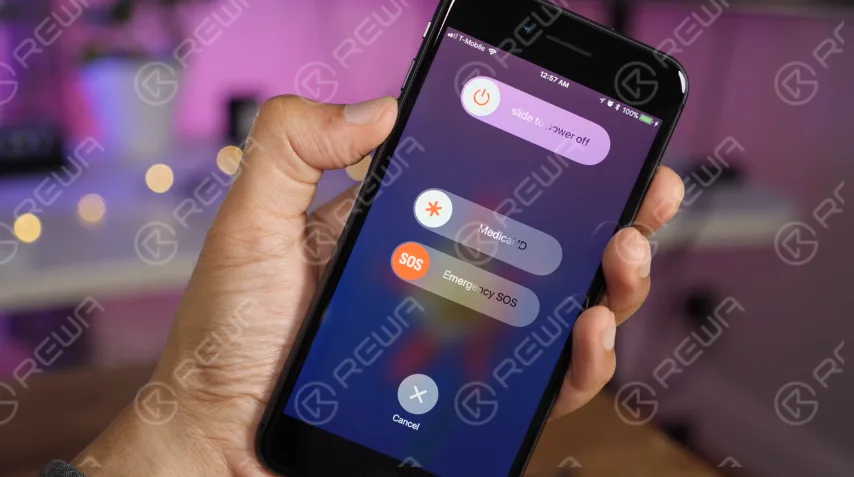
    For most non-professionals, the most common fix for issues on any computer/phone has always been to restart the device. Sometimes a program can be stuck or could be causing another issue or bug and cause kinds of types of frustration and confusion. Try restarting your iPhone first before going on to more intensive fixes.

    what do when your iphone won charge restart

    Update iOS

    When you upgrade your device, the issue will probably be gone. So if there is upgrade software, make sure you have been got. Come with following to do this.

    1. Go to Settings
    2. Tap General
    3. Tap Software Update
    4. Tap Download and Install

    Clean the iPhone’s charging port

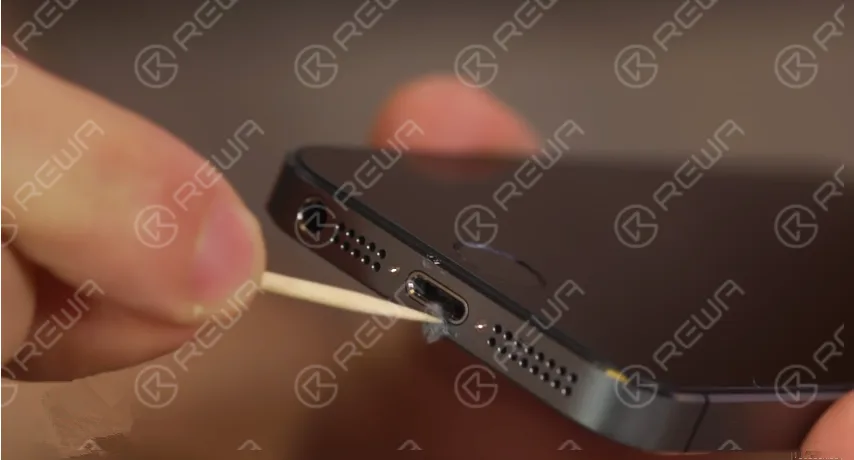
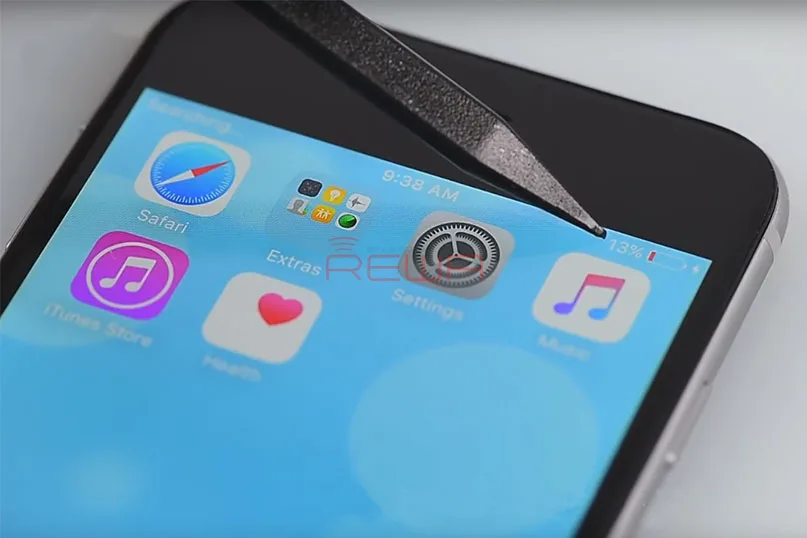
    If there are any obstructions, the cable won’t be properly placed into the charging port, thus, the device won’t charge. In this case, you need to clean the charging port. In order to do this, you will need some suitable tools, such as a toothpick or a small needle. Remove all the obstructions, but make sure to do it carefully to avoid any damage.

    What To Do When Your iPhone 6 Won't Charge

    Try another charging and USB port

    If the issue still can’t be solved after cleaned the charging port, then you can try another wall charger or use another USB cable. Plug the cable into the USB port in your computer. Maybe that will make a difference.

    With these ways to fix iPhone 6 won’t charge, you will probably solve the issue. If not, then it may be a hardware issue. Let’s follow REWA step by step video recording to fix iPhone 6 not charging with logic board.

    Analisi dei guasti di ricarica

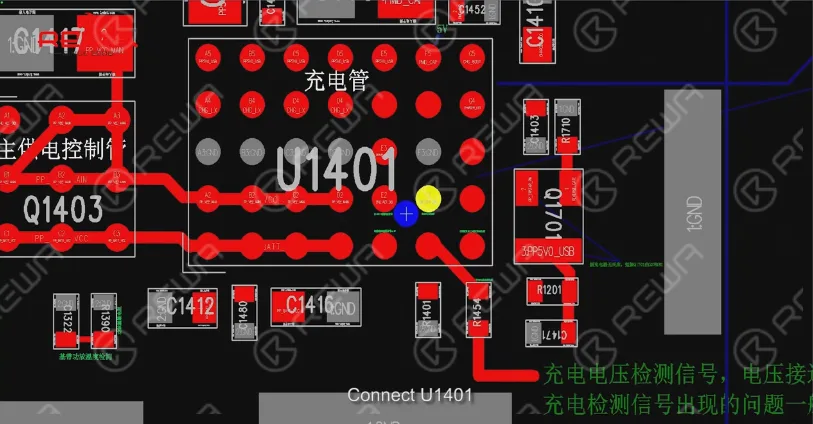
    Connect ZXW to a computer, open PCB diagram software, Charging voltage input PP5V0_USB, battery voltage PP_BATT_VCC, Battery electric quantity detection BATTERY_SWI_CONN

    Connect U1401, Tigris charger, USB control IC, overvoltage protection signal, U1700 damage can result in not charging, reboot and connect computer failure etc.

    What To Do When Your iPhone 6 Won't Charge

    Rilevamento guasti di ricarica

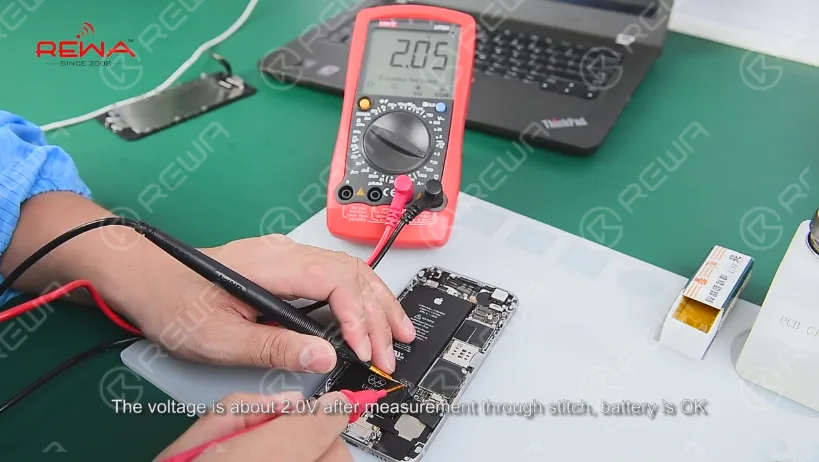
    Aperto iPhone 6 screen , take down the screen, pull up the battery connector from logic board. The voltage is about 2.0V after measurement through stitch battery is ok.

    What To Do When Your iPhone 6 Won't Charge

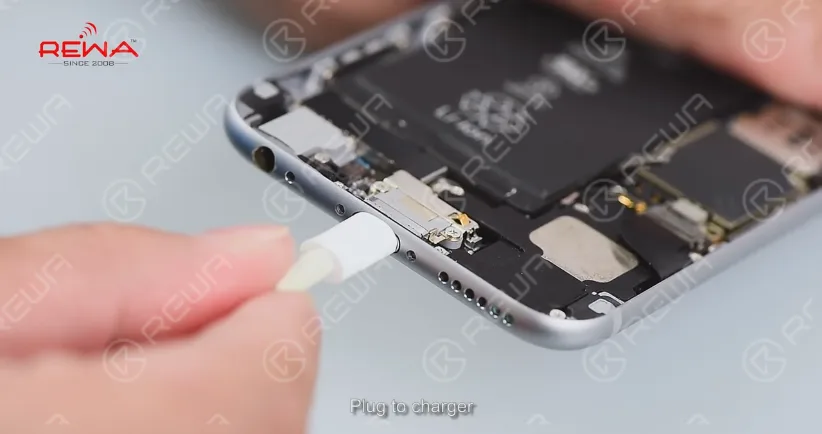
    Plug to charger, the voltage is 0.5V(normal 1.8V – 4.2V) after measurement through FPC connector, the logic board can’t charge.

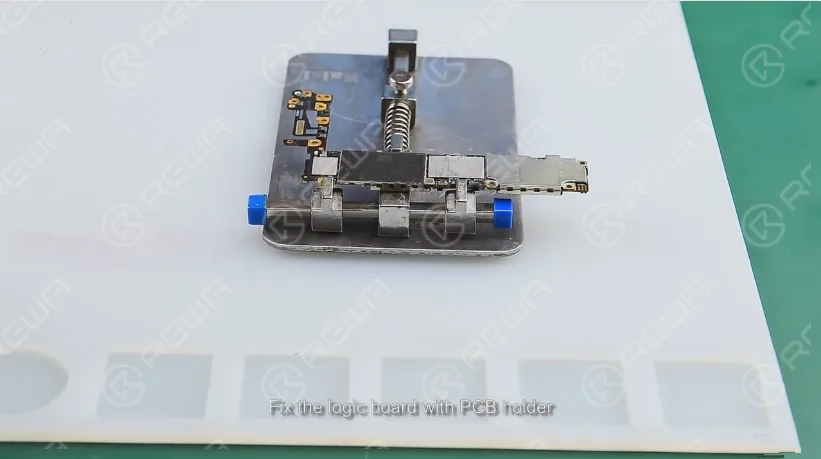
    Riparare Take out the logic board, fix the logic board with PCB holder. Blow the shield cover with 320℃ air hot gun and take off it.

    What To Do When Your iPhone 6 Won't Charge

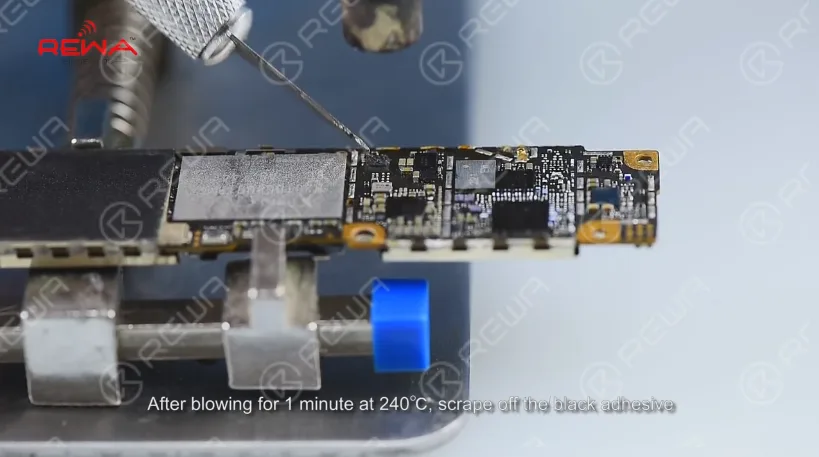
    After blowing for 1 minute at 240℃, scrape off the black adhesive.

    What To Do When Your iPhone 6 Won't Charge

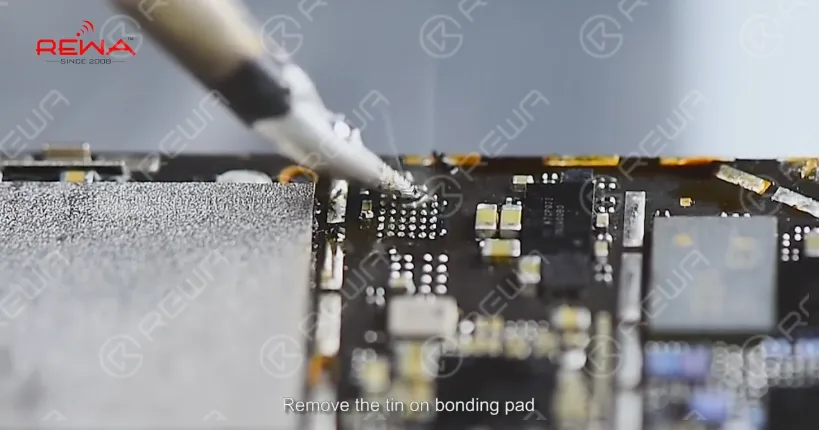
    Blow the Bonding Pad for 1 minute at 300℃ until the tin melts. Pry the chip with sculpture knife, apply some Paste Flux, remove the tin on bonding pad, apply some rosin on the Solder Wick and slick Bonding Pad.

    What To Do When Your iPhone 6 Won't Charge

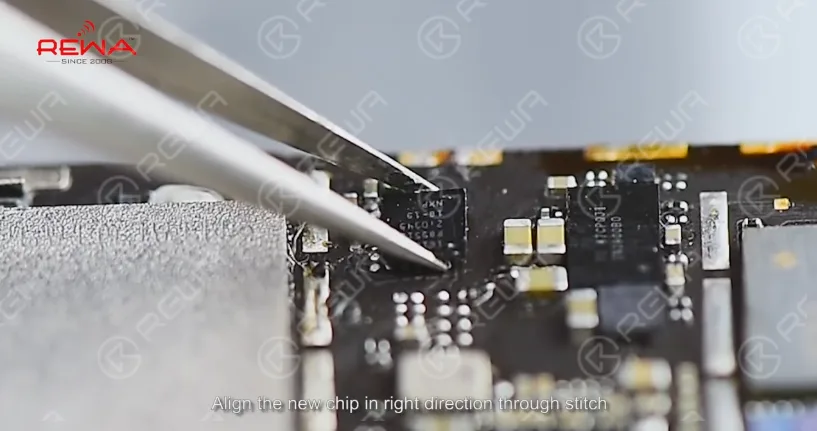
    Clean the Bonding Pad with PCB Cleaner, align the new chip in right direction through stitch.

    What To Do When Your iPhone 6 Won't Charge

    Blow the chip with hot gun for 1 minute at 280℃. Install the logic board after cool down

    Detection and troubleshoot

    Plug in charge, the voltage ranges between 1.8V and 4.2V indicating charging IC works properly, install the LCD and charge, after 1 hour the battery can charge properly.

    What To Do When Your iPhone 6 Won't Charge

    Make sure you bookmark this page so it will be easier for you to find it in the future when you need help. If you have any problems please comment at below or directly email to service@rewa.tech . We will try to reply in time.

    Click to watch the video and repair your iPhone 6 not charging by DIY

    If you are interested in the tools used in the video, please go to our online store  to order. Each replacement part has gone with REWA’s strict tests and systematic packing process, so each cell phone spare part is of guaranteed performance and low price.