Se il vostro iPhone ha lo schermo nero e non si accende, cosa dovete fare? Andare all'Apple Store e ripararlo o ripararlo da soli? Ma per qualsiasi scelta, è meglio leggere prima questo articolo, che vi aiuterà a determinare il motivo per cui il vostro iPhone non si accende e vi mostrerà come risolvere il problema.
REWA è un leader mondiale dell'elettronica (in particolare per iPhone) fornitore di soluzioni aziendali di riparazione, abbiamo gli ingegneri tecnici più professionali ed esperti, e forniamo il tutorial di riparazione cellulare più sofisticato e riparazioni per telefoni cellulari.
Perché il mio iPhone 6s non si accende?
Ci sono due ragioni per cui l'iPhone 6S non si accende: una è di tipo software, l'altra è di tipo hardware, quindi è necessario determinare se l'iPhone non si accende a causa di un problema hardware o software.
Quando il vostro iPhone 6 non si accende, potete fare prima queste cinque cose:
1. Ricaricare l'iPhone
La maggior parte degli iPhone 6 non si accende perché la batteria è completamente scarica, quindi è possibile ricaricare l'iPhone e poi provare ad accenderlo.
2. Riavviare l'iPhone
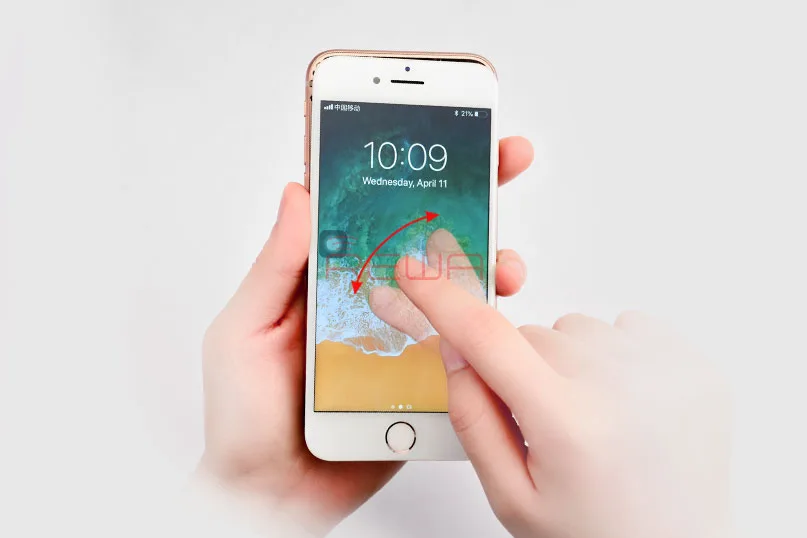
Per riavviare l'iPhone, premete e tenete premuto il pulsante Sleep/Wake sulla parte superiore del telefono fino a quando sullo schermo appare il cursore rosso. Fatelo scorrere per spegnerlo e ripetete l'operazione per riaccendere il telefono. Se l'iPhone è bloccato e non può essere riavviato normalmente, procedete come segue: Tenere premuti contemporaneamente il tasto Sleep/Wake e il tasto Home per almeno 10 secondi. Se appare il cursore rosso o lo schermo si oscura, continuare a premere i due pulsanti finché non appare il logo Apple.
3. Reimpostare l'iPhone
Fare clic su Impostazioni, poi su Generale e infine su Ripristina tutte le impostazioni. In questo modo verranno ripristinate tutte le impostazioni di fabbrica. I dati o i contenuti dell'iPhone non vengono modificati.
4. Ripristinare
Se tutto il resto non funziona, è necessario eseguire un backup completo e ripristinare l'iPhone. Fate clic sulla scheda Riepilogo e poi su Ripristina. Cliccate su Ripristina. Attendete che l'iPhone completi il processo di ripristino e si ripristini alla schermata iniziale.
5. Forzare il dispositivo in modalità di recupero
- Spegnere il dispositivo IOS.
- Collegare il cavo USB al computer, ma non al dispositivo.
- Tenere premuto il tasto Home e collegare il cavo USB al dispositivo.
- Quando appare la schermata Connetti a iTunes (sotto), rilasciare il pulsante Home. Se non viene visualizzata questa schermata, ripetere i passaggi da 1 a 3.
Se tutti i passaggi falliscono, possiamo determinare che si tratta di un problema hardware dell'iPhone 6s, il nostro video risolve principalmente questo problema iPhone 6s non si accende - Rettifica e sostituzione del PMIC.
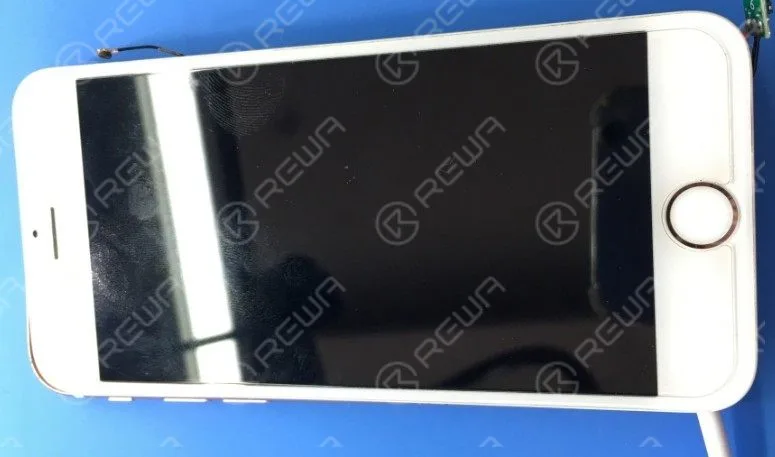
Recentemente, alcuni clienti si sono lamentati del problema dell'impossibilità di accendere l'iPhone dopo aver tenuto premuto il tasto di accensione: nessun logo Apple, solo schermo nero. Le cause possono essere diverse e le soluzioni flessibili. In questo video, REWA offre una soluzione di riparazione della scheda logica per questo problema dell'iPhone 6s che non si accende. Con il PMIC rettificato e sostituito, è possibile risolvere il problema dell'iPhone 6s che non si accende facilmente seguendo le nostre operazioni.
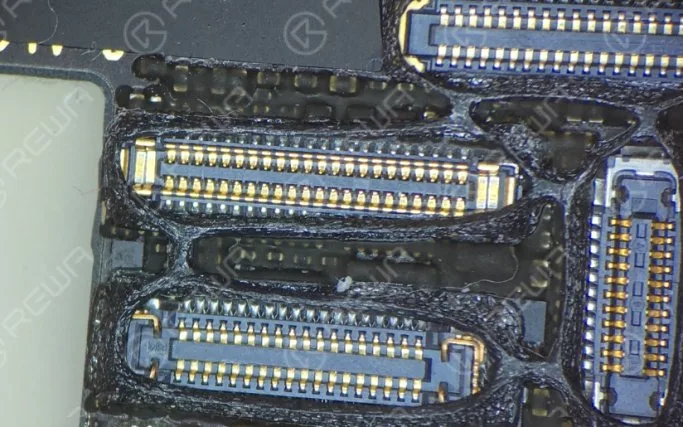
L'iPhone non si accende normalmente dopo aver tenuto premuto il tasto di accensione. Eseguendo il processo di rilevamento, si scopre che la scheda logica presenta una corrente di dispersione di 900 mA e che il PMIC è surriscaldato. Mentre la capacità intorno al PMIC non mostra alcun cortocircuito. Possiamo quindi concludere che il PMIC è danneggiato e deve essere sostituito con uno nuovo.
 English
 Español
 Français
 Deutsch
 Italiano