Tag: iphone 12 pro

  • iPhone 12 Pro Battery Replacement: Cost & Shop Guide

    iPhone 12 Pro Battery Replacement: Cost & Shop Guide

    iPhone 12 Pro battery replacement is more than a simple cell swap. This model uses an encrypted battery protection board, so aftermarket installs usually need a BMS transfer, data rewrite, and a tag-on flex. Genuine Apple batteries follow a different path with Apple Service Toolkit 2 (AST2).

    This guide walks through when to replace, what it typically costs, the shop method vs Apple parts, and how to clear the “Unable to verify this iPhone has a genuine Apple battery” alert. It is written for repair shops and advanced DIY techs who already work with heat, adhesive, and small connectors.
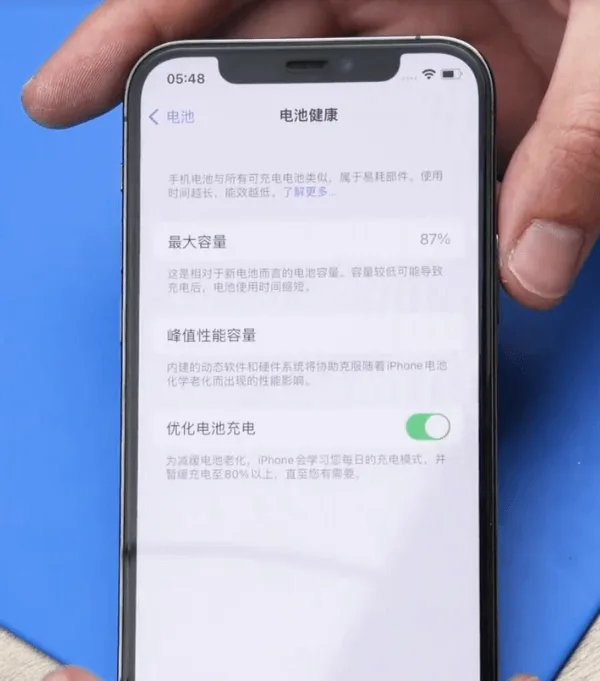
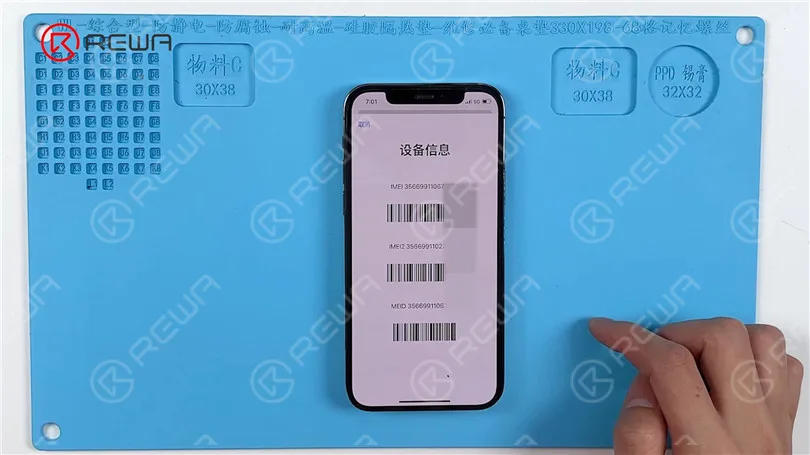
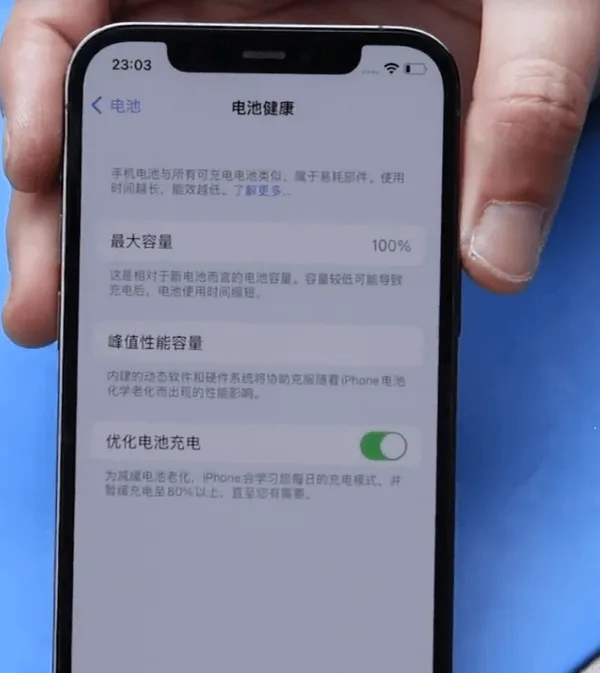
    iPhone 12 Pro battery health at 87 percent

    Example device: iPhone 12 Pro
    Battery Health: 87% (Settings → Battery → Battery Health → Maximum Capacity)

    When to replace an iPhone 12 Pro battery

    Apple designs iPhone batteries (14 and earlier, including the 12 Pro) to retain about 80% capacity at 500 complete charge cycles under ideal conditions. Many techs still quote a swap near or below 80%, or when Battery Health shows a Service recommendation. Customers sometimes request a replacement earlier (for example at 85-90%) to restore full-day runtime. That is a preference call, not a hard Apple rule.

    In the example above, health sits at 87%. A replacement can still make sense if the customer wants better runtime, or if the phone shows unexpected shutdowns, heat while charging, or peak performance messages.

    Cost and battery specs (quick reference)

    Prices vary by country, tax, and part grade. Use these U.S.-oriented figures as a planning baseline, then confirm local quotes:

    • Apple / AppleCare+ service: about $89 out of warranty for iPhone 12 / 12 Pro battery service (AppleCare+ is often no extra charge when capacity is below 80%). Always re-check Apple’s current estimate tool.
    • Independent shop: often about $50-$100+ depending on city, warranty, and whether the shop transfers the BMS or uses AST2.
    • DIY / wholesale cell: kits often land around $40-$60 retail; shop wholesale cells can undercut that.

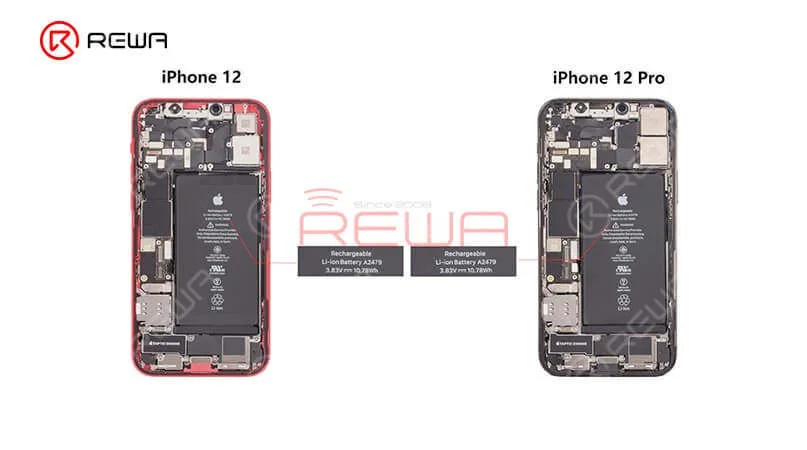
    Capacity reference (teardown consensus, not an Apple datasheet line): about 2,815 mAh (~10.78 Wh at 3.83 V). Common part marking refs include A2479 (also seen as styles like 11CP5/45/85 on replacement listings). iPhone 12 and 12 Pro share the same capacity class; 12 Pro Max does not.

    How to replace an iPhone 12 Pro battery

    1. Battery protection board encryption (aftermarket path)

    The iPhone 12 Pro uses an encrypted battery protection board. Dropping in a raw aftermarket cell without handling the board and data is how shops get a permanent Important Battery Message and missing health percentage.

    Transfer the protection board: Carefully remove the old pack, separate the original BMS / protection board, and spot-weld that board onto the new cell tabs with a proper fixture. Use a welding machine (or equivalent laser / resistance welder). Align anode and cathode correctly, then insulate with the correct tape and bracket.

    2. Rewrite battery data

    Models before 2018: A battery programmer rewrite was often enough.

    XS and later (including iPhone 12 Pro): After board transfer and data rewrite with a programmatore, attach a tag-on flex when you change cell data so authentication does not leave a permanent alert.

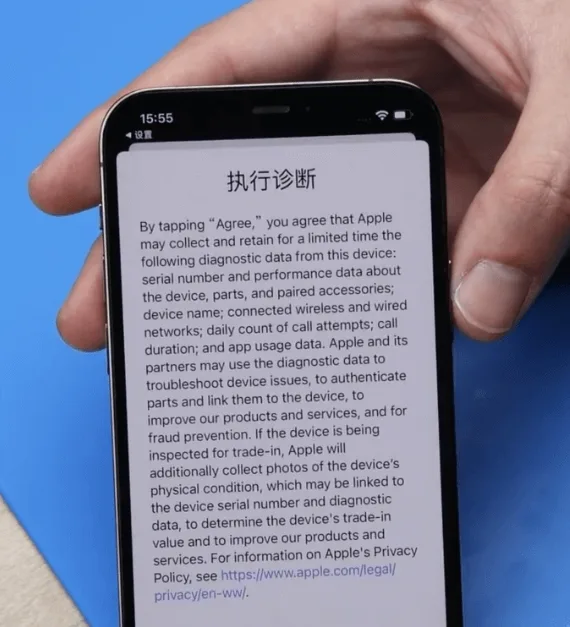
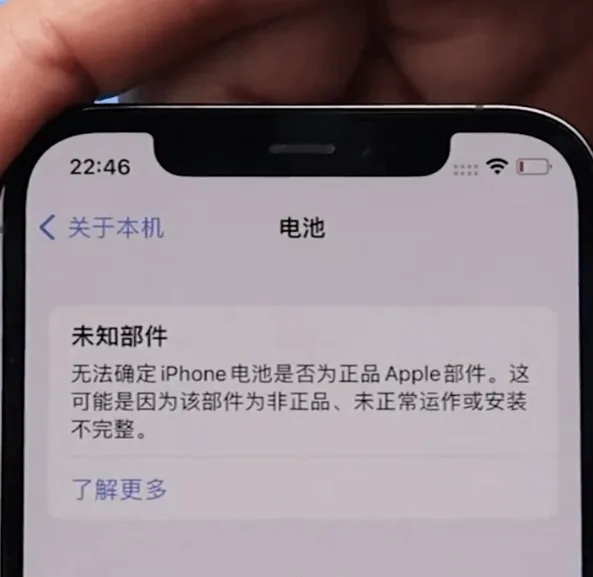
    Nota: Skip these steps and you will usually see “Unable to verify this iPhone has a genuine Apple battery” after power-on.

    3. Official Apple battery + AST2

    For genuine Apple parts, keep the phone on Wi-Fi and use Apple Service Toolkit 2 (AST2):
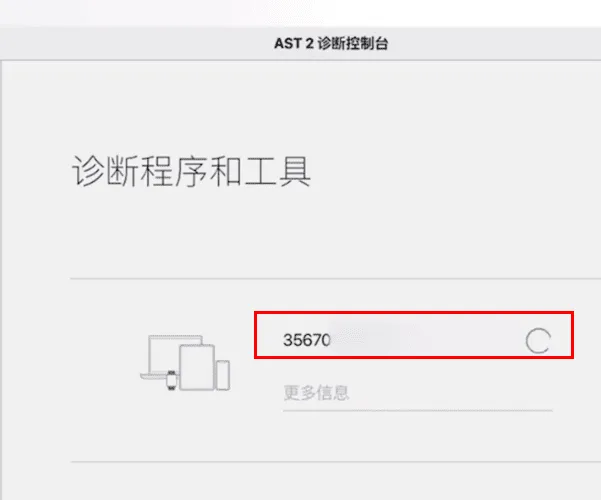
    Apple Service Toolkit 2 (AST2):

    • Log in to AST2.
    • Enter the battery serial number and run diagnostics on the phone.
    • After diagnostics clear, proceed with the battery install.

    4. Remove the old battery
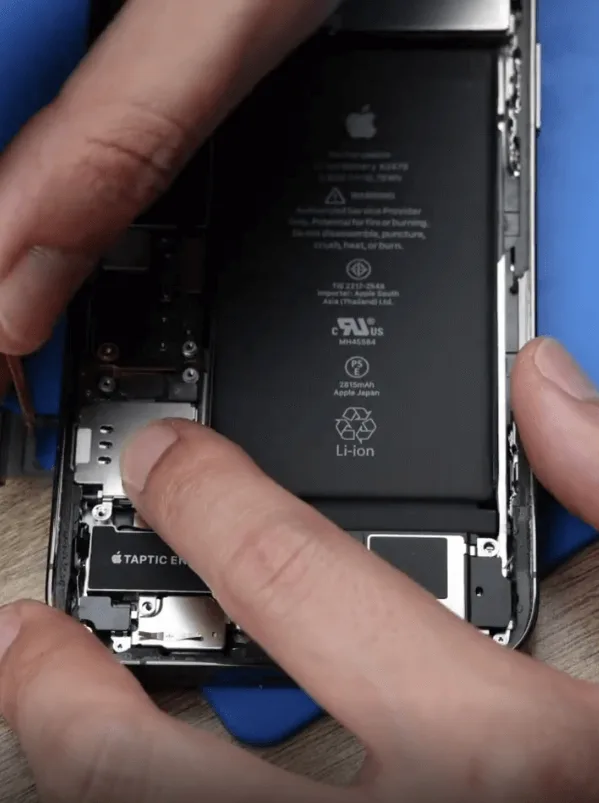
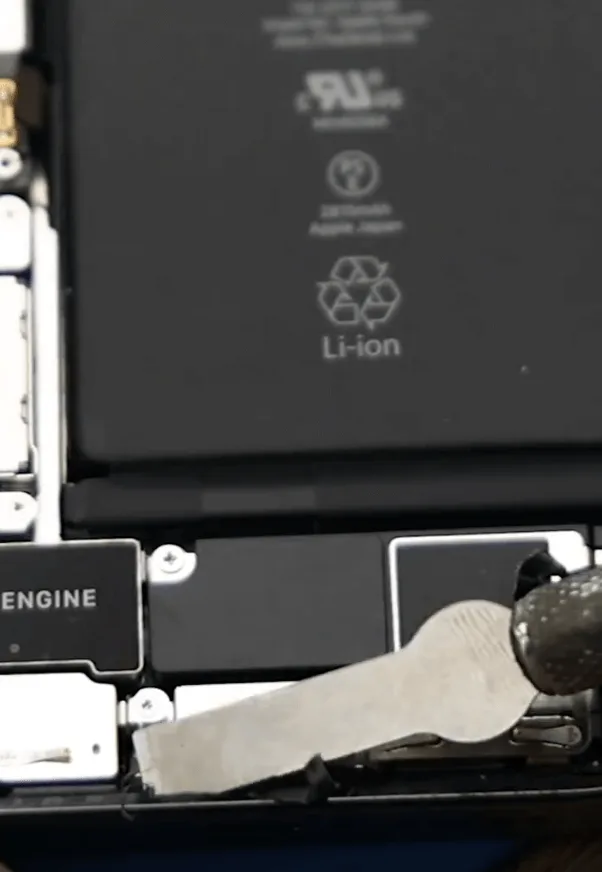
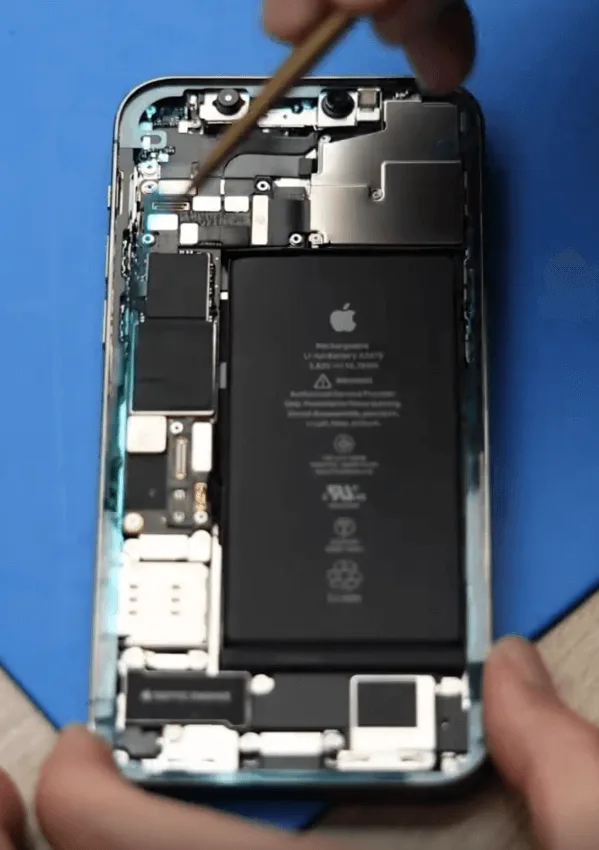
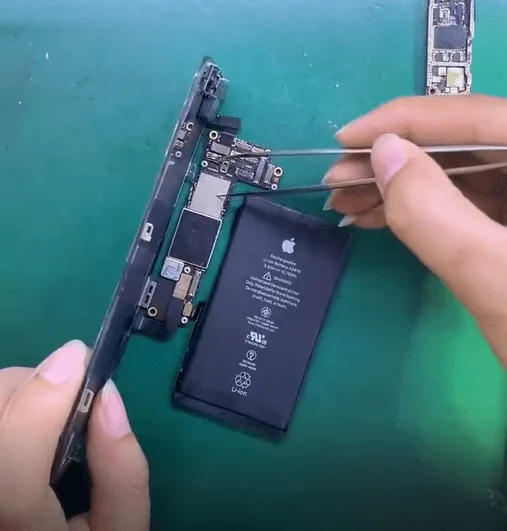
    Remove the original iPhone 12 Pro battery carefully
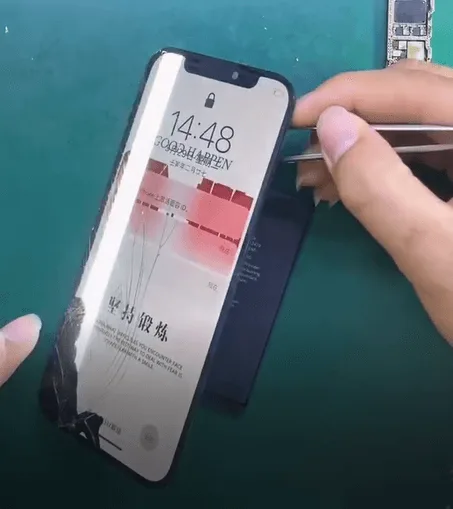
    • Open the display safely; do not crease flexes.
    • Disconnect the battery connector, then remove the original pack with adhesive pull tabs or isopropyl. Never lever hard under a swollen cell.
    • Apply new waterproof frame adhesive. It restores a seal; it does not magically restore factory IP68 rating.

    5. Install the new battery
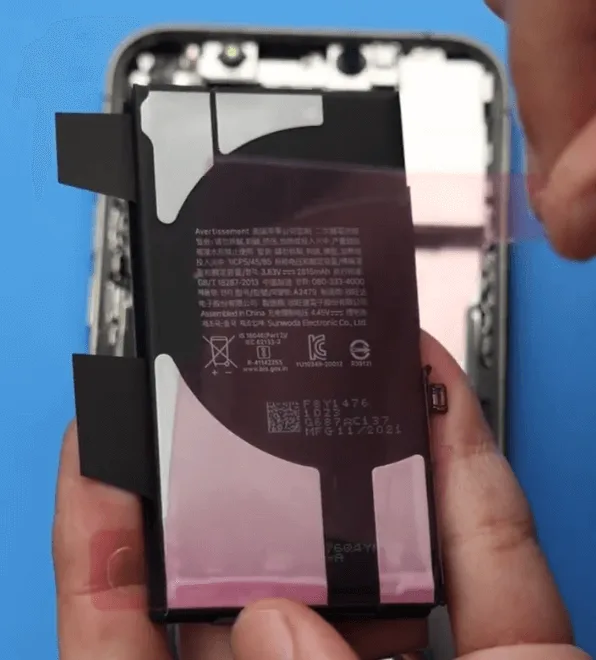
    • Seat the new iPhone 12 Pro battery (or your shop cell with transferred BMS).
    • Reconnect the battery connector, reassemble the display, and power on.
    • Verify charge, Battery Health visibility, and that the phone boots cleanly under load.

    6. Clear the genuine battery alert
    iPhone 12 Pro battery replacement complete
    • Initial alert: On first power-up you may see “Unable to verify this iPhone has a genuine Apple battery.”
    • Genuine Apple path: Log back into AST2 and run diagnostics again to clear the non-original alert.
    • Aftermarket path: Confirm BMS transfer, programmer write, and tag-on flex were done correctly. Persistent alerts usually mean a skipped auth step.

    Watch how to clear Important Battery Message pop-ups on iPhone XS through 12 Pro Max:

    iPhone XS-12 Pro Max Important Battery Message pop-ups removing

    Domande frequenti

    Do iPhone 12 and iPhone 12 Pro use the same battery?

    Teardown reporting puts them in the same capacity class (~2,815 mAh). Always match connector, tab layout, and thickness for your fixture. 12 Pro Max is a different pack.

    Should I replace at 87% Battery Health?

    Apple’s usual guidance centers on ~80% or a Service recommendation. At 87%, replace if runtime no longer meets the customer’s needs or if shutdowns and heat point to a weak cell.

    Why does an aftermarket battery show an Important Battery Message?

    The 12 Pro pairs battery authentication to the phone. Without a correct BMS transfer, data rewrite, and tag-on when required, iOS flags the pack as non-genuine.

    Is AST2 required for every battery job?

    No. AST2 is the genuine Apple / authorized-service path. Aftermarket shop jobs use board transfer, programmer, and tag-on instead.

    Will new waterproof adhesive restore water resistance?

    It restores a seal and is good practice. It does not guarantee factory IP68 performance after a open-repair.

    How much does Apple charge for an iPhone 12 Pro battery?

    Out-of-warranty battery service is commonly cited around $89 for iPhone 12 / 12 Pro in the U.S. Confirm Apple’s current estimate for your region before quoting.

    Wrap-up

    A clean iPhone 12 Pro battery replacement means picking the right path: aftermarket (BMS transfer + programmer + tag-on) or genuine Apple (AST2 diagnostics). Keep adhesives fresh, never force a swollen cell, and verify auth and health on first boot so you avoid callbacks.

    Need cells, welders, or programmers for the bench? Browse REWA tools, including iPhone battery cell replacements, battery programmers, e spot welding machines.
  • Riparazione di iPhone 12 Pro danneggiato da cadute

    Riparazione di iPhone 12 Pro danneggiato da cadute

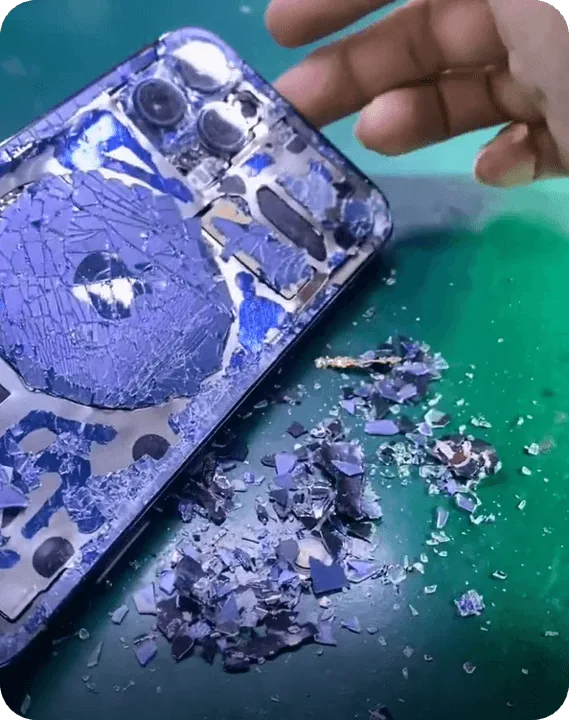
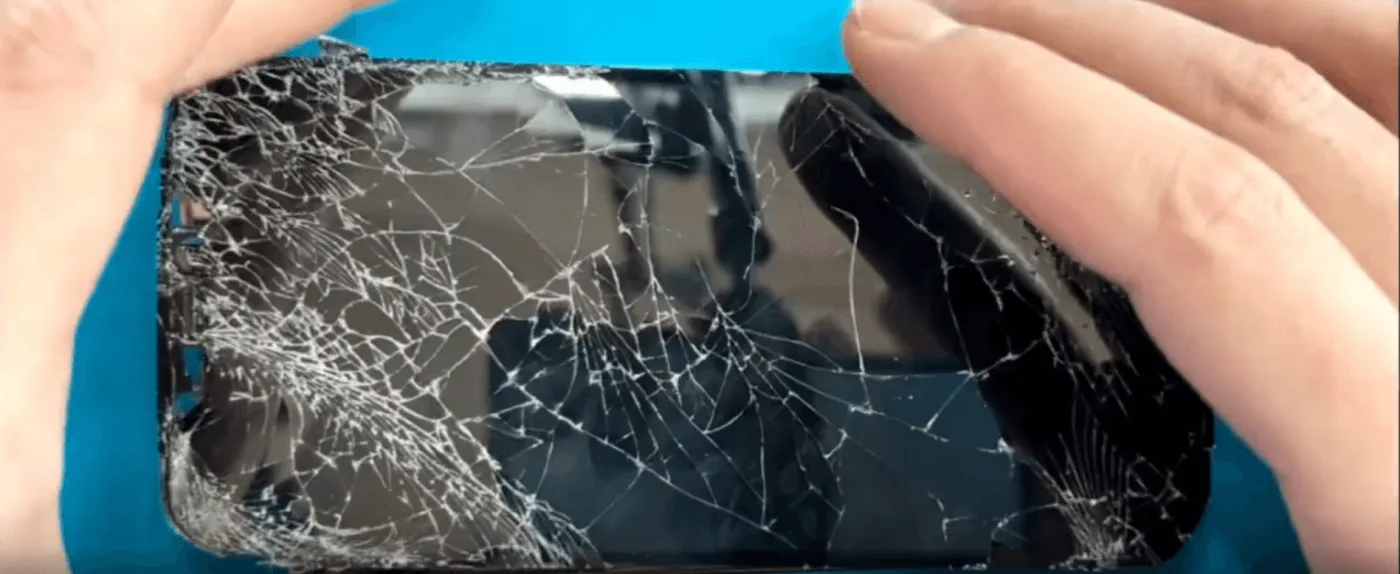
    Un iPhone 12 Pro gravemente danneggiato da una caduta può sembrare irreparabile, soprattutto se lo schermo e la cover posteriore sono in frantumi, il modulo della fotocamera è danneggiato e, soprattutto, la scheda madre è separata. Tuttavia, per coloro che vogliono preservare i propri dati, la sostituzione del chip della scheda madre è una soluzione valida. In questa guida vi guideremo attraverso l'intricato processo di riparazione, assicurandovi che i chip criptati vengano trasferiti con successo su una nuova scheda madre. Che siate professionisti della riparazione o appassionati del fai-da-te, seguiteci per imparare le tecniche essenziali necessarie per la riparazione dell'iPhone a livello di scheda madre.

    Valutazione dei danni

    Dopo aver ricevuto l'iPhone 12 Pro, abbiamo riscontrato i seguenti problemi:

    • Schermo e copertura posteriore in vetro incrinati
    • Modulo telecamera danneggiato
    • Scheda madre separata (gravemente deformata con pad mancanti sullo strato centrale)
    • La CPU, il chip NAND e la EEPROM logica appaiono intatti.

    La preoccupazione principale del cliente è recupero datiQuindi la sostituzione completa della scheda madre non è un'opzione possibile. Invece, scambieremo i chip criptati essenziali con una scheda madre donatrice.

    iPhone 12 pro rotto

    Processo di riparazione passo dopo passo

    Passo 1: smontaggio della scheda madre

    • Smontare con cura l'iPhone e rimuovere la scheda madre.
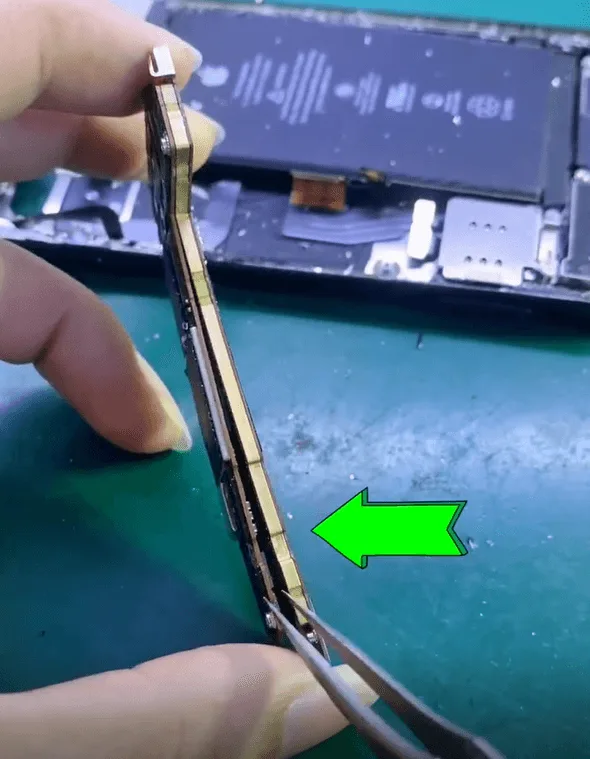
    • Poiché la scheda madre è già separata a causa dell'impatto, ispezioniamo tutti i componenti per determinare le parti recuperabili.
    Riparazione di iPhone 12 Pro danneggiato da cadute

    Processo di riparazione

    Passo 2: Estrazione dei chip criptati

    Per conservare con successo i dati dell'utente, dobbiamo trasferire tre componenti chiave:

    • Chip NAND (memorizza i dati del sistema e dell'utente)
    • CPU (unità di elaborazione centrale responsabile dell'elaborazione dei compiti)
    • Logica EEPROM (importante per le configurazioni specifiche del dispositivo)

    Rimozione del chip NAND e della CPU

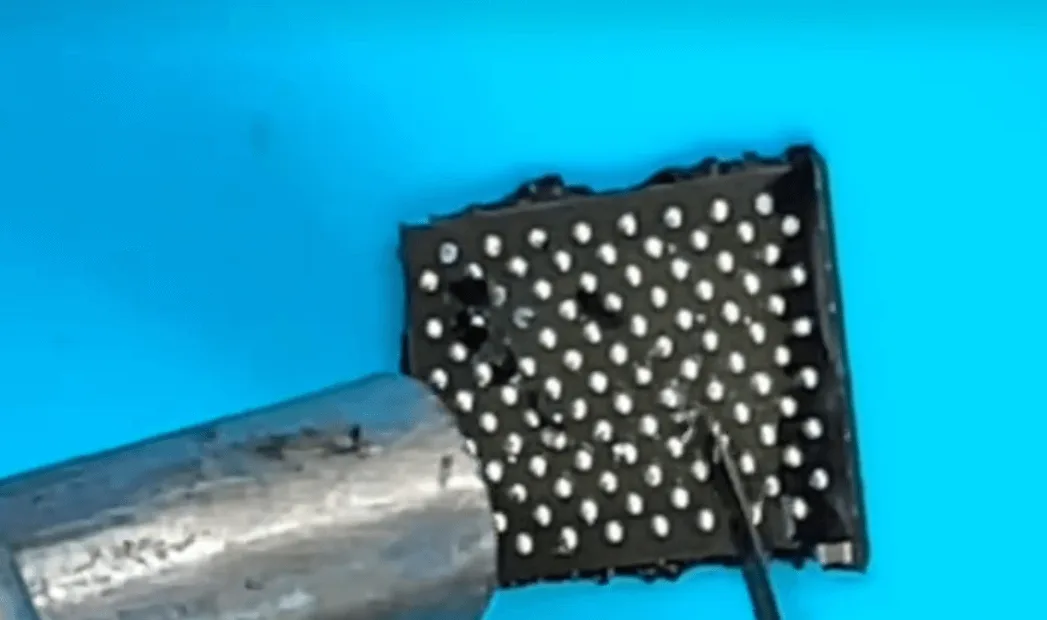
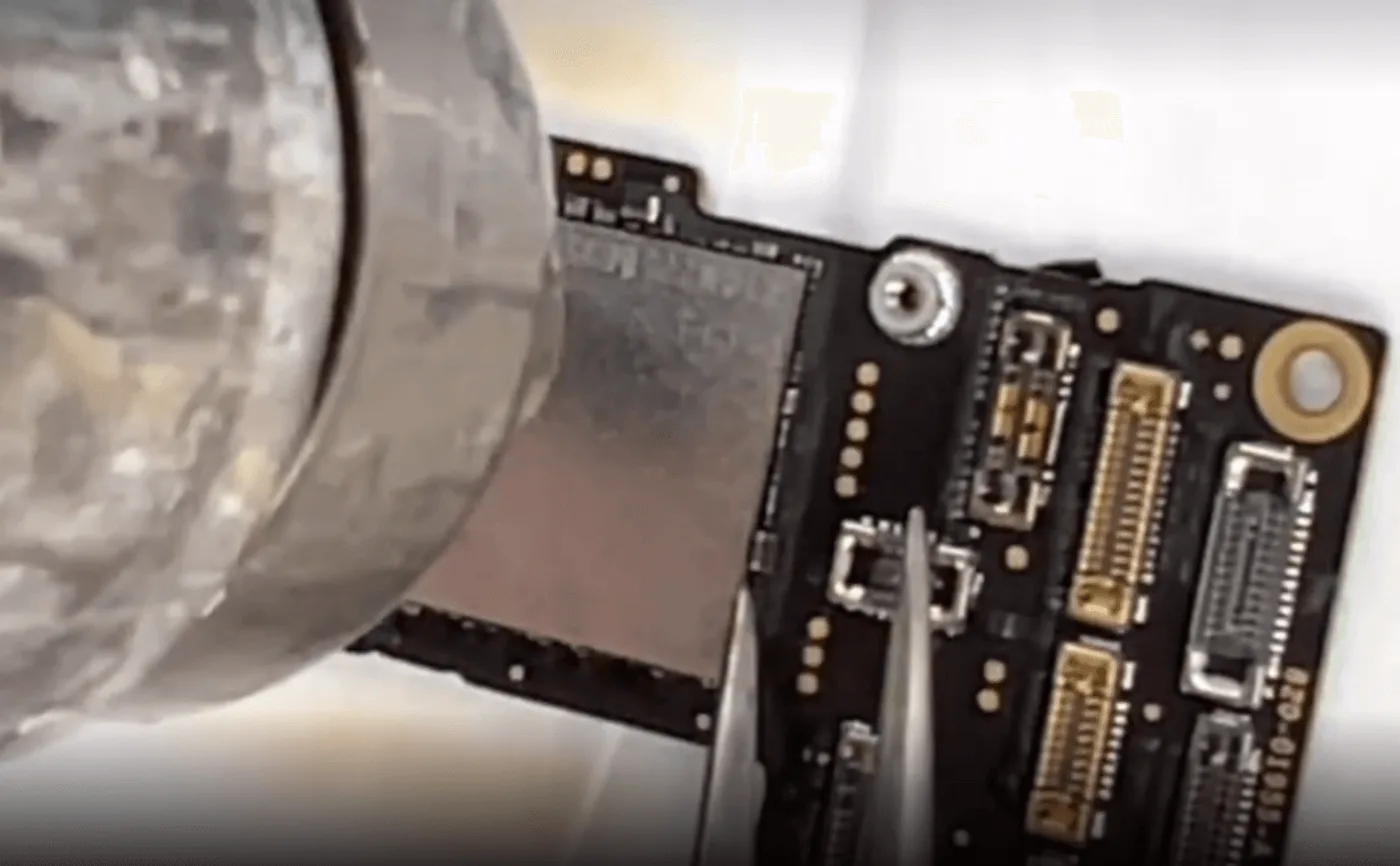
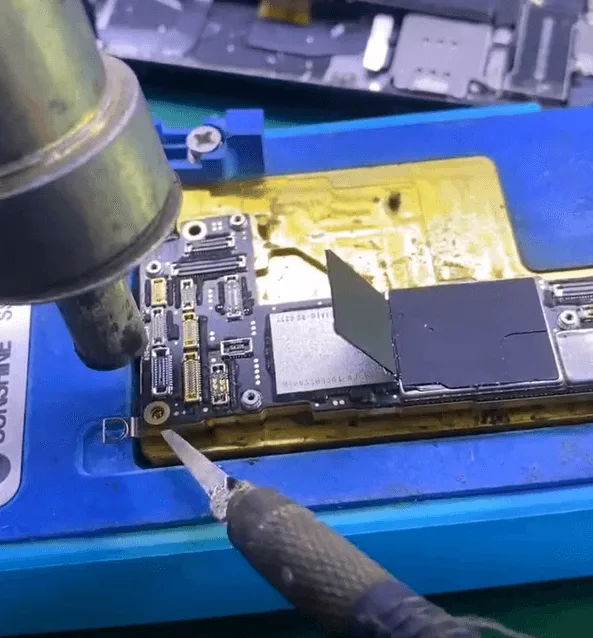
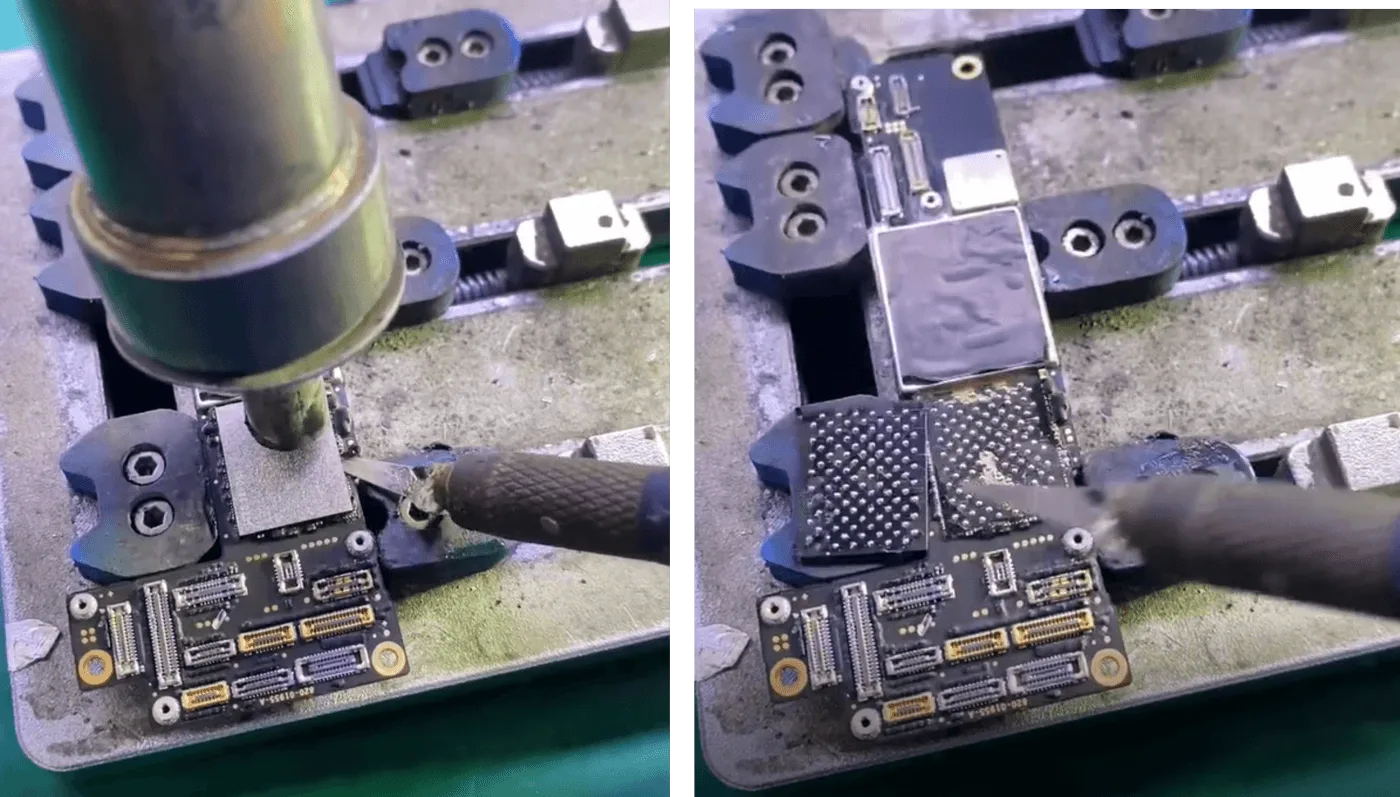
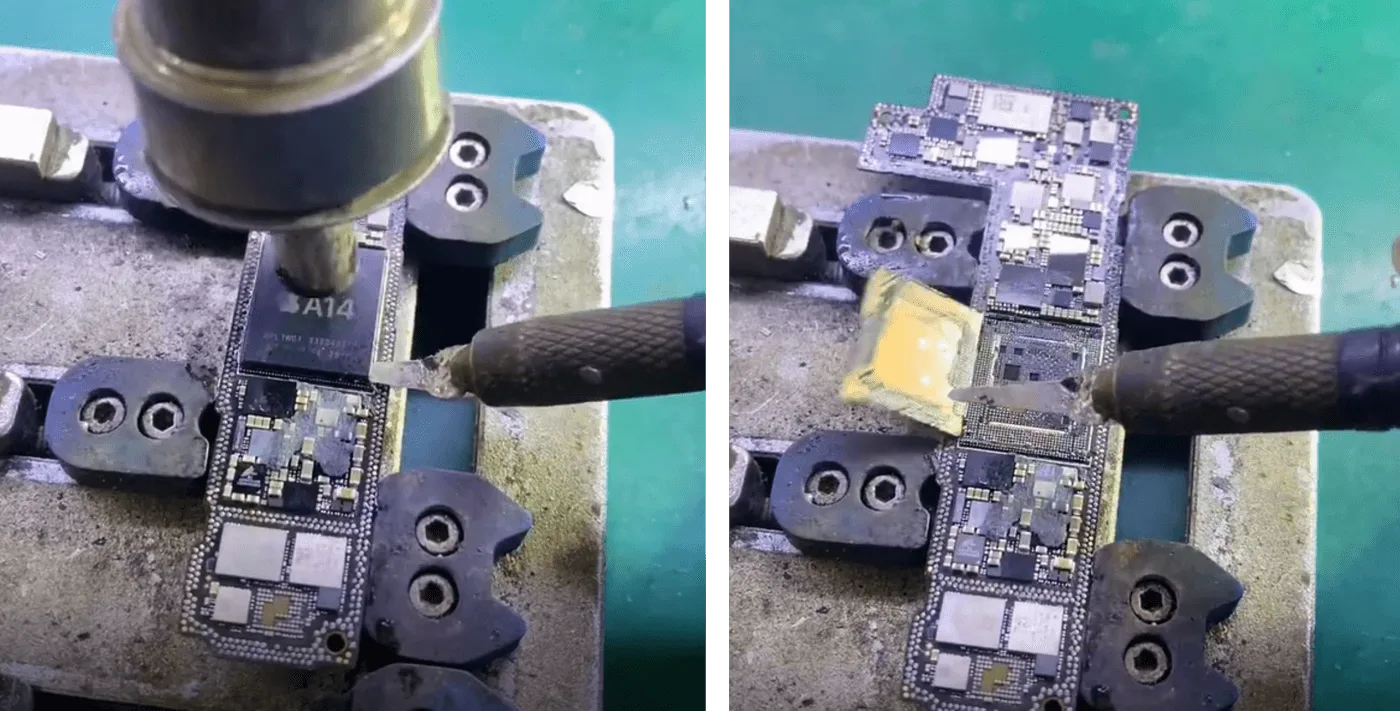
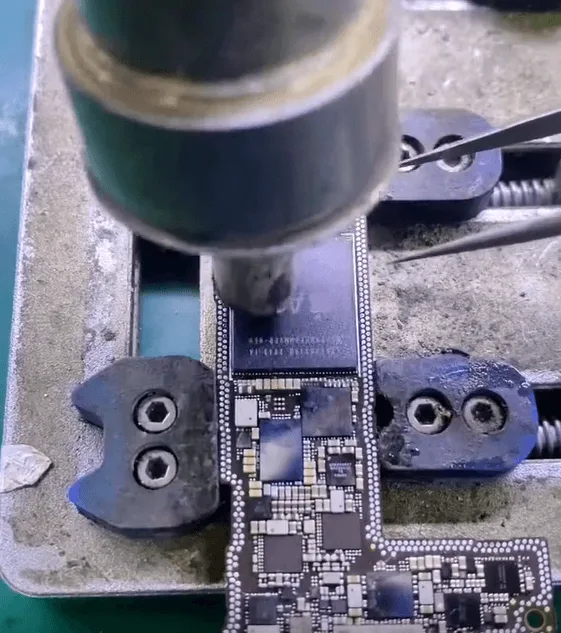
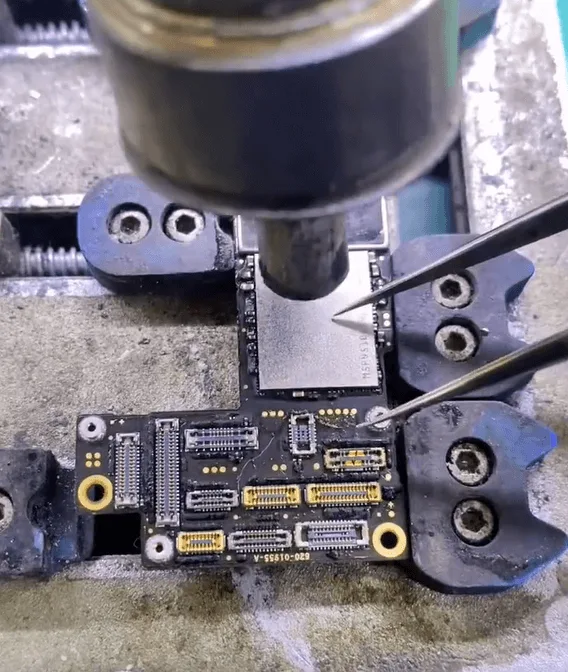
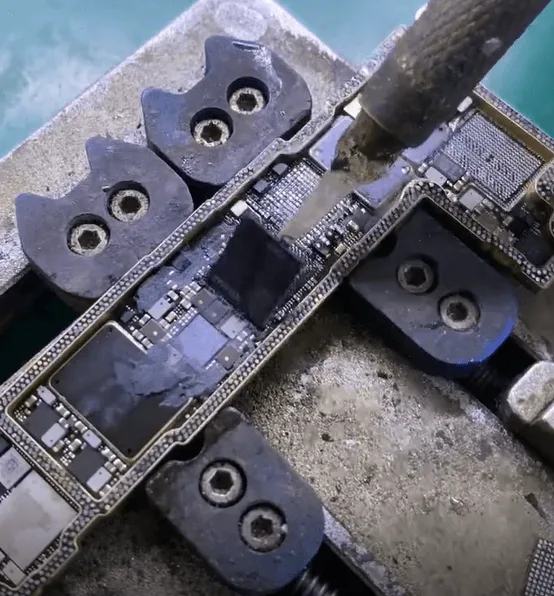
    • Utilizzare un coltello speciale e un pistola ad aria calda per rimuovere la colla nera che fissa il chip NAND.
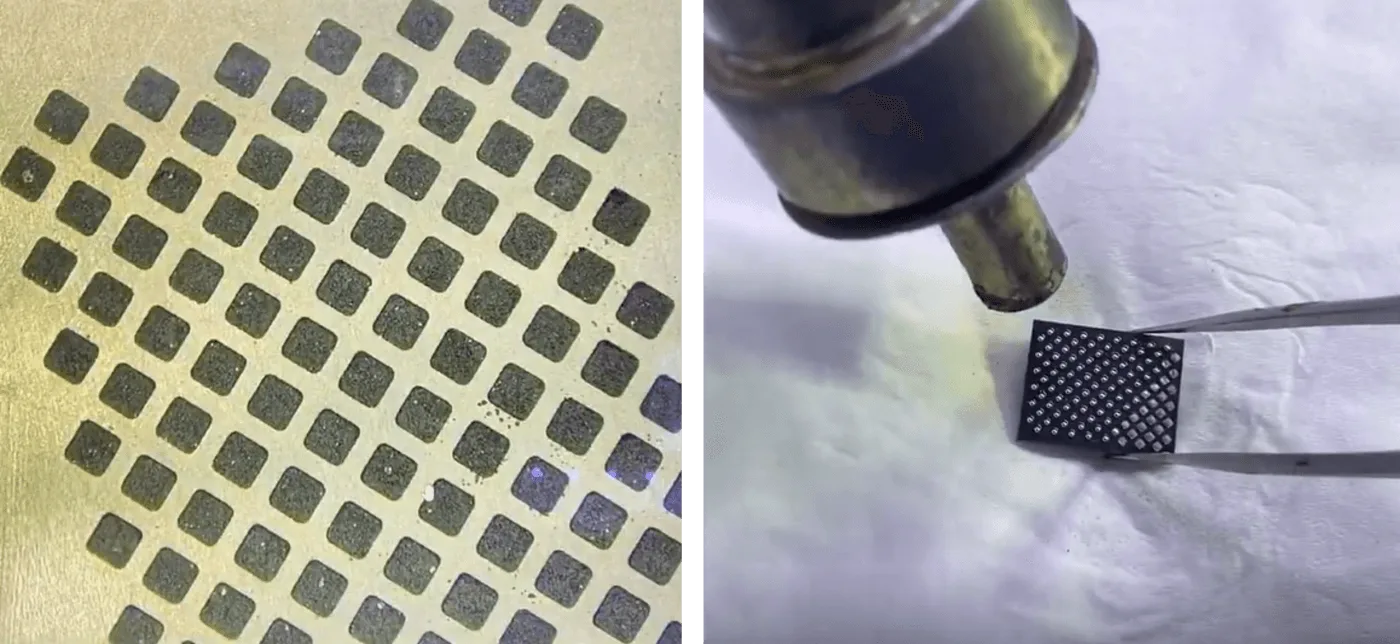
    • Sollevare delicatamente il chip NAND e reball le piastre per garantire connessioni pulite e senza intoppi.
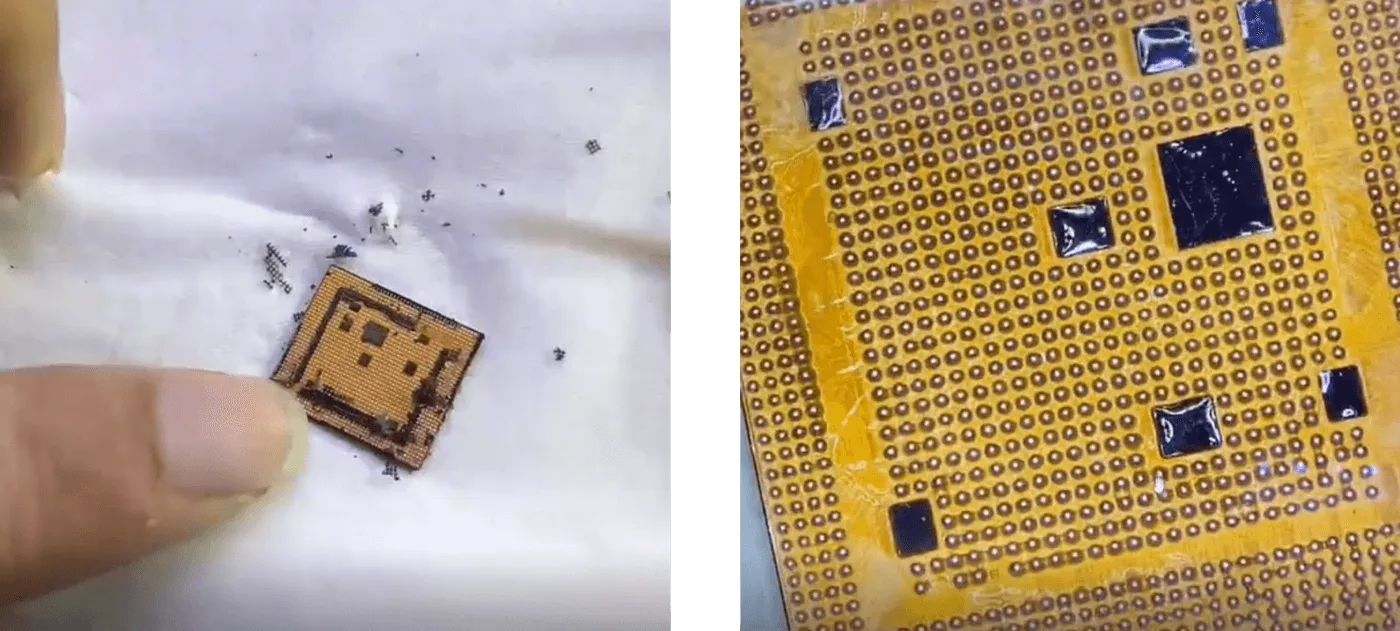
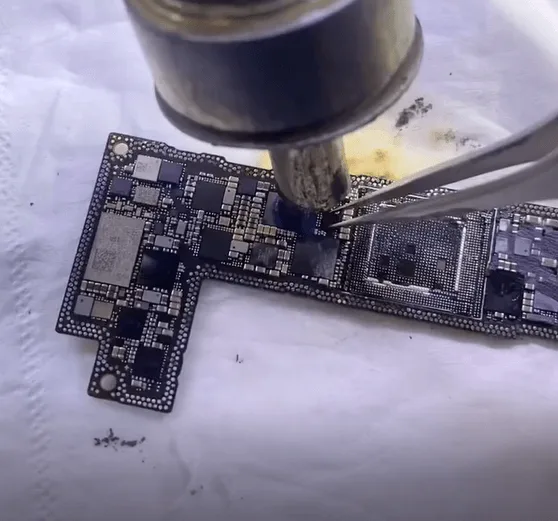
    • Ripetere la procedura per la CPU, rimuovendo con cura i residui di colla prima di reinserirla.

    Fase 3: Saldatura sulla scheda madre del donatore

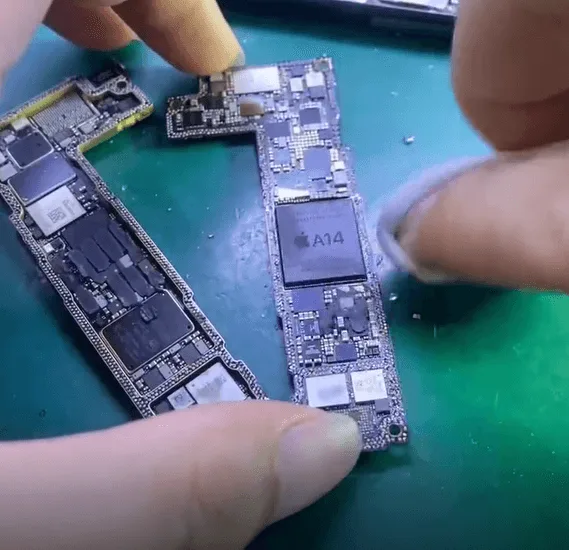
    • Allineare e saldare il chip NAND, la CPU e la EEPROM logica sulla scheda madre del donatore.
    • Assicurarsi che ogni cuscinetto sia pulito e correttamente posizionato per evitare errori di saldatura.
    chip agin nand
    pulire e posizionare il chip nand

    Fase 4: Verifica del processo di avvio

    • Attivare il processo di avvio utilizzando un comando solo scheda di segnale per verificare se la CPU e il chip NAND funzionano correttamente.
    • A corrente di avvio normale conferma l'avvenuto trasferimento del chip.
    scheda di segnale

    Passo 5: Trasferimento del modulo Wi-Fi per il backup dei dati

    Dal momento che il backup dei dati viene eseguito tramite Wi-Fi, l'originale modulo Wi-Fi criptato devono essere scambiati.

    • Riscaldare e rimuovere il chip del modulo Wi-Fi.
    • Pulito e reballare il modulo Wi-Fi prima di saldarlo sulla scheda madre del donatore.
    modulo wifi chip

    Passo 6: Riassemblaggio della scheda madre

    • Utilizzare un piattaforma di riscaldamento per ricombinare i due strati della scheda madre.
    riassemblaggio della scheda madre

    Fase 7: Assemblaggio finale e backup dei dati

    • Rimontate l'iPhone e assicuratevi che tutti i collegamenti siano saldi.
    • Accendere il dispositivo e connettersi al Wi-Fi per avviare il processo di backup dei dati.

    Strumenti e parti necessarie

    Conclusione:

    Riparare con successo un iPhone 12 Pro gravemente danneggiato preservando i dati richiede precisione, esperienza e gli strumenti giusti. Trasferendo con cura la NAND, la CPU e la EEPROM logica crittografate su una scheda madre donatrice, è possibile ripristinare il dispositivo, consentendo all'utente di recuperare dati importanti. Se volete affinare ulteriormente le vostre capacità di riparazione, visitate il sito Accademia REWA per una formazione dettagliata e tecniche di riparazione avanzate.

    Restate sintonizzati per ulteriori approfondimenti sulla riparazione dell'iPhone e per i consigli professionali di REWA!

  • iPhone 12 Pro non si avvia dopo una caduta - Guida al recupero dei dati e alla riparazione della scheda logica

    iPhone 12 Pro non si avvia dopo una caduta - Guida al recupero dei dati e alla riparazione della scheda logica

    Avete riscontrato un errore di avvio dopo aver fatto cadere l'iPhone 12 Pro? I danni da caduta sono una delle cause più comuni dell'impossibilità di avvio degli smartphone. In questa guida alla riparazione, vi guideremo attraverso il processo completo di rianimazione di un iPhone 12 Pro gravemente danneggiato che non si avvia a causa della rottura della scheda madre a doppio strato. Inoltre, vi mostreremo come recuperare i dati persi scambiando i chip criptati su una scheda donatrice, come ad esempio le foto insostituibili. Che siate tecnici professionisti o appassionati del fai-da-te, questo articolo offre uno sguardo approfondito sui metodi avanzati di riparazione della scheda logica.

    iPhone 12 Pro

    Panoramica del telefono

    Modello: iPhone 12 Pro

    Annunciato: 2020, 13 ottobre

    Ispezione dei danni:

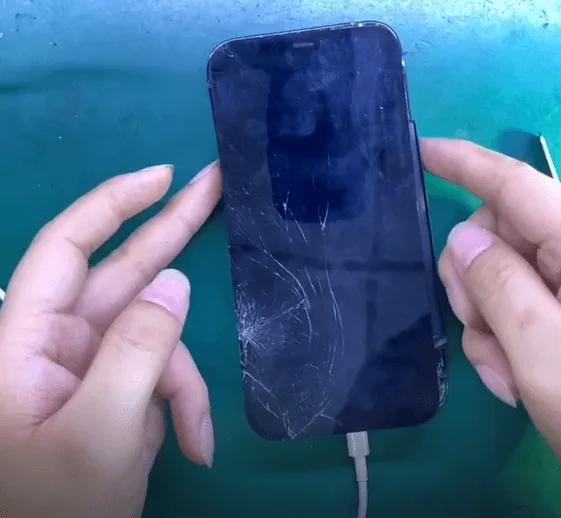
    Dopo la caduta, l'iPhone 12 Pro ha mostrato uno schermo e un vetro posteriore incrinati. Ulteriori informazioni sull'errore di avvio dell'iPhone 12 Pro. Il cliente aveva urgentemente bisogno di recuperare foto importanti dal dispositivo.

    Danni da caduta dell'iPhone 12 Pro

    Diagnosi iniziale:

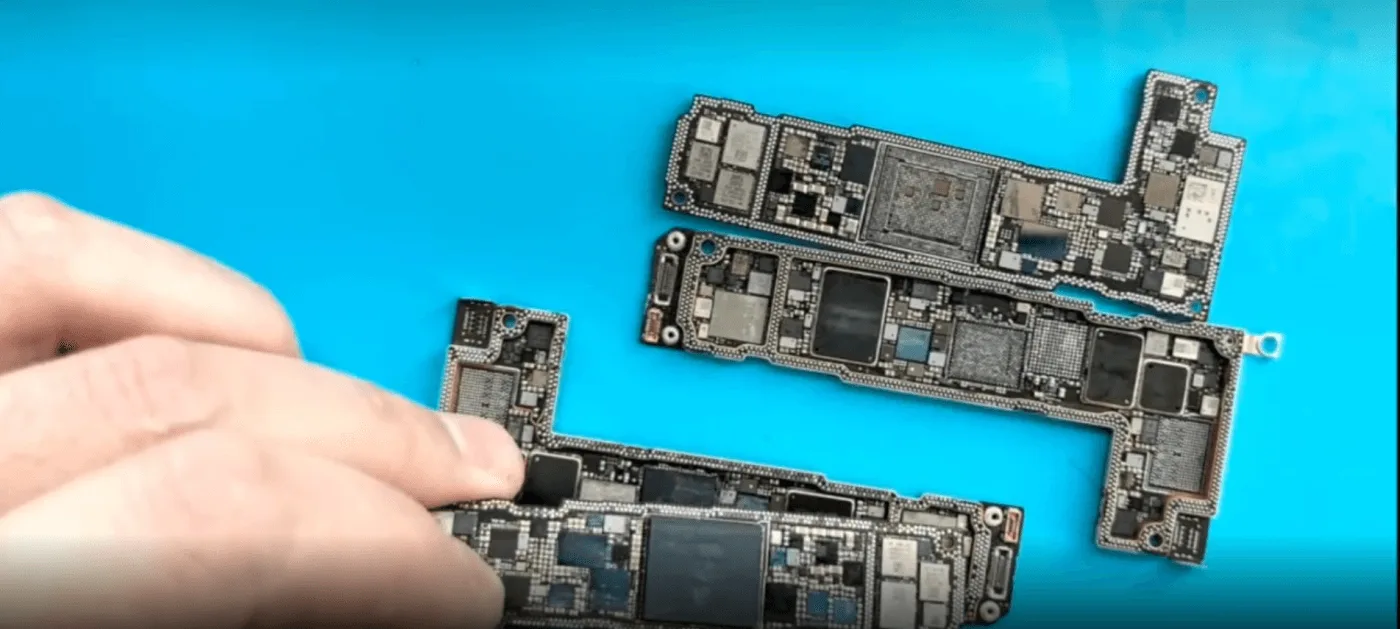
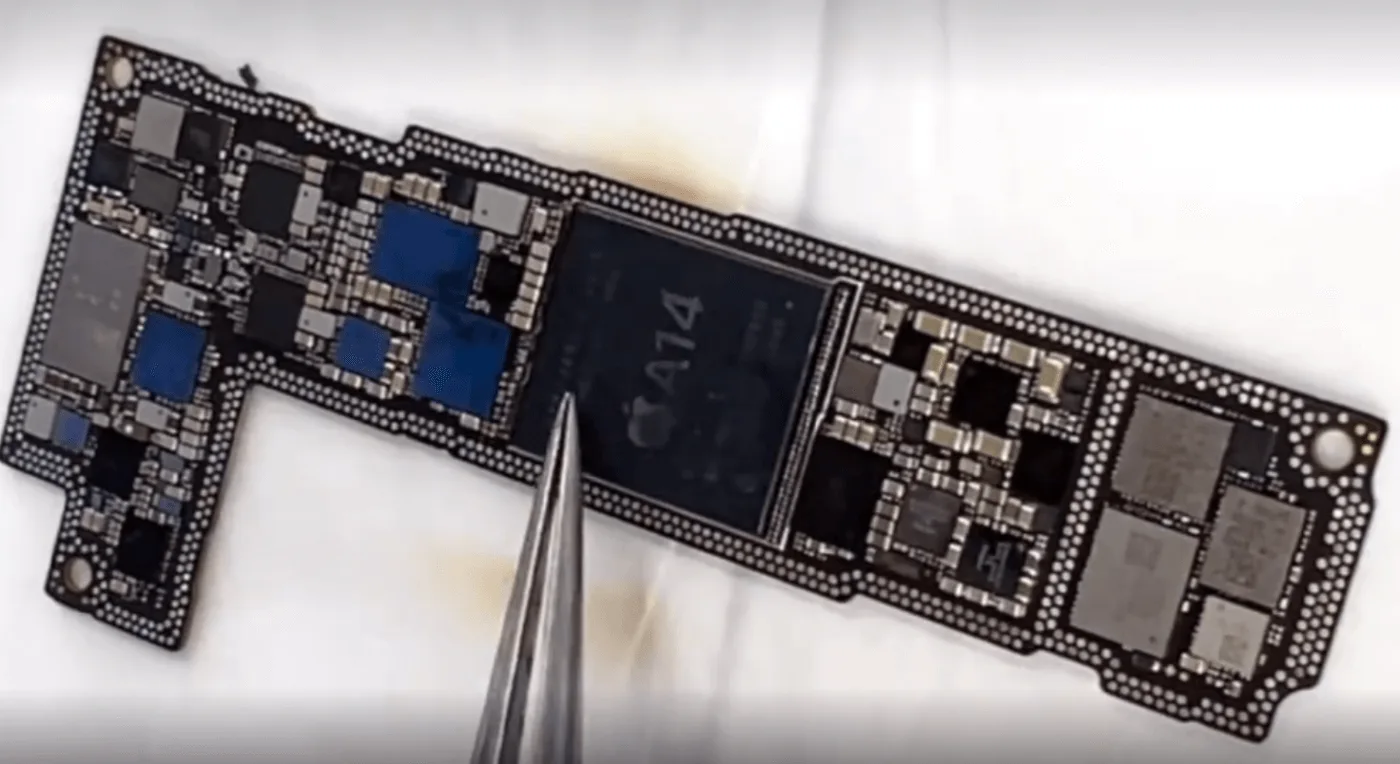
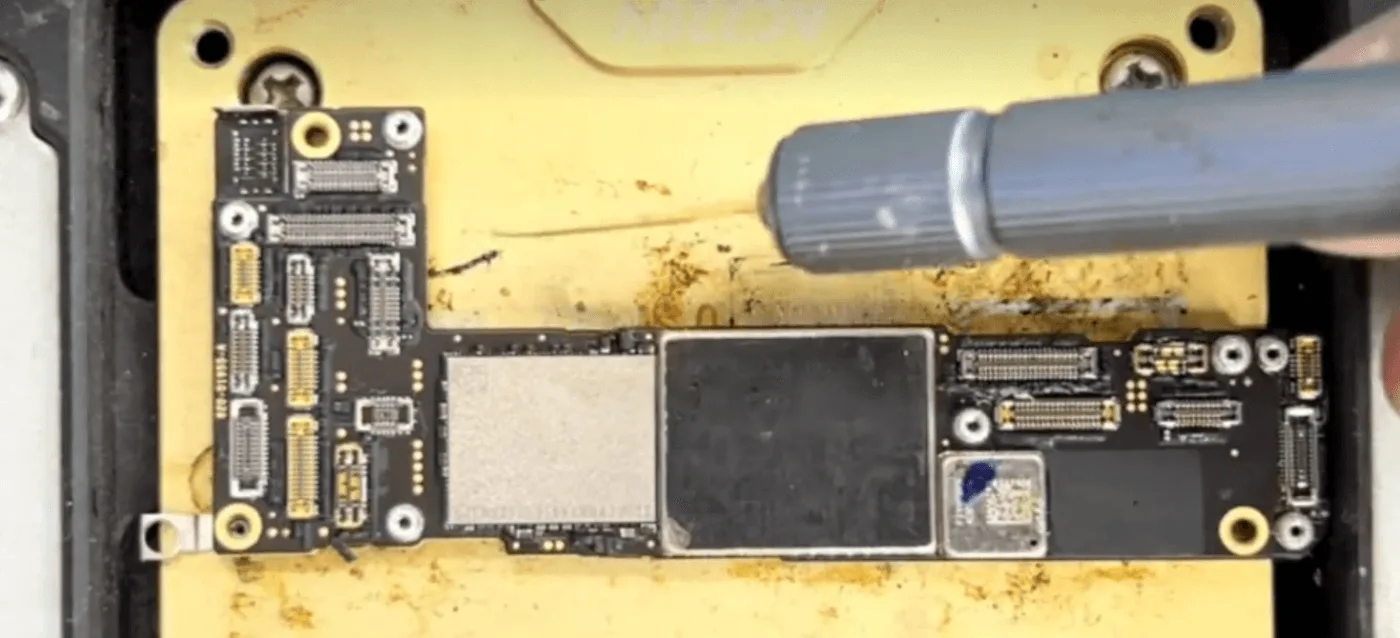
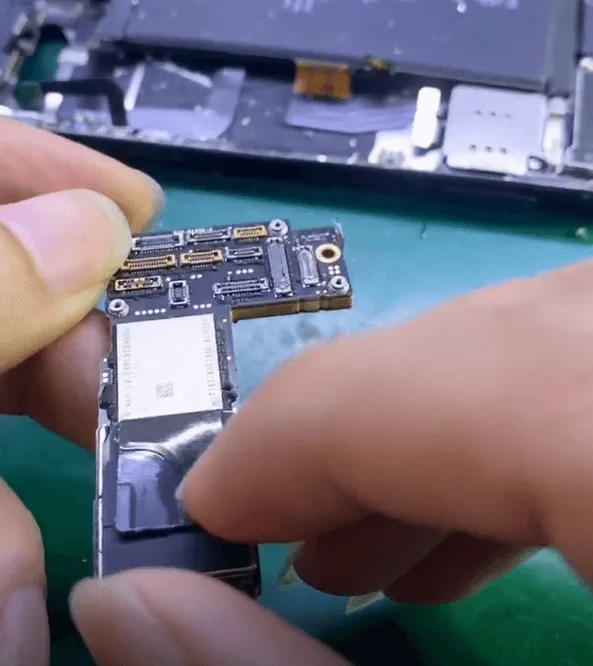
    Dopo aver smontato il telefono, è emerso chiaramente che la scheda madre a doppio strato era quasi separata a causa dell'impatto.

    iphone 12 pro boot failure drop data recovery logic board repair guide 3
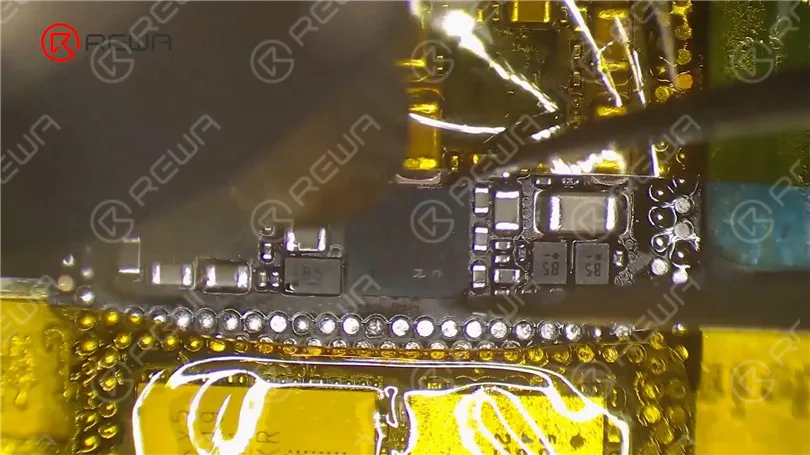
    • Rimosso l'adesivo protettivo sul chip NAND: visivamente intatto.
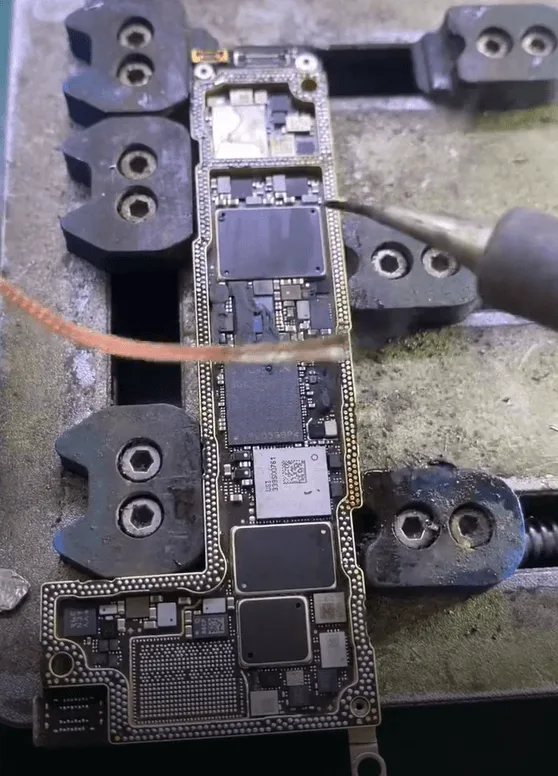
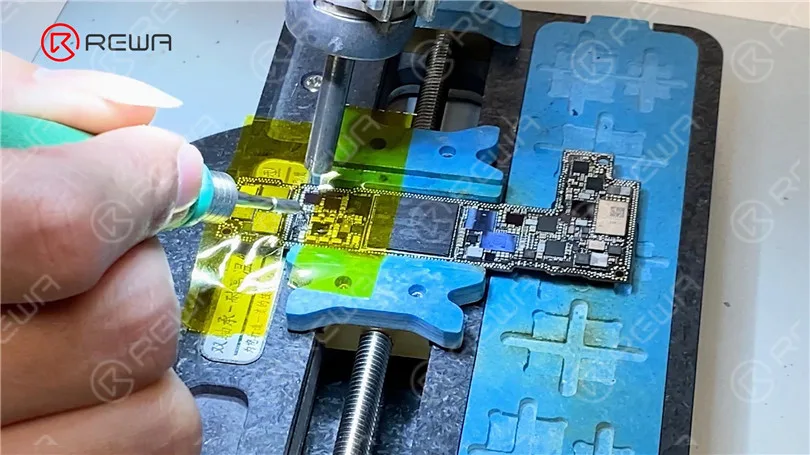
    • Riscaldare la scheda con un pistola ad aria calda e piattaforma di riscaldamento per separare accuratamente i due strati.

    Controllo delle condizioni del chip:

    • Dopo la separazione, entrambi i Il chip NAND e la CPU non hanno subito danni.
    • Tuttavia, è stato riscontrato un danno interno nell'area dei binari della scheda logica, che indica che la scheda è stata strutturalmente rotto e oltre il ripristino completo.
    iphone 12 pro boot failure drop data recovery logic board repair guide 6

    Processo di sostituzione dei chip per il recupero dei dati:

    Considerando che la scheda all'interno dei binari è incrinata e rotta, il recupero dei dati può essere effettuato scambiando il chip criptato con uno diverso.

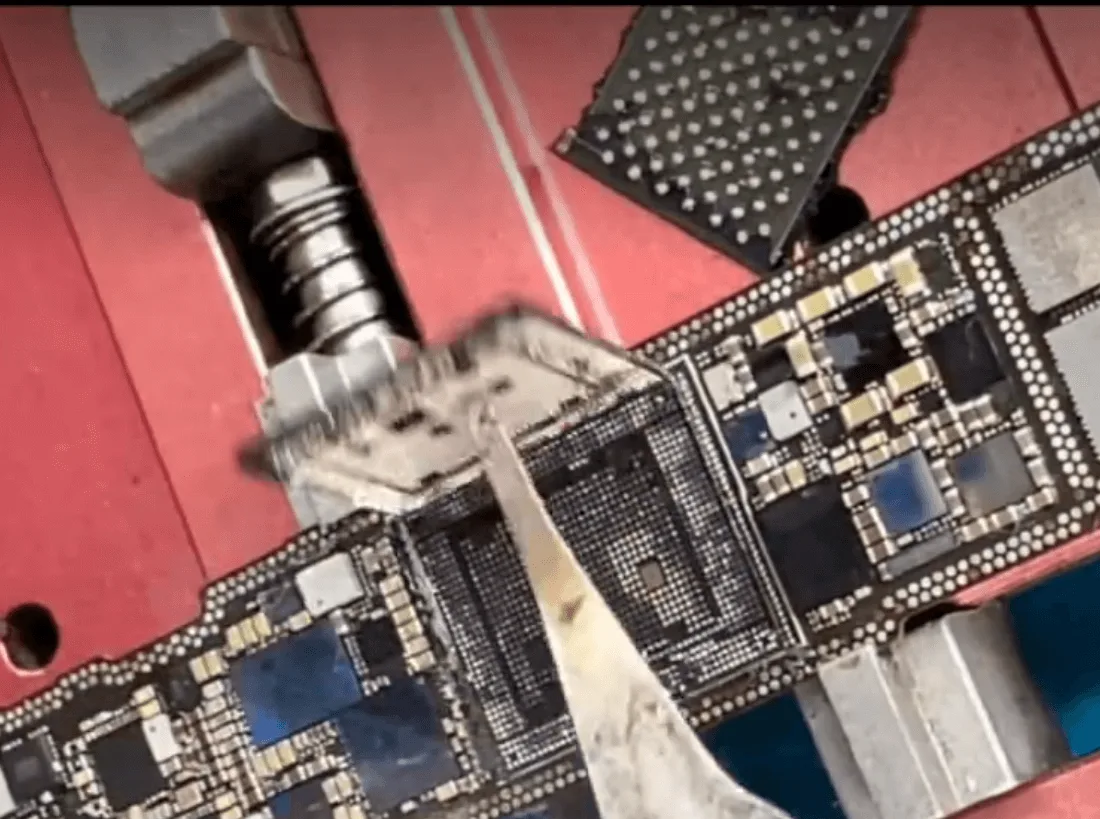
    Il primo passo consiste nel rimuovere con cura il chip NAND e la CPU.

    iphone 12 pro boot failure drop data recovery logic board repair guide 7
    iphone 12 pro boot failure drop data recovery logic board repair guide 8

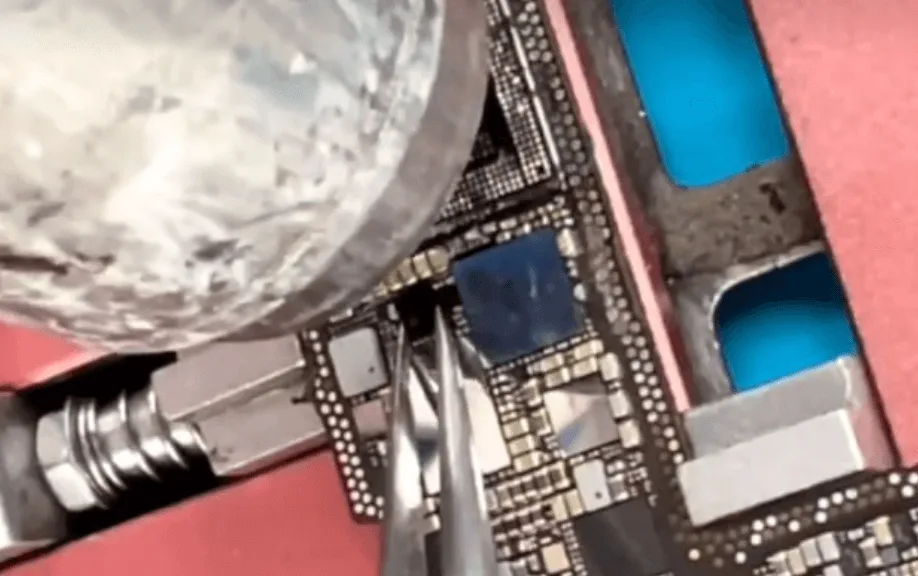
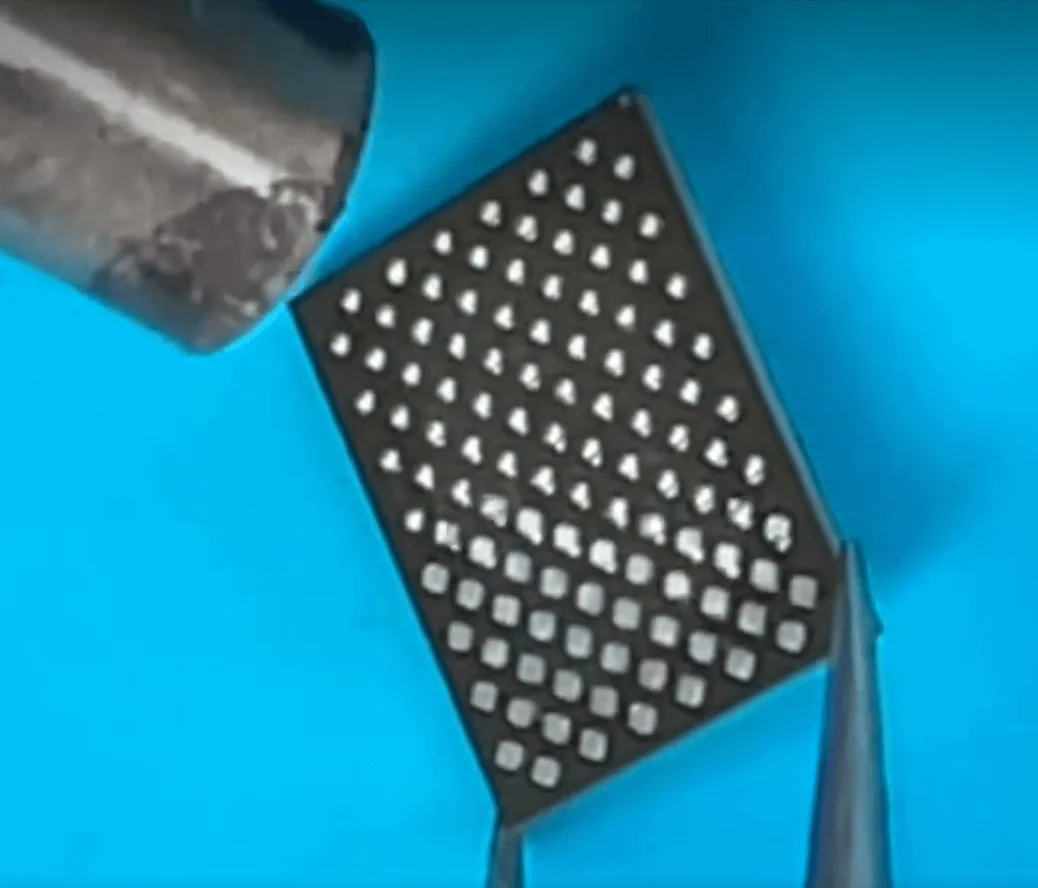
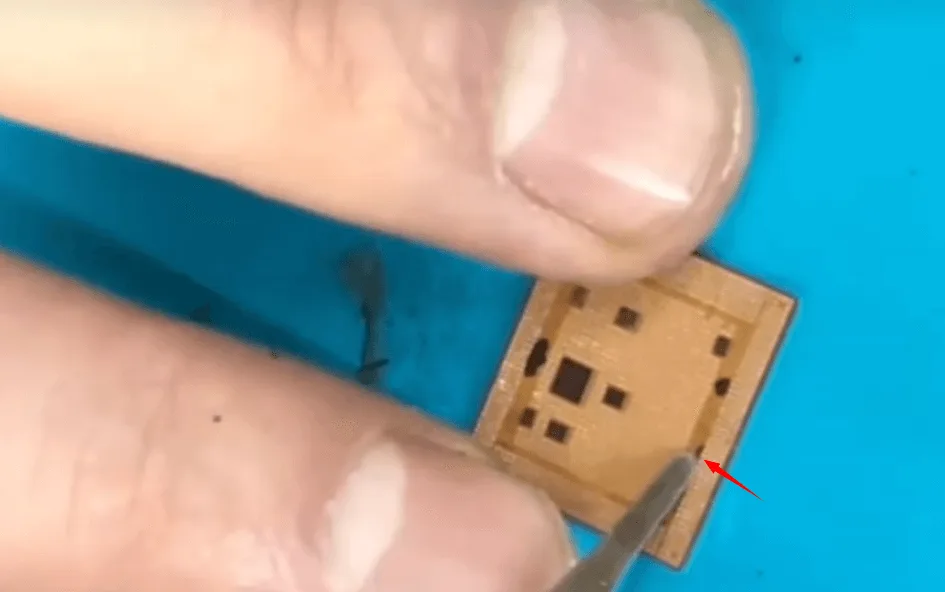
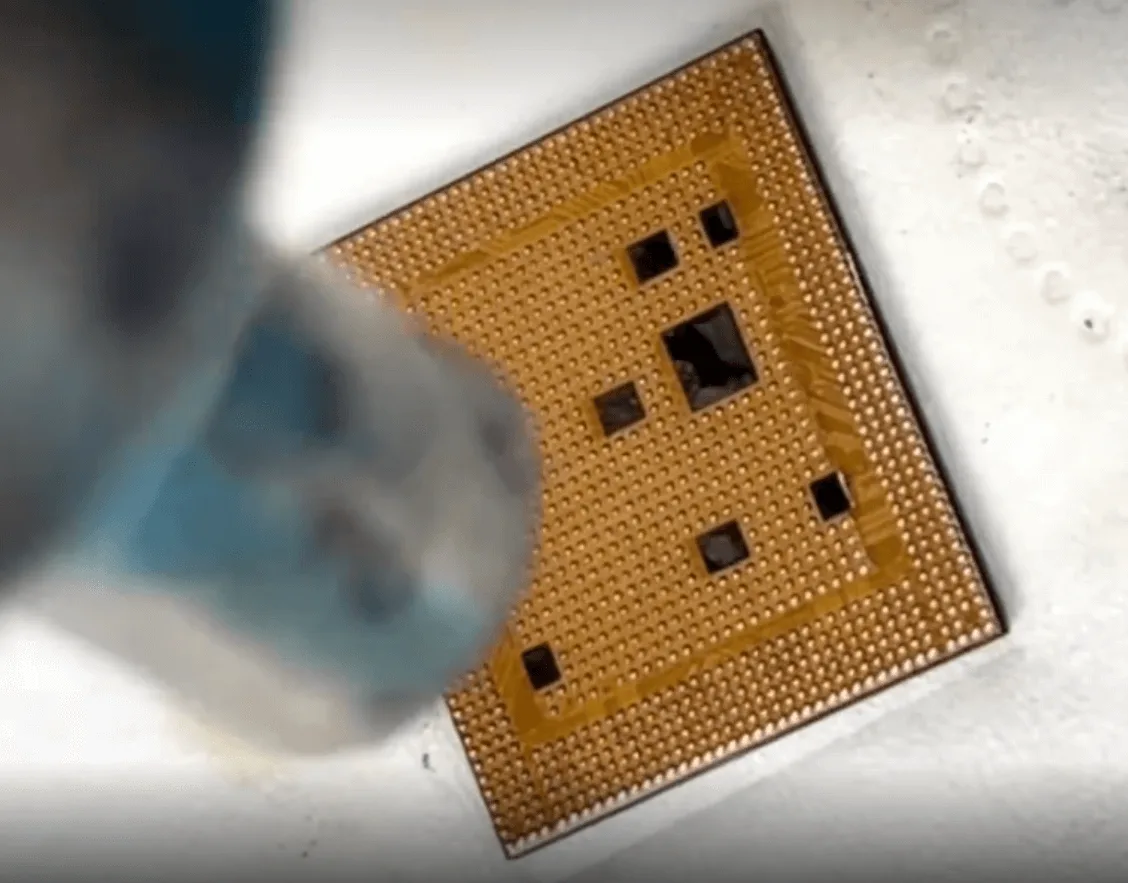
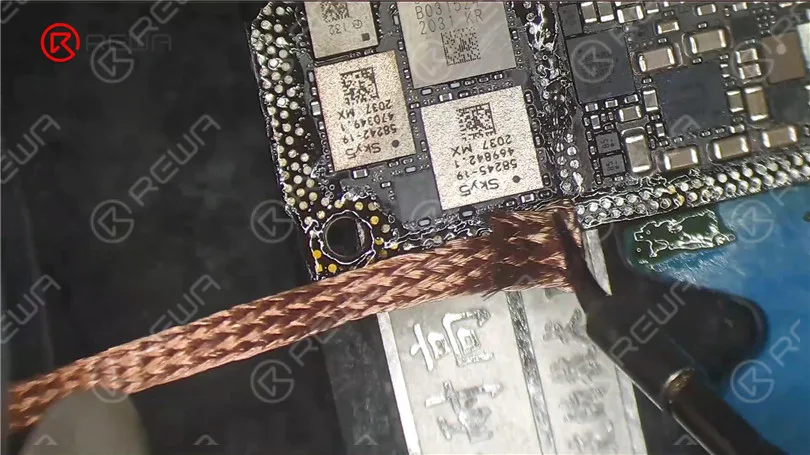
    Rimuovere la colla dai pad della CPU, quindi pulirli e reimpostarli.

    iphone 12 pro boot failure drop data recovery logic board repair guide 9

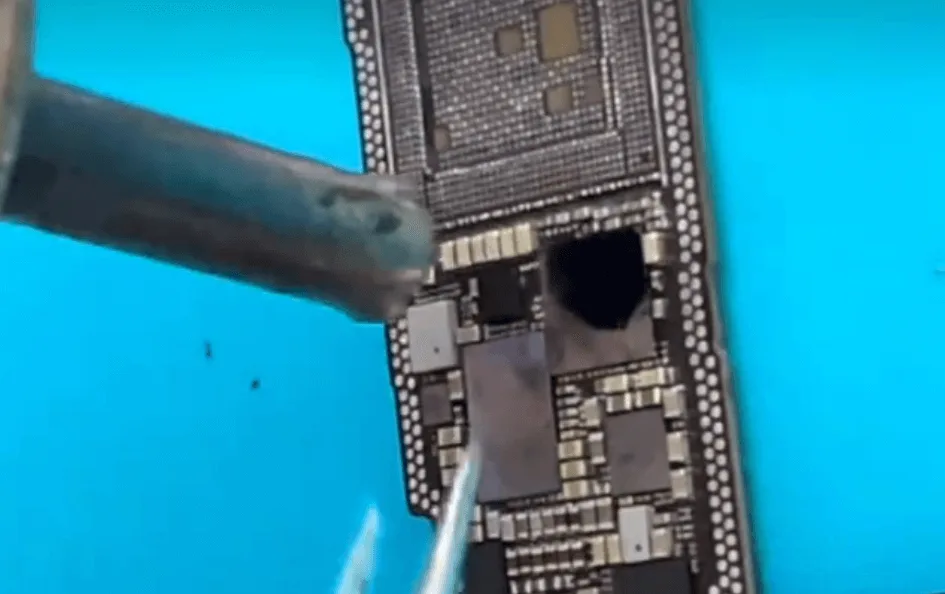
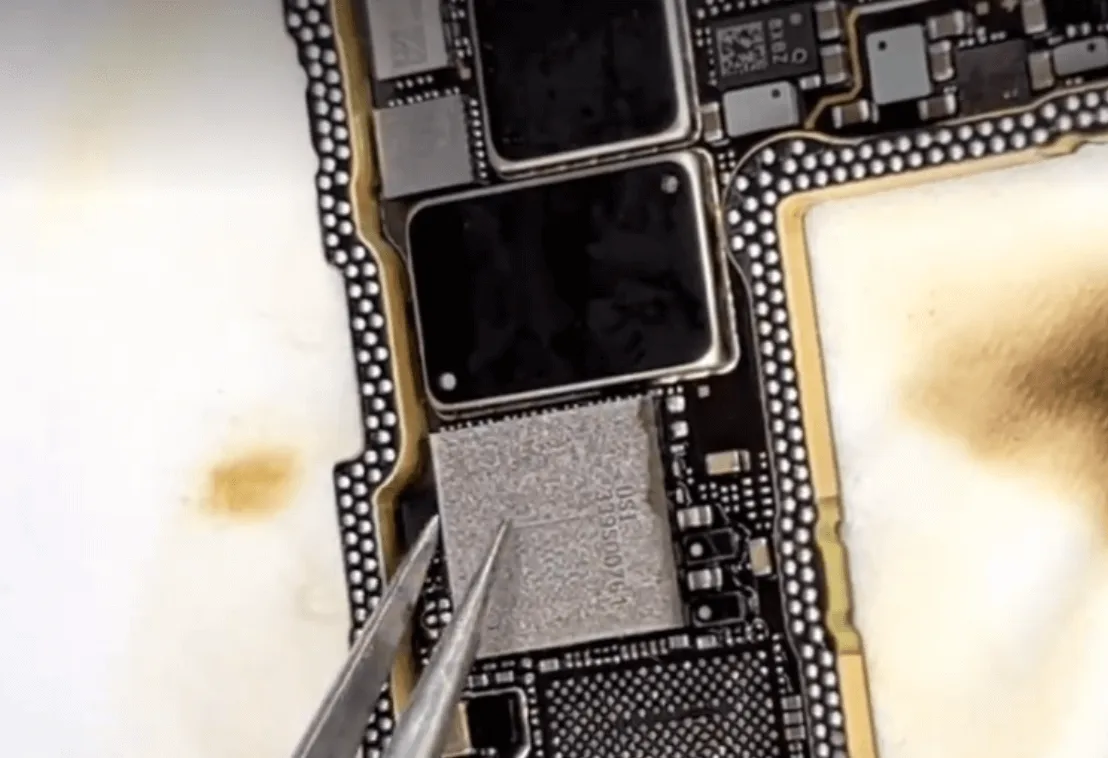
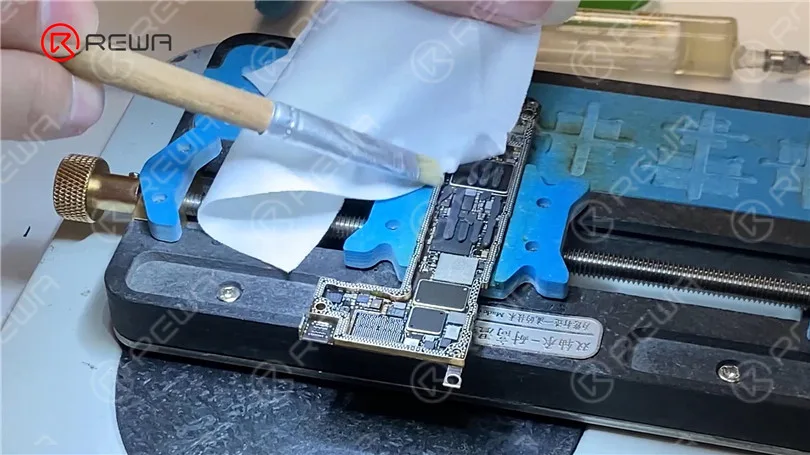
    Inoltre, pulire le piazzole sul chip NAND e reinserirlo utilizzando lo stencil, la pasta saldante e la pistola ad aria calda.

    iphone 12 pro boot failure drop data recovery logic board repair guide 10

    Abbiamo preparato i due chip più importanti.

    • Saldare la CPU sulla nuova scheda madre
    • Sostituzione della EEPROM logica (memorizza i dati di calibrazione/configurazione).

    Test della corrente di innesco:

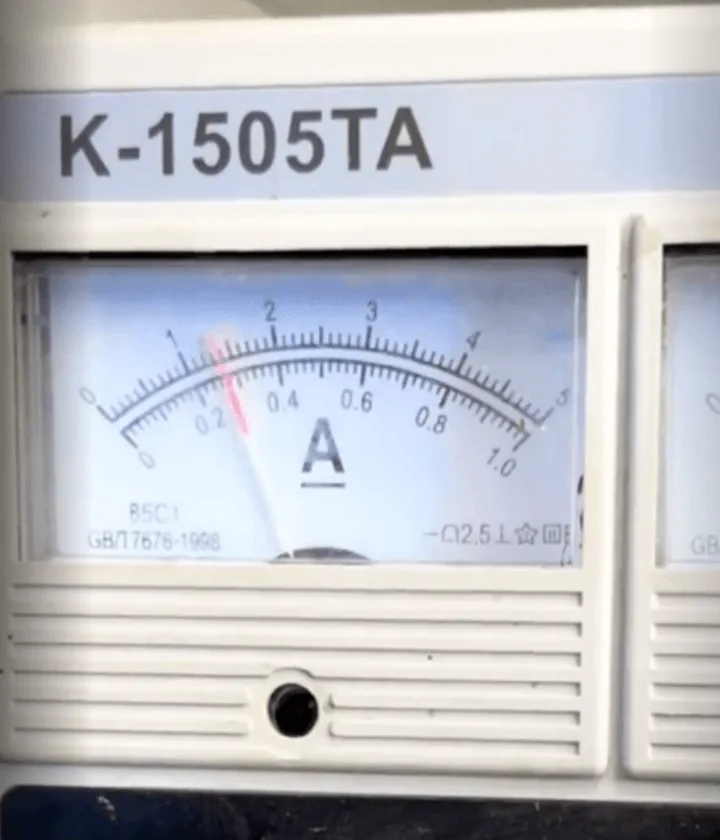
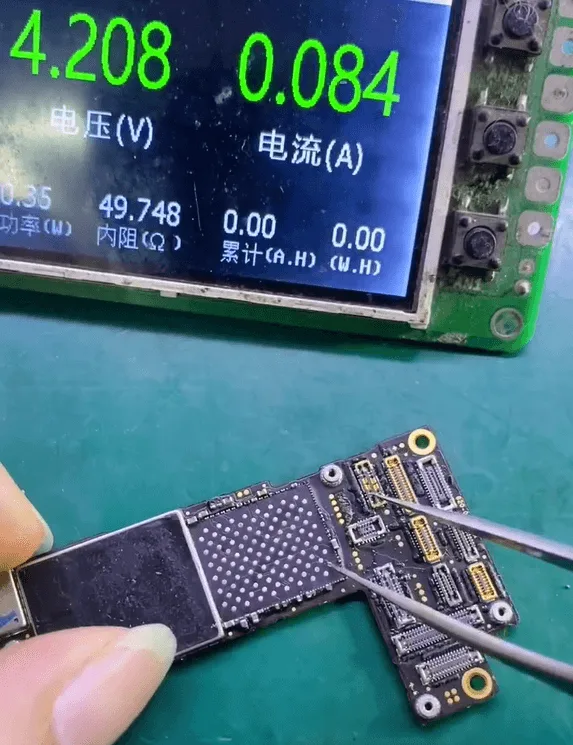
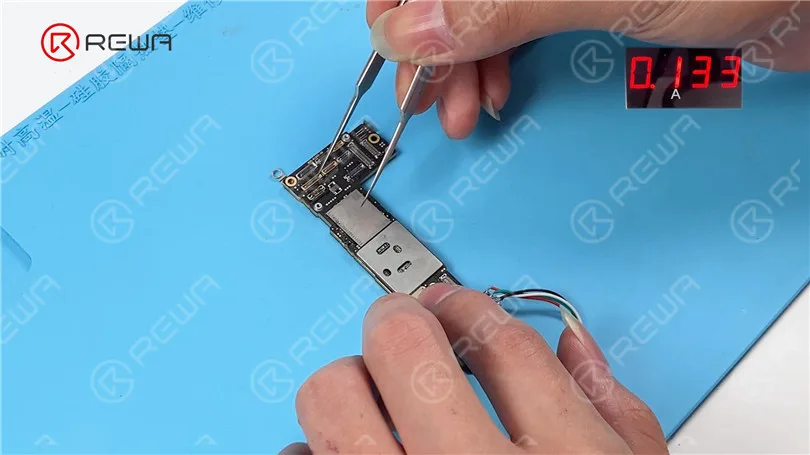
    • Ho testato la scheda senza il chip NAND installato.
    • Leggi un corrente di attivazione di 80mAche è coerente con la normale modalità DFU, un buon segno.

    Installazione della NAND e test di avvio:

    • Saldato il Ritorno del chip NAND sulla nuova scheda.
    • Ho assemblato e testato il dispositivo. Non si avviava comunque.
    • Sospetto cavo flessibile del molo danni. Ho testato nuovamente la scheda collegando solo la batteria e lo schermo.

    L'iPhone si è avviato correttamente.

    iphone 12 pro boot failure drop data recovery logic board repair guide 17

    Riparazione del pannello di segnalazione:

    • Ho riavviato e reinstallato il sistema CPU a banda base e Chip Wi-Fi sullo strato di banda base.
    • Pulite le pastiglie del telaio e incollare nuovamente i due strati della scheda madre insieme.

    Test finale:

    Dopo aver riassemblato l'iPhone 12 Pro:

    • Tutte le funzioni sono state testate e superate.
    • È stato necessario sostituire solo lo schermo.
    • Il telefono è stato ripristinato con successo.recupero dati completo e operativo. Un vero "resurrezione di sangue pieno".
    iphone 12 pro boot failure drop data recovery logic board repair guide 20

    Strumenti e parti utilizzati:

    Strumenti:

    Parti:

    • Scheda madre di iPhone 12 Pro
    • Schermo di ricambio
    • Cavo flessibile del dock (se danneggiato)
    • Cuscinetti termici (se necessari)

    Termini tecnici:

    • Scheda madre a doppio strato: La scheda logica dell'iPhone 12 Pro è composta da due strati saldati insieme, uno che gestisce l'elaborazione del segnale (strato logico) e l'altro che gestisce l'alimentazione e i segnali RF (strato baseband).
    • Chip NAND: Il chip di memoria flash che contiene i dati dell'utente, come foto e applicazioni.
    • CPU (Unità di elaborazione centrale): Il chip di elaborazione principale del telefono. Negli iPhone, contiene dati crittografati legati alla NAND.
    • Reballing: Un processo in cui si applicano nuove sfere di saldatura a un chip per consentirne la saldatura su un'altra scheda.
    • Modalità DFU (Aggiornamento del firmware del dispositivo): Una modalità di recupero che consente la comunicazione tra il telefono e un computer anche quando il telefono non si avvia normalmente.
    • CPU a banda larga: Controlla la comunicazione cellulare. Deve essere abbinato e reinserito in caso di scambio.

    Conclusione:

    Un danno fisico non sempre significa la fine del vostro iPhone 12 Pro, soprattutto se sono in gioco dati importanti. Con abilità avanzate di microsaldatura e gli strumenti giusti, è possibile scambiare chip criptati critici come la CPU e la NAND su una nuova scheda madre, recuperando la piena funzionalità e preservando i dati dell'utente. Per i professionisti e gli esperti del fai-da-te, questa riparazione mette in evidenza l'importanza della precisione, della pazienza e di una solida conoscenza dell'architettura della scheda logica dell'iPhone.

  • iPhone 12 vs. iPhone 12 Pro: Parts Swapping Test by REWA LAB

    iPhone 12 vs. iPhone 12 Pro: Parts Swapping Test by REWA LAB

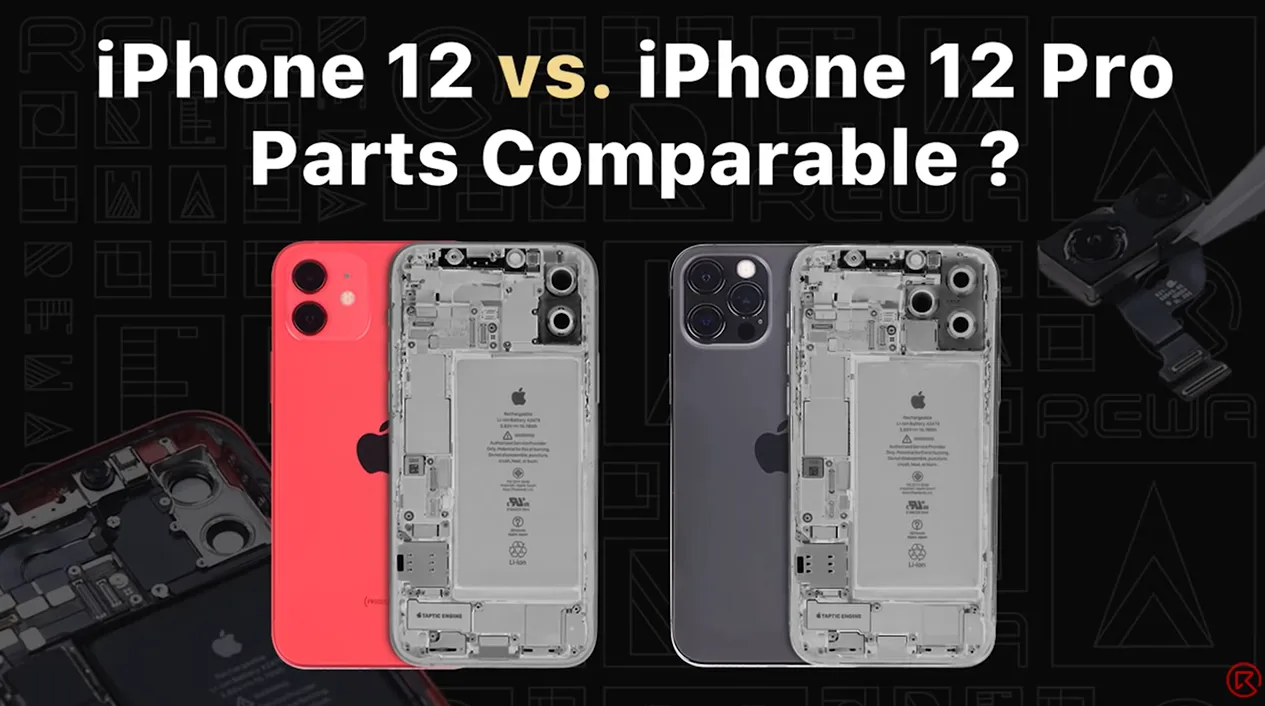
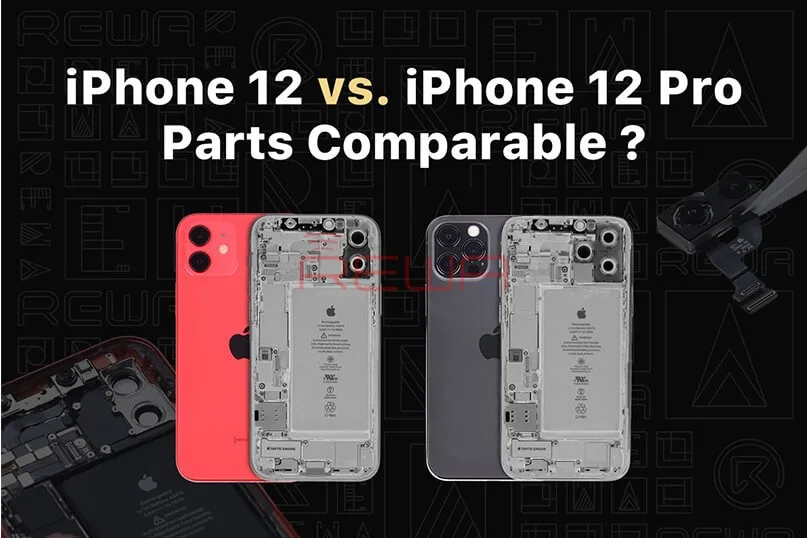
    Recently, REWA LAB found that interior structure and appearance of iPhone 12 and iPhone 12 Pro look very similar after teardown. Therefore, REWA technicians tried to swap some parts of the two models to test if they can be functionally interchangeable. Want to find out the test result? Watch this video and you will know!

  • iPhone 12 vs. iPhone 12 Pro: Parts Swapping Test by REWA LAB

    iPhone 12 vs. iPhone 12 Pro: Parts Swapping Test by REWA LAB

    REWA LAB, renowned for its meticulous teardowns and in-depth analysis of electronic devices, recently conducted a fascinating experiment. In a bid to explore the similarities and potential functional interchangeability between the iPhone 12 and iPhone 12 Pro, REWA technicians embarked on an intricate parts-swapping test.

    In this blog post, we will delve deeper into the findings of this groundbreaking experiment and present you with an insightful analysis of the similarities and potential functional compatibility between the iPhone 12 and iPhone 12 Pro. Stay tuned for a comprehensive breakdown of the experiment’s outcomes, giving you a deeper understanding of these cutting-edge smartphones.
    iPhone 12 vs. iPhone 12 Pro: Parts Swapping Test by REWA LAB
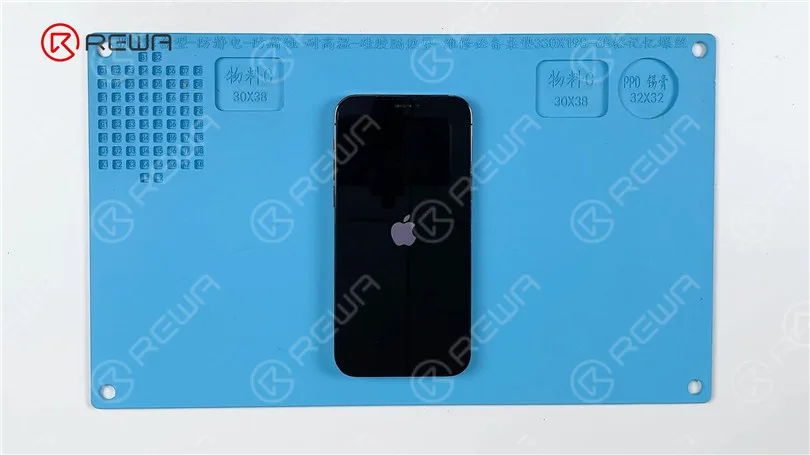
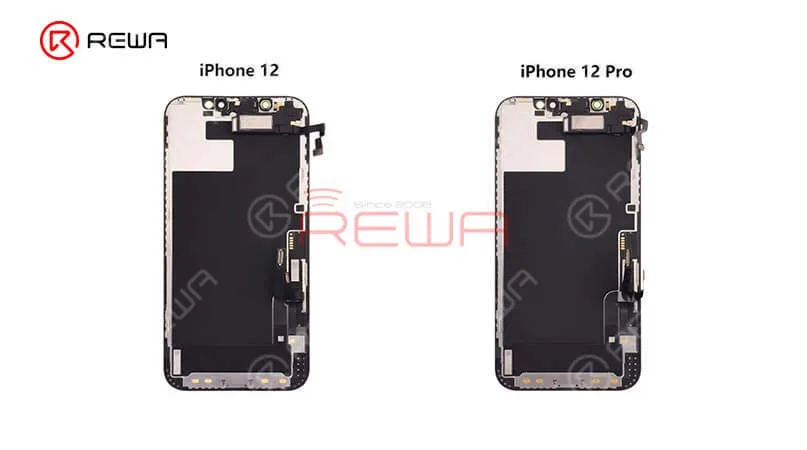
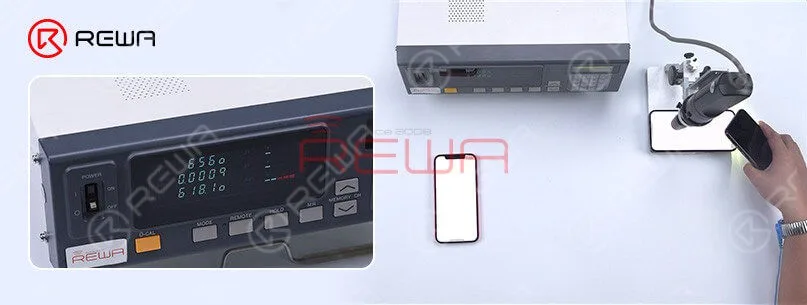
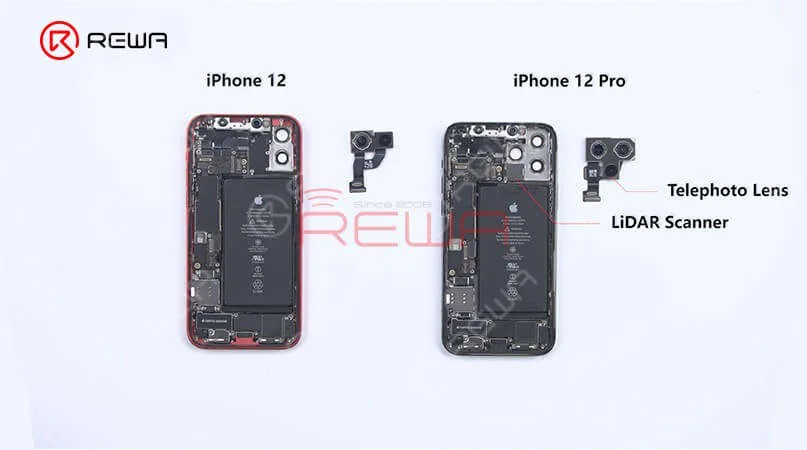
    The iPhone 12 and iPhone 12 Pro differ in several ways. Notably, the iPhone 12 has one less camera compared to the iPhone 12 Pro. Official information reveals that the maximum brightness of the iPhone 12 is 625 nits, whereas the iPhone 12 Pro boasts a higher maximum brightness of 800 nits. Testing confirms these findings, indicating that the iPhone 12 reaches a maximum brightness of 625 nits, while the iPhone 12 Pro achieves 800 nits. This variance in brightness could be attributed to factors such as the screen or the motherboard.
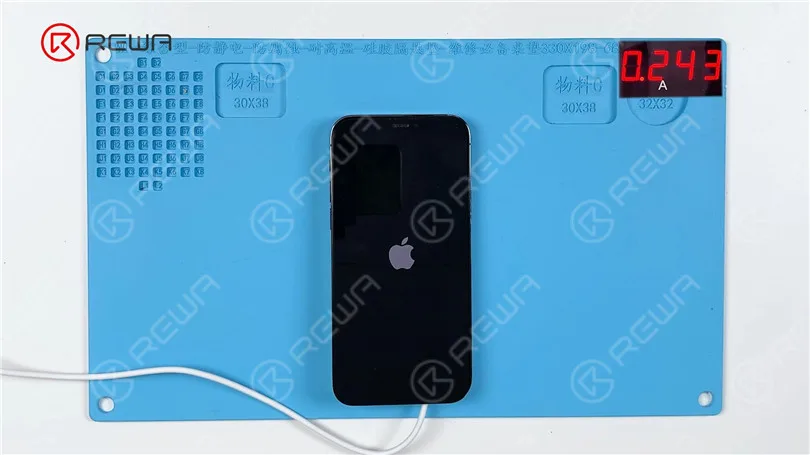
    One of the most identical difference is that iPhone 12 have one less camera. According to official information, the max brightness of the iPhone 12 is 625 nits while the max brightness of the iPhone 12 Pro is 800 nits. After the test by found the max brightness of the iPhone 12 is 625 nits while the iPhone 12 Pro is 800 nits. The reason may be related to the screen or the motherboard.

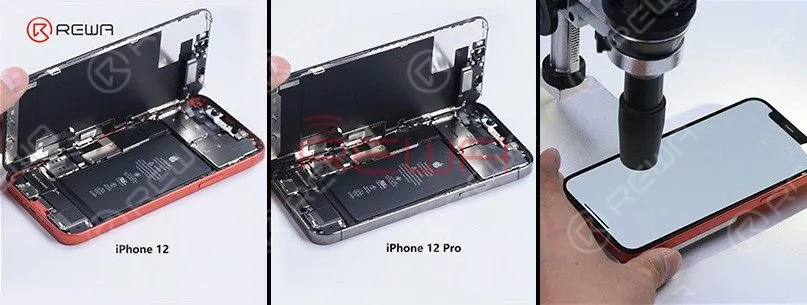
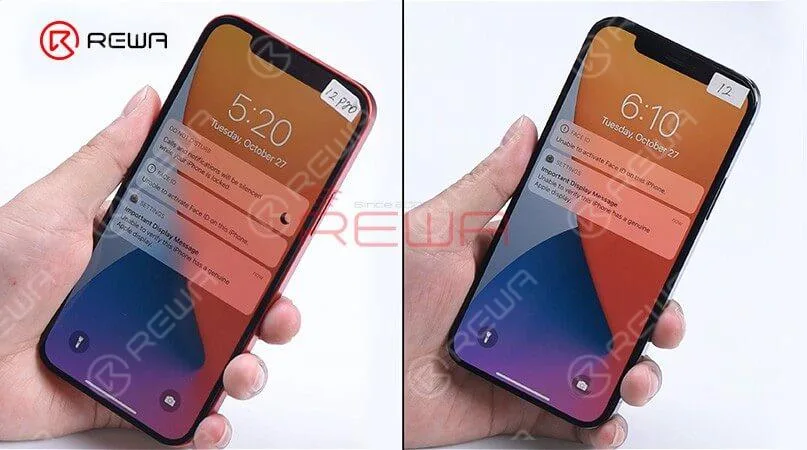
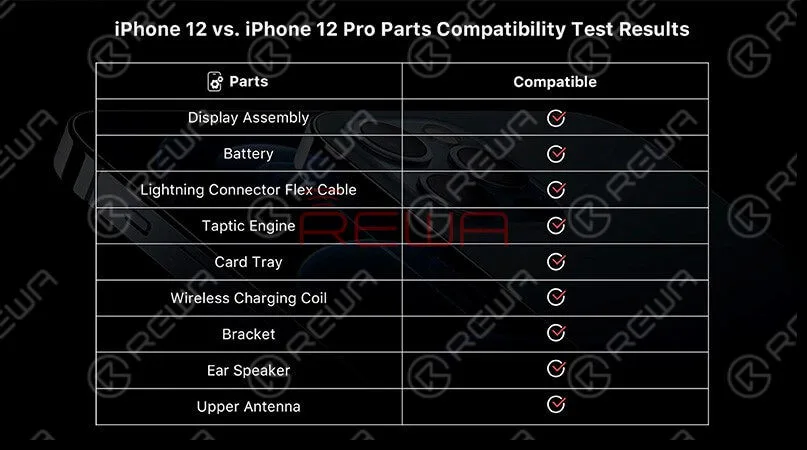
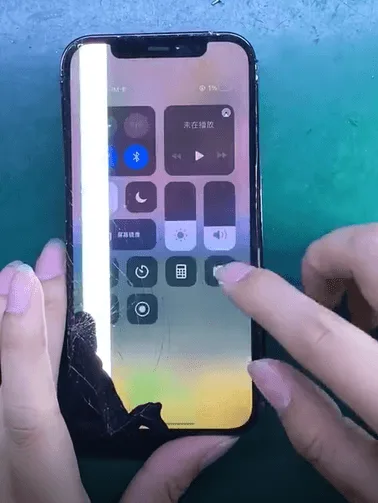
    Lift the screen and we can find the interior parts of the iPhone 12 and iPhone 12 Pro are arranged basically in the same way except for the rear camera bracket. Remove the display, we can see that the displays and flex cables have the same look. Now, swap two screens, assembly the phone, and start testing. Boot up and the screen works well. “Important display message” and “Unable to activate Face ID on the iPhone” pops up which indicates that the display has encrypted IC. 3D Touch and touch function work well while the “True Tone” function lost. Test distance sensor on the ear speaker flex and ambient light sensor on the ear speaker and all function works normally. These tests prove that sensors on the ear speaker are interchangeable except for the encrypted flood illuminator of the Face ID module. The max brightness of iPhone 12 Pro becomes 809nits with iPhone 12’s display while the ma brightness of iPhone 12 becomes 618 nits with iPhone 12 Pro’s display. It can be seen that the max brightness of the two models not related to the display. The reason may be related to the motherboard or iOS system. Generally, the two models’ displays are interchangeable.

    These tests prove that sensors on the ear speaker are interchangeable except for the encrypted flood illuminator of the Face ID module. The max brightness of iPhone 12 Pro becomes 809nits with iPhone 12’s display while the ma brightness of iPhone 12 becomes 618 nits with iPhone 12 Pro’s display. It can be seen that the max brightness of the two models not related to the display. The reason may be related to the motherboard or iOS system. Generally, the two models’ displays are interchangeable.
    These tests prove that sensors on the ear speaker are interchangeable except for the encrypted flood illuminator of the Face ID module. The max brightness of iPhone 12 Pro becomes 809nits with iPhone 12’s display while the ma brightness of iPhone 12 becomes 618 nits with iPhone 12 Pro’s display. It can be seen that the max brightness of the two models not related to the display. The reason may be related to the motherboard or iOS system. Generally, the two models’ displays are interchangeable.

    Moving to other internal parts, we can find two models’ speakers have the same look and size as well. Two Tactic Engines present the same appearance and size. After the swapping of Tactic Engines, the vibration function works well. Let’s see what will happen after the battery swaps. “Important battery message” pops up which indicates that BMS used in battery feature an encrypted IC. However, the phone still can charge normally.

    Moving to other internal parts, we can find two models’ speakers have the same look and size as well. Two Tactic Engines present the same appearance and size. After the swapping of Tactic Engines, the vibration function works well. Let’s see what will happen after the battery swaps. “Important battery message” pops up which indicates that BMS used in battery feature an encrypted IC. However, the phone still can charge normally.

    Next, let’s take a look at the lightning connector flex cable. The appearance of both is the same. After the swapping test, we find recording function and charging function all work normally.Finally, we found that in addition to the camera and the motherboard, almost all parts of the iPhone 12 and iPhone 12 pro are compatible.

     Next, let’s take a look at the lightning connector flex cable. The appearance of both is the same. After the swapping test, we find recording function and charging function all work normally.Finally, we found that in addition to the camera and the motherboard, almost all parts of the iPhone 12 and iPhone 12 pro are compatible.
     Next, let’s take a look at the lightning connector flex cable. The appearance of both is the same. After the swapping test, we find recording function and charging function all work normally.Finally, we found that in addition to the camera and the motherboard, almost all parts of the iPhone 12 and iPhone 12 pro are compatible.

    For high-quality iPhone parts and repair tools, please visit the Negozio REWA. REWA empowers your repair business by offering selected high-quality parts for iPhone.