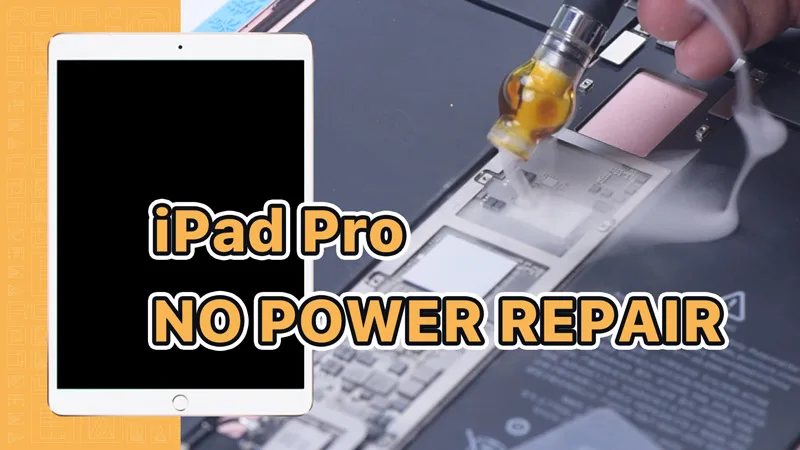
Have you encountered the disheartening situation of finding your beloved iPad Pro damaged by water and not working properly? Whether you mistakenly dropped it in the bathtub or spilled water on it, we’re here to assist you. This blog post provides precise details and proven methods to recover your water-damaged iPad Pro.
Initial Troubleshooting:
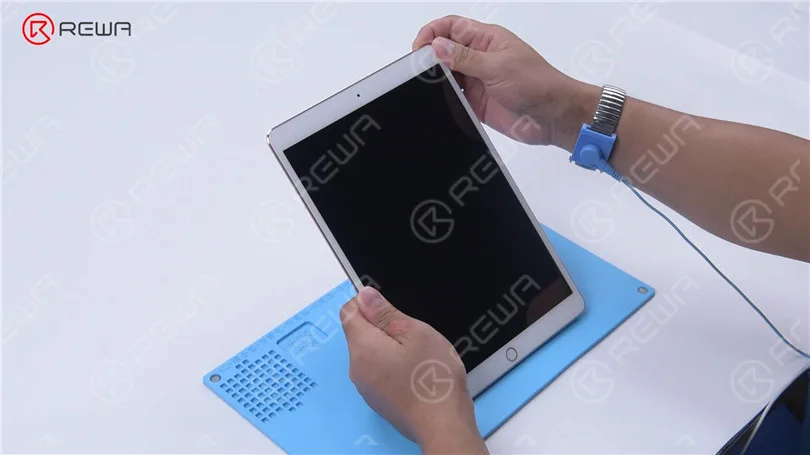
- When your iPad Pro won’t turn on due to water damage, try pressing the power button.
- If it still doesn’t power on, connect it to a power supply and check for signs of life.

Disassembly and Heating
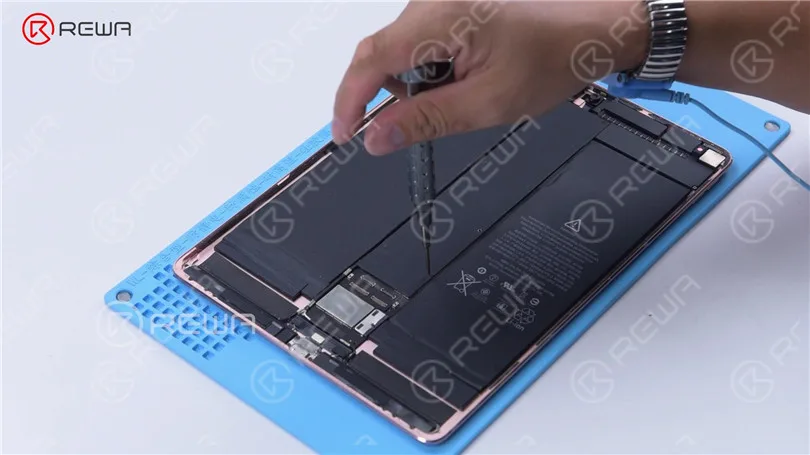
To begin the repair process, you’ll need to disassemble the iPad Pro.
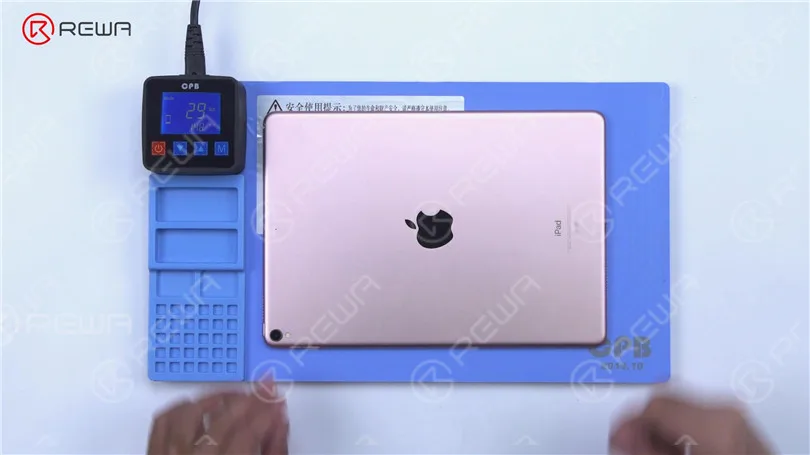
Place the iPad Pro on a cuscinetto riscaldante and heat it to approximately 70°C. Carefully separate the screen using a pry tool, paying attention to the angle and direction to avoid damaging flex cables.

Motherboard Inspection
Remove screws from the shielding cover with a screwdriver and detach the shielding cover.
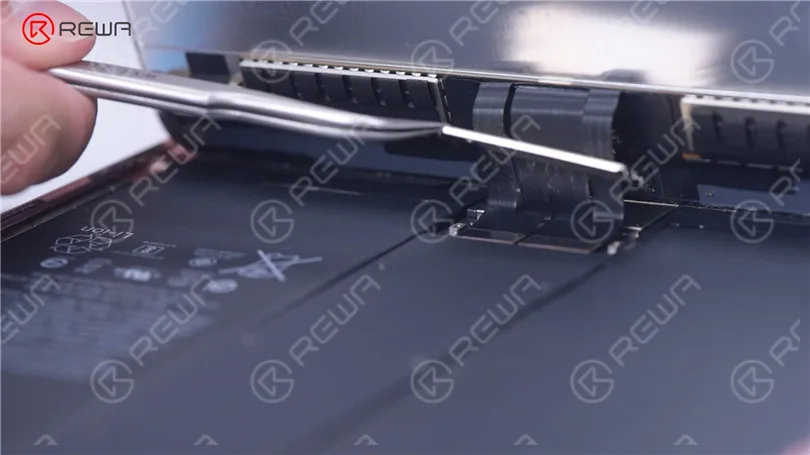
Disconnect flex cables and proceed to remove screws from the motherboard’s shielding cover.
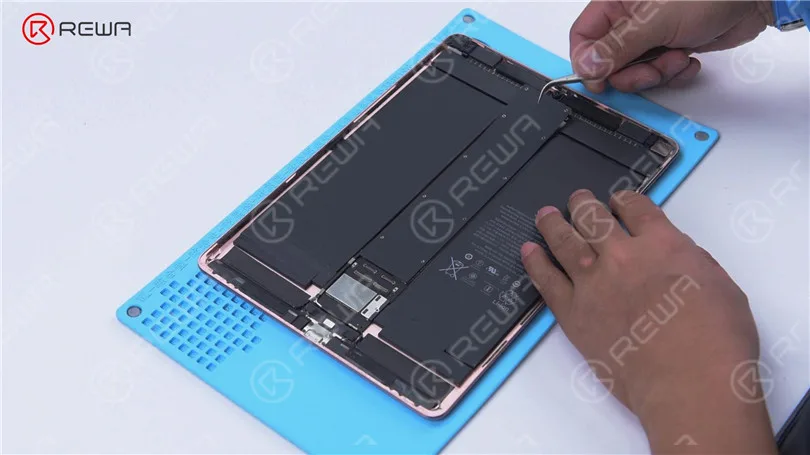
Inserire un Strumento per fare leva between the battery and the motherboard and disconnect the battery.
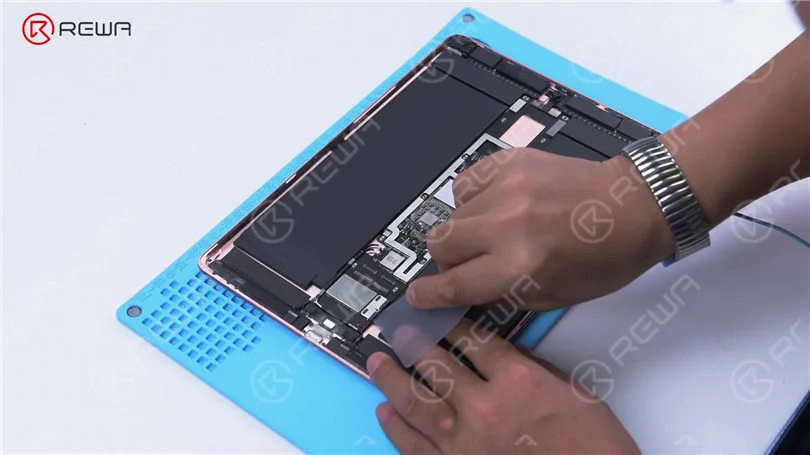
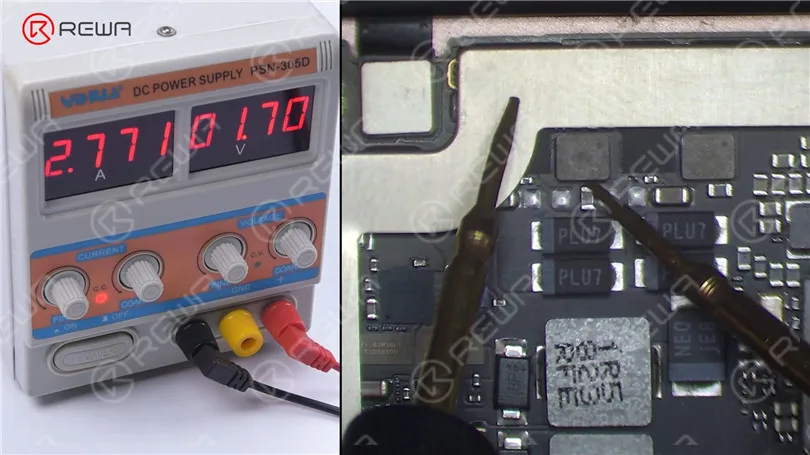
Check the motherboard’s boot current; it should be normal when powered with a direct current supply.
Identifying the Short Circuit
If the boot-up hasn’t been triggered and the current jumps to 2.7 A, there’s likely a short circuit in the main power supply circuit.
Measure the diode values of the main power supply circuit using a multimeter. A normal diode value is around 534 ohms.
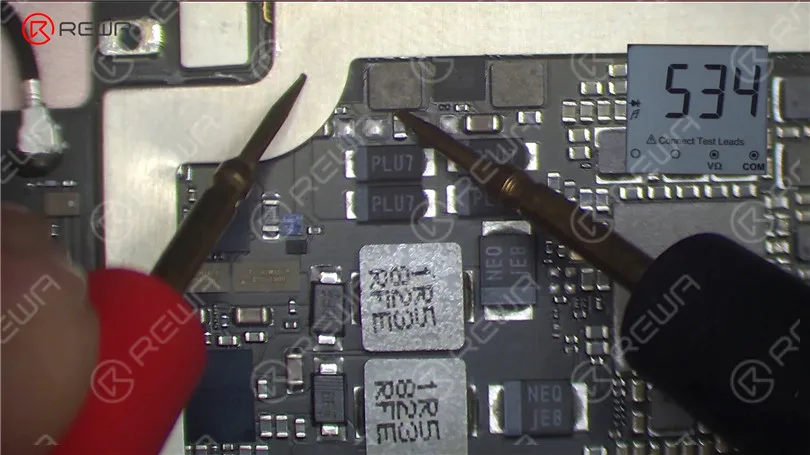
Look for nearby capacitors with diode values of 0; this indicates a short circuit.
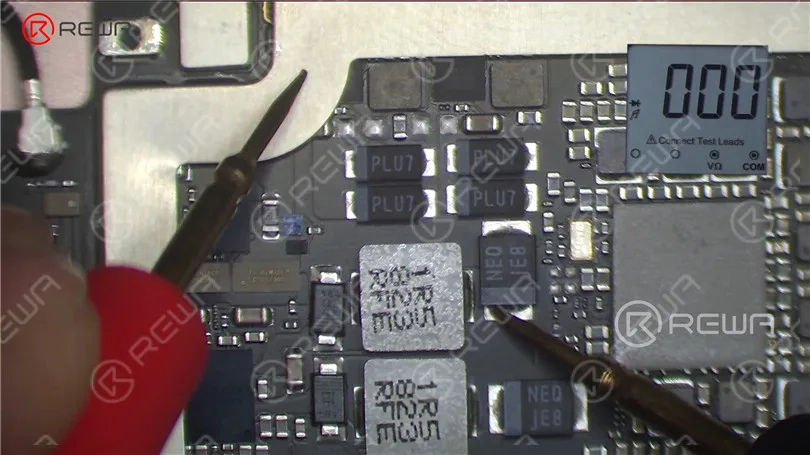
Short Circuit Location
Due to the presence of numerous interconnected components on the circuit, we employ rosin detection to locate the component causing the short circuit. In this case, the rosin dispenser is utilized for dispensing the rosin. It offers a simpler and more effective operation when compared to the conventional soldering iron.
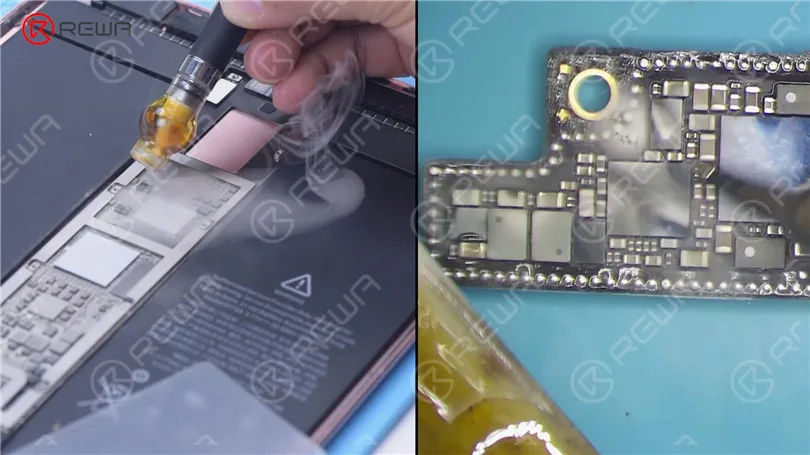
Apply a voltage of 3 V to the motherboard and look for melted rosin on a capacitor, indicating damage.
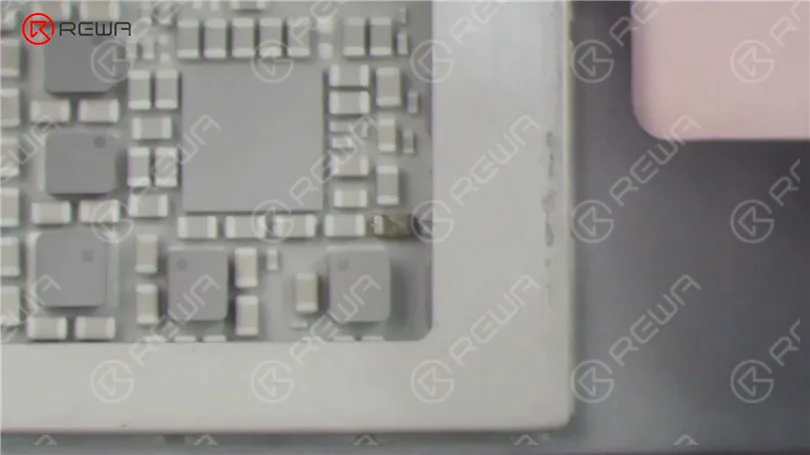
Component Removal
Remove the damaged capacitor with a hot air gun at 340°C and airflow set to 3. Ensure you protect the surrounding battery from heat damage.
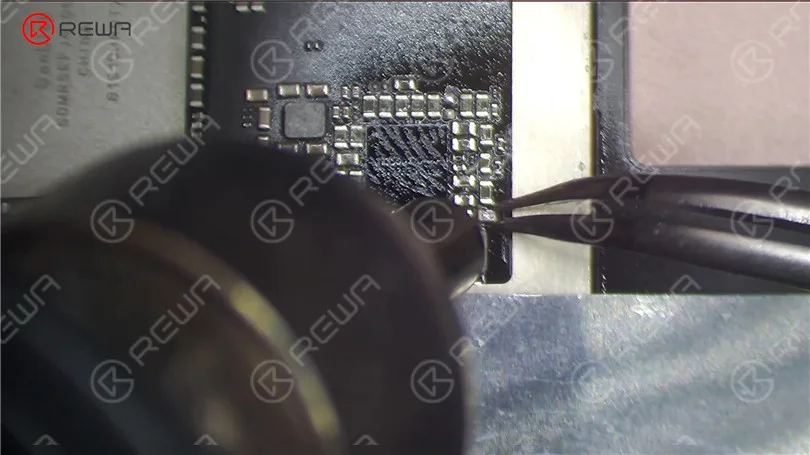
Testing and Activation
After the motherboard cools, measure with a multimeter again; the diode value should return to a normal value (around 156 ohms).
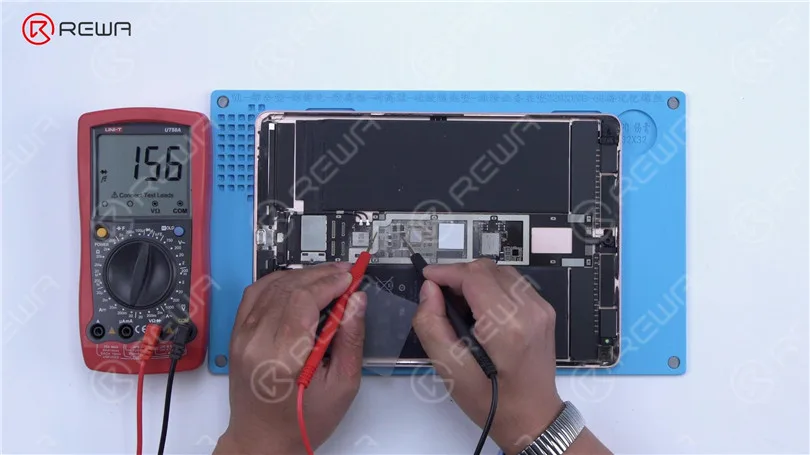
Power up the motherboard to trigger the boot-up; the boot current should jump normally.
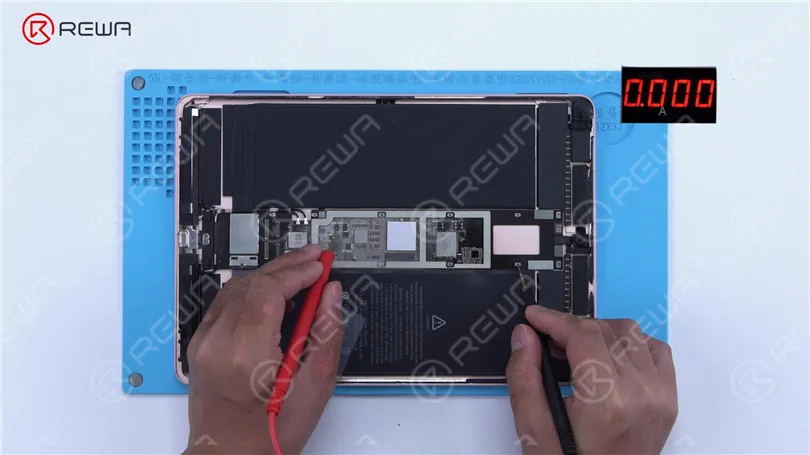
Activate the battery by cleaning the motherboard with PCB cleaner and applying a voltage of 4.2 V to the main power supply circuit.
Reassembly and Final Testing
Utilize PCB Cleaner to clean the motherboard. Take out the Pry Piece. Activate the battery by applying a voltage of 4.2 V to the primary power supply circuit.
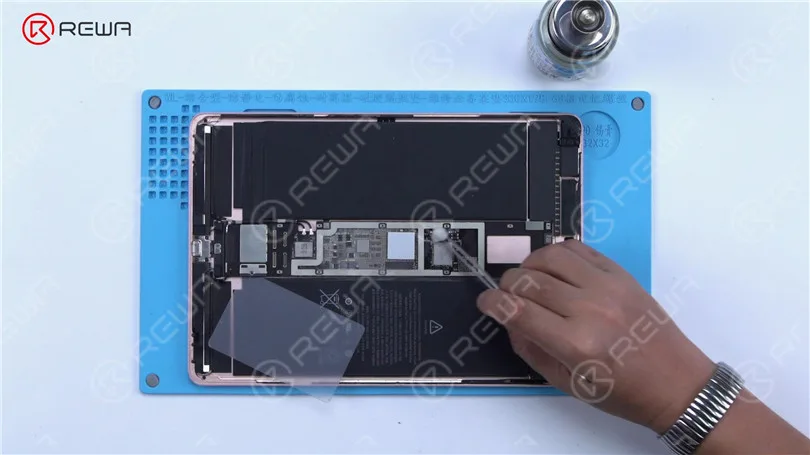
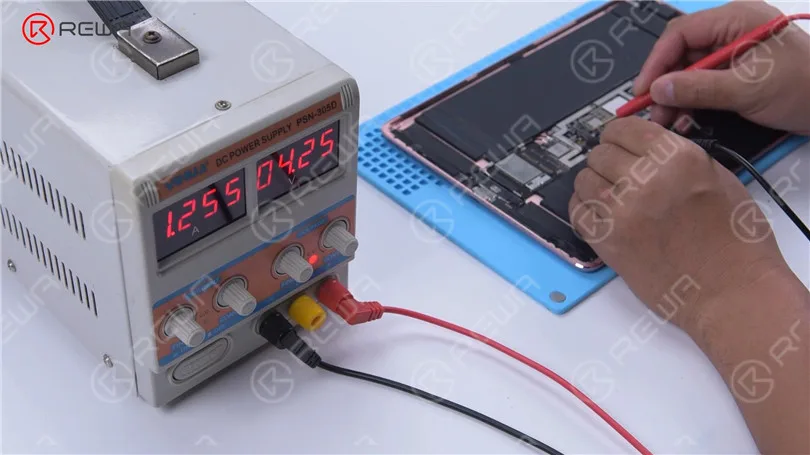
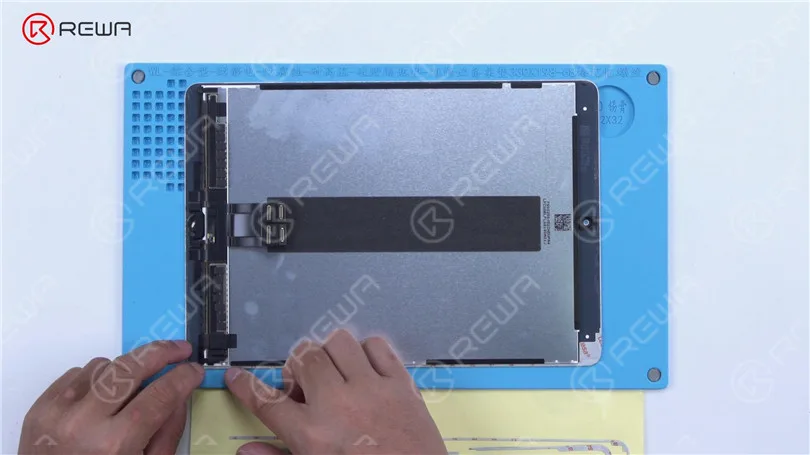
Prepare the iPad Pro for testing by putting together its components. Secure the screws and attach the shielding cover. Prior to placing the screen, ensure that the double-sided tape on both the screen and rear cover housing has been removed.
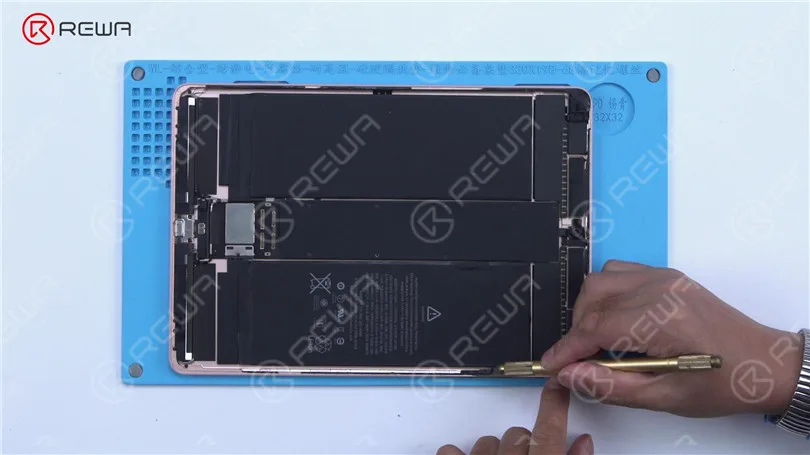
Apply fresh double-sided tape and proceed to install the display.
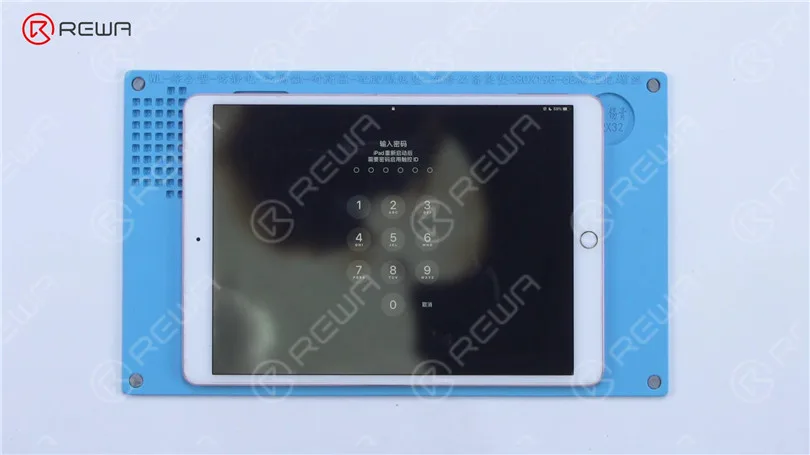
Power on the iPad Pro to observe if it starts up without any issues. If the iPad Pro powers on normally and the problem has been resolved, it is worth noting that the screen displays indications of water damage. Given the customer’s reluctance to replace the screen, the extent to which our repair can be carried out is limited.
Conclusione:
The above steps outline a comprehensive repair guide for a water-damaged iPad Pro that won’t turn on. If you’re interested in learning more about iPhone motherboard repair, consider joining the course offered by Accademia REWA. This course includes troubleshooting methods, demo repairs for common motherboard problems, and ongoing technical support to enhance your repair knowledge.
 English
 Español
 Français
 Deutsch
 Italiano