The Huawei Mate X2 is a cutting-edge foldable smartphone with an innovative design that pushes mobile technology to new heights. Due to a charging incident, the phone smoked, leaked current, and had a black screen, rendering it unusable. In this article, you will learn how to fix a damaged motherboard on a HUAWEI Mate X2 due to improper charging. This guide provides valuable insight into the repair process, regardless of whether you are a technician or a DIY enthusiast.

Dettagli telefonici:
Modello: HUAWEI Mate X2
Annunciato: 2021, 22 febbraio
Fenomeno dei difetti:
- The phone emitted smoke during charging and subsequently failed to charge.
- The screen turned black, and the phone could no longer be powered on.
- A diagnosis at a repair shop indicated motherboard damage, with a 10mA current leakage on the battery (BATT), preventing the phone from booting.
Risoluzione dei problemi
1: Initial Check:
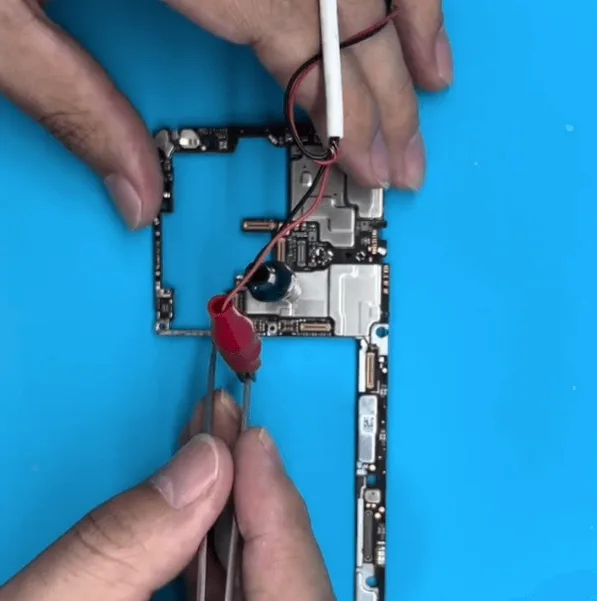
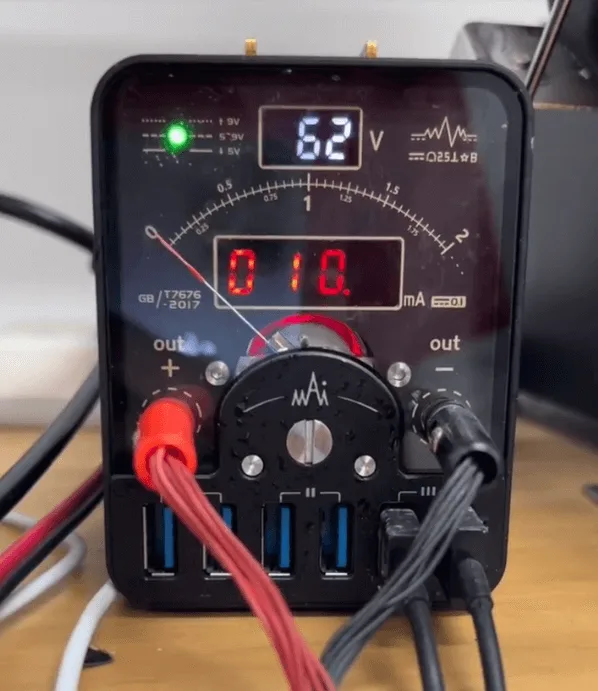
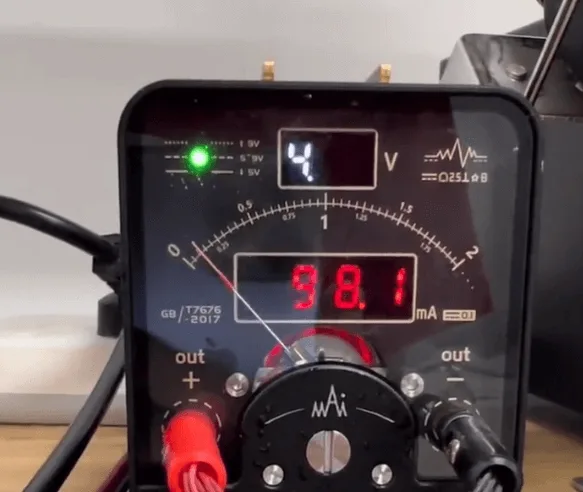
- The phone was disassembled, revealing a motherboard that appeared new and had not been previously repaired.
- Connecting the motherboard to a Alimentazione in c.c. revealed a 10mA current leakage.
2: Boot Attempt:
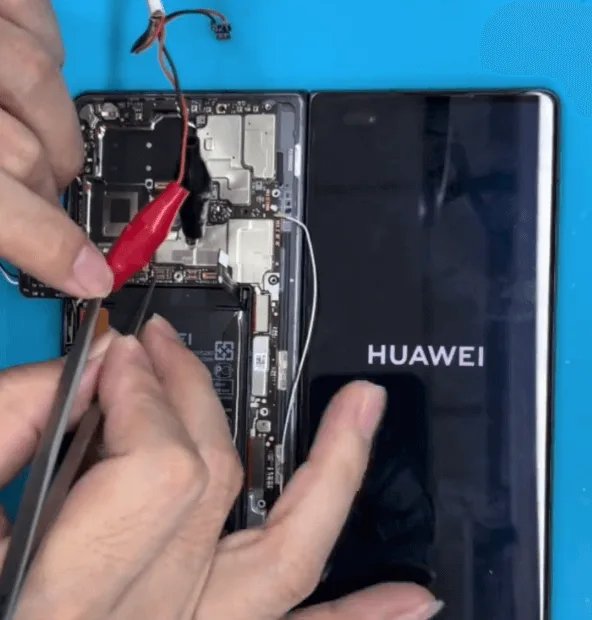
- The phone was assembled and an attempt to boot was made.
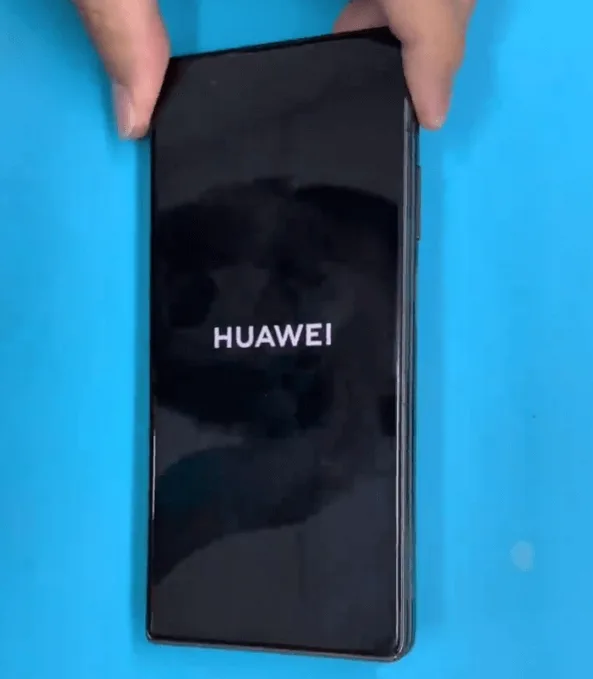
- The HUAWEI logo appeared briefly, then the screen went black again.
- Suspecting a battery detection issue, the battery was activated and tested again, but the phone still couldn’t boot.
2: Thermal Imaging
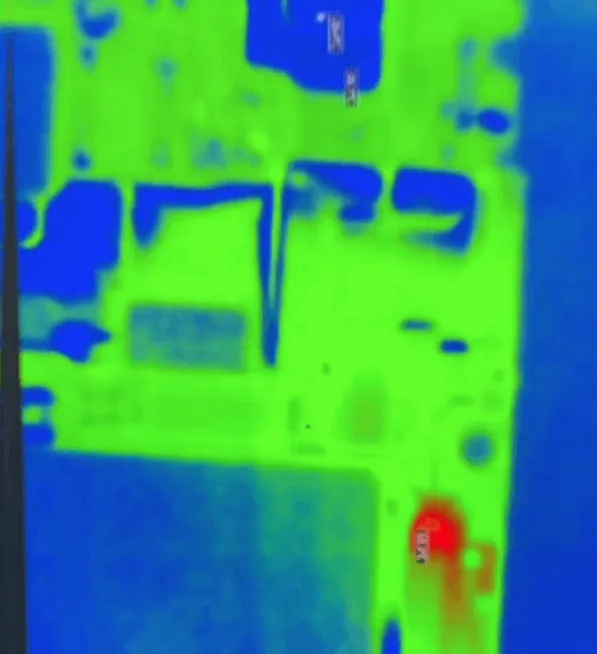
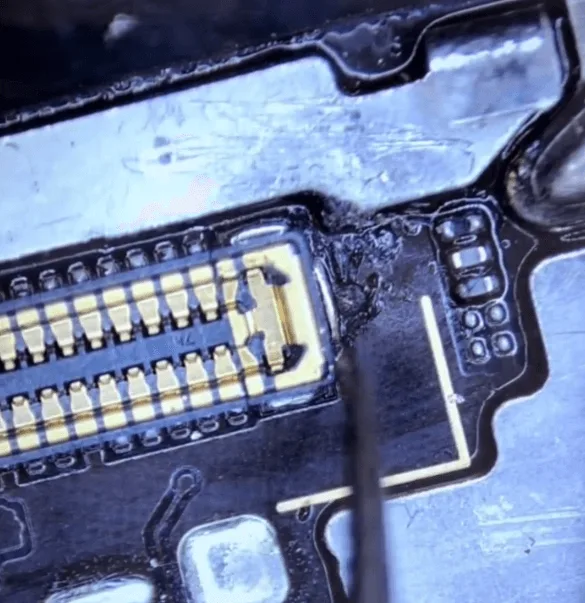
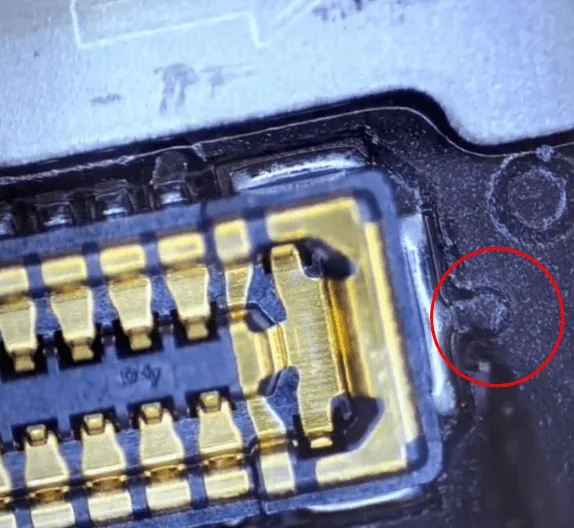
- The DC power supply showed current leakage, so a thermal imager was used to identify the overheated component.
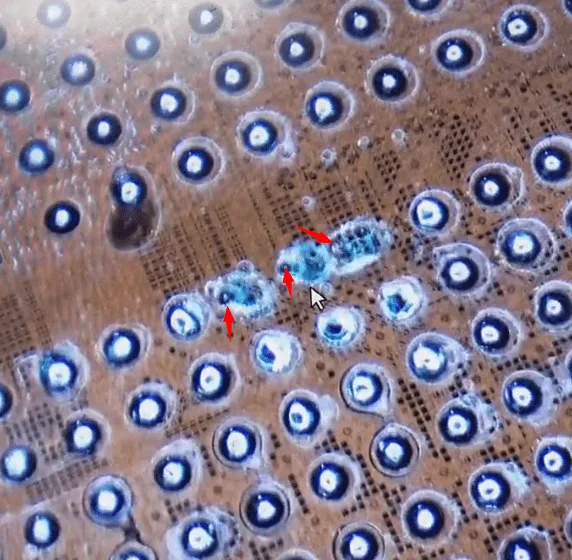
- A small hole was discovered around the display connector under a microscope, indicating potential rail damage beneath the surface.
Even though it’s only a very tiny hole, it’s a serious problem, as the underlying layers with many rails are broken.
Processo di riparazione
1: Damage Assessment:
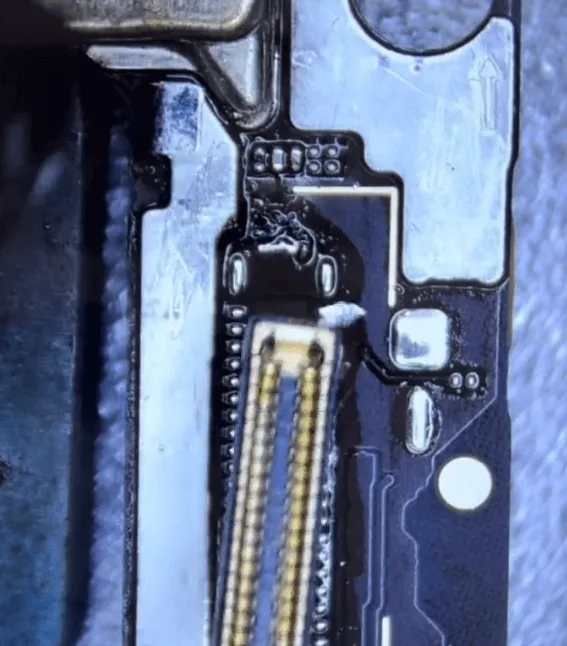
- The connector was removed to assess the extent of the damage.
- The small hole revealed deeper damage than initially expected, with multiple PCB layers likely affected.
2: Repairing Broken Rails
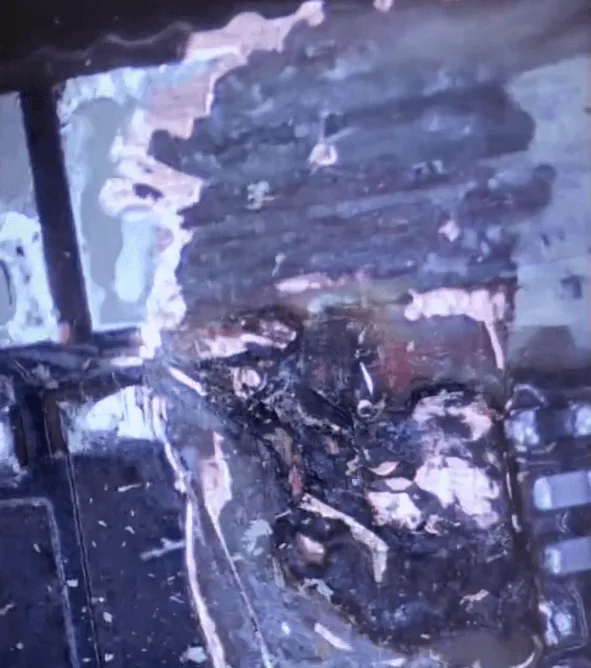
- The surrounding shielding covers were removed to access the damaged area.
- The PCB layers were carefully scratched away using a blade knife to expose the broken rails.
- Around 3-4 layers of rails were found to be broken.
3: Jumping Wires
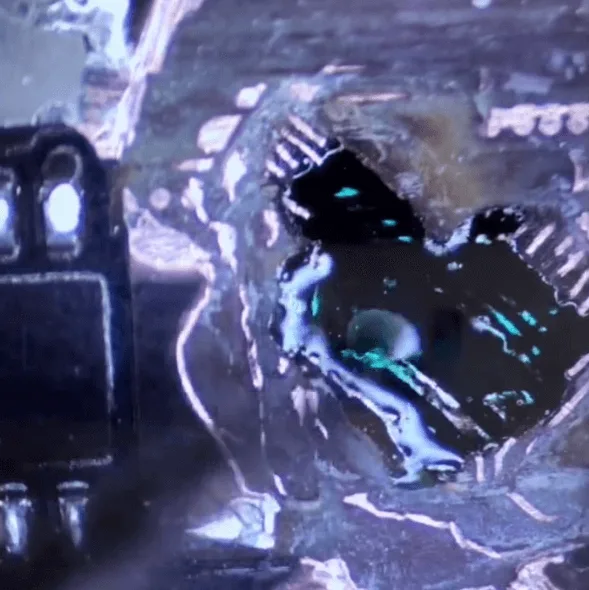
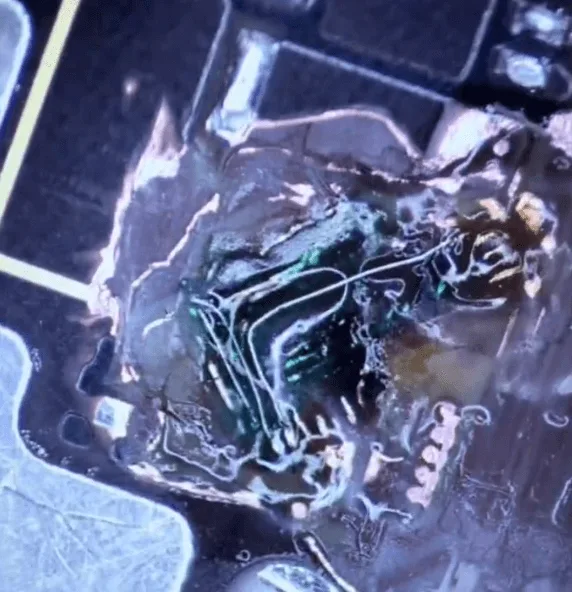
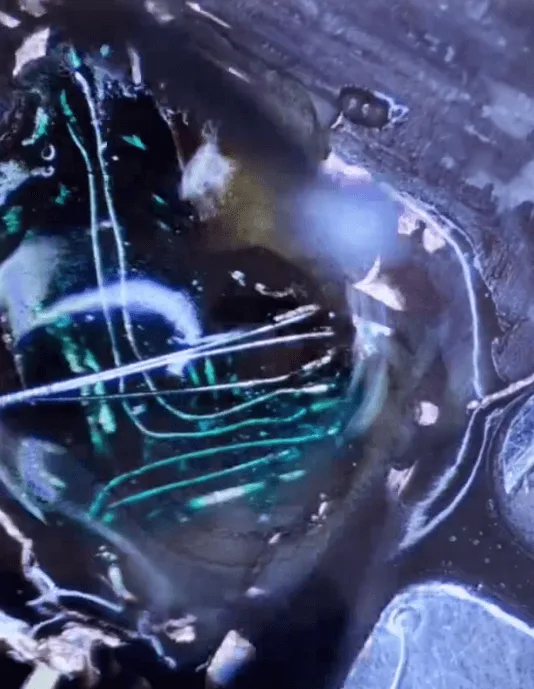
- A UV mask was applied to cover the grounding rail layer.
- Wires were jumped across the broken layers, ensuring each rail was connected to its correct destination without causing shorts or bridges.
- This delicate process took approximately an hour to complete.
4: Rimontaggio e collaudo
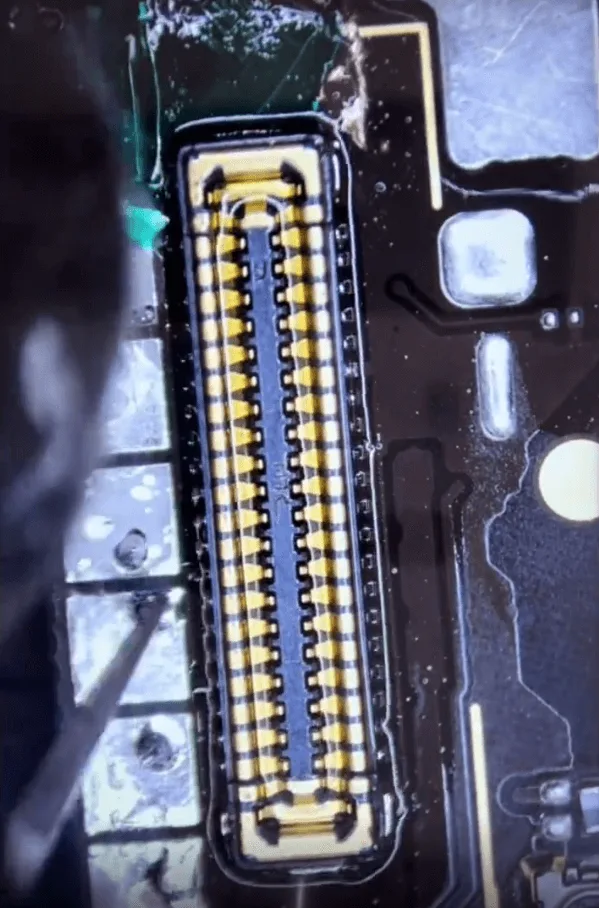
- The connector and surrounding components, such as small capacitors and resistors, were soldered back onto the board.
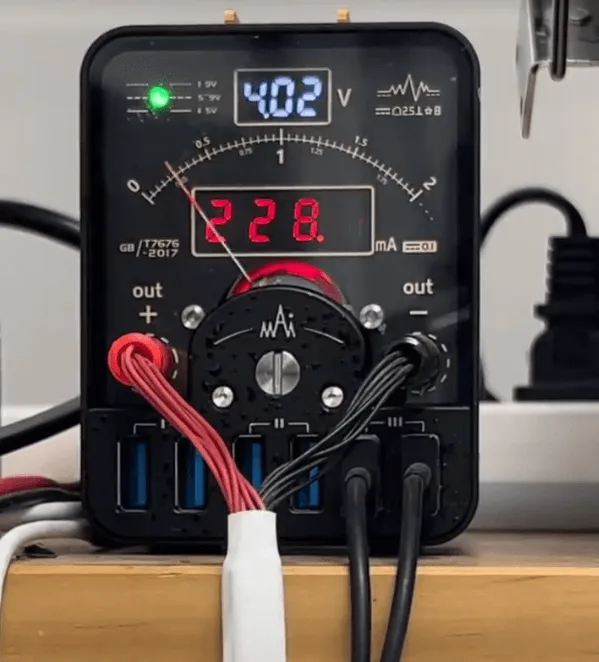
- The phone was reassembled and connected to the DC power supply.
- The current leakage was no longer present, and the phone successfully booted up.
Consigli per la prevenzione
- The issue may have been caused by using a poor-quality charger or charging cable.
- To avoid similar issues, it’s important to use reliable and scientifically tested charging methods to keep your phone safe.
Conclusione:
The Huawei Mate x2 charge to smoke, and it cannot boot or turn on isn’t normal, but it does happen occasionally. REWA Tech wrote this article based on a case study. This tutorial is intended to help repair technicians and DIYers learn something new.
 English
 Español
 Français
 Deutsch
 Italiano