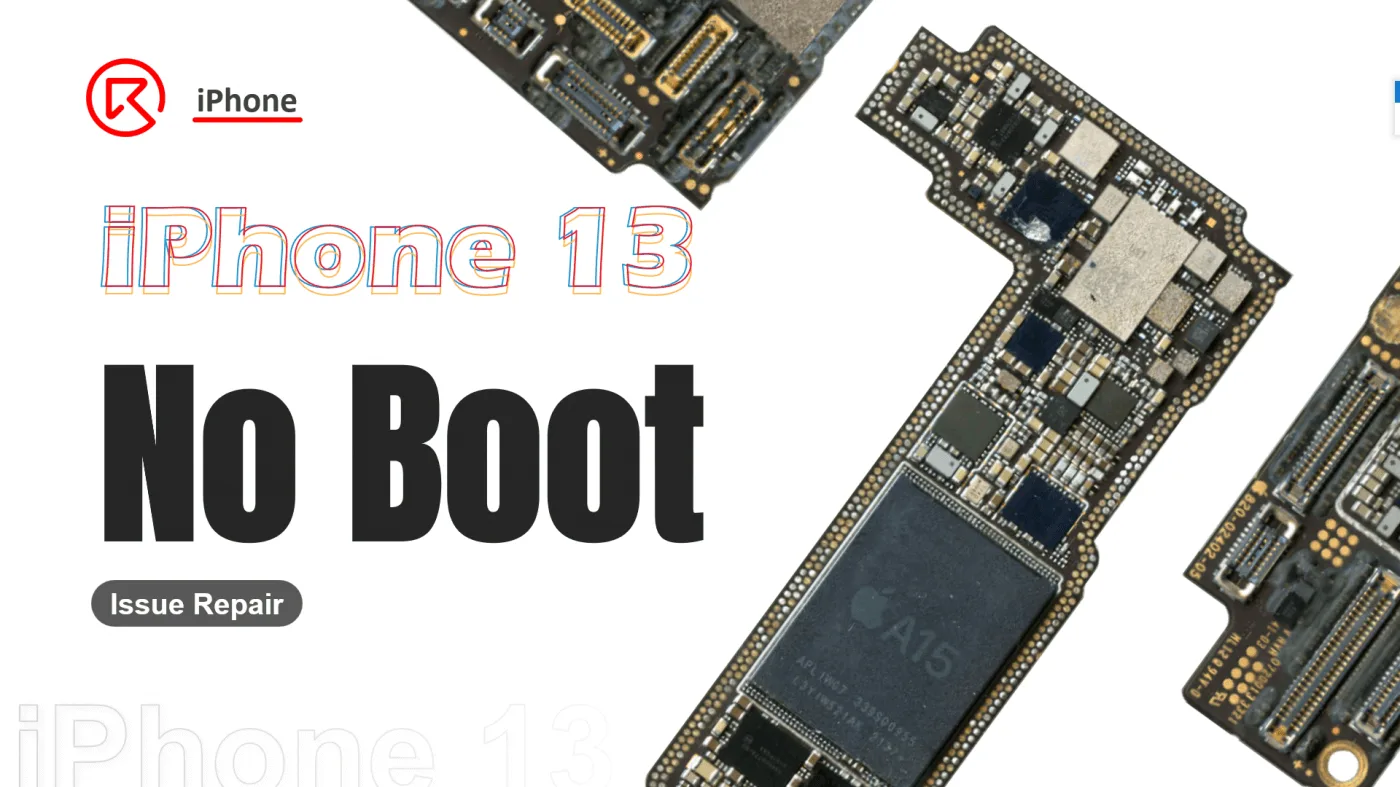
There are several reasons why an iPhone 13 may not turn on. In this case, someone purchased a second-hand iPhone 13 that cannot boot and asked us to fix the issue. Many second-hand devices face problems such as failing to boot due to prior drops or exposure to water. This guide will walk you through diagnosing and fixing an iPhone 13 won’t turn on. Whether you are a repair technician or a DIY enthusiast, follow these steps to troubleshoot the problem and revive the device.
Phénomène de défaut
The phone owner purchased a second-hand iPhone 13 and found it won’t boot up. This could be due to physical impact or water exposure, but without a clear history, we’ll need to investigate further.
Dépannage
Disassemble the iPhone
Begin by carefully disassembling the phone to access the motherboard. Check for visible signs of damage, particularly water exposure.
Check for Water Damage
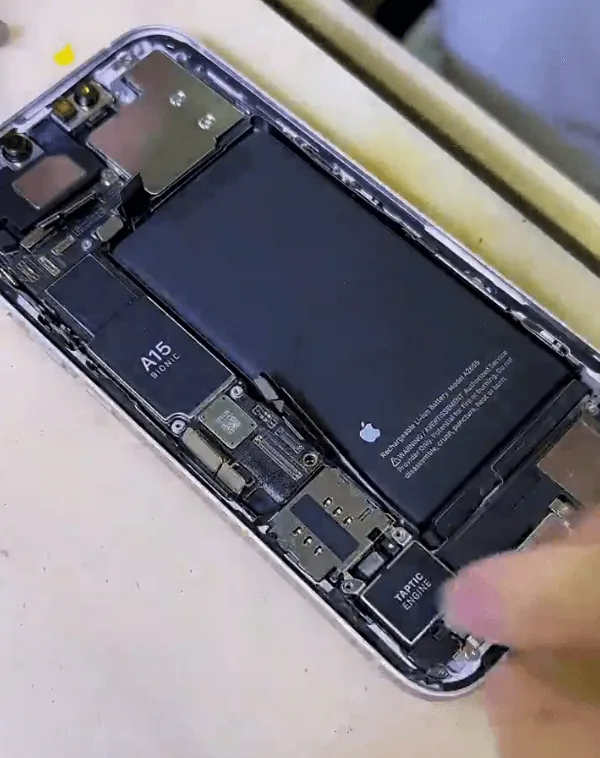
Upon inspection, if you see corrosion or residue on the motherboard, water damage is likely the culprit.
Prepare the Motherboard for Repair
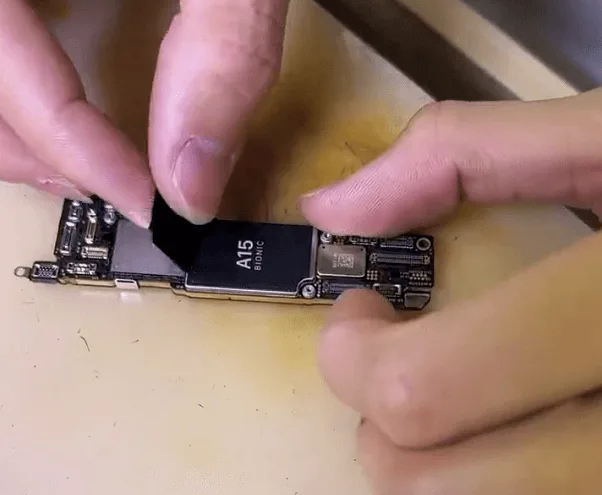
Remove the black protective film and any foam surrounding the connectors. Store these safely for reassembly.
Power Test
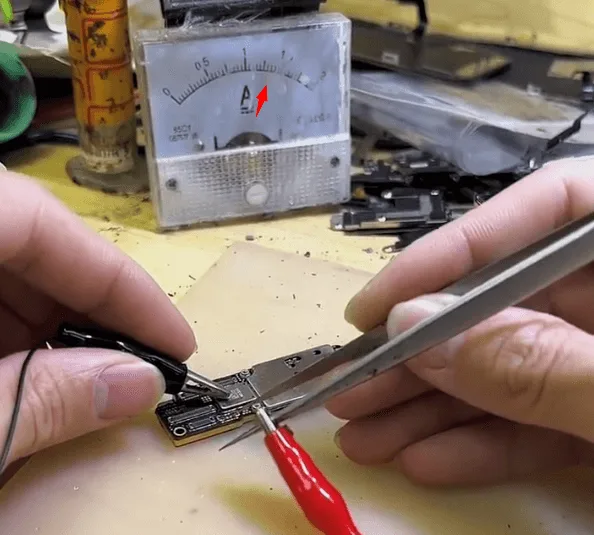
Connect the motherboard to a DC power supply to test booting. If you observe an unusually high current and the phone won’t boot, suspect damage to a chip or component on the board.
Processus de réparation
Séparer les couches de la carte mère
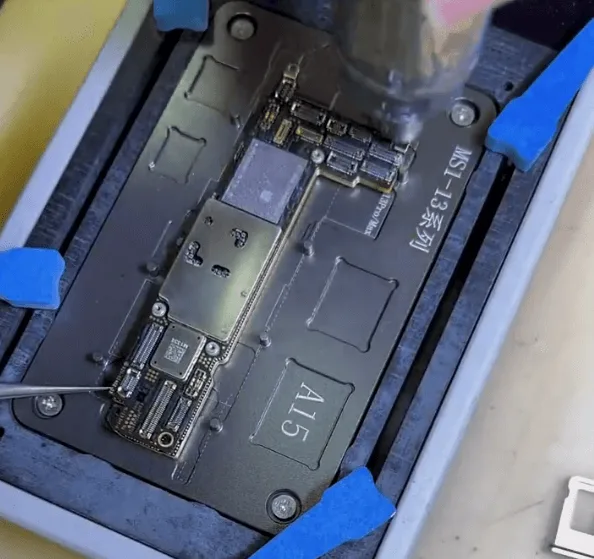
Place the motherboard on a heating platform. Use a hot air gun in tandem to evenly heat the board, reducing the risk of poor soldering caused by overheating. This makes the process faster and safer.
Conseil : Heating with both a hot air gun and a heating platform reduces the chance of causing additional damage to the board due to uneven heat.
Inspect the Damaged Area
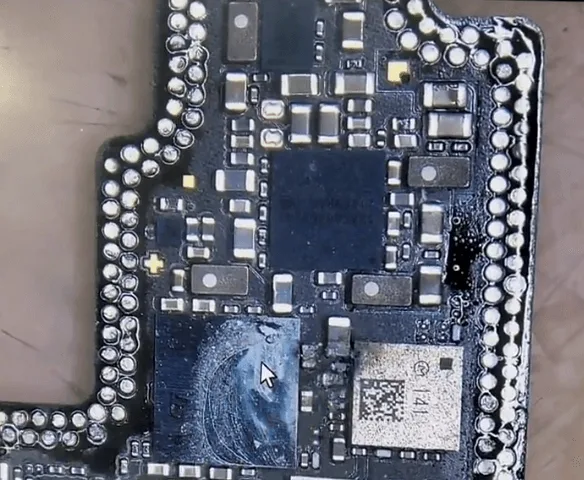

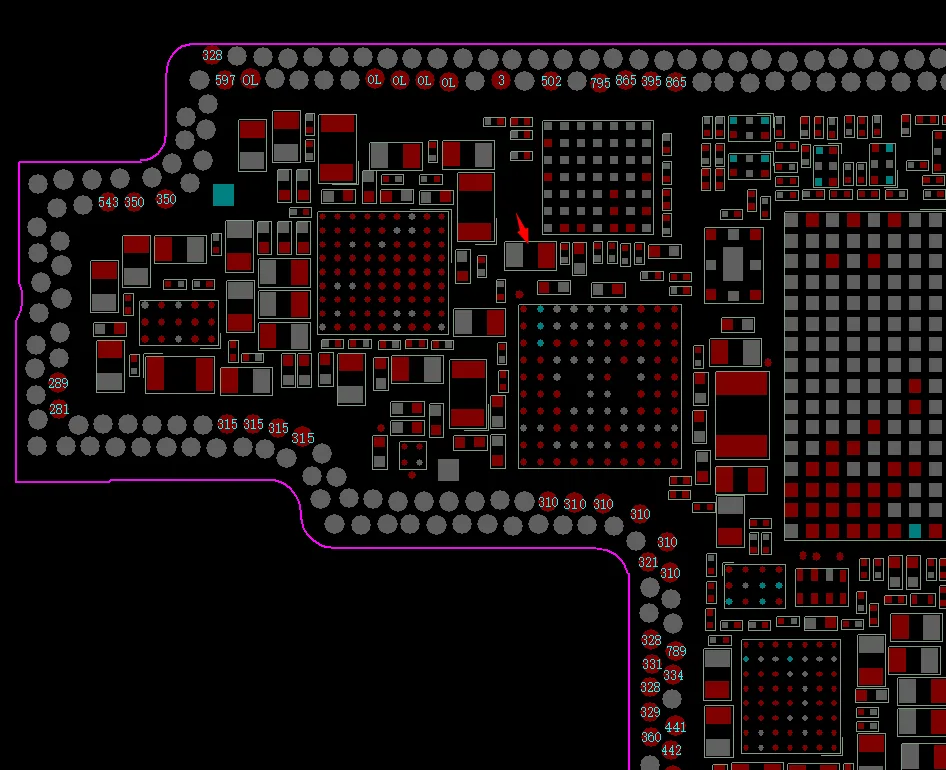
Once the layers are separated, locate any obvious areas of corrosion. Use a thermal imager connected to the DC power supply to identify damaged components. In this case, a capacitor appears damaged and must be replaced.
Remove and Resolder Damaged Components
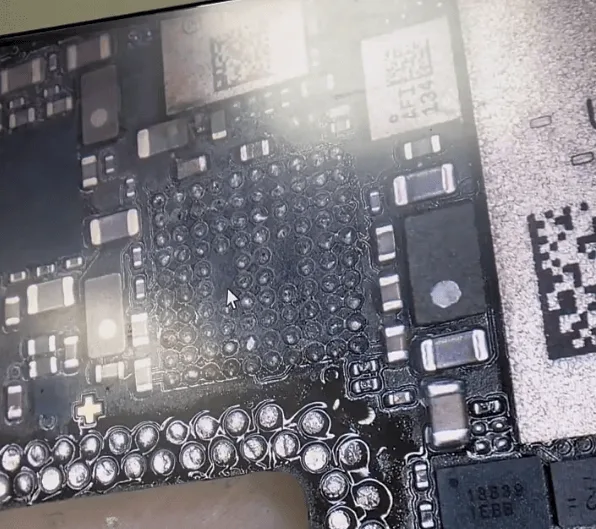
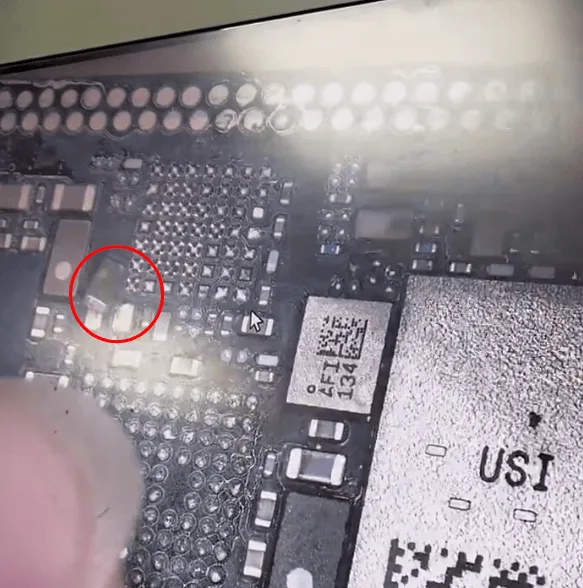
- Begin by removing the shorted capacitor. Clean the PCB pads with solder wick to prepare for re-soldering.
- For any corroded chips, reball and resolder them to ensure stable functionality. Apply solder flux for a cleaner, more stable finish.
Reassemble the Motherboard Layers
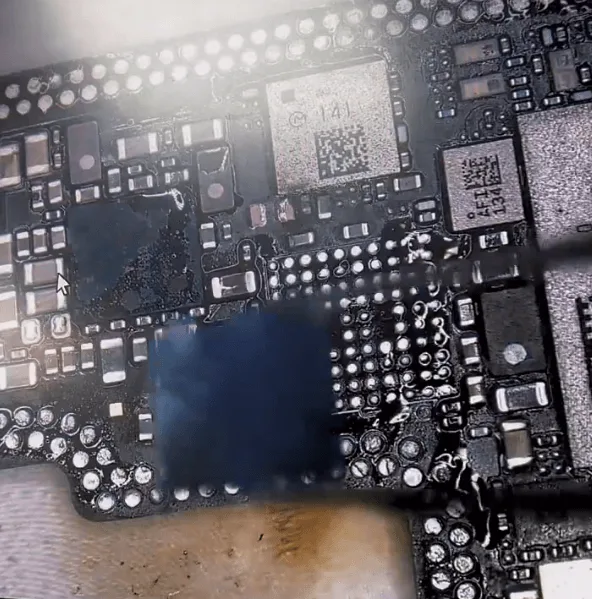
Recombine the two motherboard layers using a stencil and heating platform for accuracy.
Final Testing and Reassembly
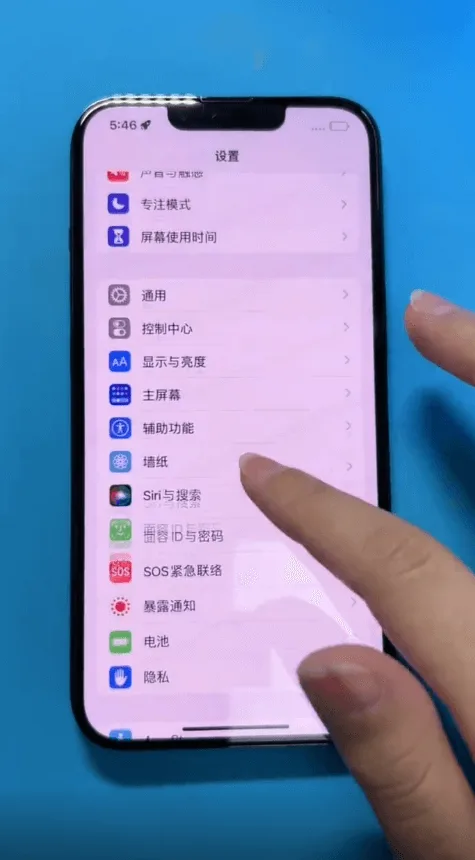
Power Test
- Reconnect the motherboard to the DC power supply. If the current reads normally, the repair is likely successful.
Reassemble the iPhone
- Place the black protective film and foam back around the connectors, reassemble the phone, and perform a final test to confirm that all functions work properly.
Conclusion :
By following these steps, you’ve successfully diagnosed and repaired an iPhone 13 won’t turn on issue due to water damage. Remember, working with microelectronics requires precision and patience. With the phone booting and functioning normally, you’ve effectively restored its usability, proving that a hands-on approach can often yield a successful repair.
 English
 Español
 Français
 Deutsch
 Italiano