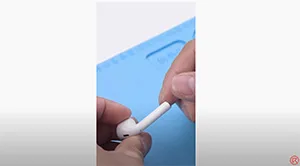
Apple has said that AirPods have low repairability due to the size and manufacturing process. So when it comes to AirPods after-sales policy, Apple adopts a replacement policy. Many users report that the AirPods battery life reduces over time and can’t get the AirPods fixed since it is out of warranty. Watch this video and see how we replace the battery of AirPods!
Étiquette : remplacement de la batterie des airpods
-
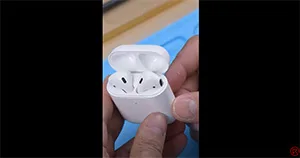
Remplacement de la batterie du boîtier de charge AirPods -REWA
Les AirPods ont toujours été considérés comme non réparables. Regardez cette vidéo pour voir comment nous remplaçons la batterie du boîtier de charge des AirPods.
-
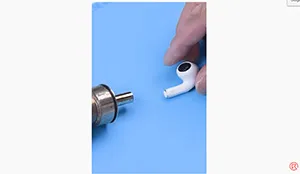
Remplacement de la batterie des AirPods Pro
Si la batterie de vos AirPods se décharge rapidement, vous pouvez essayer de la remplacer. Regardez cette vidéo pour savoir comment remplacer la batterie des AirPods Pro.
-
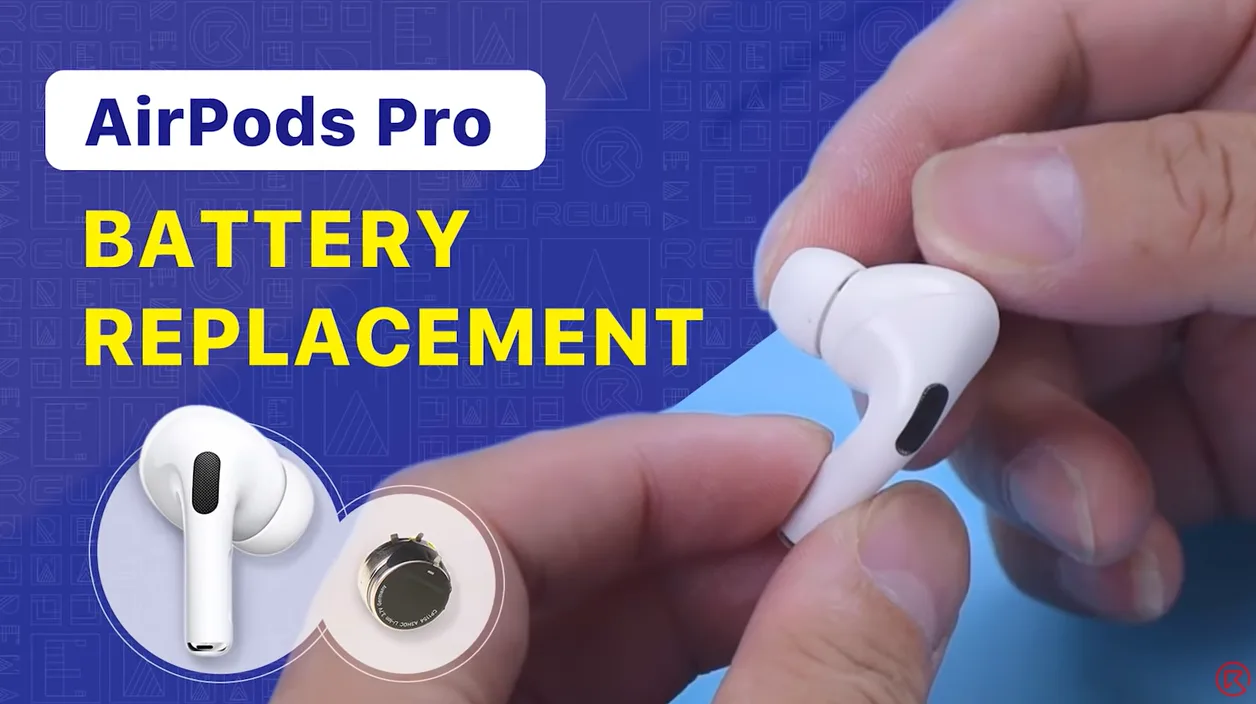
Remplacement de batterie pour AirPods 1 et 2
Nous avons partagé une vidéo sur le remplacement de la batterie des AirPods qui a récolté de nombreux J'aime de la part des fans. Aujourd'hui, les techniciens de REWA vous expliquent en détail comment remplacer la batterie des AirPods Pro dans cette vidéo. Si vous êtes intéressé par d'autres sujets de réparation d'AirPods, n'hésitez pas à laisser un commentaire. Merci !
-
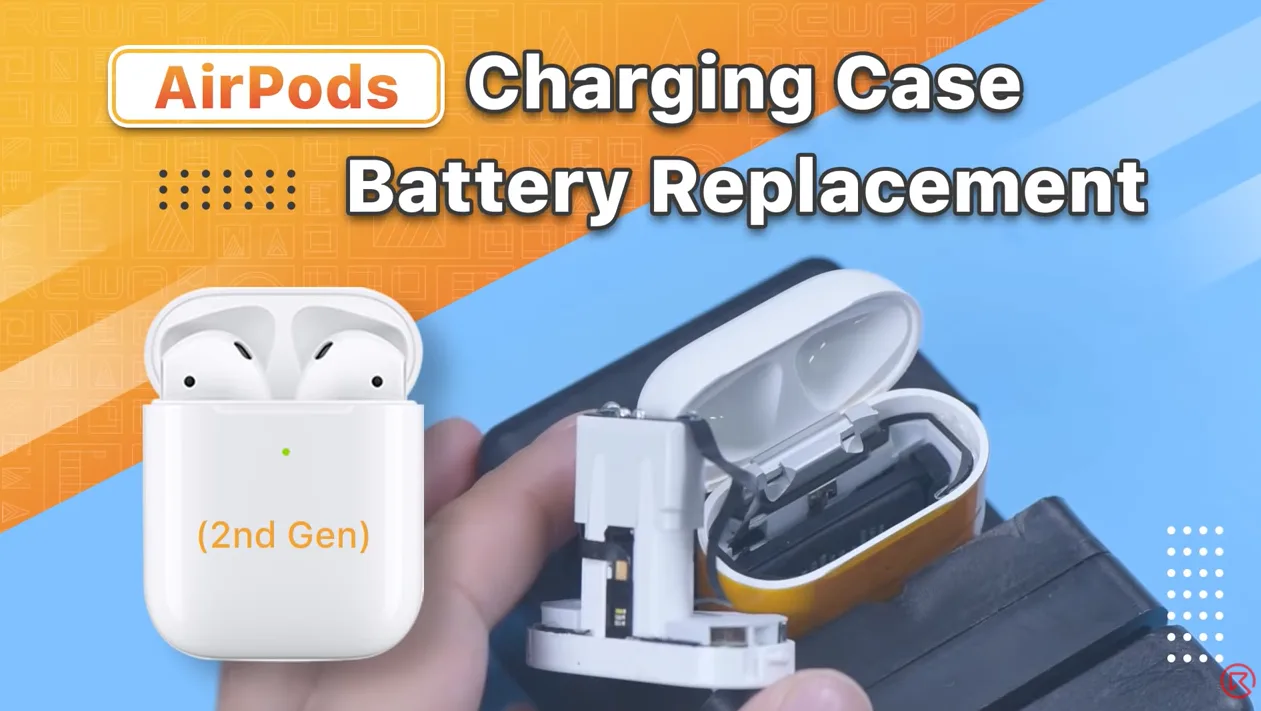
AirPods Charging Case Battery Replacement
AirPods have always been considered non-repairable. That’s why our last AirPods battery replacement video drew lots of attention from fans. Numerous fans also expressed interest in the battery replacement of the AirPods charging case. Therefore, REWA technicians will show you how to replace the battery of the AirPods charging case in this video. If you are interested in other AirPods repair topics, please leave a comment. We thank you for your advice.
Produits recommandés dans cette vidéo :
-
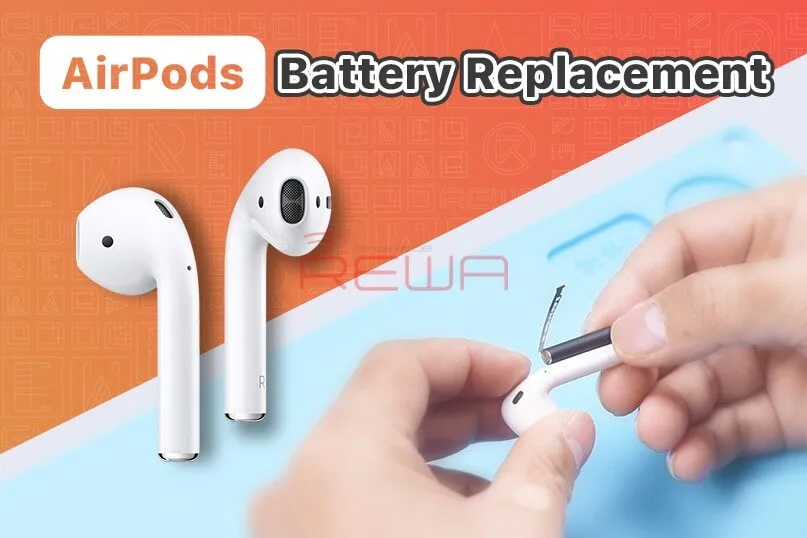
Remplacement de la batterie des AirPods - Problème de vidange trop rapide
The repair of AirPods has always been a difficulty not only for repair shop owners but also Apple. The after-sales policy of Apple now is replacing AirPods that meet after-sales standards directly with new ones. From a user experience perspective, this approach can ensure user satisfaction, but it also reflects the difficulty of repair.
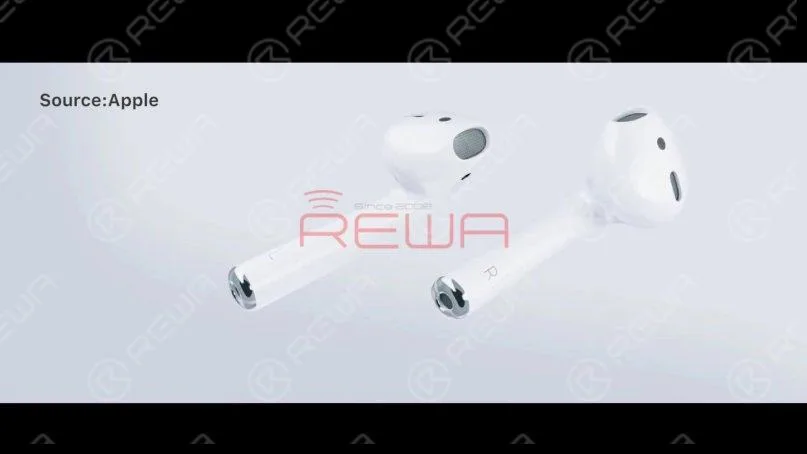
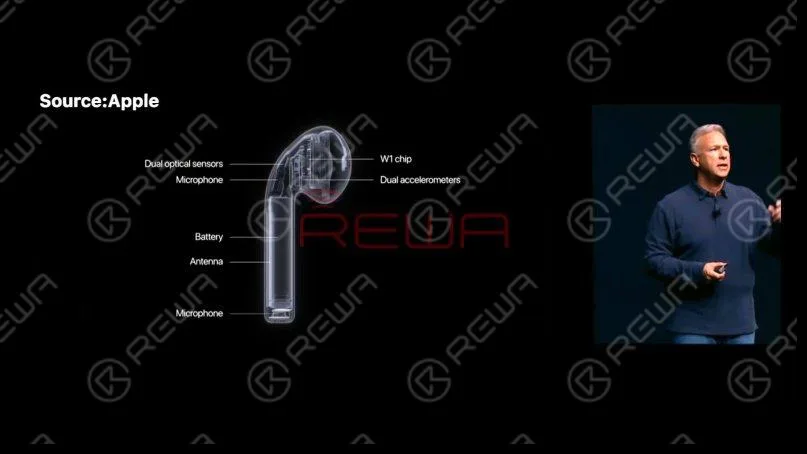
Today our repair course is about replacing the battery of AirPods 1. First of all, let’s take a look at the structure of AirPods. To save space, Apple has made interior parts of AirPods very compact. The parts are also connected, which increases the repair difficulty.
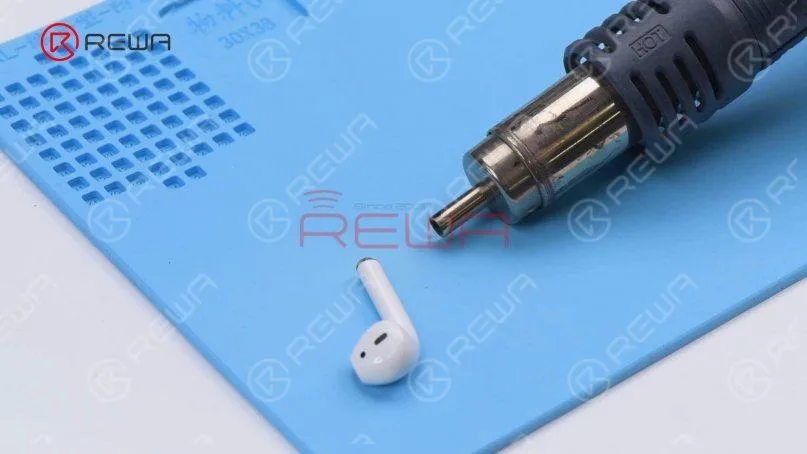
AirPods 1 and 2 have cylindrical batteries that plug directly into the body. We need to use Hot Air Gun with helical wind to heat the metal cap to remove the battery. Please be noted that vertical wind can’t be used since it is too concentrated and can easily damage the case. Set the temperature of the Hot Air Gun to 100℃ and airflow to 7. Switch to helical wind. Place the AirPods 20mm around the Hot Air Gun and heat the metal cap for 3 minutes. During the heating process, we need to flip the AirPods constantly to heat it evenly.
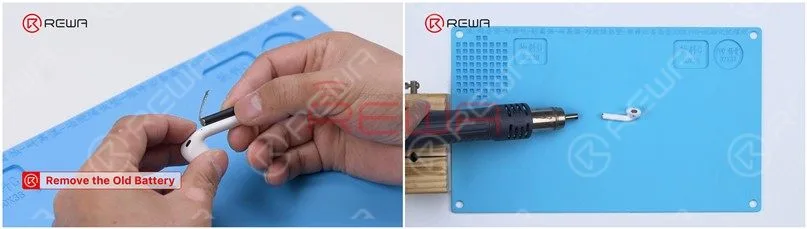
Pry up the metal cap from the side with an L. The back of the L side has a flex cable. Please do not damage the flex cable while prying. Remove adhesive with tweezers. We need to heat the AirPods constantly while removing adhesive.
Please pay attention to the black flex cable while prying the metal cap. Attach the AirPods to the holder and keep removing adhesive with tweezers. To take out the battery, the adhesive must be removed completely. A small amount of alcohol can be added to facilitate adhesive removal.
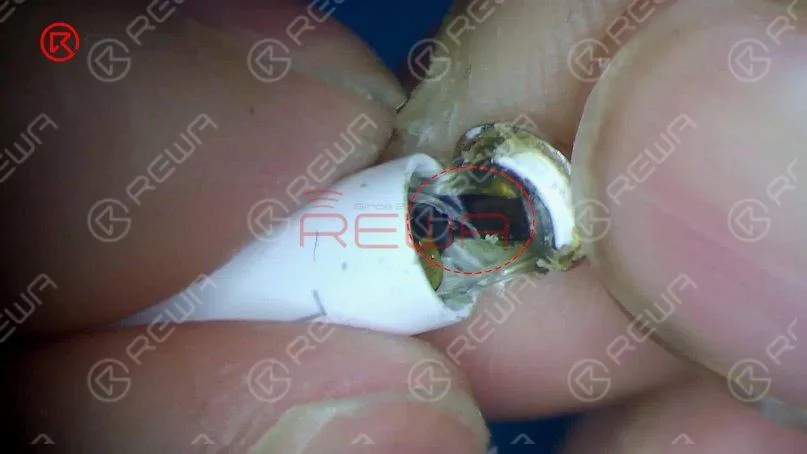
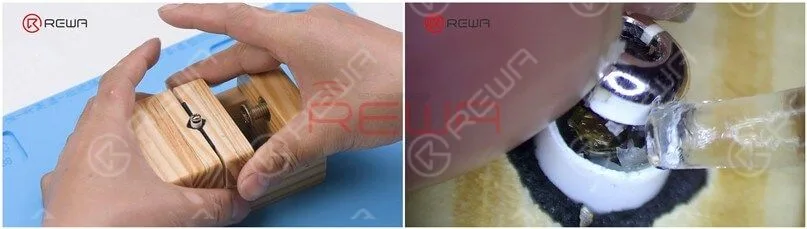
Insulate with aluminum foil after adhesive removal. Set the temperature of the Soldering Iron to 365℃ and apply some Paste Flux to the bonding pad.
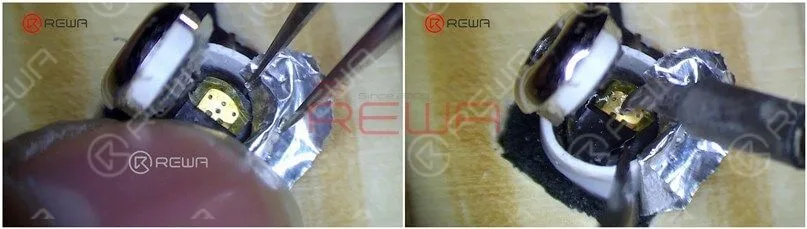
Heat with Soldering Iron and pry up the cathode of the battery. Please do not touch the aluminum foil while applying heat to avoid damaging the plastic case. Since the anode of the battery is on the other side of the cathode of the flex cable, we need to pry up the flex cable. Keep applying a small amount of Paste Flux. Heat with Soldering Iron to separate the anode of the battery from the flex cable.
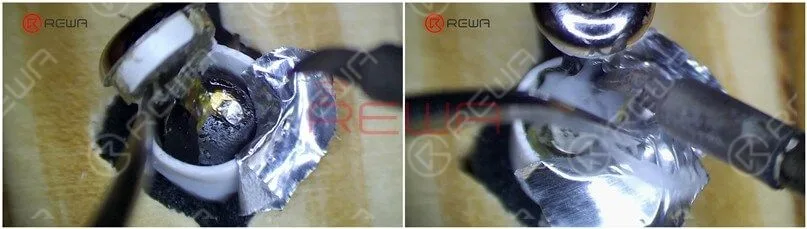
Remove the anode iron plate of the battery with a Cutting Nipper. Then we take out the battery with revamped tweezers. Detach the AirPods from the holder. Heat the bottom of the AirPods evenly for 3-5 minutes with Hot Air Gun at 100℃. Insert the two holes of the battery anode with tweezers and clamp the anode to remove the battery.
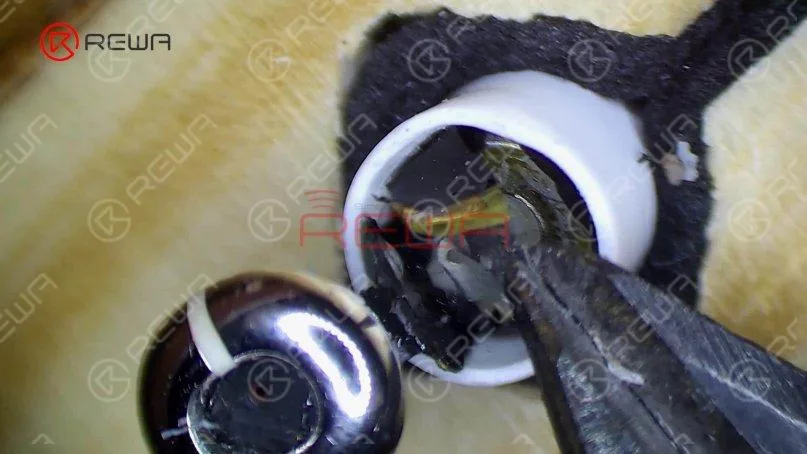
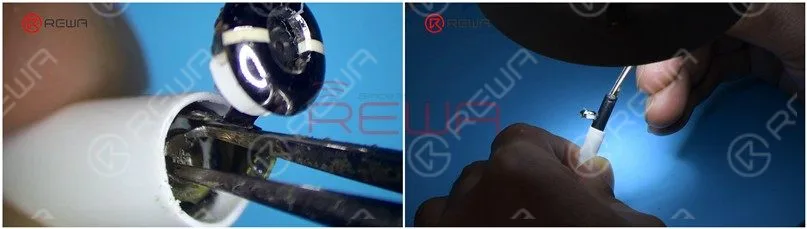 Take out excess adhesive. For easy installation later, remove adhesive around the metal cap completely. Apply tin to the anode of the battery with Soldering Iron.
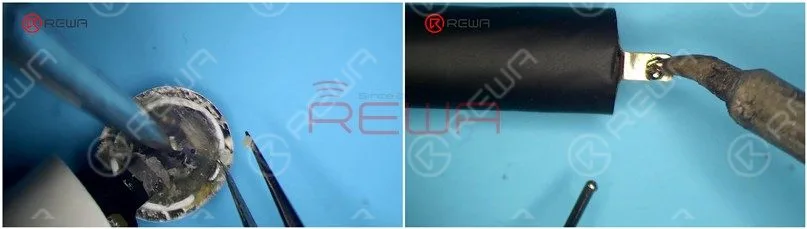 Plug the batterie into the AirPods. Please be noted that the anode of the battery must align with the anode bonding pad on the flex cable.
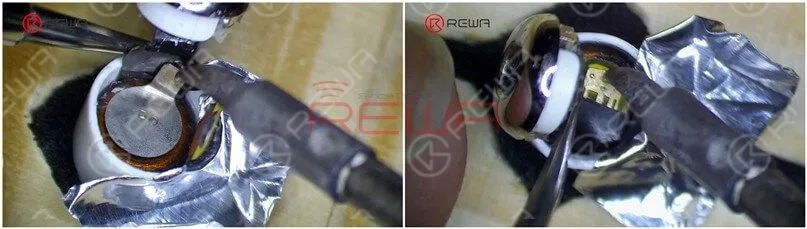
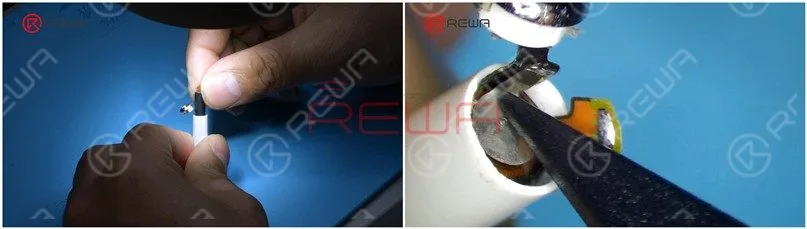 Attach the AirPods to the holder and insulate with aluminum foil. Heat with Soldering Iron to solder the battery anode to the flex cable. After soldering, press the flex cable down. Put the battery anode in position and heat with Soldering Iron to solder.
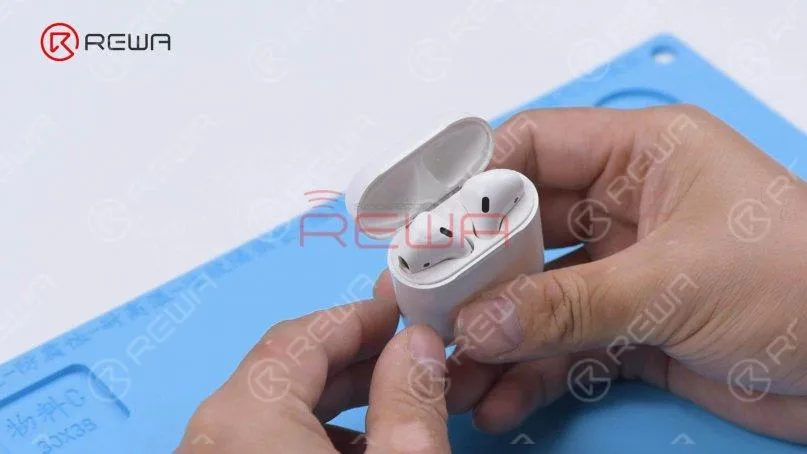
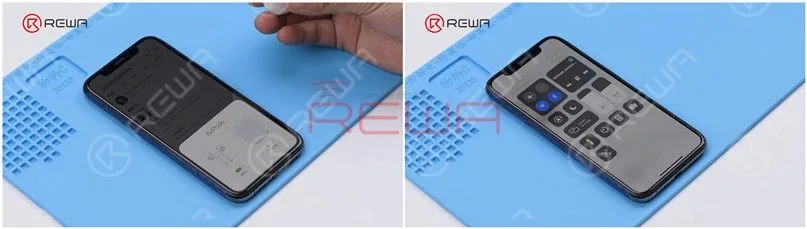
 Then we put the AirPods into the charging case to test. The AirPods can be charged.
 Appliquer B7000 Adhesive to the bottom of the AirPods. Close the metal cap and fix it with tape. After about 1 hour, the adhesive has set and we peel off the tape.
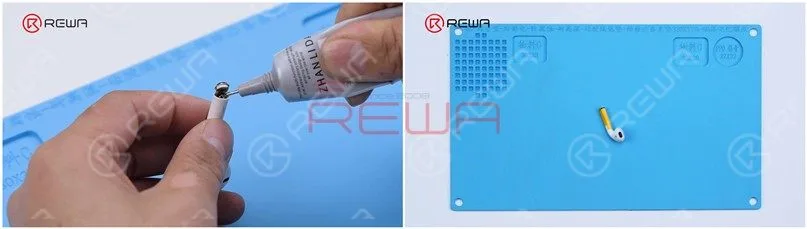
Put the AirPods into the charging case to test. The AirPods can pair with the phone and music can be played. Take off the AirPods and the music stops. The battery has been successfully replaced.
Conclusion :
To replace the battery of AirPods, use Hot Air Gun with helical wind to heat the metal cap. Pry up the metal cap from the side with an L letter after heating for about three minutes. Then remove adhesive and pay attention not to damage the flex cable. After adhesive removal, protect the plastic case with aluminum foil and separate the cathode and anode of the battery from the flex cable. To remove the battery, keep heating the bottom of the AirPods and take out the battery with revamped tweezers. Lastly, we install the new battery, solder the cathode and anode of the battery, and fix with adhesive.Watch the video below to see how we replace the battery of AirPods.
 English
 Español
 Français
 Deutsch
 Italiano