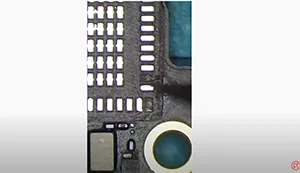
Pour réparer les pastilles manquantes, l'ancienne méthode consiste à sauter le fil, ce qui est non seulement difficile mais aussi exigeant pour les techniciens de réparation. La cosse à souder REFOX vous libère toutefois de l'obligation de sauter le fil pour réparer les pastilles manquantes.
Étiquette : cosses à souder
-
Comment résoudre le problème de surchauffe de l'iPhone 12 Pro Max avec des cosses de soudure
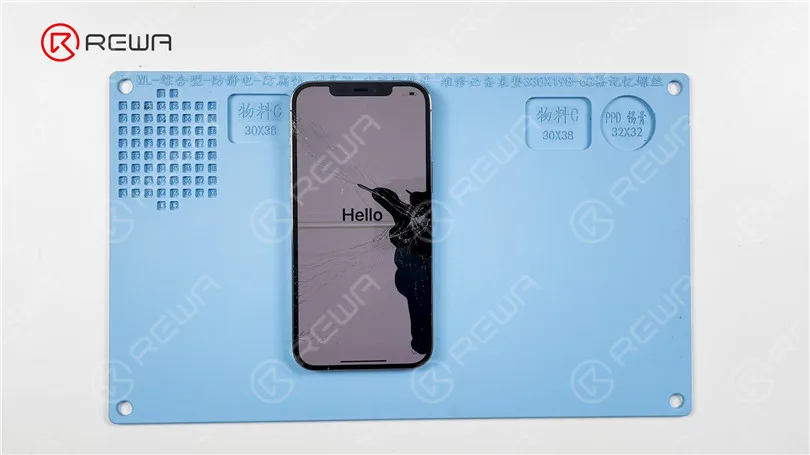
Today we will share how to fix iPhone 12 Pro Max overheating or temperature warning issue. The phone has been dropped before and the screen is cracked. After boot-up, the phone shows a temperature warning.
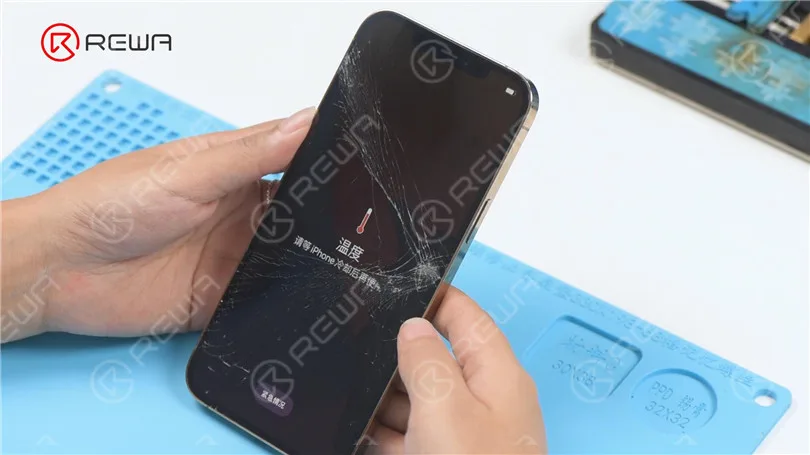
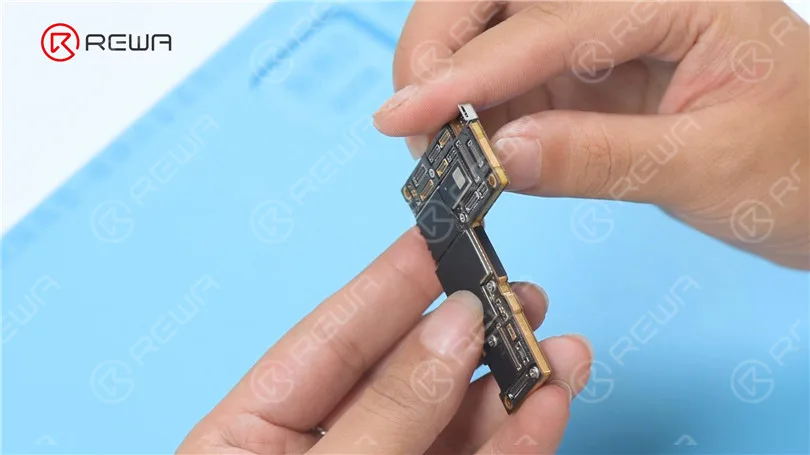
Next, we take apart the phone for testing. Disconnect the flex cables. Remove the motherboard. In the first place, we check if the motherboard is deformed. The motherboard is not deformed.
It can be seen under the microscope that the motherboard has pseudo-soldering. Then we need to separate the motherboard.
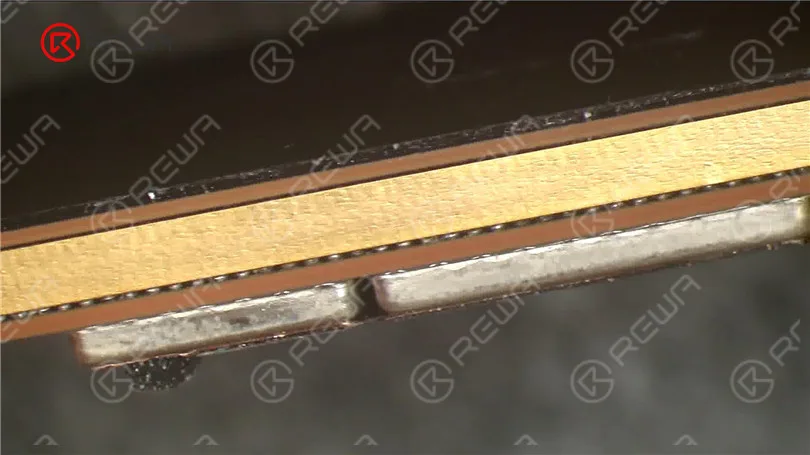
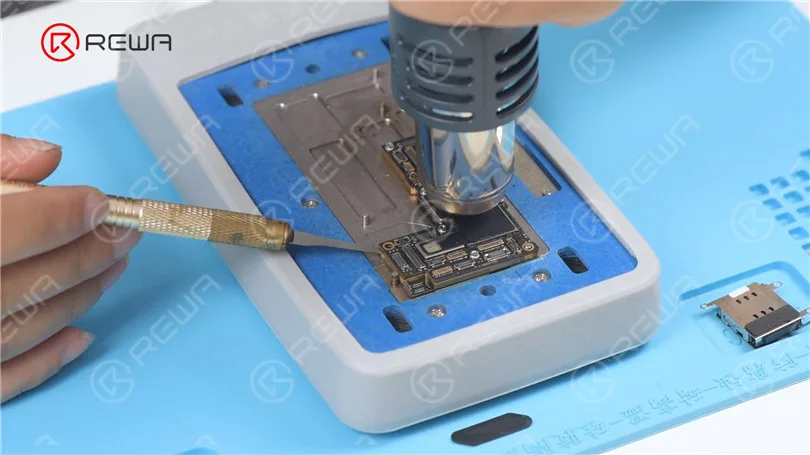
Detach the foam and plastic part. Put the motherboard on the 165 °C Plate-forme de chauffage to heat. Since the middle layer of iPhone 12 lineup adopts middle-temperature solder paste for soldering, we need to assist the heating with a Hot Air Gun at 330 °C. Try to pry up the logic board with a Pry Blade while heating. If the logic board becomes loose, remove it. Then remove the signal board.
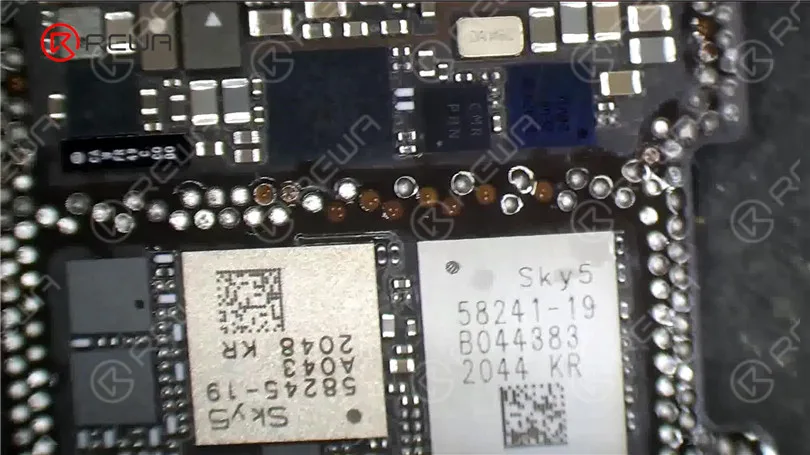
It can be seen under the microscope that pads on the logic board are missing. Then we need to repair the bonding pads. Clean the bonding pads with Fer à souder at 380 °C and Solder Wick. Next, clean the bonding pads with PCB Cleaner.
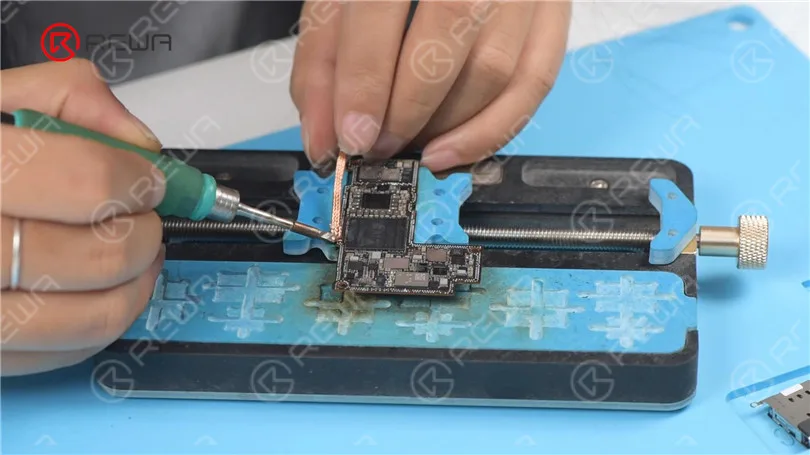
Then scrape the missing pads to show the circuits with a Sculpture Knife. Please pay attention not to damage the GND while scraping.
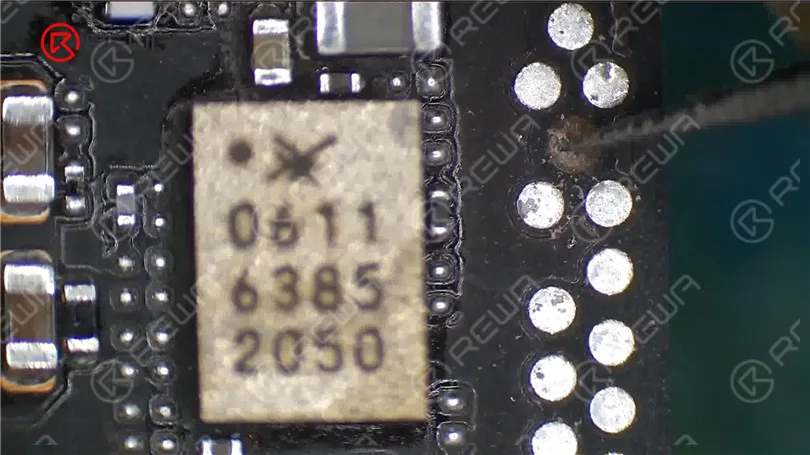
Clean the bonding pads with PCB Cleaner. Apply tin to the bonding pads with a Soldering Iron.
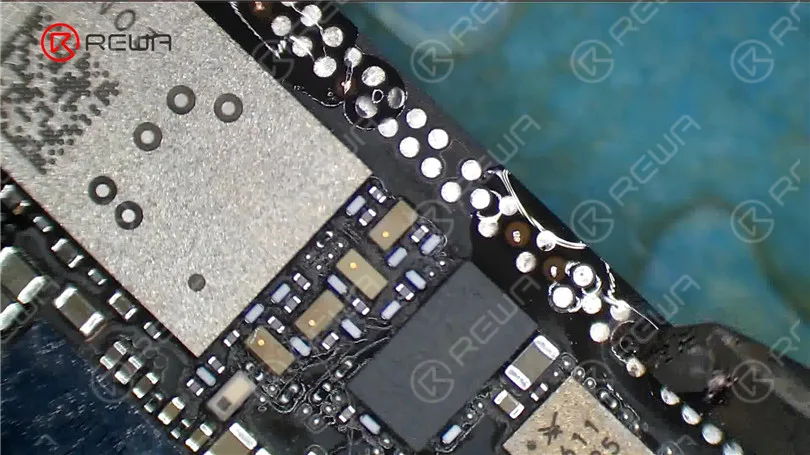
Then we put the Soldering Lugs in position. Apply some Paste Flux. Heat with a Soldering Iron to solder. Clean the bonding pads with PCB Cleaner.
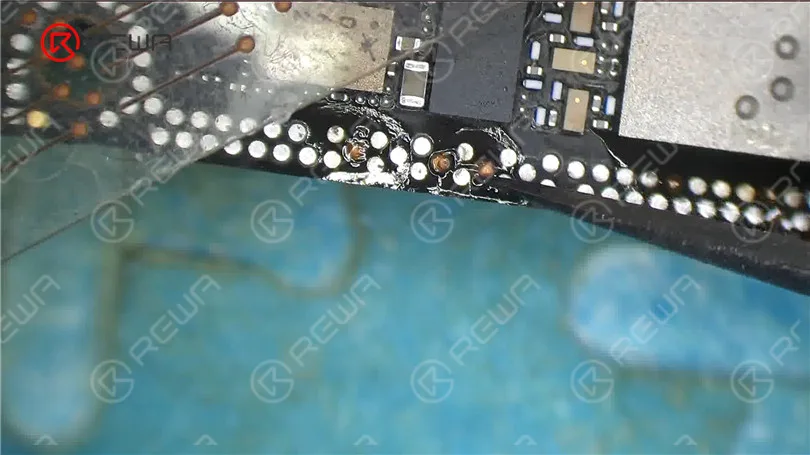
Apply some Solder Mask to the bonding pads. Then solidify with a UV Lamp. After solidifying, remove excess solder mask with a Sculpture Knife to show the pads.
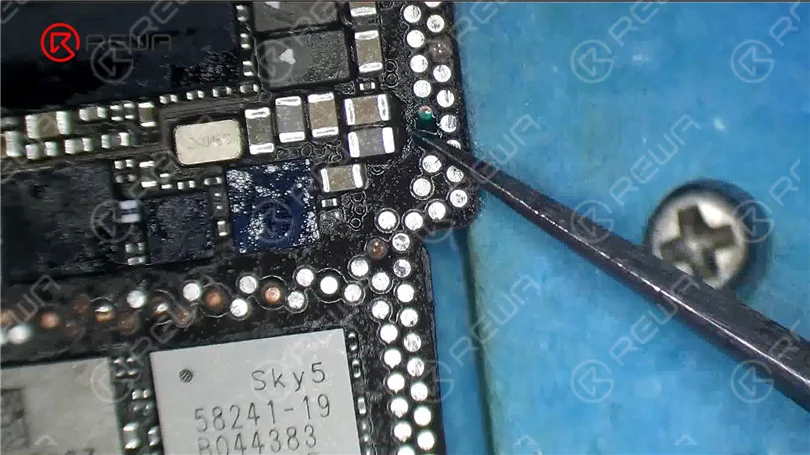
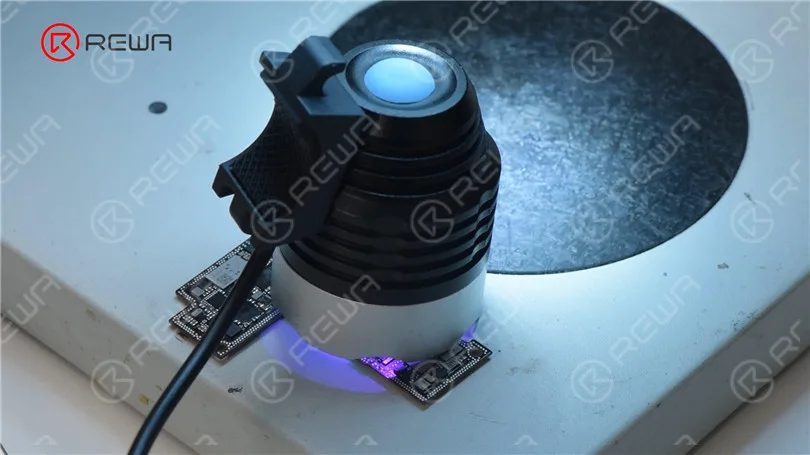
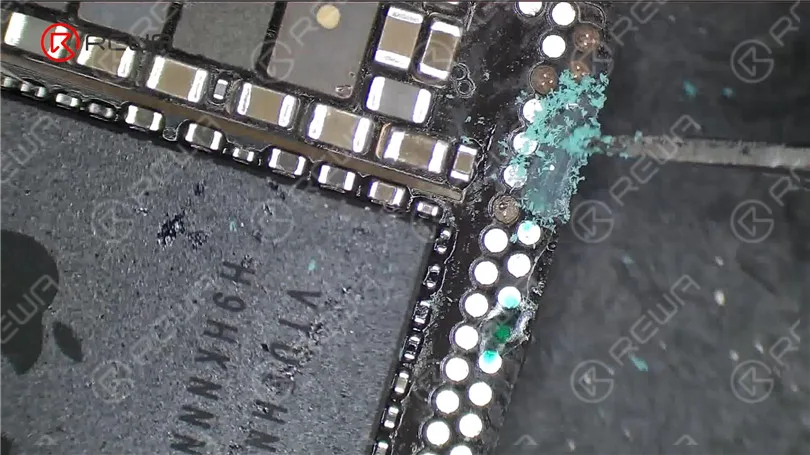
Clean the bonding pads with PCB Cleaner. Then clean the bonding pads with Soldering Iron and Solder Wick. Keep cleaning the bonding pads with a Dust-free Wipe.
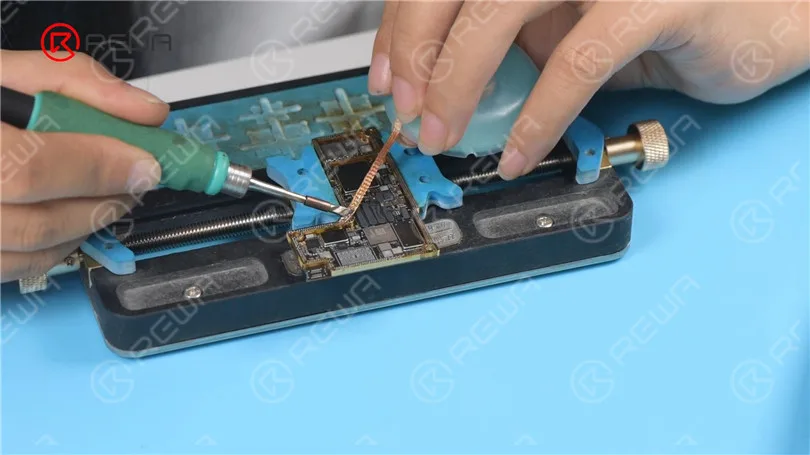
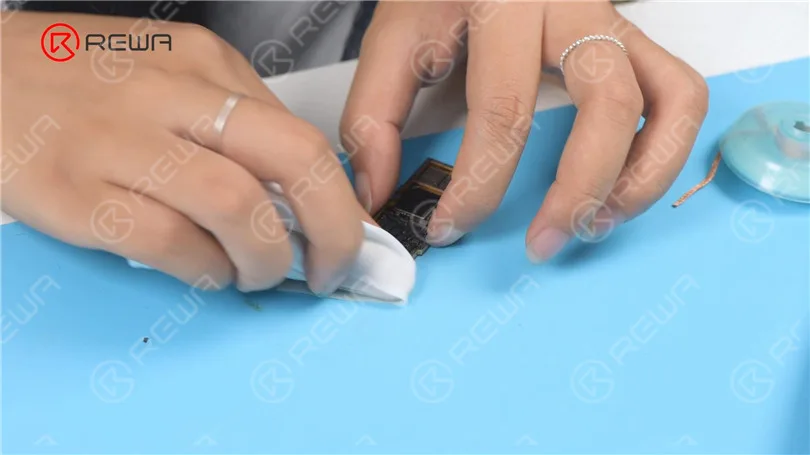
Next, we reball the signal board. Attach the signal board to the holder. Put the reballing stencil in position. Apply some low-temperature Solder Paste evenly. Remove excess solder paste.
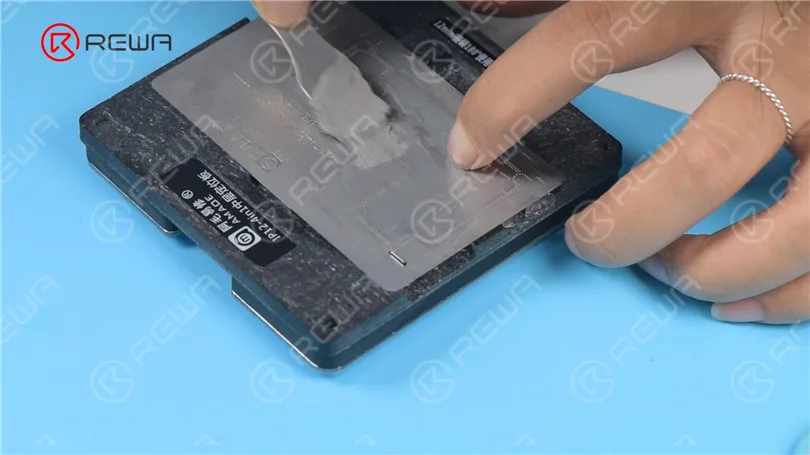
Detach the reballing stencil. Put the motherboard on the 165 °C Heating Platform to heat for recombination. Remove the motherboard after it has cooled for 5 minutes.
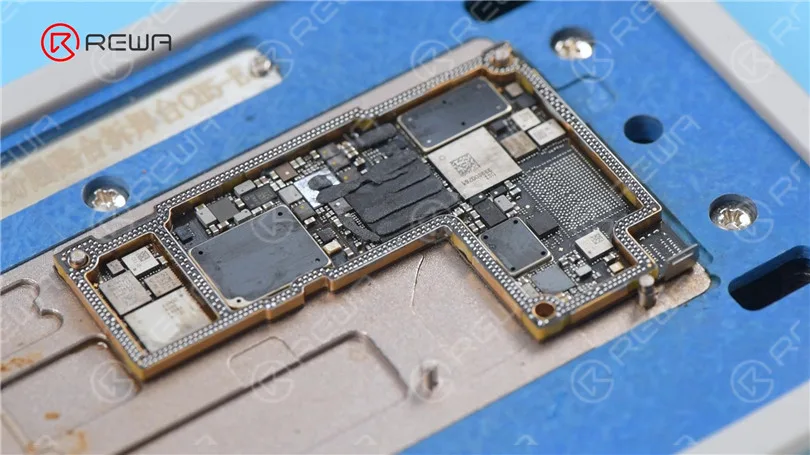
Install the motherboard for testing. Connect the screen. The phone turns on normally. The temperature warning has disappeared.
 English
 Español
 Français
 Deutsch
 Italiano