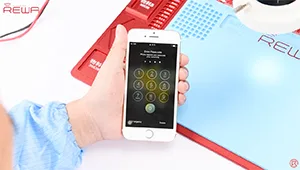
It is well known that Touch ID chip is exclusively matched with the motherboard. If change a new home button only, the Touch ID function disappears as the unique chip is also changed. So if the home button is unfortunately broken, how can we repair it without losing Touch ID? Here is the solution for iPhone 7 home button replacement/repair.
Étiquette : bouton principal iPhone 7
-
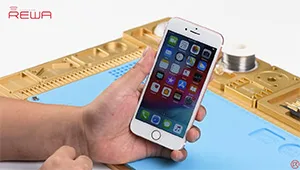
Pièces détachées pour réparation de bouton Home cassé d'iPhone 7
Le bouton d'accueil de l'iPhone 7 ne peut être apparié qu'à une seule carte mère spécifique, ce qui signifie que le remplacement du bouton d'accueil entraînera un dysfonctionnement de celui-ci. Pas de Touch ID et pas de fonction de retour à l'accueil. Par conséquent, la plupart des problèmes de dysfonctionnement du bouton d'accueil de l'iPhone 7 n'ont pas pu être réparés correctement pendant longtemps. Ne vous inquiétez pas. Grâce à notre nappe de charge personnalisée conçue pour la réparation du bouton d'accueil de l'iPhone 7, la fonction de retour à l'accueil du bouton d'accueil peut être restaurée avec succès.
Cependant, ce produit n'est pas si parfait pour le moment. Il présente encore certaines limites telles que : Le connecteur de charge éclair (Lighting headset) est temporairement indisponible ; La structure du câble flex du port de charge personnalisé n'est pas bien adaptée au boîtier arrière, il doit être plié avant de clipser l'écran ; Le ressenti tactile n'est pas très bon ; Pas d'alerte vibrante lors du retour à l'accueil, etc. Veuillez contacter nos ventes pour plus de détails avant de commander.
-
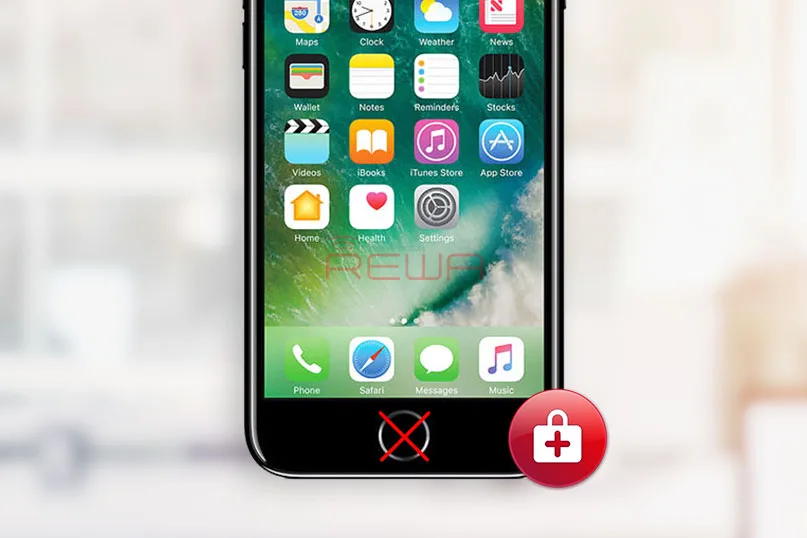
Upgraded Parts for iPhone 7 Broken Home Button Repair
Unlike previous Apple cellphones, iPhone 7 doesn’t use a mechanical home button and it’s harder to repair when it gets damaged; Moreover, the home button is paired with logic board, which only works with the original one that it was shipped with. You are lucky if your home button is broken but the problem was found only damages on home button flex, and the return-to-home function works well because most of these problems can be settled by wire jumping. We have already released an article for iPhone 7 Home Button Touch ID Hardware Repair for your reference.
Whereas, the trickiest thing is that when your home button is totally dead. Swapping of home button by third-party repair shops would damage the return-to-home as well as Touch ID functions. How about taking it to Apple Support? There is no doubt you will spend a lot to fix it.
We have already introduced a solution for iPhone 7 defective home button repair with a historic part— Customized Charging Port Flex, which can help you restore the return-to-home function when you get a defective iPhone 7 home button. After further researching and testing, now the upgraded versions for iPhone 7 and 7 plus are available. Let’s see what we will get with the customized upgraded charging port flex cable.
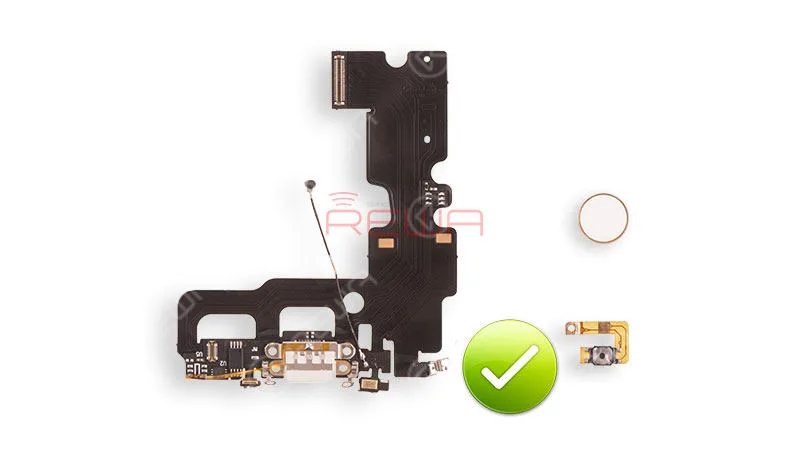
customized charging port flex
Restore return-to-home function
Support PD fast charging
Support different type of charger adapters from 0.5A-2.4A
Be able to take screenshots on all iOS versions
More comfortable touch feeling
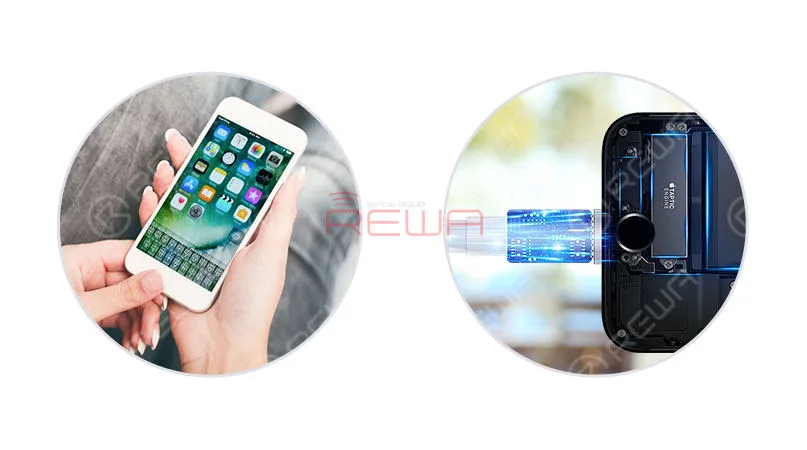
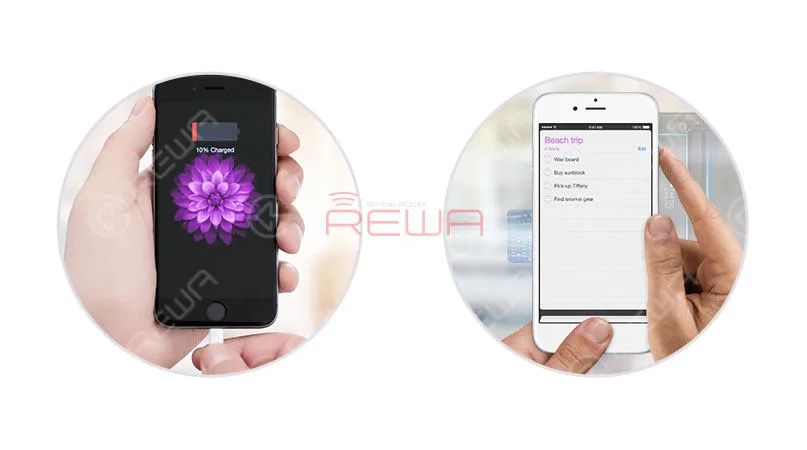
Up to now, the parts can support for iPhone 7 and iPhone 7 Plus, with 3 kinds of color available: black, gold and rose gold.
Though the headphone function of lighting jack remains unsolved, a wireless Bluetooth headphone can be a qualified and convenient alternative for the daily use. Especially compared with the lack of return-to-home function, this small regret seems more acceptable and compromised.
Another disappointment is that the Touch ID function is still available even with the parts. Yet, we all know that this problem has been a headache all the time.
In general, advantages outweigh the disadvantages for this product from the above analysis, and it was born according to the demands of customers and the market. The Customized Charging Port Flex, actually, can be a historic part to save your home button return-to-home function in a safe and cost-effective way. At last, you can click to watch the video to get more details information of iPhone 7 Home Button Return Functions Repair.
If you have any further related questions and demands, please feel free to contact us at sales@rewatechnology.com, or just leave us a comment below.
-
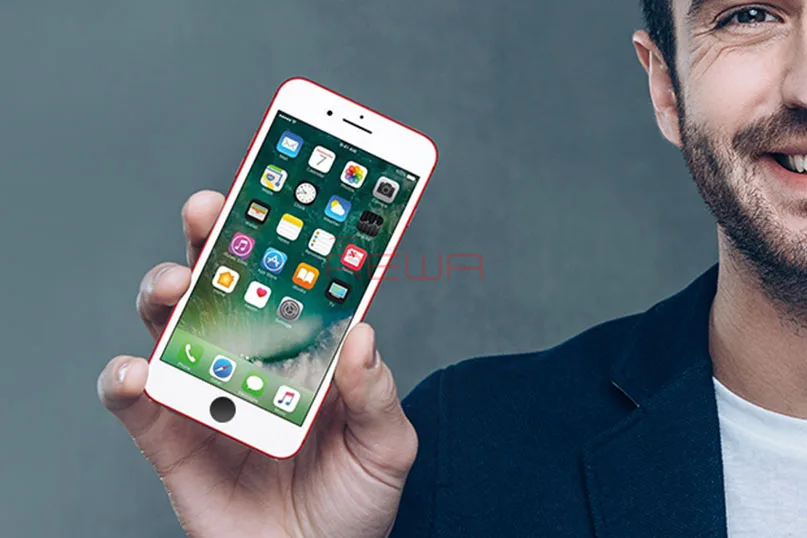
A New Way to Repair iPhone 7/7Plus Home Button
Le iPhone 7 home button will only work with the original home button that it was shipped with; if it breaks and needs to be replaced, it means that replaced home button would be a non-functional home button. No Touch ID and no return-to-home functionality. Don’t worry. Use our customized charging port flex cable to restore the return-to-home function of your home button. Also, if you have met the issue about iPhone 7 touch ID, please check our iPhone 7 Broken Touch ID Hardware Fixed tutorial.
Let’s see how it works
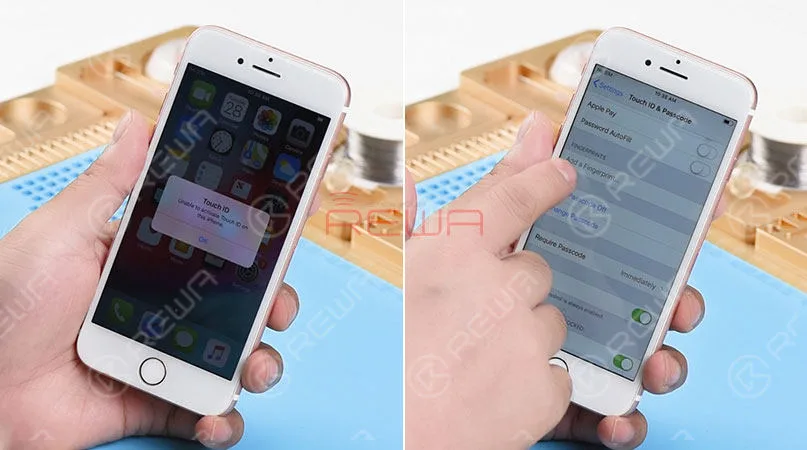
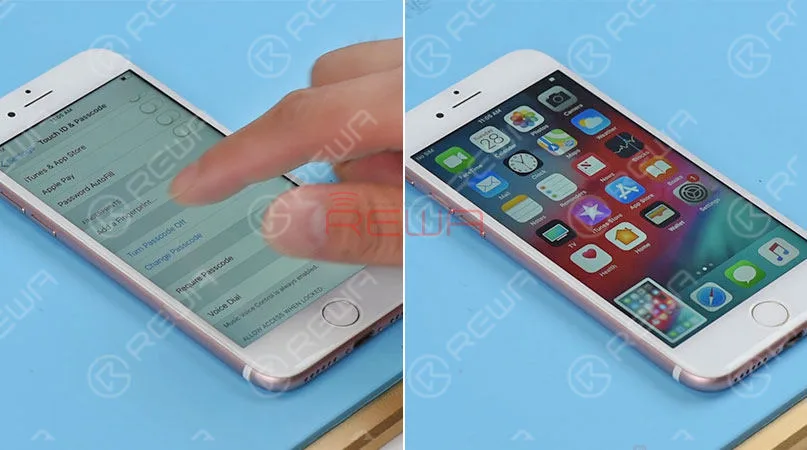
We got an iPhone 7 that powers on with “Unable to activate Touch ID on this iPhone” alert. Press the home button. And no Return-to-home functionality either. Go to Settings>Touch ID & Passcode. The“Add a fingerprint’ is grayed out. The home button of this iPhone 7 is totally damaged.
Here comes our customized charging port flex cable that can restore return-to-home functionality of the home button.
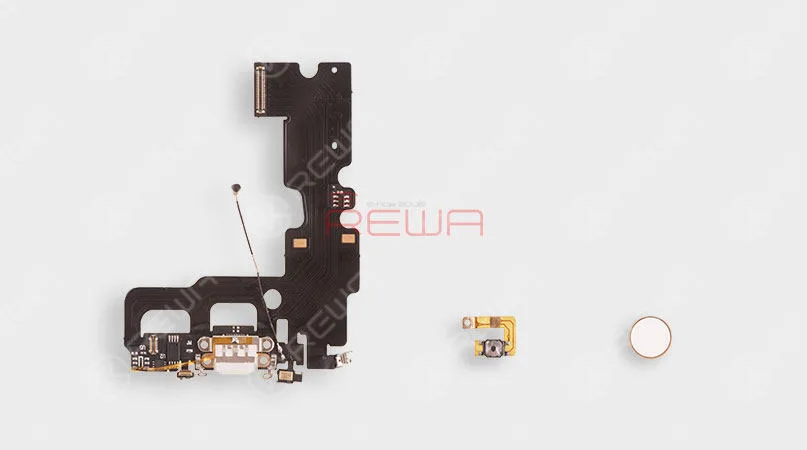
To get the home button repaired, we need to disassemble the phone. First, remove the display assembly and take out the logic board. Then remove the Vibrator, Loudspeaker, and charging port flex cable.
Replaced it with our new customized charging port flex cable. And then install the Vibrator and Loudspeaker. Here comes the second part – the customized Home Button Flex cable. Folded it in half and get it installed. Then get the logic board in the place and installed.
The last part of our customized return-to-home group is the home button face. Therefore, the next thing we do is to install it in the home button hole. Then connect the logic board with display assembly.
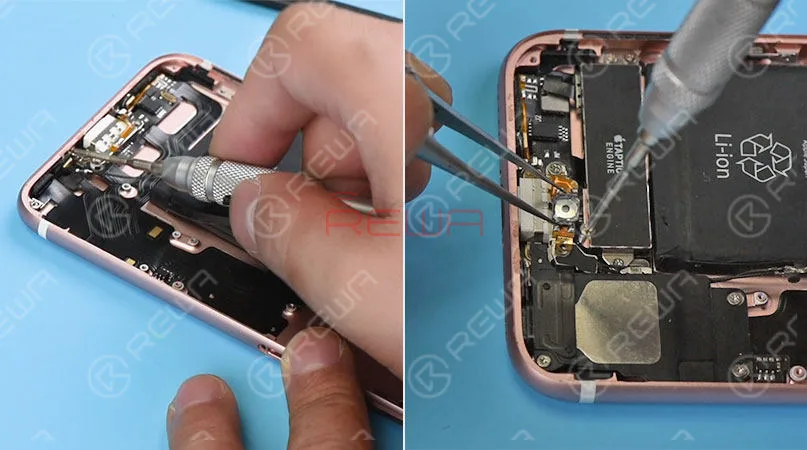
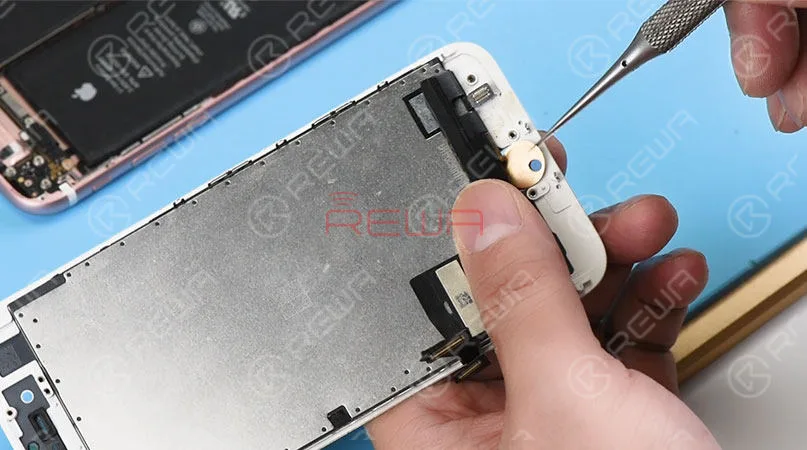
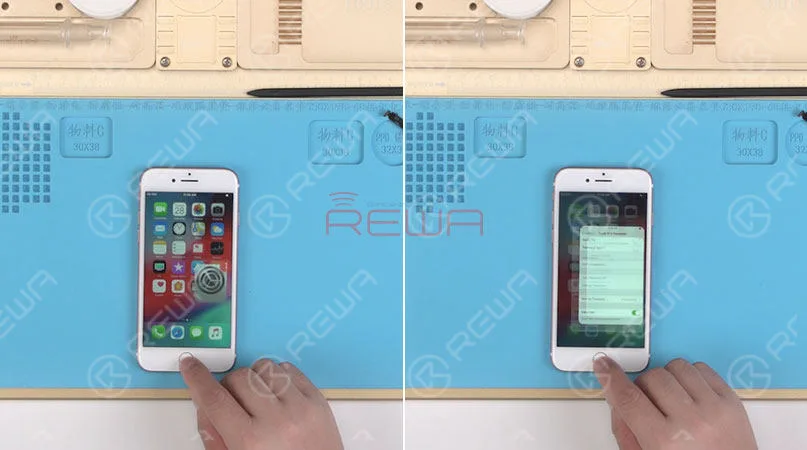
Connect the battery connector to the logic board. And turn on the phone. Press the home button, The Return-to-home functionality is back to normal. Fully install the phone. And the Home button matches perfectly with the phone. Press the Power button and the home button at the same time. A screenshot can be taken successfully. As we test the functions, our engineers find out some defects of this customized charging port flex cable.
1. The lightning earphone is not available. We can’t here voice with the earphone plugged-in.
2. The hand feel of the home button is not so comfortable as the original.
3. No vibrate alert when returning to home.
4. Touch ID function is not available.All these shortages cannot offer enough motivations for you to use it. However, we believe this technology would perfect as you expected in the near future. Let’s be patient and wait for it to be maturer.
Attaching the iPhone 7 Home Button Broken Repair video for you for more details. As well as the tools listing used in the video. You can go to our online store shop.rewa.tech to order or need assistance placing your order, email sales@rewatechnology.com and we will help you with whatever you need.
Outils et pièces détachées utilisés
*Charging Port Flex Cable Replacement
*Integrated Mobile Phone Repair Platform
Visitez notre boutique en ligne pour plus de pièces et d'outils.
Now the upgraded version is coming with the following features:
Restore return-to-home function
Support PD fast charging
Support different type of charger adapters from 0.5A-2.4A
Be able to take screenshots on all iOS versions
More comfortable touch feeling
Though the headphone function is still unsolved, a wireless Bluetooth headset can be an alternative. So will you replace your broken home button with these upgraded parts?
When repairing iPhone logic boards, we identify the issue first, find out why it occurred next, and figure out how to fix it in the end. This is a general process adopted by professional repair technicians around the world.
Wanna be a professional repair technician and handle iPhone tough repair? You need systematic training courses on Académie REWA
-
Comment réparer le bouton principal de l'iPhone 7 qui ne fonctionne plus après des dégâts d'eau
Les dégâts dus à l'eau sont un problème courant pour l'iPhone dans l'utilisation quotidienne. Dans cette vidéo, le bouton d'accueil de l'iPhone 7 ne fonctionne pas après avoir été endommagé par l'eau, car les lignes sur la carte logique sont corrodées et endommagées. Puisqu'il y a un risque élevé d'échec lors de la réparation, REWA LAB vous présente une méthode pour réparer une carte logique fortement corrodée et endommagée, étape par étape, à l'aide d'un nettoyeur à ultrasons et en fabriquant un fil de raccordement. Pour résoudre le problème du bouton d'accueil de votre iPhone 7 causé par des dégâts d'eau, veuillez suivre les opérations de réparation de notre vidéo tutoriel.
Outils utilisés :
- Plate-forme intégrée de réparation de téléphones mobiles
- Station de retouche à pistolet à air chaud - 990AD
- Station de travail pour fer à souder - 969A
- Multimètre numérique – F17B+ - Type 3
- Microscope optique 4x - KS7045
- Support de carte mère pour la réparation d'iPhone
- Nettoyeur à ultrasons – A80
 English
 Español
 Français
 Deutsch
 Italiano